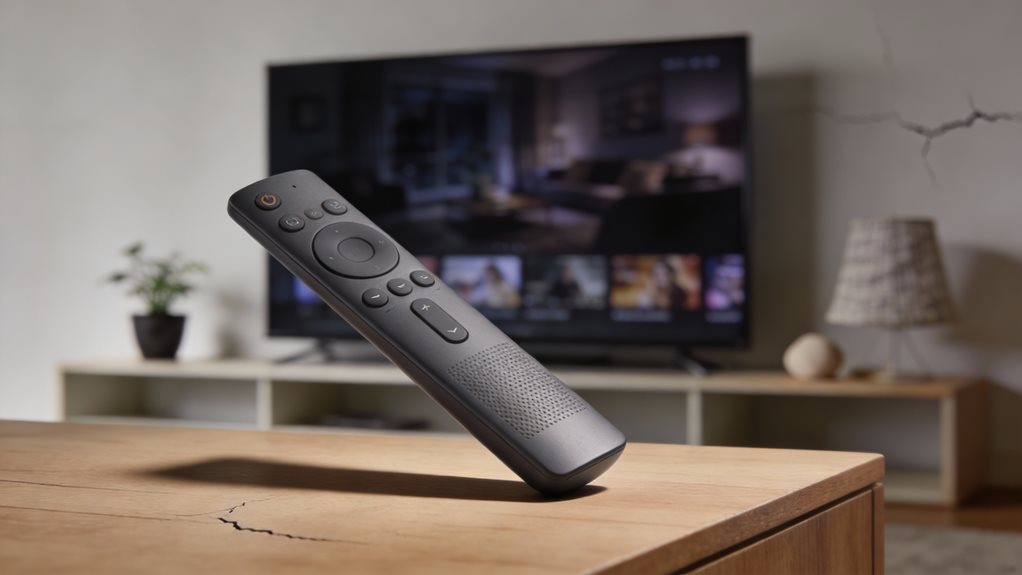
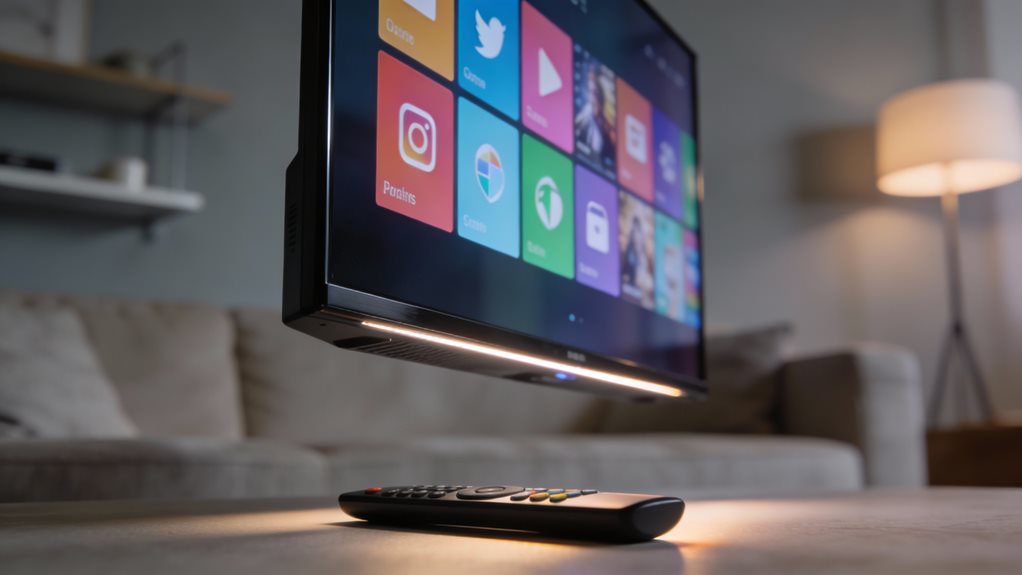
Imagine this: you’re standing in front of a wall of TVs, remote in hand, wondering which one truly listens. You want something that works fast, feels simple, and gives you what you love without hassle. The truth is not just the screen that matters, it’s the brain behind it. That brain is the operating system. And right now, three stand out: Roku, Google TV, and Fire TV. You’ve got choices, and each one dances to its own rhythm.
Roku keeps things clean and steady. You flip it on, and there it is, your shows, your apps, all lined up like books on a shelf. No clutter. No surprises. It loads fast.
It searches across Netflix, Hulu, and Disney+ all at once. You type once, and boom, results from everywhere. Roku works on many brands, so you’re not locked in. It’s like a universal remote for your entertainment, only smarter. You tap, you scroll, you watch. Simple. Smooth. Done.
Google TV thinks bigger. It’s built on Android TV but feels fresher, sharper. You open it, and it greets you with recommendations, movies you might like, shows you left off, new things based on what you love. It learns. It suggests.
And if you use YouTube, Gmail, or Google Photos, it fits right into your world. You say, “Hey Google,” and it answers. Turn on the lights. Pause the show. Find that rom-com from 2018. It listens. It obeys. Voice control is strong here.
It’s not just smart, it’s aware.
Fire TV lives in Amazon’s world. You get Alexa built in. You ask, and it tells you the weather, adds milk to your list, or plays *The Marvels* on Prime. It’s tight with Amazon’s ecosystem. Too tight, maybe.
Ads pop up for shows you’re not watching. Suggestions push Prime Video hard. But it’s cheap. It’s fast. And if you love Amazon, it feels like home. The remote is solid. The interface is responsive.
It stumbles only when you step outside Amazon’s garden.
You’ve got to ask, what matters most? Speed? Simplicity? Smarts? Roku wins on ease. Google TV wins on intelligence. Fire TV wins on price and voice power. You don’t need the fanciest. You need the one that fits your flow.
Try them. Test the rhythm. Feel how each one answers your touch, your voice, your need. One will click. One will feel like it was made for your hands, your habits, your life. Pick that one. Press play. And let the show begin.
Frequently Asked Questions
Can I Install Apps Not Available on the Official Store?
Yes, you can install apps not in the official store, but it depends on your TV. You sideload them using a USB drive or network file.
Google TV lets you do this easily, just enable unknown sources. Fire TV allows it too, though it is trickier. Roku blocks it completely.
Always download APKs from trusted sites. You protect your system. You keep it running smoothly. You stay in control.
Does the Operating System Slow Down Over Time?
You’ll notice your TV stays snappy over time. No, the operating system doesn’t slow down much. Updates keep things fresh. Apps run smooth.
Reboots clear clutter. But too many apps can clog memory. Close unused ones. Delete extras. Restart weekly.
Roku, Google TV, Fire TV all handle this well. You stay in control. Keep it clean. Speed stays strong. You’ve got this.
Are There Parental Controls on All Three Platforms?
Yes, you’ve got parental controls on all three platforms, like a trusty gatekeeper for your family’s screen time. You can set PINs, block apps, and filter content fast.
Roku keeps it simple. Google TV dives deep with YouTube safeguards. Fire TV locks down Amazon purchases tight. You’re in control. Adjust settings any time.
Each platform gives you tools to guide what’s seen and played. Peace of mind? That’s built right in.
Can I Use a Keyboard With These Smart TVS?
Yes, you can use a keyboard with these smart TVs. Just plug in a USB keyboard or pair a Bluetooth one.
Roku lets you type fast on apps. Google TV works smoothly with most keyboards. Fire TV responds well, especially for searches.
You’ll type quicker, navigate easier, and skip the on-screen buttons. It’s simple. It’s smart. Try it. Your thumbs will thank you. Setup takes seconds. Type like you mean it.
Do These Systems Work Without an Internet Connection?
No, you can’t stream shows without the internet. It’s like a radio with no signal. But yes, you can still watch what’s stored on the TV or plug in a USB. Use your keyboard to type, play downloaded games, or view photos.
The system hums, waits, responds. No web? No problem. Just don’t expect Netflix. Keep local files ready. That way, when the connection fades, you’ve still got light.