Computer specifications look like jargon, but each one answers a simple question: how fast it thinks, how much it can juggle, how quickly it can reach your files, and how comfortable it is to use.
This guide explains the specs that matter in 2026 and which ones you can safely ignore. For the full buying process, start with our guide to choosing the right computer for your needs.
Processor
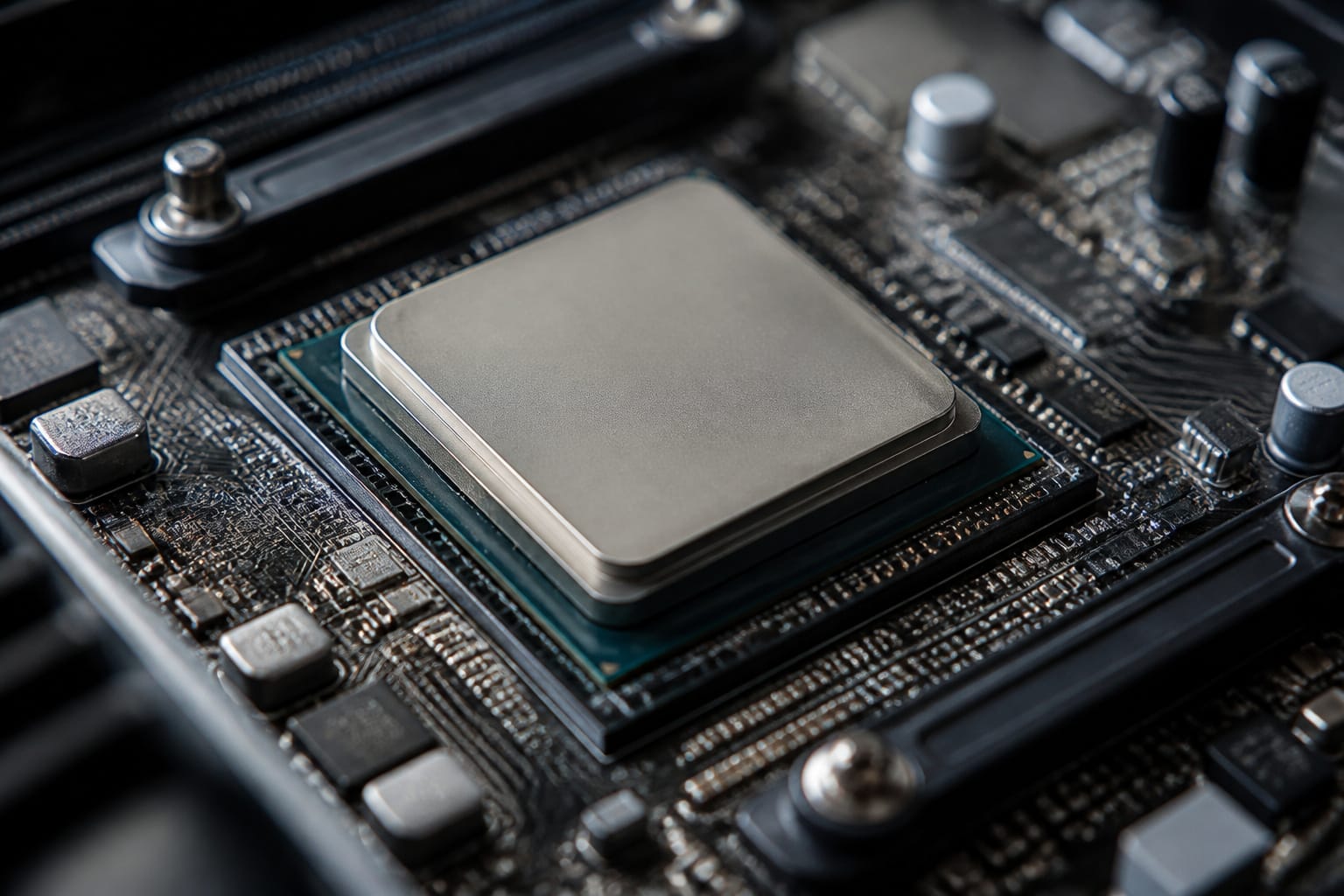
The processor does the calculating. Intel Core and AMD Ryzen chips are labeled by tier, such as Core i3, i5, and i7 or Ryzen 3, 5, and 7. A higher number generally means more cores and more performance. For everyday work, a current-generation mid-range chip is plenty.
Generation matters as much as the tier, because a newer i5 can outperform an older i7. Cores help when you run many tasks at once, but many everyday apps use only one or two, as we explain in our guide to what makes a computer fast.
Some new PCs advertise an NPU for AI features. Microsoft’s Copilot+ PC label requires an NPU rated at 40 TOPS or more and 16 GB of RAM. Unless you plan to use those features, do not pay extra for them.
Recommended Products

10 cores (6 P-cores plus 4 E-cores) and 16 threads

Game and multitask without compromise powered by Intel’s performance hybrid architecture on an unlocked processor.

Be everything you want to be, in-game and out with optimized performance and new features. Play harder and work smarter with Intel Core 14th Gen processors
RAM
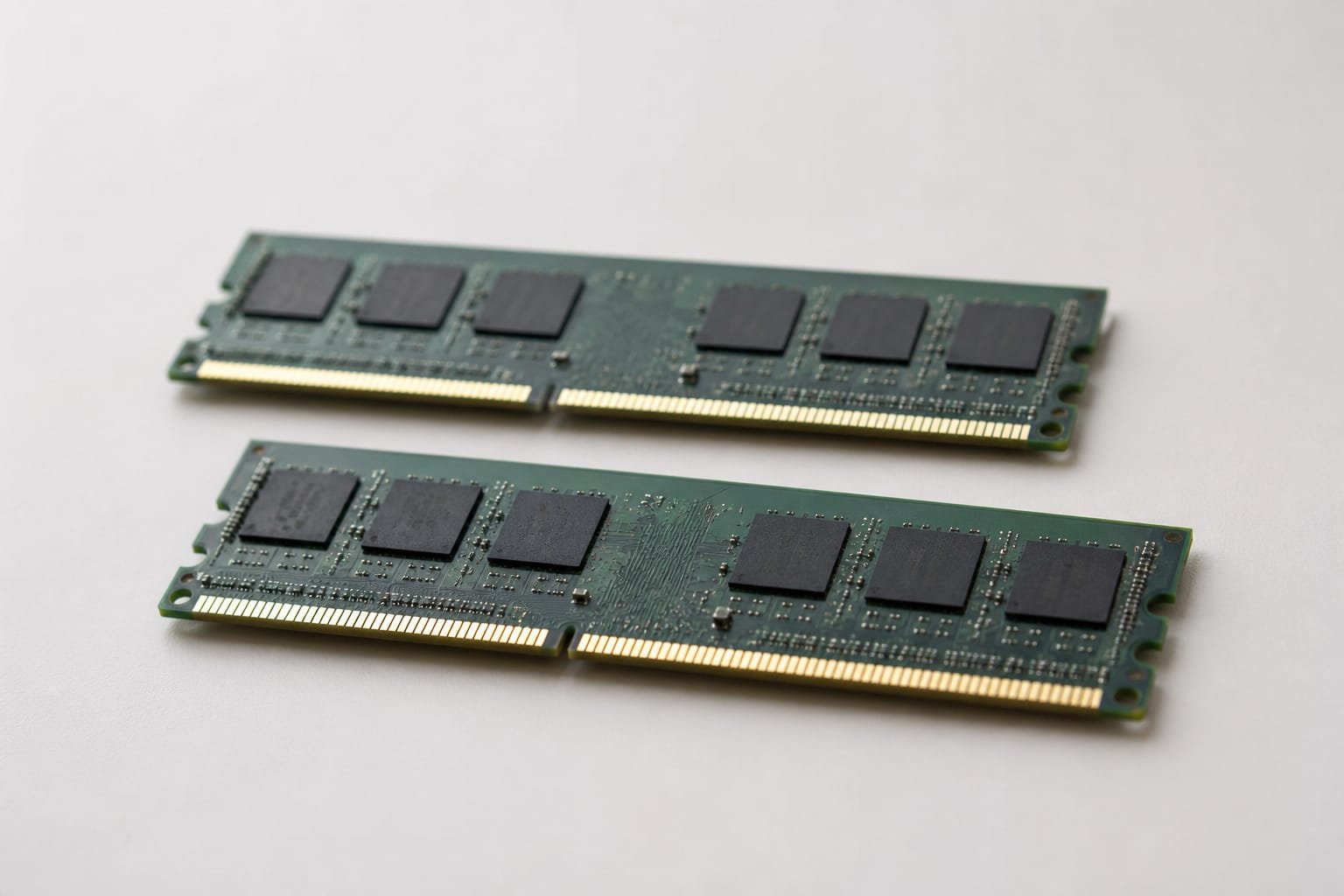
RAM is the working memory that holds what you have open. Windows 11 lists 4 GB as its minimum, but that is only enough to run the system.
For a Windows laptop in 2026, treat 8 GB as the floor and 16 GB as the sensible target, particularly if you keep many browser tabs open or use video calls.
Our guide to how much RAM you need goes through the numbers.
Recommended Products

Genuine Samsung DDR4 Memory RAM | Product may be M471A2G43CB2-CWE, M471A2G43BB2-CWE, M471A2G43AB2-CWE or an equivalent Samsung part number identical in specifications and performance

Genuine Samsung DDR4 Memory RAM | Product may be M471A2K43EB1-CTD, M471A2K43DB1-CTD, M471A2K43CB1-CTD, M471A2K43BB1-CTD or an equivalent Samsung part number identical in specifications and performance

16GB Module ( 1x 16GB ) | DDR4 3200 MHz ( PC4-25600 / PC4-3200AA )
Storage
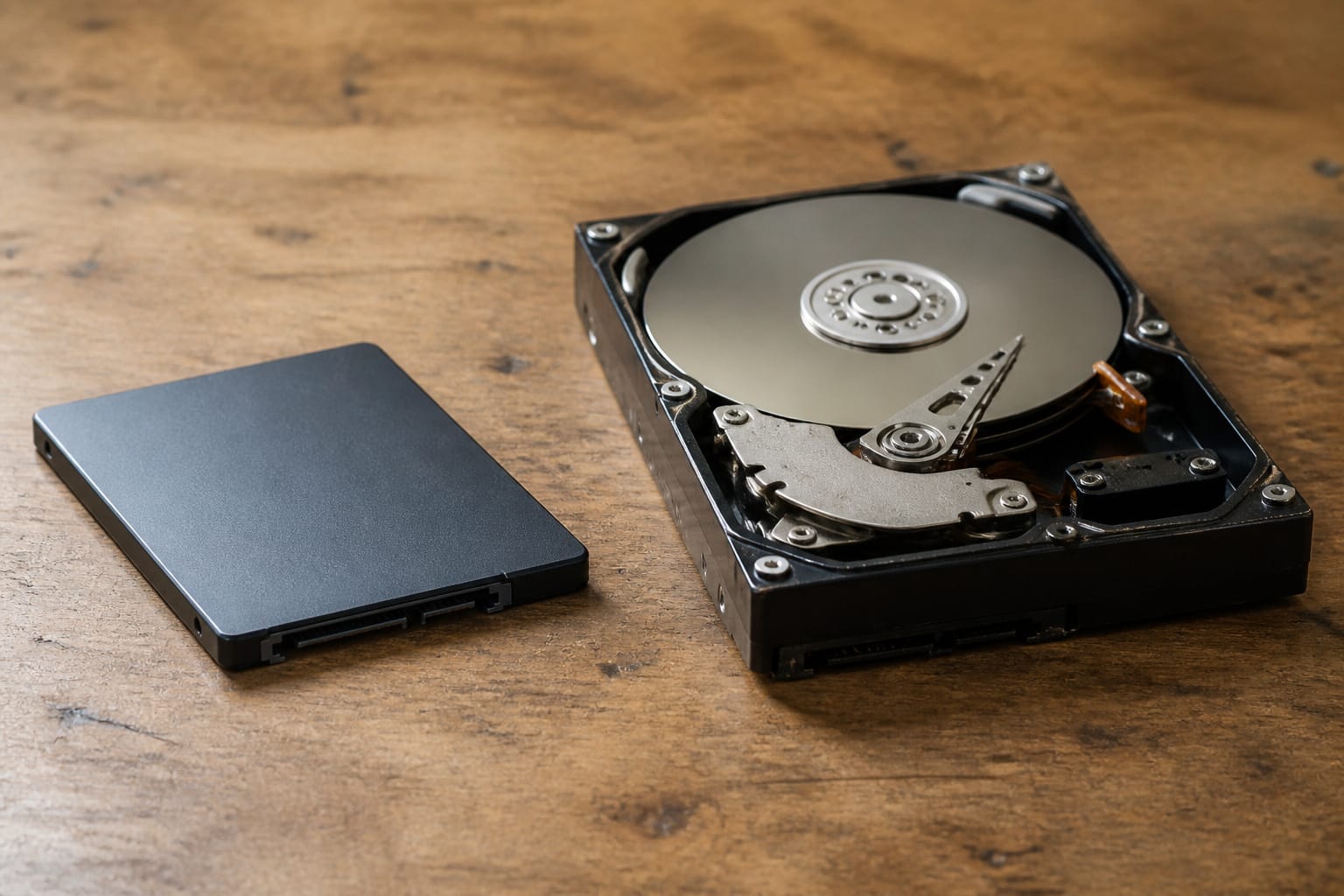
Storage holds your files and programs. A solid-state drive, or SSD, has no moving parts and is faster and more reliable under everyday use than a spinning hard drive.
A 256 GB capacity suits light use with cloud storage, while 512 GB gives more room for files and updates. See SSD versus HDD storage for the details.
Recommended Products

Capacity Reminder: Display capacity of 512GB SSD often appears as around 465GB on Windows. MacOS typically shows full 512GB. This display capacity reduction of 7% to 10% from SSD actual capacity is from algorithms differences in which 1GB is interpreted as 1024MB on Windows and 1000MB on SSDs

Capacity Display Variance: 500GB external ssd often appears as around 465GB on Windows. MacOS can show full 500 GB capacity. This is binary calculation difference and doesn’t affect SSD hard drive actual physical storage

[ Fast and Extraordinary ]: KingSpec 2.5 SATAIII SSD adopts 3D NAND flash memory and semiconductor components, which makes it a high-performance and reliable storage device. Max Sequential read speeds are up to 550 MB/s and max sequential write speeds are up to 520 MB/s. which greatly improves the performance and efficiency of your computer. You get the experience of fast transfers and faster file loading
Graphics
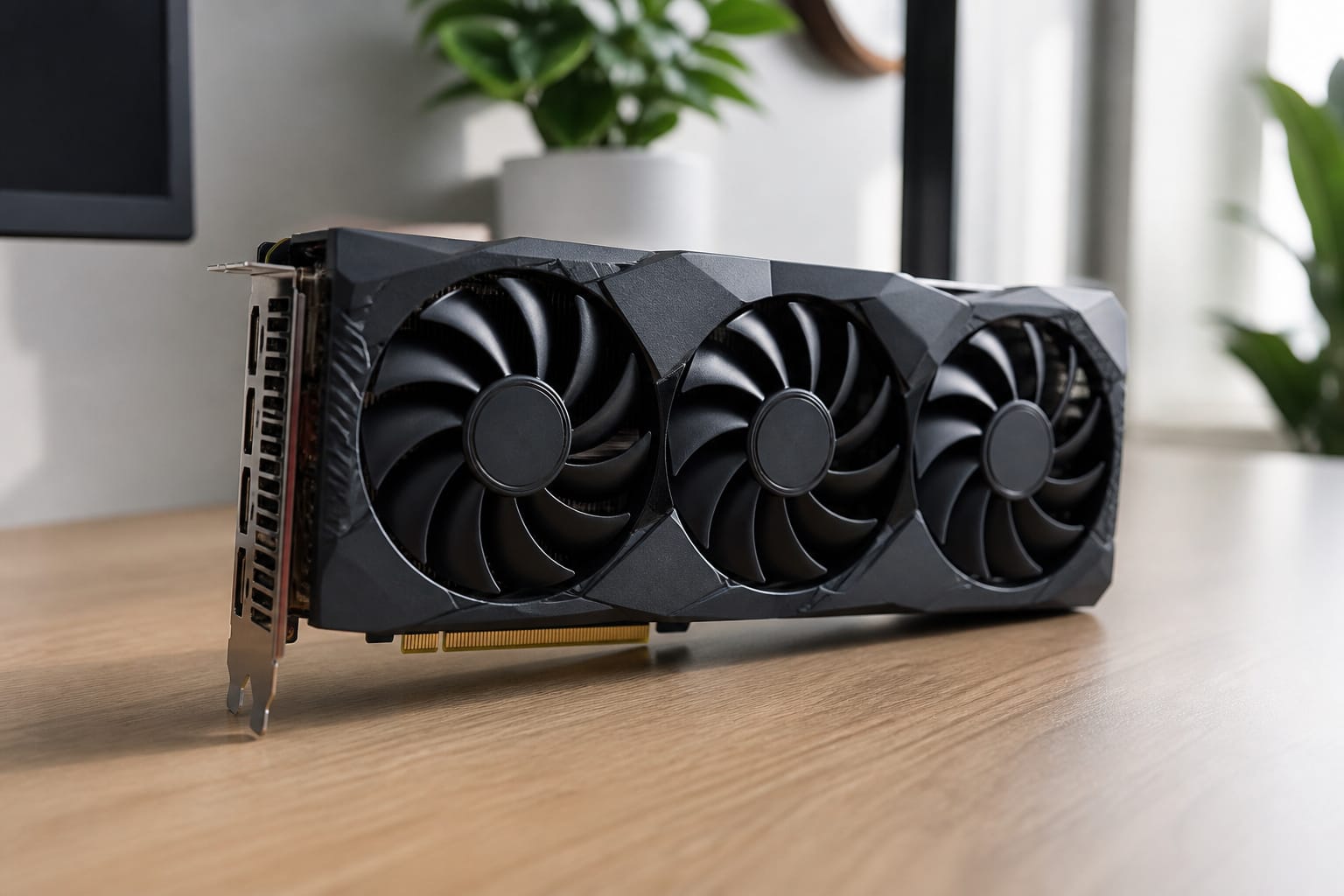
Integrated graphics are built into the processor and handle everyday use, video, and light photo editing.
A dedicated graphics card, such as an NVIDIA GeForce or AMD Radeon part, matters for modern games, 3D work, and heavy video editing. If you don’t do any of these, you do not need one.
Recommended Products

System Compatibility Note: 2.5‑slot card measuring 303 mm (L) x 131 mm (W) x 45 mm (H); requires a single 8‑pin power connector and a recommended 550W power supply. Please verify chassis clearance and power supply capacity before purchase.


【Premium Materials】: Round neck and V-neck T-shirts crafted from 100% cotton for soft, breathable comfort. Sweatshirts and hoodies made from 50% cotton, 50% polyester blend for warmth and durability.
Display
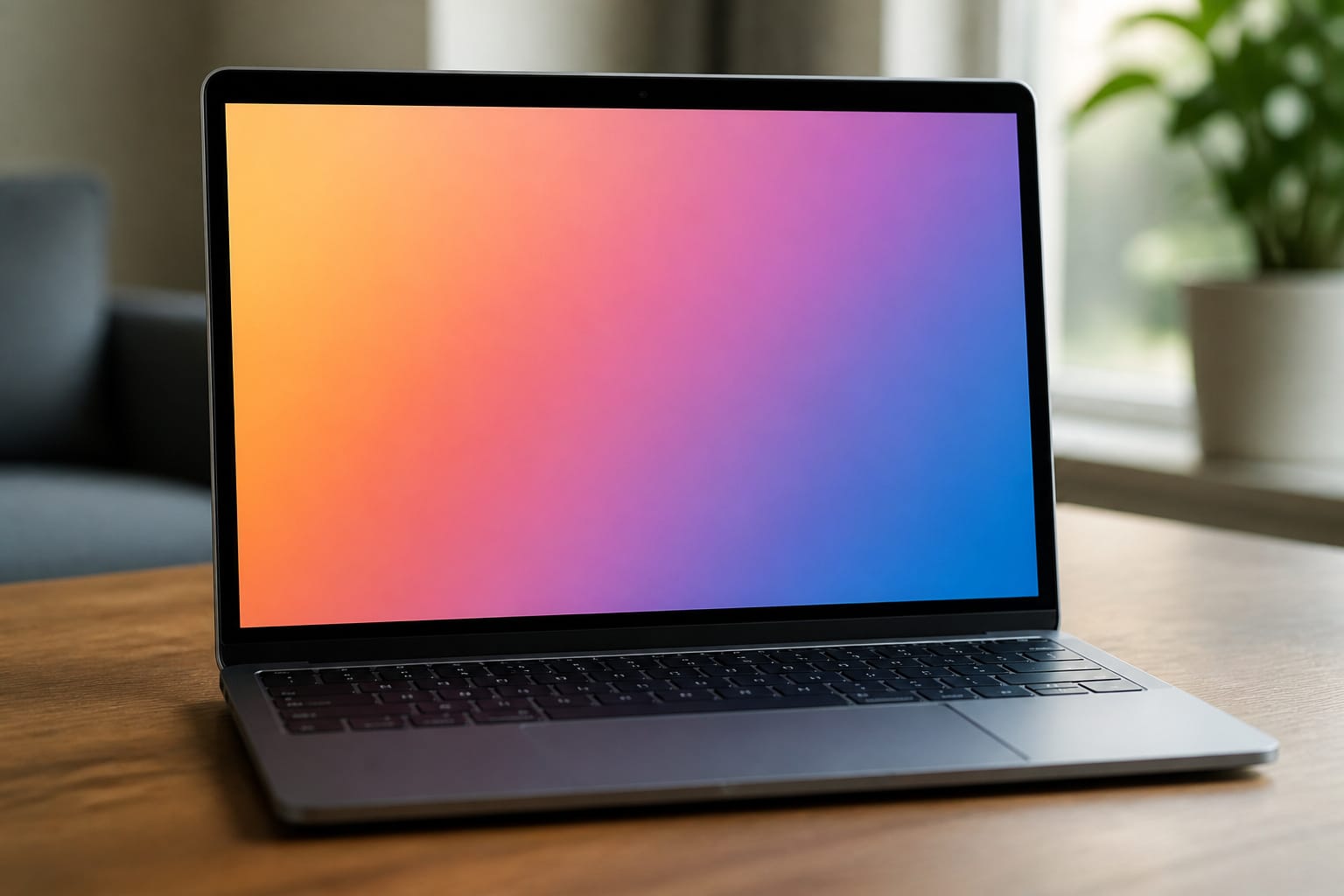
Full HD resolution (1920px by 1080px) is a good baseline. Larger screens need higher resolutions to stay sharp.
Size versus weight is a trade-off: a 13- or 14-inch laptop is easy to carry, while a 17-inch model is better kept on a desk. If you work near windows, check brightness and whether the finish is matte or glossy.
Recommended Products

【Precise Fit for Newest Models】This anti glare computer screen cover is specially compatible with MacBook Air 13.6 inch Year 2026, 2025, 2024, 2023, 2022, M5, M4, M3, M2. (Model: A3449, A3240, A3113, A2681). The precision cut of this macbook air 13 inch screen protector ensures full access to cameras and sensors, providing edge-to-edge coverage without interfering with the laptop's closure

For your Apple 2026 MacBook Neo 13-inch Laptop with A18 Pro chip protection, keeping your eyes from glare and reflection with the newest ANTOGOO V MacBook Neo 13 inch screen protector anti glare. Made from superior quality 5-layer film, it's engineered to reduce glare and reflection from the screen whether natural light or artificial light, while resisting fingerprints and smudges. Not only does it protect your eyes from glare, but it also keeps your computer screen clean. The dimensions on the packaging have not been updated; please disregard them.

【Precise Fit for Newest Models】 This laptop screen protector is compatible with MacBook Neo 13 Inch year 2026 with A18 Pro chip (Model: A3404). The precision cut of this macbook neo screen protector ensures full access to cameras and sensors, providing edge-to-edge coverage without interfering with the laptop's closure
Battery, Ports, and Wireless
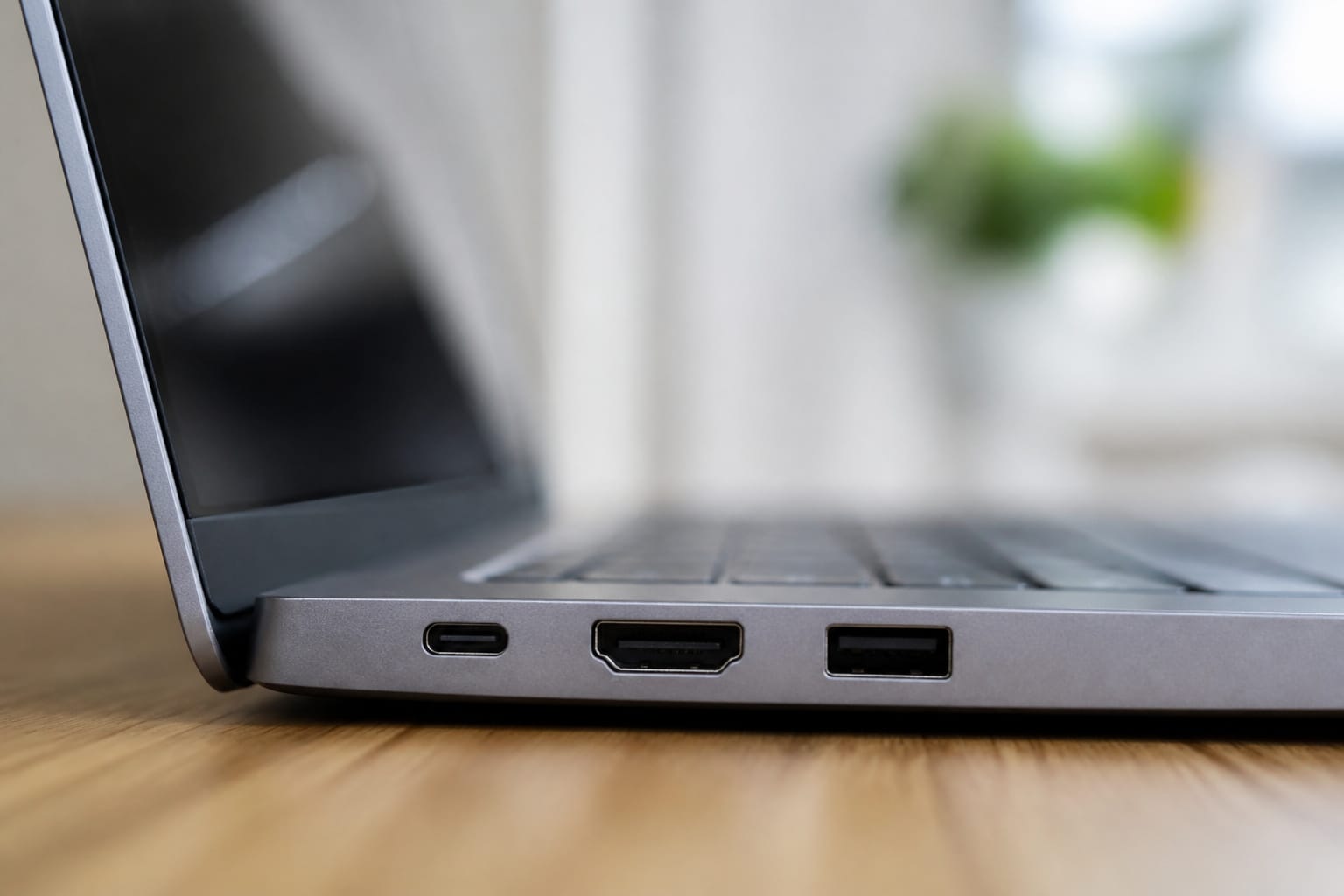
Advertised battery life comes from manufacturer tests, so look at independent reviews for real-world numbers.
Count the ports you need: USB-A, USB-C, HDMI, and a headphone jack, and check whether a USB-C port can output video if you want an external display.
For wireless, Wi-Fi 6 or newer and Bluetooth are standard on current machines.
Frequently Asked Questions
How much RAM do I need for gaming?
Modern games generally want 16 GB of RAM, and some demanding titles list more. Lighter and older games run on 8 GB. The graphics card usually matters more than memory for gaming performance.
What processor speed is best for everyday use?
Clock speed alone is a poor guide. Compare the processor tier and generation instead: a current-generation Core i5 or Ryzen 5 handles everyday work comfortably, and benchmark sites let you compare specific chips.
Do I need a dedicated graphics card for video editing?
It helps with 4K footage, effects, and faster exports, but light editing runs on integrated graphics. Check the system requirements of the editing software you plan to use.
Is SSD storage better than HDD for laptops?
Yes. An SSD starts faster, opens files faster, and is more resistant to failing from drops or vibration. A hard drive is only worth considering when you need cheap bulk storage in a desktop or external drive.
Can I upgrade my laptop’s processor later?
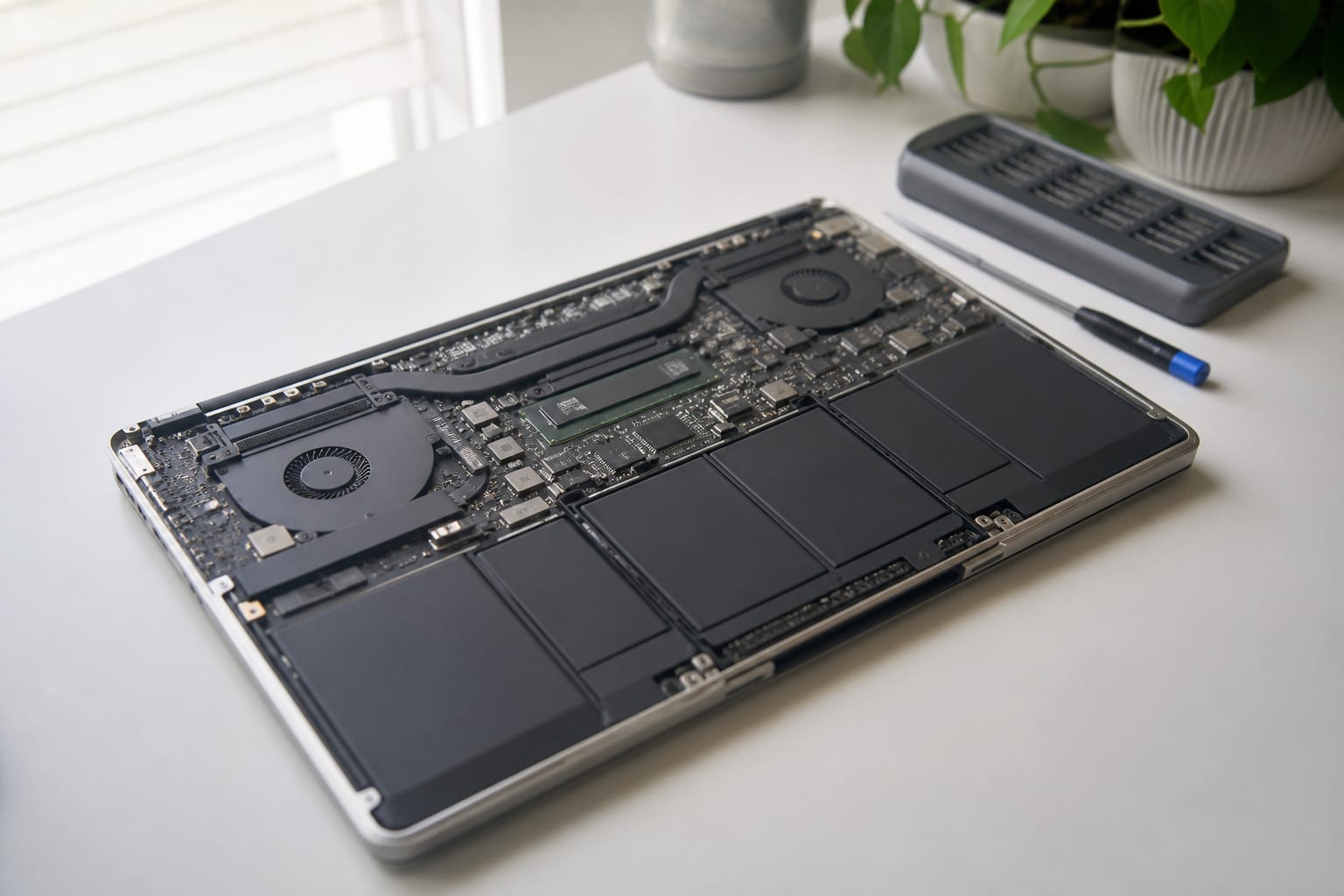
Rarely. Laptop processors are soldered to the board. You may upgrade memory and storage on some models. Our guide to upgrading an old computer explains how to check.