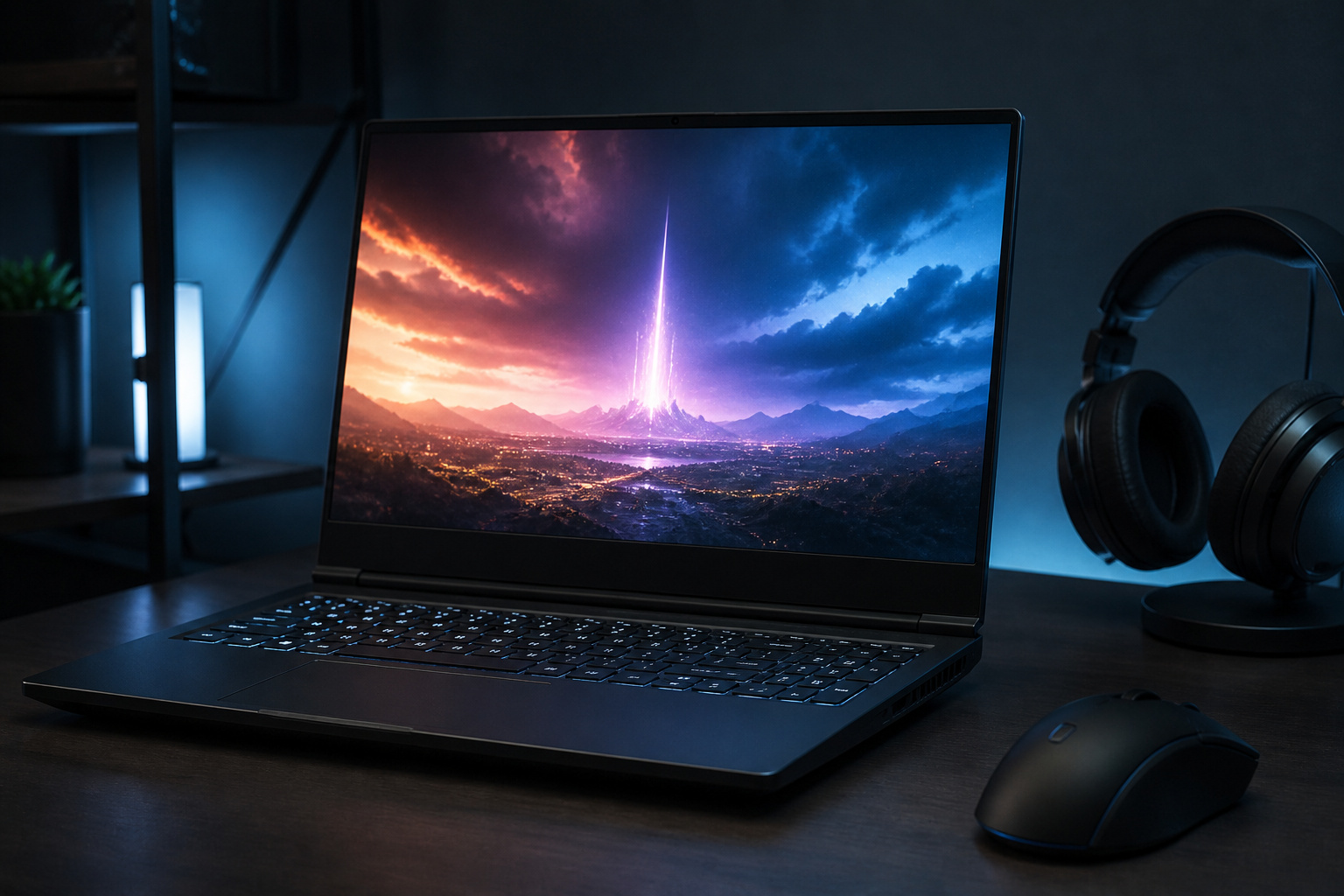
Gaming laptops are sold on big numbers: processor generations, gigabytes, hertz and RGB zones. Most of those numbers matter less than the few that decide how a game actually runs. A laptop with a strong graphics chip, good cooling and a display that suits your games will beat a more expensive one that gets those things wrong.
This guide covers the specs that matter, the traps hidden in the model names, and how to match a laptop to the games you play. It doesn’t rank individual models, because gaming laptop lineups change every year. It gives you a way to judge any model you are considering.
Graphics Card: The Spec That Matters Most
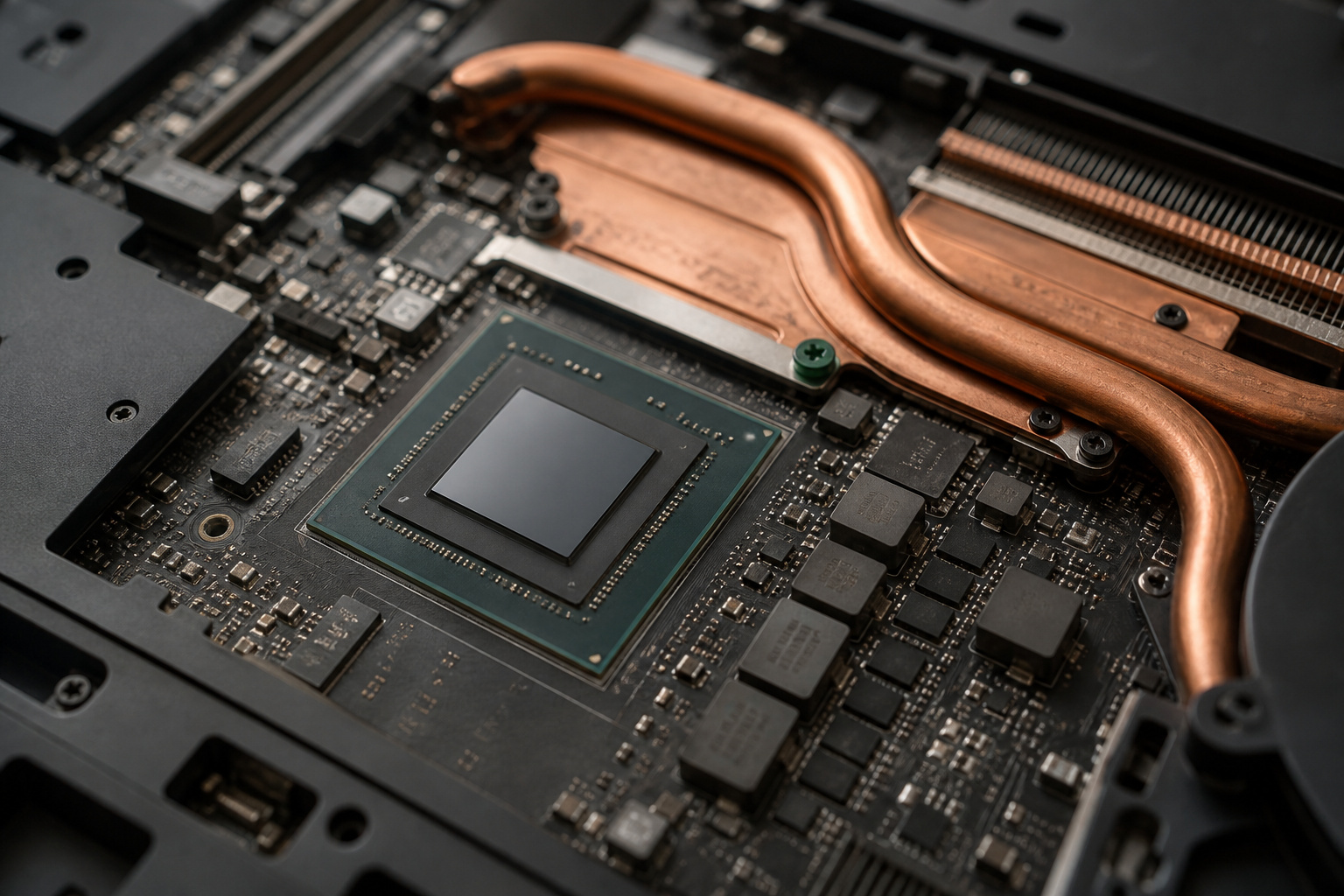
In almost every game, the graphics processor (GPU) sets the frame rate and the quality settings you can use. Spend the largest share of your budget here. A mid-range processor with a strong GPU gives better gaming performance than the reverse.
Think in tiers. Entry-level GPUs handle most games at 1080p with sensible settings. Mid-range GPUs suit 1440p and higher settings at 1080p. The top tier targets 1440p at high settings, 4K, or creative work alongside gaming. Each tier costs noticeably more, so decide which resolution you will actually play at before you pay for headroom you will not use.
Also check video memory (VRAM). Newer games with detailed textures can run out of VRAM on cards with 6GB or less, which causes stutter even when the chip is fast enough. Aim for 8GB as a practical floor for current games, and more if you plan to play at 1440p or higher.
Recommended Products

15.6" Full HD (1920 x 1080) widescreen LED-backlit IPS display with 165Hz Refresh Rate

Features an Intel i5-13420H processor for gaming, recording, streaming, and multitasking like video and photo editing

Powered by an Intel Core i5 12th Gen i5-12450H 4.4GHz Processor for fast and efficient performance.
Same GPU Name, Different Performance
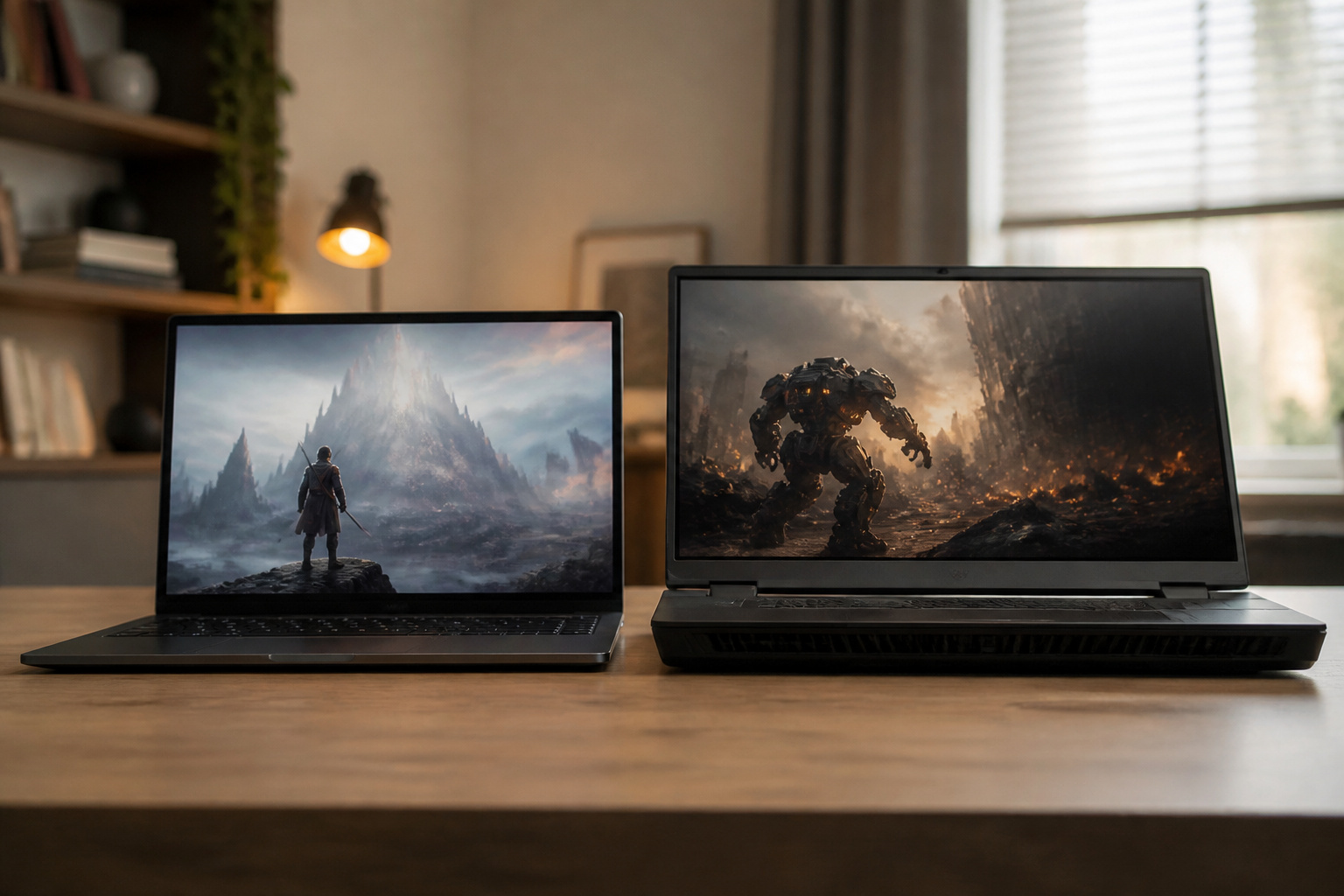
Laptop GPUs are not the same as desktop cards with the same name. They are smaller, run at lower power, and usually perform below the desktop card that shares the model number. The power limit also varies from laptop to laptop. Manufacturers can configure the same GPU model to draw more or less power depending on the chassis and cooling, and a higher power limit usually means higher frame rates.
In practice, two laptops that both list the same GPU can perform noticeably differently. A thin, quiet model may hold the GPU back to stay cool, while a thicker one lets it run harder. Look for independent reviews that benchmark the specific laptop and report the GPU power limit, and check game benchmarks rather than the model name on the box.
Processor, RAM, and Storage
For most games, a recent mid-range processor with six to eight cores is enough. A faster processor helps in simulation, strategy, and some competitive games that run at very high frame rates, or for streaming or video work. It helps far less than a stronger GPU in most big-budget titles.
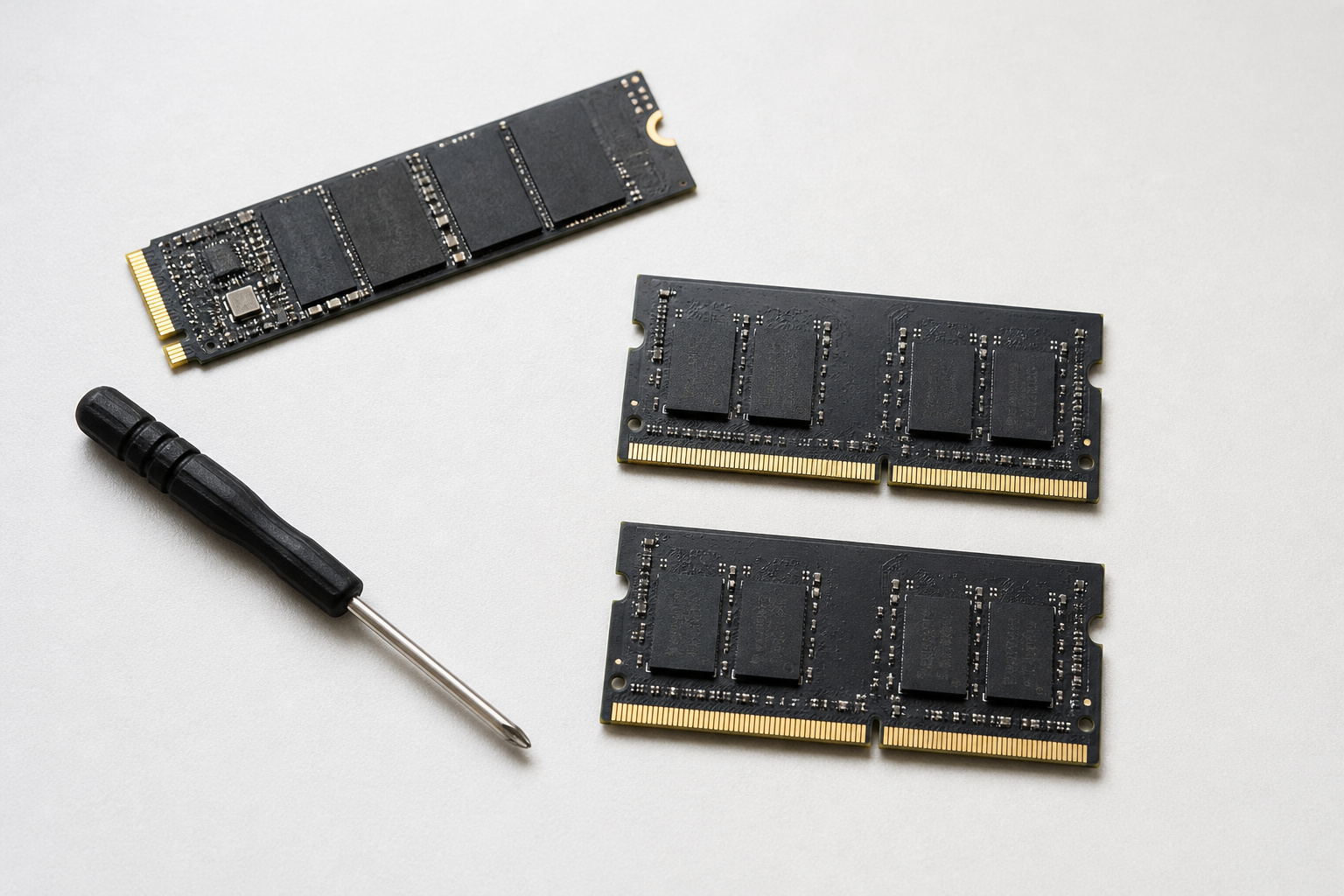
- RAM: 16GB is the practical minimum today, and 32GB makes sense if you stream, edit video, or keep many apps open while gaming. Check whether the RAM is upgradeable or soldered to the board.
- Storage: choose a 1TB NVMe solid-state drive, or more. Modern games are large, and a 512GB drive fills quickly. A second drive slot lets you add storage later.
- Memory speed: dual-channel memory (two sticks) performs better than a single stick in many games, especially with integrated graphics or on some AMD systems.
Recommended Products
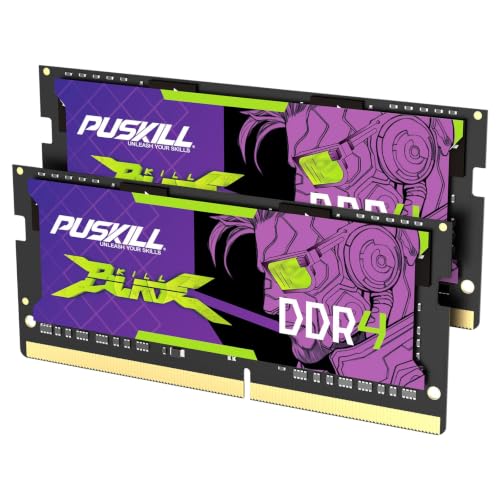
Smooth 3200MHz Gaming Performance: Give your gaming laptop the speed it deserves. With 3200MHz frequency and CL22-22-22-52 timing, this DDR4 SODIMM kit delivers responsive gameplay in AAA titles and faster level loading compared to stock 2666MHz laptop memory.

Smooth 3200MHz Gaming Speed: Revitalize your laptop with 3200MHz DDR4 performance. With CL22-22-22-52 timing, this SODIMM module delivers faster load times and smoother gameplay in AAA titles compared to stock 2666MHz laptop memory. A noticeable upgrade from Day 1.

【2-Year Warranty | U.S.-Assembled | 90-Day Returns】Your satisfaction is our top priority. Our laptops come with a 2-year manufacturer’s warranty and include 90-day hassle-free returns and exchanges. Our dedicated support team is ready to resolve issues or arrange replacements quickly. With partial U.S. assembly and strict quality checks, you can rely on long-lasting reliability.
Display: Resolution, Refresh Rate, and Panel Type

You look at the display every second you play, so it deserves attention. Match the resolution to the GPU. A 1080p panel suits entry-level and many mid-range GPUs, 1440p suits stronger ones, and 4K on a laptop screen is rarely worth the performance cost.
Refresh rate matters for fast games. A 144Hz panel is a sensible baseline, and 165Hz to 240Hz benefits competitive shooters if your GPU can produce those frame rates. Check the panel type too. IPS panels offer good color and viewing angles, and OLED panels offer excellent contrast and fast response at a higher price, with some burn-in risk for static elements.
Two details are easy to overlook. A MUX switch lets the laptop send the GPU’s output straight to the display, which can raise frame rates compared with routing it through the processor’s integrated graphics. Variable refresh rate support, such as G-Sync or FreeSync, reduces tearing when frame rates fluctuate. For more on how refresh rate works, see our guide on choosing a computer monitor.
Recommended Products

High-Resolution QHD Gaming Display: 27-inch QHD (2560 x 1440) gaming monitor with 180Hz refresh rate designed for professional gamers and immersive gameplay

MSI's 23.8-inch Full HD IPS gaming monitor (1920×1080) delivers a 1500:1 contrast ratio with wide 178°/178° viewing angles — producing deeper blacks, brighter highlights, and accurate colors from virtually any position for gaming and productivity.

Incredible Images: The Acer KB272 G0bi 27" monitor with 1920 x 1080 Full HD resolution in a 16:9 aspect ratio presents stunning, high-quality images with excellent detail.
Cooling, Noise, and Thermals
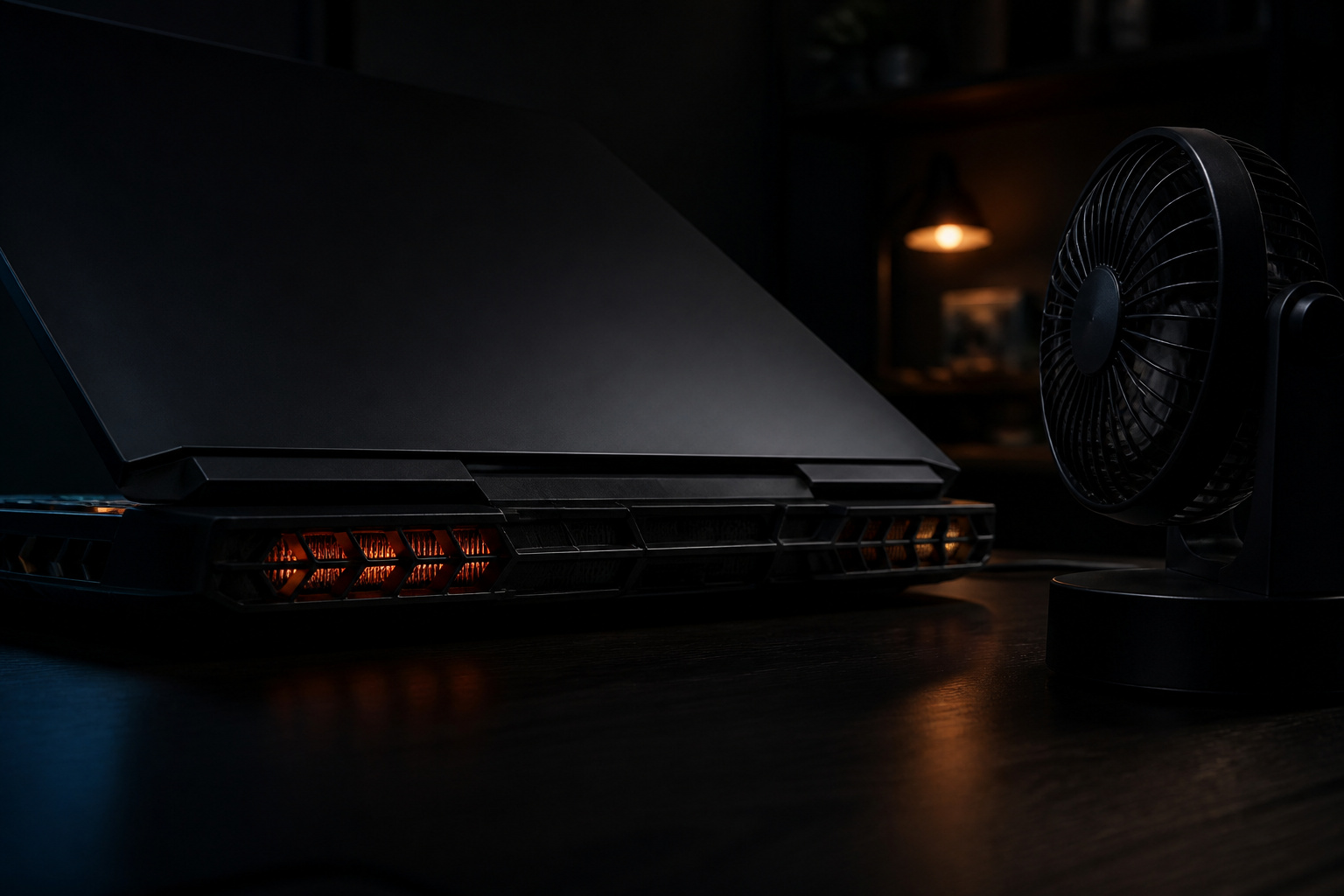
Cooling is where gaming laptops differ the most. A laptop that runs hot slows its processor and GPU to protect itself, which lowers frame rates and can make the keyboard uncomfortable. Loud fans can also ruin the experience if you play without headphones.
Reviews that measure temperatures, fan noise, and performance over a long gaming session are the best guide. Look for notes on how much the performance drops after 20 or 30 minutes, and whether the keyboard and palm rests stay comfortable. Thicker laptops with larger vents generally cool better, while very thin models trade cooling for portability. Many laptops offer performance modes, so check how loud the fans get in the mode you will actually use.
Battery, Charger, and Portability
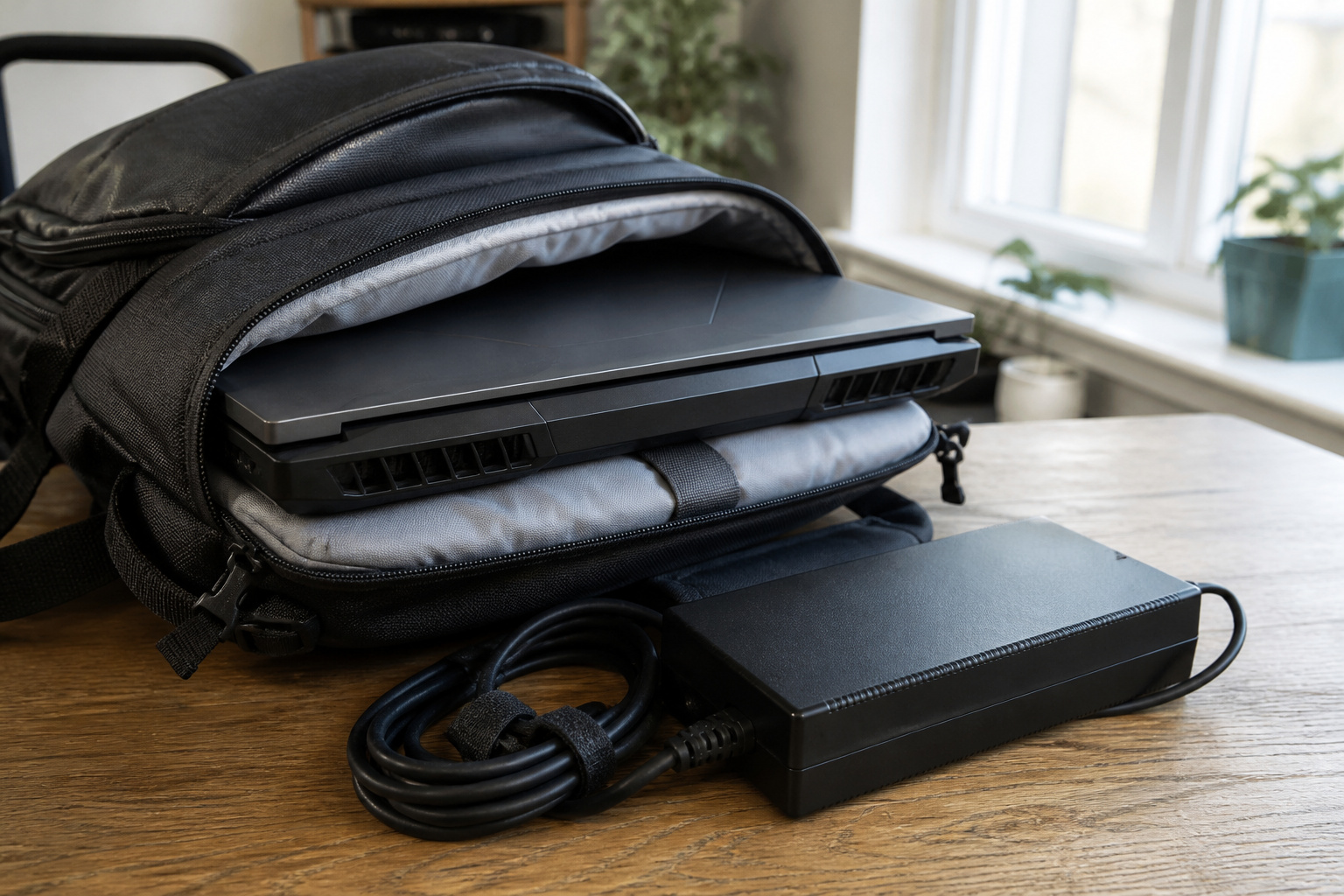
Gaming laptops are portable, but they are not built for long battery sessions. Most reduce performance on battery to save power, so plan to play while plugged in. Battery life is more relevant for browsing, video, and schoolwork between games.
Consider the weight of the whole kit. A 15- or 16-inch gaming laptop commonly weighs several pounds, and the power brick adds more. If you will carry it daily, a thinner model may be worth the trade-off in cooling. Some laptops can also charge over USB-C at lower wattage for light use, which is handy for travel, though full gaming speed needs the original charger.
Ports and Upgradeability
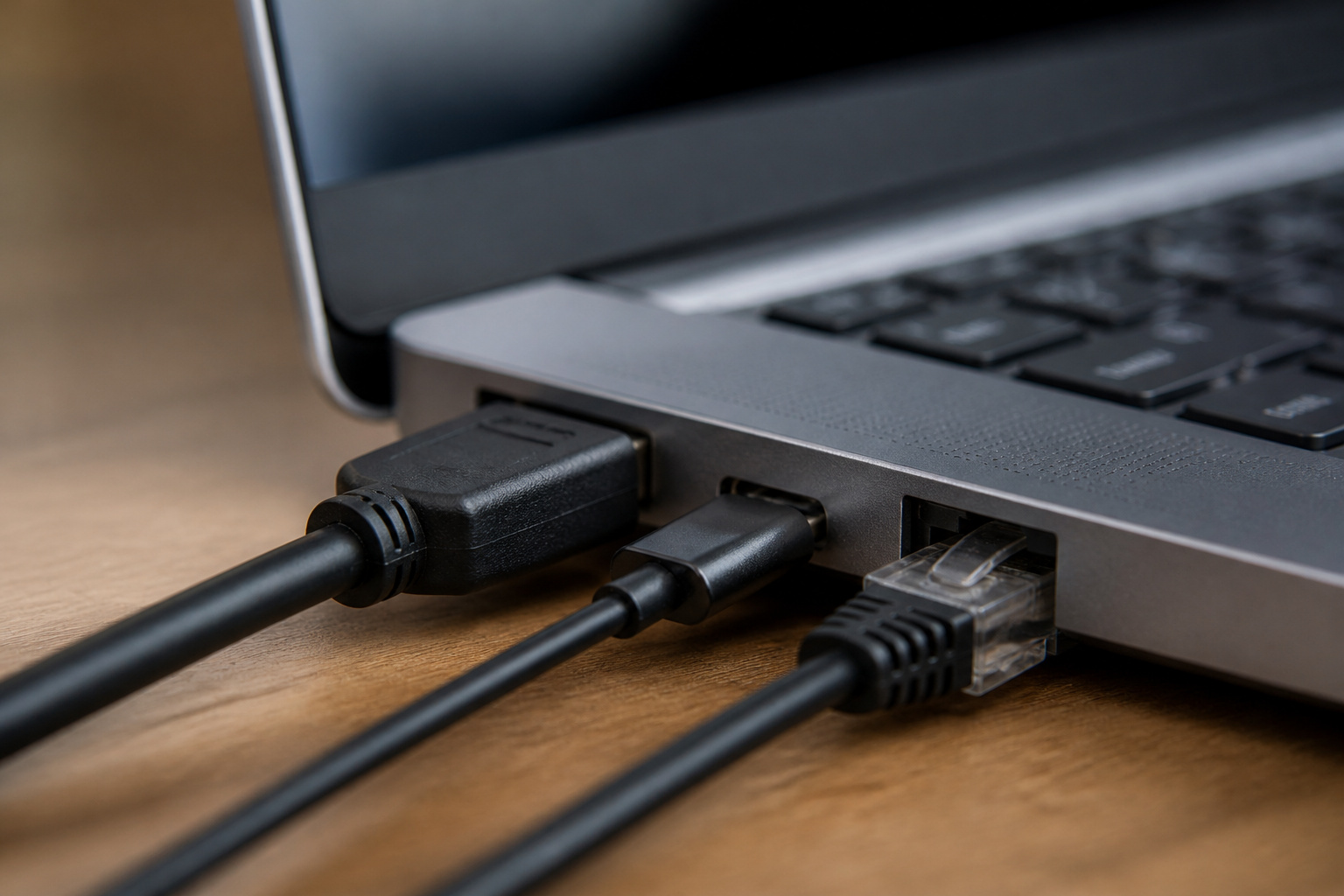
Check the ports against your gear. Useful ones include HDMI for an external monitor or TV, USB-C or Thunderbolt for docks and fast storage, and an Ethernet port for stable online play. Wi-Fi is fine for many people, but a wired connection reduces lag spikes.
Upgrades are limited. The GPU and processor are almost always soldered to the board, so you cannot swap them later. RAM and storage are often upgradeable, but some thin models solder the RAM. Buying a little more GPU and storage now is usually wiser than counting on upgrades. For help choosing a computer overall, see how to choose the right computer for your needs.
Recommended Products

The Anker Advantage: Join the 65 million+ powered by our leading technology.

8-in-1 USB C Hub: The USB C multiport adapter cost-effectively solve the problem of laptop poor ports. Expanding USB-C ports up to 8 ports(1*4K HDMI port, 1*RJ45 ethernet port, 1*USB-C PD 100W charging port, 2*USB-A ports, 1*USB-C port and TF/SD card reader slot)

Adjustable Stand for Tailor-Made Comfort: The docking station has a stand composed of two foldable panels. Therefore, the back panel no longer blocks the heat dissipation outlet of the gaming consoles, greatly enhancing the heat dissipation effect.
Matching a Laptop to Your Games and Budget

Start with the games you play and the resolution you want, then work backward:
- Esports and older games: an entry-level GPU, 16GB of RAM and a 144Hz 1080p display are plenty.
- Recent big-budget games: a mid-range GPU with at least 8GB of VRAM, 16 to 32GB of RAM and a 1080p or 1440p screen at 144Hz or higher.
- High settings, 1440p or creative work: a top-tier GPU, 32GB of RAM, strong cooling and a color-accurate display. See our guide to choosing a laptop for video editing if work matters as much as play.
- Tight budget: consider a refurbished model. Our article on whether refurbished computers are worth buying explains the trade-offs.
If you rarely move your computer, a desktop gives more performance for the money and easier upgrades. Our comparison of desktop and laptop computers helps you decide.
Recommended Products

Hikers 27 inch WQHD 2560×1440 2K 170Hz 144Hz curved gaming monitor HDMI 2.1 fast VA panel 4000:1 contrast ratio with AI CrossHair, AI Bluelight and AI Picture Quality

🖥️【144Hz Ultra-Fluid Gaming Experience】 Featuring 1920×1200 FHD resolution and a true 144Hz refresh rate combined with FreeSync technology, this portable monitor delivers tear-free, stutter-free, and exceptionally smooth gameplay. The built-in on-screen crosshair assist enhances aiming precision in FPS titles, making it the ideal mobile display for PS5, Xbox, PC, and Switch gaming. Note: HDMI connection supports amaximum refresh rate of 120Hz.

【HDMI 2.1 Certification】Only 1% of HDMI cables on the market have passed HDMI 2.1 certification. Scan with the QR code Scanner app for verification
Frequently Asked Questions
How Often Should I Clean a Gaming Laptop’s Fans and Vents?
Clear dust from the vents every few months with compressed air, and more often if you use the laptop on soft surfaces or in a dusty room. Power the laptop off first, and hold the fan still while you blow air so it does not spin. Check your warranty before opening the case.
Can I Upgrade the RAM or Storage on a Gaming Laptop?
Often yes for storage and sometimes for RAM, but it depends on the model. Many have a removable panel and an open drive slot, while some thin models solder the RAM. Check the manufacturer’s spec page or a teardown review before you buy.
How Long Does a Gaming Laptop Last?
Hardware often lasts many years, but the GPU is what limits how long it plays new games well. A laptop with a mid-range or better GPU usually stays useful for several years, with lower settings in newer titles. Heat and battery wear shorten its life, so keep the vents clear and avoid keeping the battery fully charged all the time.
Can a Gaming Laptop Be Used for Video Editing and 3D Work?
Yes. The strong GPU, fast processor and plentiful RAM help with editing and rendering. Look for a color-accurate display and 32GB of RAM if creative work is a priority, and expect louder fans under sustained loads.
Is a Gaming Laptop as Good as a Gaming Desktop?
Not at the same price. A desktop gets more performance for the money, cools better and can be upgraded part by part. A laptop wins on portability and having everything in one device. Choose by how much you need to move it.
Closing Thoughts
Pick the GPU tier for the resolution you want, then check that the laptop’s cooling lets that GPU perform. Add enough RAM and storage, choose a display that suits your games, and read independent reviews of the exact model before you buy. A laptop chosen that way will keep up long after the marketing numbers have changed.