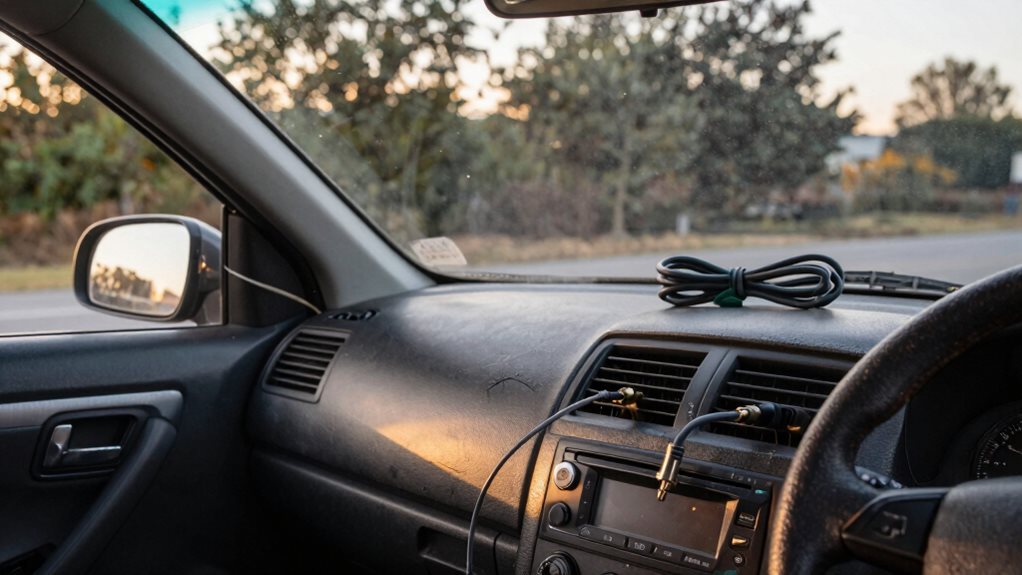
That high-pitched whine that climbs with your engine RPM isn’t a stereo problem.
It’s actually electrical interference sneaking into your audio system through power lines, ground wires, or RCA cables.
The fix is almost always in the wiring, not the head unit.
Check Your Grounding First
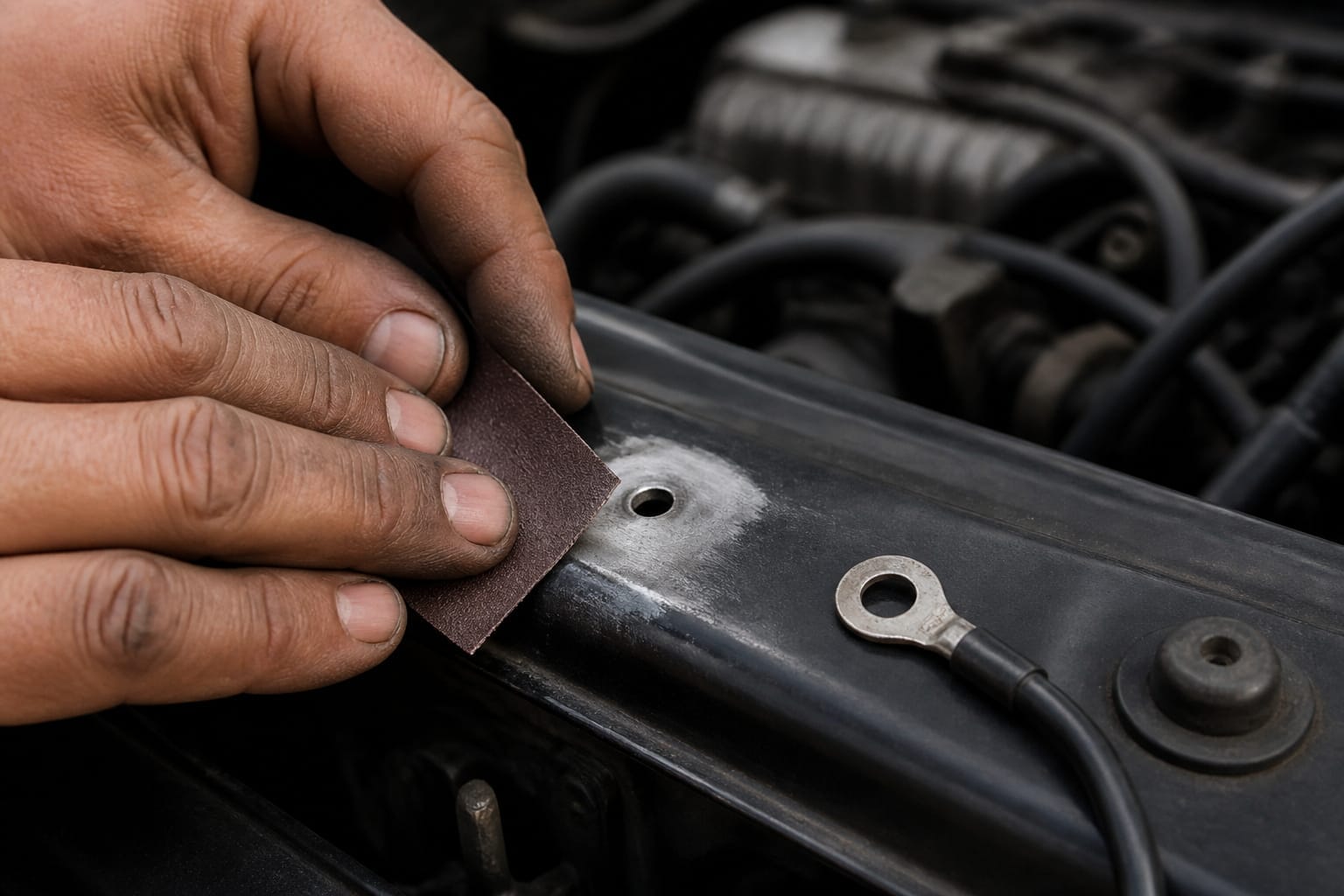
A loose or dirty ground is the most common cause of alternator whine. Find your head unit’s ground wire (usually black, screwed to bare metal) and check whether the connection is tight and the metal spot is sanded clean, with no paint or rust underneath.
If not, unscrew it, sand the contact point until it’s shiny, and reattach firmly. Do the same for your amplifier’s ground: use a short, thick wire bolted directly to the chassis near the battery, on its own connection point rather than sharing a bolt with other hardware.
Every ground connection should be clean, solid metal-to-metal contact.
Products Worth Considering
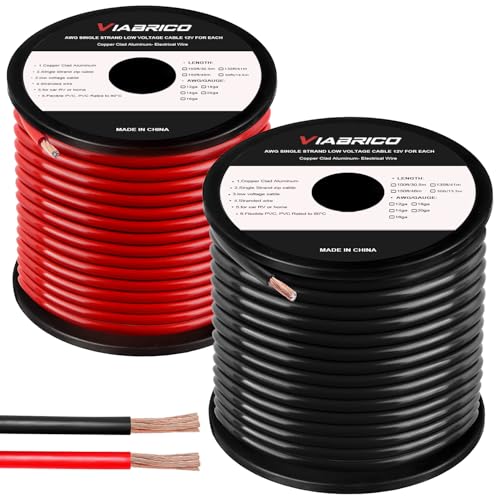
COPPER CLAD ALUMINUM (CCA) - Our primary cable CCA wire is the most economical option for choosing power or ground wire and is a great conductor of power. Copper coated aluminum gives you an economic power cable with excellent power transfer. Systems that require more power should use ofc cable wiring.

1.RonDexy 4 Gauge 25feet(7.62m) Black CCA Power Ground Wire, True Spec 4 Gauge Power Ground Wire ensures high quality power transfer.

【8 Gauge Power Ground Wire】: 8ga bulk wire is one of the most important products for all your wiring needs. Ideal for car amp, subwoofer, automotive system, car radio, RV trailer, lighting, speaker, ground wire, power cord, Amplifier, solar panel projects, welding cable and more.
Separate Power and Signal Wiring
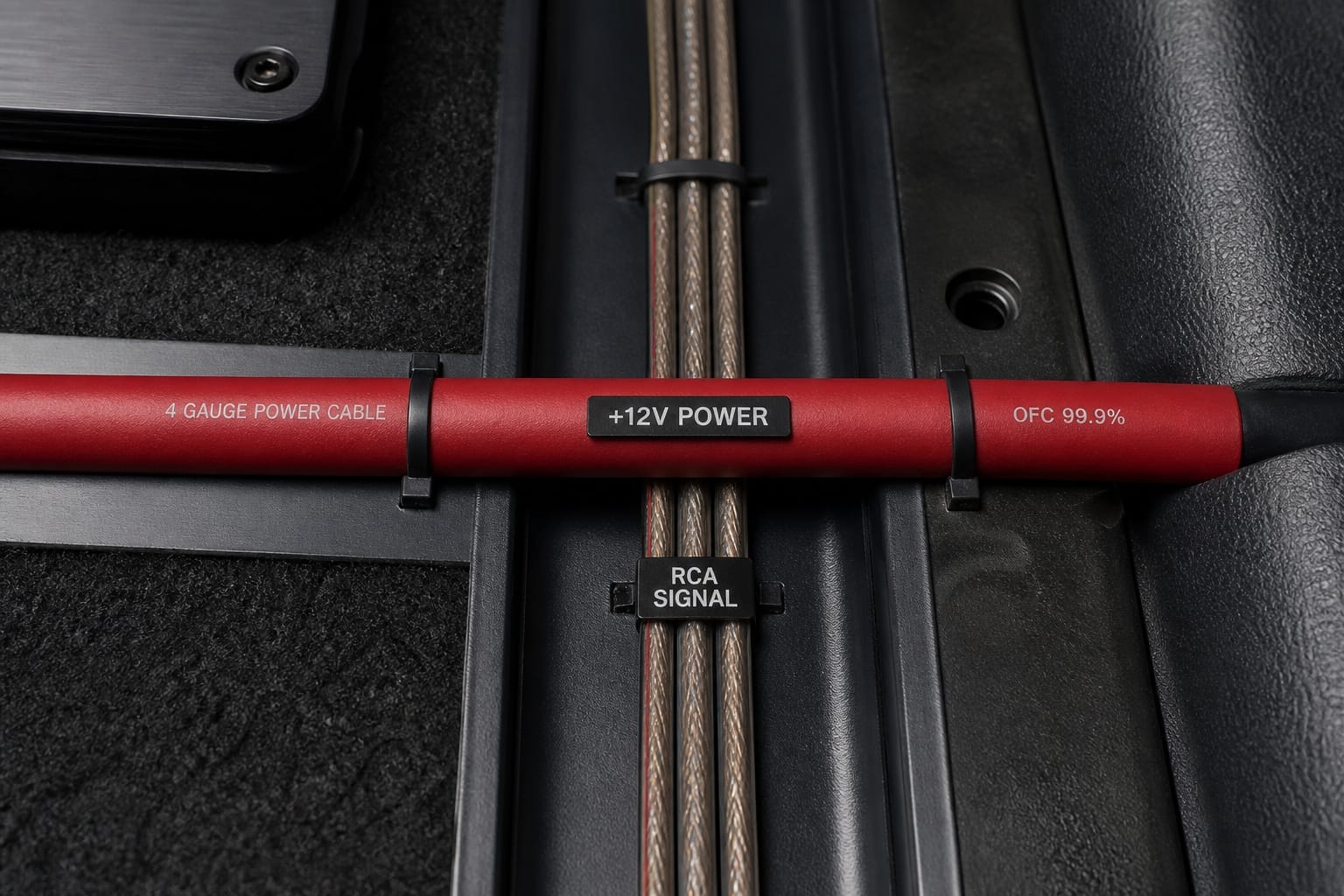
Run the amplifier’s power cable in a straight, untangled path from the battery, and keep it away from the RCA cables whenever possible
If a power wire and an RCA cable must cross, cross them at a 90-degree angle instead of running them parallel. Parallel runs are one of the most common causes of induced noise. Snap-on ferrite cores on the power and RCA lines near the amp and head unit can also help trap noise before it enters the system.
Testing and Filtering the Noise
To check whether the noise is electrical, start the car and switch your stereo to an unused input, such as AUX with nothing plugged in. Then turn up the volume.
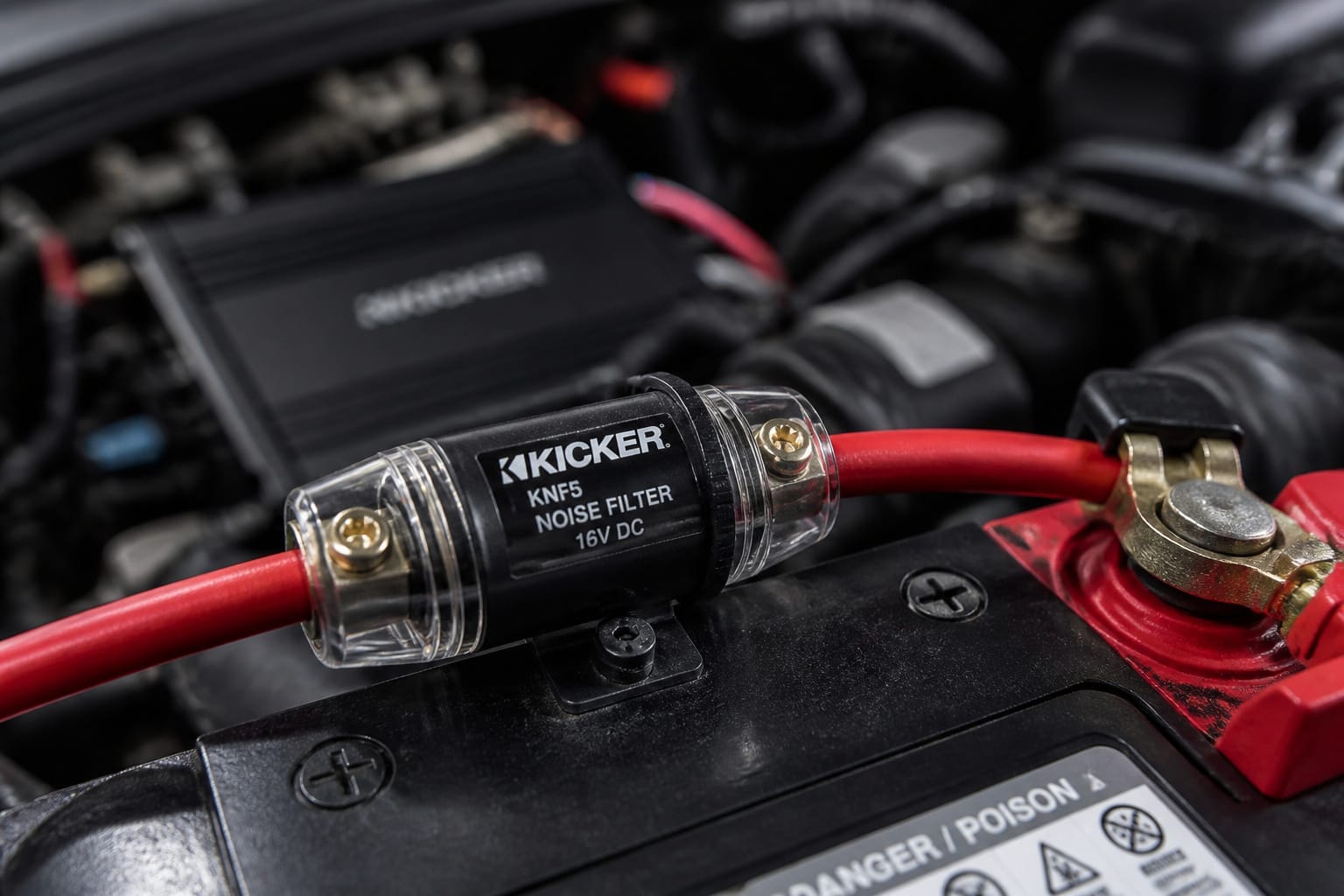
If the whine is present, it’s coming from the electrical system rather than from a source device. Installing an inline noise filter on the amp’s power wire near the battery can block the AC ripple that causes this kind of whine. Some filters even handle both power and ground filtering in a single unit.
If the noise persists, check your RCA cables: cheap or poorly shielded cables let interference through, so swapping in higher-quality shielded cables routed away from power wires often solves what filtering alone can’t.
Products Worth Considering

Designed exclusively to eliminate ground loop hum and alternator whine between car audio head units and amplifiers. This product is NOT for radio static, antenna noise, or speaker distortion. Please confirm your noise type before purchasing to ensure this product is right for your situation.

Ground loop filter noise isolator, eliminating the hiss, buzz and interference caused by ground loops which happens when the audio source and the speaker use the same power source in some car speakers / home stereo systems when using the Bluetooth receiver.

Package Dimensions: 8.128 cms (L) x 7.62 cms (W) x 8.128 cms (H)
Ruling Out a Failing Alternator
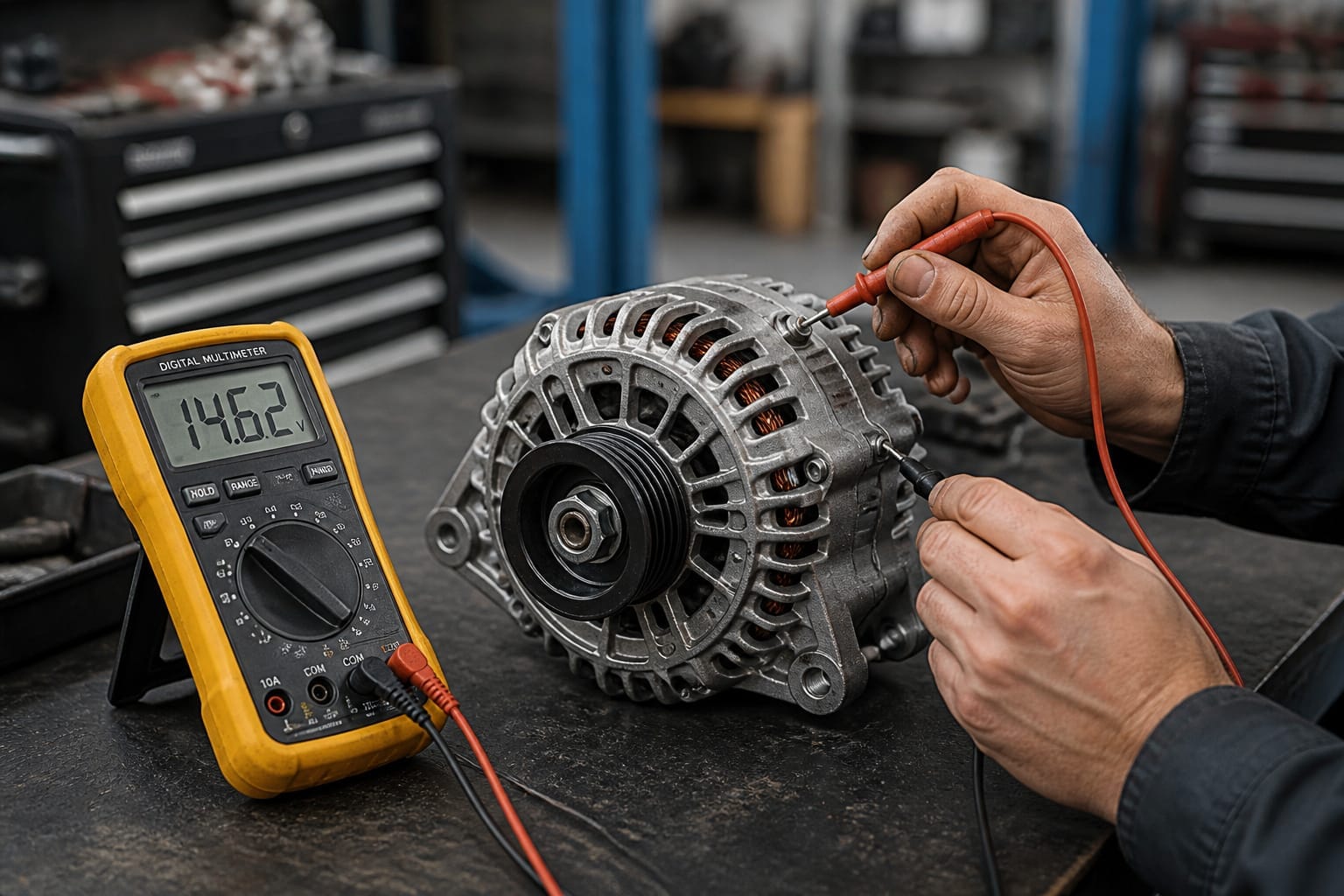
If the whine persists after you’ve addressed grounding, wire separation, and filtering, have the alternator itself tested. A failing diode inside it can send voltage spikes through the entire electrical system, and no audio-side fix will resolve that. Most auto parts stores and shops will test an alternator for free.
Products Worth Considering

In some cases, the GM 10SI and 12SI alternators backfeed through the regulator excitation wire, not allowing the engine to be shutoff with the ignition switch

Compatible with Alternators for Delco 10SI, 12SI, 15SI, 27SI – Ensures a precise fit for alternators in Chevy and GM applications.
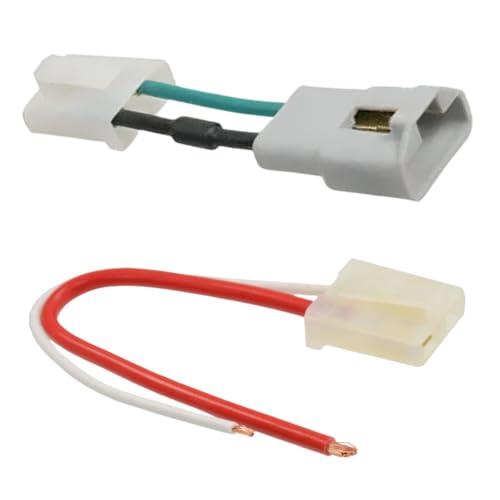
✔️ Compatible with Alternators for Delco 10SI, 12SI, 15SI, 27SI – Ensures a precise fit for alternators in Chevy and GM applications.
Frequently Asked Questions
What causes alternator whine in car audio systems?
Voltage spikes and ripple from the charging system travel through your car’s wiring, and your speakers convert them into an audible whine that grows louder as the engine revs higher. Bad grounds, long power wire runs, and inadequate shielding all make the problem worse.
Can alternator whine damage my speakers over time?
No, it’s noise, not a harmful power surge, so it won’t directly damage your speakers. It affects sound quality rather than component longevity, similar to static on a radio signal.
Is alternator whine more common in older vehicles?
Yes, in general. Older vehicles often have worn grounding connections and less-shielded wiring than newer cars, which makes them more prone to picking up this kind of interference.
Does engine speed affect the intensity of the whine?
Yes. The alternator spins faster at higher RPM, increasing voltage ripple and making the whine both louder and higher-pitched. It typically fades as RPM drops back to idle.
Can a failing battery contribute to audio noise?
Yes. A weak or failing battery can let voltage swing more than it should, and your audio system picks that instability up as whine or hum. Testing the battery and cleaning its terminals is worth doing alongside the other fixes here.