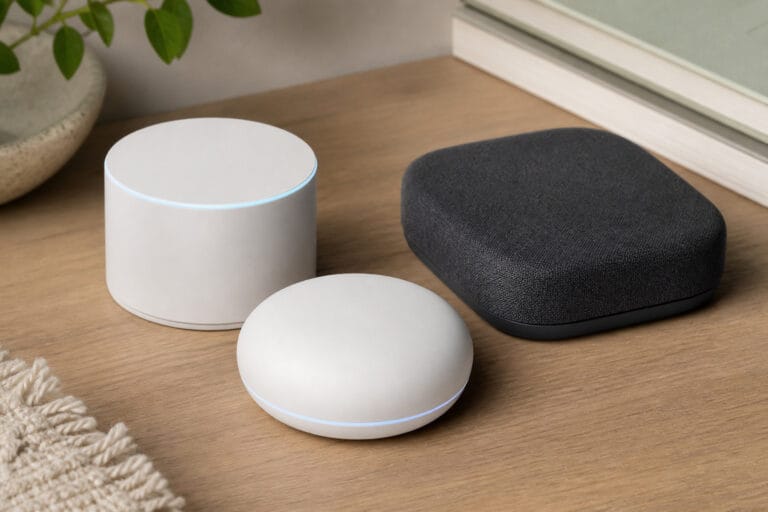
“Is my smart speaker always listening?” is one of the most common questions people have before buying one, and the honest answer is more nuanced than “yes” or “no.”
Here’s what smart home devices actually collect, how that data gets used, and what you can realistically do about it without giving up the convenience you bought the device for.
What “Always Listening” Actually Means
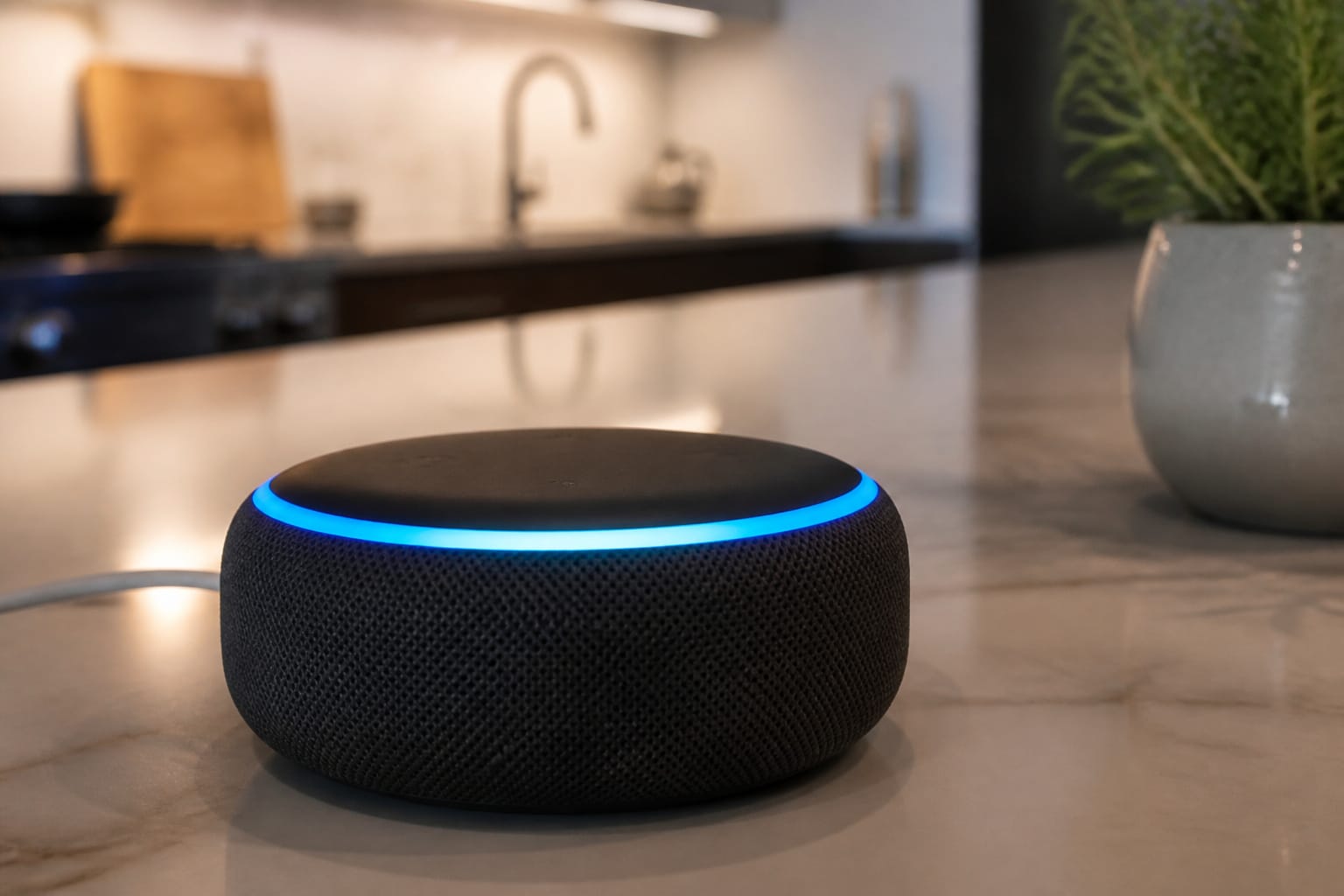
Smart speakers run their microphones continuously, but for most of their operation they’re listening locally, on the device itself, for a specific wake word (“Alexa,” “Hey Google,” and so on). Nothing is sent anywhere until that wake word is detected, at which point the device starts streaming audio to the cloud for processing. That’s the technical design, and it’s mostly accurate.
Where the “always listening” fear is more justified is what happens after that. Amazon confirmed in 2023 that human reviewers listen to a sample of Alexa voice recordings as part of quality-improvement work, and that recordings can be retained indefinitely unless a user manually goes in and deletes them.
So the microphone isn’t secretly streaming your dinner conversation to a server around the clock, but once a recording is made, what happens to it afterward is less in your control than most people assume, and the retention defaults favor the company keeping the data, not automatically deleting it.
Products Worth Considering

[Easy MIC Control] – Instantly mute or unmute your microphone with a simple press, ideal for ensuring smooth, uninterrupted communication during live performances, recordings, and broadcasts.

You can increase the microphone mute (silence) switch
What Each Device Type Actually Collects
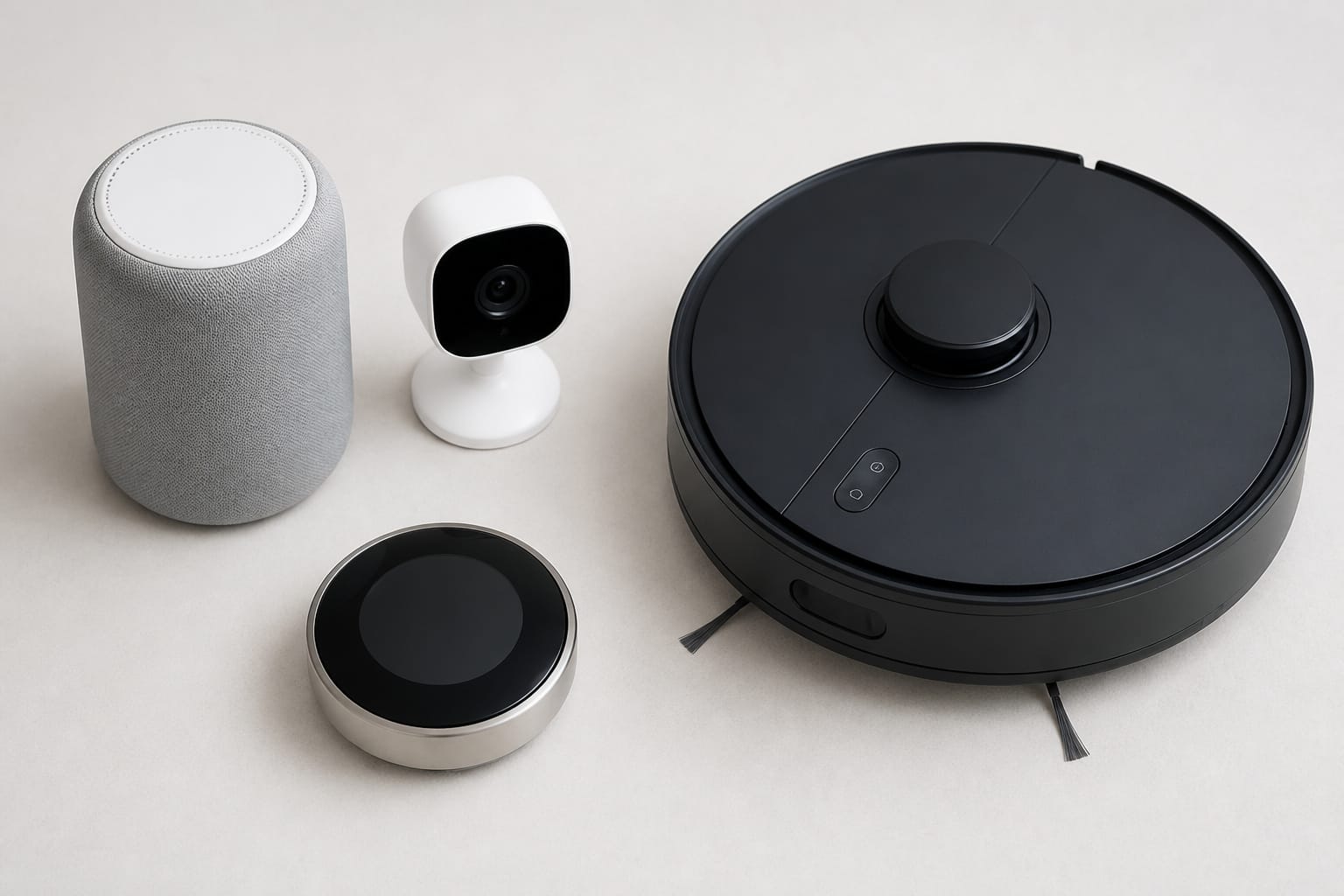
Different device categories collect very different things, and the differences matter for how concerned to be about each:
- Smart speakers collect voice recordings, command history, and usage patterns, used for product improvement, ad targeting, and to power whatever third-party voice “skills” you’ve enabled.
- Security cameras collect video and audio, sometimes with facial recognition, and in some cases that footage can be shared with law enforcement under the platform’s own policies, separate from any warrant process you might assume is required.
- Robot vacuums build centimeter-accurate floor plans of your home, including room dimensions and furniture layout to navigate. A Norwegian consumer research study found that 78% of tested robot vacuum models transmitted unencrypted metadata to servers outside the country of use, meaning that data could be intercepted in transit.
- Smart thermostats log temperature preferences and occupancy patterns closely enough to infer, with real accuracy, when a household is typically home, asleep, or away on vacation.
- Smart TVs track viewing habits through a technology called Automatic Content Recognition, which identifies what’s on screen (including content from a separate streaming stick or cable box) specifically to build an ad-targeting profile.
Products Worth Considering

For Meta Glasses Ray-Ban Accessories: These passive sound booster tubes help guide open-speaker audio toward the ears for calls, podcasts, navigation prompts, voice responses, and more focused listening in shared spaces

Product Package : 1 Pair of Sound Boosters for Meta Glasses – This set includes 1 pair (2 pieces) of high-quality audio enhancement parts, a must-have in practical meta glasses accessories. Designed as professional rayban meta accessories, they are compact and easy to carry in your glasses case, ideal for daily and portable use with your Meta Ray-Ban smart glasses.

Compatibility for Smart Glasses Audio Enhancement: This audio enhancement accessory is designed for use with a wide range of AI and AR smart glasses. It works with Compatible with Ray-Ban Meta smart glasses Wayfarer, Skyler, Headliner, Meta Display series, Meta Oakley models, Rayneo, Rokid, XREAL, VITURE, Inmo, and other similar smart eyewear devices. Compact and lightweight, it can be easily stored in a glasses case for everyday carry.
Where That Data Actually Goes
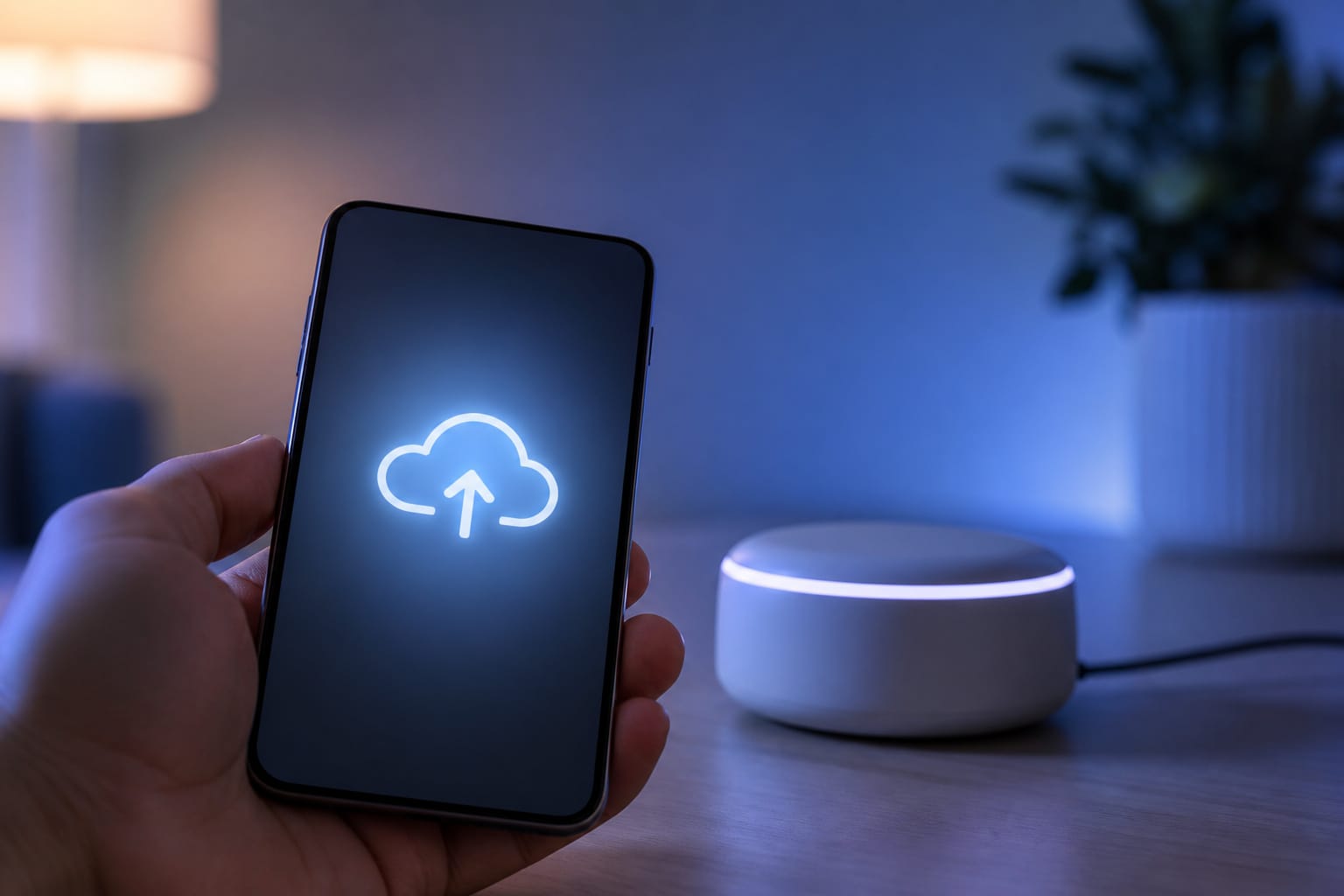
It helps to understand the business model underneath all of this. For most connected home device makers, the actual profit isn’t in the hardware margin; it’s in what the data collected after the sale is worth to advertisers, partners, and, in some cases, data brokers.
That’s not a conspiracy theory; it’s a publicly acknowledged part of how these companies make the economics work on devices that are often sold near cost. Recordings and usage data feed ad targeting, get shared with third-party “skills” or apps you’ve connected, and, in the case of camera footage, can be provided to law enforcement in response to formal requests, sometimes without the account holder being notified first, depending on the platform’s specific policy and the legal circumstances.
How to Cut Down What You’re Sharing
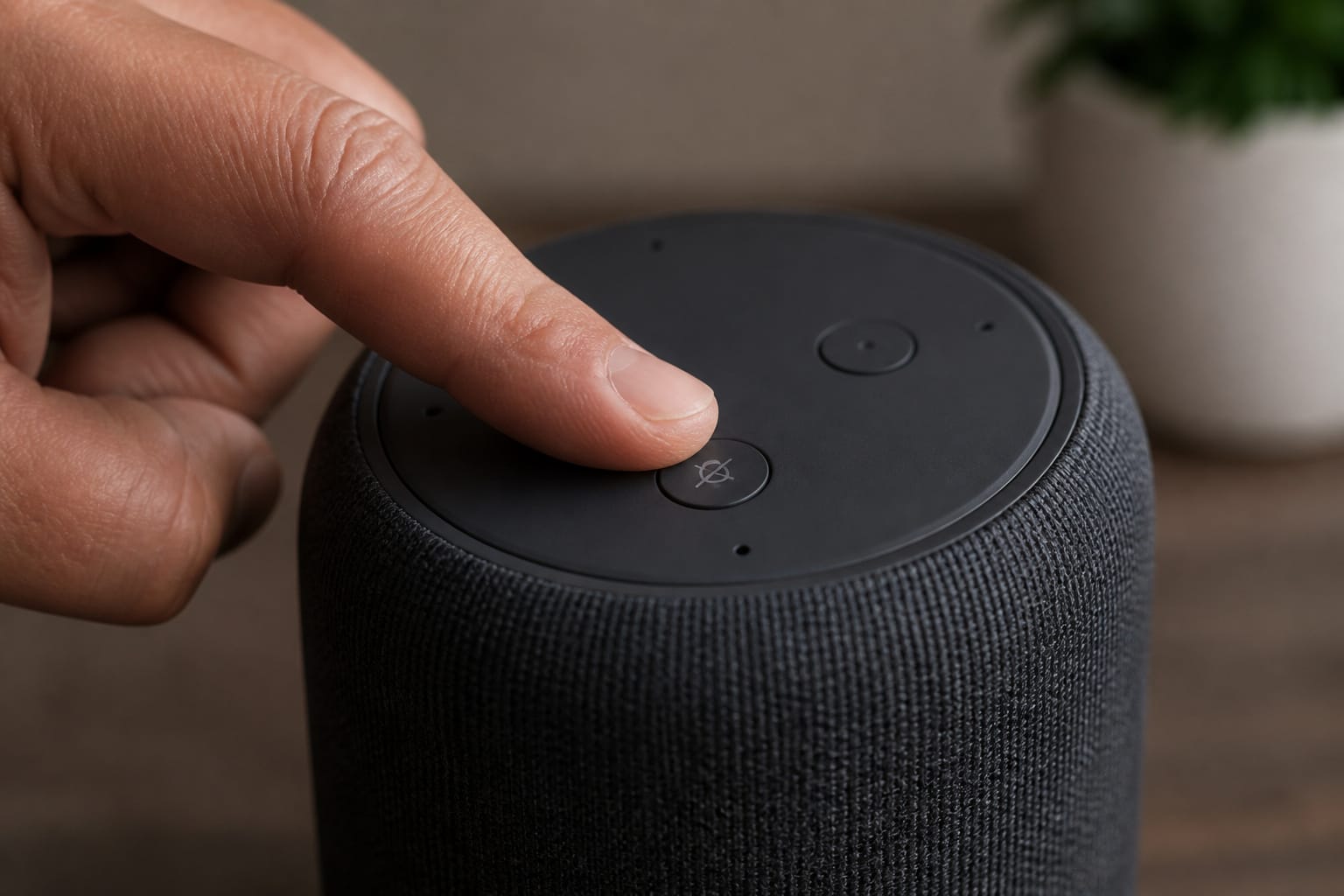
None of this requires abandoning smart home devices altogether, but a few specific habits meaningfully reduce what you’re sharing without giving up much convenience:
- Use the physical mute button on smart speakers when you want a genuine guarantee the microphone is off, since this is a hardware-level disconnect, not a software setting
- Regularly delete voice history through the manufacturer’s app or account settings rather than assuming it clears itself, since most platforms default to indefinite retention
- Review and remove unused third-party skills or app integrations, each of which is a separate party with some level of access to your data
- Choose devices with local processing options where available, since some newer cameras and speakers offer on-device processing for at least some functions, avoiding the cloud round-trip entirely
- Reposition cameras away from unnecessary sightlines, like windows facing neighbors or areas with no security purpose, to limit what gets recorded in the first place
Products Worth Considering

Crystal-Clear 360° Voice Pickup: Our conference microphone features a 360° omnidirectional design that captures your voice from any direction. It picks up sound up to 9.84 ft (3 m) , with optimal clarity within 6.56 ft (2 m) . Perfect for remote training, business negotiations, video chats, online courses, court recording, and seminars. This microphone for pc ensures everyone hears you naturally

【USB-C & 3.5MM DUAL CONNECTION】The built-in USB-C plug is fully compatible with iPad, Chromebook, Samsung Galaxy, iPhone 15/16/17, MacBook, etc. The 3.5mm audio jack works with Kindle Fire, school computers and airplane audio ports. No extra adapters required; these kids headphones with cord support far more devices than single-port alternatives

Smart Voice Enhancement: Eliminate background noise while simultaneously enhancing voices for a professional meeting experience in any environment.
Does Privacy Have a Practical Downside?
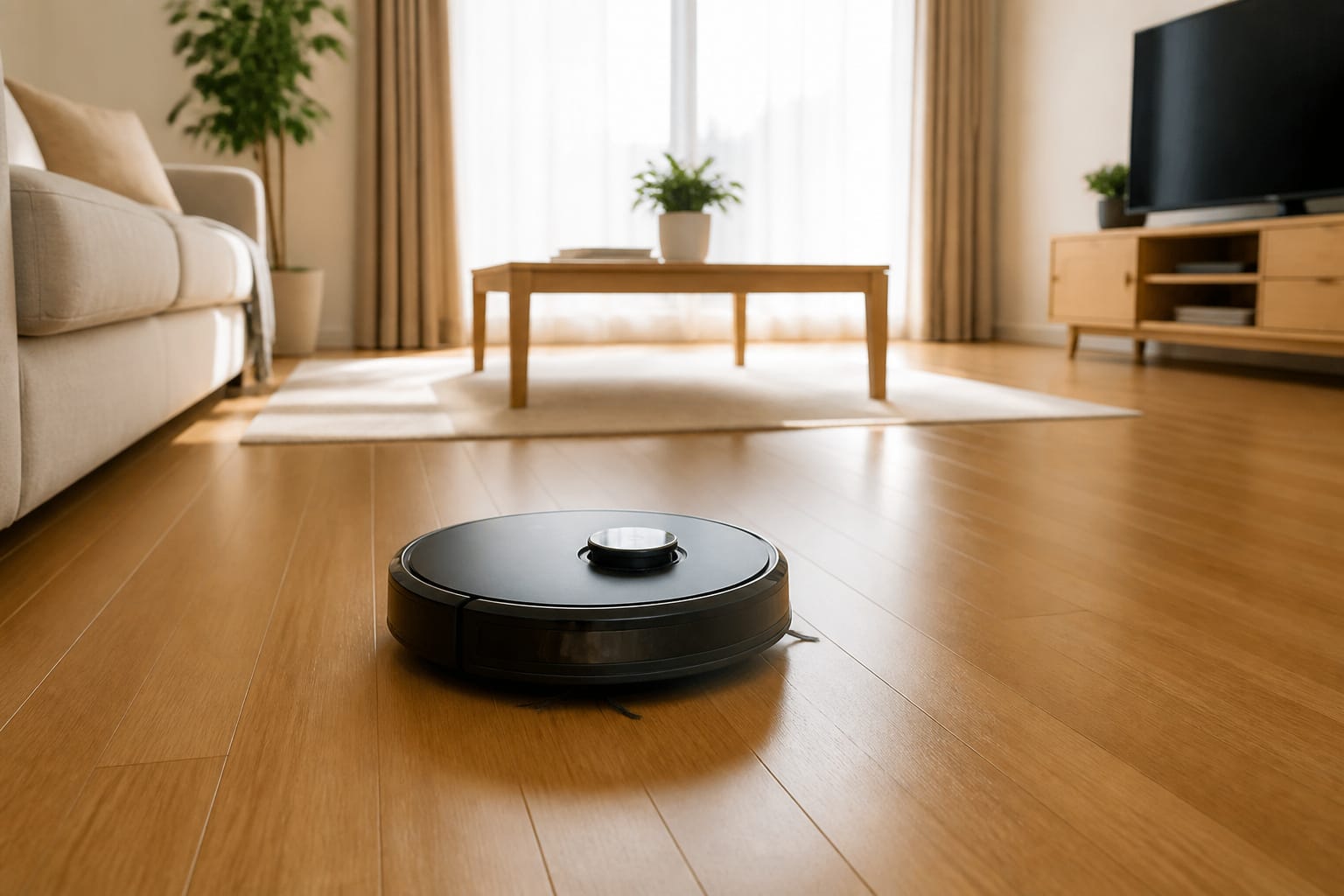
It’s worth being fair to the other side of this too: most of the data collection described here exists because it makes the product work better, not purely for profit.
Voice recordings improve recognition accuracy over time. Floor maps let a robot vacuum avoid your furniture instead of bumping into it repeatedly. Occupancy patterns let a thermostat actually deliver the energy savings covered in our look at real smart home energy savings.
The realistic framing isn’t “smart home devices are secretly spying on you.” It’s “convenience and personalization run on data, and it’s worth knowing specifically what that trade involves for each device before deciding it’s worth it.”
Frequently Asked Questions
Is my smart speaker recording everything I say?
No. It’s listening locally for its wake word and only starts sending audio to the cloud once that word is detected. The bigger privacy question is what happens to recordings after that point, including retention and occasional human review, not whether it’s continuously streaming audio.
Can someone actually listen to my smart speaker or camera recordings?
For voice assistants, yes, in a limited way. Amazon has confirmed that human reviewers listen to a sample of Alexa recordings for quality purposes. For cameras, footage can also be accessed by the company under specific circumstances, including law enforcement requests, depending on the platform’s policy.
Do robot vacuums really map my home in detail?
Yes, that’s how they navigate. The privacy concern isn’t the mapping itself, it’s how securely that map data is transmitted and stored, and research has found meaningful gaps in encryption across several popular models.
How do I delete my voice assistant’s recording history?
Through the manufacturer’s companion app or account privacy settings, usually under a section labeled voice history or activity. Most platforms retain recordings indefinitely by default, so this needs to be done manually and periodically.
Are there smart home devices that don’t send data to the cloud at all?
A growing number of cameras and speakers now offer local processing for at least some features, which avoids sending that specific data externally. It’s worth checking a product’s specifications for local or on-device processing before buying if this is a priority.