“It depends” is the honest answer to what a smart home costs, but it’s not a useful one. Here’s the actual breakdown: what a starter setup runs, what a whole-home build costs, where installation labor fits in, and the ongoing subscription and maintenance costs that rarely make it into anyone’s initial budget.
If you’re still deciding whether any of this is worth doing, start with our overview of real smart home costs and savings. This piece is for once you’ve decided to move forward and want to know how much to set aside.
The Three Numbers That Matter
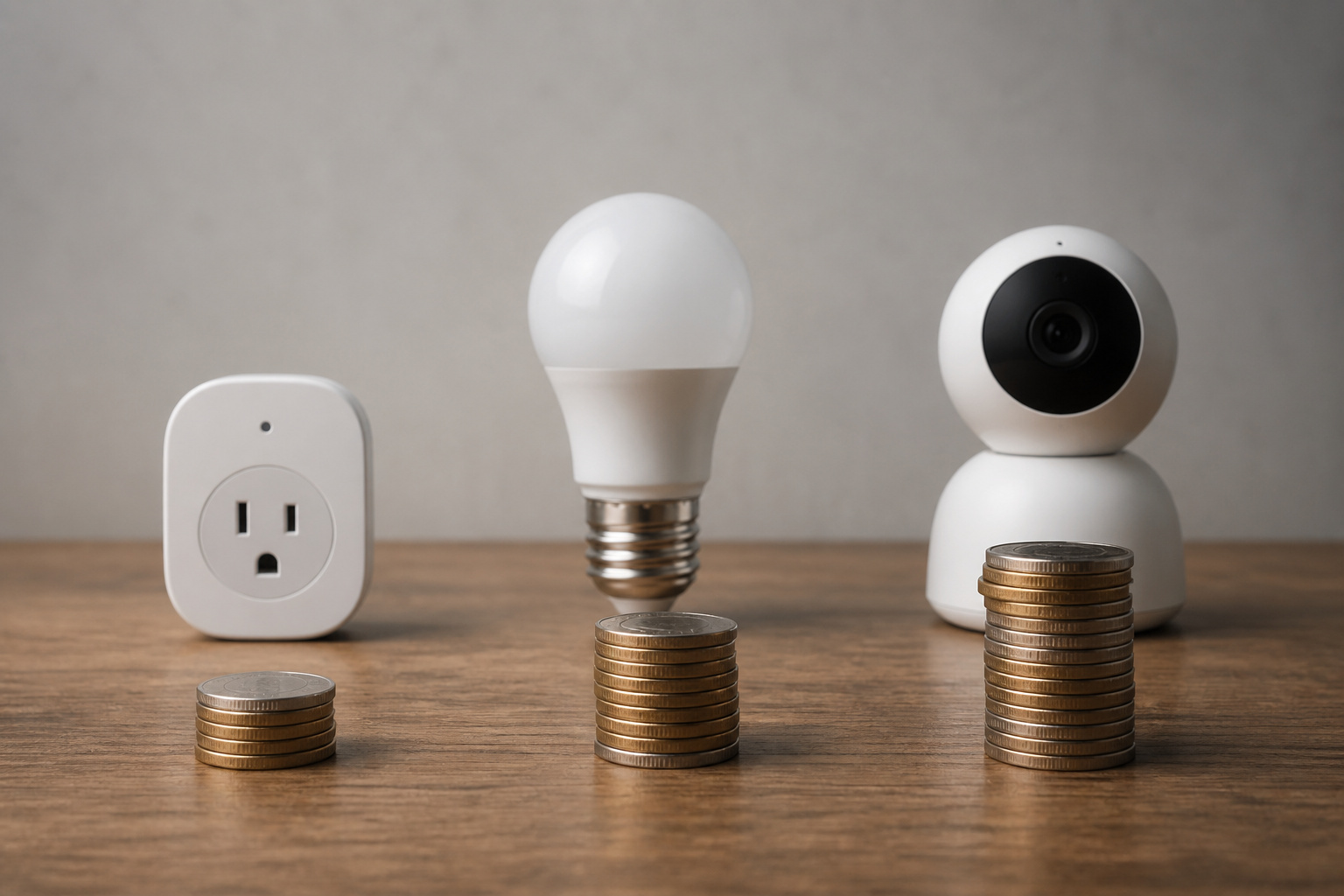
Smart home spending breaks down to three rough tiers, and knowing which one you’re in changes everything about how you shop.
A basic setup, one or two devices solving one specific problem like a thermostat or a couple of monitored plugs, typically runs $150 to $1,500 total. A mid-range setup covering several rooms and device categories (lighting, a lock, a camera or two, maybe a hub) can land between $2,000 and $6,000. A full whole-home automation build, especially one with professional installation, commonly runs $2,500 to $10,000 or more.
Most households land in the first tier and stay there for a while, which is fine. The jump to tier two usually happens gradually, one device at a time, rather than as a single purchase decision.
What Each Device Category Actually Costs
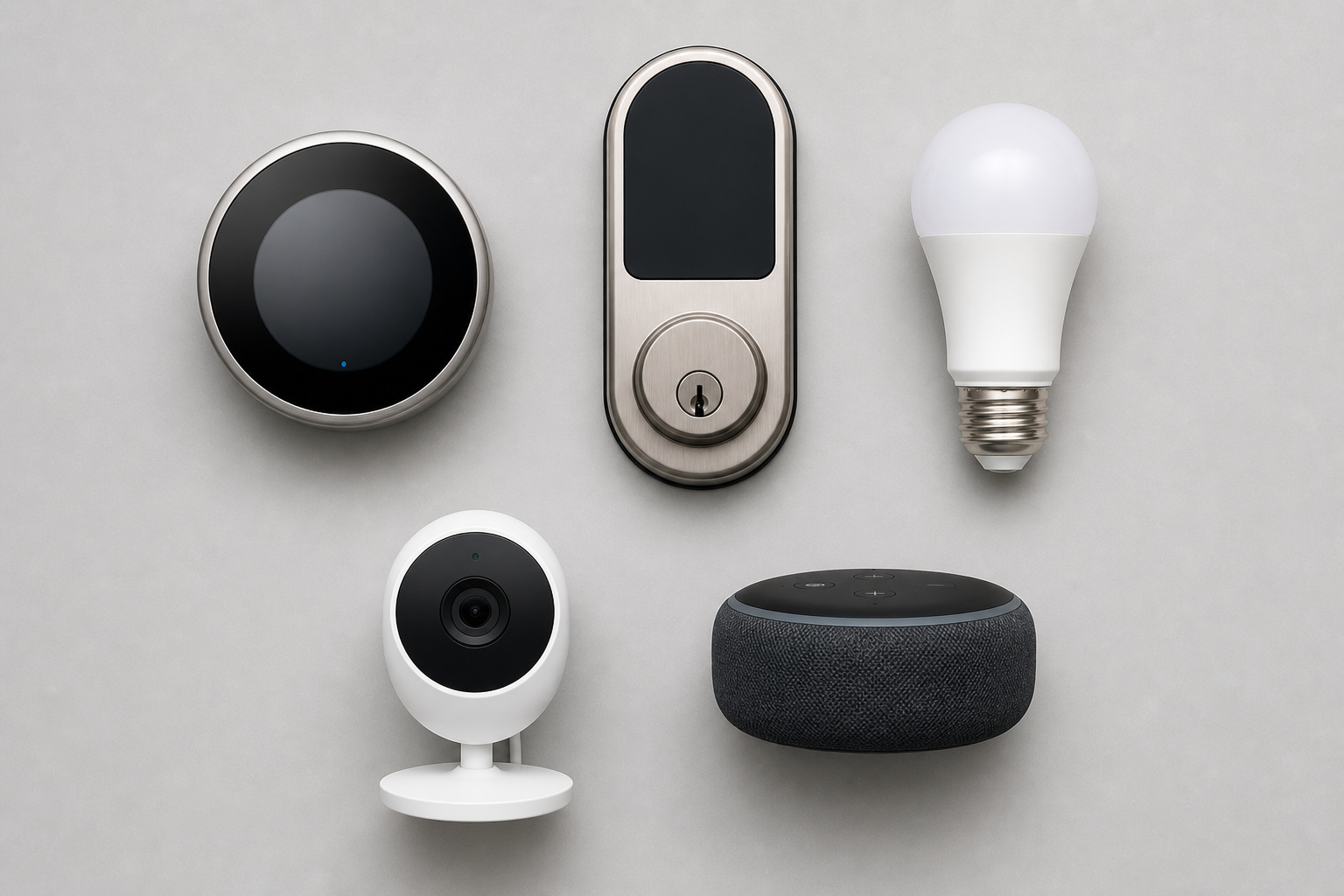
Prices vary a lot by brand and feature set, but here’s the realistic range for each major category:
- Smart thermostats: $50 to $500, with most reliable mid-tier models in the $150 to $250 range
- Smart lighting: $10 to $150 per bulb, switch, or plug, depending on whether it’s a simple on/off plug or a color-changing, app-controlled bulb
- Security cameras: $225 to $1,000, with the higher end typically buying better night vision, higher resolution, and local storage options
- Smart locks: $125 to $500
- Hubs and controllers: $75 to $700, though many households never need to buy one separately if their devices already work through a voice assistant
- Motion and other sensors: $20 to $1,000 for advanced multi-sensor setups
- Smart speakers: $40 to $500
The spread within each category is almost always about reliability and longevity, not gimmicks. A $30 no-name smart plug and a $20 brand-name one often perform identically on day one; the difference shows up eighteen months later when one still gets firmware updates, and the other doesn’t.
Recommended Products

Save up to 23% every year on heating and cooling costs, adjusts to your set schedule to save energy when you’re gone and optimize comfort when you’re home. Compared to a hold of 72

PRIVACY PROTECTION*: Sensi won’t sell your personal information to third parties

COMPATIBILITY: Works with Conventional Single-Stage 1 Heat/1 Cool systems (Gas, Oil, or Electric) and Air Conditioning, C-Wire Required. Does not work with Multi-stage Systems and Heat Pumps systems, Incorrect system match will lead to abnormal working
DIY vs. Professional Installation
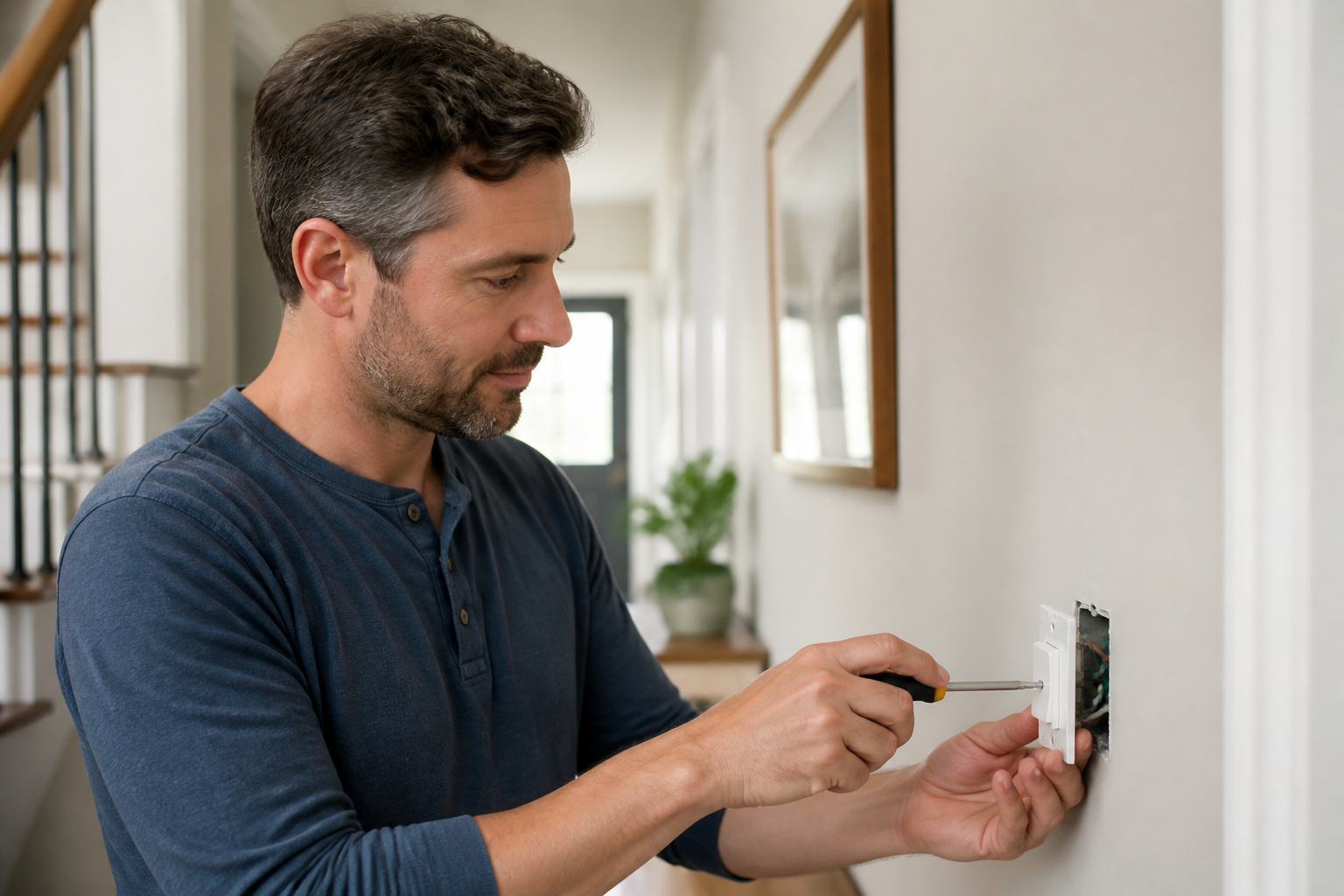
Most smart plugs, bulbs, and even many locks and cameras are designed to be installed in minutes by a homeowner, no electrician required. Professional installation is usually required for hardwired devices (in-wall switches, wired doorbell cameras, whole-home audio) and larger, multi-room automation projects where getting devices to talk to each other reliably takes real troubleshooting.
If you do go the professional route, expect labor billed at $50 to $150 per hour, plus a separate pre-installation assessment fee of $75 to $300 in many cases. For a single device or two, DIY installation is almost always the better financial choice. For a whole-home build tying together a dozen devices across several brands, professional installation can save you from weeks of troubleshooting, which has its own cost in frustration even if not in dollars.
Recommended Products

【App Remote Control】RODOT Switch transmits data to a cloud platform through the Wi-Fi Router, which enables you to remotely control the connected appliances, via free Smart Life or TUYA Smart App.You can download the iOS version in App Store and the Android version in Google Play.The App Smart Life enables you to control your devices easily .


The Subscription Costs Nobody Budgets For
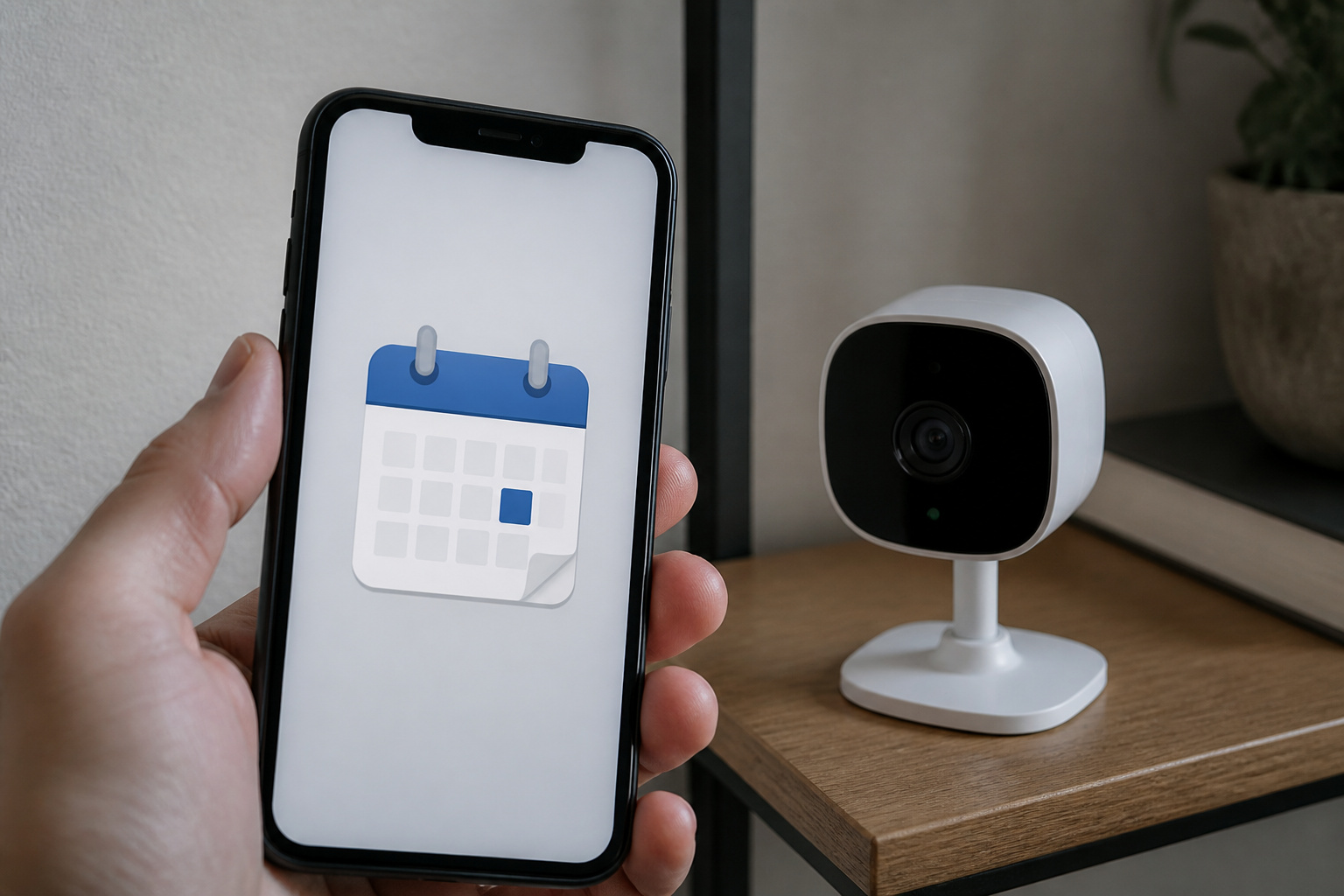
This is where smart home budgets most commonly go sideways. A camera that costs $250 up front can carry a $10 to $40 monthly monitoring fee for features like extended video history or professional alarm response, features that used to be included and increasingly aren’t. Cloud storage for video footage alone typically runs $3 to $10 a month per device if you’re not already paying for a bundled plan.
Run the math before you buy: a $10 monthly camera subscription is $120 a year, which over five years is $600, likely more than the camera itself cost. That doesn’t mean the subscription isn’t worth it; plenty of households genuinely want the extended footage history or professional monitoring, but it should be a deliberate decision made at purchase time, not a surprise on next month’s statement.
Recommended Products

🏆 【Improved Features for 2026】 2K UHD video & full-color night vision, free cloud storage, support for 2.4G & 5G WiFi, 1-6 months battery life, work with Alexa, IP66 waterproof and dustproof. Cameras for Home Security

Mini camera, max performance — Mini 2K+ is our third-generation compact plug-in camera, delivering sharper 2K video resolution and improved audio clarity, so you can see and hear more of what matters.

【Stunning 4K UHD & 8x Zoom】 Capture tiny details and record 4K ultra-clear videos day & night with the Anona 4K indoor camera, say goodbye to 2K or 3K. The professional-grade lens and 8X zoom bring distant details into sharp focus, so you never miss some wonderful moments.
The Ongoing Costs Beyond Subscriptions
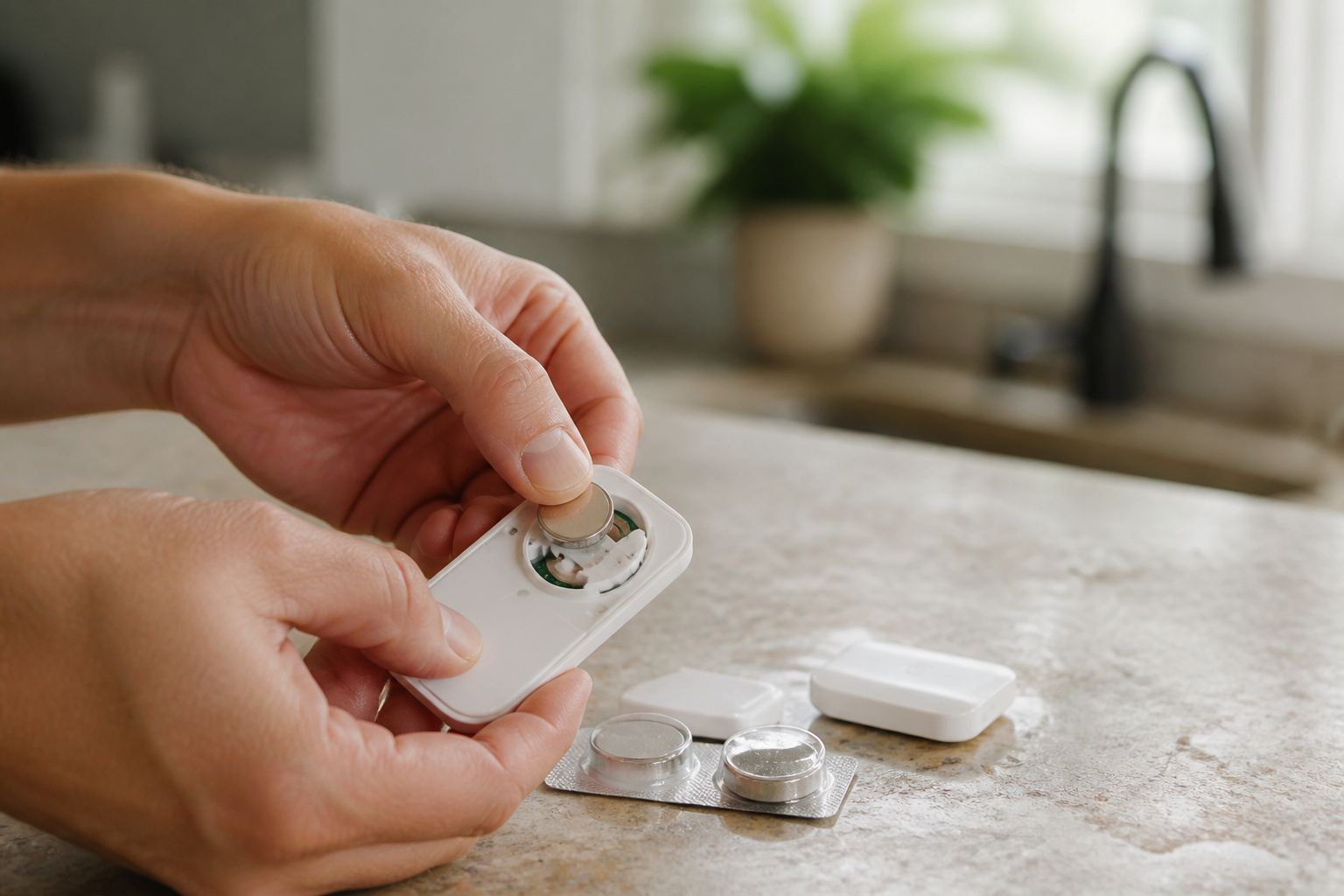
Subscriptions aren’t the only recurring cost. Battery-powered sensors, locks, and doorbells need replacement batteries, typically $20 to $50 a year depending on how many devices you’re running. If you went the professional installation route, annual maintenance check-ups run $75 to $200.
And there’s a less obvious cost: protocol and ecosystem churn. Buying into a dead-end standard or an app that gets discontinued means replacing devices before they’ve actually worn out. This is why it’s worth understanding what the Matter standard actually guarantees before buying devices that might not talk to whatever comes next.
Recommended Products

【 Ultra-long Range 】 The signal from the wireless bell ranges up to 1000ft/300m. ensures you to hear and answer the doorbell in time. Either you are occupied a few rooms away or on another floor, never worry about missing visitors. Wireless Doorbells for Home/Classroom/Office.

【 Ultra-long Range 】 The signal from the wireless bell ranges up to 1000ft/300m. ensures you to hear and answer the doorbell in time. Either you are occupied a few rooms away or on another floor, never worry about missing visitors. Wireless Doorbells for Home/Classroom/Office.

Versatile Watch Battery Replacement Tool Kit: This watch battery replacement tool kit includes 3 different styles of watch back remover tools, making it perfect for opening watch back cases and replacing watch batteries. It's a must-have tool for both professionals and beginners in the watch repair industry.
How to Build a Smart Home in Phases Without Overspending
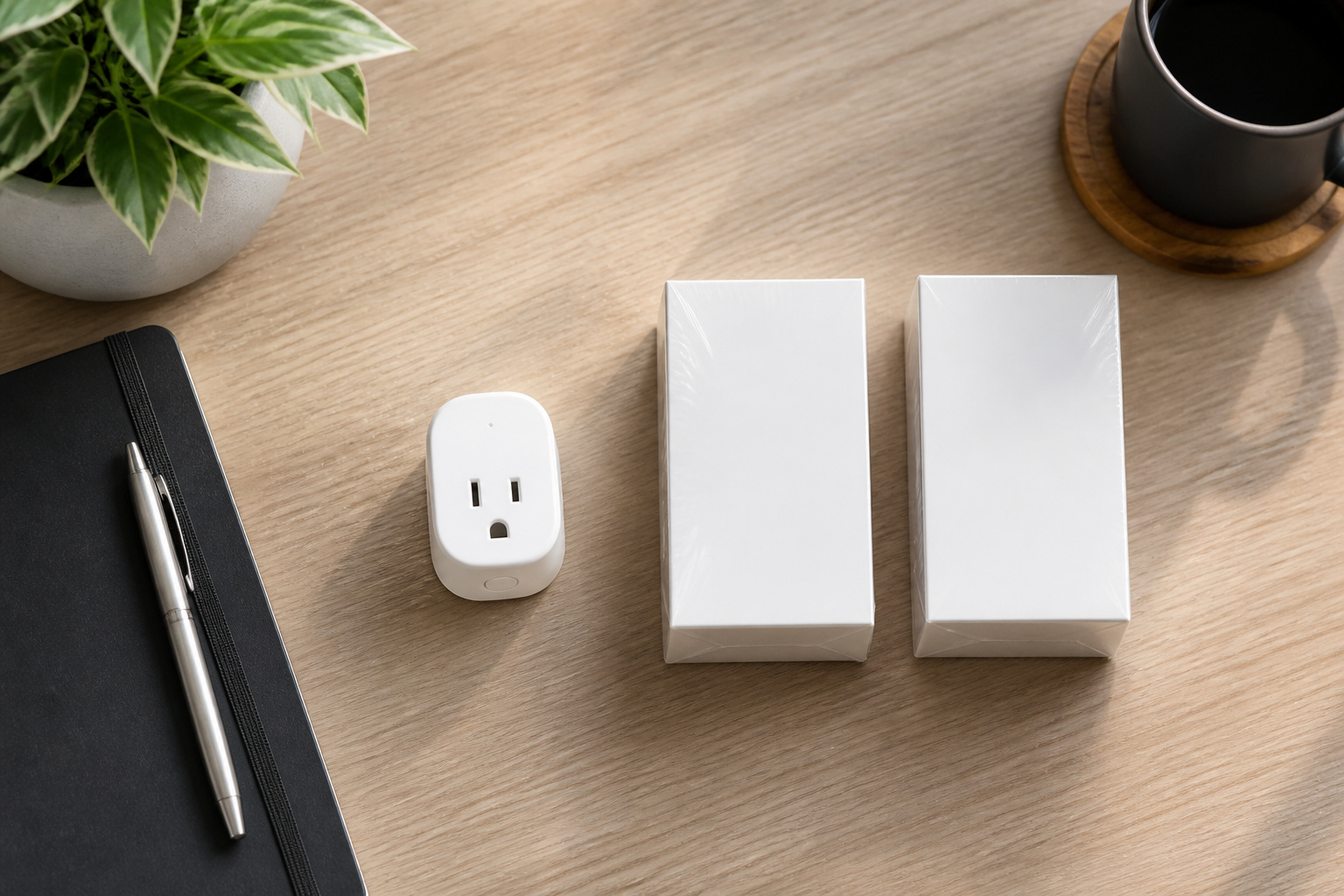
The households that end up happiest with their spending seldom buy everything at once. A sensible phased approach looks something like this: start with one device that solves a specific, annoying problem (a thermostat for a high energy bill, a lock for a lost-key habit, a camera for a package-theft concern). Live with it for a month or two. Then decide whether the next logical addition is worth the money, rather than buying an entire ecosystem because it was on sale.
This also naturally avoids the biggest budget-buster: buying a hub or committing to an ecosystem before you actually need one. Many single-device purchases work fine through their own app or a voice assistant, and a hub only pays off once you’re coordinating several devices that don’t already talk to each other.
Recommended Products

An Alexa thermostat - Amazon Smart Thermostat is an easy way to switch from a traditional thermostats for homes and help reduce energy usage.

ENERGY STAR certified smart thermostat for home that helps you save energy and stay comfortable.Connectivity : Wi-Fi - 802.11b/g/n 2.4 GHz, 802.11a/n 5 GHz Wi-Fi., Wireless interconnect : Bluetooth Low Energy Please refer to the product description section below for all applicable legal disclaimers.Product note: You can also check your system’s compatibility before purchasing a Nest thermostat with our online Nest Compatibility Checker on the Google Nest support page

Saves you energy automatically — Save up to 26% per year on heating and cooling costs.* The Smart Thermostat Enhanced automatically adjusts your home’s temperature when you’re away or asleep, helping reduce energy use without sacrificing comfort.
Frequently Asked Questions
What’s a realistic starting budget for someone brand new to smart home devices?
Plan on $150 to $300 for a genuinely useful first step: one smart thermostat, or a smart lock plus a couple of monitored plugs. That’s enough to solve one real problem without committing to an ecosystem.
Is professional installation ever worth the extra cost?
Yes, specifically for hardwired devices and larger multi-brand builds. For a single plug-in or battery-powered device, it’s rarely worth paying $50 to $150 an hour for something you can install yourself in ten minutes.
How much should I expect to pay in subscriptions per year?
If you have one or two cameras with cloud storage or monitoring, budget $120 to $480 a year for subscription costs. That’s on top of the hardware, and it’s worth confirming before purchase, not after.
Do cheaper, off-brand devices actually save money long-term?
Often not. The upfront savings are real, but off-brand devices are more likely to lose firmware support early. That means you’ll be replacing them sooner than a more established brand’s equivalent.
What’s the biggest cost mistake people make when starting?
Buying a full ecosystem, hub included, before confirming that a single device actually solves the problem they had in mind. It’s much cheaper to expand a working setup than to unwind an overbought one.