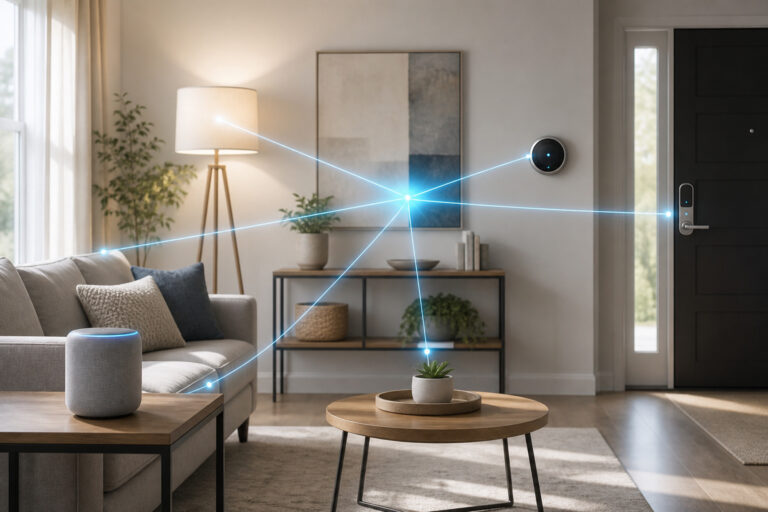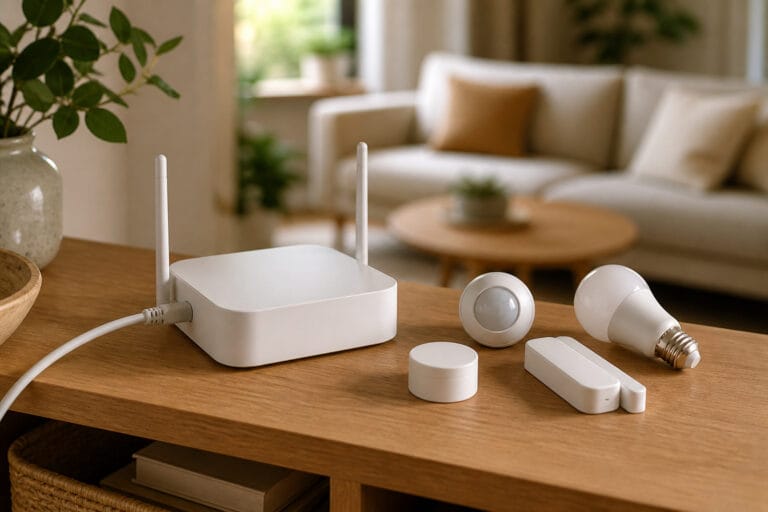
Matter, Zigbee, and Z-Wave get talked about like competing brands, but they’re not really competing for the same job. One is a wireless radio standard for battery-powered sensors. Another is a wireless radio standard built around guaranteed interoperability. The third isn’t a radio standard at all, it’s a software layer that sits on top of other networks entirely. Mixing them up is why “which protocol should I buy” ends up more confusing than it needs to be.
Here’s what each one actually does, where they overlap, and how much of this you genuinely need to think about before buying a device.
The Quick Version: What Each One Actually Is
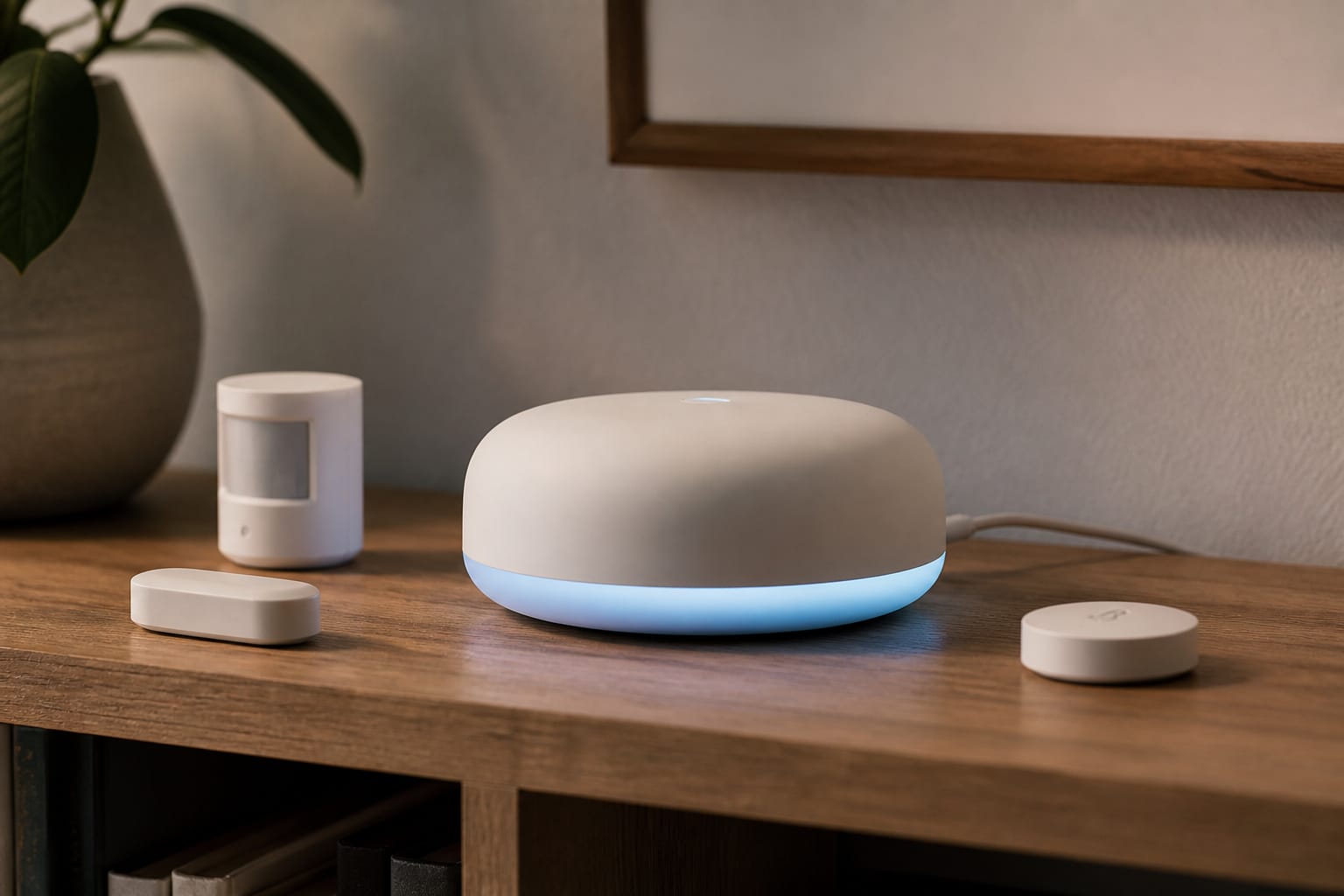
Zigbee and Z-Wave are both wireless mesh networking protocols, the radio-level language a device uses to talk to a hub and to other nearby devices of the same protocol. Both have been the backbone of professional and DIY smart homes for close to two decades, and both work entirely locally, no internet or cloud service required for basic operation, once a hub is set up.
Matter is different in kind, not just in name. It’s an application-layer standard, meaning it defines how a smart home app talks to a device once a connection already exists, and it runs on top of Thread, Wi-Fi, or Ethernet, not on Zigbee or Z-Wave’s own radios.
A Matter-certified device isn’t using a fourth competing radio protocol. It’s using one of the existing ones (usually Thread for low-power devices) with a standardized software layer that lets Alexa, Google Home, and Apple HomeKit understand it without separate custom integrations. Our explainer on what Matter actually is covers that distinction in more depth.
Recommended Products

Multi-Protocol Smart Hub with Matter Bridge – The M100 is a versatile smart hub compatible with Thread devices and Aqara Zigbee (** Not third-party Zigbee devices), supporting up to 20 Aqara Zigbee devices and 20 Thread devices. As a Matter Bridge, it connects Aqara Zigbee products to other smart home ecosystems, compatible with Apple Home, Amazon Alexa, Home Assistant, etc. Note: Use a 5V⎓0.5A power adapter (not included) and keep the product continuously powered during use.

【Matter Control for Multi-Platform Homes】Connect and manage Matter devices across Apple Home, Alexa, Google Home, and SmartThings from one central hub. Built for smoother cross-platform control and easier smart home expansion. The E1 gateway currently supports Matter-enabled devices from Yeelight. As for other brands, it currently supports only color-capable and adjustable color temperature lights.

[Multi-Protocol Hub with Matter Bridge] The matter hub M3 is a versatile hub supporting Aqara Zigbee and Thread devices. It integrates third-party devices into the Aqara Home app. Supports advanced Matter bridge functionality, enabling Aqara-exclusive scenes and signals to sync with Matter ecosystems such as Home Assistant for seamless integration. Supports up to 127 Aqara Zigbee devices (** Not third-party Zigbee devices) and 127 Thread devices (Repeaters are needed).
Zigbee vs. Z-Wave: The Older Rivalry That Still Matters
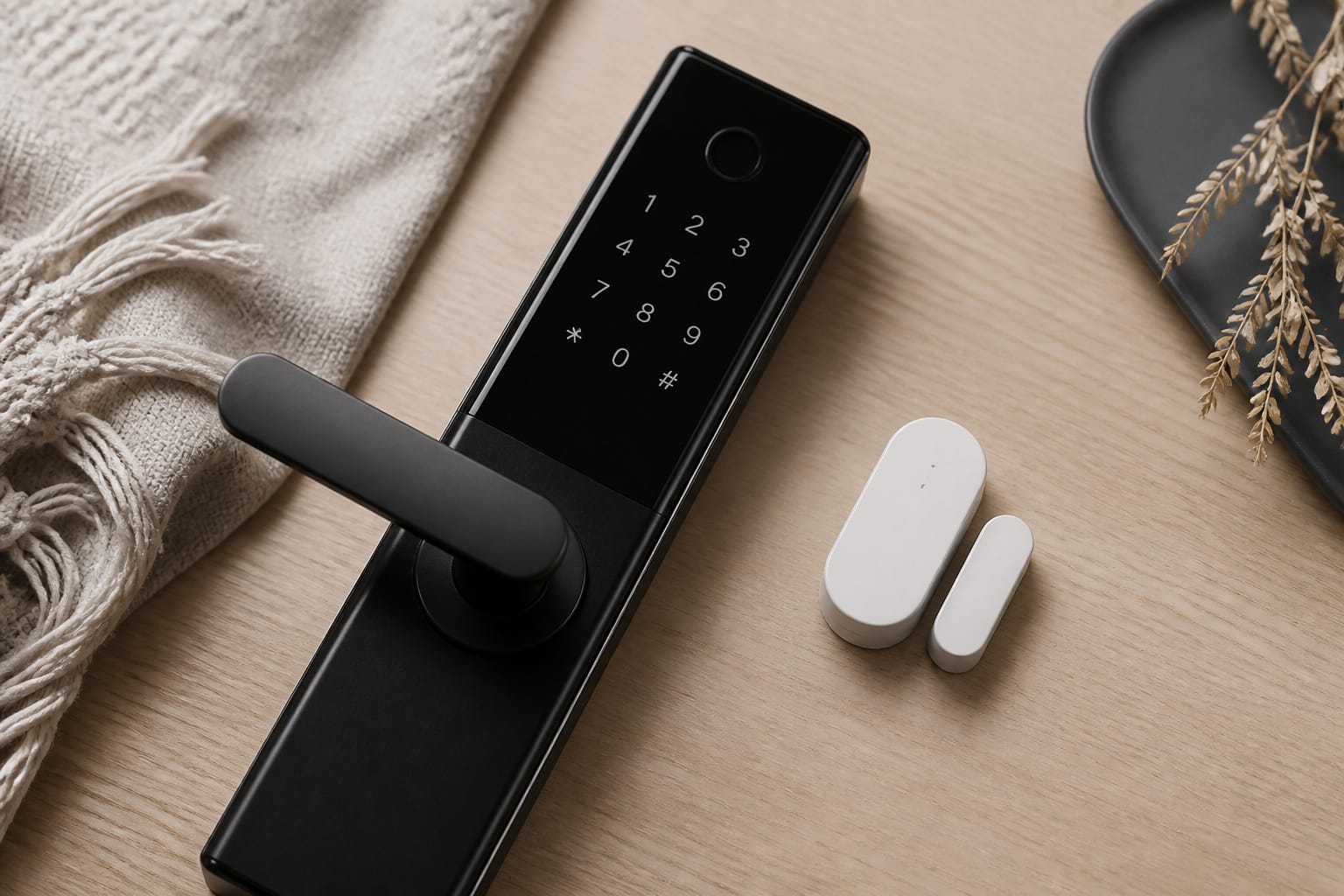
Zigbee operates on the 2.4GHz band, the same frequency used by Wi-Fi and Bluetooth, which gives it decent throughput but means it can pick up interference in a home dense with other 2.4GHz devices. Z-Wave uses a dedicated sub-1GHz band (908MHz in the US), a frequency nothing else in a typical home is competing for, which tends to mean more consistent performance and better penetration through walls and floors, especially useful in larger or multi-story homes.
The bigger practical difference is certification. Z-Wave is a single-vendor-maintained standard (owned by Silicon Labs, governed by the Z-Wave Alliance) with strict, mandatory interoperability testing; if a device carries the Z-Wave logo, it’s genuinely guaranteed to work with any Z-Wave hub, regardless of manufacturer.
Zigbee is an open standard maintained by the Connectivity Standards Alliance with a much larger and cheaper device ecosystem. Historically, looser enforcement meant some manufacturers (Philips Hue and IKEA being well-known examples) built their own Zigbee implementations that work best, or only, with their own hub.
Zigbee 3.0, now the baseline for current devices, improved this, but it’s still worth checking a specific device’s compatibility list rather than assuming any Zigbee hub works with any Zigbee device.
In practice, Zigbee tends to dominate sensors, bulbs, and plugs, categories where dozens of affordable options exist. Z-Wave shows up more often in locks, switches, and thermostats, categories where the interoperability guarantee and better wall-penetration matter more than having the cheapest option on the shelf.
Neither talks to the other directly; a hub or controller that explicitly supports both (several mainstream hubs do) is required to run them side by side in one home.
Recommended Products

CONVENIENT KEYLESS ENTRY: Touchscreen entry makes coming and going secure and simple. Easily lock and unlock your door without having to take out your keys
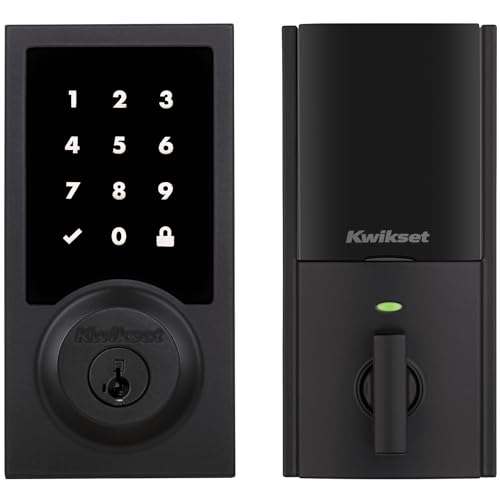
CONVENIENT KEYLESS ENTRY: Touchscreen entry makes coming and going secure and simple. Easily lock and unlock your door without having to take out your keys

Smart Security Powered by Z-Wave: Works with Alarm.com, Home Assistant, SmartThings. Connect your lock to a compatible Z-Wave hub to unlock the full smart home experience. Remotely lock and unlock your door, manage user codes, receive real-time activity alerts, and create automations with compatible security systems, lights, sensors, and other Z-Wave devices. With reliable long-range connectivity and seamless integration, it's a smarter way to secure and manage your home. 𝗥𝗲𝗾𝘂𝗶𝗿𝗲𝘀 𝗰𝗼𝗺𝗽𝗮𝘁𝗶𝗯𝗹𝗲 𝗭-𝗪𝗮𝘃𝗲 𝗵𝘂𝗯𝘀
Where Matter Actually Fits (and What It Doesn’t Replace)
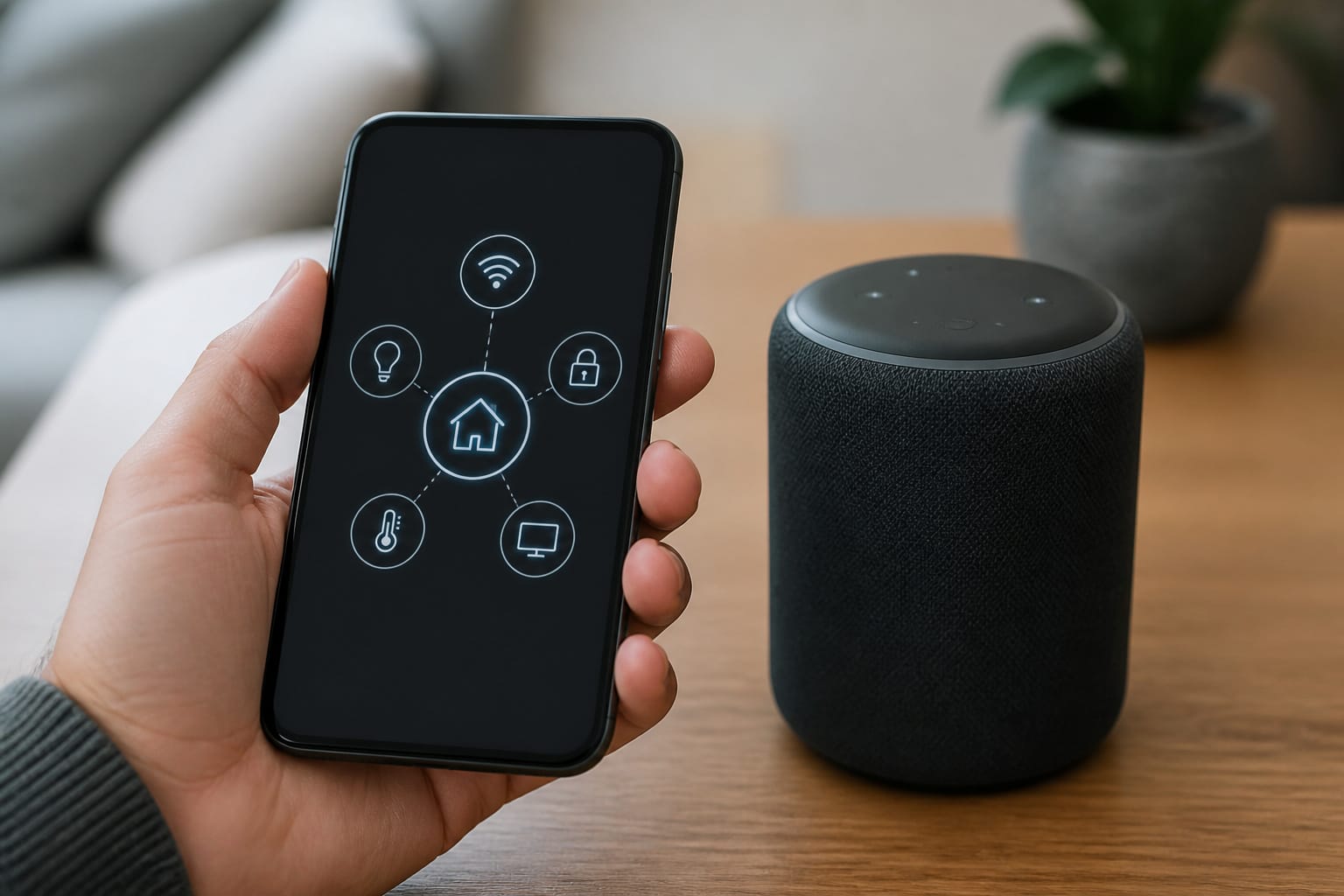
Matter doesn’t replace Zigbee or Z-Wave, and it isn’t trying to. Matter replaces the old requirement to check whether a specific device works with your specific voice assistant before buying. A Matter-certified device (most commonly running over Thread, a newer low-power mesh protocol built for exactly this purpose) works with Alexa, Google Home, and Apple HomeKit without a manufacturer-specific app or a separate skill or integration for each platform.
The gap worth knowing: many existing Zigbee and Z-Wave devices are not Matter devices and won’t magically become one. Some hub manufacturers have added a Matter “bridge” that exposes existing Zigbee or Z-Wave devices to Matter-based apps, which is a genuinely useful workaround. It means that an older device’s Matter compatibility often depends on the specific hub it’s paired with, not the device itself.
Specialty categories like irrigation controllers, garage door openers, and advanced sensors are also still thin on native Matter options as of 2026, so Zigbee or Z-Wave remains the more realistic choice in those categories specifically. Our breakdown of when a hub is actually worth adding covers how to think about the hub side of this decision.
Recommended Products


[Multi-Protocol Hub with Matter Bridge] The Aqara Hub M200 is a versatile smart hub that supports multiple advanced features, acting as a Matter Controller, Thread Border Router, and Matter Bridge. It integrates third-party devices into the Aqara Home app. With advanced Matter bridging functionality, it syncs Aqara-exclusive features with ecosystems like Home Assistant, Apple HomeKit, Alexa, and Google Home for seamless integration. Supports up to 40 Aqara Zigbee devices and 40 Thread devices.

【Matter: All-Round Compatibility】With Matter, users are no longer tied to specific platforms and works with all certified smart home platforms, such as Apple Home, Amazon Alexa, Google Home and Samsung SmartThings. You can control all your smart home devices from a single app, reducing the need for multiple apps for different devices.
Range, Speed, and Interference: What the Numbers Mean at Home
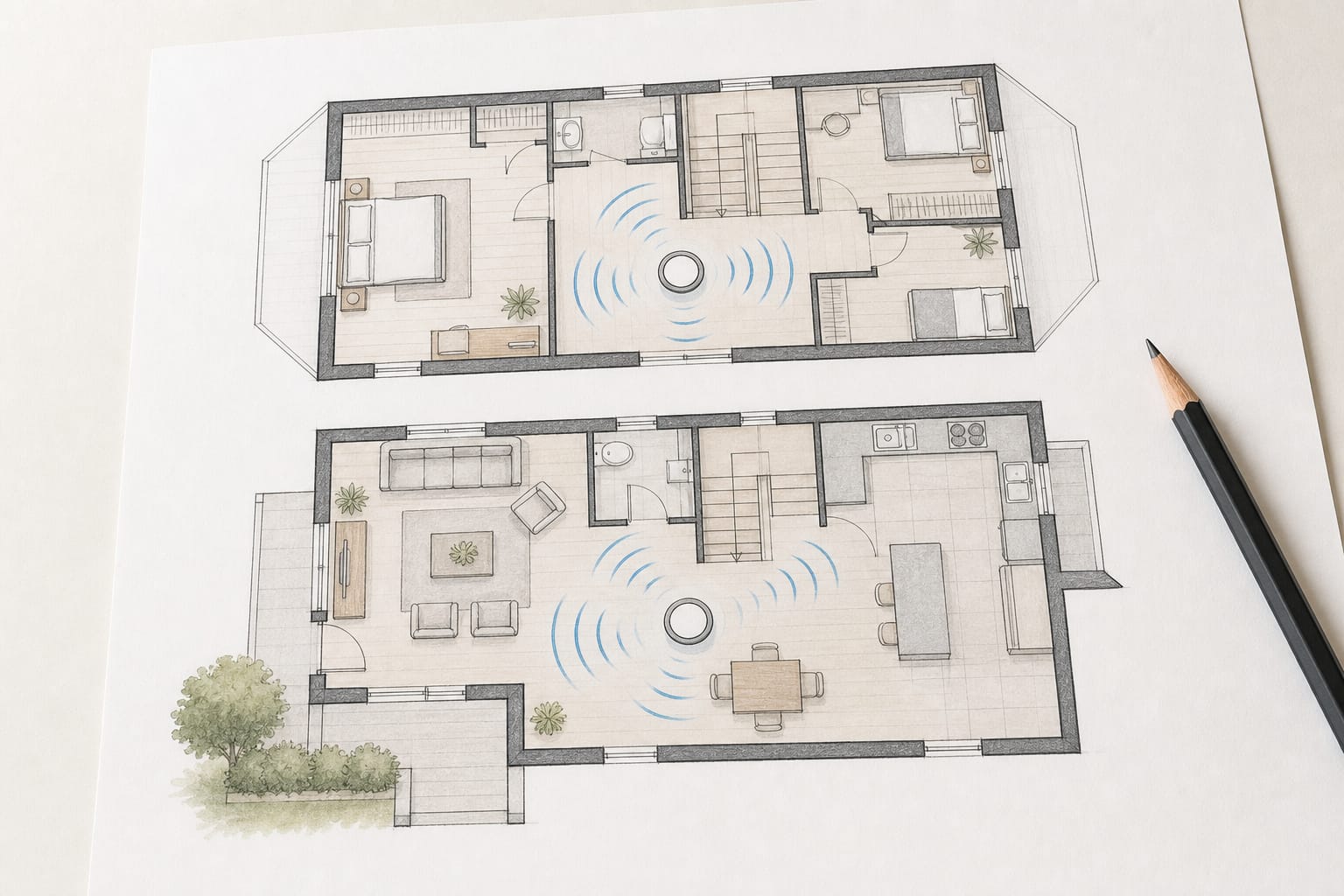
On paper, Z-Wave’s single-hop range (up to roughly 100 feet in open air) beats Zigbee’s (commonly cited around 35 feet), and its lower frequency travels through walls and floors more reliably.
In practice, both are mesh networks, meaning every mains-powered device on the network can act as a repeater for the others, so real-world coverage depends far more on how many repeating devices you have spread through the house than on either protocol’s theoretical single-hop range.
A home with a dozen Zigbee bulbs and plugs, each relaying for its neighbors, often ends up with better effective coverage than the raw spec numbers suggest.
Zigbee’s shared 2.4GHz band with Wi-Fi and Bluetooth can introduce interference in a crowded home, occasionally causing sluggish response or dropped commands for devices that are positioned close to a router.
Z-Wave’s dedicated frequency sidesteps that specific problem entirely, which is part of why it’s historically been favored for security-adjacent devices like locks, where a missed command matters more than in a light bulb. Z-Wave Long Range, a newer extension of the standard, pushes range to roughly a mile in ideal conditions, aimed more at larger properties than a typical single-family home.
Recommended Products

WIRELESS ZWAVE REPEATER- Amplifies and repeats weak signals boosting the range and reliability of weak Z-Wave / Z-wave Plus devices. 250% further wireless range

[Reliable Z-Wave 800 Series] This z wave plug has built-in a 800 series chip. This 800 series zwave plug has better signal coverage than ever, and faster communication, with S2 authenticated security and SmartStart for effortless pairing. Extend the wireless coverage up to 1300ft if your hub supports Long Range

READ BEFORE YOU BUY: The Z-Wave stick is for advanced users only, NOT for beginners. You must be comfortable with programming and have expert computer and Z-Wave knowledge to use this device. NVM back-up from 500 or 700 series Z-Wave sticks will brick the device. Do NOT apply NVM backups or firmware updates published outside of the Zooz support portal to avoid bricking the stick and voiding its warranty.
Does the Protocol Even Matter If You Buy the Right Hub?
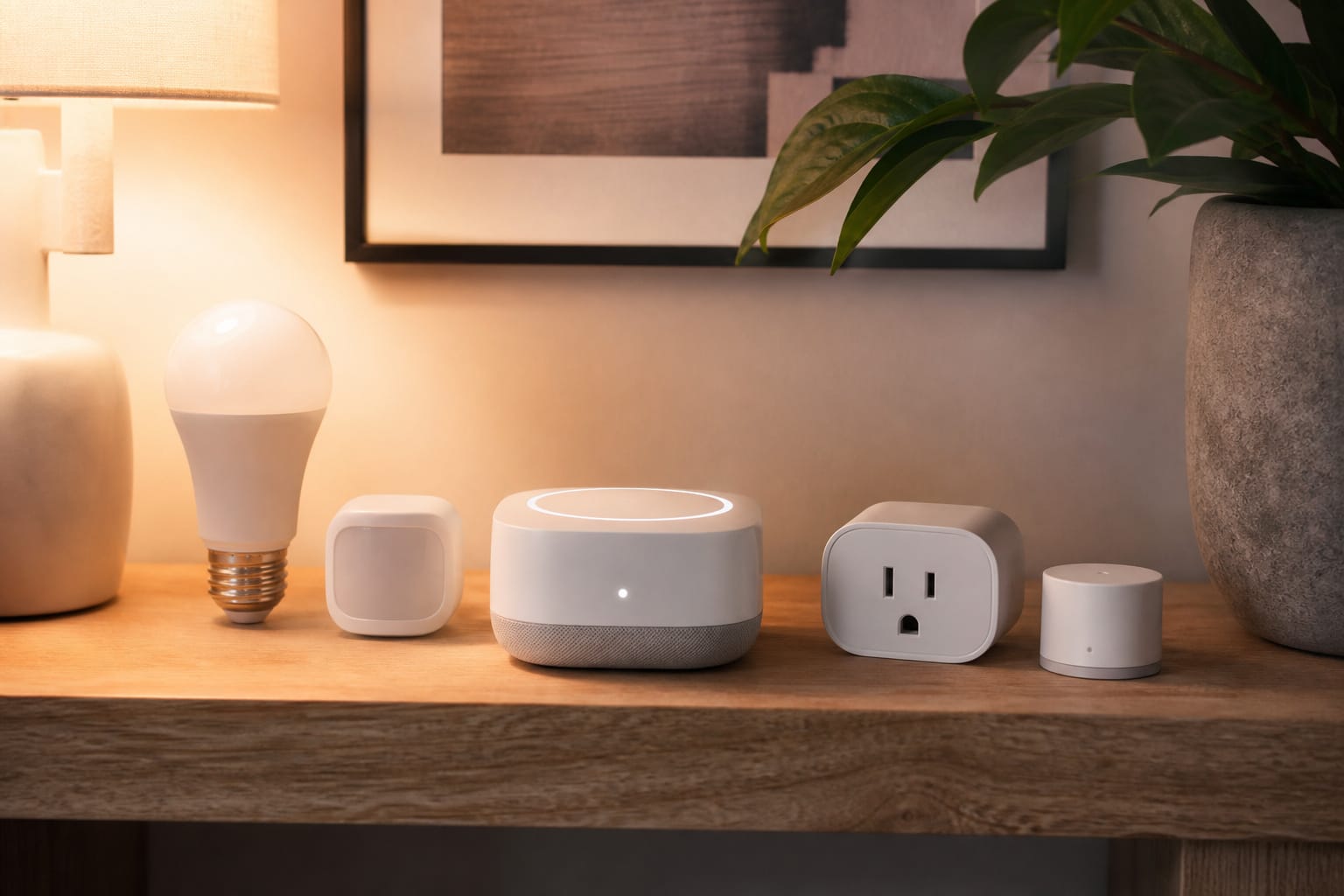
For a lot of households, the honest answer is no, not directly. A hub that supports Zigbee, Z-Wave, and Matter/Thread simultaneously means the underlying protocol is now an internal detail rather than something you have to manage (several current mainstream hubs already do this). You buy the device that fits the room and the budget, and the hub handles translating it into something your voice assistant and automations understand.
Where it still matters directly is at the edge cases: a device in a detached garage or a far corner of a large property where Z-Wave’s range and wall penetration genuinely help, a security device where Zigbee’s shared-frequency interference is a real concern, or a specialty category where Matter support doesn’t exist yet, and you’re choosing between Zigbee and Z-Wave options directly.
If you’re mixing devices across brands and protocols in one household, our guide to what actually works together across brands covers where that gets genuinely messy versus where a good hub smooths it over.
Recommended Products

[Updated 800 Series Z-Wave Chip] This 800 series zwave plug has better signal coverage than ever, and faster communication, with S2 authenticated security and SmartStart for effortless pairing. Extend the wireless coverage up to 1300ft if your hub supports Long Range.

Z-WAVE CONTROL: Add Z-Wave to your lamps or small appliances and enjoy the convenience of scheduling and smart rules for an elevated daily routine (up to 15 A resistive load; no dimming control); Z-Wave hub required (sold separately); scroll down for compatibility.

VOICE CONTROL – ALEXA & GOOGLE ASSISTANT COMPATIBLE (requires a Z-Wave certified hub). Works with the following Z-Wave certified hubs: SmartThings, Ring Alarm, Wink, ADT Pulse, ADT Command, Trane, Vivint, Nexia, Honeywell, HomeSeer, Vera and more.
So Which One Should You Actually Care About?
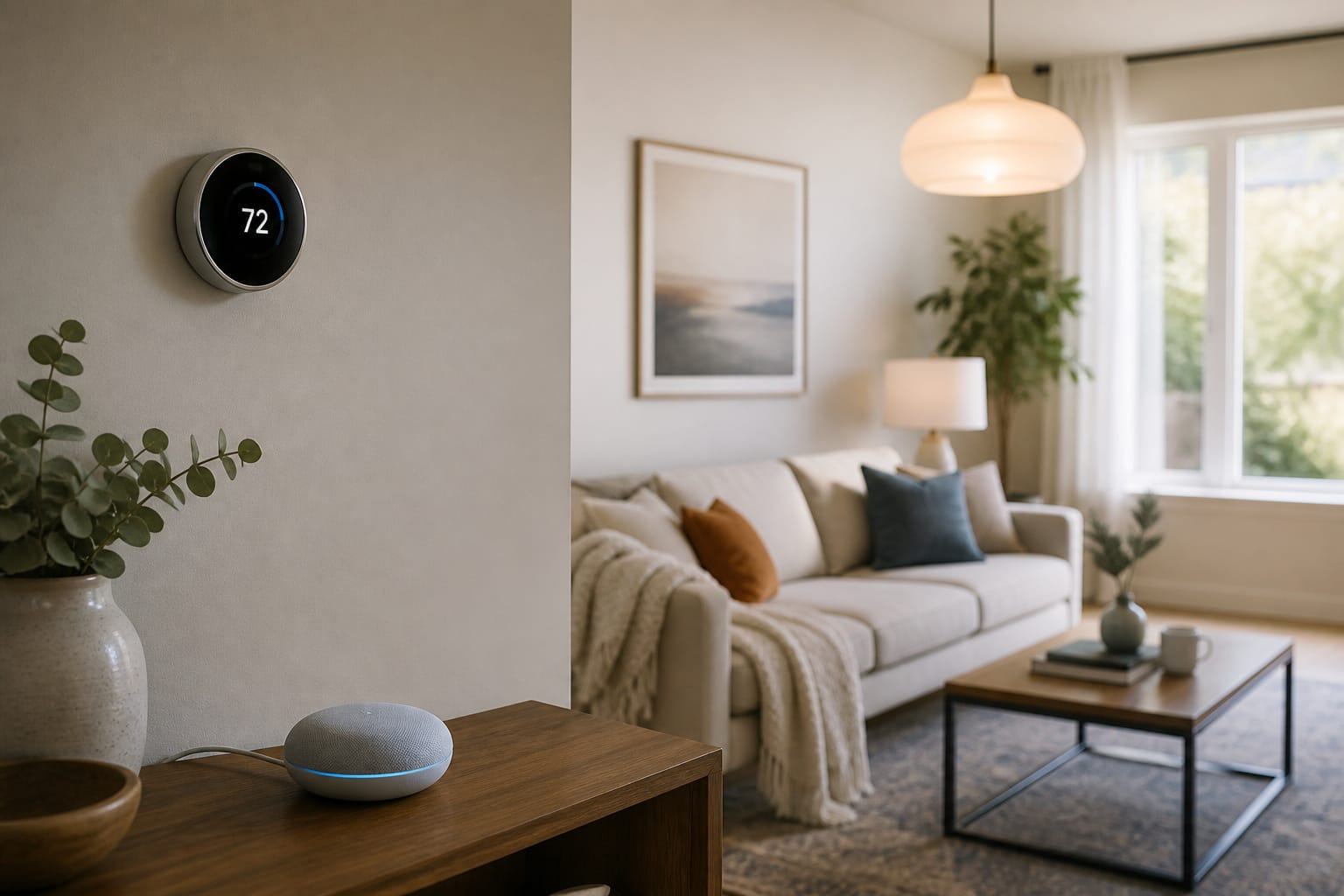
For most starter purchases, like plugs, bulbs, and basic sensors, the protocol matters less than whether the device works with the ecosystem and hub you’ve already committed to. Our starter kit guide and smart plug breakdown cover that decision without a protocol deep-dive first.
For a lock, a whole-home lighting system, or anything in a larger or multi-story house, it’s worth checking specifically whether Z-Wave’s range and interference resistance matter for your layout, or whether Zigbee’s larger, cheaper device selection wins out for a smaller space.
And for anything you’re buying today with an eye toward cross-ecosystem compatibility down the road, checking for a Matter badge remains the simplest single thing to look for, regardless of which radio protocol sits underneath it.
Frequently Asked Questions
Is Matter a replacement for Zigbee and Z-Wave?
No. Matter is a software layer that runs on top of Thread, Wi-Fi, or Ethernet, not a competing radio protocol to Zigbee or Z-Wave. It solves a different problem: cross-ecosystem compatibility with Alexa, Google Home, and Apple HomeKit, rather than the mesh-networking job Zigbee and Z-Wave handle. Existing Zigbee and Z-Wave devices don’t automatically become Matter devices; some hubs bridge them into Matter, but the underlying protocol doesn’t change.
Can Zigbee and Z-Wave devices work on the same network?
Not directly, because they’re incompatible radio protocols. Several mainstream smart home hubs support both simultaneously, acting as a translator so devices on each protocol can still be controlled from one app and included in the same automations, even though they’re not talking to each other at the radio level.
Which is better for a large house, Zigbee or Z-Wave?
Z-Wave tends to have an edge in larger or multi-story homes, since its lower frequency travels through walls and floors more reliably and doesn’t compete with Wi-Fi for bandwidth. Zigbee can offset this somewhat with a dense mesh of repeating devices, but in a genuinely large property, Z-Wave’s range advantage is usually the more dependable choice.
Why do Philips Hue and IKEA devices sometimes need their own hub even though they’re Zigbee?
Because Zigbee’s certification has historically been looser than Z-Wave’s, some manufacturers built their own implementations of the standard that work best, or only, with their own hub. Zigbee 3.0, now the baseline for current devices, improved cross-brand compatibility significantly, but it’s still worth checking a specific device’s stated compatibility rather than assuming any Zigbee hub works with any Zigbee device.
Do I need to know any of this if I only buy a smart plug or bulb?
Usually not. For basic starter devices, checking whether it works with your existing ecosystem or hub matters far more than knowing the underlying protocol. This comparison matters more when you’re choosing a hub, planning a whole-home system, or buying in a category (like locks or thermostats) where the protocol differences have a real, noticeable effect on reliability.