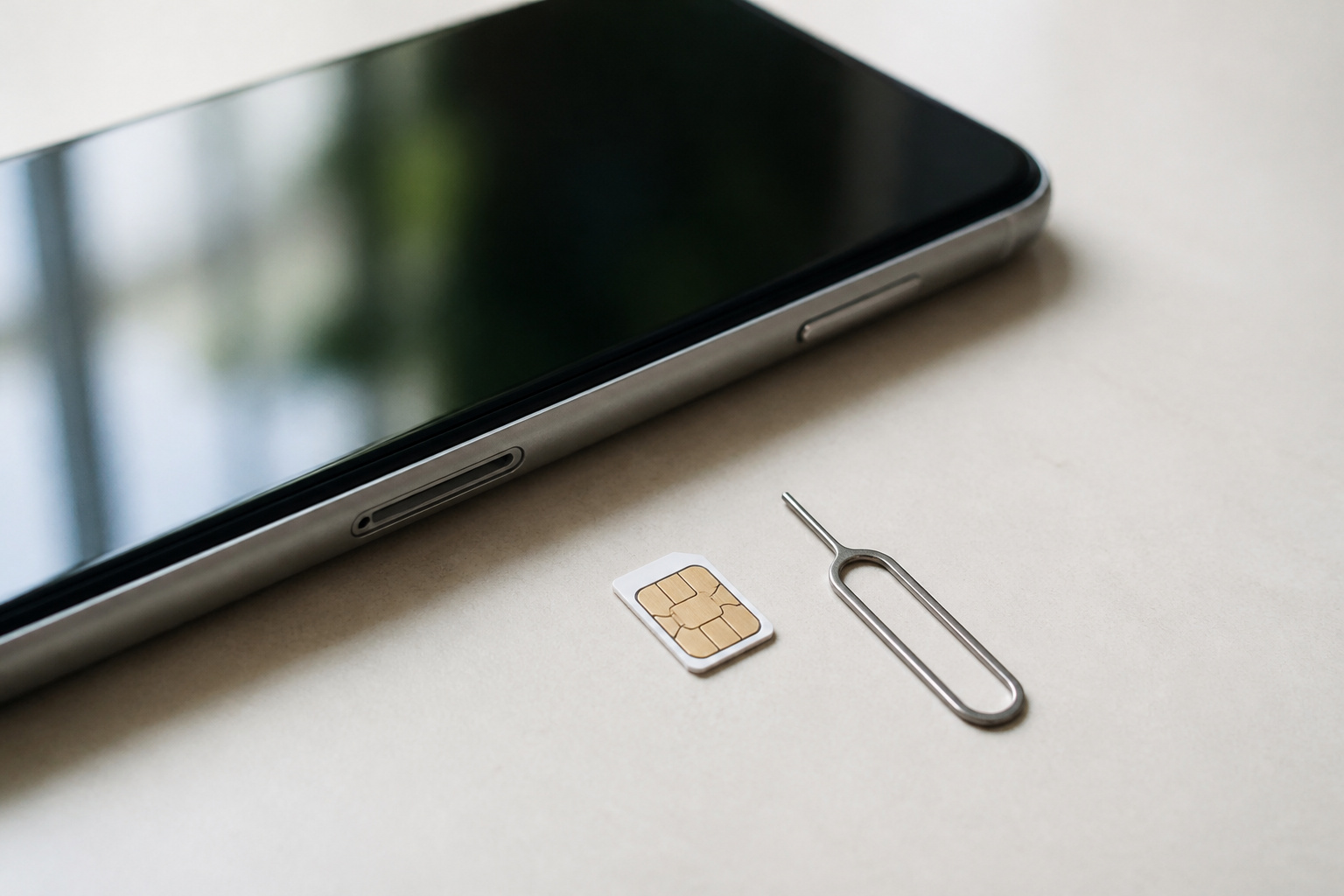
An eSIM and a physical SIM card do the same job: they tell your carrier which phone number and plan belong to your phone. The difference is where that identity lives. A physical SIM is a small card you can pull out and move. An eSIM is built into the phone, and your carrier sends the plan to it digitally.
For many people the choice is already made, because some phones no longer have a SIM tray. For everyone else, it comes down to how often you switch phones, whether you travel, and how comfortable you are calling your carrier when something goes wrong. This guide covers each of those cases.
What Is an eSIM and How Is It Different From a SIM Card?
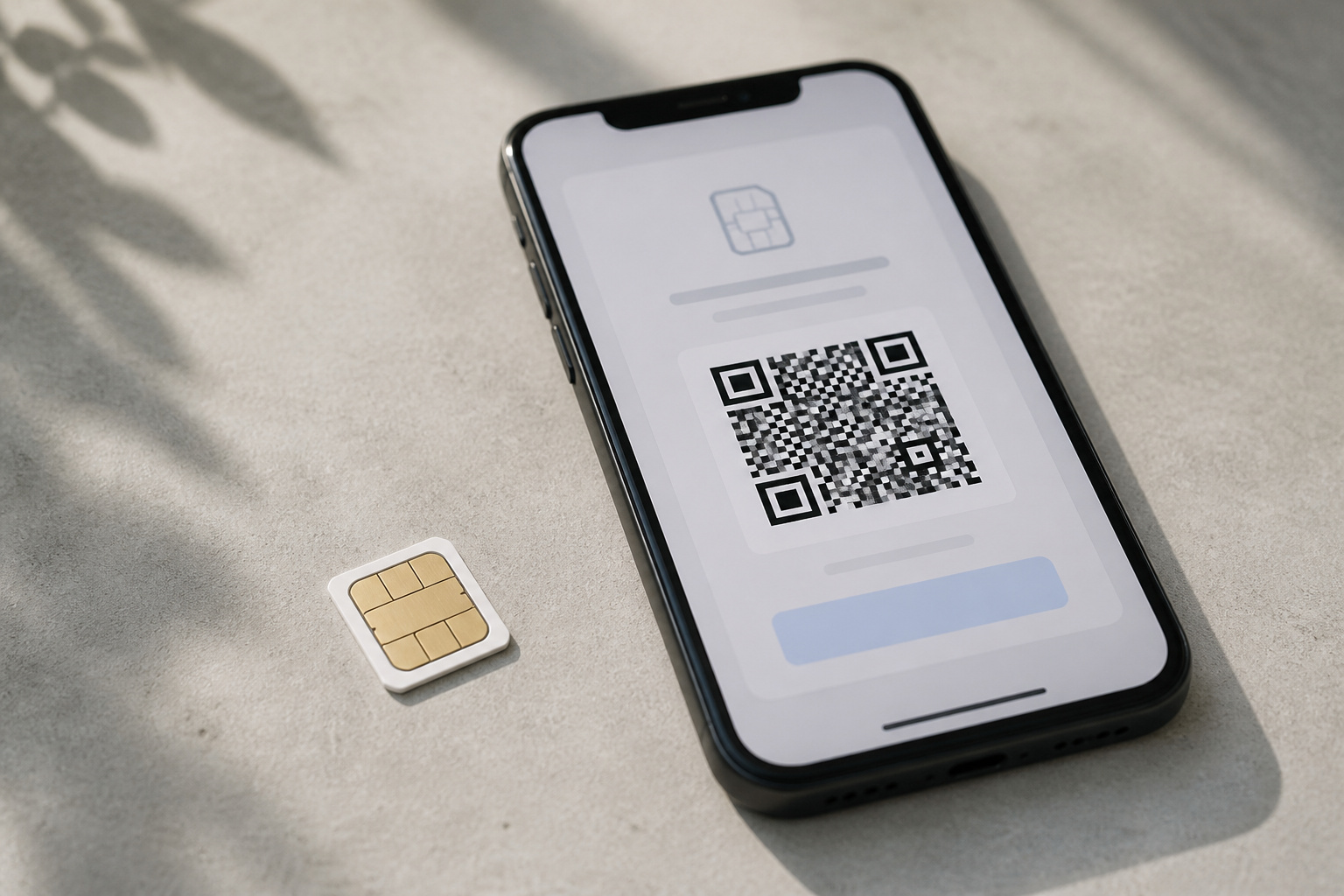
An eSIM is a chip soldered into the phone at the factory. Instead of inserting a card, you download a plan profile from your carrier, usually by scanning a QR code, tapping a carrier link, using the carrier’s app, or accepting a prompt on the phone. Deleting an eSIM profile from the phone doesn’t cancel your plan. It only removes that copy from the device.
Neither type changes your signal. Antenna quality, carrier coverage, and where you are standing matter far more than which kind of SIM you use.
Which Phones Support eSIM?
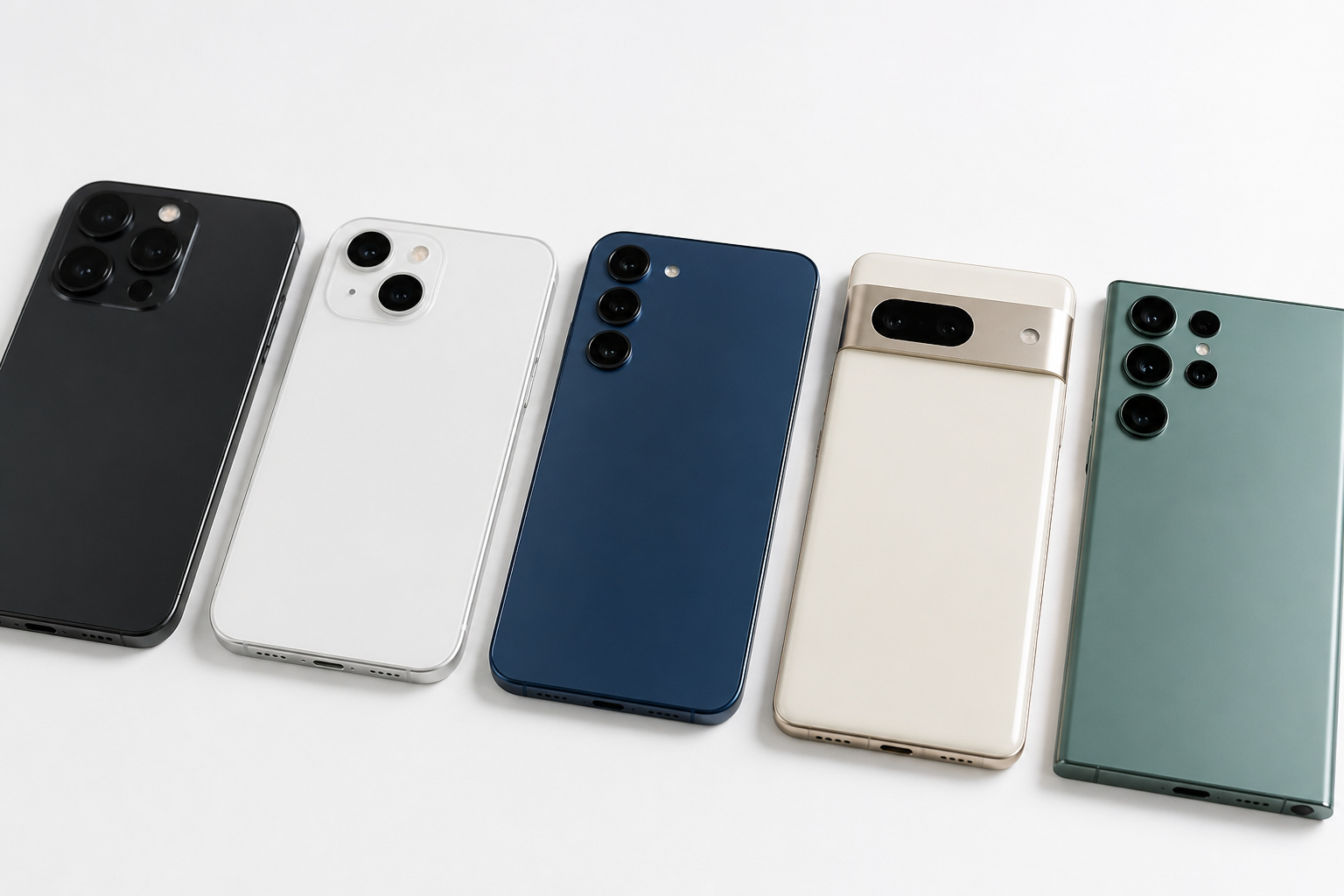
Most recent phones do. On the iPhone side, Apple lists support from the iPhone XS and XR onward, and your carrier must also support eSIM. In the US, newer iPhones starting with the iPhone 14 are sold without a physical SIM tray, so an eSIM is your only option. Many current Android phones, including Pixel and Samsung models, support eSIM too, though availability can vary by region and carrier.
Older phones and some budget models only take a physical SIM. Phones also need to be carrier-unlocked to take an eSIM from a different carrier. Our iPhone buying guide and Android phone buying guide explain how to shop by model. Cellular smartwatches use the same technology, which our smartwatch buying guide touches on.
Is an eSIM Easier or Harder When You Switch Phones?
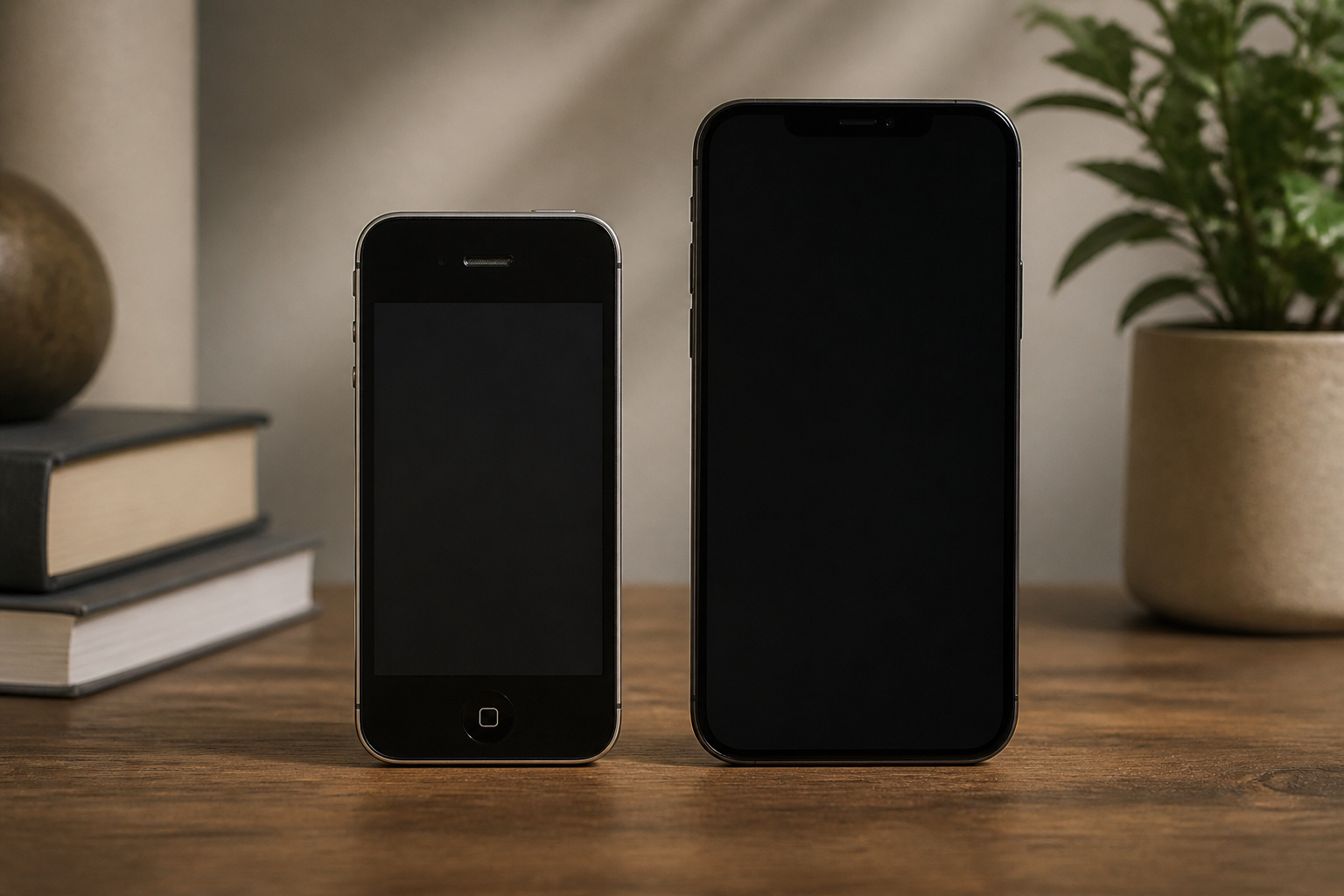
This is where a physical SIM still wins. To move a card, you eject it from the old phone and slide it into the new one. An eSIM transfer depends on your carrier and on which two phones are involved.
Between two iPhones, eSIM Quick Transfer can move your line over Bluetooth without a QR code. Both phones need to be nearby, signed in, and running recent software, and your carrier has to support it. Between Android and iPhone, or between two Android phones, you usually ask your carrier to reissue the eSIM with a new QR code. Those codes are typically single-use, so if you need to move the line again, you request another one.
Before you wipe the old phone, test the new line with a call or a page, loaded over cellular. After a factory reset, you may need your carrier to reactivate the eSIM.
Recommended Products

No Catch: Enjoy the Unlimited Plan for just $22 mo forever. No annual contract, no hidden fees, and no changes to your bill.

🚀 𝗛𝗼𝘄 𝗜𝘁 𝗪𝗼𝗿𝗸𝘀: Receive your SIM card and buy your plan during activation! Activate your service quickly and easily.
Is an eSIM Better for Travel?
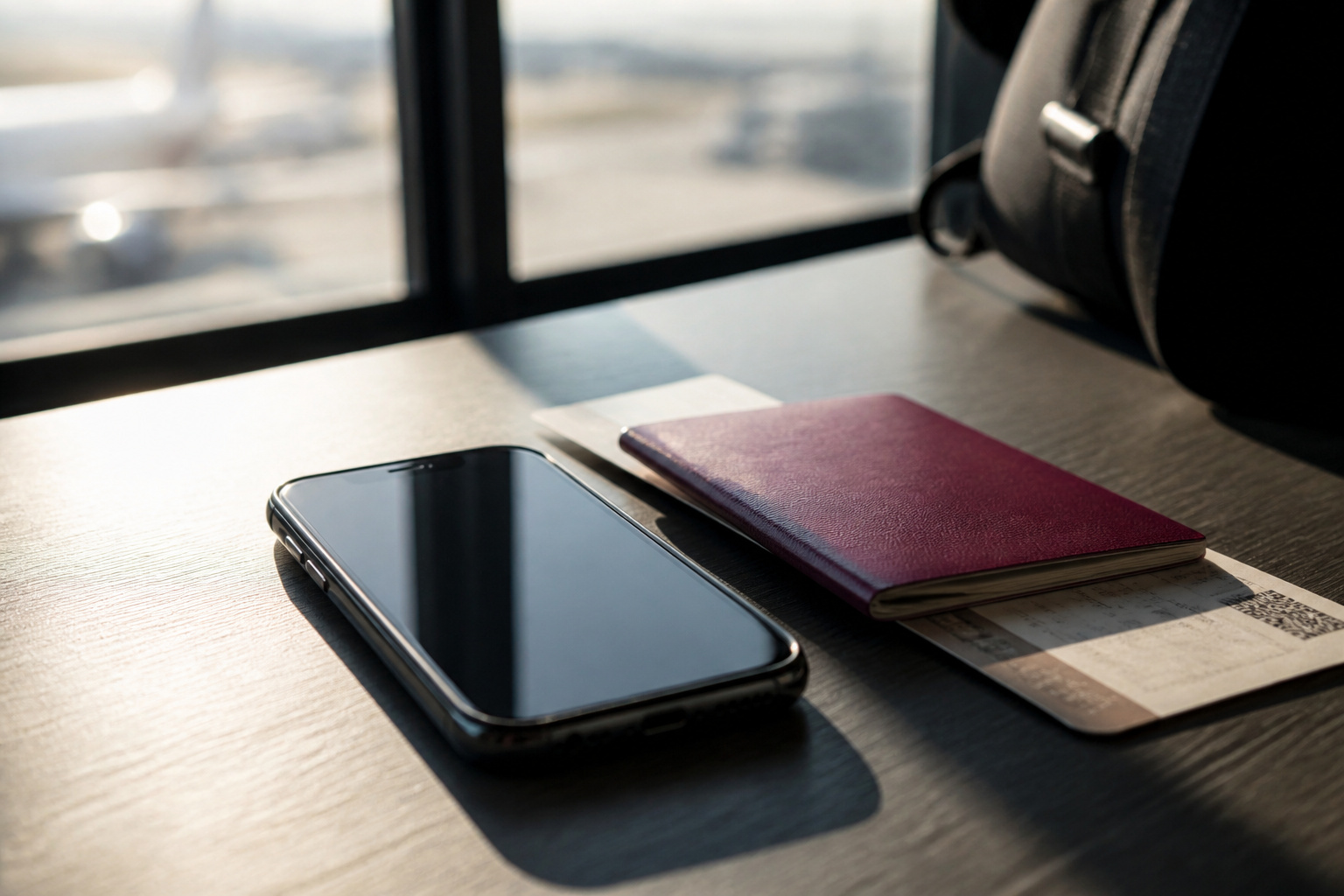
Often, yes. With an eSIM, you can add a local or regional data plan before you leave or after you land, without hunting for a shop that sells SIM cards. Travel eSIM providers sell country and regional data plans, and these can cost less than roaming on your home carrier. Your home line stays on the phone, so you can keep receiving calls and texts on your usual number.
With a physical SIM, you can buy a local card and swap it in, but that takes time, and you have to keep your home SIM safe while it is out of the phone. Check that your phone is unlocked before you travel, since a locked phone will not accept a plan from another provider.
Recommended Products

Before purchasing, ensure your phone is eSIM-compatible and unlocked to avoid any issues. This eSIM is perfect for travelers who want a seamless data solution without the hassle of physical SIM cards.

Local Europe eSIM Plan - 25GB of high-speed data valid for 15 days for use while traveling in supported European countries.

Enjoy seamless travel connectivity with instant eSIM activation. No physical SIM card needed—just quick, easy setup anywhere you go. Install once and stay connected globally without roaming fees or swapping SIM cards.
Can You Use Two Lines on One Phone?

Yes, and eSIM makes it easier. A phone with one physical slot and eSIM support can run two lines at once, for example, a personal number and a work number, or your home plan and a travel data plan. Many phones can store several eSIM profiles, but only a limited number can be active at once. You can switch between them in your settings.
A phone with only physical SIM slots is limited to the number of slots it has, typically one or two.
Recommended Products

2G bands GSM 850 / 900 / 1800 / 1900 3G bands HSDPA 850 / 900 / 1700(AWS) / 1900 / 2100 4G bands 1, 2, 3, 4, 5, 7, 8, 12, 13, 17, 20, 26, 28, 32, 38, 40, 41, 66 5G bands 1, 3, 5, 7, 8, 20, 26, 28, 38, 40, 41, 66, 71, 77, 78 SA/NSA

Compatibility: Compatible with T-Mobile, Metro, Mint, Ultra, and Ting. If your carrier is not listed, please confirm compatibility with your preferred carrier. This device is not compatible with networks like AT&T, Cricket, Verizon, or Tracfone and does not include a SIM card.

USA Buyers: Not Compatible with Verizon, Sprint, Boost, ATT, Cricket, Visible, Xfinity, US Cellular. USA Buyers: It is Compatible with Tmobile, Mint, Tello, Metro, Ultra. Rest of the World: Works Worlwide on all Carriers.
Is an eSIM More Secure Than a Physical SIM?
It is a little harder to steal, but not immune to fraud. A thief cannot pull an eSIM out of a stolen phone and put it in another one, and many carriers let you disable the line quickly from an app or account page. A physical SIM can be removed from a lost or stolen phone and used elsewhere unless it’s protected with a PIN.
Both types are vulnerable to SIM swap and port-out fraud, in which someone convinces a carrier to move your number to their device. The best protection for either is a PIN or passcode on your carrier account, along with strong two-factor authentication on your important accounts. Security features vary by carrier, so ask what yours offers.
Recommended Products

MAKE A STATEMENT: Embrace understated with our small but mighty rectangular pin. Perfectly sized for lapels, collars, hats, lanyards, jackets, backpacks and handbags, this pin is the ideal accessory for that special event or occasion.

From Our Collection to Yours: Protect and display your FiGPiNs with pride. Our premium FiGPiN Protectors are designed to be the best FiGPiN Protectors on the market

Protection: The screen protector keeps the screen of you Pocketalk portable translator shiny and bright while protecting from scratches and dings.
What Happens If Your Phone Breaks or Gets Lost?
With a physical SIM, a dead phone doesn’t mean a dead number. You can pop the card into a spare phone and carry on. With an eSIM, the plan is tied to the device it was installed on, so if your phone breaks or is lost, you’ll need to contact your carrier to have the eSIM reissued on a replacement.
That is rarely a big problem, since carriers let you handle it at a store, in an app, or through a support line. You will need to prove your identity, though, and the process can be slower if you are traveling or far from a store. If you rely on your phone for work or emergencies, keep your carrier’s support number and account PIN somewhere that does not depend on the phone.
Should You Use an eSIM or a Physical SIM?
| Situation | eSIM | Physical SIM |
|---|---|---|
| Switching phones | Depends on your carrier, and iPhone to iPhone is easiest | Swap the card in seconds |
| Traveling abroad | Add a local data plan without a shop visit | Buy a local card and swap it in |
| Two lines on one phone | Easy, even with one slot | Limited to the number of slots |
| Lost or stolen phone | Cannot be removed from the phone | Can be removed and reused |
| Broken phone | Carrier must reissue the plan | Move the card to another phone |
| Older or unlocked phones | Needs a supported, usually unlocked phone | Works in any phone with a slot |
If your phone has no SIM tray, the decision is already made, and an eSIM works fine. If your phone supports both, choose an eSIM if you travel often, want two lines, or value the extra protection against theft. Choose a physical SIM if you swap phones often, share a spare phone, or like having a backup that doesn’t depend on your carrier.
Recommended Products

UNLIMITED DATA: Roam without fear of running out of data in 36 countries including the Austria, Belgium, Bulgaria, Croatia, Cyprus, Czech Republic, Denmark, Estonia, Finland, France, Germany, Greece, Hungary, Iceland, Ireland, Israel, Italy, Latvia, Liechtenstein, Lithuania, Luxembourg, Malta, Montenegro, Netherlands, Norway, Poland, Portugal, Romania, Russia, Slovakia, Slovenia, Spain, Sweden, Switzerland, Ukraine, and United Kingdom. Use the hotspot to share data across devices.


Enjoy seamless travel connectivity with instant eSIM activation. No physical SIM card needed—just quick, easy setup anywhere you go. Install once and stay connected globally without roaming fees or swapping SIM cards.
Frequently Asked Questions
Can I switch from a physical SIM to an eSIM?
Usually yes, if your phone and carrier support it. Many carriers offer a convert option in their app or in your phone’s cellular settings. If it does not appear, ask your carrier to issue an eSIM for your phone.
Can I use an eSIM and a physical SIM at the same time?
On phones that have both a SIM slot and eSIM support, yes. This is a common way to keep your main number on a physical SIM while adding a local data plan on an eSIM when you travel.
Does an eSIM work without Wi-Fi?
Once it is installed, an eSIM uses the cellular network like any other SIM. Activation normally needs Wi-Fi or another internet connection, so set it up before you head somewhere without a connection.
Does an eSIM change my phone number or plan?
No. Your number and plan stay with your carrier account. An eSIM is just a different way of delivering them to the phone.
What should I do before trading in or selling a phone with an eSIM?
Move your line to the new phone first and confirm it works. Then erase the old phone and remove the eSIM profile from it. Keep your carrier’s account PIN handy in case you need help reactivating a line.
Closing Thoughts
An eSIM is the better fit if you travel, want two lines, or already own a phone without a SIM tray. A physical SIM is the simpler fit if you swap phones often or want a backup that works without your carrier. Either way, make sure your phone is unlocked and that your carrier supports the option you want before you switch.