Android phone lineups turn over every year, so a list of the “best” models is out of date within months. The questions that decide whether a phone suits you stay the same: how long it will be supported, how good the screen and battery are, whether it works well on your carrier, and how much you should spend for the features you will actually use.
This guide walks through those decisions in order, so you can narrow the field before you compare specific models. If you are also shopping for accessories, our guides to power banks and smartwatches cover what pairs well with a new phone.
Software Updates: The Spec That Decides How Long a Phone Lasts
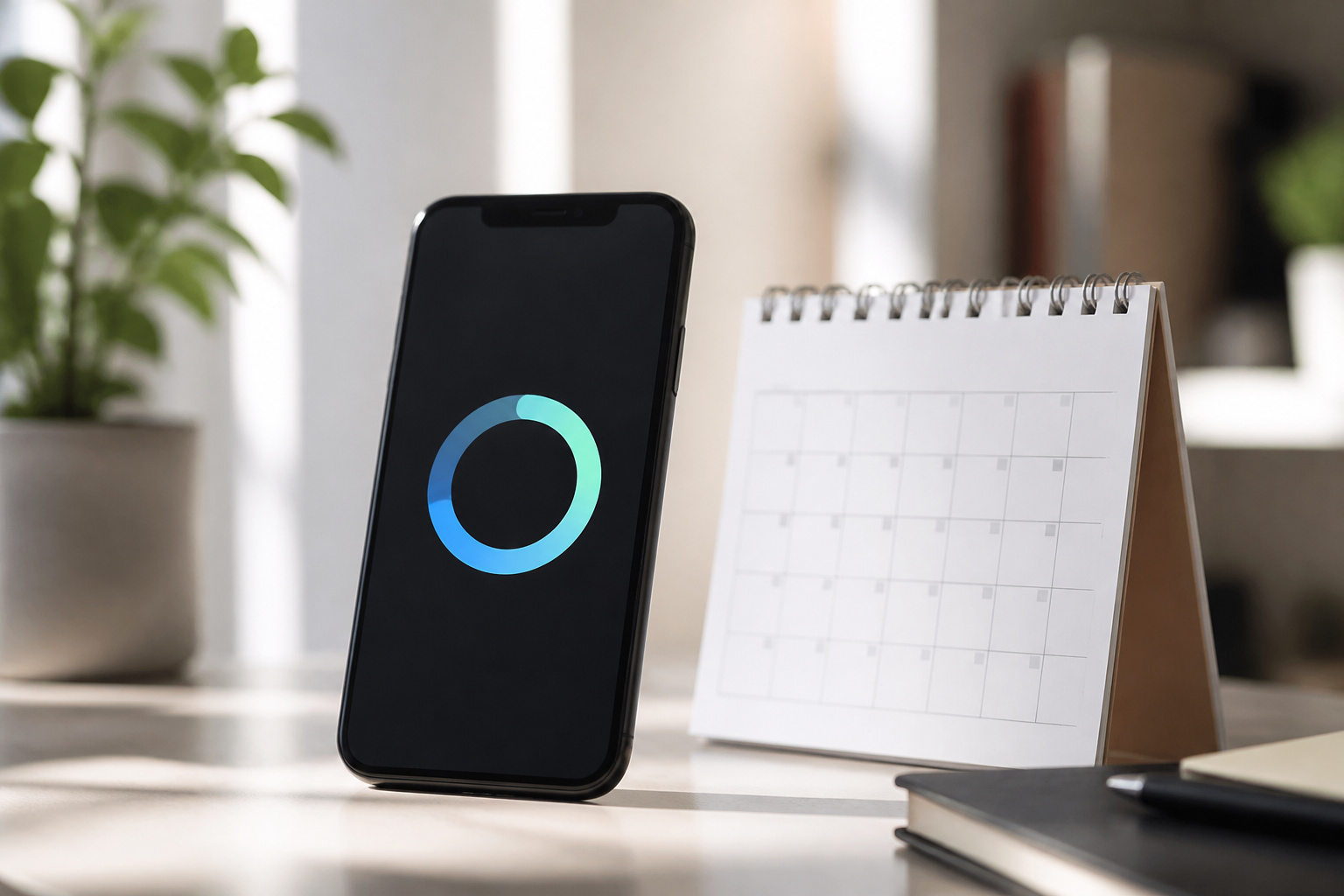
A phone with fast hardware and a short update promise ages worse than a modest phone with a long one. Updates deliver security patches and new Android versions, and keep banking apps and other services working as the years pass. Support windows have grown a lot, but still differ widely between brands.
Tom’s Guide compared current policies in May 2026. Google supports the Pixel 10 series for seven years, and Samsung supports Galaxy S flagships such as the S26 for seven years of Android upgrades and security patches. Samsung’s midrange Galaxy A57 gets six. Motorola’s top Signature phone gets seven years, while OnePlus 15 gets four Android upgrades and six years of security patches, and the Nothing Phone 4a Pro gets three upgrades and six years of patches.
| Brand and model | Android upgrades | Security patches |
|---|---|---|
| Google Pixel 10 series | Seven years of support overall | Seven years |
| Samsung Galaxy S26 | 7 | 7 |
| Samsung Galaxy A57 | 6 | 6 |
| Motorola Signature | Seven years of support overall | 7 |
| OnePlus 15 | 4 | 6 |
| Nothing Phone 4a Pro | 3 | 6 |
Policies differ by model within a brand, and budget lines often get less than flagships, so look up the exact phone you are considering. Check the manufacturer’s own support page rather than a retailer listing, and count the years from the phone’s release, not from the day you buy it. A phone that has been on sale for two years has two fewer years of support left.
Display: Refresh Rate, Panel Type, and Brightness
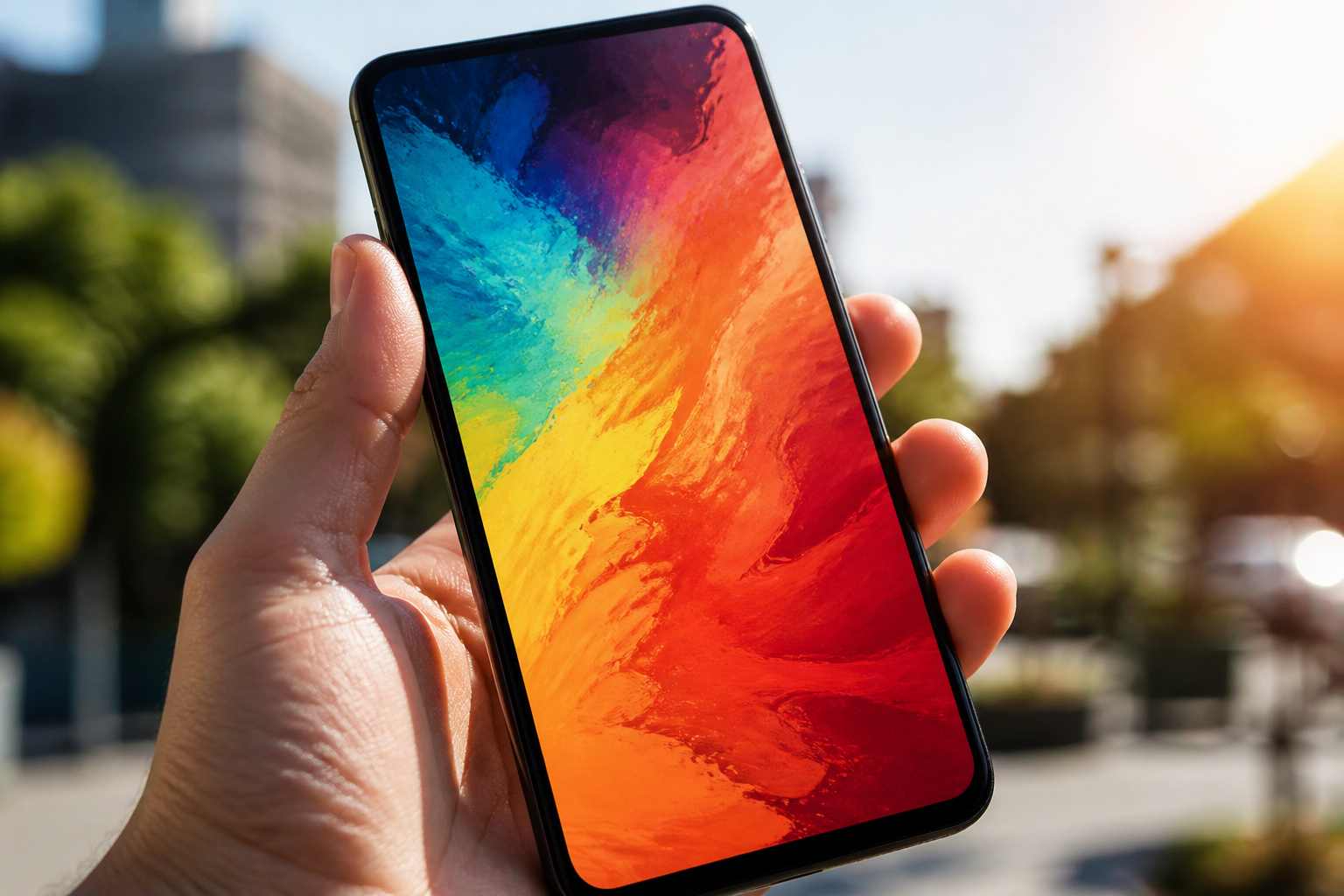
The screen is what you look at all day, and it varies more than most buyers expect. Three things matter most: panel type, refresh rate, and outdoor brightness.
- Panel type: OLED and AMOLED screens give deeper blacks and stronger contrast than LCD, and they tend to look better in a dark room. Many budget phones still use LCD, which can look fine but less vivid.
- Refresh rate: A 60Hz screen redraws 60 times a second, and a 90Hz or 120Hz screen redraws more often, which makes scrolling and animations look smoother. Many midrange phones now offer 120Hz, so it is no longer only a flagship feature. Some phones also vary the rate to save battery.
- Brightness: Peak brightness decides whether you can read the screen in direct sun. Spec sheets quote the highest number, which is usually reached only briefly, so look for reviewer tests of real outdoor visibility.
Screen size is a comfort choice. Larger screens are nicer for video and reading, but they make a phone heavier and harder to use with one hand. If you can, hold a few in a store before you decide.
Recommended Products

0.96 inch,Resolution: 128 x 64, View angle: > 160°, Support voltage: 3.3V-5V DC, Power consumption: 0.04W during normal operation, full screen lit 0.08W

Experience a stunning 215" virtual screen at a 6-meter distance, delivering sharp, high-contrast visuals powered by advanced Micro OLED displays.
Battery Life and Charging Speed
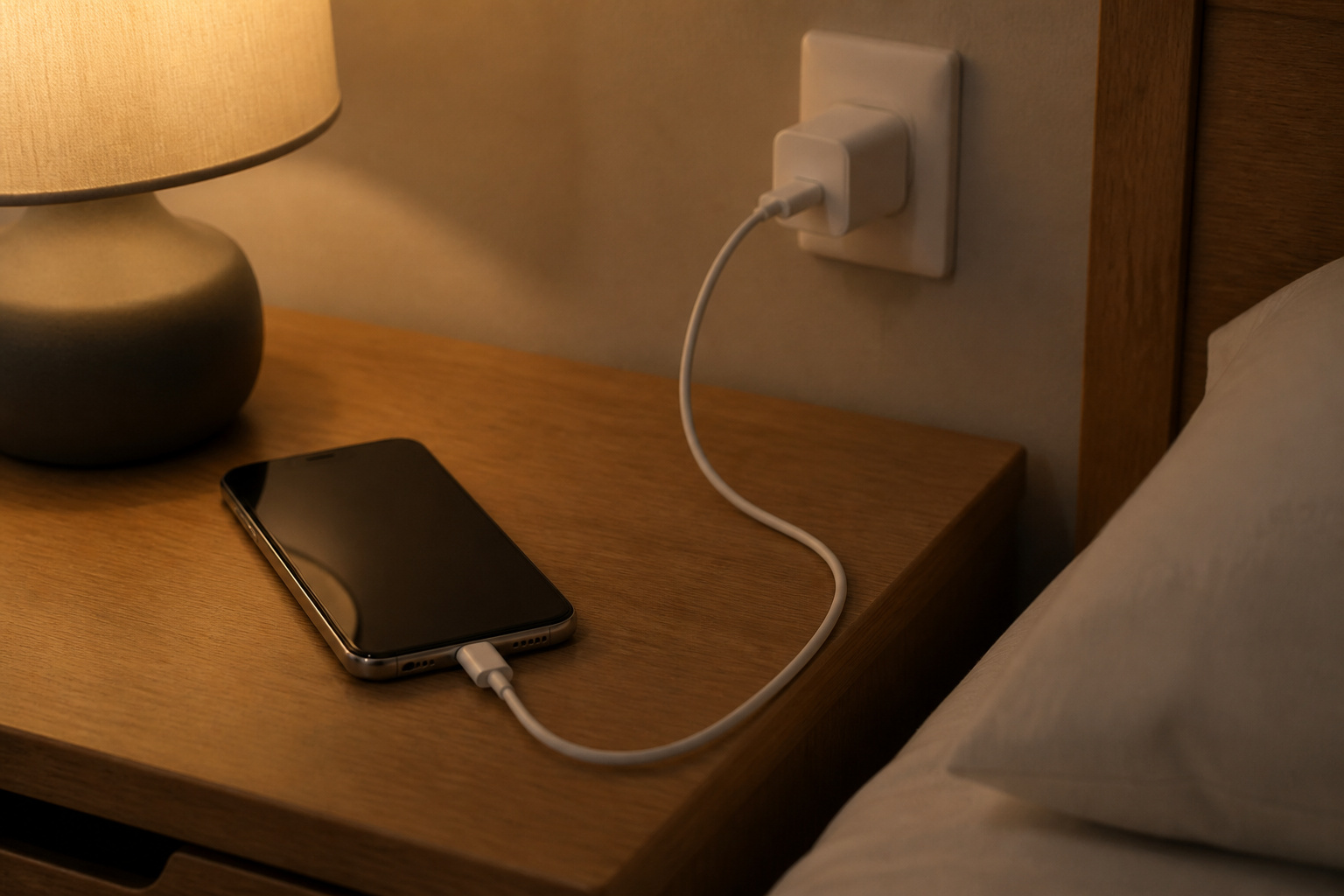
Battery capacity is listed in milliamp-hours (mAh), and 5,000mAh has become common on midrange and budget phones. Capacity is only part of the story, though. The screen, the processor, and the modem all affect how long a charge lasts, so two phones with the same battery can last very different amounts of time. Independent battery tests from reviewers are more useful than the number on the box.
Charging speed is the other half. Fast charging is quoted in watts, and the figure only applies when you use a charger that supports it. Many phones no longer include a charger in the box, so factor in the cost of a good USB-C charger if you want the advertised speed. Wireless charging is convenient but slower than a cable, and it is more common on flagships than on budget phones. If you often run short of power while out, a power bank is a cheaper fix than paying extra for a bigger battery.
Recommended Products

Precise Magnetic Alignment, Secure Hold: Snap on and power up. With a strong 15N magnetic hold, the W5 stays securely aligned with your iPhone for stable wireless charging—even while you're on the move. Take calls, capture selfies, scroll, or stream without constantly readjusting your charger. Compatible with iPhone 18 pro max, for iPhone 17/17 Air/17 Pro/17 Pro Max, for iPhone 16/15/14/13/12 series and for MagSafe-compatible cases. (Not compatible with non-magnetic cases.)

Power Up Your iPhone 15 Swiftly: Enjoy rapid device charging with dual USB-C ports featuring PowerIQ 3.0 technology and a robust 22.5W output, ensuring your iPhone 15 is ready to go when you are.

[Exclusive Slide-In Design] - The VIYISI battery pack features a unique slide-in design that integrates seamlessly with the original Oculus Quest 2 headset. No adapter needed, making it a must-have accessory for your Oculus/Meta Quest 2.
Cameras: What Actually Makes Photos Better
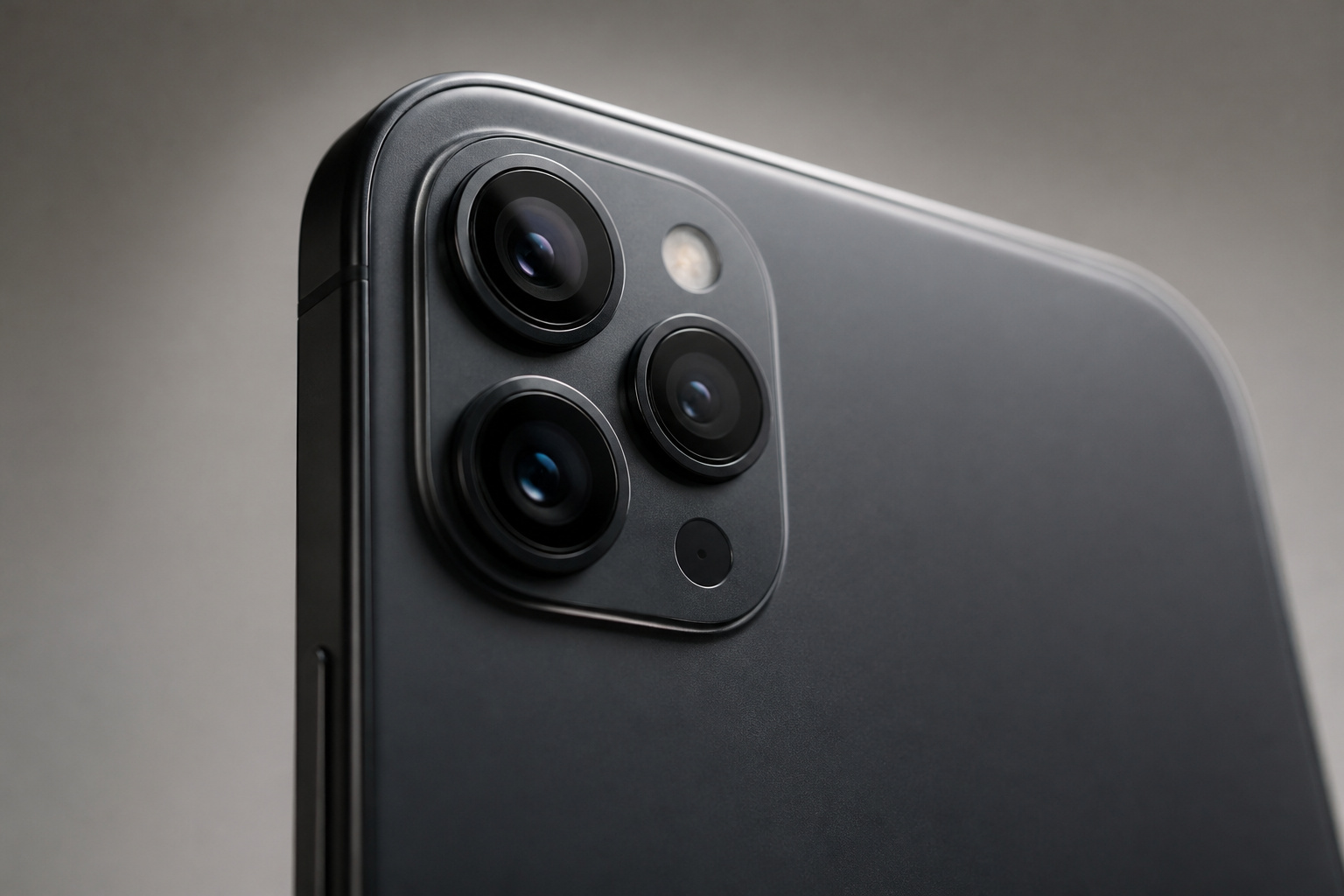
Megapixel counts are one of the least useful numbers on a spec sheet. Photo quality depends more on sensor size, lens quality, image stabilization, and the processing software that combines several exposures into a final image. This is why a phone with a 12MP or 50MP main sensor can beat a phone that advertises 108MP.
- Main camera: This does most of the work, so judge the phone mainly on it. Look at side-by-side photo comparisons in reviews, especially in low light.
- Stabilization: Optical image stabilization (OIS) reduces blur in low light and in video, and it matters more than extra megapixels.
- Extra lenses: An ultrawide lens is useful. A telephoto lens helps for portraits and distant subjects. On budget phones, a 2MP macro or depth sensor adds little and mostly pads the lens count.
- Selfie camera and video: If you shoot a lot of video, check reviewers’ notes on stabilization and on how well the phone handles shifting light.
Recommended Products

[5K 30FPS Video and 64MP UHD Photos] The 64MP 5K digital camera for photography and video features the IMX214 CMOS sensor. Whether you capture sweeping scenery on a mountain trip or enjoy a festive with friends and family at home, this dual-lens selfie digital camera with anti-shake can capture clear and detailed images from any angle. Even beginners can achieve high-level performance with ease through the digital camera.


QUAD PROOF TOUGH CAMERA – Made for active lifestyles, this rugged camera is waterproof (to 8m/26ft.), shockproof (to 1.5m/5ft.), dust & freezeproof (two 10C/14F), perfect for photos or video anywhere
Processor, Memory, and Storage
Most people no longer need a flagship processor. Midrange chips handle messaging, browsing, video, and most games well. A faster chip matters if you play demanding games, edit video, or keep a phone for many years, since performance headroom helps an older phone keep up with newer apps.
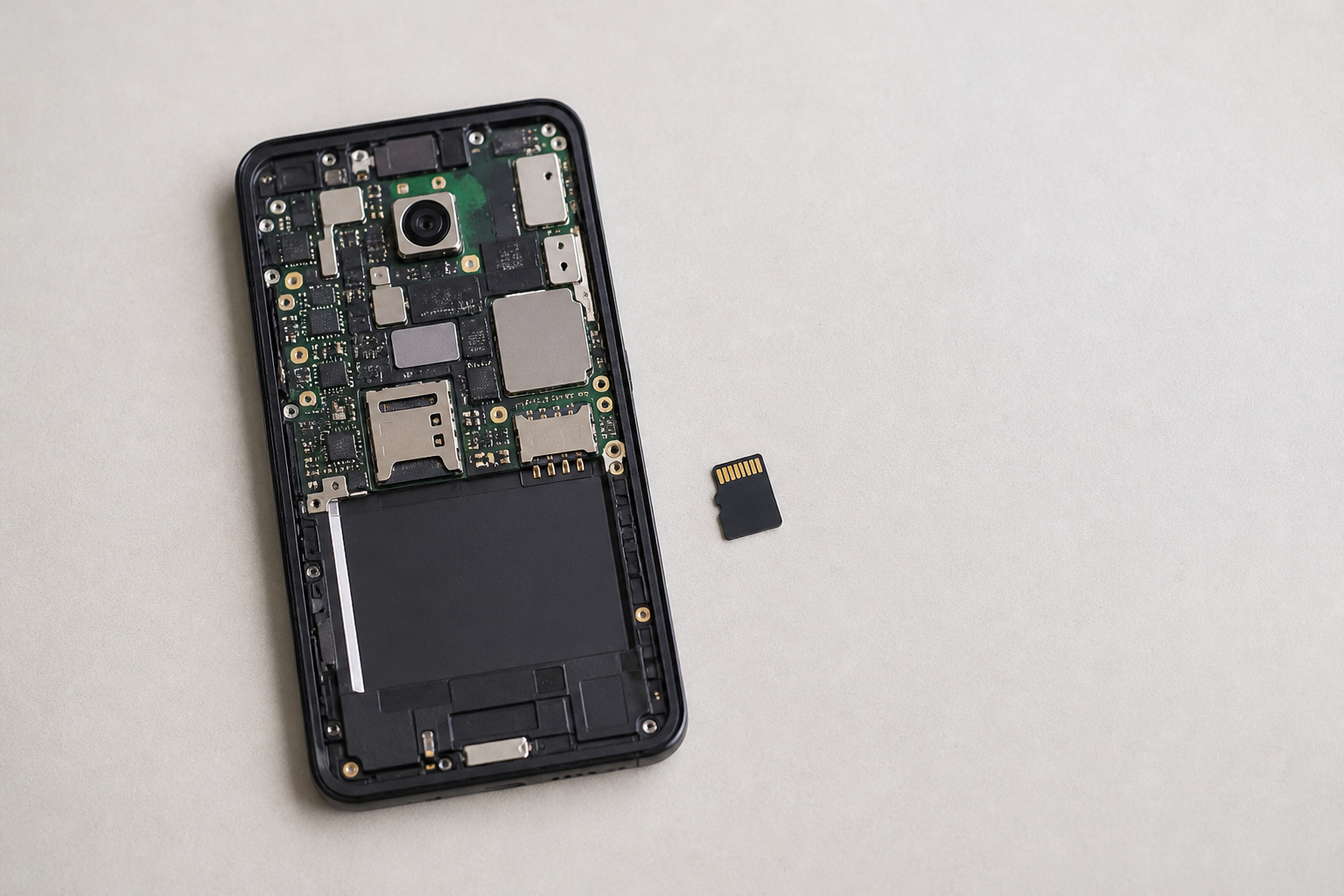
For memory, 6GB of RAM is workable for most people and 8GB or more gives extra room for multitasking. Storage is the one you cannot easily fix later. Photos, video, and offline media fill a phone faster than most buyers expect, so a larger tier is worth considering if you shoot a lot. A few models still take a microSD card, but many do not, so check before you rely on expandable storage. Cloud backup can also take pressure off a smaller tier.
5G, Carrier Bands, and Unlocked Phones
5G comes in two broad forms. Sub-6GHz 5G covers wide areas and is the version most people use day to day. Millimeter-wave (mmWave) 5G is much faster at very short range but has limited coverage, and it appears mainly on some flagships sold in the United States. Most buyers do not need mmWave.
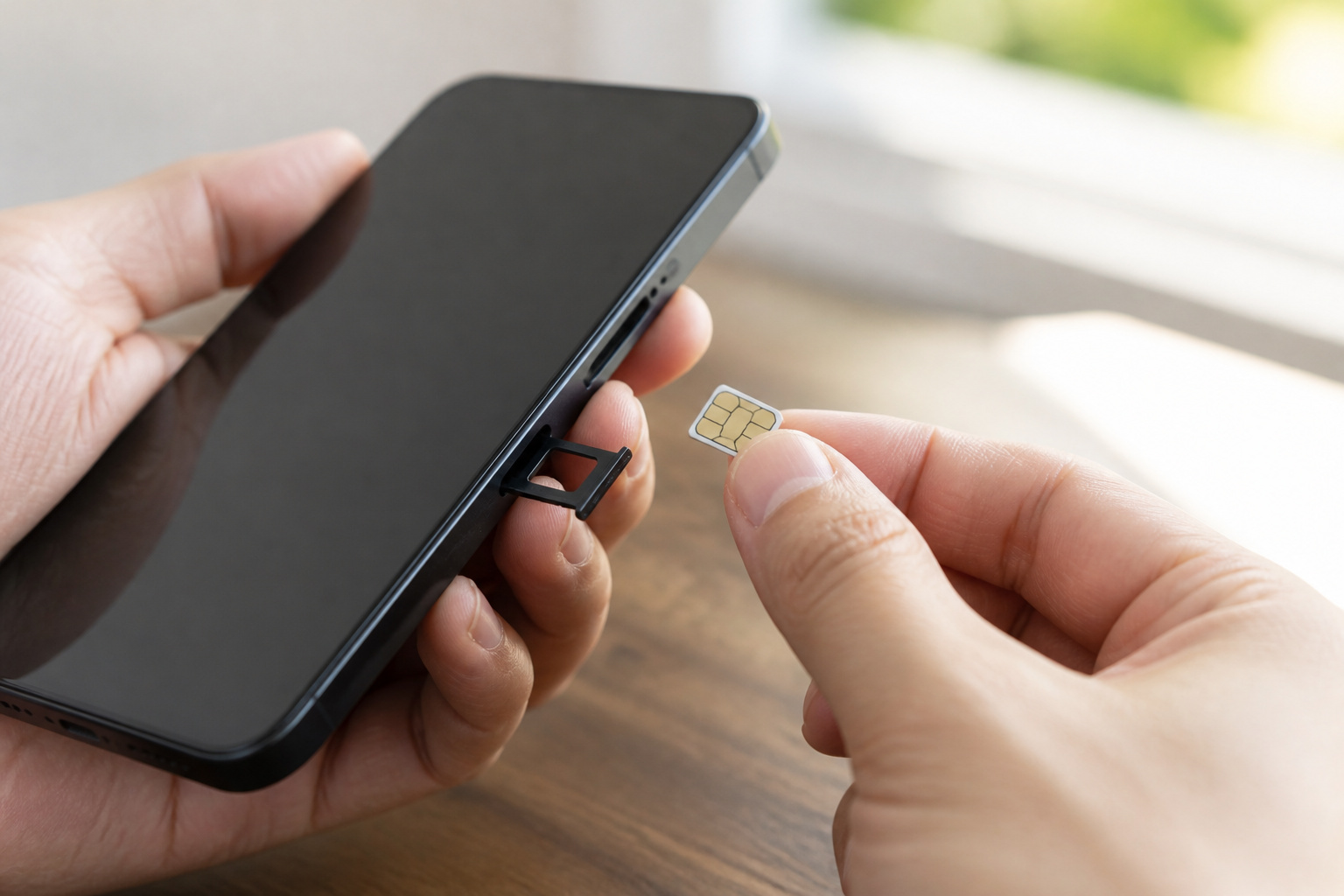
What matters more is whether the phone supports the specific bands your carrier uses. An unlocked phone bought online may work on one carrier and have weaker coverage or missing features on another, especially if it was sold for a different region. Before you buy an unlocked phone, check its band list against your carrier’s published compatibility information, and confirm that Wi-Fi calling and VoLTE are supported. Buying through your carrier avoids most of this, but check whether the phone will be locked to that network for a period.
Recommended Products

Charger NOT Included, 6.7" FHD+ Super AMOLED display, 90Hz refresh rate, 1080 x 2340 resolution, slim 7.5mm body, Gorilla Glass Victus front protection

Compatibility: Compatible with T-Mobile, Metro, Boost, Mint, Ultra, Ting, and Consumer Cellular. If your carrier is not listed, please confirm compatibility with your preferred carrier. This device is 4G/LTE only and does not support band 71 or 5G. This device is not compatible with networks like AT&T, Cricket, Verizon, or Tracfone and does not include a SIM card.

Compatibility: Compatible with T-Mobile, Metro, Boost, Mint, Ultra, Ting, and Consumer Cellular. If your carrier is not listed, please confirm compatibility with your preferred carrier. This device is 4G/LTE only and does not support band 71 or 5G. This device is not compatible with networks like AT&T, Cricket, Verizon, or Tracfone and does not include a SIM card.
Build, Water Resistance, and Durability
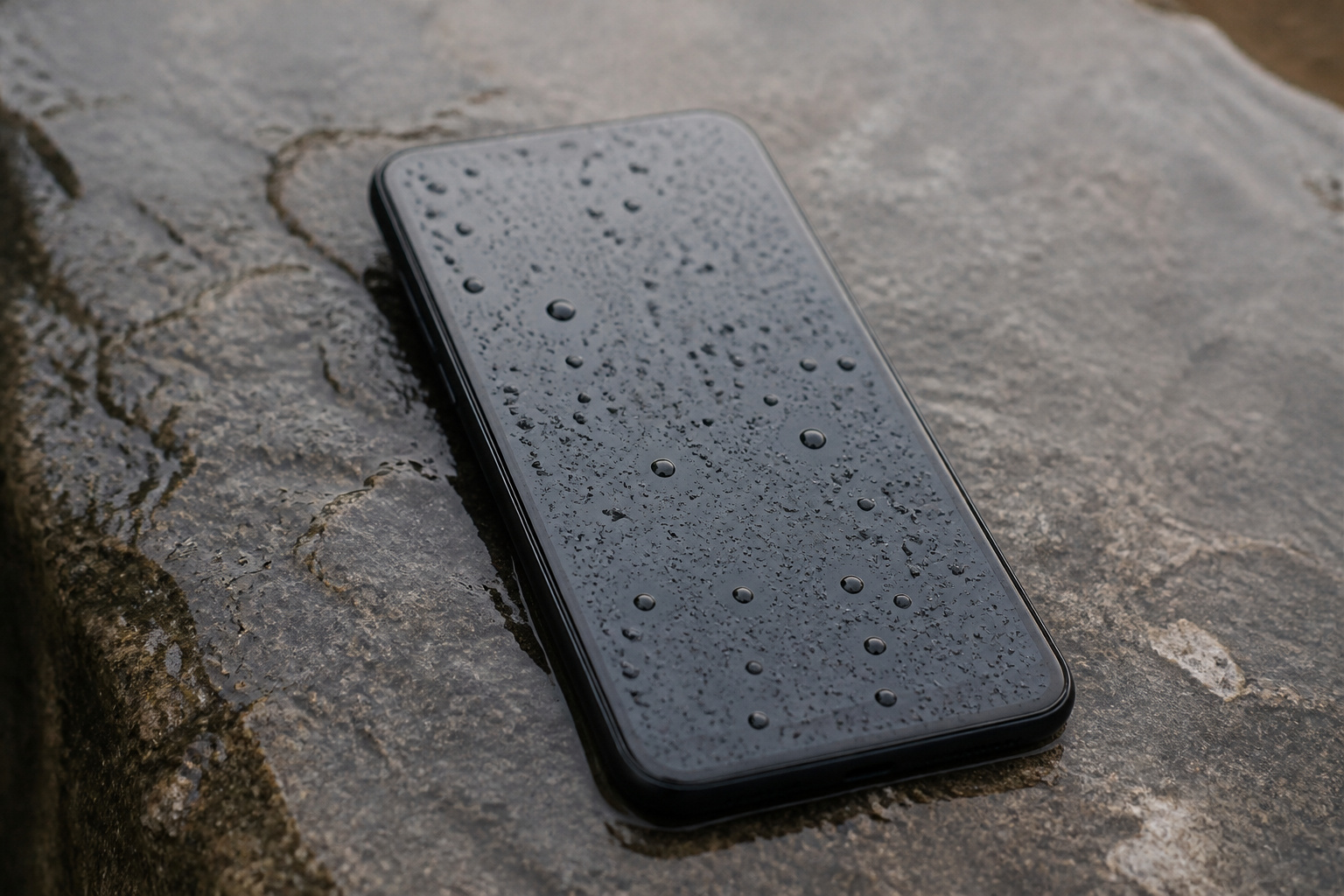
Water and dust resistance is rated with an IP code. IP68 means the phone is dust-tight and rated to survive immersion in water for a set time and depth, and a lower rating such as IP54 covers splashes and light rain rather than a drop in a pool. Warranties usually do not cover water damage, so treat the rating as protection against accidents, not as a feature to test.
Glass fronts and frames vary, and strengthened glass such as Gorilla Glass reduces damage but does not prevent it, so a case and screen protector still make sense for most people. Plastic backs and frames are common on budget phones and are not a problem on their own, but they feel less premium. Also check repairability. A phone with affordable screen and battery repairs can be cheaper to own over a long support window.
Matching a Phone Tier to How You Use It
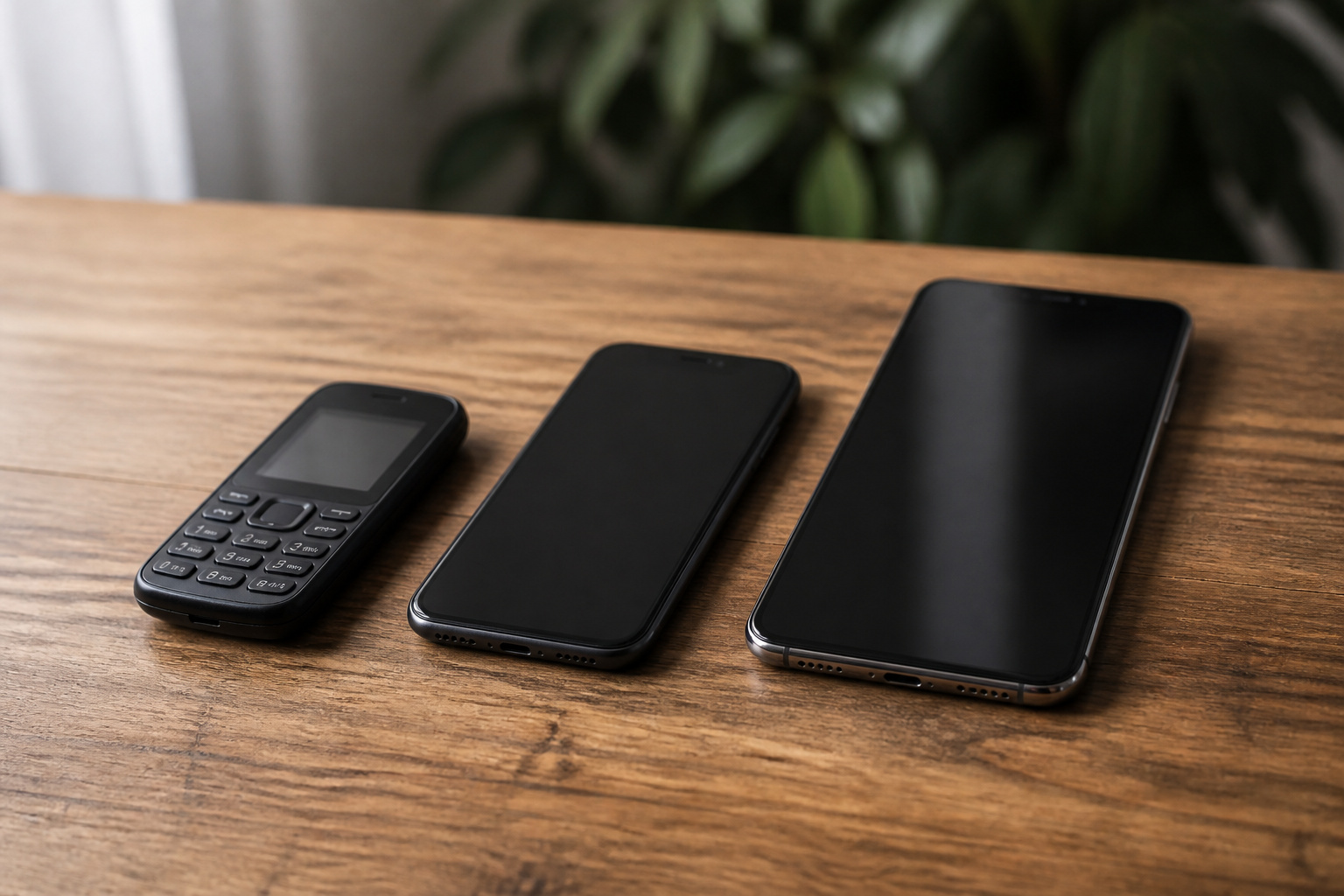
Instead of chasing one best phone, match the tier to your habits. Prices move around a lot, so check current listings and compare the update policy, not just the sticker price.
- Budget: Good for calls, messaging, maps, and video. Expect a 60Hz or 90Hz screen, an average camera, and a shorter update promise. Prioritize battery size and the number of update years.
- Midrange: The sweet spot for most people. You often get a 120Hz OLED screen, a capable main camera, and a long update policy. Samsung’s A series and Google’s A series sit here.
- Flagship: Worth it if you take many photos, play demanding games, want the longest support, or use features like wireless charging and the best displays.
- Heavy camera users: Compare camera tests before the spec sheet. A midrange phone with a strong main camera can beat a flagship with a weaker one.
- Keep-it-for-years buyers: Choose by update policy first, then check that the storage tier is large enough to last.
If you also drive with your phone, see how Android Auto compares to Apple CarPlay in real use.
Frequently Asked Questions
How Does Android Compare to iOS in Terms of Security?
Both are secure when kept up to date, and both encrypt data by default on current phones. The practical difference is how fast updates arrive. Apple controls its hardware and software, so updates reach all supported iPhones together. On Android, Pixel and Samsung phones get updates quickly, while some other brands are slower. Install apps only from the official store, keep the phone updated, and your risk drops sharply on either system.
Can I Use My Android Phone as a Mobile Hotspot?
Yes. Open Settings, look for Hotspot or Tethering, and turn on the mobile hotspot. Set a network name and a strong password, then connect your other devices as you would to any Wi-Fi network. Hotspot use drains the battery and counts against your data plan, and some carriers cap or throttle tethering data, so check your plan first.
How Long Does an Android Phone Last?
Most phones keep working for three to five years, and battery wear is usually the first thing you notice. With a seven-year update policy on some current flagships, the software is no longer the limit it used to be. A battery replacement can extend a phone’s life if the hardware is otherwise fine.
Are There Privacy Concerns Specific to Android?
The main risks are app permissions and apps from outside the official store. Review which apps have access to your location, microphone, camera, and contacts, and remove permissions that an app does not need. Android’s privacy dashboard shows recent access, and you can also turn off ad personalization in settings. For more on what connected devices collect, see our guide to what your devices are listening to.
How Often Do Android Phones Get Operating System Updates?
It depends on the brand and the model. Google and Samsung push major updates and monthly or quarterly security patches to their flagships for as long as the stated support window runs. Budget phones and smaller brands often get fewer upgrades and patches arrive less often. The manufacturer’s support page lists the exact policy for each model.
Should I Buy an Unlocked Phone or One From My Carrier?
An unlocked phone gives you freedom to switch carriers and often has a lower price over time. A carrier phone can be easier to set up and may include trade-in credits, but it may be locked until it is paid off. Either way, confirm the phone supports your carrier’s bands before you buy.
Closing Thoughts
Start with how long you want to keep the phone, then work backward. Pick a brand and model with a software promise that matches, a screen and battery you will enjoy, a camera that performs in the conditions you shoot in, and bands that work on your carrier. Spend more only on the features you will actually use, and an Android phone will serve you well for years.