Which smart speaker should you buy? It is a smaller question than it looks, because the speaker you pick also picks your voice assistant, your app, and which smart home devices work with it.
Some speakers are mostly about sound, some double as a smart home hub, and some add a screen. Buying the wrong type means paying for features you will not use, or missing the one you wanted.
Below are eight smart speakers and displays worth considering, what each does well, and where each falls short. Specs come from the manufacturer listings, so confirm the current details before you buy.
Which Smart Speaker Is the Best Overall?
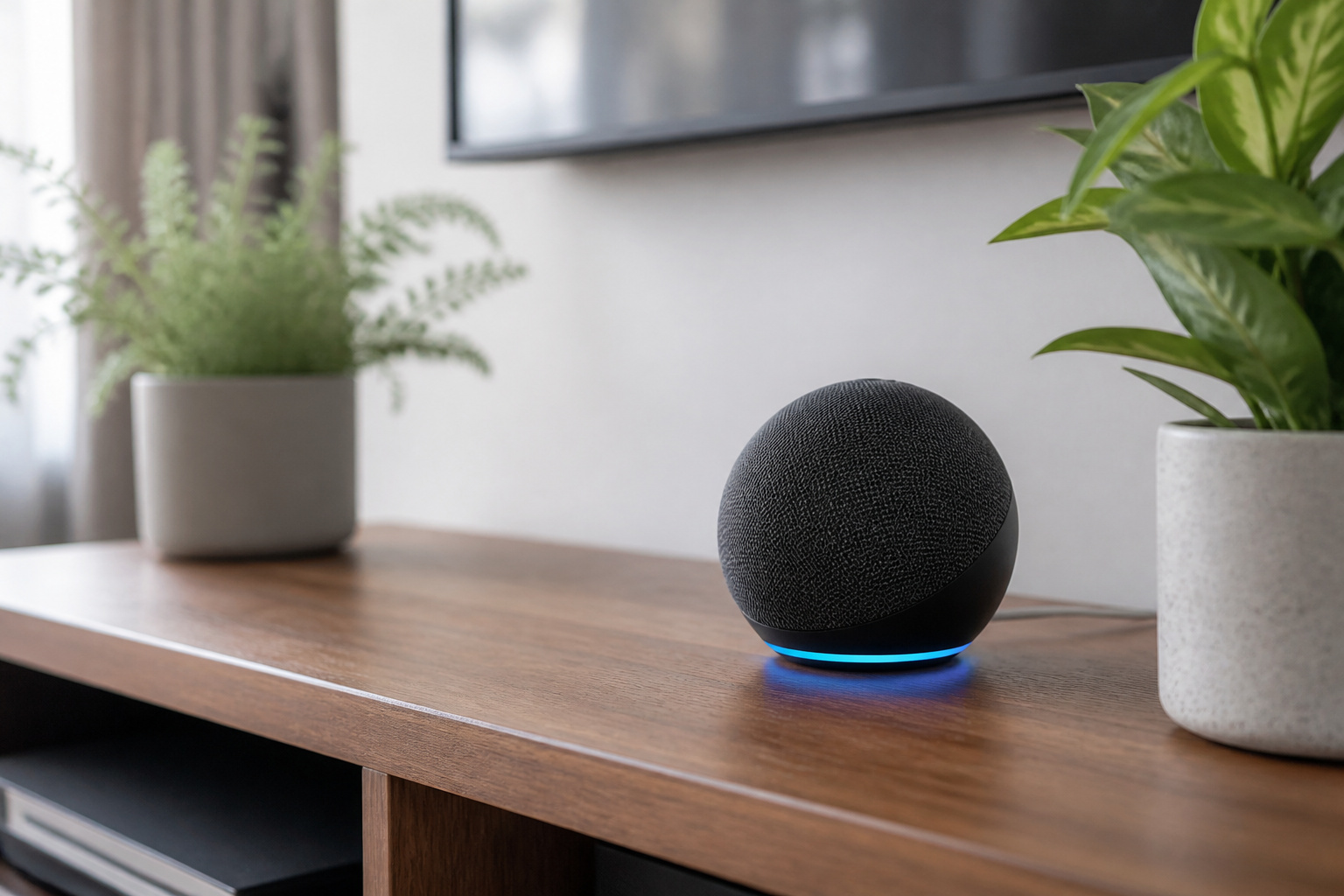
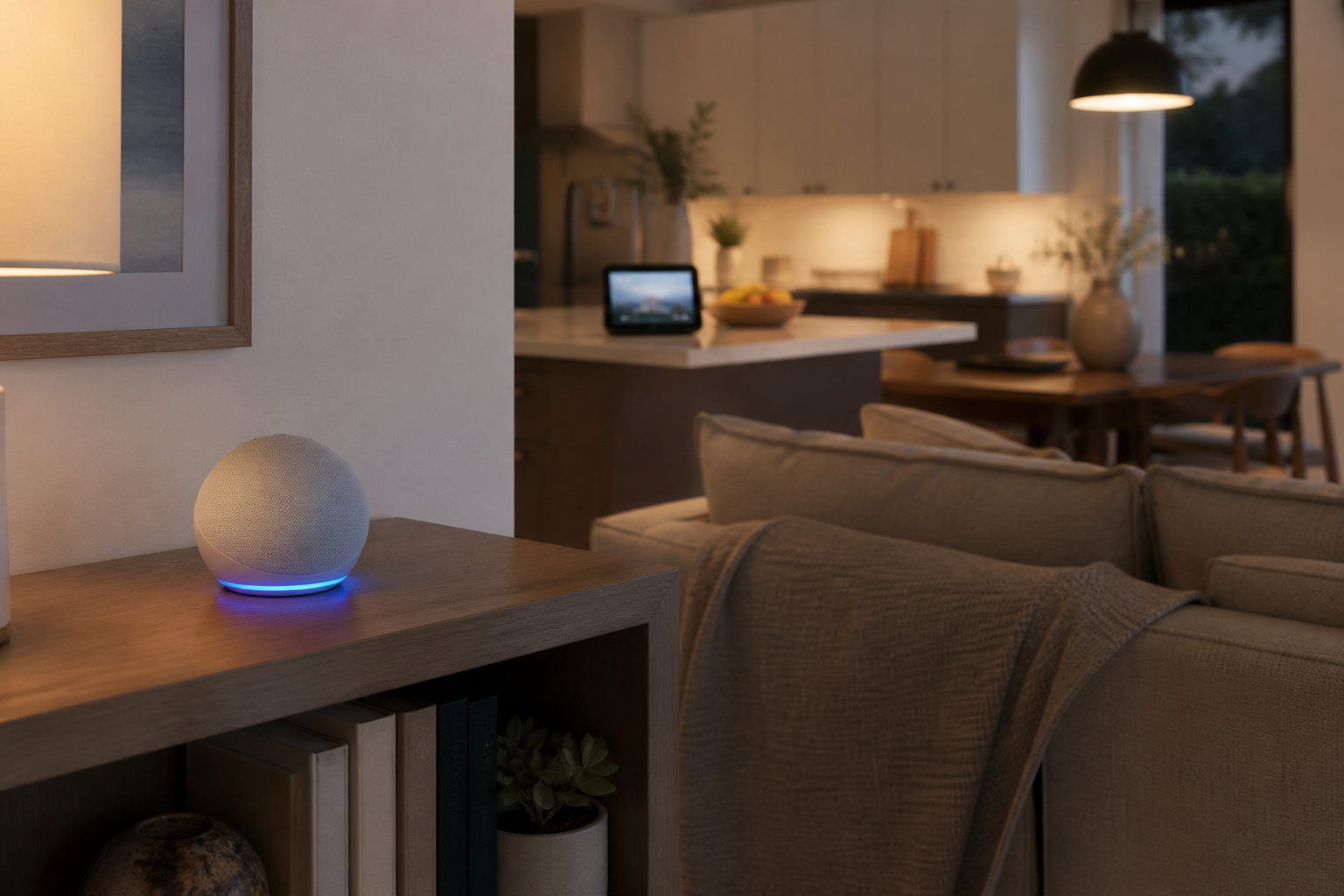
For most Alexa households, the Echo Dot Max. It has a built-in smart home hub, so compatible lights, locks, and sensors can connect without a separate bridge, and it gives you nearly three times the bass of earlier Dot models. An AZ3 chip handles responses, and Omnisense sensing can trigger routines from temperature or presence.
A physical microphone button gives you a hard privacy switch, and two units can pair for stereo. The trade-off is that you are committing to Alexa, so check that your existing devices work with it first.

Meet Echo Dot Max: Experience rich room-filling sound that automatically adapts to your space and fine-tunes playback. Features a built-in smart home hub and Omnisense...
Which Smart Speaker Is Best on a Budget?
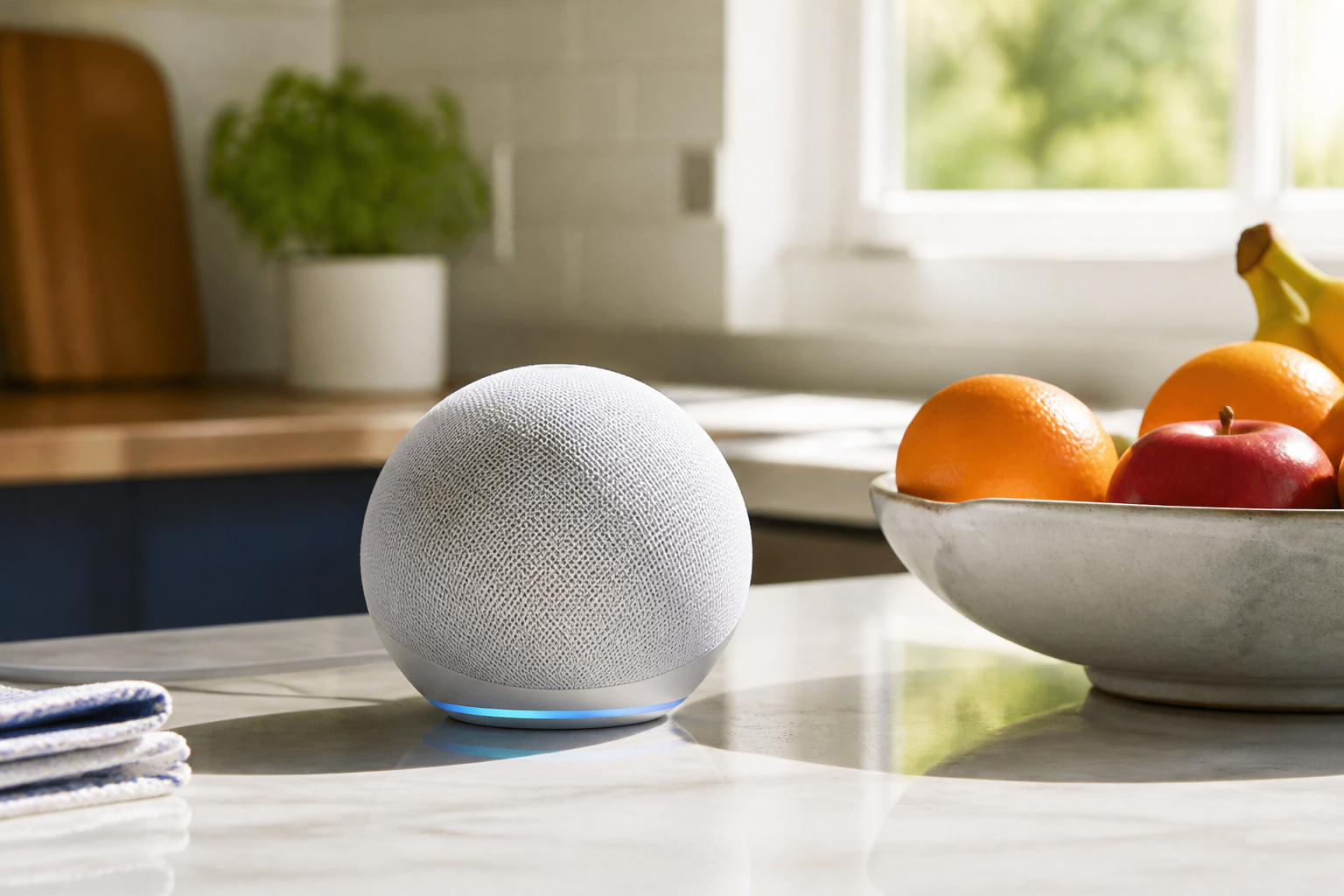
The Echo Dot is the cheapest way into Alexa that still feels finished. It plays music from Spotify, Apple Music, and Amazon Music, handles timers and questions, and controls compatible smart devices by voice. The listing also cites built-in temperature and motion sensing, which can start routines such as turning a light on when you walk in.
It has no screen and no built-in hub, and the sound is fine rather than rich. It works well as a second or third speaker in bedrooms and kitchens, and it pairs with other Echo devices for multi-room audio.

Your favorite music and content – Play music, audiobooks, and podcasts from Amazon Music, Apple Music, Spotify and others or via Bluetooth throughout your home. Alexa is...
Do You Need a Smart Display Instead of a Speaker?
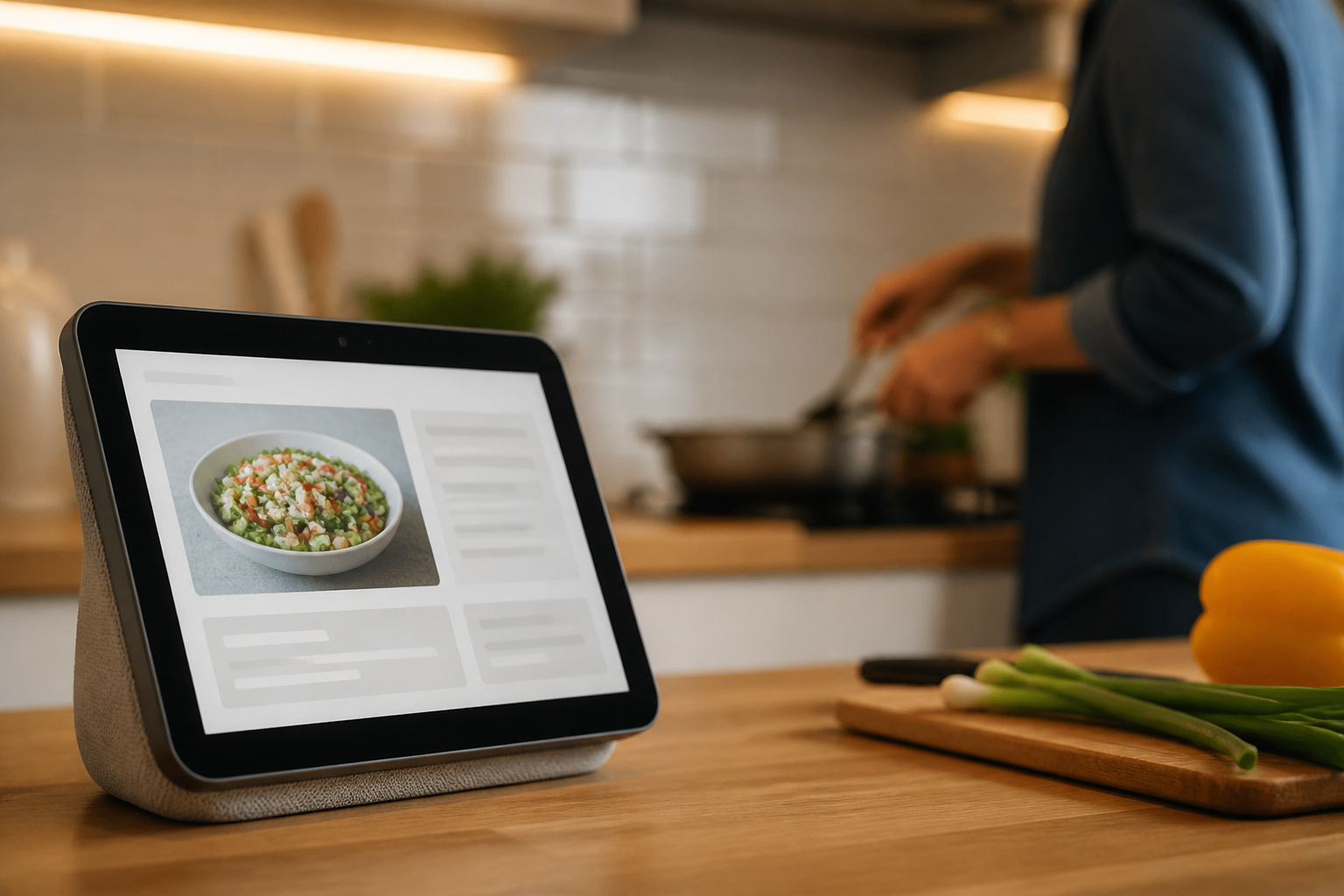
If you want to see who is at the door, follow a recipe, or run video calls, yes. The Echo Show 5 is the compact option, with a 5.5-inch touchscreen, a 2MP camera with a privacy shutter, and drop-in calling to other Echo devices. Its 1.75-inch speaker is clear but small.

Alexa can show you more - Echo Show 5 includes a 5.5” display so you can see news and weather at a glance, make video calls, view compatible cameras, stream music and...
The Echo Show 11 is the family-room version. It has an 11-inch Full HD touchscreen, spatial audio, a built-in hub, and an auto-framing camera with 3.3x zoom for calls. A physical button turns off the mic and camera together.

New size, more viewing area: The 11“ smart display features a vibrant Full-HD touchscreen with 60% more viewing area versus Echo Show 8 (2025 release), built-in smart home...
For the nightstand, the Echo Spot is a smart alarm clock with a customizable clock face, a gradual wake-up that blends music and light, and a mic-off button, controlling compatible devices by voice or touch.
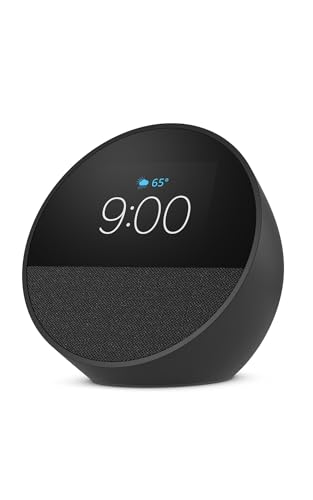
MEET ECHO SPOT - A sleek smart alarm clock with Alexa and big vibrant sound. Ready to help you wake up, wind down, and so much more. CUSTOMIZABLE SMART CLOCK - See time,...
Which Smart Speaker Sounds Best?
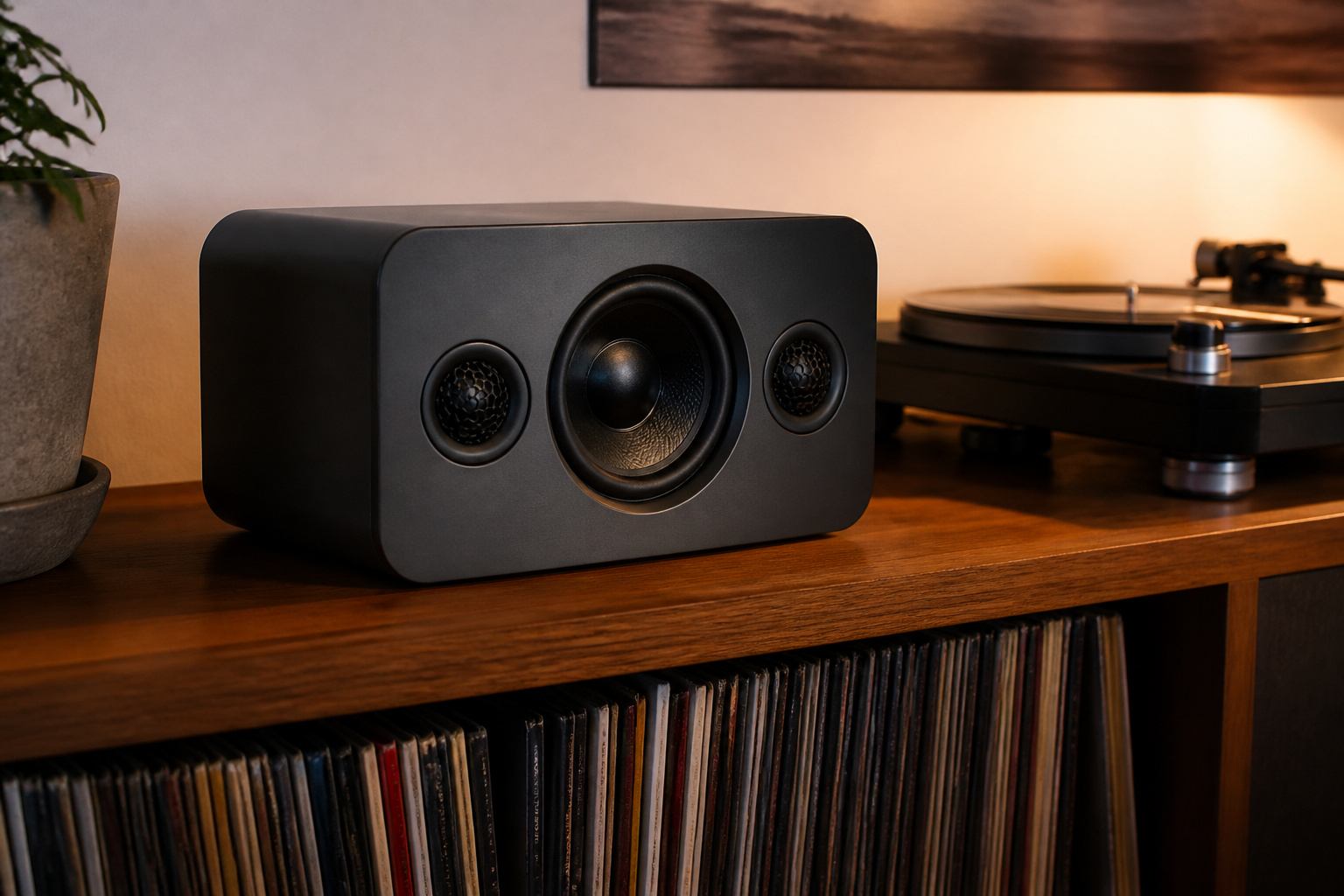
The Sonos Era 100. It uses two angled tweeters and a midwoofer about 25 percent larger than its predecessor, which gives clearer stereo separation and fuller bass than any Dot. Trueplay tuning measures your room and adjusts the sound to it, and you can connect over Wi-Fi, Bluetooth, or a line-in adapter for a turntable.
It has Alexa built in but no smart home hub, and it costs more than an Echo. Buy it as a speaker that also listens, not as the center of your smart home. Our guide to Bluetooth and wireless speakers explains how Wi-Fi and Bluetooth models differ.

Powered by a 47% faster processor, the next-gen dual-tweeter acoustic architecture produces detailed stereo separation while a 25% larger midwoofer deepens the bass.¹ Place...
Is the Google Nest Mini a Good Choice for Google Home Users?
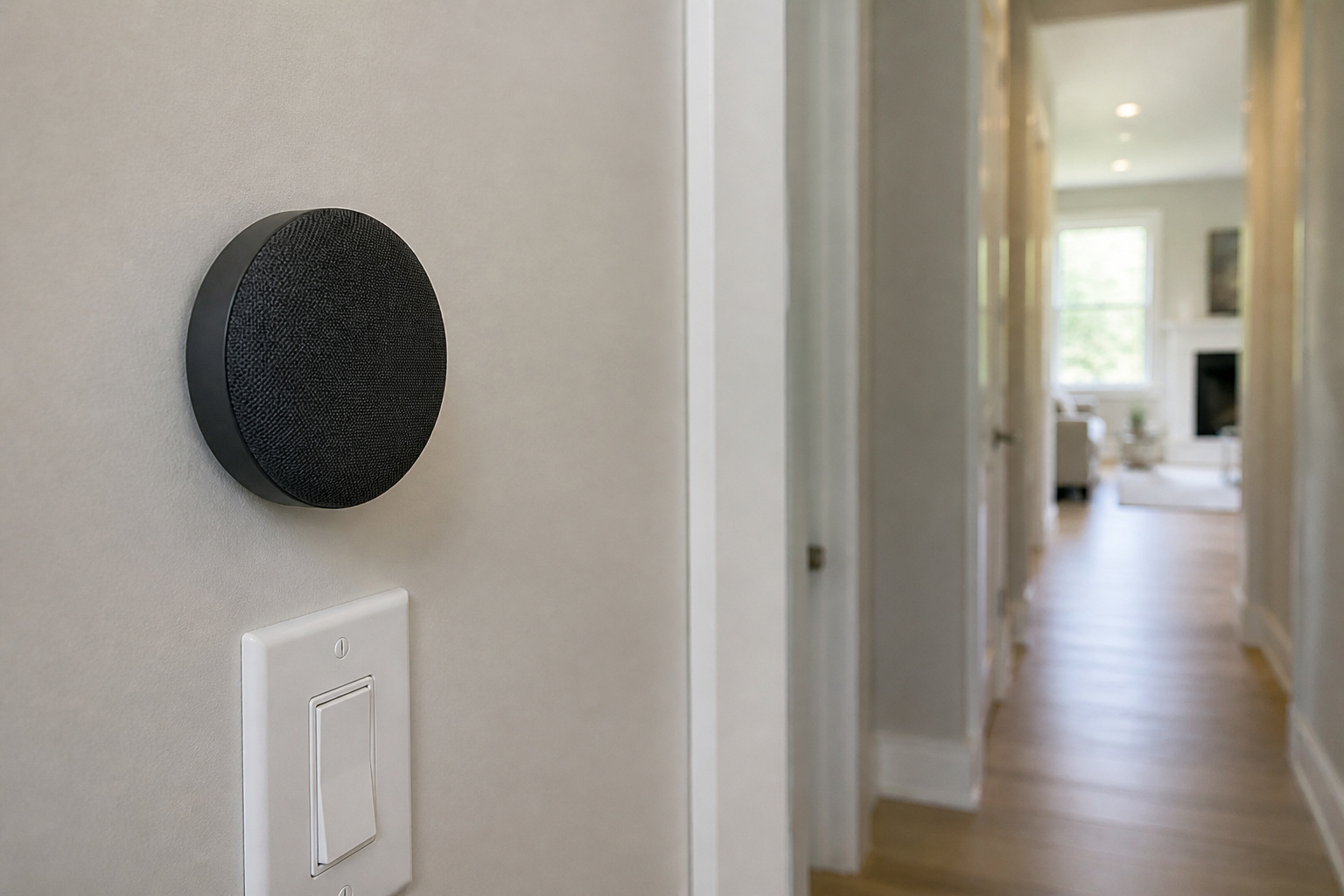
If your phone, lights, and thermostat already live in Google Home, yes. The Nest Mini is small enough for a shelf or nightstand, can be wall-mounted, and supports several languages that switch automatically. It connects over Wi-Fi and Bluetooth and has no built-in hub.
Sound is bright but thin for music, so treat it as a voice assistant first. If you are still choosing an ecosystem, read our comparison of Alexa, Google Home, and Apple HomeKit before buying.
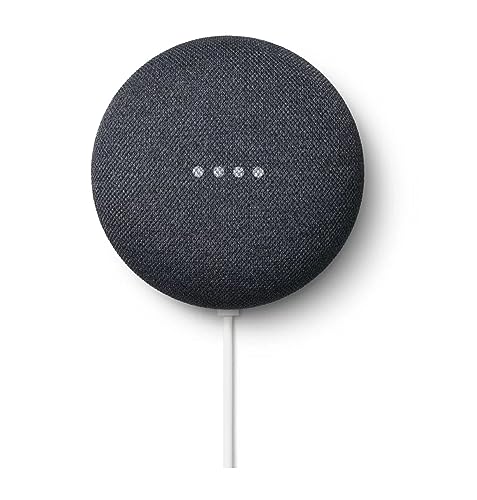
VALUE BUNDLE INCLUDES: Google Nest Mini 2nd Generation Bluetooth Speaker with English, Spanish, French and Portuguese Global Language Compatibility so it works everywhere,...
Which Smart Speaker Is Best for Kids?
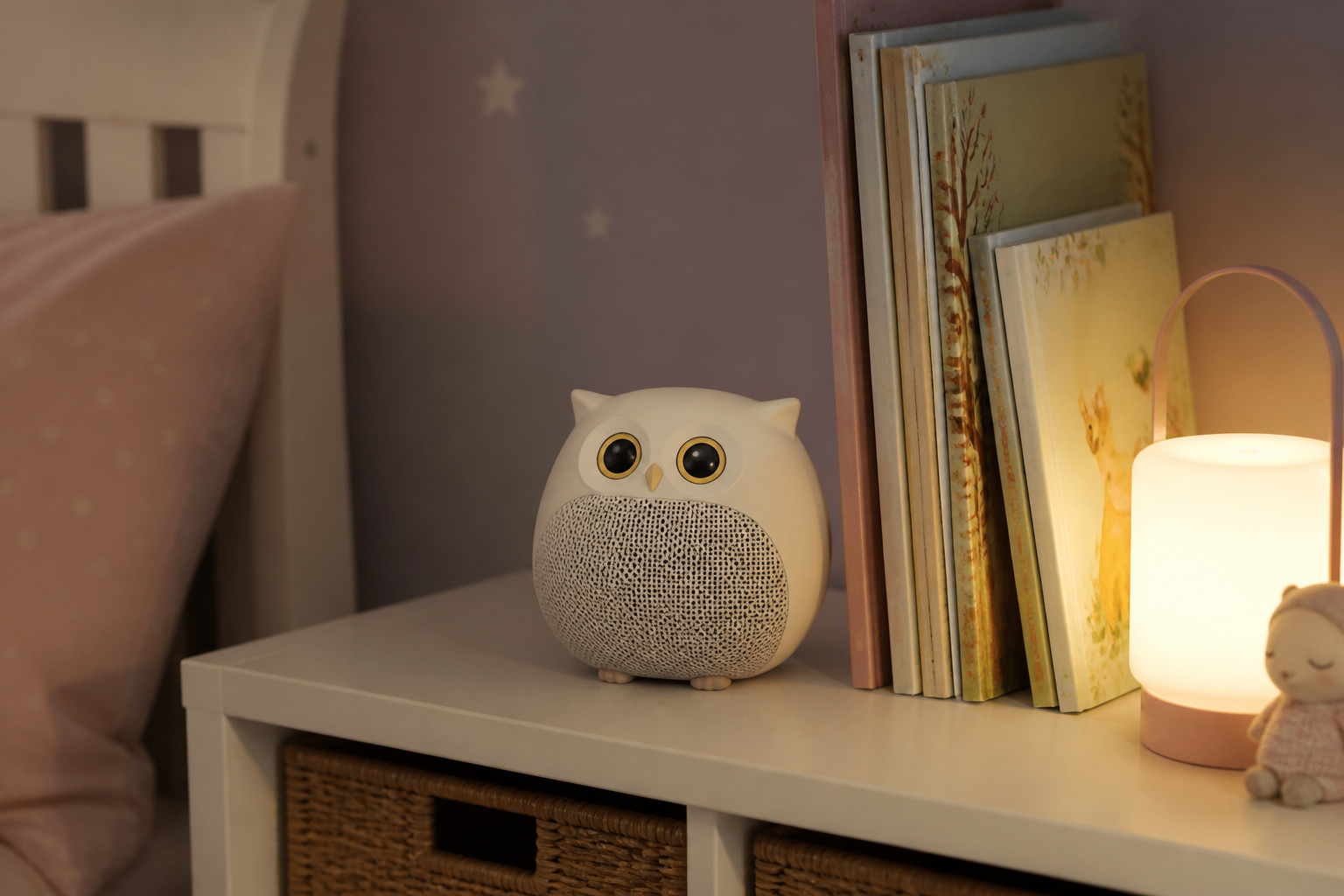
The Echo Dot Kids is built for ages 3 to 12, with a screen-free owl design, a Parent Dashboard that filters music and monitors activity, and a mic-off button. It includes a one-year Amazon Kids+ subscription for audiobooks, podcasts, and learning skills, and a two-year worry-free guarantee that replaces it if it breaks.
Kids+ is a paid service after the included period, so decide up front whether you will keep it.
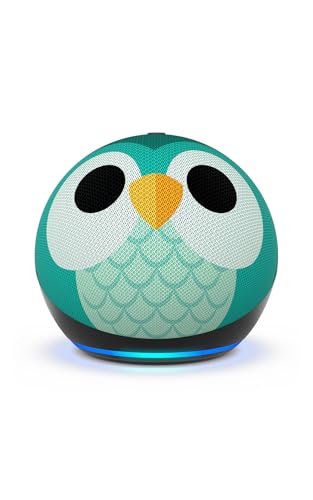
Echo Dot Kids: Our most popular and cutest smart speaker with Alexa, made for kids (not a toy). A fun screen-free device kids love to use in their own room. NEW with Alexa+ -...
How Do You Choose a Smart Speaker?
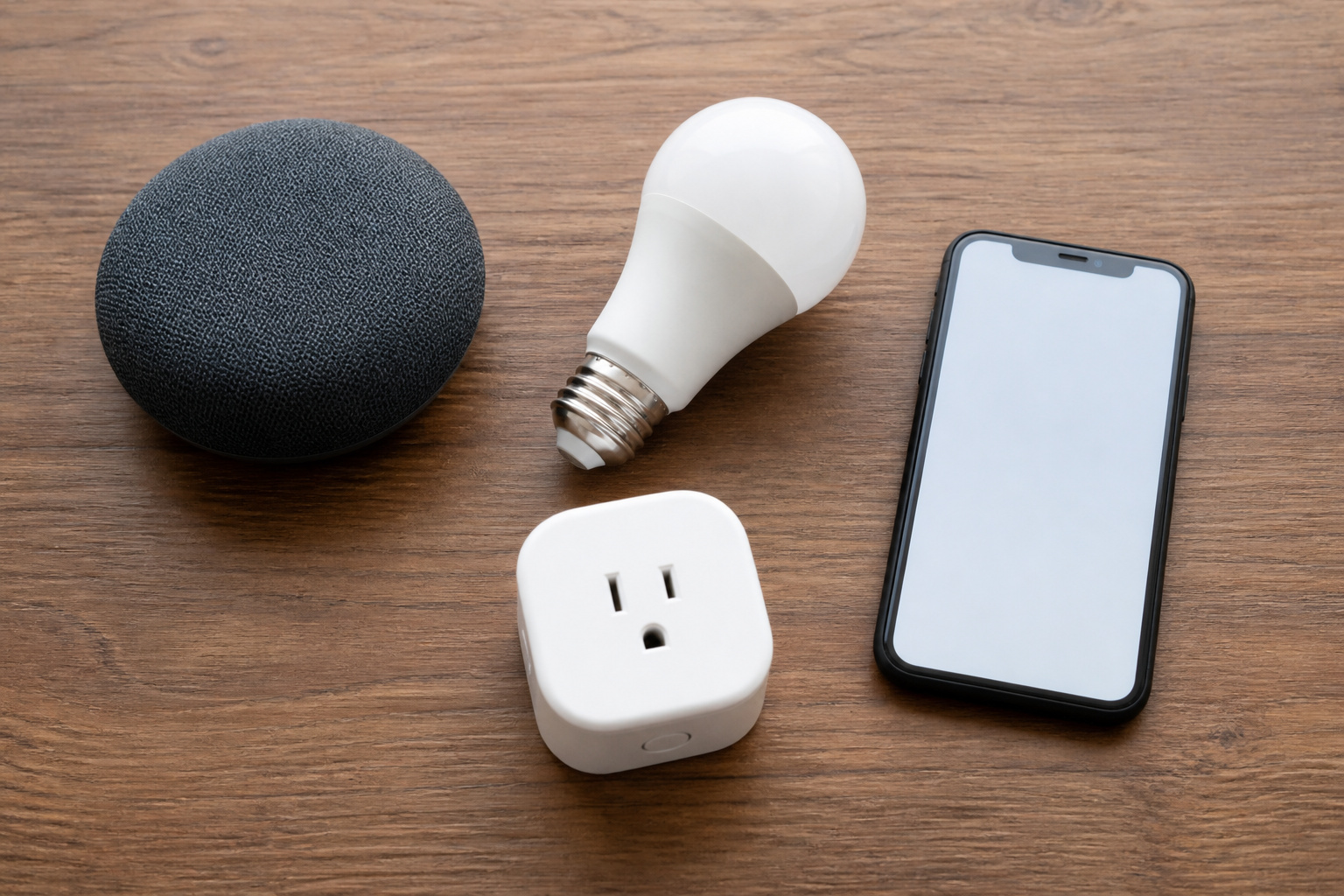
Start with the ecosystem. Alexa, Google, and Apple speakers work best with devices from their own world, and switching later means replacing hardware. If you are unsure, our guide on whether you need a smart home hub explains what a built-in hub adds, and our explainer on Matter covers how cross-brand support is improving.
Then decide what the speaker is for. Voice control and routines favor an Echo or Nest. A screen favors an Echo Show. Music favors the Sonos. Larger drivers give deeper bass, and automatic room tuning, like Trueplay, helps more than extra wattage in a small room.
Privacy matters because these devices sit in your home. Look for a physical mic button, a visible light that shows when the device is listening, and settings to review or delete voice history. Our article on what smart home devices are listening to tells you what’s collected.
So Which Smart Speaker Should You Buy?

For an Alexa smart home, the Echo Dot Max is the best overall pick. On a budget, get the Echo Dot. For video and recipes, get an Echo Show. For music, get the Sonos Era 100. For a Google Home setup, the Nest Mini fits. For children, the Echo Dot Kids has built-in parental controls.
If you are just starting, our guide to building a smart home on a budget shows what to buy first.
Frequently Asked Questions
Do smart speakers work with devices from other brands?
Often, but not always. Many lights, plugs, and locks support Alexa and Google at the same time, and Matter is making cross-brand support easier. Check the box or listing for the exact assistant you use before you buy a device.
Are smart speakers always listening?
They listen for a wake word, and once it’s detected, they send recordings to the cloud. A physical mic-off button disconnects the microphones, and you can review and delete voice history in the assistant’s app.
Do smart speakers work without internet?
Mostly no. Voice assistants and music streaming need a connection. Some models still play over Bluetooth, and the Sonos Era 100 can play from a wired line-in source.
Can you use several smart speakers in different rooms?
Yes. Echo devices can group for whole-home audio and announcements, and two Echo Dot Max units can pair for stereo. Sonos and Nest speakers also support multi-room playback within their own systems.
Do smart speakers need a subscription?
The speakers themselves do not. Music services, premium voice assistant tiers, and children’s content such as Amazon Kids+ can cost extra after any included trial, so check what is bundled.