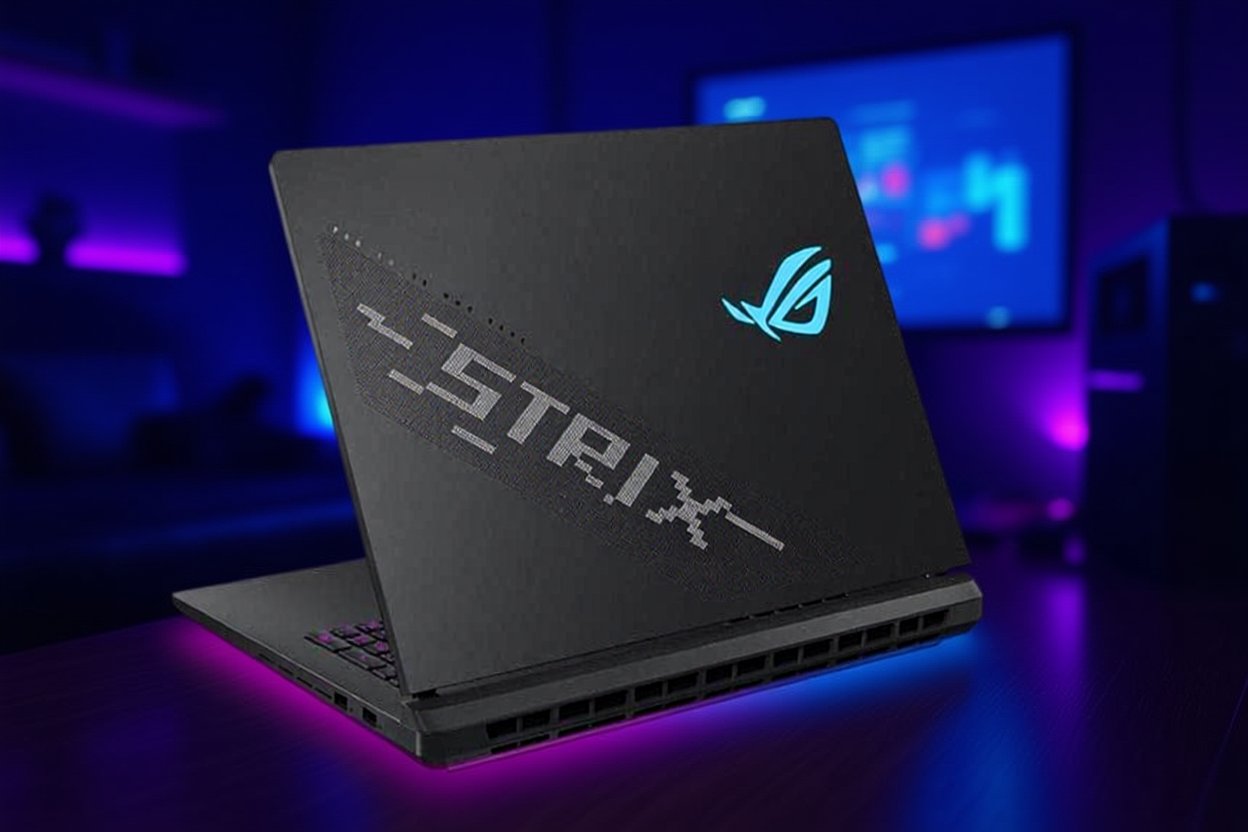
The ASUS ROG Strix SCAR 18 is a top-tier 18-inch gaming laptop built around an Intel Core Ultra 9 275HX processor and an NVIDIA GeForce RTX 5090 Laptop GPU. It is aimed at people who want desktop-class performance in a portable body and are willing to pay for it. This page covers what the hardware offers, what to check before buying, and who it suits.
Specifications below come from ASUS’s published spec page for the 2025 ROG Strix SCAR 18 (G835). Configurations differ by retailer and region, so compare the exact model number on the listing you are considering.
Key Takeaways
- ASUS lists the Core Ultra 9 275HX with 24 cores and up to 5.4 GHz, paired with an RTX 5090 Laptop GPU with 24GB of GDDR7 at up to 175W total graphics power.
- The 18-inch ROG Nebula HDR display is a 2560 x 1600 Mini LED panel at 240Hz with 100 percent DCI-P3 coverage and G-Sync.
- Two Thunderbolt 5 ports rated up to 120Gbps, an HDMI 2.1 port, and three USB-A ports cover most external monitor and storage needs.
- Memory and storage vary by configuration, so check the listing for RAM size, SSD size, and operating system.
- This is a heavy, high-power laptop that is best used plugged in.
Premium Gaming Laptop Overview
The SCAR 18 sits at the top of the ROG Strix range. The RTX 5090 Laptop GPU and Core Ultra 9 275HX are top-tier mobile parts, and ASUS pairs them with a large display and a big chassis to keep them cooled. Laptops in this class can run demanding games and creative software, but they also cost a lot, weigh a lot, and need to stay near an outlet.
ASUS lists the laptop at 3.30 kg (7.28 lb) and about 2.35 to 3.20 cm thick, so it is a desktop replacement that you can carry occasionally, not a laptop for daily commuting.
Hardware and Display Overview
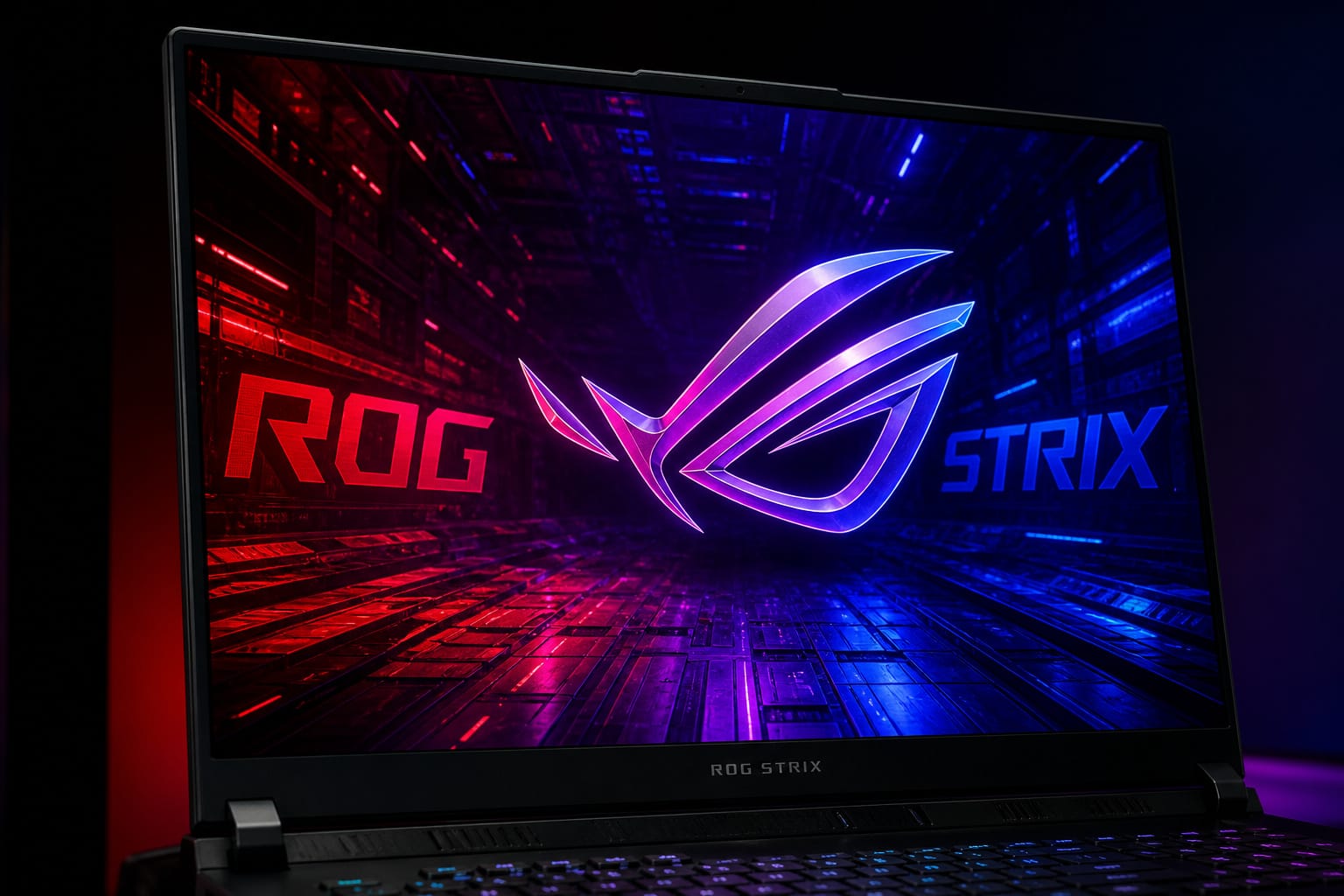
ASUS lists two main configurations on its spec page, one with an RTX 5080 and one with an RTX 5090, both with the Core Ultra 9 275HX. Both list GPU power of 175W (150W plus 25W of Dynamic Boost). Memory is DDR5-5600 in two SO-DIMM slots, and storage is PCIe 4.0 NVMe SSD in two M.2 slots. ASUS lists a 64GB, two-SSD setup for the RTX 5090 model, while some retailer listings show 32GB of RAM and a single 2TB drive, so check what is in the box you are buying.
The display is an 18-inch ROG Nebula HDR panel at 2560 x 1600 (16:10) with Mini LED backlighting, a 240Hz refresh rate, 100 percent DCI-P3 coverage, G-Sync, and Dolby Vision HDR support. Retail listings mention over 2,000 dimming zones, but ASUS’s spec page does not give a zone count, so treat that number as a listing claim. The 16:10 shape gives more vertical space than a 16:9 screen, which helps with creative software and documents.

BEST-IN-CLASS PERFORMANCE – Achieve unrivaled performance with Windows 11 Pro an Intel Core Ultra 9 275HX processor, and an NVIDIA GeForce RTX 5090 Laptop GPU at 175W TGP....
Upgradeability and Cooling
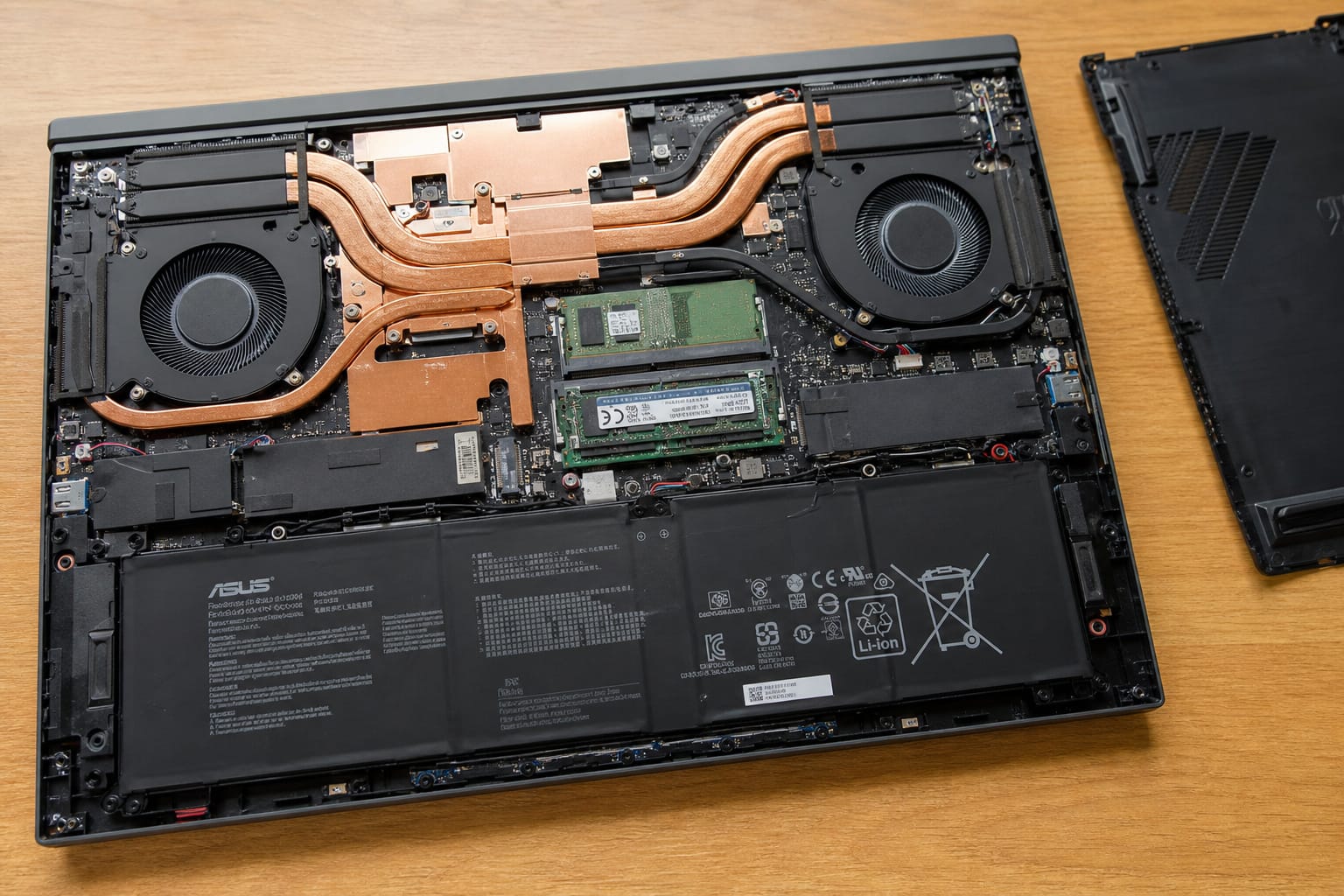
ASUS lists two SO-DIMM memory slots and two M.2 slots, which means RAM and storage can be upgraded after purchase. Retail listings describe a tool-free bottom panel, but ASUS’s spec page does not detail how the panel opens, so read the service guide before opening the laptop and keep in mind that upgrades can affect your warranty.
Cooling is the main challenge for a laptop with this much power. Retail listings describe a multi-fan design with a vapor chamber and liquid metal on the processor, and ROG laptops typically include fan and performance profiles in Armoury Crate. ASUS’s spec page does not list cooling details, so independent reviews of the exact model are the best place to check temperatures, fan noise, and sustained performance.
Value and Price
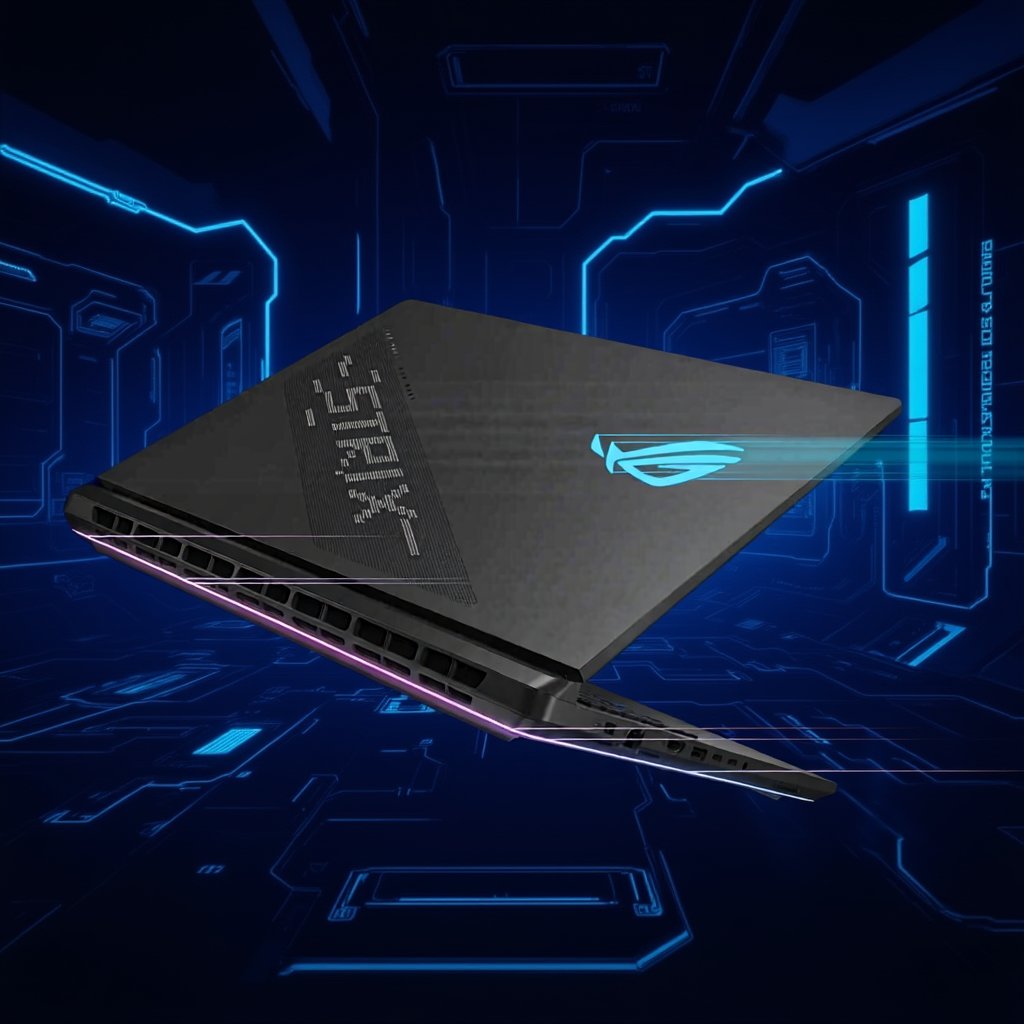
Flagship gaming laptops are expensive, and the price rises with each GPU tier. An RTX 5090 model costs a lot more than an RTX 5080 model, and the gap in real games is smaller than the gap in price. Before you buy, compare the RTX 5080 and RTX 5090 configurations, check current prices, and decide whether you need the extra memory on the top GPU.
It also helps to consider a desktop. A desktop with similar graphics power is usually cheaper and cooler, but a laptop gives you portability and a built-in screen. If you move the machine between home and work, or play at a friend’s house, the laptop makes sense. If it stays on a desk, a desktop may be better value.
Software and Ecosystem
ASUS lists a MUX Switch and NVIDIA Advanced Optimus on the SCAR 18. A MUX Switch lets the laptop send the display signal straight from the discrete GPU, which can raise frame rates in some games, while Advanced Optimus switches between integrated and discrete graphics automatically to save power on lighter tasks. How much difference a MUX Switch makes depends on the game and settings, so ignore any single percentage you see quoted.
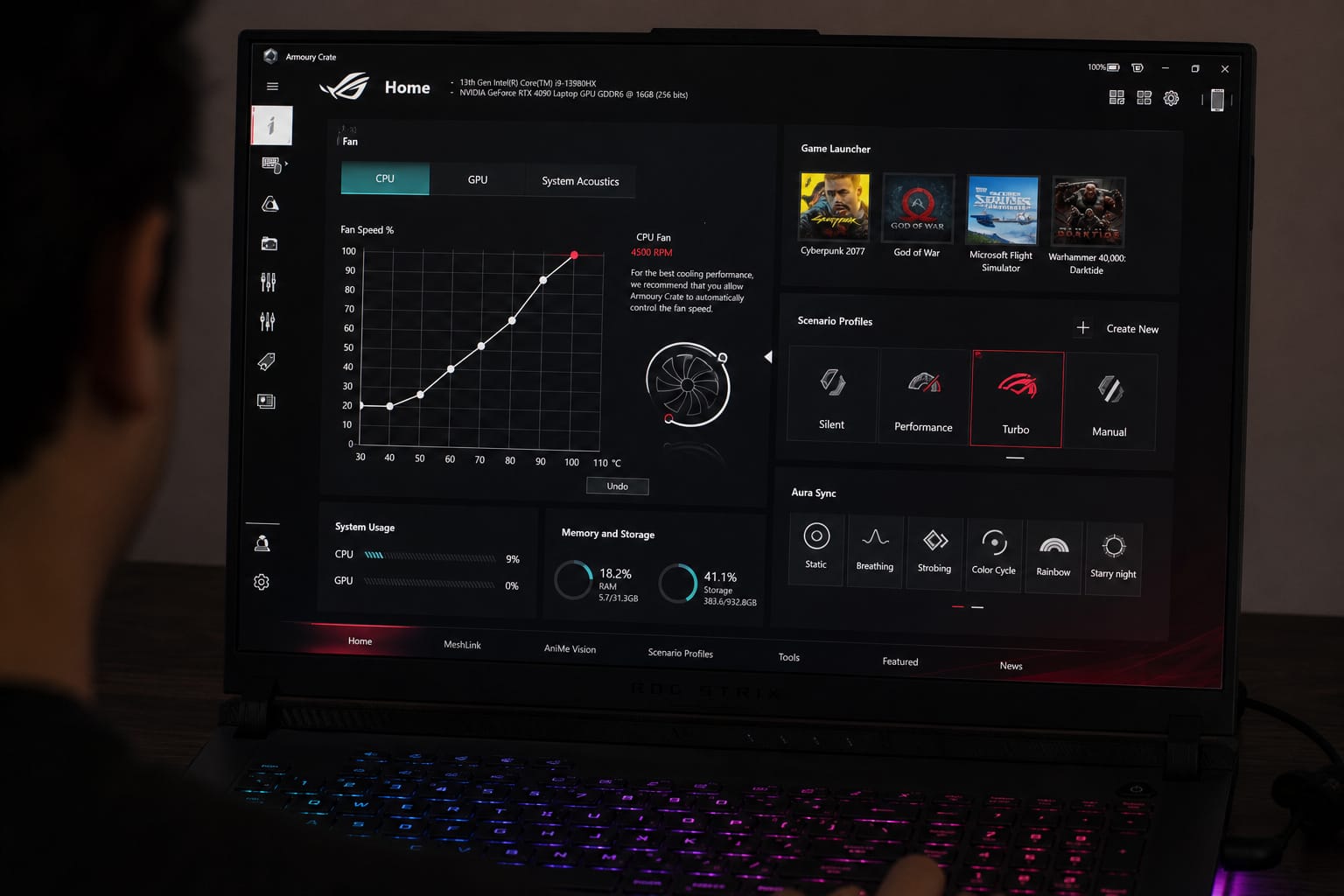
ASUS’s Armoury Crate software handles performance modes, fan profiles, and RGB lighting. The operating system also varies by configuration: ASUS lists Windows 11 Home on its two spec configurations, while some retailers list Windows 11 Pro. Bundled offers such as PC Game Pass trials change often, so check the current listing instead of relying on an older review.
BEST-IN-CLASS PERFORMANCE – Achieve unrivaled performance with Windows 11 Pro an Intel Core Ultra 9 275HX processor, and an NVIDIA GeForce RTX 5090 Laptop GPU at 175W TGP....
Frequently Asked Questions
Does the ASUS ROG Strix SCAR 18 Support External GPU Docks?
It has two Thunderbolt 5 ports, which ASUS rates up to 120Gbps. External GPU enclosures use Thunderbolt connections, but compatibility depends on the enclosure and the software, so check the enclosure maker’s list. With an RTX 5090 inside the laptop, an external dock is more useful for extra ports, displays, or storage than for graphics.
What Is the Battery Life During Typical Gaming Sessions?
ASUS lists a 90Wh battery, which is large for a laptop but small compared with the power a 175W graphics chip can draw. Expect short gaming sessions on battery and reduced performance, so plan to play plugged in. For browsing or writing, Advanced Optimus can use the integrated graphics to extend battery life.
Can the Laptop Drive Multiple External Monitors Simultaneously?
ASUS lists DisplayPort output on both Thunderbolt 5 ports and an HDMI 2.1 port, so you can connect more than one external display. The exact number of monitors and their resolutions depend on the displays and cables, so check your monitor specs.
Does It Include Thunderbolt 5 Connectivity for Fast Data Transfer?
Yes. ASUS lists two Thunderbolt 5 ports with DisplayPort output and power delivery, rated up to 120Gbps. You will only get full speed with Thunderbolt 5 devices and cables, since older devices run at their own speeds.
What Is the Warranty Coverage Period for This Gaming Laptop?
Warranty terms vary by region and by seller, and registration offers can change. Check the warranty on the ASUS support page for your country and on the retailer’s listing before you buy, and keep your receipt.
Closing Thoughts
The ROG Strix SCAR 18 is a very capable gaming and creative laptop, with a fast processor, a flagship GPU, a large Mini LED display, and modern ports. It is also heavy, expensive, and best used plugged in. Compare the RTX 5080 and RTX 5090 versions, check the exact configuration on the listing, and read independent reviews on cooling and noise before you decide.