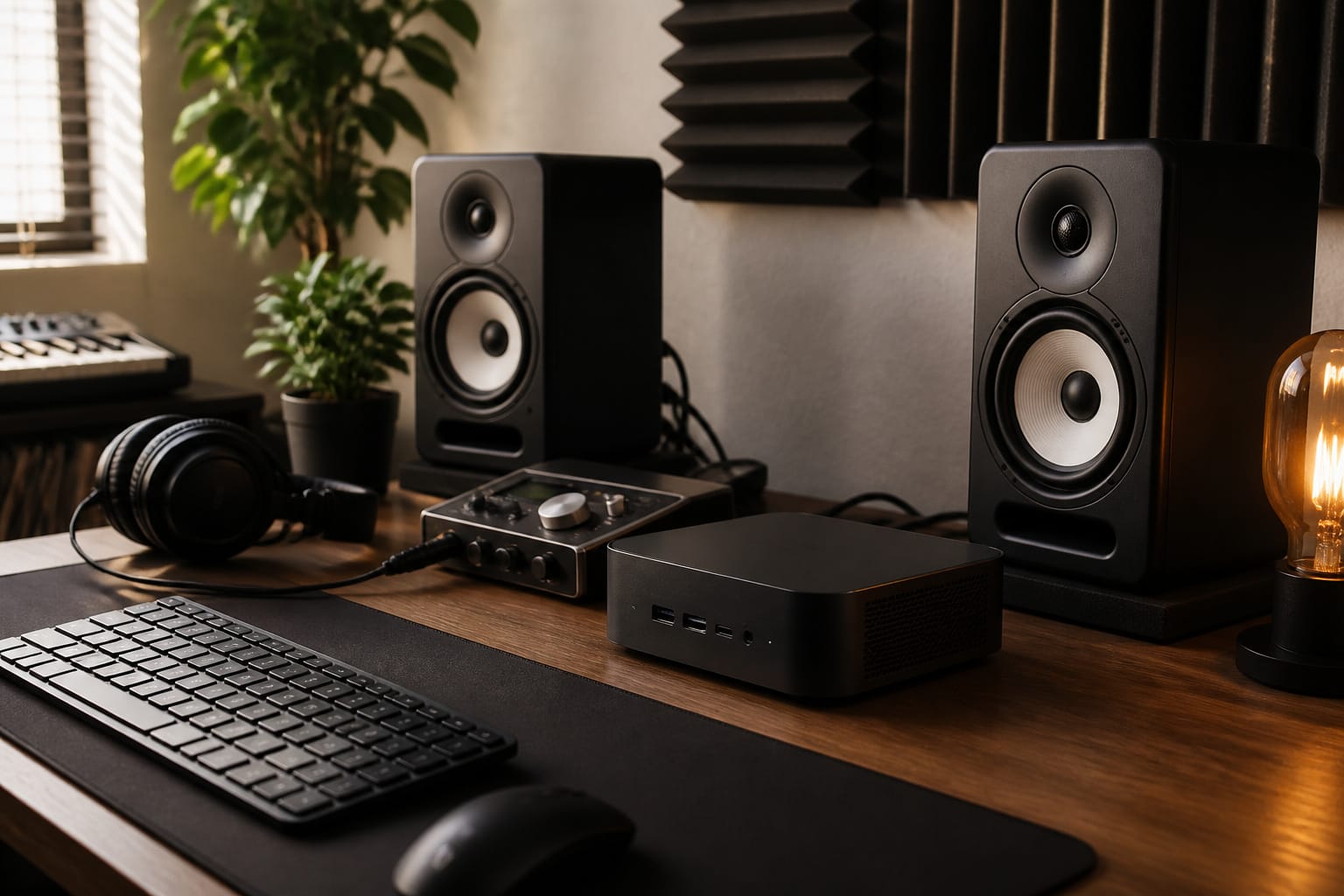
For a fixed home studio, a mini PC usually offers better performance, quieter operation, and easier upgrades for the money. For gigging, travel, and mobile recording, a laptop is the better fit because it is all in one.
This guide compares the two for music production and explains what matters most for a smooth session.
What Music Production Needs From a Computer
Audio work stresses a computer differently from gaming. What matters most is steady performance with low latency, enough RAM for sample libraries and plugins, fast storage for large projects, and reliable USB or Thunderbolt connections for your audio interface. Peak benchmark scores matter less than a system that does not stutter or crackle when your project gets busy.
Before you shop, check your digital audio workstation (DAW) system requirements and key plugins. Confirm they support the operating system and processor type you plan to use, including Windows 11, and, for Apple silicon or Windows on Arm machines, that your plugins and drivers run natively.
Recommended Products
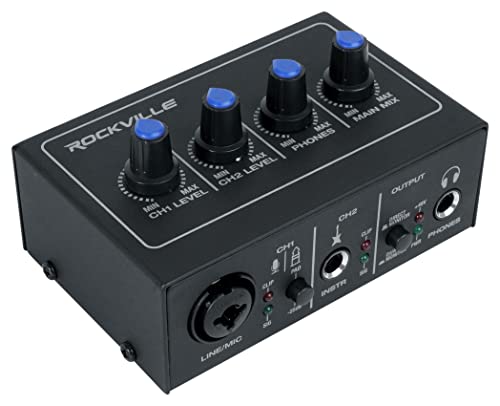
STUDIO-QUALITY SOUND: Premium 24-bit/192 kHz converters and low-noise preamps deliver exceptionally clean audio and ample headroom for recording vocals, instruments, and line levels.

High-Fidelity 24-Bit/192kHz Recording: Create studio-grade sound for vocals, music, or voice-over projects. Tailored for creators, musicians, and home producers.

[Reliable Dual Inputs for Daily Use] This Q-12 audio interface provides professional 16-Bit/48kHz resolution for pristine sound. Unlike others with popping noise, our upgraded chip ensures crystal-clear XLR and 3.5mm inputs for your daily music production.
Performance and Processors
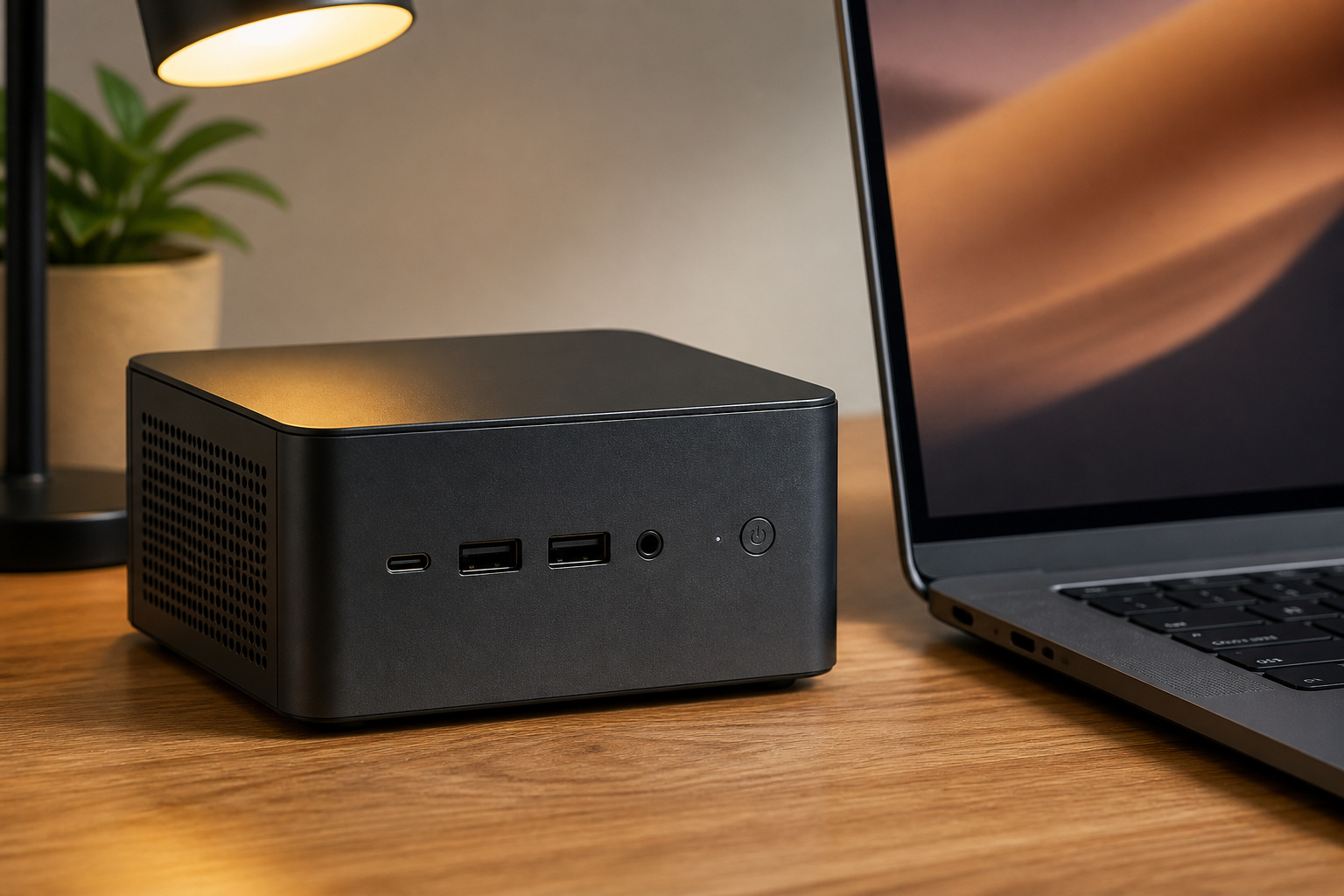
Mini PCs usually use the same mobile-class processors found in laptops, often with slightly more power and cooling headroom than a thin laptop, though less than a full-size desktop. A modern eight-core AMD or Intel chip, or an Apple silicon Mac mini, handles large sessions with many tracks and plugins comfortably.
For RAM, 16 GB is a sensible minimum for music production, and 32 GB helps with large sample libraries and orchestral work. Many mini PCs use standard SO-DIMM modules that you can replace, with some models supporting up to 96 GB. Many laptops have soldered memory, so buy the amount you need up front. Our guide to what makes a computer fast explains how RAM, storage and the processor work together.
Recommended Products

ROBUST PERFORMANCE - Configured with Intel i5 series processor so you can expect lightning fast, reliable and consistent performance for an exceptional PC experience.
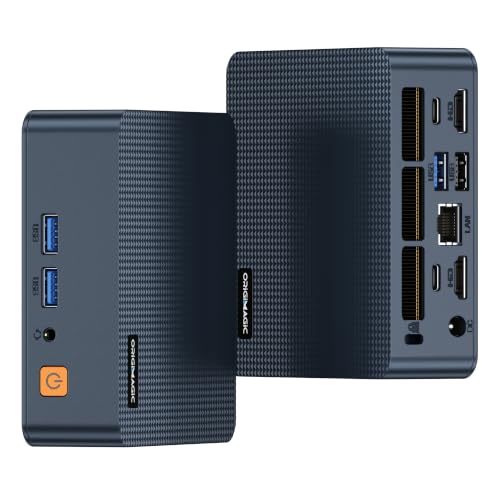
Powerful When You Need it, Efficient When You Don't - Experience smarter computing with the Intel Core 3 100U processor featuring Hybrid Architecture. With 6 cores and 8 threads, the C7 Mini PC intelligently balances performance and efficiency by using Performance Cores for demanding workloads and Efficient Cores for everyday tasks. Up to 4.7GHz turbo frequency delivers responsive performance for office applications, multitasking, streaming, video conferencing, and professional productivity—all in a compact desktop design.
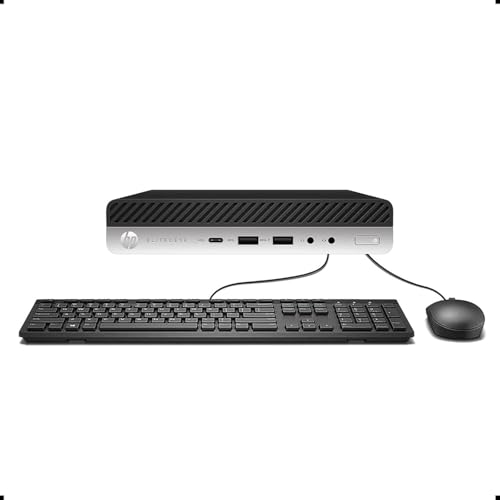
【Excellent Performance】The HP EliteDesk 800 G3 is a high-performance Mini Desktop PC equipped with a high-performance processor, large RAM, and a fast solid-state drive to provide users with a responsive and efficient computing experience.
Portability
A laptop includes a screen, keyboard and battery, so you can work anywhere. A mini PC is small and light, but you need a monitor, keyboard, mouse and power source wherever you set it up.
A portable monitor makes a mini PC workable on the road, and because it runs on mains power, you never have to worry about a battery dying mid-session. If you perform live or travel often, a laptop is simpler. If your studio stays in one place, a mini PC makes sense.
Recommended Products

Full HD Portable Monitor - MNN 15.6inch portable laptop monitor with 1920*1080 resolution, advanced IPS glossy screen support 178° full viewing angle, it renders accurate and bright color, draws you into the video or game with lifelike colors and amazing detail.It can effectively reduce blue light radiation damage, no flickering, eye-care, and make it easier to watch for a long time.A second monitor for working from home.

Extensive Compatibility - Forhelp portable monitor features 2 full-featured Type-C ports and 1 MINI HDMI port. You can easily access your favorite devices with just one USB Type-C or MINI HDMI cable. NOTE: Your device should support Thunderbolt 3.0/4.0 or USB 3.1 Type C DP ALT-MODE. It is compatible with all devices equipped with HDMI and USB Type-C ports like laptops, PS, XBOX, SWITCH game consoles.

15.6" FHD Portable Monitor - Featuring a 1920*1080P resolution, 178°FULL viewing angle, HDR, and Low Blue Light Super Clear IPS A-grade screen, this Anyuse portable screen for laptop enhanced visual experience, reduces eye strain and fatigue.
Cost and Value
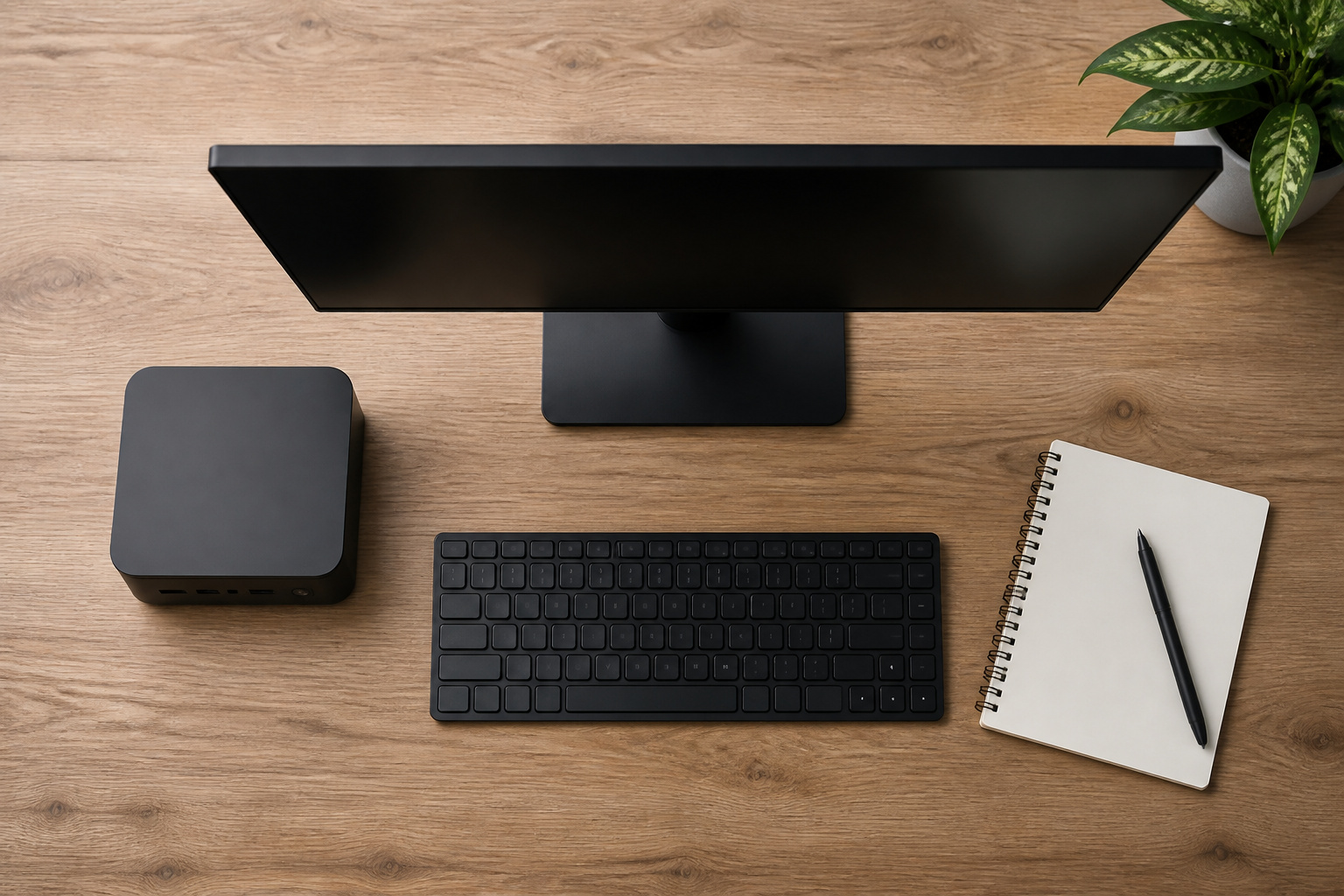
Mini PCs often cost less than laptops with similar processor and memory specs, because you don’t pay for a screen, keyboard, and battery. Keep the full cost in mind: add a monitor, keyboard, and mouse if you do not have them.
Used business mini PCs can be a bargain, and our guides on refurbished computers and new versus used computers explain what to check.
RAM and SSD prices went up in 2026, so check current prices before upgrading.
Recommended Products

[AMD Ryzen 3 Pro 7330U, which is more powerful than the N150/3500U] - ACEMAGIC Mini PC is powered by Latest Processor AMD Ryzen 7330U(4Cores/8Threads, BASE 2.3GHz, MAX TO 4.3GHz) , delivers more than 28% higher performance than N150(Reference from PassMark). Performance at least +40%, GPU at least +23% compared with the previous CPU - N95/N100/3300U. Remarkably power-efficient at 28W, it outperforms its predecessors, even rivaling some mainstream mobile processors from the past

Dell T3620 Music Production Workstation PC / Studio

Faster Performance for Everyday Computing: Powered by the Intel Celeron N5095 processor (4 Cores, 4 Threads, up to 2.9GHz), the KAMRUI AK1PLUS Mini PC delivers up to 30% better overall performance than the Intel Celeron N4500. Easily handle web browsing, online classes, video conferencing, email, and multitasking. This compact mini computer offers responsive performance while maintaining low power consumption for home, office, and business use
Cooling and Noise
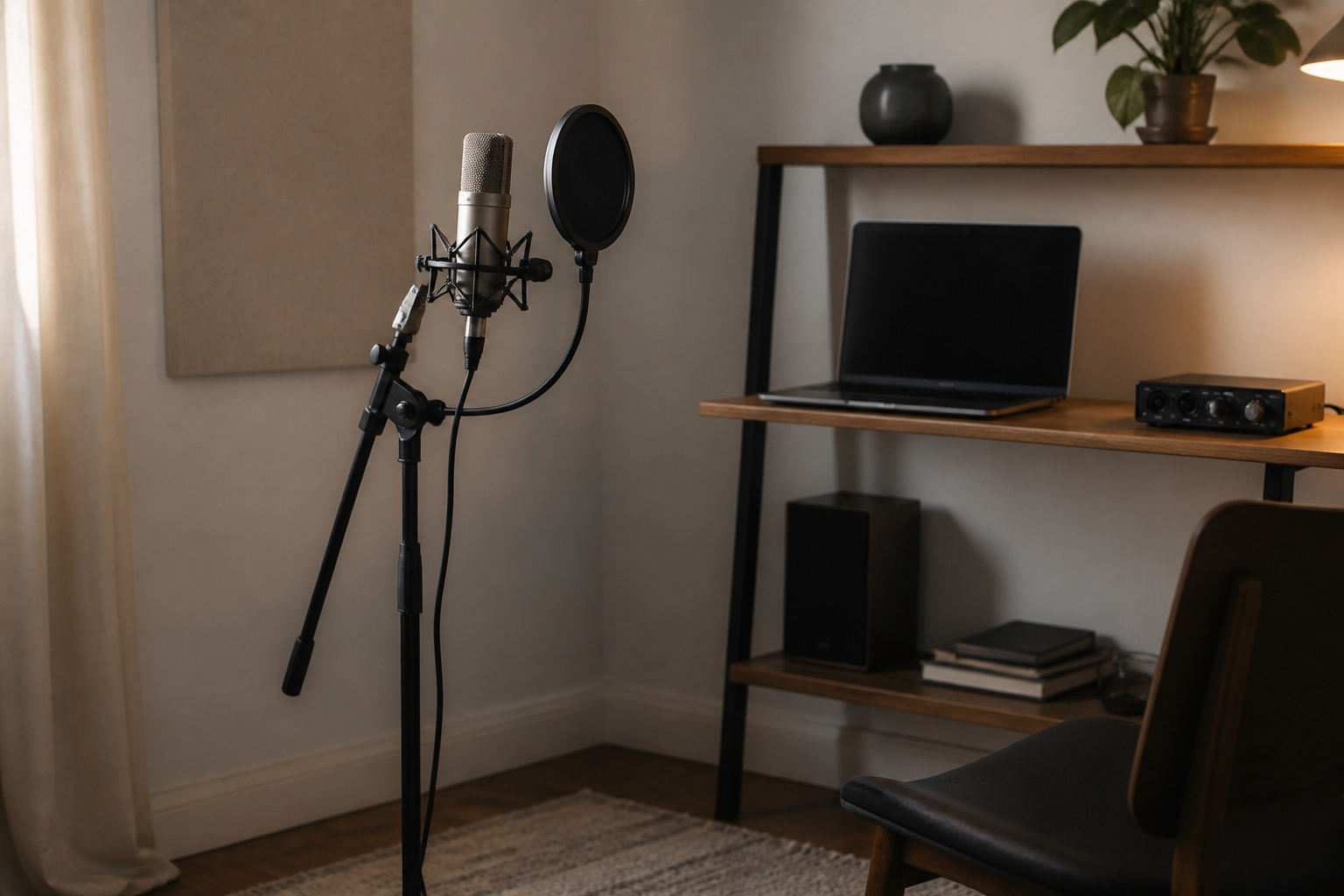
Noise matters when you record. Mini PCs vary a lot: some are nearly silent under load, and others run fans loudly when a session gets busy.
Laptops can also get loud, and thin models may throttle under sustained load. Look for independent reviews that measure fan noise, and place the machine away from your microphone.
Some mini PCs let you adjust fan profiles in the BIOS.
Upgrades and Longevity
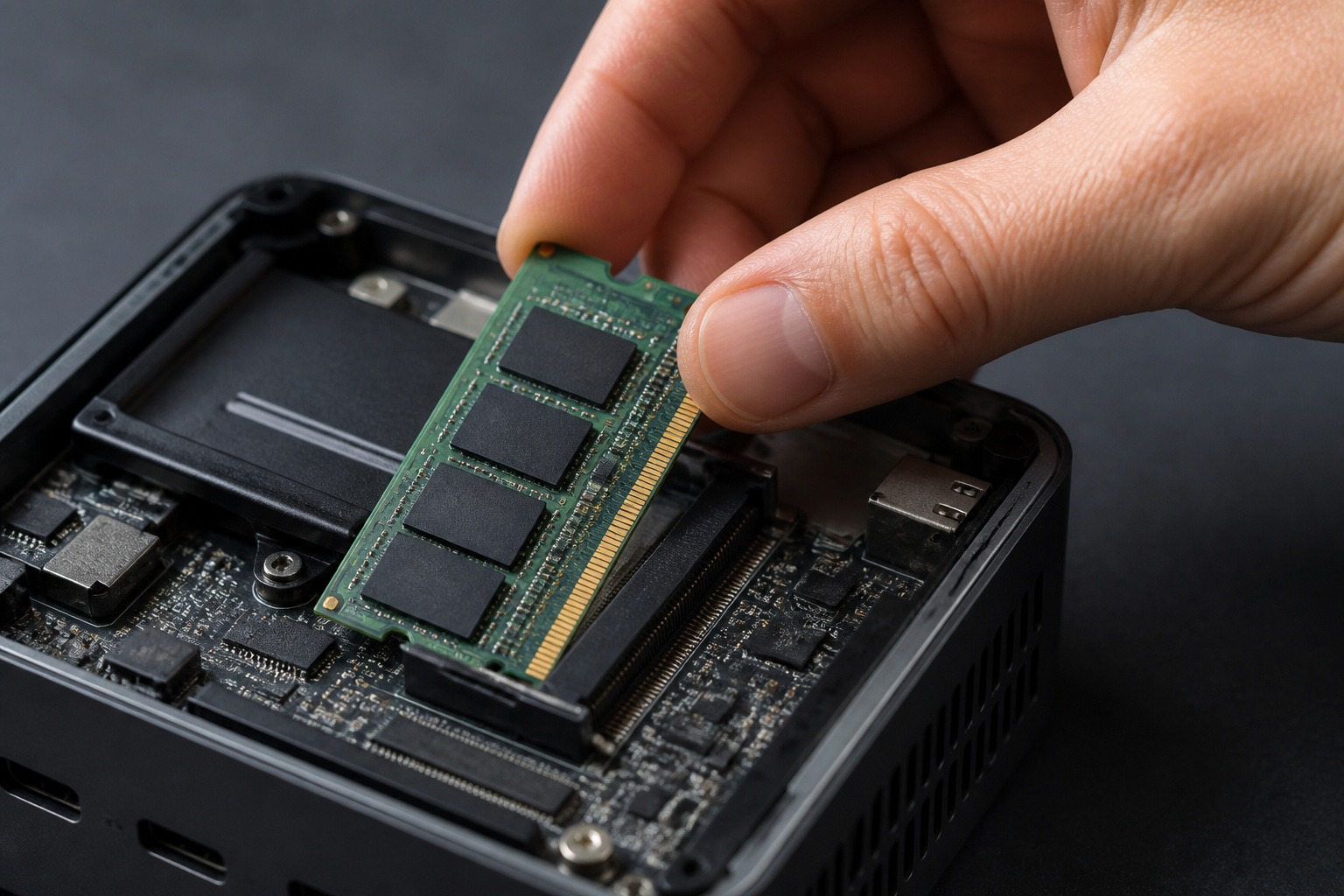
Most mini PCs let you replace the RAM and SSD, and some offer a second M.2 slot. Many laptops allow only an SSD swap, and a few allow neither.
The upgrade path can extend the machine’s useful life, something worth considering alongside our guide to how long a computer should last.
Audio Interface and Ports
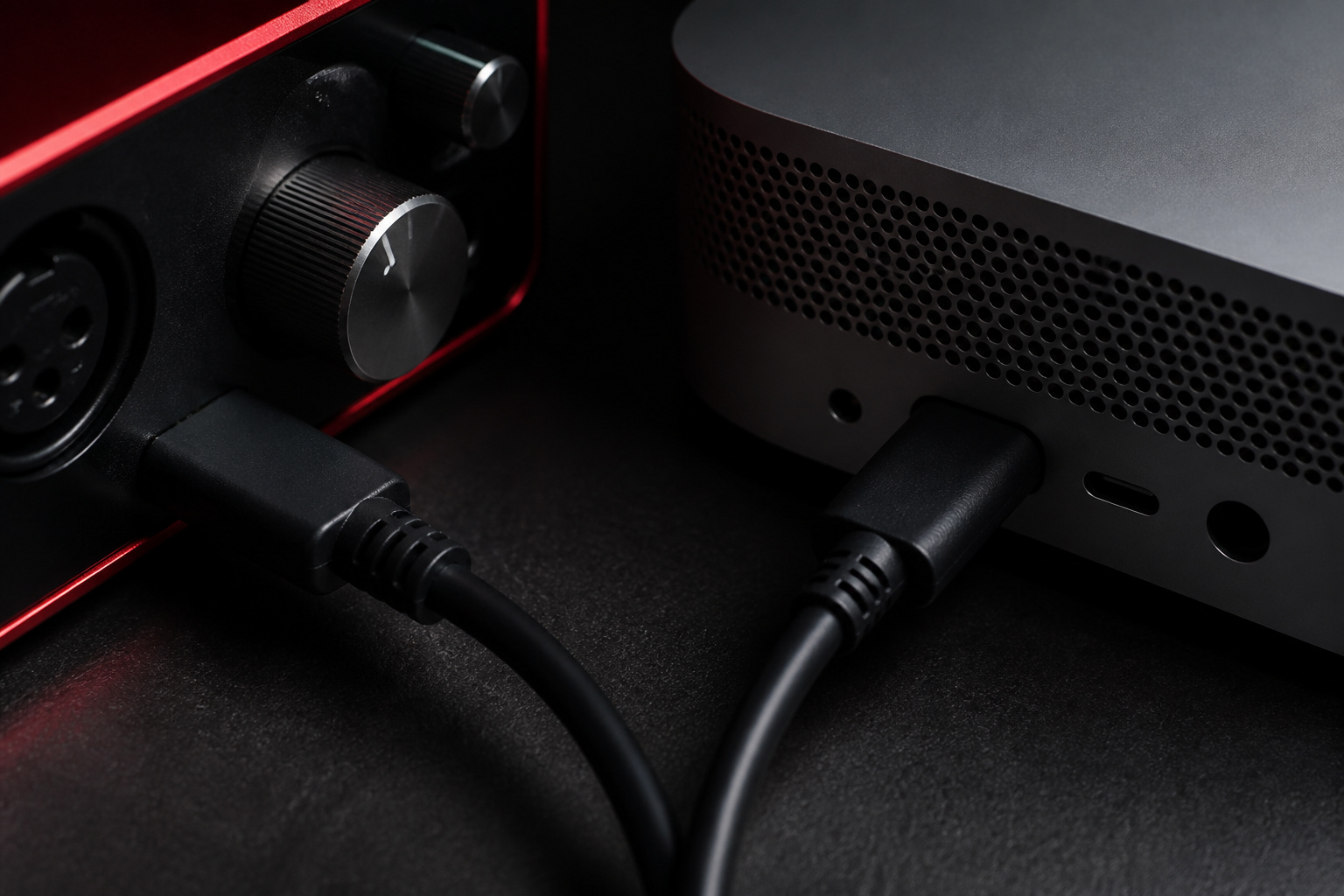
Both options work with USB and Thunderbolt audio interfaces, and serious production uses an external interface either way, because built-in audio isn’t designed for low-latency recording.
Make sure your interface has stable drivers for your operating system, and that the computer has enough fast USB or Thunderbolt ports, ideally on separate controllers.
If you want a multiple-monitor setup, look for HDMI or DisplayPort outputs, and confirm MIDI devices will connect without a crowded hub.
Recommended Products

Pro performance with great pre-amps - Achieve a brighter recording thanks to the high performing mic pre-amps of the Scarlett 3rd Gen. A switchable Air mode will add extra clarity to your acoustic instruments when recording with your Solo 3rd Gen

[5-In-1 Audio Hub] - Cubilux CB5 USB Audio Interface converts the USB port of your laptop into 2 stereo microphone jacks, 1 line-in jack, 1 line-out jack, and 1 headphone jack, letting you conveniently connect microphones, instruments, and headphones or speakers as needed. Please note that the line-out jack and the audio output jack cannot be used simultaneously.

Plug and Play/Wide Compatibility: This USB audio interface connects easily to your Mac, PC, or mobile device without the need to install complicated drivers. It’s very useful for beginners. In addition, this professional audio interface supports high-speed data transfer and is bus-powered,. No drivers required—just plug it into your laptop to enjoy flexible options for music production
Which Should You Choose
Choose a mini PC if your studio is fixed, you want quiet, upgradeable hardware, and you plan to use multiple monitors. Choose a laptop if you record on location, perform live, or share one machine between studio and travel.
If you have a desktop-style space but little room, see our guide to mini PCs for space-saving computing, and compare the full-size option in why the desktop PC is not dead.
Frequently Asked Questions
Are mini PCs good for music production?
Yes, modern mini PCs handle most DAWs and plugin chains well. Pick one with enough RAM, a fast SSD and quiet cooling, and check driver support for your audio interface.
Is a desktop better than a laptop for music production?
For a fixed studio, a desktop or mini PC usually offers more performance, better cooling and easier upgrades. A laptop wins if you need to move around.
How much RAM do I need for music production?
Sixteen gigabytes is a good minimum, and 32 GB suits large sample libraries and big projects.
Can I run a DAW on a mini PC?
Yes, as long as the mini PC meets the DAW’s system requirements. Make sure it has enough USB or Thunderbolt ports for your interface and controllers.
Do I need an external audio interface?
For recording and low-latency monitoring, yes. Built-in audio on either type of computer is fine for casual listening but is not designed for serious recording.