A student laptop has to survive a bag, last through a day of classes, and stay supported for years.
The best specs are usually modest, but a few details matter more for school than for other uses.
This guide covers what to look for and what to check with your school first.
Check Your School’s Requirements First

Before buying, check whether your school or program requires specific hardware or software.
Some courses need Windows or macOS software, exam browsers, or minimum specs. Some programs do not allow Chromebooks.
Ask the school’s technology office, since their list overrides general advice.
Windows, Mac, or Chromebook
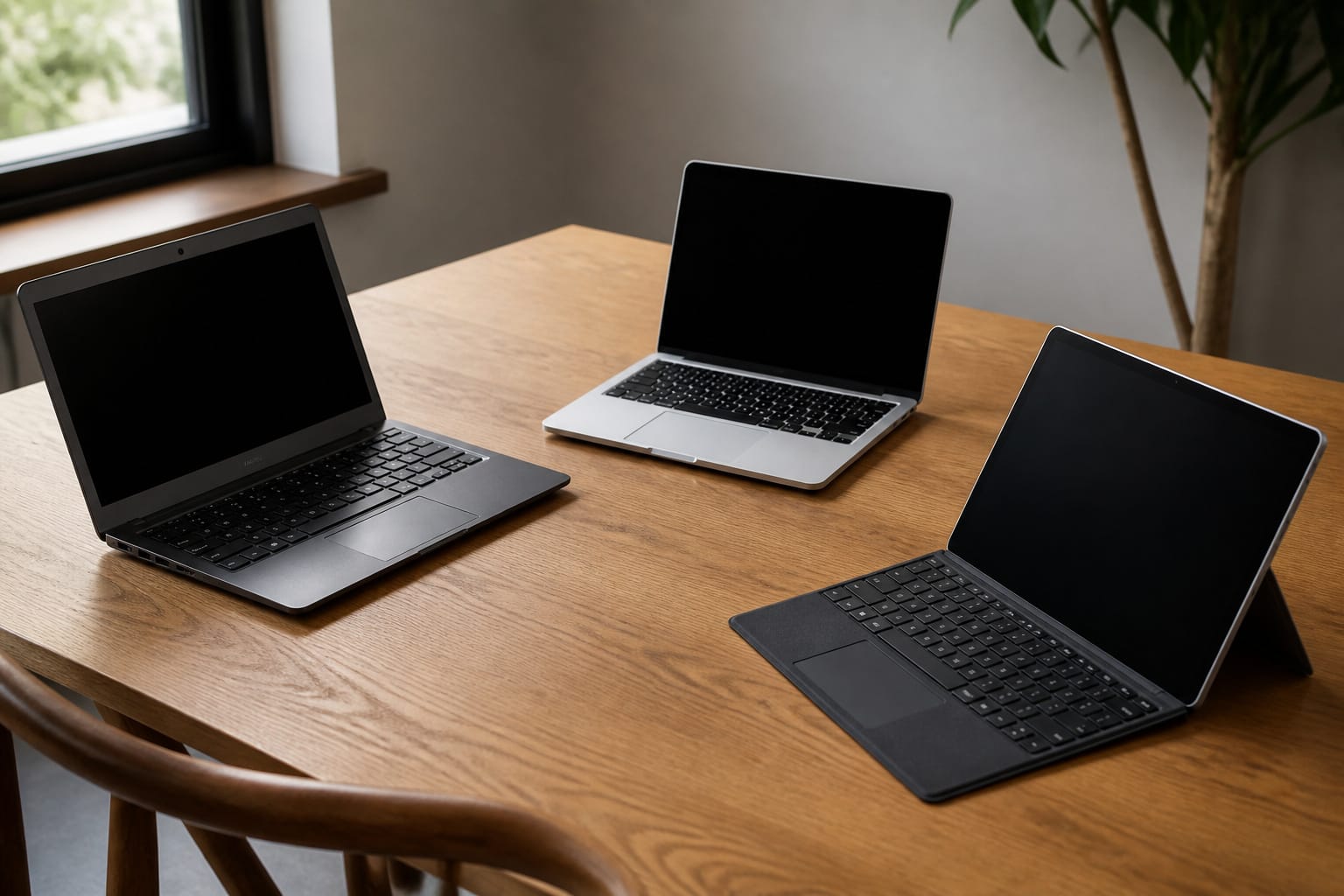
Windows laptops offer the widest choice of software and prices, Macs offer long-lasting hardware and a consistent ecosystem, and Chromebooks are inexpensive and simple for browser-based work.
If you choose a Chromebook, check its Auto Update Expiration date, because it determines how long it stays secure. See how long a computer should last.
Core Specs

For a Windows laptop in 2026, aim for 16 GB of RAM if budget allows. 8 GB is workable, but fills up quickly with many tabs and video lectures. Choose an SSD of at least 256 GB, ideally 512 GB, and a current-generation Core i5 or Ryzen 5.
Programming, design, and engineering programs may need more, so check their recommendations. Our RAM and storage guides explain the numbers.
Recommended Products

Microsoft Authorized Refurbished, 14 inch Non Touch Display Laptop

Dell Latitude 5420 14" Business Laptop | Dell Certified Refurbished

Efficient Performance for Everyday Tasks: Powered by the New Generation Intel N150 Processor and Intel Graphics, this 14-inch laptop delivers smooth performance for browsing, online classes, office tasks, and streaming. Windows 11 Home 64-bit provides a modern, intuitive interface to enhance productivity, huge amounts of storage mean you can save your entire multimedia library on your PC without compromise..
Battery, Weight, and Build

A student laptop is carried daily, so weight and battery life count. Read independent reviews for real battery results, since advertised hours come from manufacturer tests.
A 13- or 14-inch screen balances portability and workspace. A sturdy build and a good keyboard matter when typing thousands of words during a semester.
Recommended Products

【Ergonomic Wireless Keyboard Mouse 】Wireless ergonomic keyboard is equipped with adjustable height tilt legs to increase comfort and prevent your wrists injury when typing for a long time. The full-size wireless keyboard with numeric keypad and 12 multimedia shortcut keys, such as play/ pause, volume increase and decrease, and email, to help you improve work efficiency

OUTLAST THE COMPETITION – Up to 950 hours of battery life on Bluetooth and up to 425 hours on Razer HyperSpeed Wireless lets you game, work, and travel longer with fewer interruptions and less charging downtime

Durable & Comfortable Design: Made from military-grade 900D high-density fabric, MOZETO Tactical Laptop Backpack is built to last. Its dimensions are 18” x 14” x 8” with a 30L capacity. The back panel features thick, soft, multi-layer ventilated padding for maximum support, while breathable adjustable shoulder straps reduce pressure. A foam-padded top handle ensures comfort even during extended carrying.
Ports, Webcam, and Extras
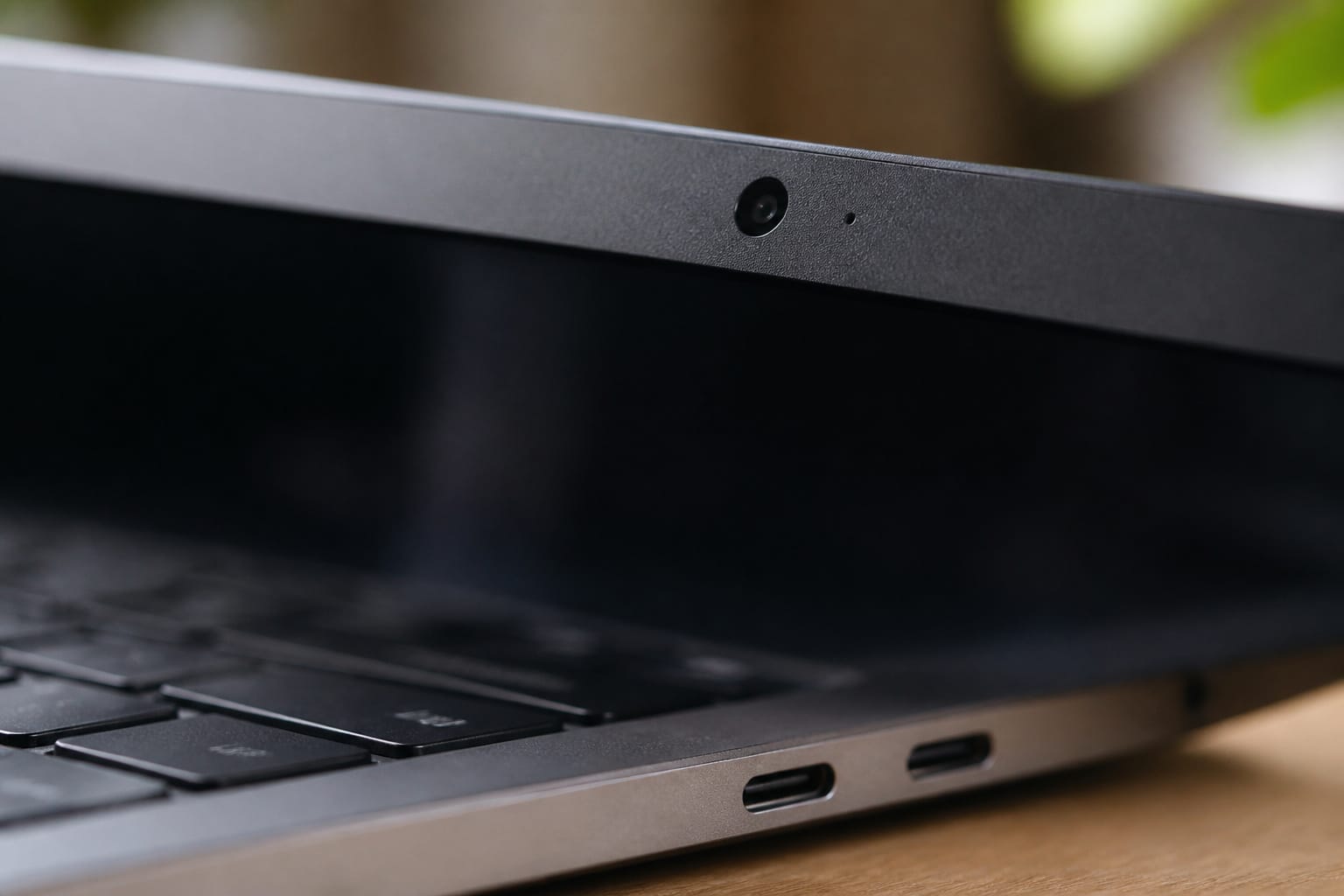
Look for USB-C, a working webcam and microphone for online classes, and Wi-Fi 6 or newer. If you plan a dorm desk setup, check that USB-C can drive an external monitor.
A touchscreen is required to take handwritten notes with a stylus. A protective sleeve and a warranty that covers the full study period are worth the cost.
Recommended Products

Full HD 1080P Webcam with Cover for Video Calls - EMEET computer webcam provides design and Optimization for professional video streaming. Realistic 1920 x 1080p video, 5-layer anti-glare lens, providing smooth video. The fixed focal length makes the object in the focal length range of 11.8-118.1 inches, so as to provide a clearer image. The C960 usb webcam has a cover and can be removed automatically to meet your needs for protection. It is a great choice for home office.

【1080P HD Clarity with Wide-Angle Lens】Experience exceptional clarity with the Gohero 1080p Full HD Webcam. Its wide-angle lens provides sharp, vibrant images and smooth video at 30 frames per second, making it ideal for gaming, video calls, online teaching, live streaming, and content creation. Capture every detail with vivid colors and crisp visuals
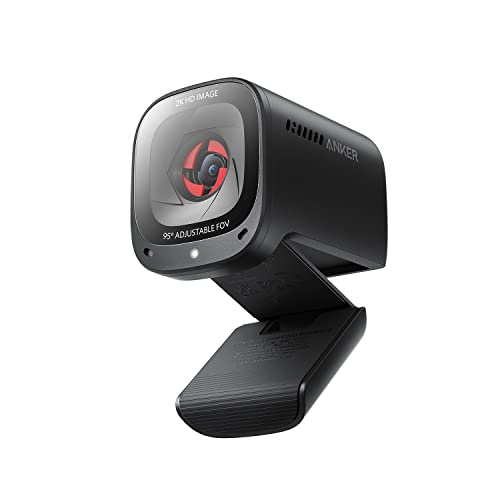
2K Ultra-Clear Resolution: Enjoy sharp, detailed video with this 2K resolution webcam for professional-grade conferences, enhancing your PC setup.
Buy Smart
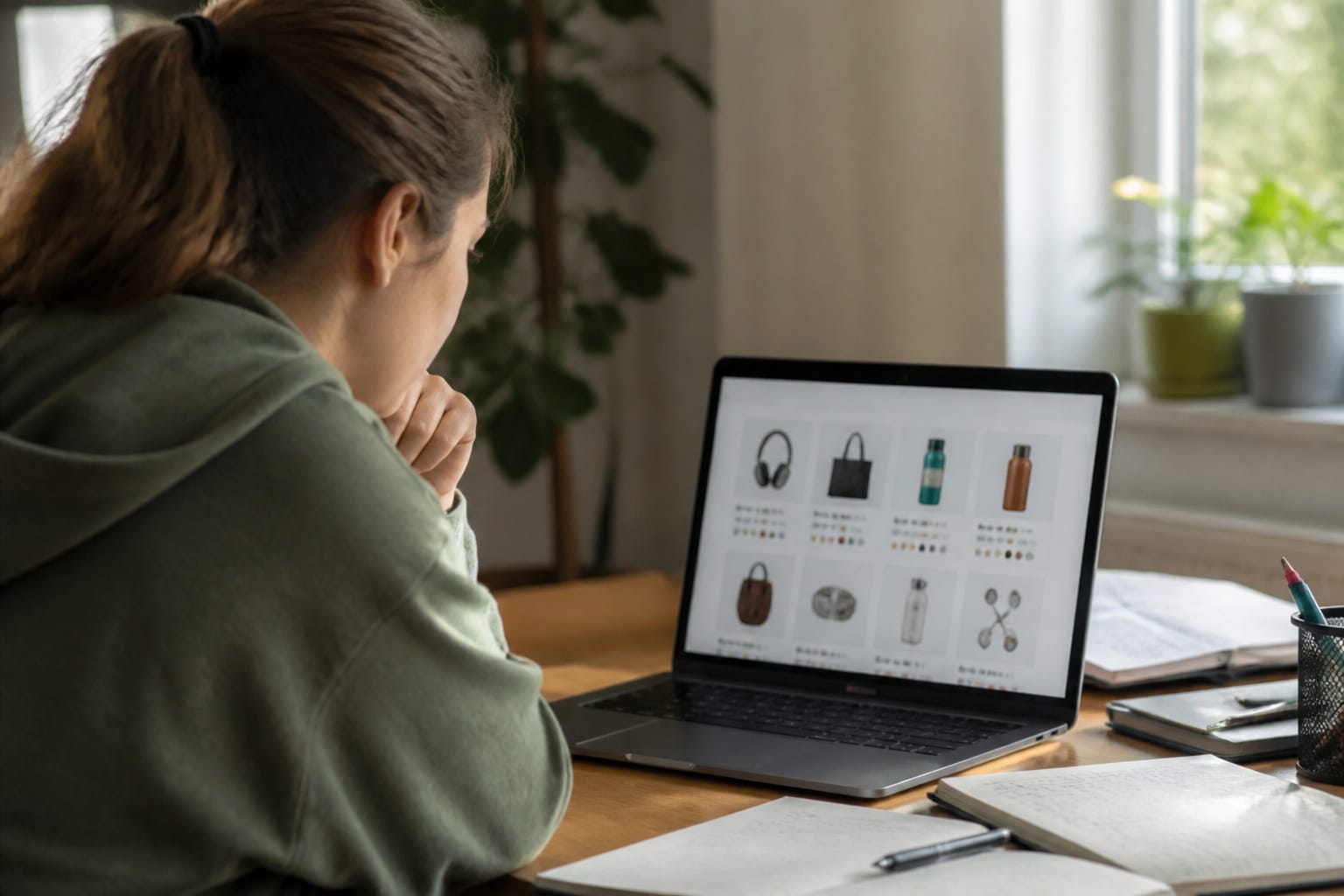
Student discounts, last year’s models, and refurbished units can lower the price. See our guides on refurbished computers and when to buy a computer. Compare offers to get the best deal online. For the full process, see our guide on choosing the right computer for your needs.
Recommended Products



AMD A4-9120C APU Dual Core Processor 1.6 GHz base clock, up to 2.4 GHz max boost / Radeon R4 Graphics / 4GB DDR4-1866 SDRAM
Frequently Asked Questions
Can I use a tablet instead of a laptop for online classes?
For many classes, yes, with a keyboard case. Labs, coding, and software that only runs on a laptop operating system need a laptop.
Do I need antivirus software on my student computer?
On Windows, the built-in Microsoft Defender performed at the top of independent tests in 2026. Keep the system updated and avoid pirated software and suspicious links.
Is a touchscreen necessary for online learning?
No. It helps only if you draw or annotate by hand.
How much storage do I need for schoolwork?
256 GB is enough for documents and cloud-based work, while 512 GB gives room for large files and software. Use cloud storage for backups.
Can I connect multiple monitors to a laptop for studying?
Most laptops support at least one external display through HDMI or USB-C. Check that the USB-C port supports video output.