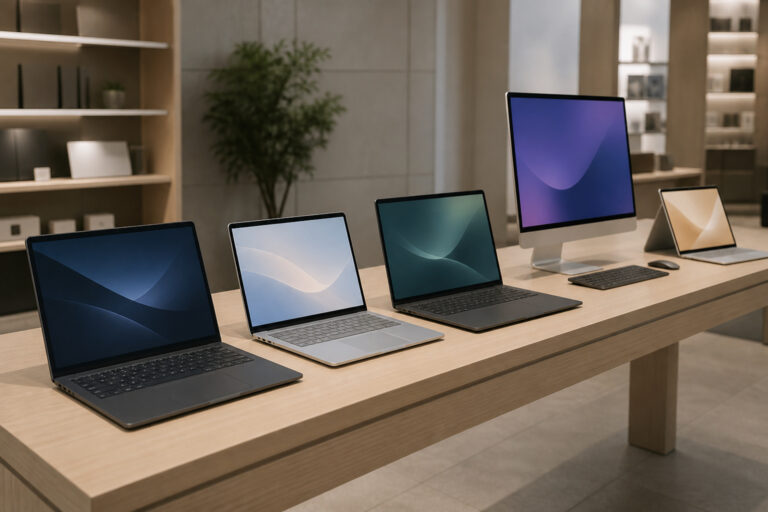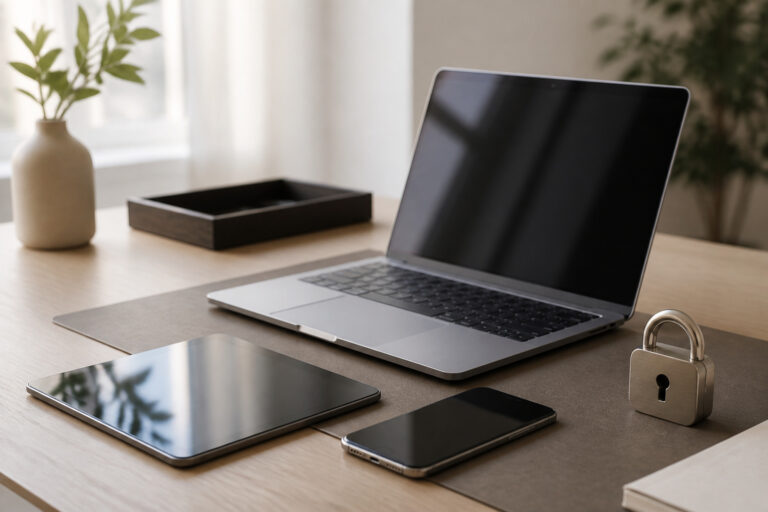
A good college laptop has a current mid-range processor, at least 8 GB of RAM (16 GB is safer), a 256 GB or larger SSD, a battery that lasts a full day of classes, and a build that survives a backpack.
This guide explains each feature and how to match the laptop to your major and budget.
Check Your School’s Requirements First
Many colleges and departments publish recommended laptop specs, and some programs need specific software. Engineering, architecture, design, and data science often require stronger hardware than general studies.
Check requirements before you buy, and ask whether the school offers student pricing or loaner devices. Our guide to the best computer specs for students and online learning adds more detail.
Processor and Performance

For most coursework, a current mid-range processor such as an Intel Core i5 or Ultra 5, an AMD Ryzen 5, or an Apple silicon chip is enough.
Step up to a Core i7, Ryzen 7, or a better Apple chip if you plan on video editing, 3D modeling, or running engineering software. Compare current benchmarks, because model numbers change by generation.
Products Worth Considering

Beyond Performance: The Intel Core i7-13620H processor goes beyond performance to let your PC do even more at once. With a first-of-its-kind design, you get the performance you need to play, record and stream games with high FPS and effortlessly switch to heavy multitasking workloads like video, music and photo editing


【Performance-Driven Efficiency】The KAIGERR laptop is powered by the latest Intel Twin Lake N150 processor (4C/4T, 6MB cache, up to 3.6GHz), delivering enhanced multitasking capabilities and improved graphics performance. Designed to elevate your computing experience, this traditional laptop ensures seamless performance for both everyday tasks and more demanding applications.
Memory and Storage
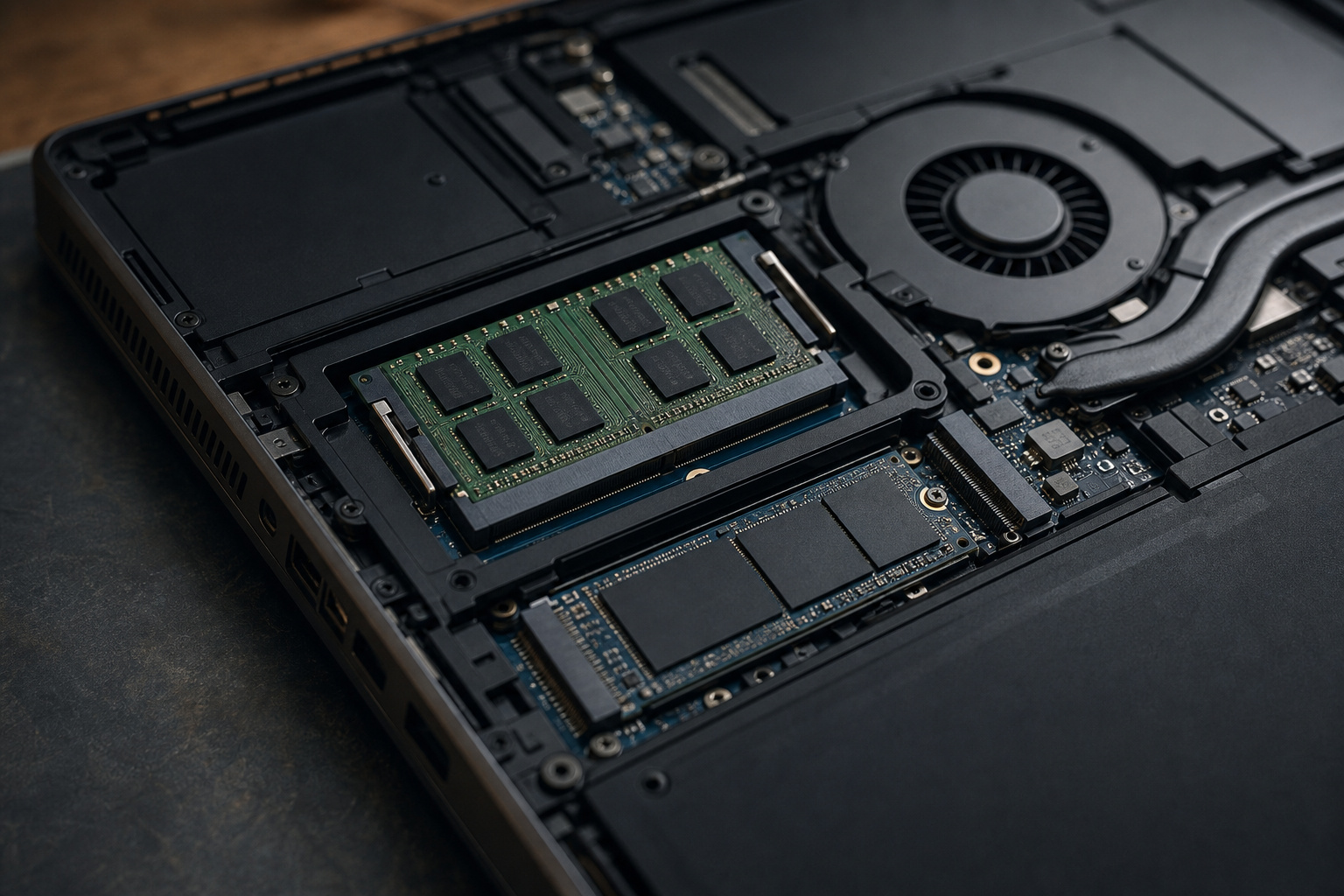
Eight gigabytes of RAM is the minimum for basic use, but 16 GB gives you smoother multitasking and a longer useful life, especially with Windows 11 and many browser tabs.
Many thin laptops have soldered RAM, so buy enough at the start. For storage, a 256 GB SSD works if you rely on cloud storage, and 512 GB is more comfortable. Our guides on what makes a computer fast and how long a computer should last explain why.
Chromebooks are a budget-friendly alternative if your coursework is web-based, but confirm with your school that the software you need runs on ChromeOS.
Products Worth Considering

🚀 POWERFUL INTEL 13TH GEN 8-CORE PROCESSOR: Intel Core i5-13420H with 8 cores (4 Performance + 4 Efficiency), up to 4.6GHz turbo boost, and 12MB cache delivers exceptional multitasking for demanding applications, content creation, video editing, programming, and productivity. Intel UHD Graphics handles HD video playback and light creative work seamlessly.


【Better Experience】 MALLRACE Newest LX15PRO laptop is powered by AMD Ryzen 5 7430U (6C/12T, up to 4.3GHz). Its powerful and upgraded performance ensures smooth game operation and high-quality display. Provide immersive experience for gamers.
Battery Life and Portability

Look for a laptop that lasts through a day of classes. Manufacturer battery claims are measured under light use, so real-world runtime is often lower.
Read independent reviews, and aim for roughly eight hours or more of real use. A 13- to 15-inch laptop under about four pounds is easy to carry between classes, and USB-C charging lets you share a charger or power bank.
Products Worth Considering

Battery type: Li-ploymer Voltage: 10.95V Capacity: 10.95V 5800mAh 64Wh Cell:3 Cells recharge cycles: 500
![XINGLT Replacement Laptop Battery for MacBook Air 13 inch A1466(Mid 2012, Mid 2013, Early 2014, Early 2015,2017) A1369(Late 2010, Mid 2011 Version) 7200mAh,fits A1496 A1405 A1377 [Upgraded 3.0]](https://m.media-amazon.com/images/I/41E1NNkvGdL._SL500_.jpg)
XINGLT MacBook Air Battery:Cobalt Proportion 99% ;The higher the proportion of cobalt; the better the performance of the battery;The manufacturing standards and testing standard are the same as those of the original battery supplier

Specification: Battery type: Li-ion; Voltage:10.8V; Capacity: 56Wh;
Display and Keyboard

You will spend hours looking at the screen, so choose at least full HD resolution on an IPS or OLED panel with decent brightness. A 14- or 15-inch screen balances usability and portability.
Keyboard comfort matters for writing papers, so try one in a store if possible. A backlit keyboard and a precision touchpad make late-night study sessions easier.
Products Worth Considering

Full HD Portable Monitor - MNN 14 inch portable laptop monitor with 1920*1200 resolution, advanced IPS matte screen support 178° full viewing angle, it renders accurate and bright color, draws you into the video or game with lifelike colors and amazing detail.It can effectively reduce blue light radiation damage, no flickering, eye-care, and make it easier to watch for a long time.A second monitor for working from home.

Increase Efficiency Up to 200% & Save Time:KEFEYA travel monitor for laptop screen extender supports you to open multiple windows at the same time, work, video conference, watch movies, or play games on different screens by not having to switch back and forth on a single laptop screen continuously, increase your efficient by up to 200 %. Perfect for people who work on the go,remote workers, watch a movie,IT professionals, Players, Stock traders, Programmers, game players.

Ports and Connectivity
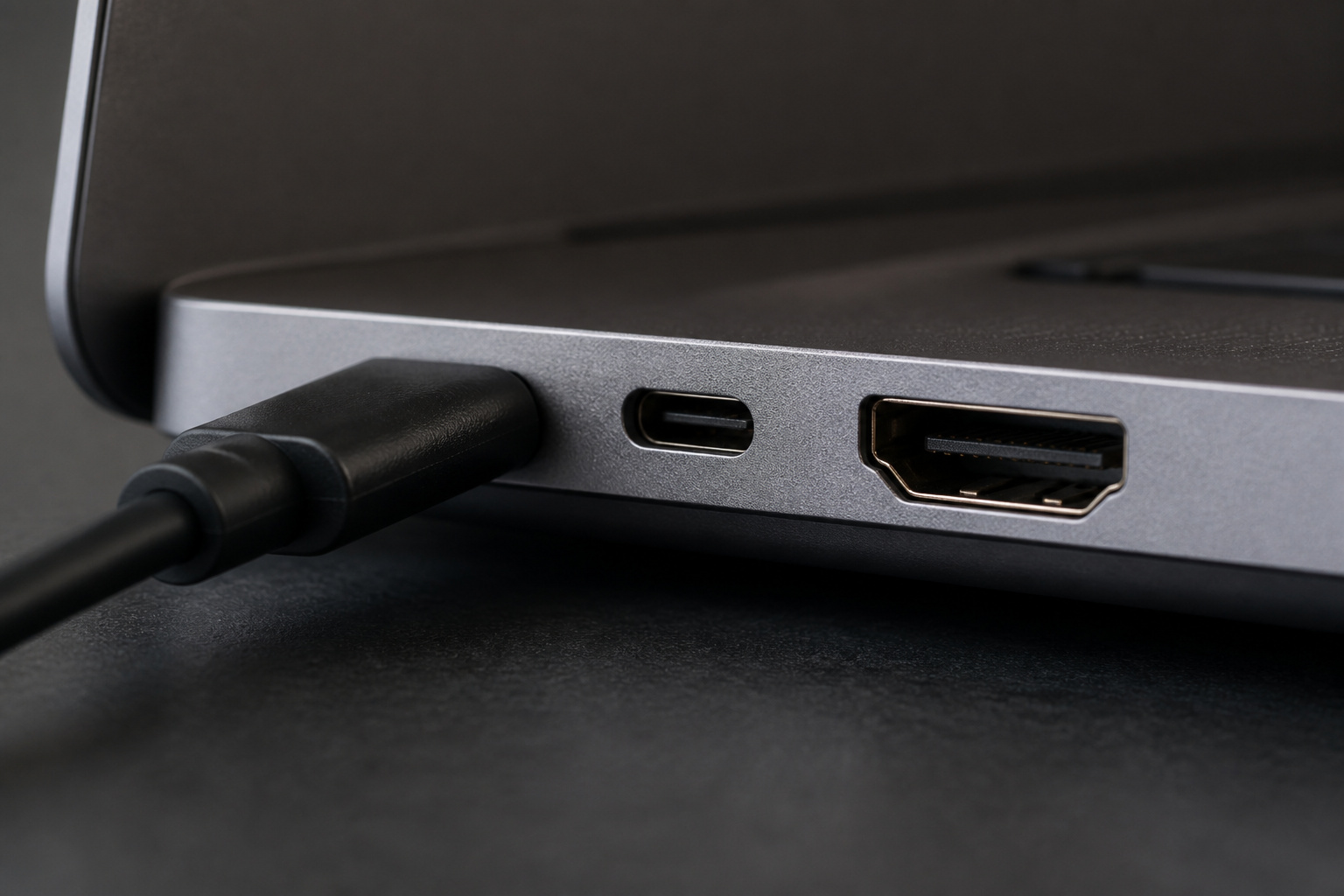
Look for USB-C or Thunderbolt, at least one USB-A port, and HDMI for presentations, or plan to carry an adapter.
Wi-Fi 6 or newer helps on busy campus networks. An SD card slot is useful for photography and media courses.
Products Worth Considering

Sleek 7-in-1 USB-C Hub: Features an HDMI port, two USB-A 3.0 ports, and a USB-C data port, each providing 5Gbps transfer speeds. It also includes a USB-C PD input port for charging up to 100W and dual SD and TF card slots, all in a compact design.

7-in-1 USB C Hub: USB C multiport adapter equipped with 1*4K HDMI port, 1*USB-C 100W PD charging, 2*USB-A ports, 1*USB-C port and TF/SD card reader slot, providing excellent connectivity to meet all of your expansion needs at the same time, and greatly improving work efficiency.

8-in-1 USB C Hub: The USB C multiport adapter cost-effectively solve the problem of laptop poor ports. Expanding USB-C ports up to 8 ports(1*4K HDMI port, 1*RJ45 ethernet port, 1*USB-C PD 100W charging port, 2*USB-A ports, 1*USB-C port and TF/SD card reader slot)
Durability and Software Compatibility

A sturdy chassis and solid hinges help a laptop survive years of campus life. Some models pass MIL-STD-810 tests, which indicates tested resistance to drops, vibration, and temperature extremes, though it does not make a laptop indestructible.
Consider accidental damage coverage if you are rough on devices. Windows 10 reached the end of regular support on October 14, 2025, so buy a laptop that runs Windows 11. Mac and Windows both suit most courses, but confirm that your program’s software runs on your choice.
Budget and Timing
Student laptops range from budget models to premium ultrabooks. Memory and storage costs rose in 2026, so check the spec sheet carefully, since some makers have cut RAM instead of raising prices.
Back-to-school and holiday sales often bring discounts, and manufacturers offer education pricing. Our guides to the best time to buy a computer and refurbished computers can help you save. For general advice, read how to choose a laptop.
Frequently Asked Questions
How much should a college student spend on a laptop?
It depends on your major and software. Basic coursework needs a modest laptop, while engineering, design, and video work call for more power. Compare current prices, use student discounts, and avoid paying for features you will not use.
Is a Chromebook enough for college?
It can be if your courses rely on web apps and cloud tools. Check your school’s software requirements first.
Are extended warranties worth it for students?
Sometimes. Accidental damage coverage can help if you are hard on devices, but check what the manufacturer’s warranty and your credit card already include.
How should students protect their data?
Keep the system updated, use Microsoft Defender or the built-in protection on your OS, enable two-factor authentication, use a password manager, and back up your files regularly.
How often should students replace a laptop?
Many laptops last through four years of college if you buy enough RAM and storage up front. Replace it when it stops receiving security updates or can no longer handle your coursework.
Is a gaming laptop a good choice for college?
Only if you need the graphics power or want to game. Gaming laptops tend to be heavier, pricier, and shorter on battery life than standard laptops.