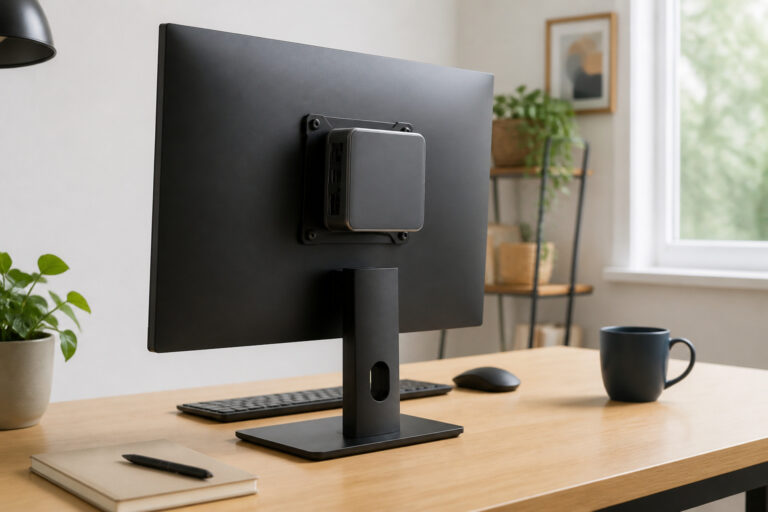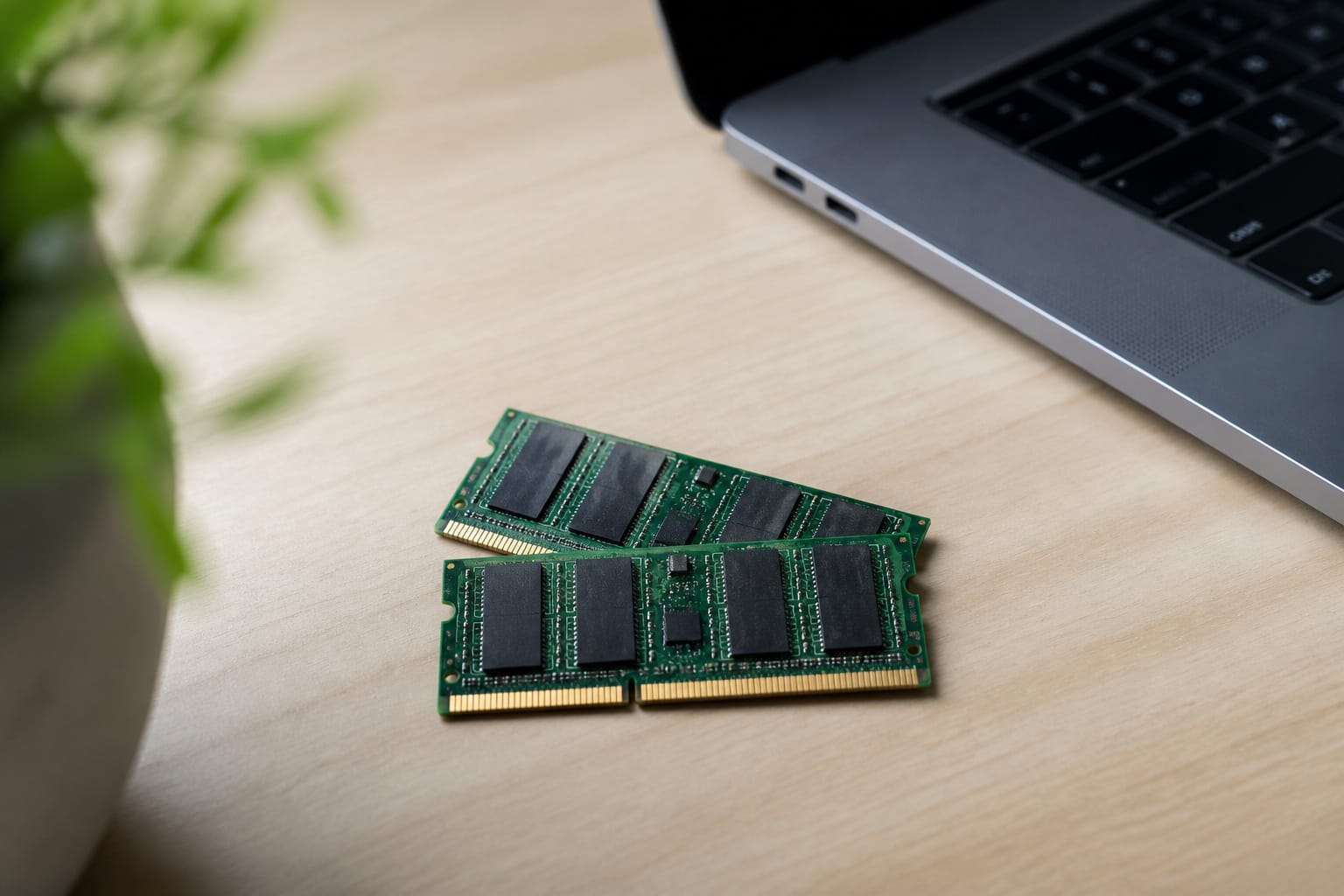
RAM is your computer’s working memory, and running short of it is one of the most common reasons a machine feels slow.
The right amount depends on what you do and how long you want the computer to last. This guide gives practical numbers for 2026 and explains when more memory helps and when it does not.
What RAM Does
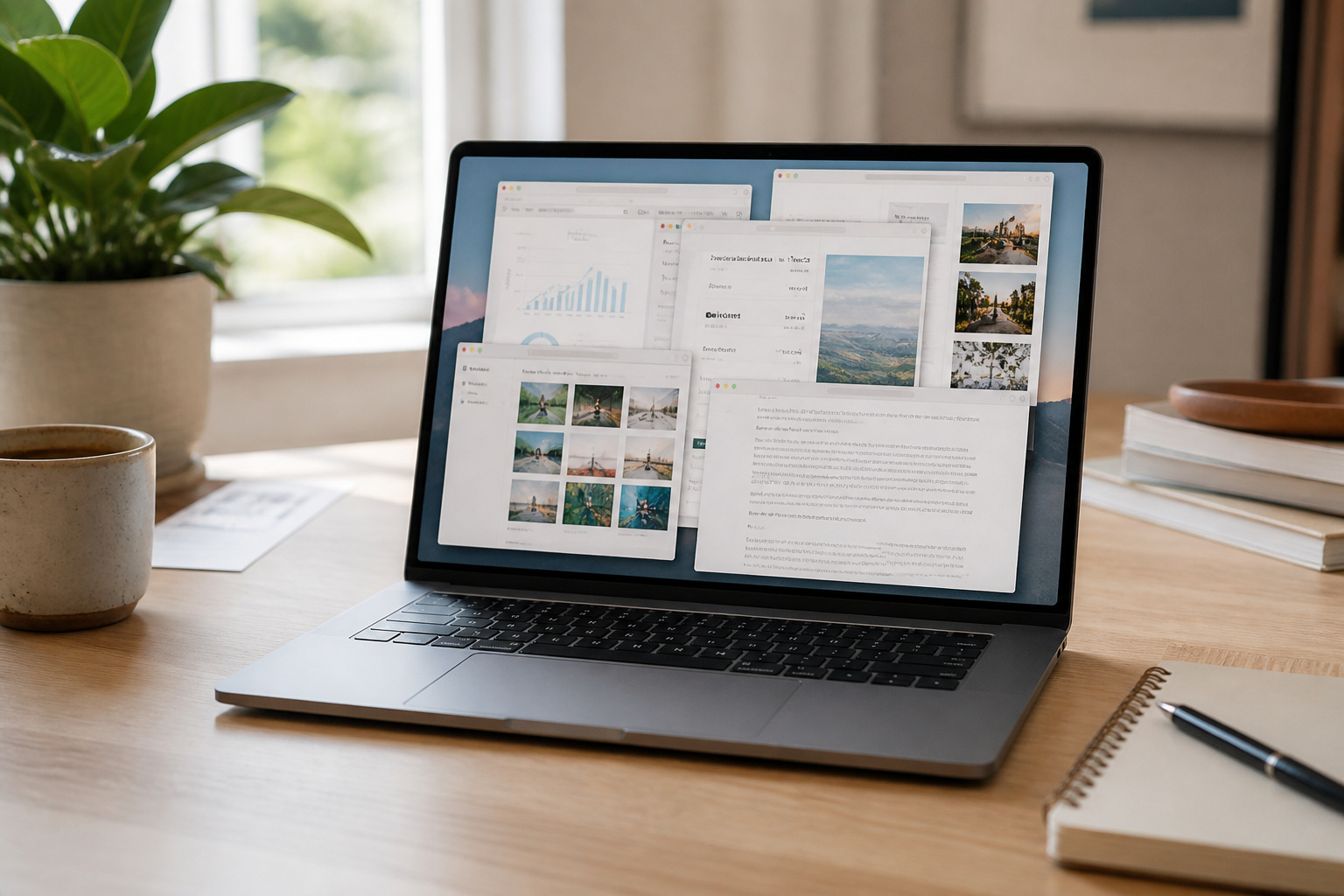
RAM holds the programs and files you have open right now. When it fills up, the computer starts moving data to the much slower drive, and everything stutters.
More RAM does not make the processor faster, but it keeps the computer from running out of room when you multitask. Storage is different: it holds files long term.
Our guide to SSD versus HDD storage covers it.
How Much You Need in 2026
Microsoft lists 4 GB as the minimum for Windows 11, but that only covers running the system. Most buying guides in 2026 treat 8 GB as the floor for light use like browsing, email, documents, and streaming. 16 GB is a sensible target for everyday work with many tabs, video calls, and office apps open together.
Serious gaming, video editing, and programming benefit from 32 GB or more. Microsoft’s Copilot+ PC label requires 16 GB, which shows where the baseline is heading.
Recent MacBook Air models start at 16 GB, and Chromebooks do well with 8 GB because ChromeOS is lightweight. A 4 GB device is only suitable for very basic use.
Recommended Products

16GB Module ( 1x 16GB ) | DDR4 3200 MHz ( PC4-25600 / PC4-3200AA )

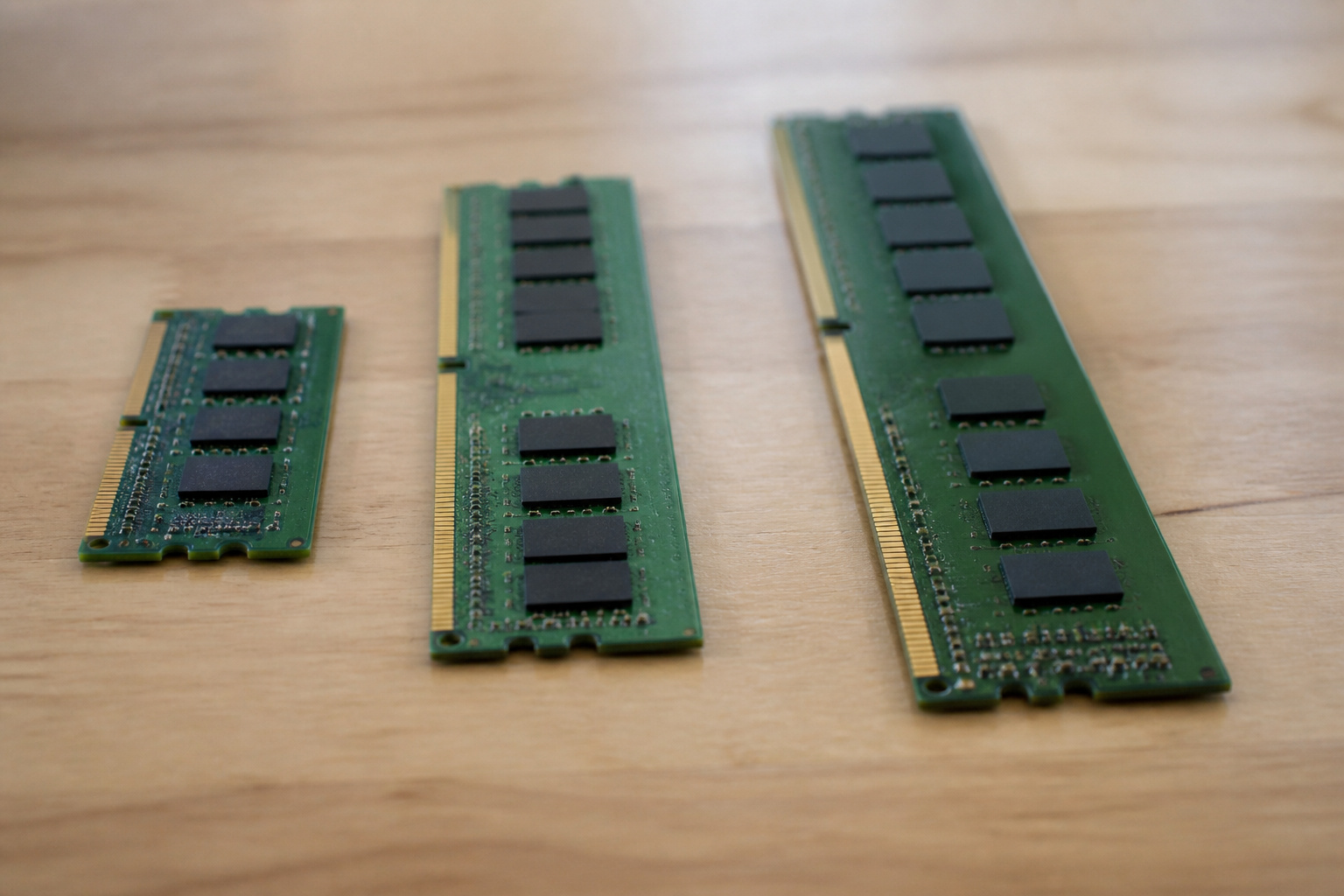
Capacity – Single Module 16GB Speed up to 2400MHz Non-ECC Unbuffered 260-Pin 1.2V SODIMM.

Actual memory speed may vary depending on the system, CPU, motherboard, BIOS settings, and supported memory configuration. DDR4 3200MHz modules may operate at lower speeds such as 2933MHz or 2666MHz when supported by the host system. Please check your device specifications and compatibility before purchase.
Can You Upgrade It Later?
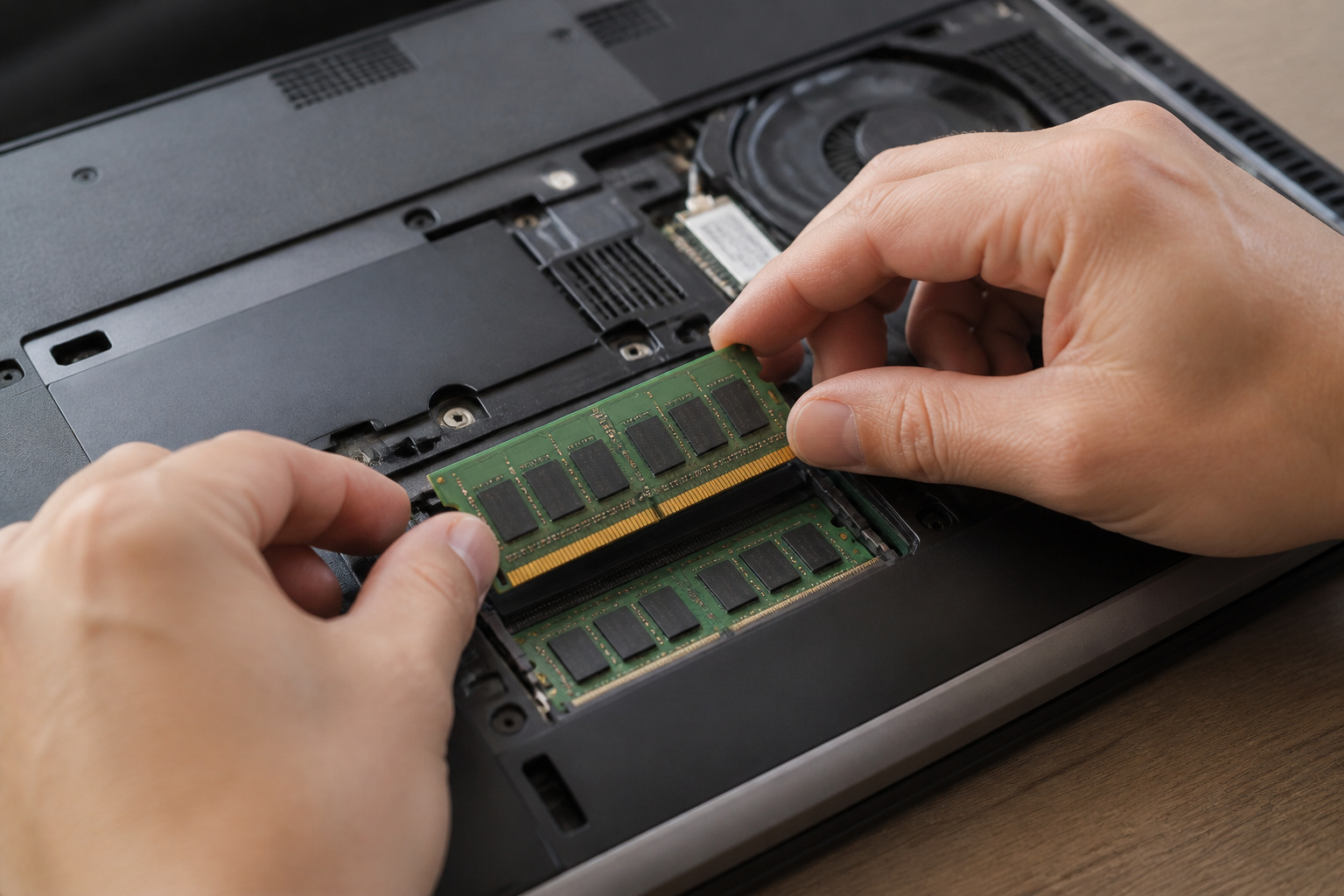
That depends on the machine. Many desktops and some laptops have memory slots you can fill, while most thin laptops solder the memory to the board. Macs with Apple silicon build memory into the chip package.
If you cannot upgrade, buy the amount you will want in three years. If the laptop has a free slot, start with 8 GB and add more later; it saves money. Our guide to upgrading an old computer explains how to check.
Recommended Products
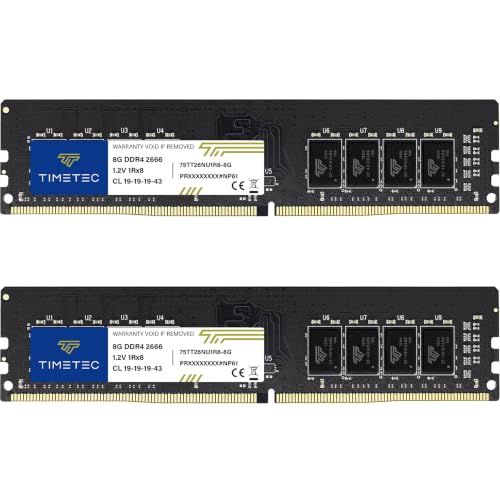
Capacity – 16GB RAM KIT (2 x 8GB Modules) Speed up to 2666MHz Non-ECC Unbuffered 288-Pin 1.2V UDIMM.

Capacity – 32GB RAM KIT (2 x 16GB Modules) Speed up to 2666MHz Non-ECC Unbuffered 288-Pin 1.2V UDIMM.

Boosts System Performance: 32GB DDR4 Pro Series desktop memory RAM kit (2x16GB) that operates at 3200MHz, 3000MHz, or 2666MHz to improve multitasking and system responsiveness for smoother performance
Why Memory Prices Matter This Year
AI data centers have driven up memory costs in 2026. That’s why some manufacturers have cut RAM in lower-priced models instead of raising prices.
Check the spec sheet of any model you are considering, because a familiar laptop may now ship with less memory than last year’s version. For more, see our guide on whether cheap computers are worth it.
Recommended Products

PORTABLE, DURABLE & BUSINESS-READY - Built to the same rigorous engineering standards as the premium IdeaPad Slim 5 / 5i series, the IdeaPad Slim 3 features a slim, lightweight build with MIL-STD-810H durability, engineered to withstand drops, shocks, humidity and extreme temperatures. Combined with long battery life, it supports uninterrupted productivity throughout demanding workdays, client meetings, and business travel

【Performance-Driven Efficiency】The KAIGERR laptop is powered by the latest Intel i3 8109U Processor (Up to 3.6GHz), delivering enhanced multitasking capabilities and improved graphics performance. Designed to elevate your computing experience, this traditional laptop ensures seamless performance for both everyday tasks and more demanding applications.

How to Check Whether You Need More

Open Task Manager on Windows or Activity Monitor on a Mac while you work normally. If memory use sits near its limit and the computer slows down, more RAM will probably help.
If memory use is low and the computer is still slow, the cause is elsewhere, such as an old hard drive or a hot processor. Our guide to what makes a computer fast explains how to find the bottleneck.
Recommended Products
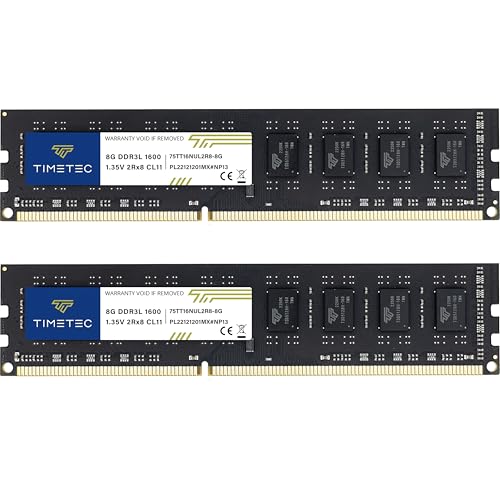
[Color] PCB color may vary (black or green) depending on production batch. Quality and performance remain consistent across all Timetec products.

[Specs] DDR3L / DDR3 1600MHz PC3L-12800 / PC3-12800 204-Pin Unbuffered Non ECC 1.35V CL11 Dual Rank 2Rx8 based 512x8
[Color] PCB color may vary (black or green) depending on production batch. Quality and performance remain consistent across all Timetec products.
Frequently Asked Questions
Is 8 GB of RAM enough?
For light use, yes. For a primary Windows computer with many tabs and video calls, it fills up quickly, so 16 GB is the safer choice if the budget allows.
Will more RAM make my computer faster?
Only if it is currently running out of memory. Adding more RAM doesn’t make anything faster.
Does it matter how many sticks of RAM I have?
On computers with two memory slots, two matched sticks usually perform better than one because they run in dual-channel mode. Check your model’s manual.
Can more RAM fix slow internet?
No. Internet speed depends on your plan, router, and Wi-Fi signal, not on computer memory.
How much RAM do I need for a student or work laptop?
16 GB is a comfortable target for both, and 8 GB is workable for lighter use. See our guides for students and working from home.