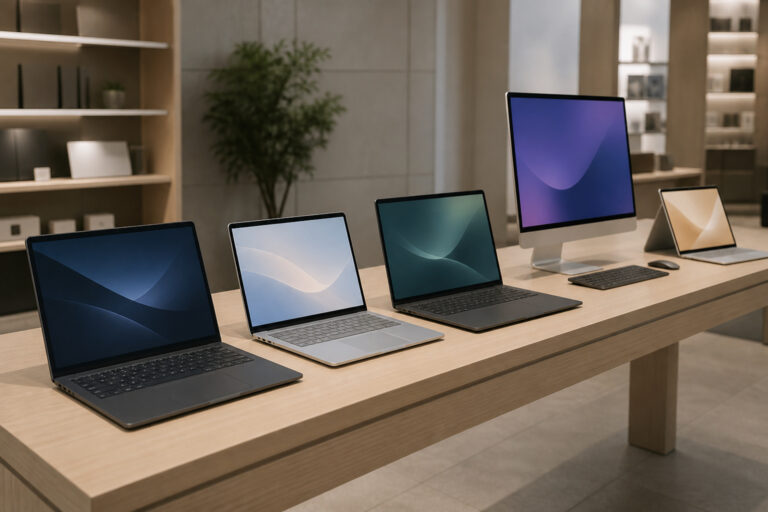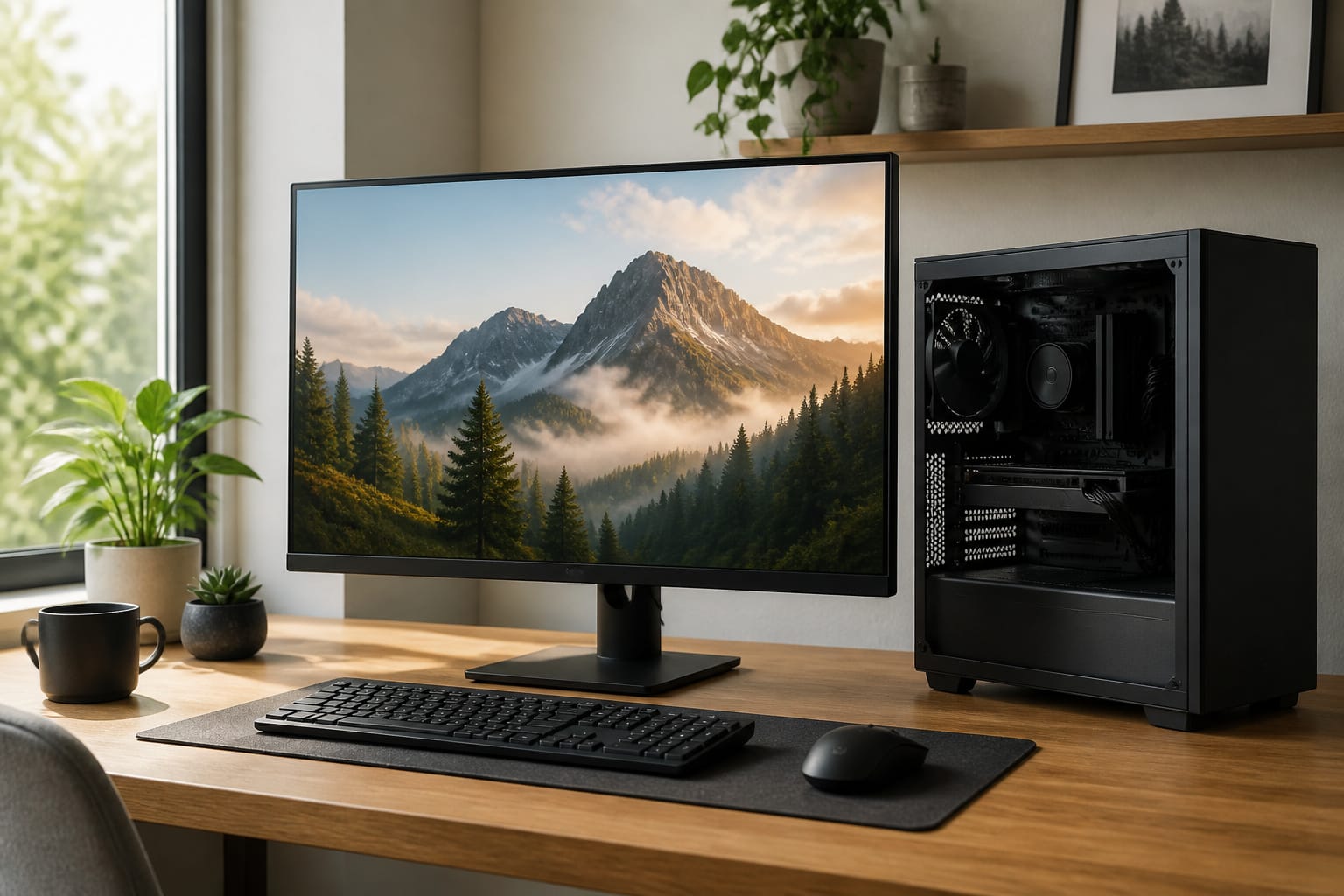
The desktop PC is not dead. Laptops may outsell desktops, but desktops still offer more performance per dollar, easier upgrades and repairs, better cooling, and a more comfortable workspace.
This guide explains where desktops win, where laptops win, and who should buy which.
Better Value for the Money
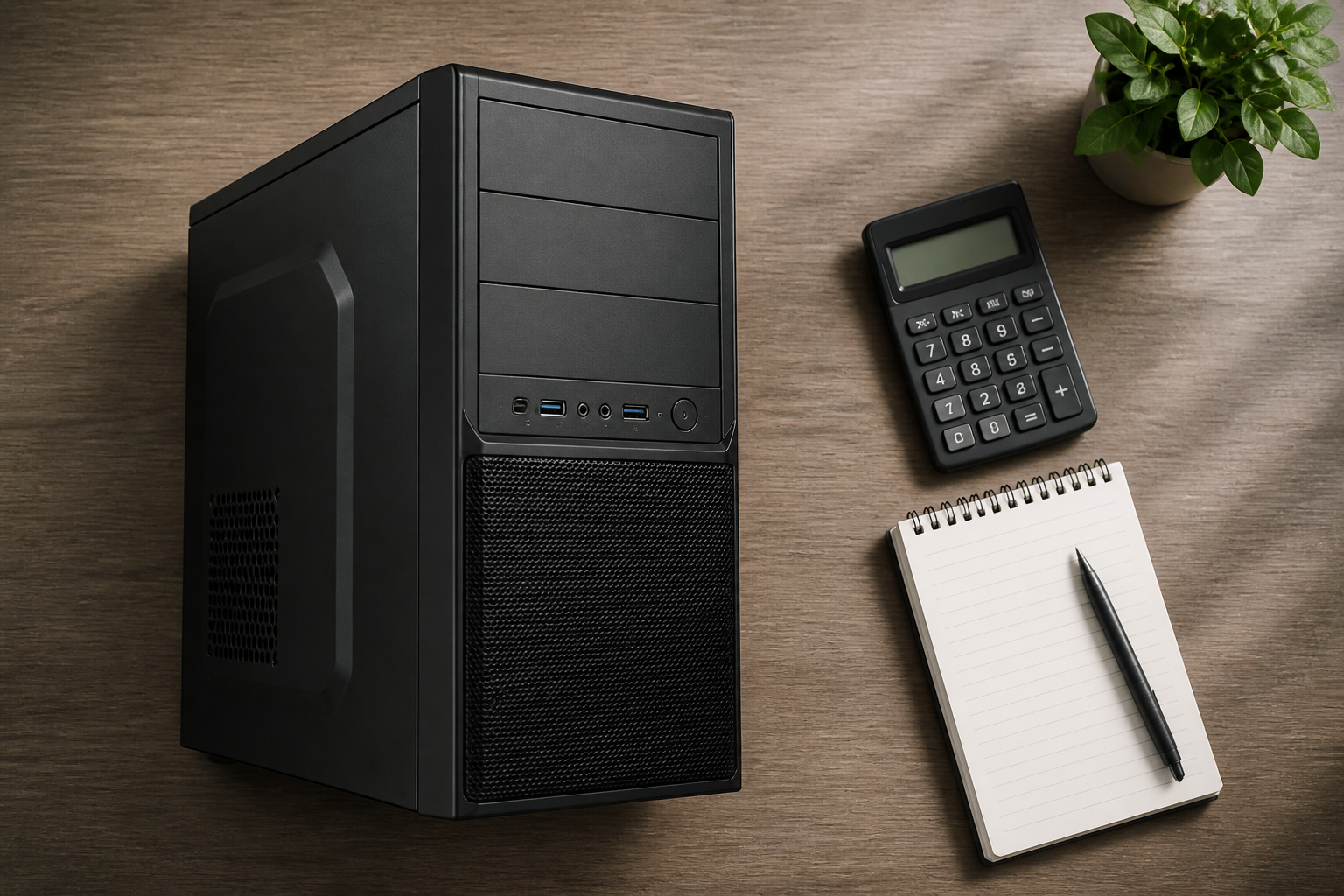
A desktop doesn’t pay for a built-in screen, battery, or compact cooling, so the same budget generally buys faster parts. That gap is clearest for gaming, video editing, and other demanding work.
All-in-one desktops and compact towers also cost less than comparable laptops in many cases, though prices vary, so compare current offers. Our guide to getting the best deal on a computer online shows how.
Recommended Products

CPU: AMD Ryzen7 5700X (up to 4.6GHz) 8-Core 16-Thread to easily handle multi-line tasks

Legend perfected: Modern design with a matte basalt black finish in an optimized chassis with customizable AlienFX lighting zones, including the striking stadium lighting.

High-Performance Low-Power Firebat R2 Mini PC for Daily Office & Home Use
Easy Upgrades and Repairs
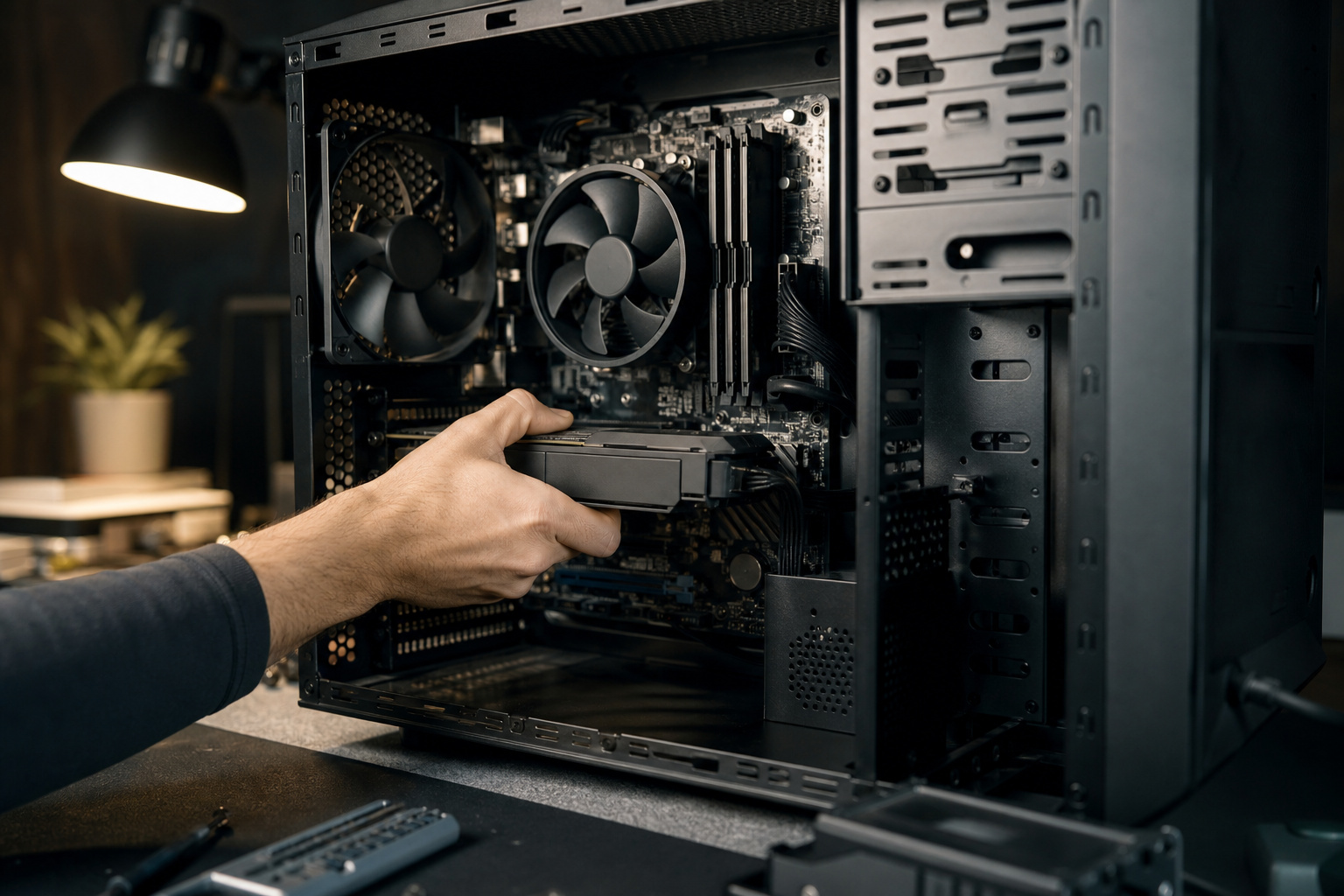
Most desktop parts are standard and replaceable. You can add RAM, swap in a bigger SSD, install a new graphics card, or replace a failed power supply without buying a new computer.
That extends the machine’s useful life and cuts waste. Our guides on how long a computer should last and the signs it is time to replace your computer show why upgradeability matters.
Remember, some pre-built and all-in-one desktops use proprietary parts, so check compatibility before you buy.
Recommended Products


PERFORMANCE: Up to 550MB/s read and 500MB/s write speeds for faster startup, file transfers, and everyday computing
Gaming and Heavy Work
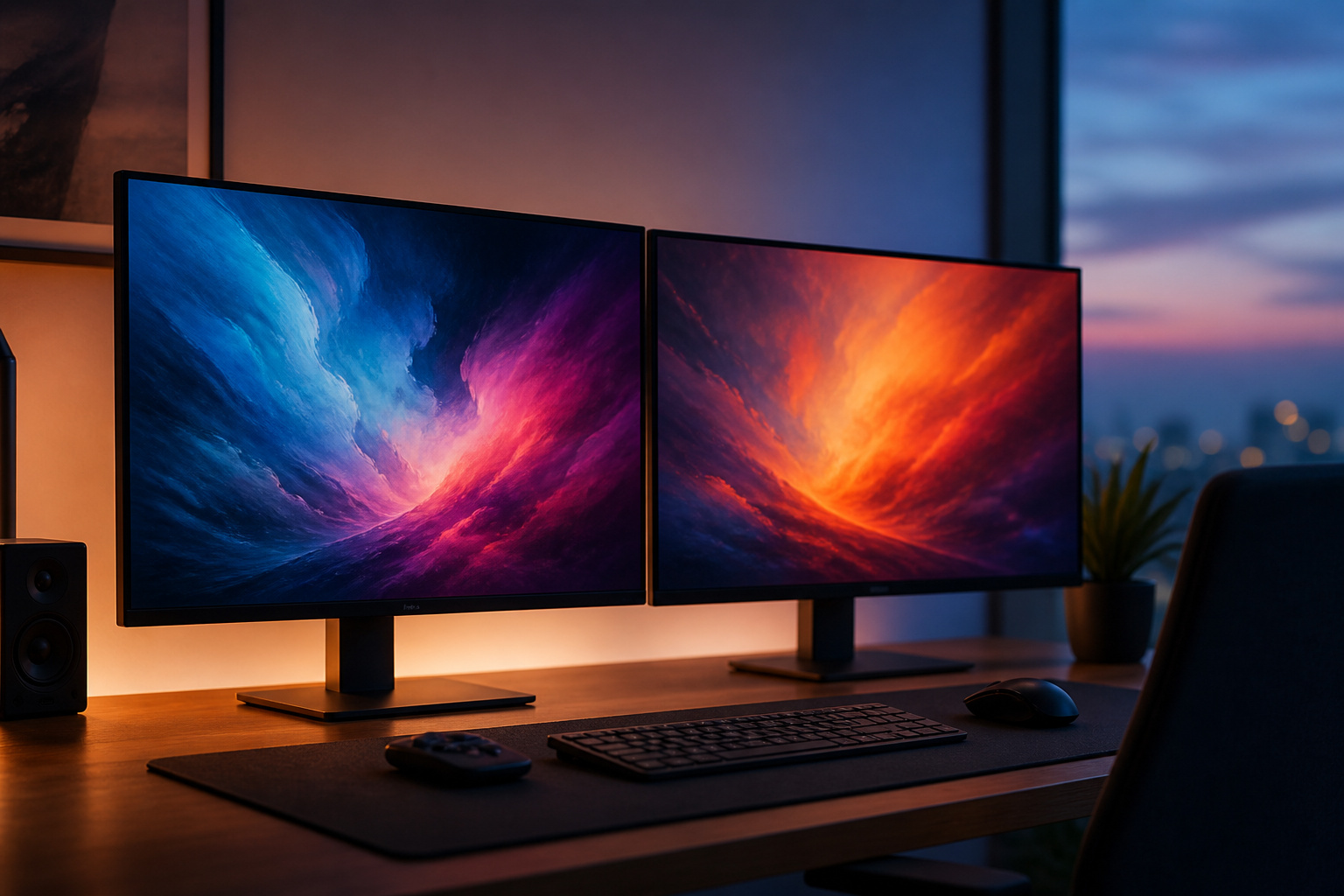
Desktops have more room for cooling and more power to feed a fast graphics card and processor, so they can run at full speed for longer.
Gaming laptops have improved, but they still trade performance for size and heat. If gaming is your priority, read our guide to choosing a gaming desktop.
A Better Workspace
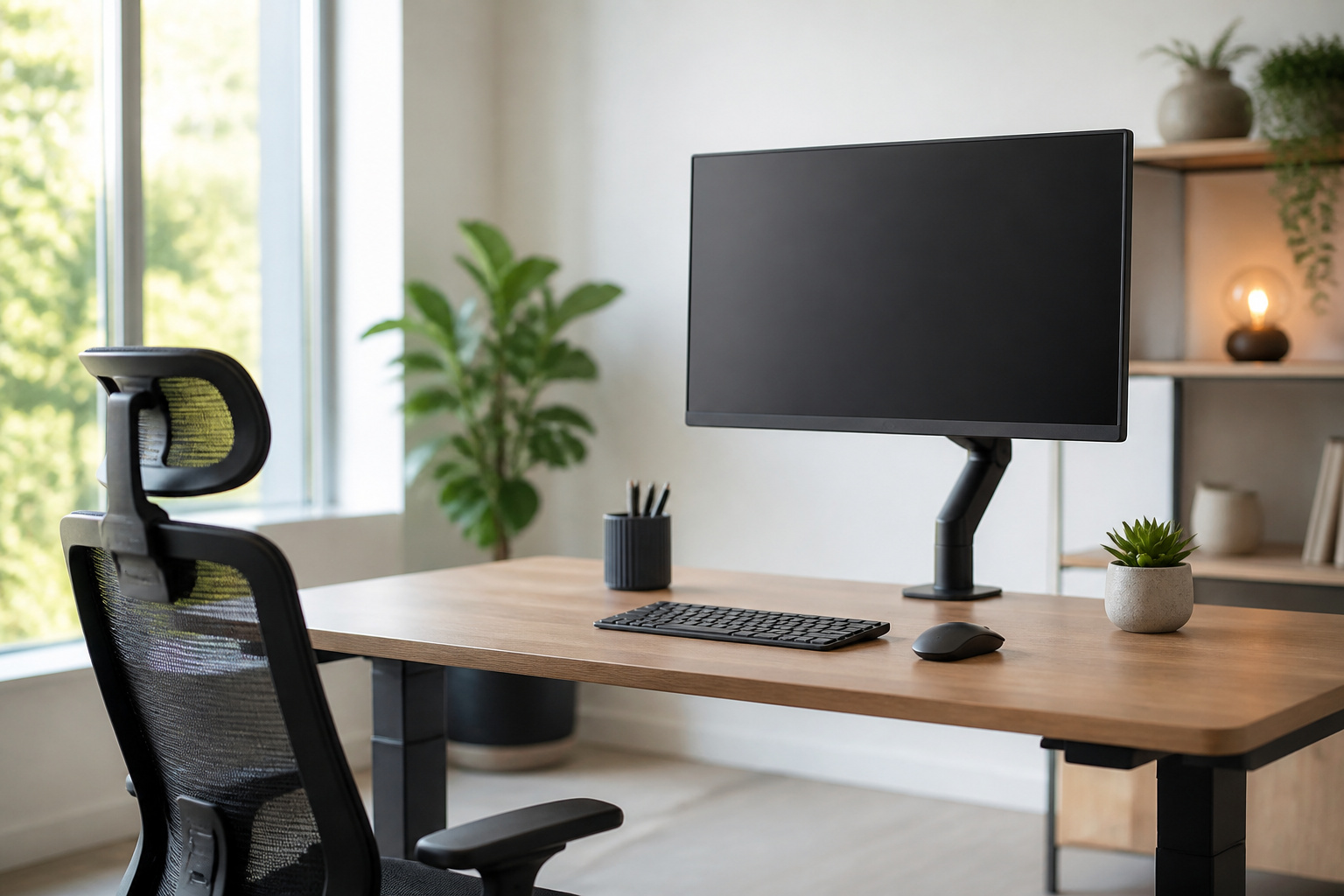
A desktop lets you choose your own monitor, keyboard and mouse, and place the screen at a comfortable height. It helps posture and reduces eye strain during long workdays.
Most desktops also support multiple monitors, which is useful for spreadsheets, editing, coding, and monitoring several apps at once.
Recommended Products

Compatible with Wide Screens - To ensure compatibility with the dual monitor mount, your each monitor must meet three conditions at the same time: First, computer screens size range: 13 to 32 inches. Second, screen weight range: 4.4 to 19.8 lbs. Third, the back of the monitor screen must have VESA mounting holes with a pitch of 75x75mm or 100x100mm.

Design: The monitor stand for the desk has a large 14.6 x 9.3 inches metal shelf that fits most flat screen displays, laptops, and printers, with a maximum support weight of up to 44 lbs (20kg). Rubber pads prevent slipping or damage to your work surface

COMPATIBILITY ☞ Single Computer monitor mount free standing Desk Stand Riser fitting screens for 13,15,17,19,21,23,27,30,32 inch LCD LED Plasma flat screens TV with 50x50mm,75x75mm or 100x100mm backside mounting holes, Includes cable management to keep cords clean and organized
Ports and Connections
Desktops usually have more ports, including wired Ethernet, extra USB ports, and room for expansion cards, making it easier to connect printers, drives, and specialty devices without a dock.
Recommended Products

1. FS-U4-Pro is a PCIE X1 interface to 4-Ports USB 3.0 expansion card. Allow users add 4X 5Gbps max USB-A ports on Desktop PCs, Working Stations, and NAS Data Centers. It will light up 4X high power consumption USB 3.0 devices which including USB industrial cameras, USB VR-systems, USB 3.0 NVME enclosures, USB live broadcast devices, USB 3.0 SSD/HDD enclosures, USB 3.0 video adapters and USB 3.0 universal docking stations.

1. FS-U304C-Pro is a PCIE X1 interface to 4-Ports USB 3.0 Type-C expansion card. Allow users add 4X 5Gbps max USB-C ports on Desktop PCs, Working Stations, and NAS Data Centers. It will light up 4X high power consumption USB 3.0 Type-C devices which including USB-C industrial cameras, USB-C VR-systems, USB-C NVME enclosures, USB-C live broadcast devices, USB-C SSD/HDD enclosures, USB-C video adapters and USB-C universal docking stations.
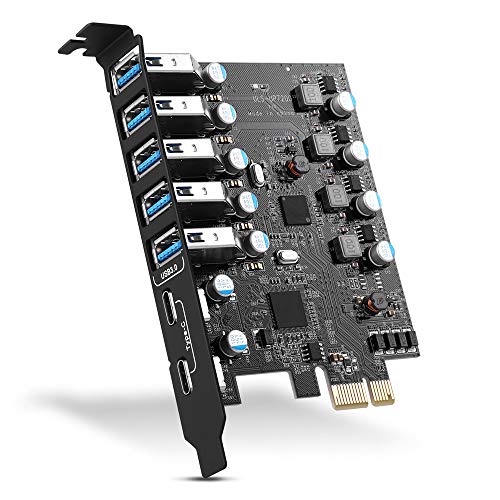
Maximum extension,Most USB interfaces: Update your Computer to 7 ports USB3.0--2 Port Type C and 5 ports Type A, You can connect keyboard, mouse, external hard drives, CD/DVD drives, webcams,usb printers, scanners, game controllers,USB VR, digital cameras, etc
Where Laptops Win

If you travel, work in different rooms or need a battery, a laptop is the practical choice. It also fits small spaces better than a tower. A compact option sits in between: see our guide to mini PCs for space-saving computing.
For help choosing between the two, read how to choose a laptop and how to choose the right computer for your needs.
Who Should Buy a Desktop

A desktop makes the most sense if your computer stays in one place and you want the most performance for your money.
That includes gamers, home office workers, creative professionals, and families sharing a computer. For business buyers, see our guide to choosing a desktop computer for business.
Frequently Asked Questions
Are desktop computers still worth buying?
Yes, if you do not need portability. They usually offer more performance, easier upgrades, and better cooling for the price.
Is a desktop cheaper than a laptop?
Often, for the same performance level, but the full cost depends on whether you need a monitor, keyboard, and mouse. Check current prices, since memory and storage costs rose in 2026.
Do desktops last longer than laptops?
They can, because you can replace failing or outdated parts. The limit is still security support for the operating system and whether the motherboard can run current software.
Are all-in-one computers easy to upgrade?
Usually not. They save space, but RAM or storage upgrades are often limited, so check the model before you buy.