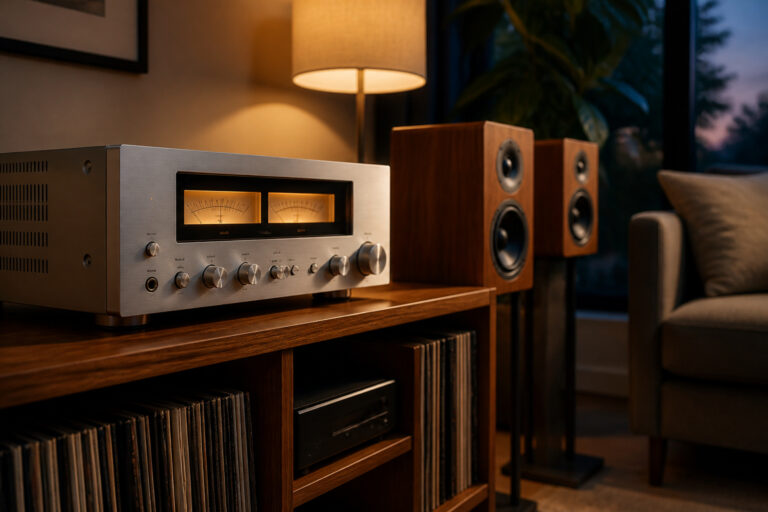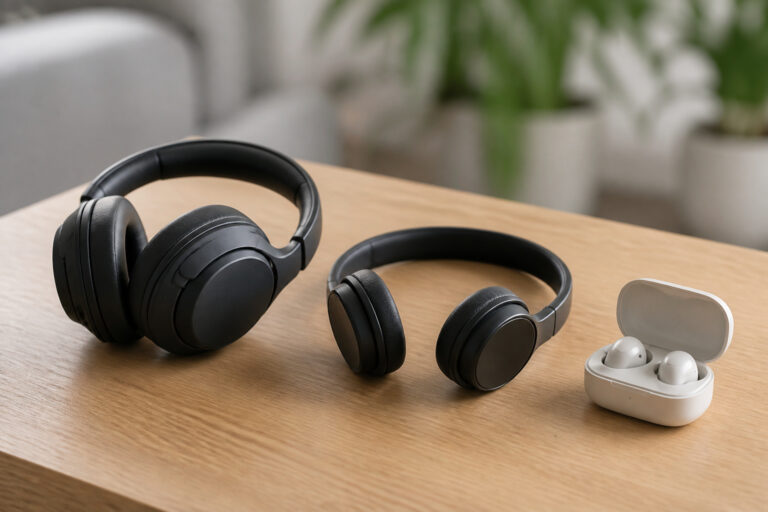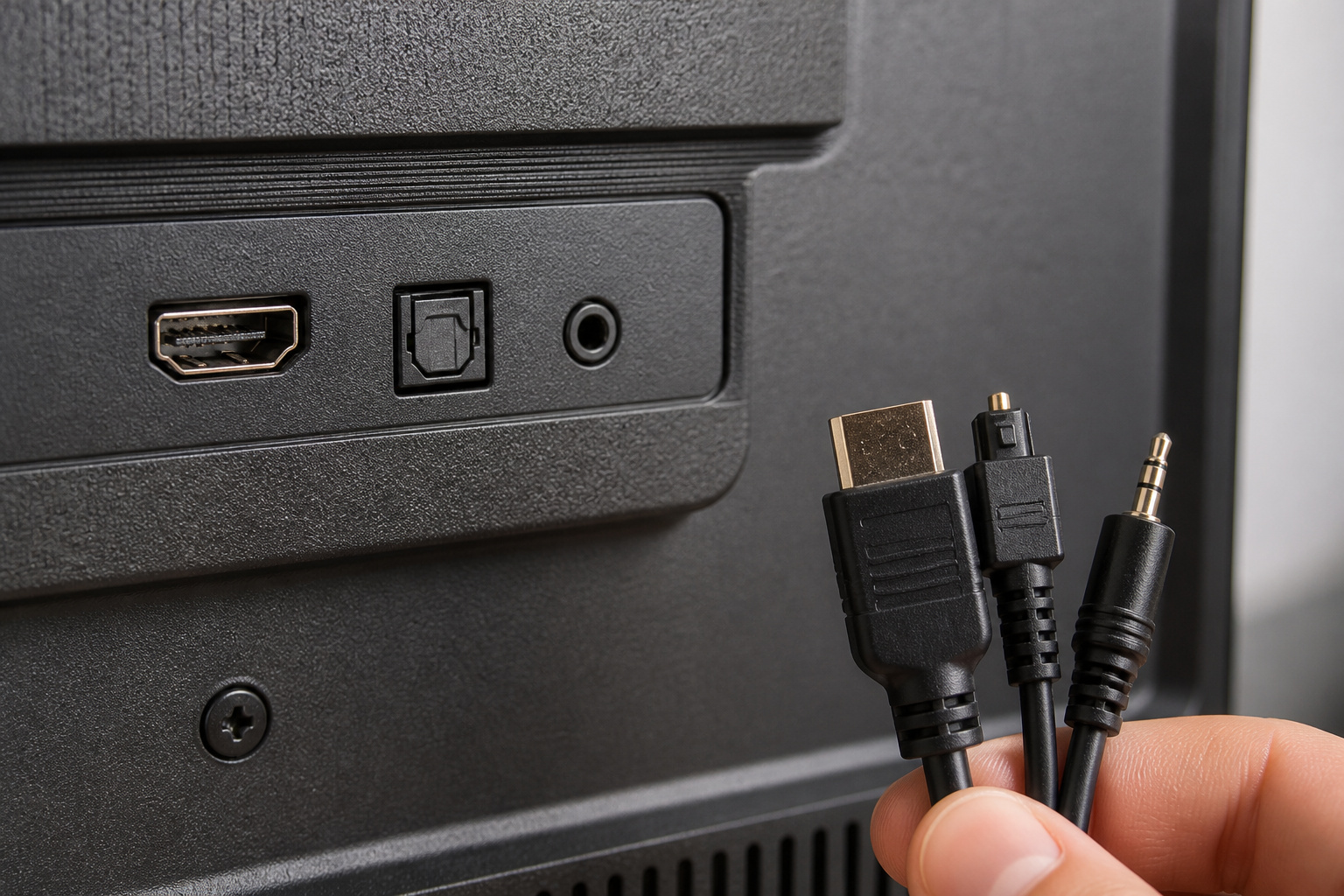
Most TVs can send sound to a soundbar, receiver, powered speakers, or headphones, and the right connection depends on the ports on your TV and your audio gear. This guide covers each connection type, in order from best to simplest, so you can connect almost anything to almost any TV. If you are connecting a soundbar specifically, see how to connect a soundbar to any TV.
HDMI ARC and eARC
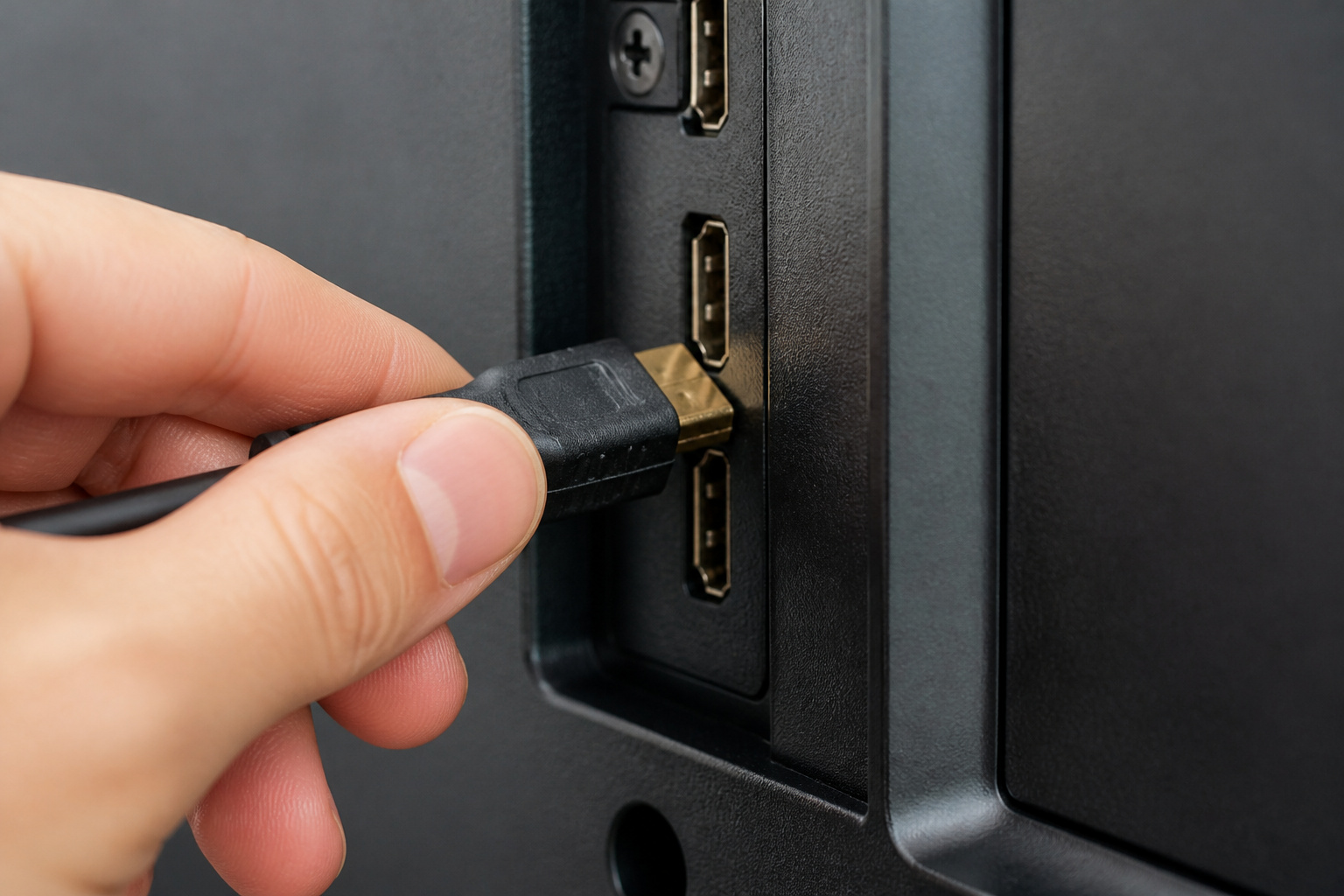
Look for an HDMI port labeled ARC or eARC on the TV. This is the best connection for most setups, because one HDMI cable carries audio from the TV to a soundbar or receiver, and it can carry surround formats.
Connect the cable to the ARC port on the TV and to the matching port on your audio device, then choose HDMI ARC as the audio output in the TV settings. eARC handles higher-quality audio formats, as covered in what eARC is.
With HDMI-CEC enabled, the TV remote can usually control the volume.
Recommended Products

【HDMI 2.1 Certification】Only 1% of HDMI cables on the market have passed HDMI 2.1 certification. Scan with the QR code Scanner app for erification

【Support ARC/eARC on Audio】it is a standard HDMI 2.1 version cable,which are equipped with eARC technology. (Compatible with arc function) Supports the latest high-bitrate audio formats including DTS Master, DTS:X, Dolby Atoms, eARC. Provides enhanced support for your soundbar or AV receiver. Ultimate experience ,sounds like you were there.

Top Technology--8K@60HZ: This 8K Ultra-High Speed 2.1 HDMI Cable uses the most cutting-edge technology, which is compatible with 8K@60HZ,4K@240HZ and 4K@120HZ clearly displays every particle, and accurately processes every signal source.
Optical Audio
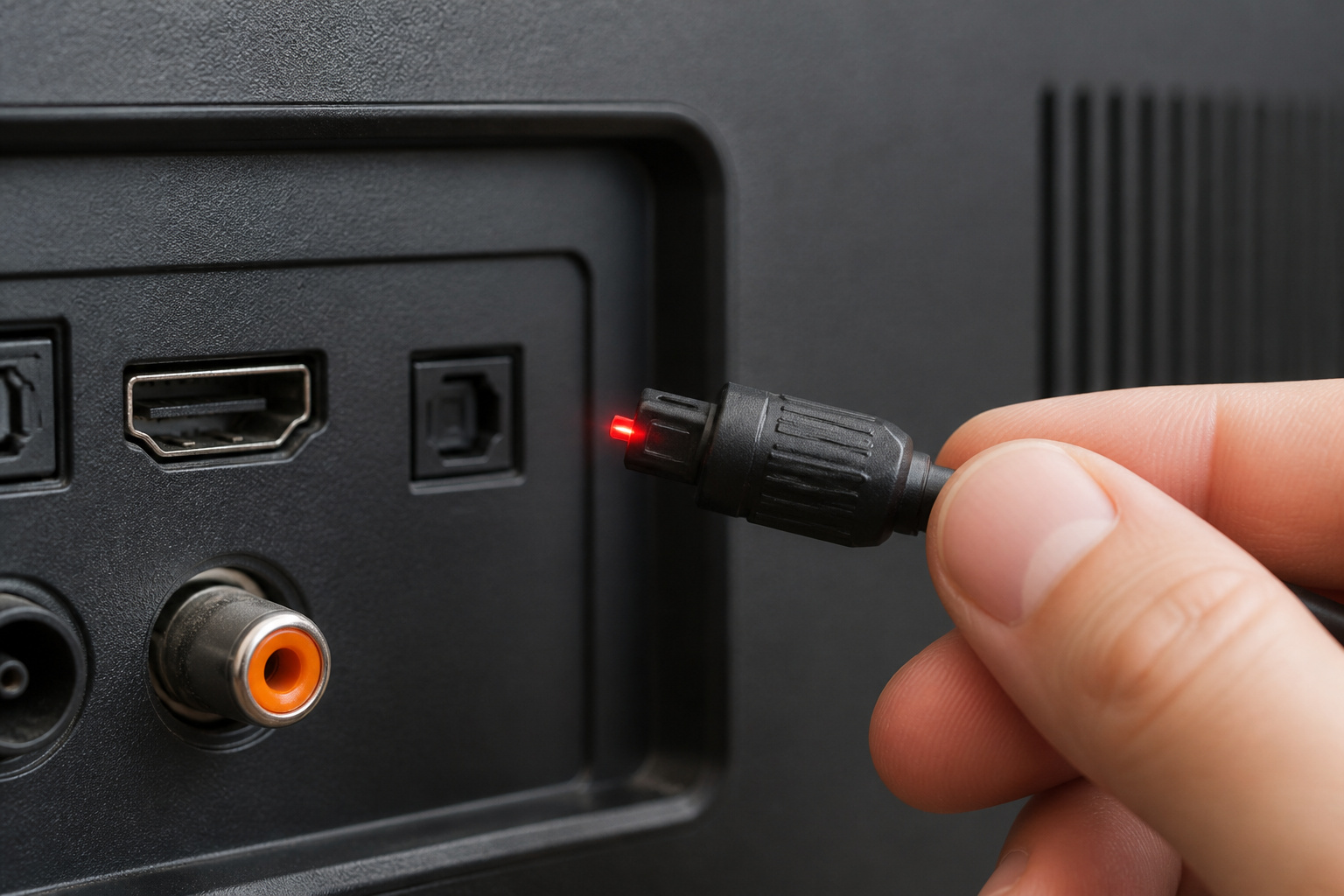
If there is no ARC port, look for a small square optical (TOSLINK) output, usually with a flap. Plug in an optical cable, connect the other end to your audio device, and set the TV’s audio output to optical or digital out.
Optical handles stereo and standard surround formats, but not the highest-quality audio formats.
Recommended Products

Please REMOVE the end protective caps before using the cable.

Optical digital audio cable: Perfect for equipment with a TOSLINK interface (OPT In / OPT Out or S/PDIF In / S/PDIF Out). TOSLINK connector to TOSLINK connector (F05 connector)

✅UNIVERSAL COMPATIBILITY:EMK fiber optic audio cable is adaptable and can connect to various soundbars and home theatres for increased sound clarity with TVs, PS4, Xbox, Blu-Ray players, and more. Stable and reliable with a heat-resistant optical fiber core, this premium TV optical cable can transmit signals without any electromagnetic or radio frequency interference.
Analog Connections
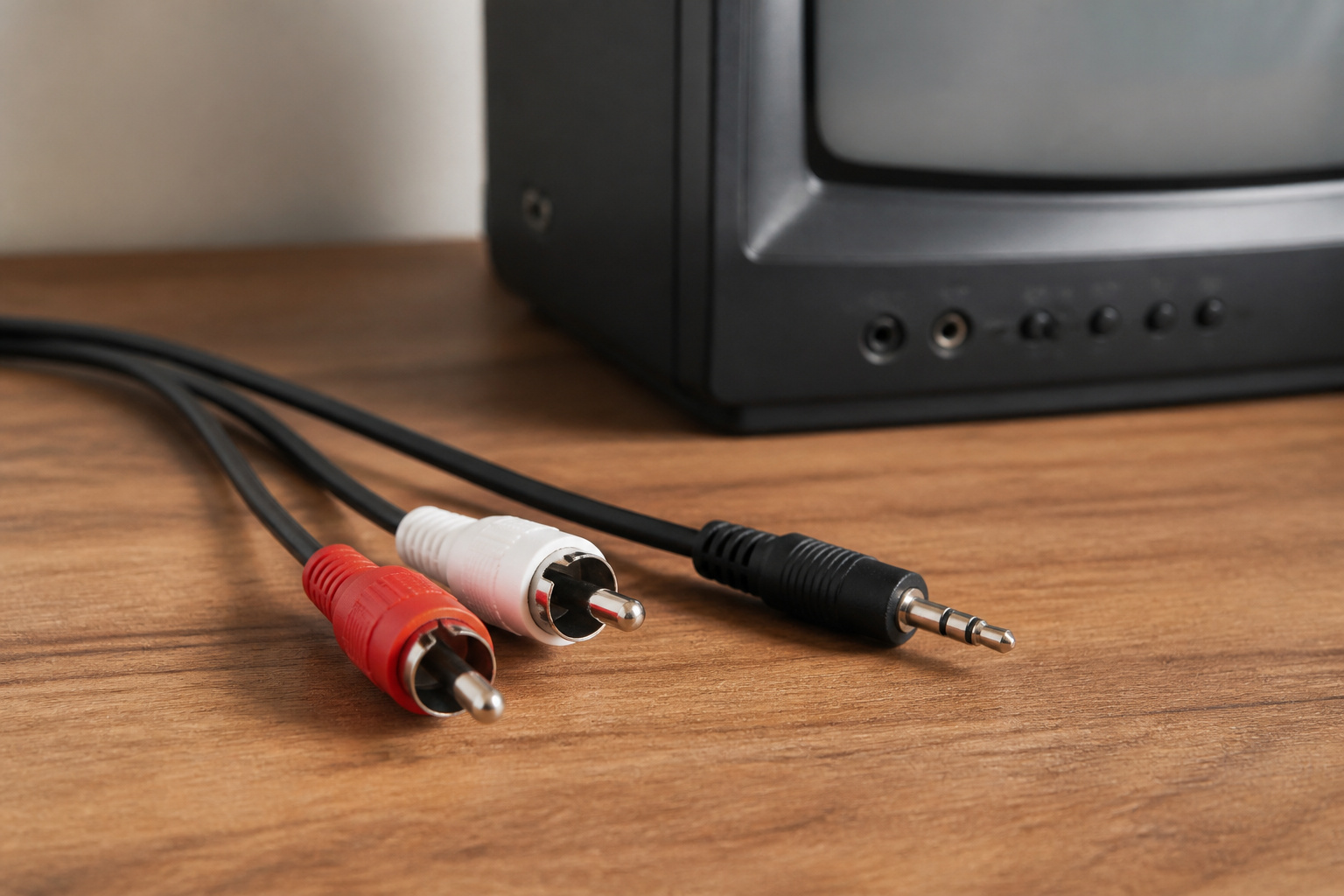
Older TVs may only have a 3.5mm headphone jack or red and white RCA outputs. Use the matching cable to connect to powered speakers or an amplifier, and set the TV’s audio output to match.
Passive speakers need an amplifier between the TV and the speakers, as explained in active vs passive speakers. A headphone jack may have a fixed or adjustable volume depending on the TV.
Bluetooth
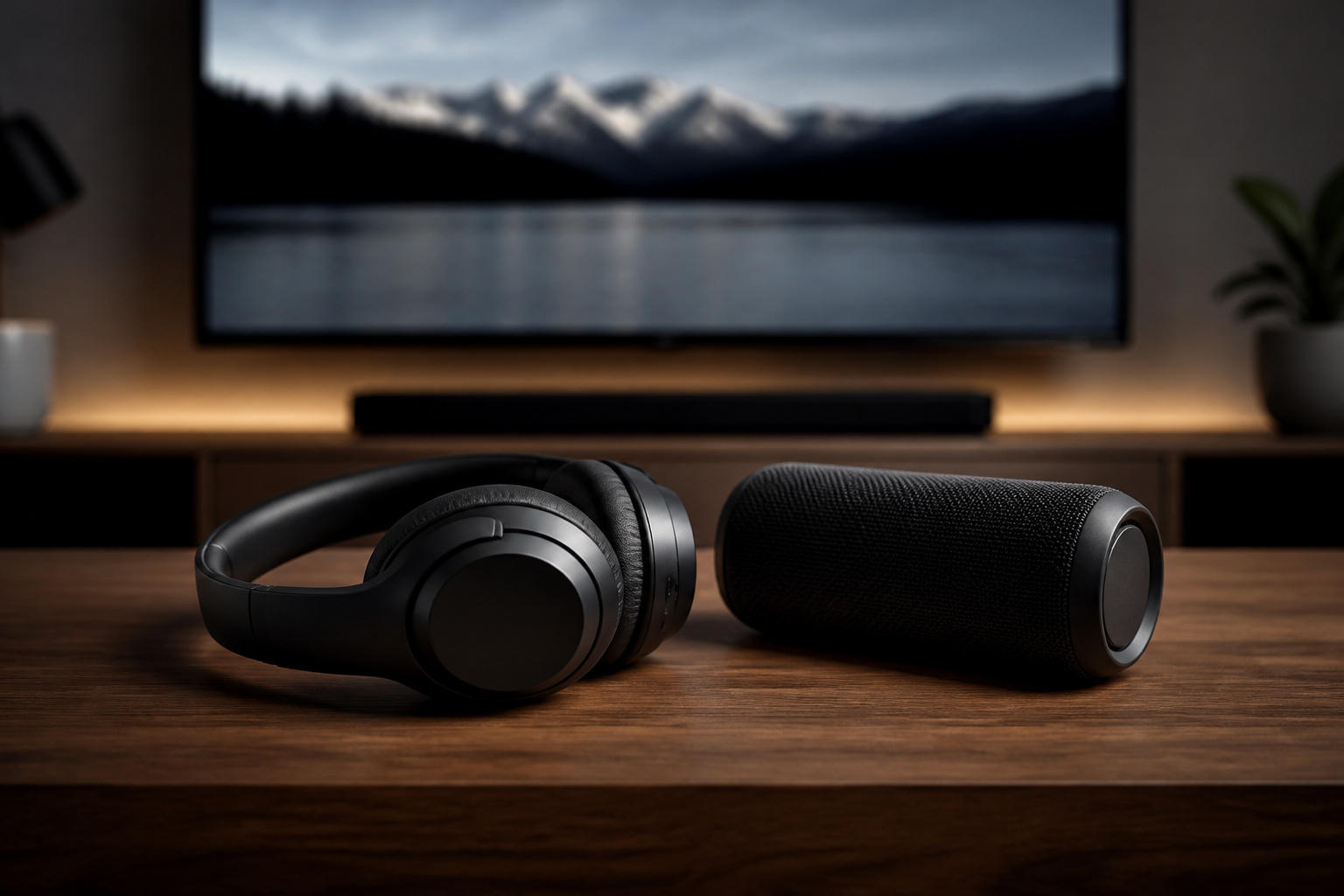
Many TVs can pair with Bluetooth speakers and headphones. Put the device in pairing mode, open the TV’s Bluetooth menu, and select it.
Bluetooth is convenient for late-night listening, but it adds a delay that can make dialogue look out of sync. See wired vs wireless audio for the trade-offs. For an older TV, a Bluetooth transmitter plugged into the headphone jack or optical output adds the feature.
Recommended Products

[2-in-1 Transmitter and Receiver] In TX mode, it is very easy to turn a non-Bluetooth tv, pc, gym/flight equipment into Bluetooth transmitter. In RX mode, it can make music stream to those speakers/car/home stereo systems which without Bluetooth

【Dual Connection & Automatic Reconnection】This Bluetooth transmitter adapter has a "dual connection" function, which can connect two Bluetooth headsets/speakers at the same time. Enjoy a movie with your partner without disturbing others. After the first Bluetooth pairing is successful, 2 earphones/speakers can be reconnected to this wireless Bluetooth transmitter for TV automatically. Note: When using a fiber optic connection, please set the TV audio output format to PCM.

Advanced Bluetooth 6.0 Dual-Mode Audio Freedom:In TX mode, use this bluetooth transmitter to connect to any AUX/RCA audio source—from TV as a bluetooth transmitter for TV, to airplane seatback as a bluetooth transmitter for airplane—pairing with headphones for clear, lag-free audio. In RX mode, receives wireless audio from a smartphone, tablet, or computer and plays it through audio systems that lack Bluetooth functionality.Hands-free calling via an integrated microphone.
Test and Fine-Tune
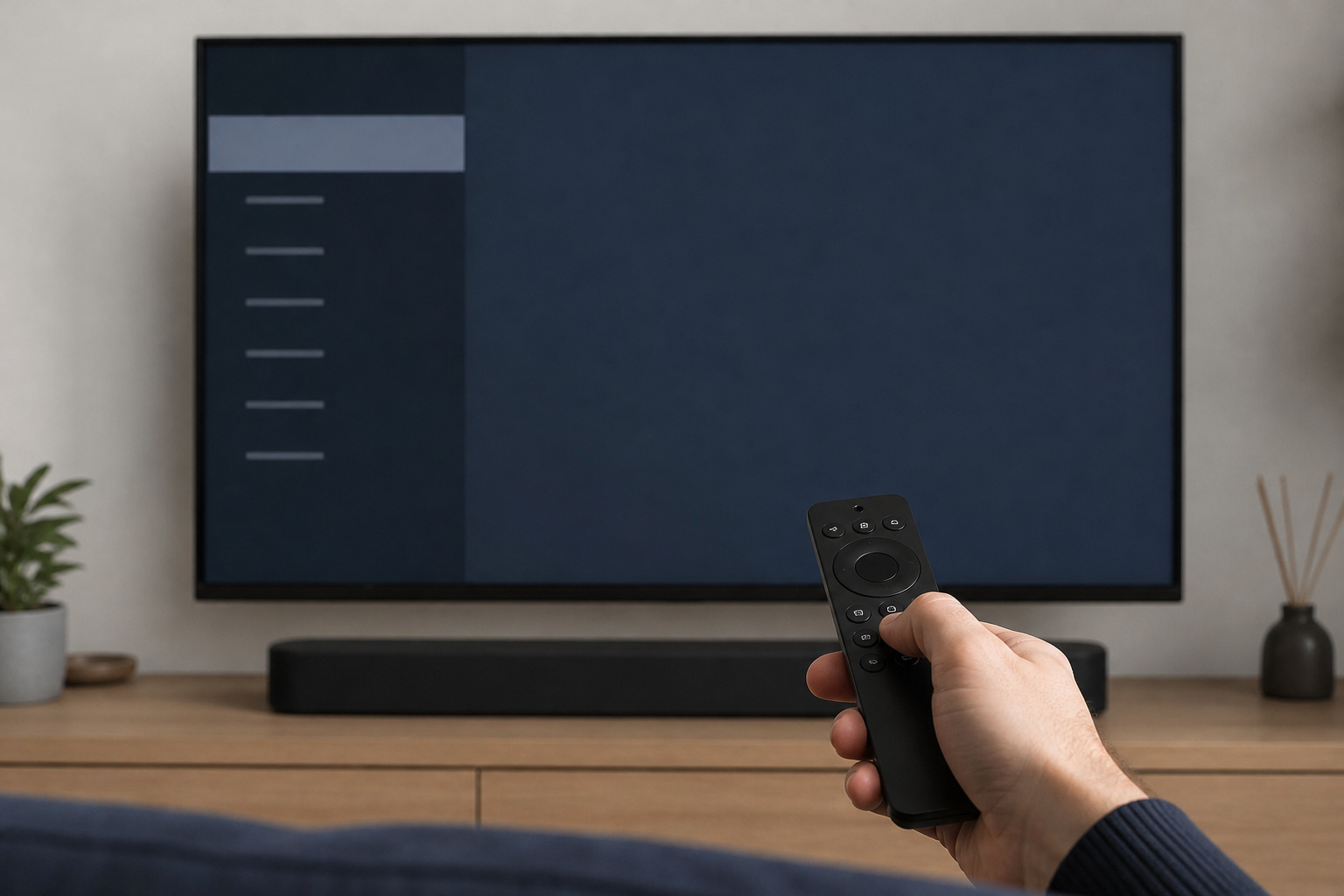
After connecting, play a scene with speech and check that the sound comes from the new device and not the TV speakers. If lips and voices are out of sync, look for an audio delay or lip-sync setting in the TV or audio device.
For other ways to improve TV sound, read how to improve TV sound without replacing your TV.
Recommended Products
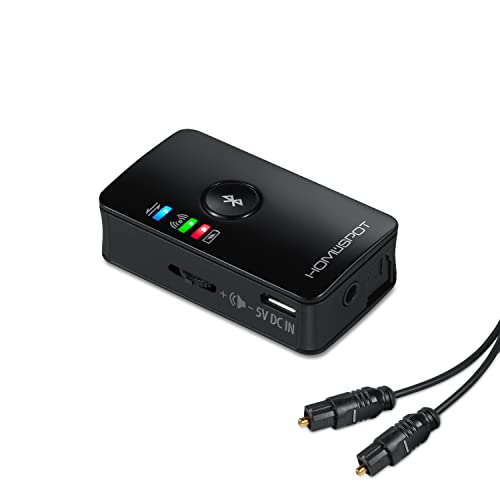
BLUETOOTH TRANSMITTER FOR TV: Connect your non-Bluetooth TV to Bluetooth headphones or speakers for wireless audio streaming.

【Enter Wireless Age w/ Minimal Cost】Upgrade non-smart/non-Bluetooth TV to pair headphones for enhancing your hearing or get an undisturbed personal space. Connected TV to Bluetooth Home Stereo, no need to replace your old TV, our Bluetooth audio transmitter for TV-RANGER help you upgrade the old one and CUT OFF the budget for a new. NOTE: This is a Bluetooth transmitter only, not a receiver
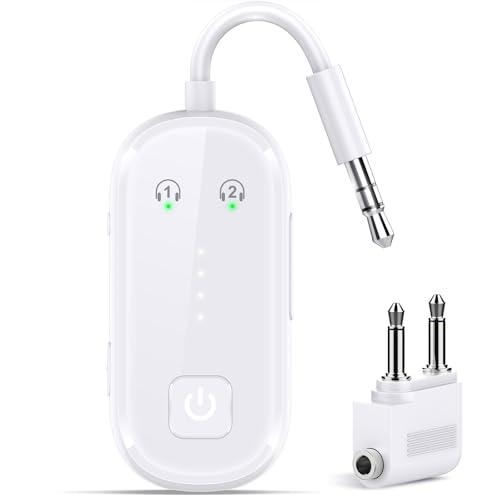
Advanced Bluetooth 6.0 Dual-Mode Audio Freedom: In TX mode, use this bluetooth transmitter to connect to any AUX/RCA audio source—from TV as a bluetooth transmitter for TV, to airplane seatback as a bluetooth transmitter for airplane—pairing with headphones for clear, lag-free audio. In RX mode, pair your phone to bring wireless audio to wired stereos with studio-quality sound. Built on Bluetooth 6.0 for enhanced stability.
Frequently Asked Questions
Can I Connect Wireless Speakers to an Older TV?
Yes. A Bluetooth transmitter that plugs into the TV’s headphone jack, RCA outputs, or optical output can send sound to Bluetooth speakers. Choose a transmitter with a low-latency mode to keep sound in sync.
Do I Need an Amplifier for Passive Speakers With My TV?
Yes. A TV cannot power passive speakers, so connect the TV to an amplifier or receiver and the speakers to that. Powered speakers do not need a separate amplifier.
Will Connecting External Audio Disable My TV’s Built-In Speakers?
Usually, when you select the external output in the settings, the built-in speakers switch off. Some TVs let you keep both on, which can cause echo. Check the audio output setting if you hear sound from both.
Can I Use a Headphone Jack to Connect to External Speakers?
Yes, with a 3.5mm cable to powered speakers or an amplifier. The sound is analog stereo, and the volume level may be fixed, so adjust it at the speakers or amplifier.
How Do I Sync Audio if There Is a Delay With My Soundbar?
Look for an audio delay, lip-sync, or AV sync setting in the TV’s sound menu and adjust it while watching a speech scene. Many soundbars also have their own sync control. Using a wired connection instead of Bluetooth usually removes the delay.