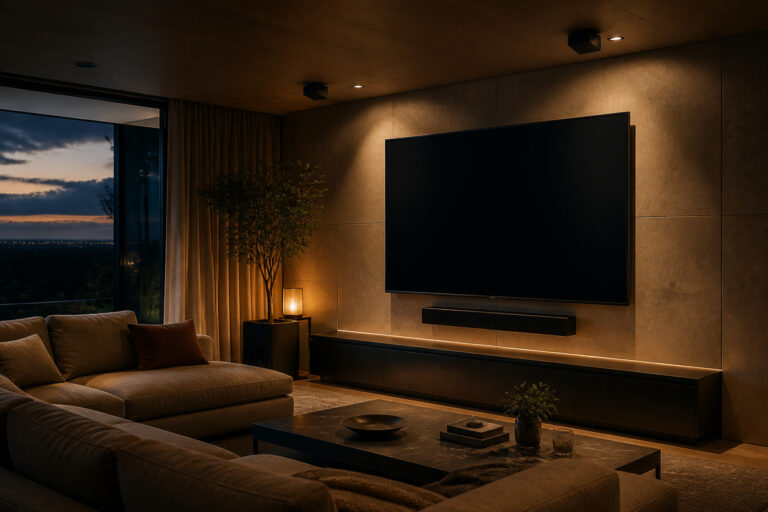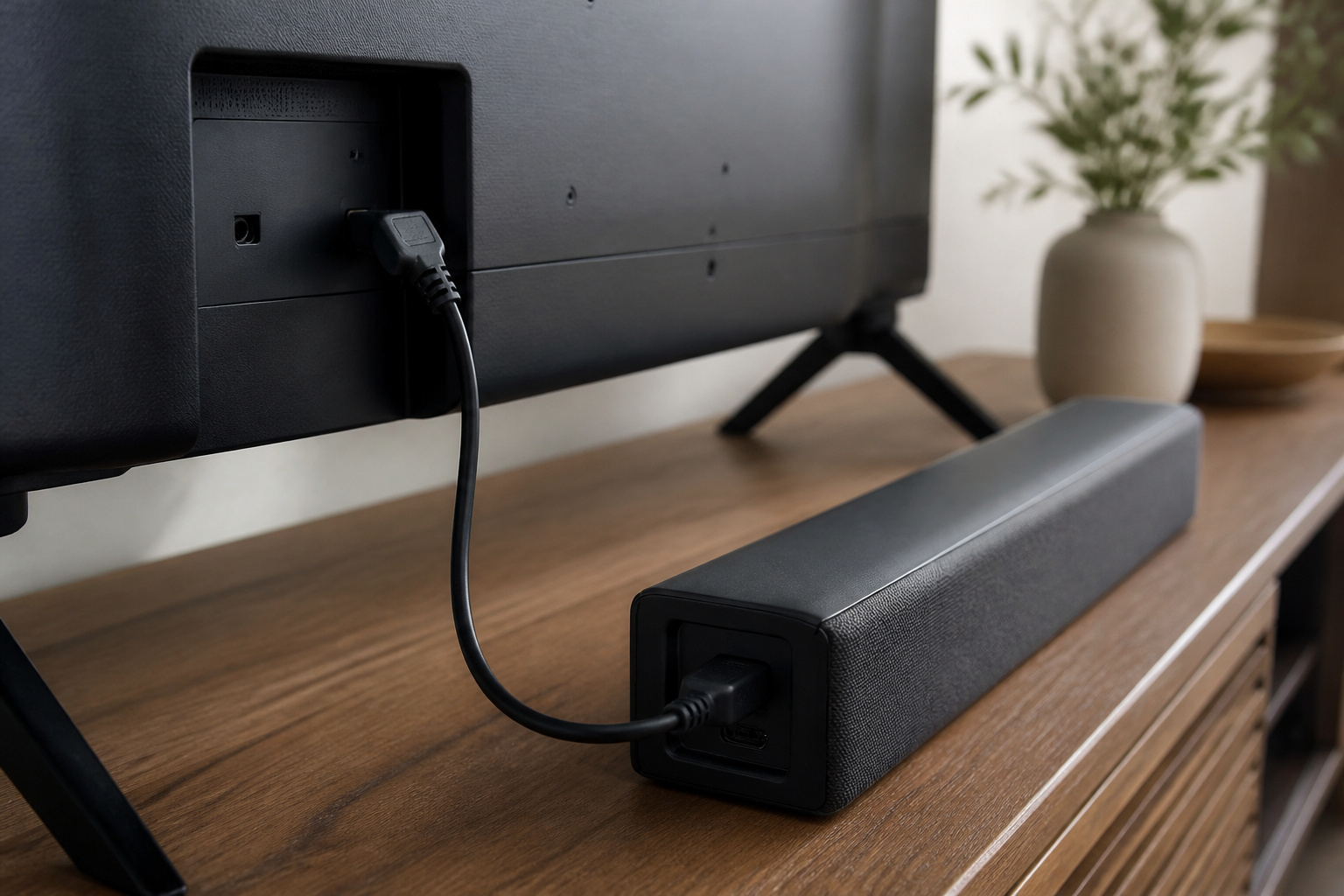
eARC is the HDMI connection that sends high-quality audio from your TV to a soundbar or AV receiver.
If you want full-quality sound formats like Dolby Atmos, or the simplest setup possible, this is worth knowing about.
What eARC Is

eARC stands for Enhanced Audio Return Channel. It is a feature of certain HDMI ports on a TV, built on HDMI 2.1 standards and also found on some HDMI 2.0 TVs.
It lets your TV send audio back out over the same HDMI cable that your soundbar or receiver uses. That way, apps running on the TV, like streaming services, can send sound to your speakers without a separate audio cable.
Recommended Products

【Support ARC/eARC on Audio】it is a standard HDMI 2.1 version cable,which are equipped with eARC technology. (Compatible with arc function) Supports the latest high-bitrate audio formats including DTS Master, DTS:X, Dolby Atoms, eARC. Provides enhanced support for your soundbar or AV receiver. Ultimate experience ,sounds like you were there.
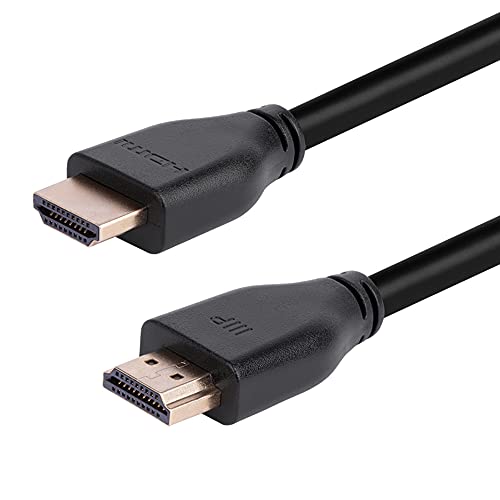
48Gbps Bandwidth: These cables feature up to 48Gbps bandwidth, which allows them to support high bandwidth dependent content and features, such as Dynamic HDR, Dolby Vision, Dolby Atmos, and DTS:X.
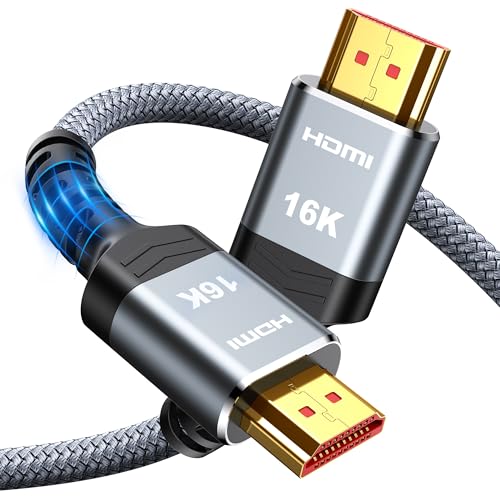
[Future-Proof 16K Clarity & Excellent Performance]: Experience the pinnacle of home entertainment with our HDMI 2.2 cable.While current 8K content is stunning, this cable is engineered for the future, fully supporting a potential 16K resolution. Delivering a massive 96Gbps bandwidth, it ensures flawless playback for 12K 120Hz, 8K 240Hz, and even 4K 480Hz for ultra-smooth gaming. Rest assured, you're investing in a cable that won't become obsolete
How eARC Differs From ARC
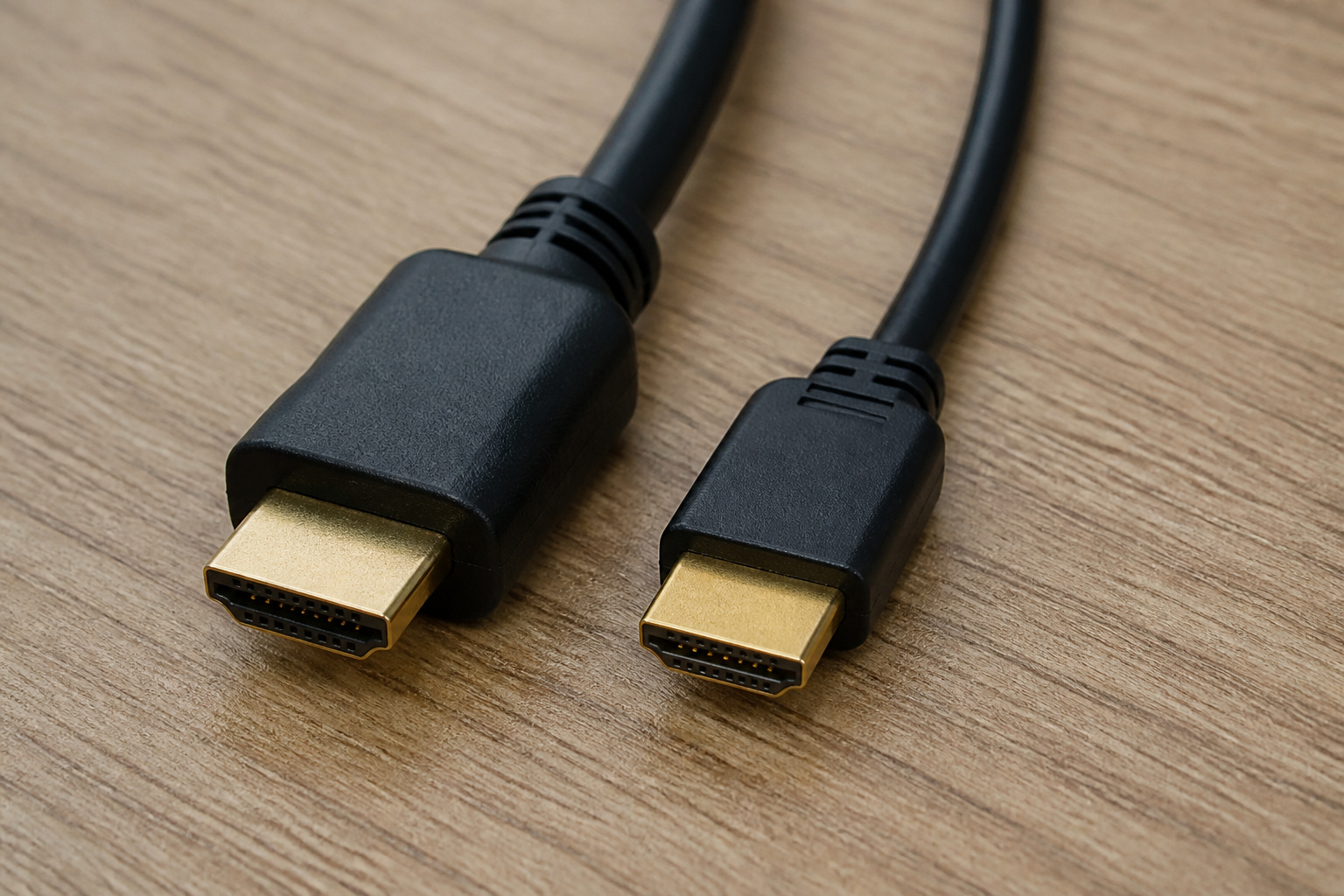
Standard ARC carries compressed audio. It handles common surround formats like Dolby Digital, but it can’t carry the highest-quality formats.
eARC has far more bandwidth, so it can carry uncompressed and lossless audio and object-based formats like Dolby Atmos in high quality.
For basic stereo, ARC is fine. For high-end surround, eARC matters. Our Dolby Atmos explainer shows where it helps.
What You Need to Use It
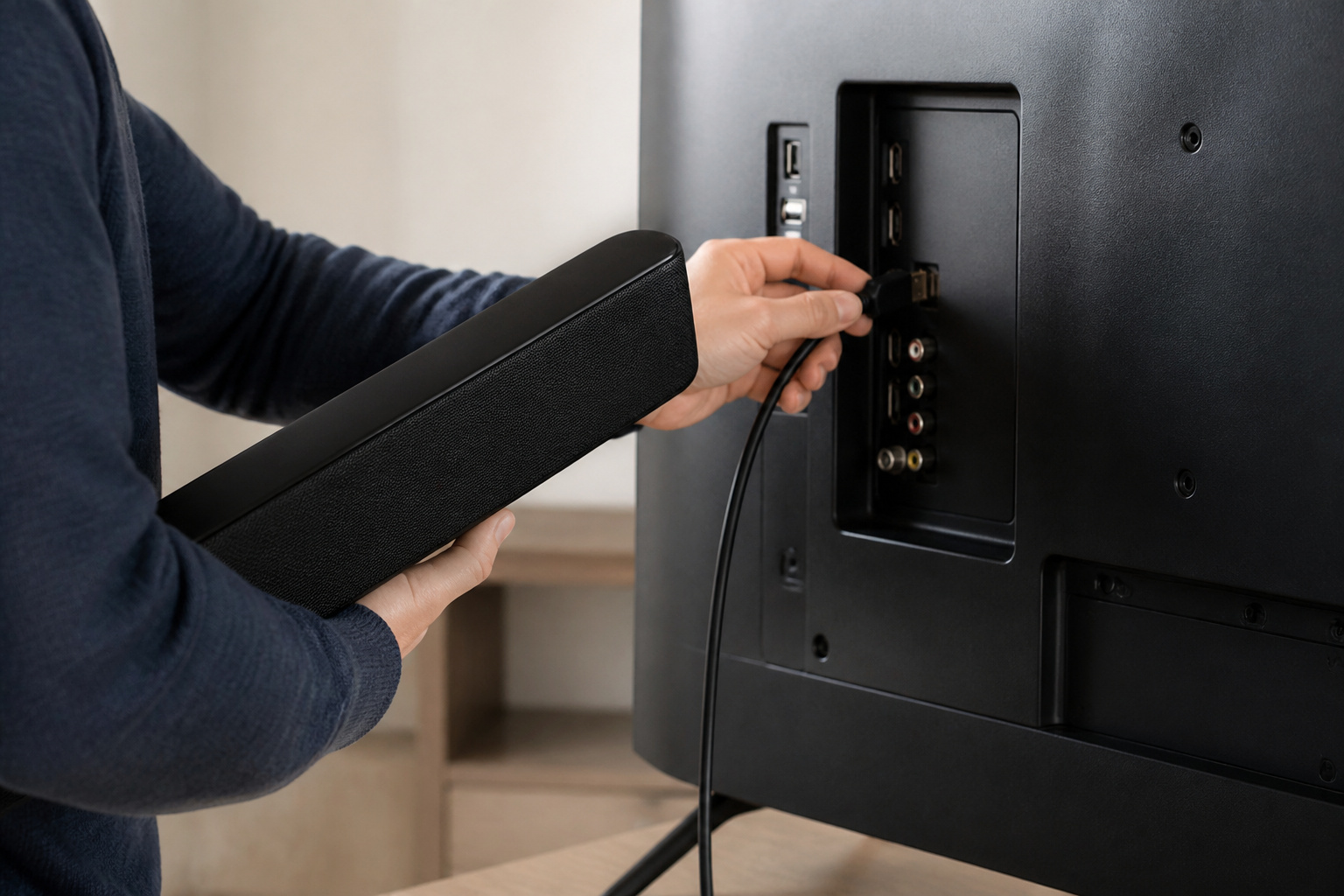
You need an HDMI port labeled eARC on the TV (often HDMI 3 or a specific port), a soundbar or receiver that supports eARC, and an HDMI cable that can carry the signal.
Most Ultra High Speed HDMI cables work; see HDMI cables explained. You may also need to enable eARC or HDMI-CEC in your TV and soundbar menus.
Recommended Products

Top Technology--8K@60HZ: This 8K Ultra-High Speed 2.1 HDMI Cable uses the most cutting-edge technology, which is compatible with 8K@60HZ,4K@240HZ and 4K@120HZ clearly displays every particle, and accurately processes every signal source.

Certified UHD 8K HDMI 2.1 Cable: Highwings Certified Ultra High Speed UHD HDMI 2.1 Cable uses the most cutting-edge technology, is compatible with10K, 8K 60Hz, 4K 240Hz 120Hz, clearly displays every particle, and accurately processes every signal source

【HDMI 2.1 Certification】Only 1% of HDMI cables on the market have passed HDMI 2.1 certification. Scan with the QR code Scanner app for verification
eARC and AV Receivers
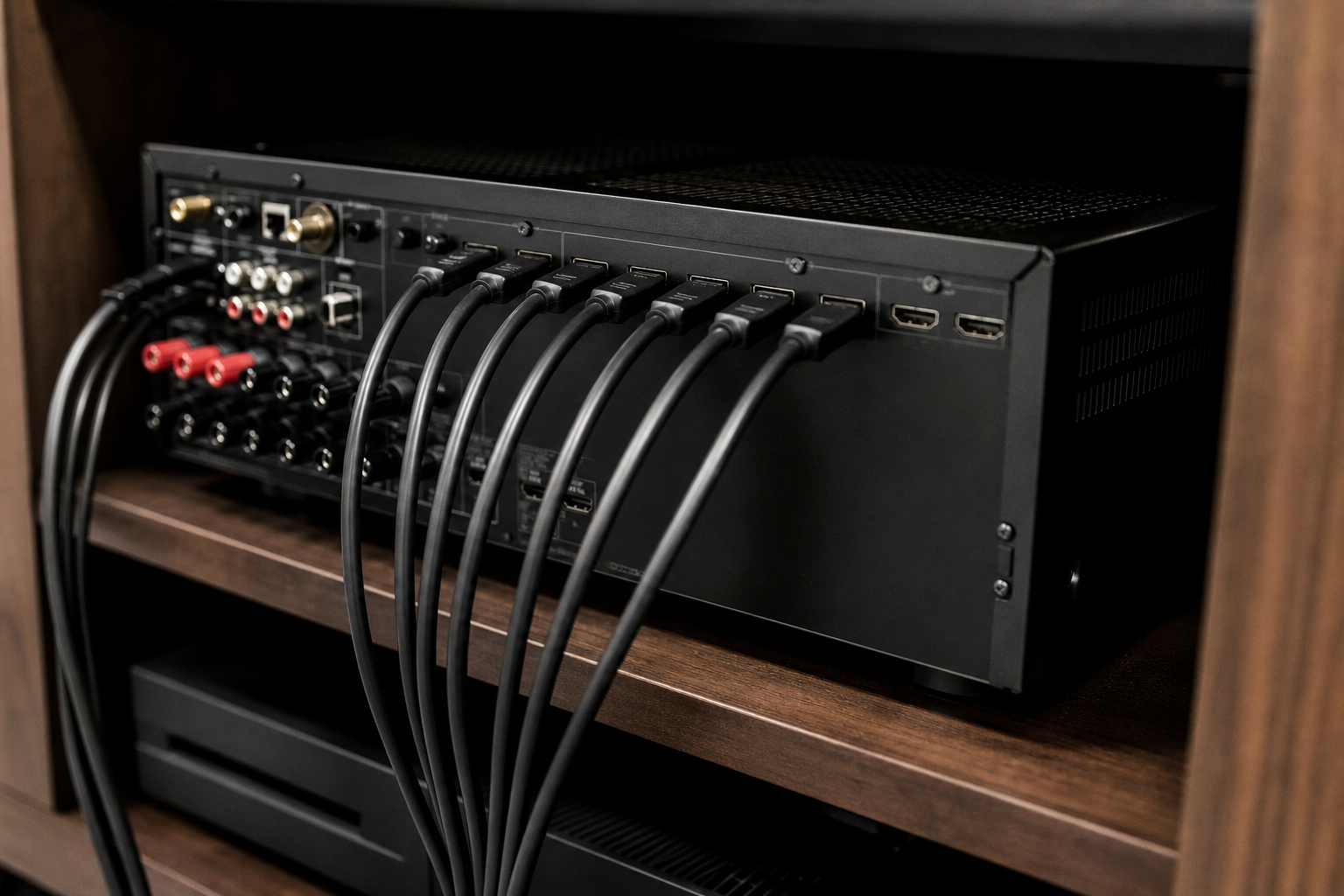
An AV receiver sits between your sources and your TV, handling video and audio for your speakers. With eARC, the receiver can receive audio from the TV’s built-in apps and still output video to the screen.
When choosing a receiver, check how many HDMI inputs and outputs it has, whether it supports eARC, and what channel count it supports. This matters if you plan to expand; see our home theater budget guide and 5.1 vs 7.1 audio systems.
Recommended Products

HDMI Audio Extractor: Support one HDMI input source to one HDMI output + optical toslink SPDIF and analog 3.5mm stereo audio output. (Tips: SPDIF and 3.5mm audio support output separately to soundbar, amplifier, headphone and other audio receiver without connecting TV / Monitor) (ARC function: Support HDTV Input& Only for ARC/eARC Interface)

Service Support: If there are any issues with FURUI Fiber Optic HDMI 2.1 Cable, we will provide after-sales service support.
Service Support: If there are any issues with FURUI Fiber Optic HDMI 2.1 Cable, we will provide after-sales service support.
Troubleshooting eARC

If you hear no sound or only stereo, make sure the cable is in the eARC-labeled port, update the firmware on your TV and soundbar, and set the TV’s audio output to eARC or Auto.
Power-cycle the devices if the connection will not establish. If audio and video are out of step, see why TV audio is out of sync. For setup steps, see how to connect a soundbar to any TV.
Frequently Asked Questions
Do I need eARC?
If you use a soundbar or receiver and want the best audio quality, especially Atmos, yes. For basic stereo or standard surround, regular ARC is usually enough.
Is eARC backward compatible with ARC?
Yes. eARC devices work with ARC devices, but you only get ARC features if one side lacks eARC.
Do I need a special HDMI cable for eARC?
Use a high-quality HDMI cable, ideally Ultra High Speed. Many existing cables work, but certified cables are the safest choice.
Which HDMI port is eARC?
It is labeled on the TV, often HDMI 2 or 3. Check the label or the manual.
Can I use optical instead of eARC?
Yes, but optical cannot carry the highest-quality audio formats, including Dolby Atmos in its full form.