Buying a home security system with cameras is different from buying a single camera. You are choosing a whole setup: how the cameras get power, how video reaches a recorder or the cloud, how much footage is kept, and what happens when the power or internet fails. Getting those decisions right matters more than the megapixel count on the box.
This guide explains the main types of camera systems, how to size storage with a simple formula, where to place cameras, and how to keep them secure. For details on a single outdoor camera, such as weatherproof ratings and false alerts, see our guide to outdoor security cameras.
Wired, Wireless, and Hybrid Camera Systems
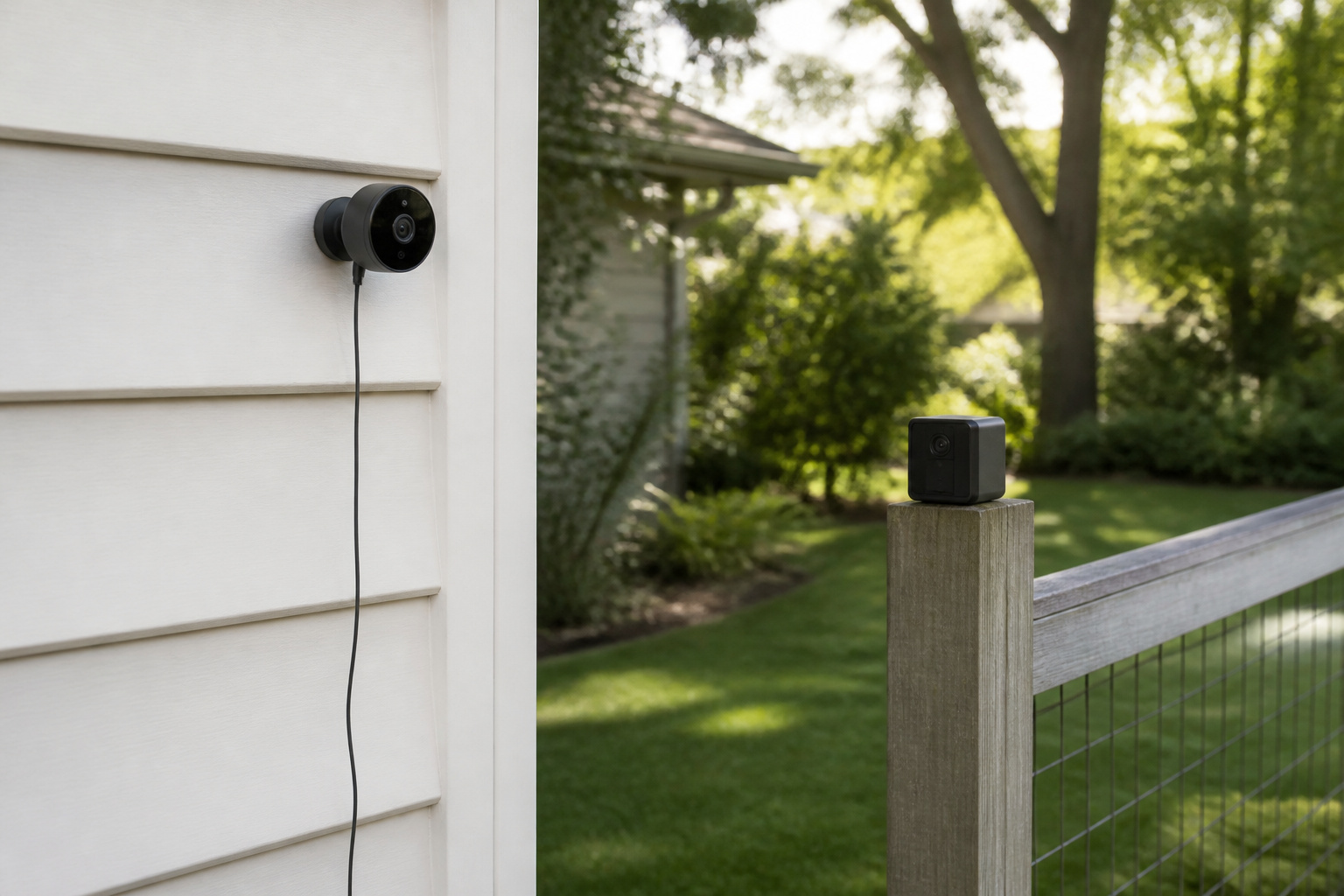
Most home camera systems fall into one of three styles, and each suits a different home.
- Wired systems run a cable from each camera to a central recorder. They are the most dependable and need the most installation work.
- Wireless systems use battery-powered or solar cameras that connect over Wi-Fi, often through a small hub. They are the easiest to install and move, and they need recharging or a sunny mounting spot.
- Hybrid setups combine both, with wired cameras on the main entrances and wireless cameras in hard-to-wire places such as a detached garage or a fence line.
If you own your home and plan to stay, a wired core with a few wireless extras is often the best balance. Renters and anyone who dislikes drilling will usually be happier with wireless.
Recommended Products

【2MP HD 1080P 4-IN-1 Security Camera】This is 4-in-1 TVI/CVI/AHD/CVBS bullet camera. It is compatible with 960H,720P,1080P,3MP,5MP,8MP,4K HD-TVI, AHD, CVI, and CVBS/960H analog DVRs.
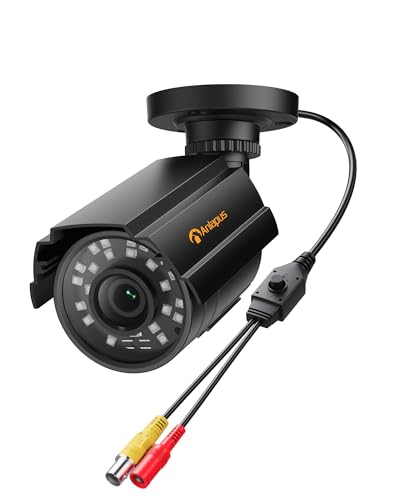
【4-in-1 1080P HD Hybrid Security Camera】This 2MP bullet camera supports four video formats: HD-TVI, AHD, CVI, and CVBS/960H. Compatible with a wide range of analog DVRs including 960H, 720P, 1080P, 3MP, 5MP, and 4K wire camera systems, offering exceptional flexibility for any surveillance setup.

【2K Ultra HD & Full Color Night Vision - 4 Cam Kit】Upgrade your home security with this 4 pack security cameras wireless outdoor system. Delivering 2K 3MP ultra-clear live video, these cameras for home security feature advanced color night vision and infrared modes, ensuring vivid details even in pitch black. Equipped with a 3.3mm focal length lens, this porch camera set provides a wide-angle view for your front door, backyard, garage, or driveway. See every detail in full color and protect your property with the ultimate outdoor camera wireless solution. (*Not support 5GHz WiFi)
PoE and NVR Systems: How a Wired Kit Works
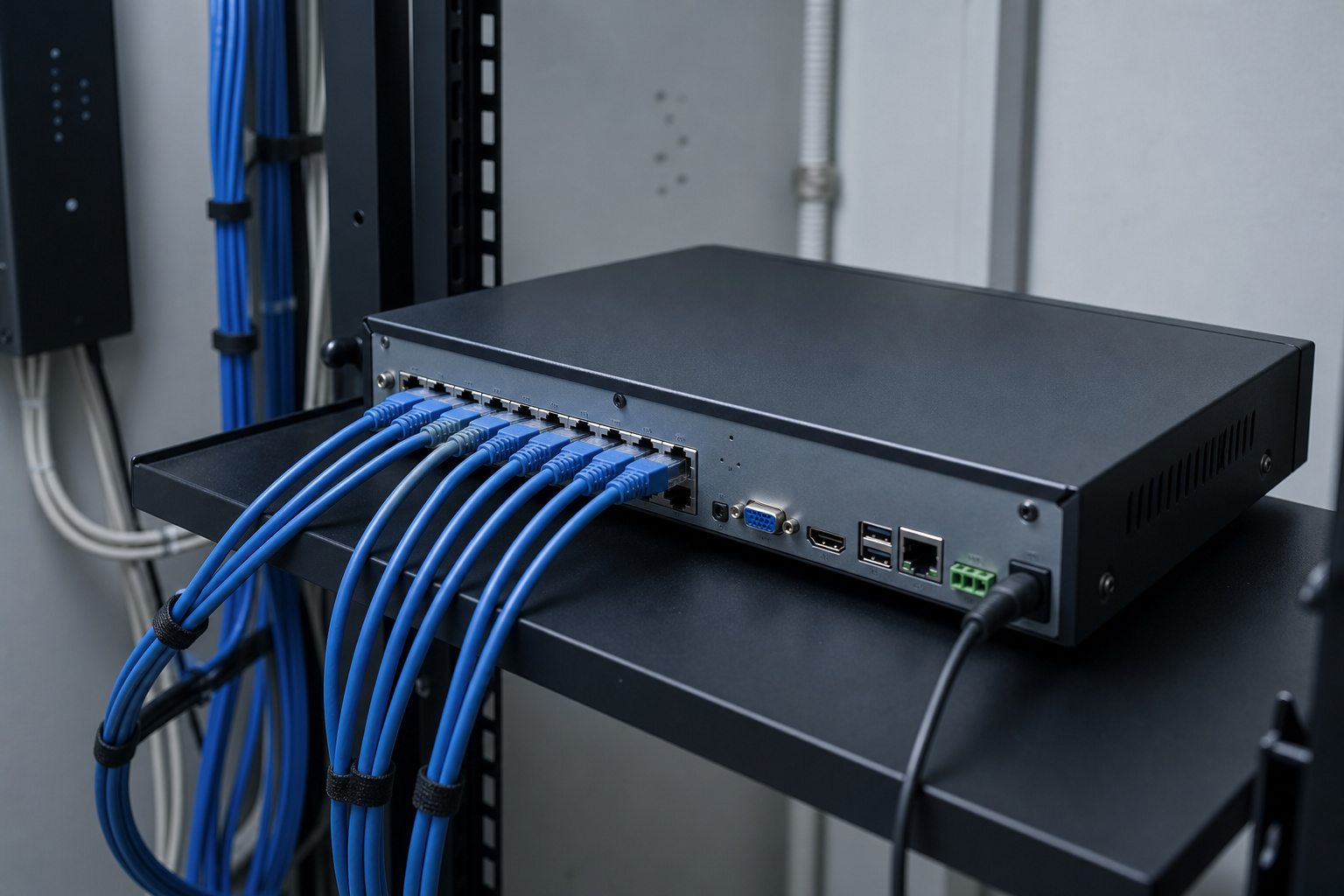
Many wired kits use Power over Ethernet (PoE). One Ethernet cable carries both power and video from each camera to a network video recorder (NVR), so the camera has no outlets. A standard Ethernet run is limited to about 100 meters, or roughly 328 feet, which covers most homes.
The NVR records to an internal hard drive and lets you view footage in an app, usually without a monthly fee. Kits are sold by channel count, commonly 4, 8 or 16, so choose a recorder with a spare channel or two for later expansion. Older systems may use analog cameras and a DVR instead. Those are cheaper but lower in quality, so IP cameras with an NVR are the better choice for a new install.
The tradeoff is installation. Running cable through walls and attic space takes time, and some people hire an installer. In return, you get cameras that never need charging and do not depend on Wi-Fi signal strength.
Wi-Fi, Battery, and Solar Camera Systems
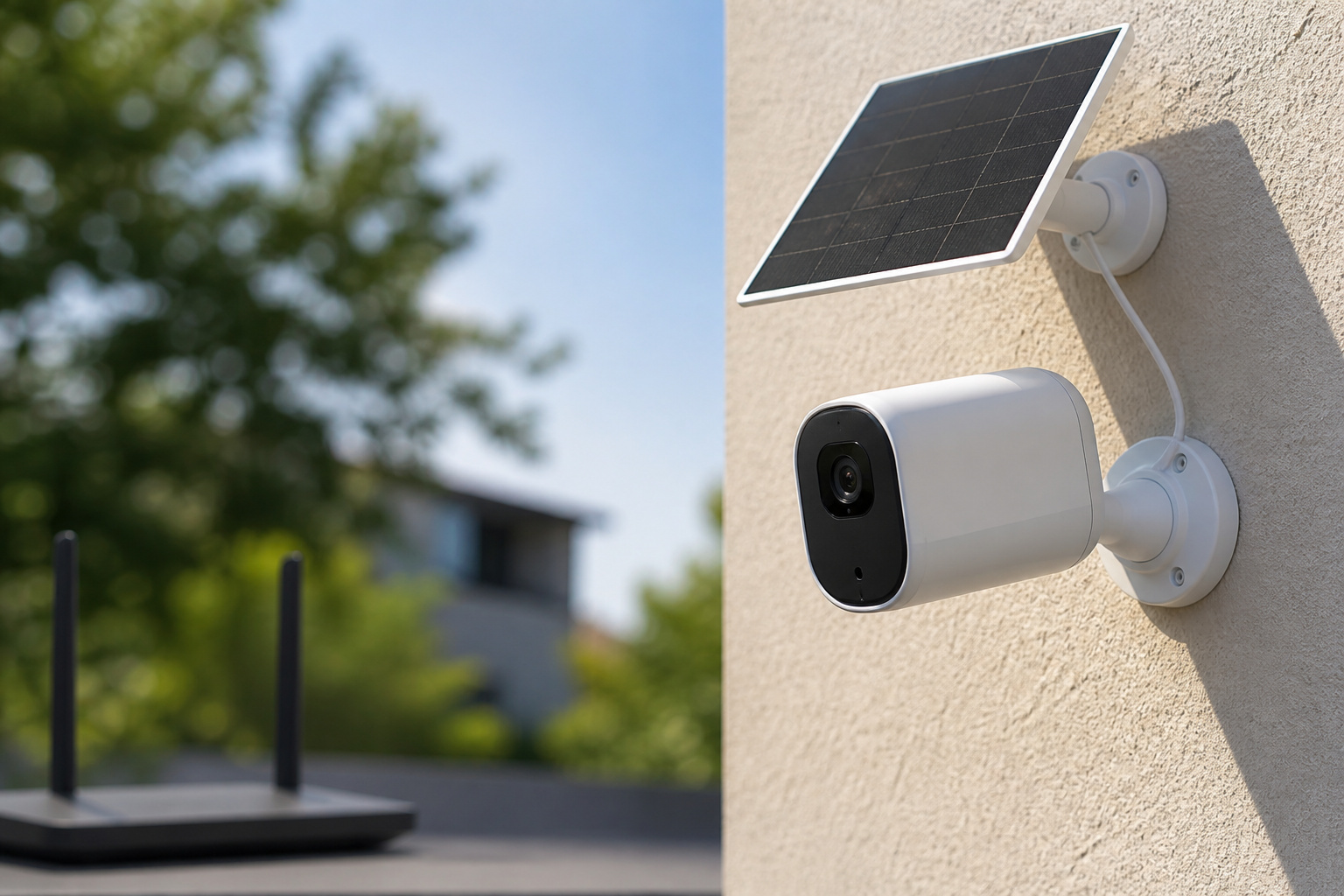
Wireless systems trade installation effort for upkeep later. Battery cameras need periodic recharging, and how often depends on how much motion they record and how cold it gets. A solar panel accessory can keep a battery topped up if the camera gets steady sun.
Wi-Fi quality decides how well they work. Many cameras use only the 2.4GHz band, which reaches farther than 5GHz but is slower and more crowded. Test the signal at each mounting spot with your phone before you drill or stick anything, and consider a mesh node or Wi-Fi extender for distant cameras. Many systems use a hub that connects to your router and talks to the cameras directly, which can improve range and battery life.
Check how recordings are stored. Some wireless systems keep clips on a microSD card or a hub, while others rely on a paid cloud plan. Our comparison of Wyze, Ring, and Eufy shows how those storage and subscription choices differ in practice.
Recommended Products

【Crystal 2K FHD & 360° Full View】The outdoor camera wireless features 2304 x 1296 pixels, which is four times the resolution of 1080P. It offers a 355° horizontal and 120° vertical rotation range, providing a comprehensive view of your surroundings with Ultra 2K HD live video and images. Advanced color night vision technology allows you to enjoy vivid and accurate colors even under low-light conditions. With the FONDAIL app, you can access the system's live or recorded videos from anywhere at any time

【2K High-Definition Live Video with Color Night Vision】 SEHMUA wireless security camera offers 2K Full HD resolution for superior day and night vision. Advanced color night vision technology allows you to enjoy vivid and accurate colors even in low-light conditions. (to view color vision at night, the spotlight feature must be manually activated)

Solar-Powered & Panoramic View Camera: With a removable solar panel, experience always on solar camera security outdoor. Control solar security camera pan & tilt to view your world from every angle. The non-stop power supply and full coverage view design give you 365-day protection and ensure your home's safety.
How Much Storage Do You Need?
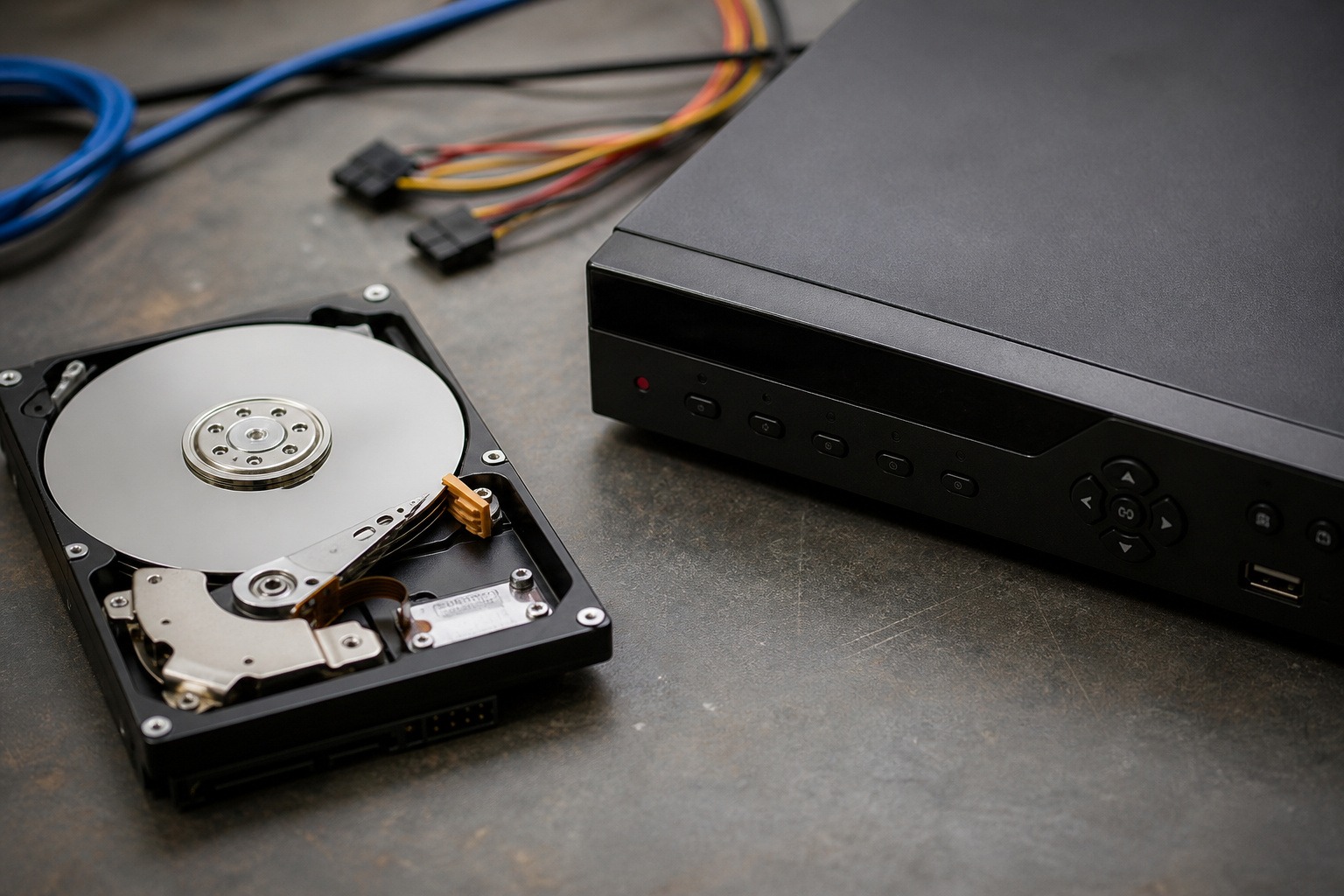
Recorder drives are measured in terabytes, and you can estimate how long a drive lasts with simple math. One megabit per second of video uses about 0.45 gigabytes per hour. Multiply that by each camera’s bitrate and the number of cameras.
As an example, assume each camera records continuously at 2 megabits per second. That is about 21.6 gigabytes per camera per day. The table shows how many days of footage fit on a drive.
| Cameras | Daily storage | 1TB drive | 2TB drive | 4TB drive |
|---|---|---|---|---|
| 4 | About 86GB | About 11 days | About 23 days | About 46 days |
| 8 | About 173GB | About 6 days | About 11 days | About 23 days |
These are estimates. Real bitrates vary with resolution, frame rate, scene activity, and compression, and a drive’s usable space is a little lower than its label. Recording only when motion is detected can stretch these numbers considerably. A H.265 compression setting, available on many newer cameras, generally produces smaller files than H.264 at similar quality. Check your camera settings for the actual bitrate and adjust the formula.
Recommended Products

𝐍𝐨 𝐌𝐨𝐧𝐭𝐡𝐥𝐲 𝐅𝐞𝐞𝐬, 𝐌𝐚𝐬𝐬𝐢𝐯𝐞 𝐄𝐱𝐩𝐚𝐧𝐝𝐚𝐛𝐥𝐞 𝐒𝐭𝐨𝐫𝐚𝐠𝐞: Save with 16 GB of built-in storage. Expand up to 16 TB via a portable hard drive (not included) for continuous recordings from all your cameras—with zero hidden costs or monthly fees.

Built for video DVR and NVR security camera systems, SkyHawk delivers video-optimized storage

Built faster for video DVR and NVR security camera systems, SkyHawk delivers video-optimized storage
Placement: Where to Put Each Camera
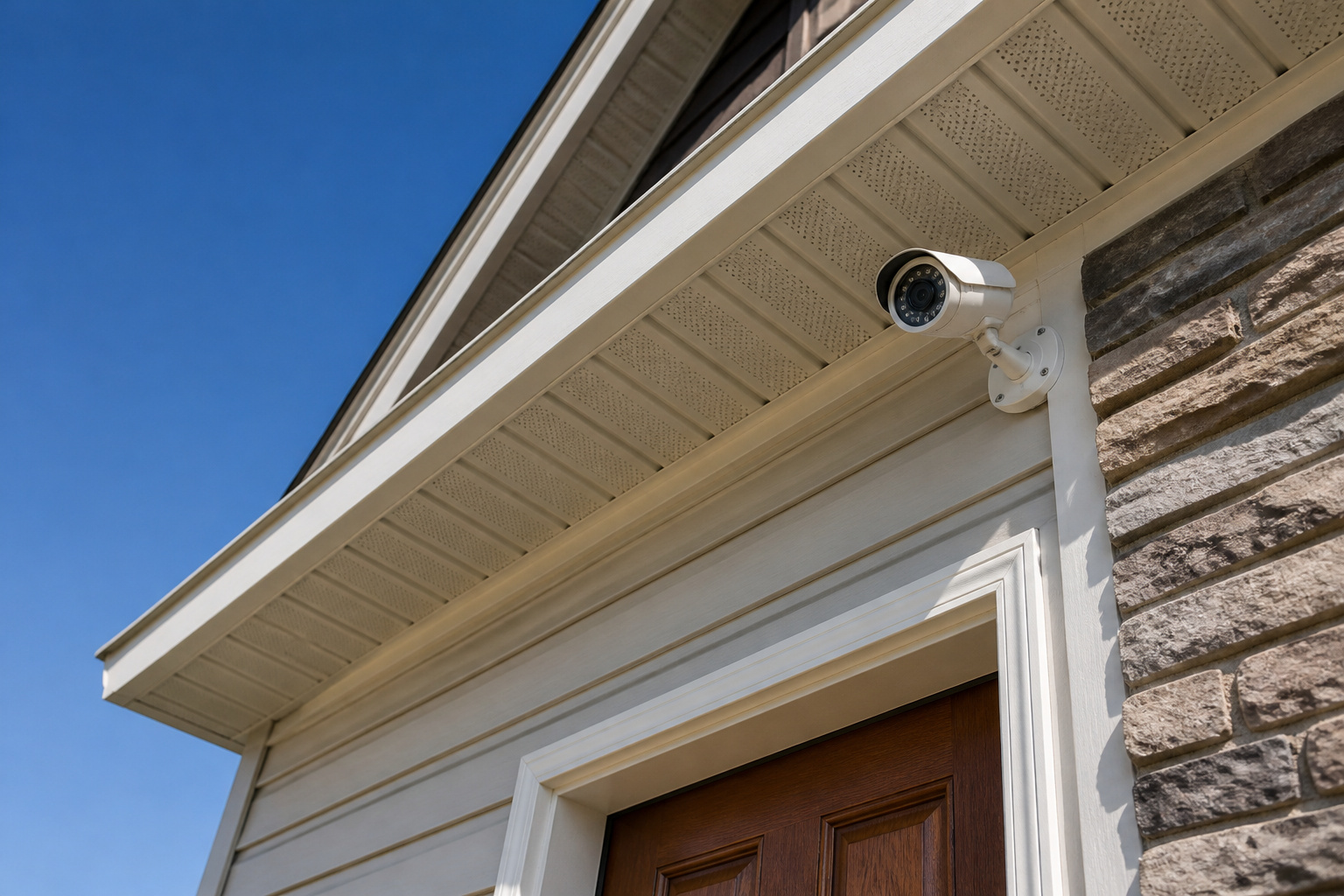
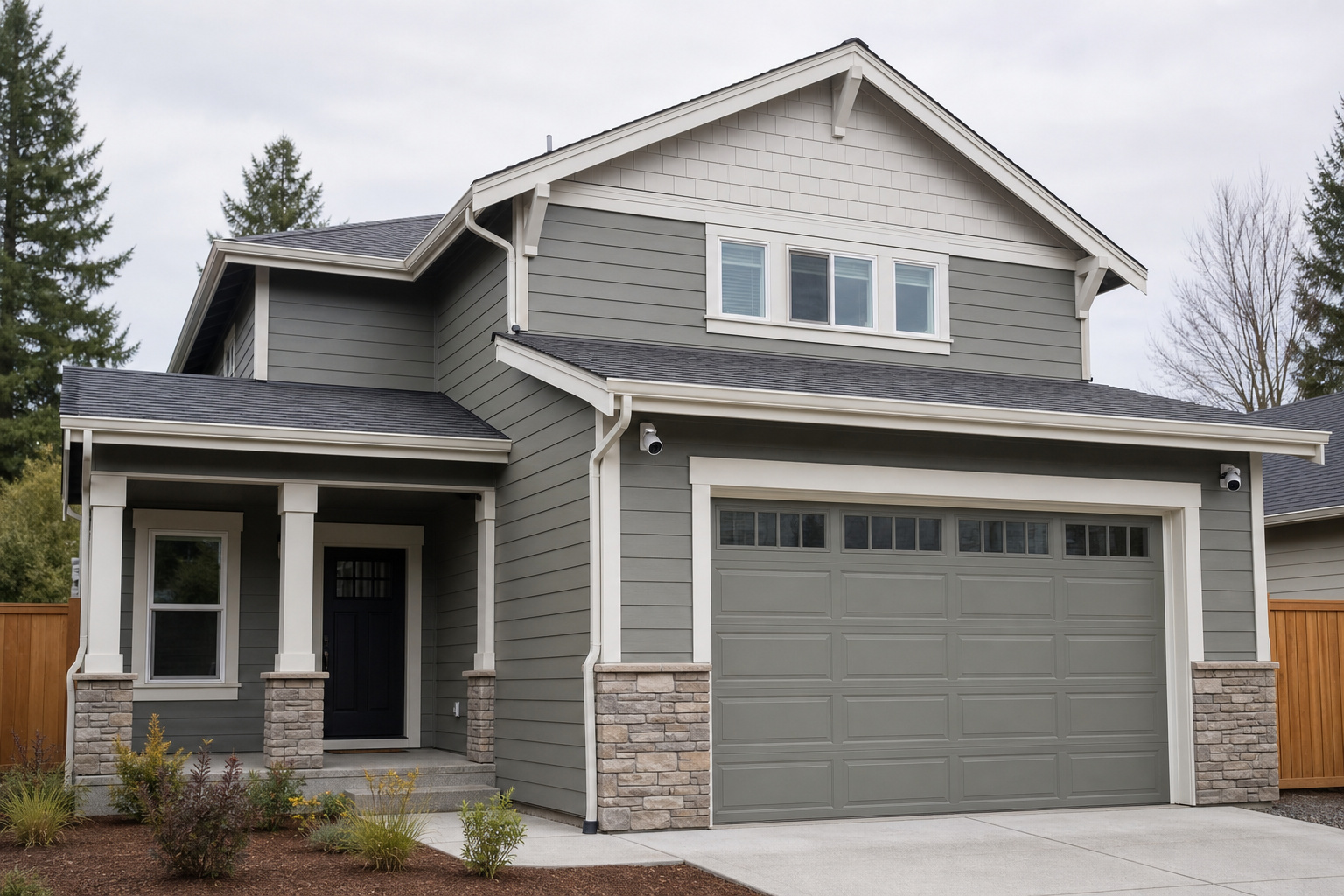
Good placement does more for a system than extra cameras. Start where people actually enter: the front door, back door, garage, and any ground-floor windows that are easy to reach. Then add coverage of driveways and side yards if you need it.
- Mount cameras high enough to be out of easy reach, often around 8 to 10 feet, but low enough to catch faces instead of the tops of heads.
- Avoid pointing directly at bright lights or the setting sun, which wash out the picture.
- Angle cameras away from public sidewalks and neighbors’ windows to cut false alerts and avoid privacy problems.
- Use indoor cameras sparingly and think about privacy. Many people place one at the main entry and skip bedrooms and bathrooms.
Pair cameras with a video doorbell for the front door, since a doorbell sees visitors at face level and cameras cover the wider area.
Recommended Products

3 Pack black Blink Adhesive Wall Mount Bracket - Compatible with Blink Mini 2K+ /Blink Mini and Mini 2 /Blink Outdoor 4 /Blink Outdoor 2K+/Blink Indoor Cameras
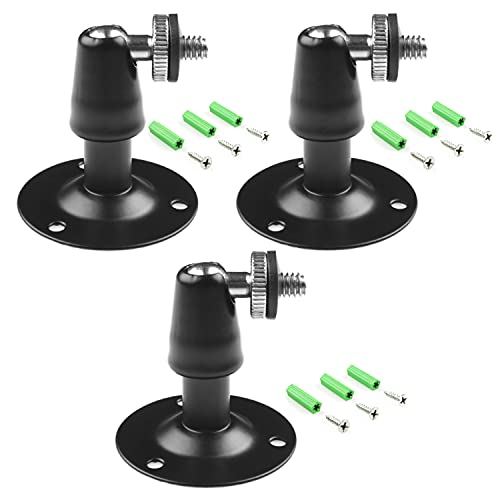
Metal Housing Mount is ideal For Especially designed for Arlo and Arlo Pro Smart Home Security Camera System as well as other compatible cameras.Such as CCTV,CCD,Oculus rift compatible.Worked great for the oculus sensors,HTC Vive Base Station,less 3 lbs camera will be preferable for installation;
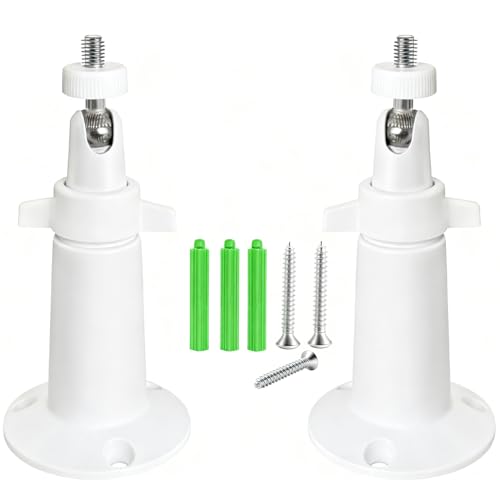
Easy Installation: The versatile mount brackets can be used indoors or outdoors, suitable for garden, wall, indoor and outdoor, etc. Simply connect the camera to the bracket, fix it on the ceiling or wall, and adjust it according to the desired angle.
Keeping Recording During Power and Internet Outages
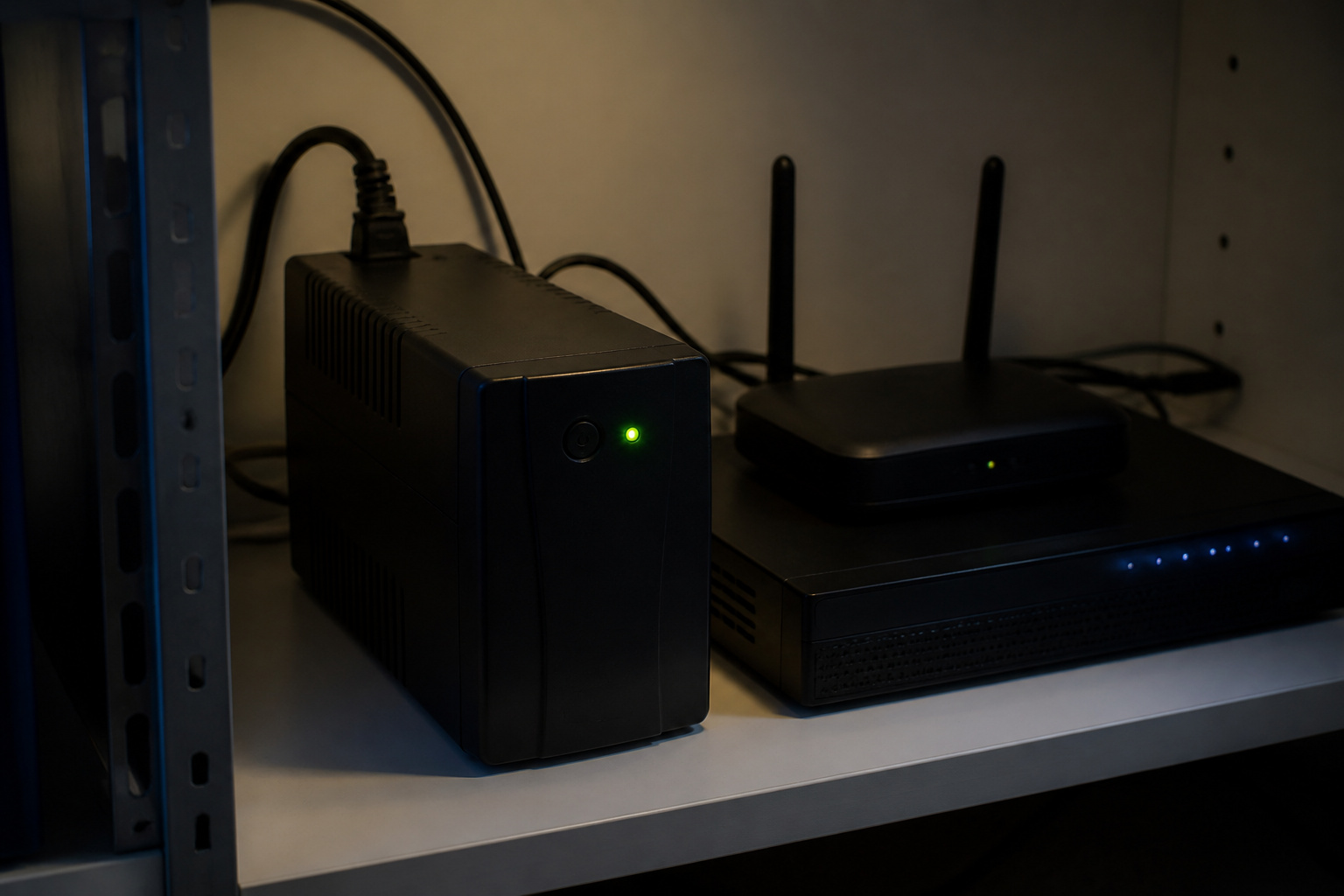
A camera system that goes dark when the power fails offers little protection. A wired NVR system depends on the recorder and the PoE switch having power, so plugging them into an uninterruptible power supply (UPS) lets cameras keep recording through short outages. A UPS also protects the hard drive from sudden shutdowns.
Wireless cameras usually stop sending video when the router or modem loses power, although battery cameras with local storage may keep recording. Putting your router and modem on a small UPS keeps Wi-Fi cameras working for a while. If you rely on a hub, check whether it has battery backup and cellular fallback, which is sometimes tied to a paid plan.
Securing Your Cameras From Hackers
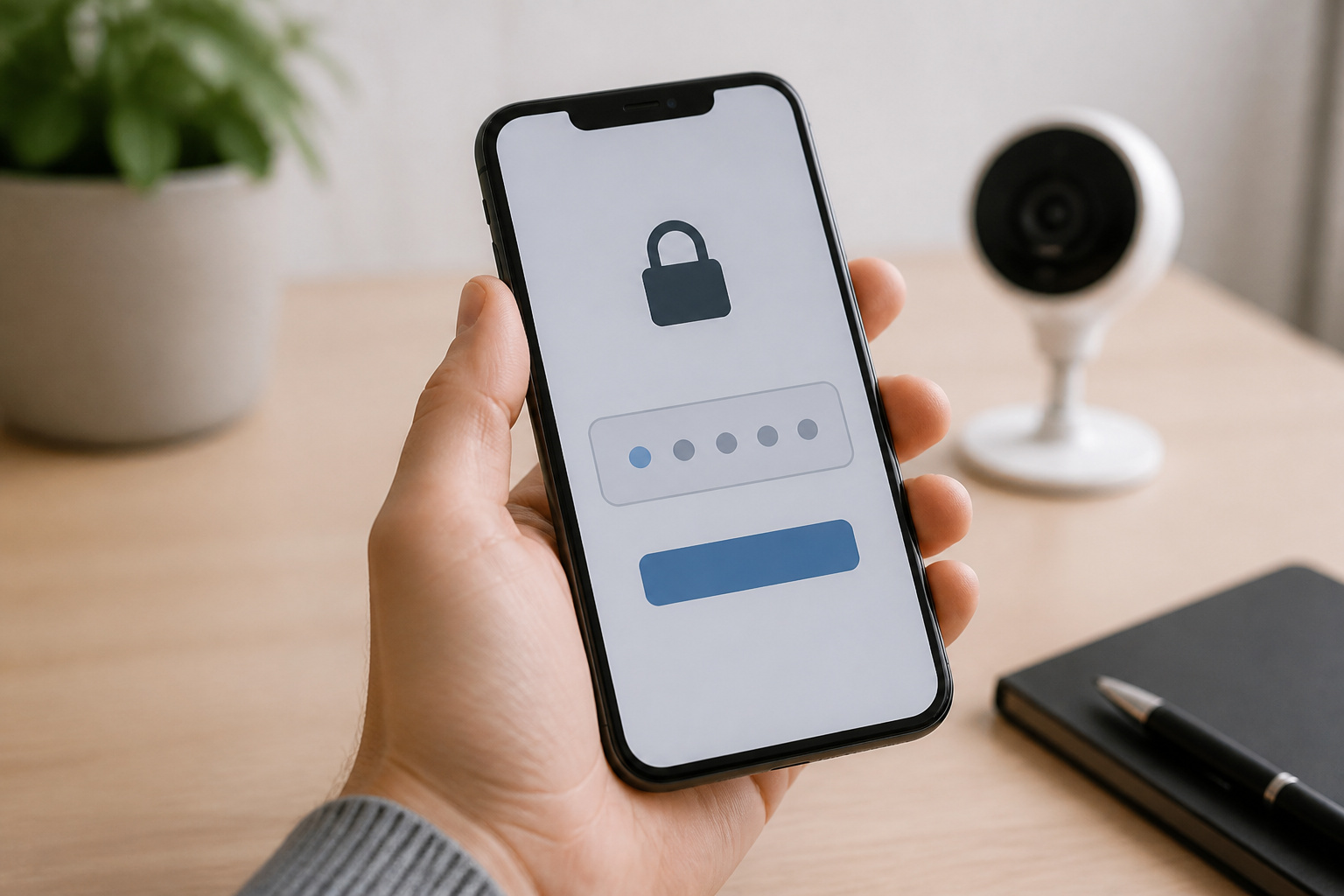
Security cameras are connected devices, so protect them like any other. Change default passwords on cameras and recorders, use a unique password for each account, turn on two-factor authentication where it is offered, and keep firmware updated.
Avoid opening ports on your router to view cameras remotely. Use the manufacturer’s secure app connection or a VPN instead. Some people put cameras on a separate guest or IoT network so a compromised device cannot reach their computers. Our article on whether smart home devices are safe from hackers goes deeper on what is actually risky.
Choosing a System for Your Home
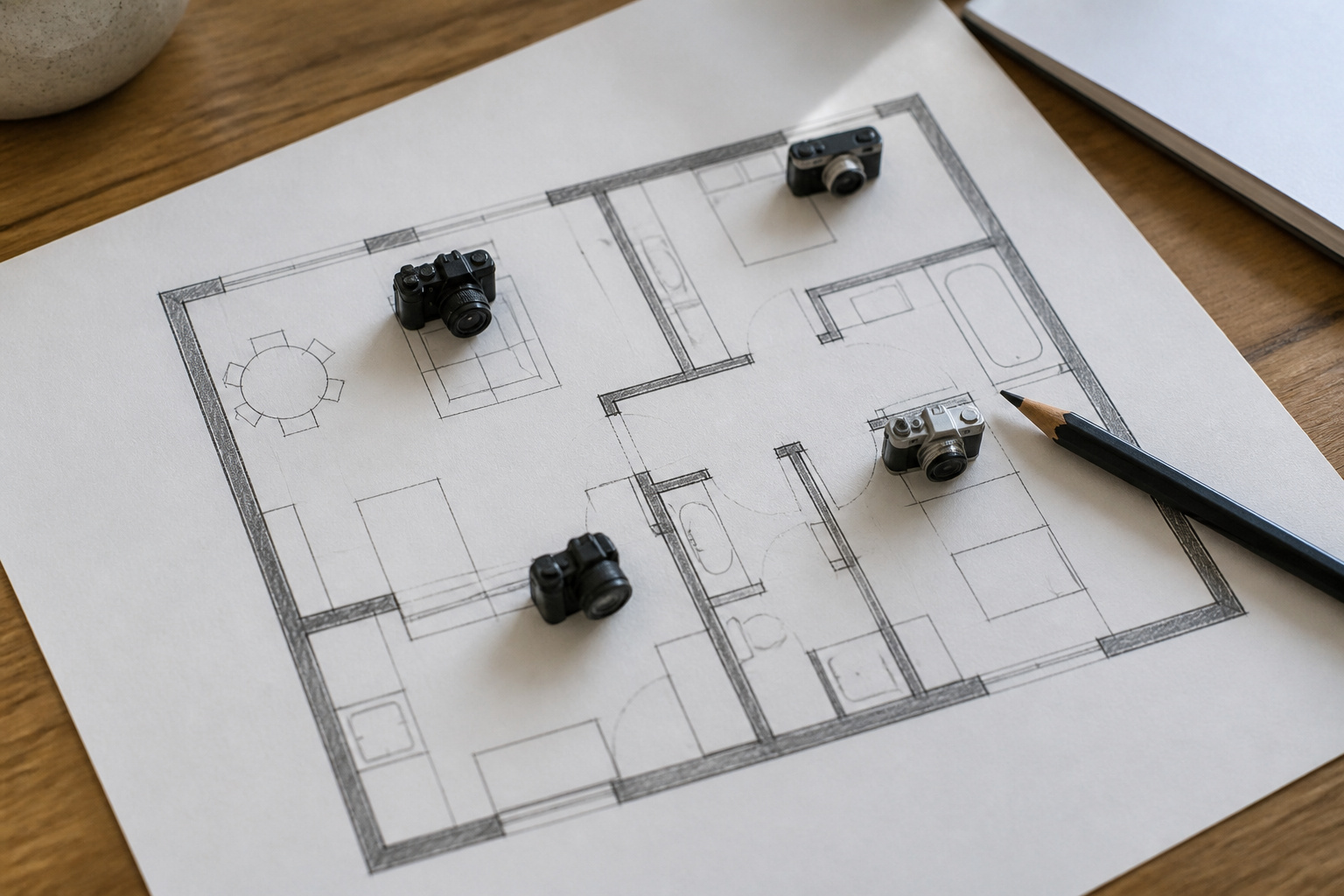
Match the system to your home and how much work you want to do:
- Owner of a larger home, long-term: a PoE kit with an NVR, 4 to 8 channels, and room to expand.
- Renter or small home: a wireless hub-based kit with battery cameras and local storage, so there is no drilling and no required subscription.
- Mixed property: a wired core for the entrances and solar or battery cameras for detached buildings or distant spots.
- Budget-conscious buyer: compare total cost over several years, including storage plans. Our guide to affordable home security systems shows how to do that math.
Recommended Products

Security System Components: Complete surveillance system includes 4 outdoor/indoor cameras, 4K NVR recorder with pre-installed 500GB HDD for continuous recording

𝐁𝐮𝐥𝐥𝐞𝐭-𝐏𝐓𝐙 𝐃𝐮𝐚𝐥-𝐋𝐞𝐧𝐬 2-in-1 𝐂𝐚𝐦 | The upper 2K fixed lens (115°) continuously monitors your entire property, while the lower 4K PTZ lens provides 360° tracking with 5× digital zoom to capture details up to 65 ft (20 m) away. Achieve the view of fixed and auto tracking 2-In-1, without the need to switch screens.

🔐[100% LOCAL PRIVACY & TRUE PLUG & PLAY] A true single-cable DIY solution—one Ethernet cable delivers stable PoE power and crystal-clear 4K video simultaneously, with zero electrical wiring or Wi-Fi headaches. The pre-installed 2TB security-grade HDD ensures 24/7 continuous local recording straight out of the box. Operates entirely on your local network—view live and recorded footage directly via LAN without any internet required, eliminating remote hacking or unauthorized cloud access.
Frequently Asked Questions
Do Security Camera Systems Need a Monthly Subscription?
Not always. PoE and NVR kits typically record to a local hard drive with no required fee. Many wireless brands offer a paid cloud plan for video history, but some record locally to a microSD card or hub. Check what works without a subscription before you buy.
Can I Watch Live Video on More Than One Device?
Most systems let several people log in and view live video at once through the app. Some limit how many streams can run simultaneously, so check the limit if more than one person will watch.
How Long Do Batteries Last in Wireless Cameras?
It depends heavily on how many clips the camera records, the temperature and the video settings. Manufacturer estimates assume light activity, so cameras at busy entrances need recharging sooner. A solar panel can largely remove the chore in a sunny spot.
Do Camera Systems Work With Alexa and Google Home?
Many do, usually letting you view a camera on a smart display or ask a speaker to show a feed. Support varies by brand and model, and HomeKit support is less common. Check the compatibility list for your platform. Our guide on mixing brands in a smart home explains what usually works together.
Is Wired or Wireless Better for a Home Security Camera System?
Wired is more dependable and avoids battery maintenance, but it needs installation effort. Wireless is easier to set up and move, but depends on Wi-Fi and batteries. A hybrid of both often works best in a house you own.
Closing Thoughts
Decide how your cameras will be powered and where footage will live before you compare specs. Size your storage with the formula above, place cameras on real entry points, and plan for outages and account security. A system built on those choices will serve you well for years, no matter which brand you pick.