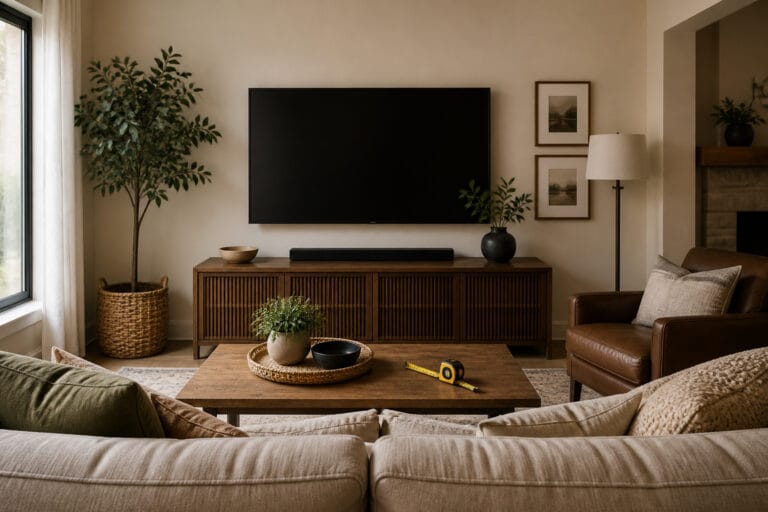
A wall-mounted TV looks clean and saves space, but a bad mount can damage your wall, your TV, or both.
Most mistakes are easy to avoid if you plan before drilling. This guide covers the common ones and how to choose a mount.
Not Finding the Studs
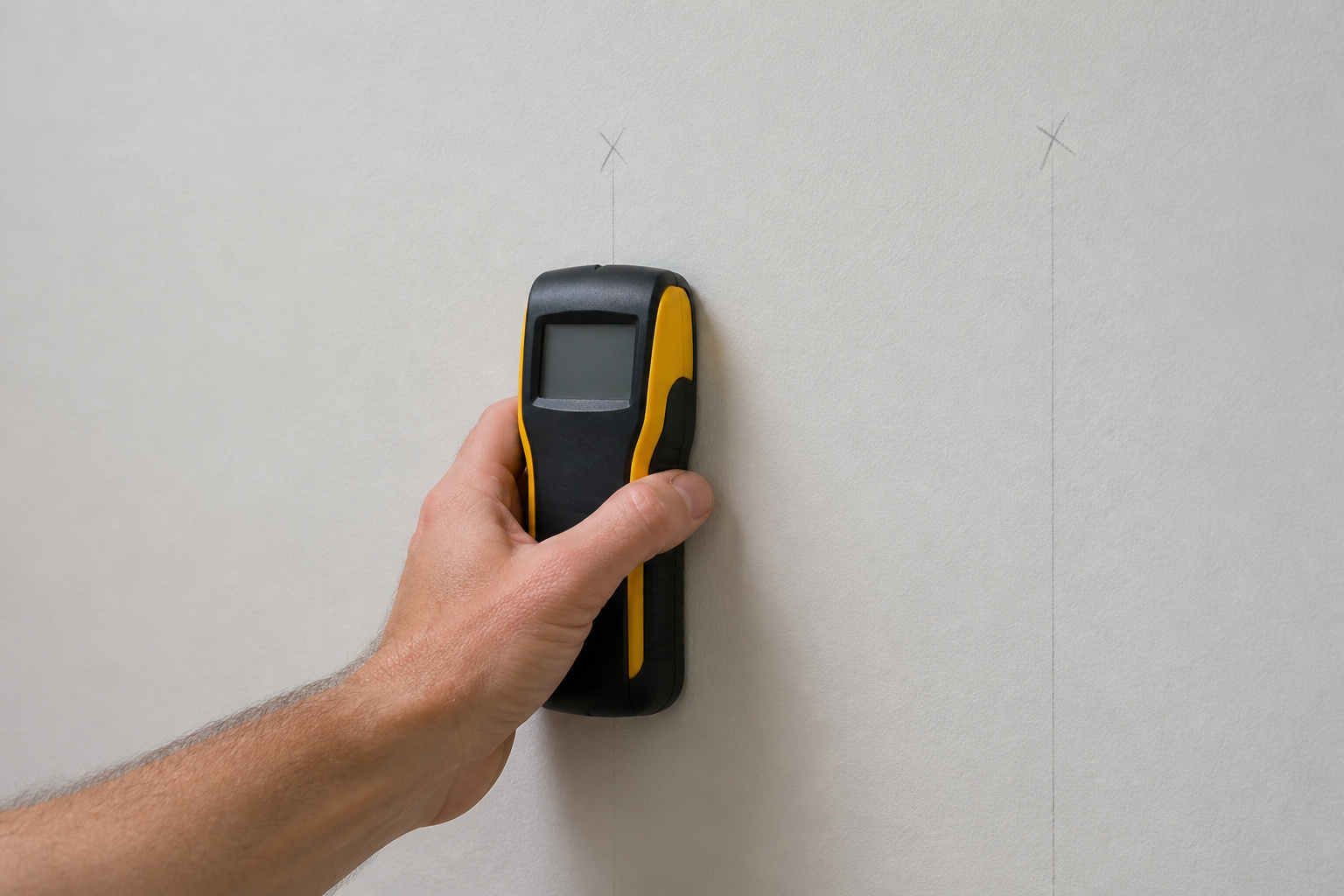
The biggest mistake is mounting into drywall. Drywall cannot hold the weight of a TV. Use a stud finder to locate the wall studs, mark them, and attach the mount to at least two studs.
Standard stud spacing is 16 inches on center, but check your wall rather than assuming. For brick or concrete, use the right masonry anchors.
Products Worth Considering

EASY TO USE: The StudBuddy is the world's simplest magnetic stud finder tool. The StudBuddy works with all drywall construction by using powerful magnets to locate the screws in the studs.

Works on wallpaper & fabric: depth range of ¾-in through drywall and works on surfaces covered in wallpaper and fabric

Powerful Rare Earth Magnets Find Studs Fast: Strong magnetic technology detects nails and screws behind drywall, plaster, and paneling to help locate wood and metal studs without batteries, calibration, or false readings.
Buying the Wrong Mount
Mounts must match your TV’s VESA pattern, which is the spacing of the mounting holes on the back, and be rated for its weight. Check both before buying.
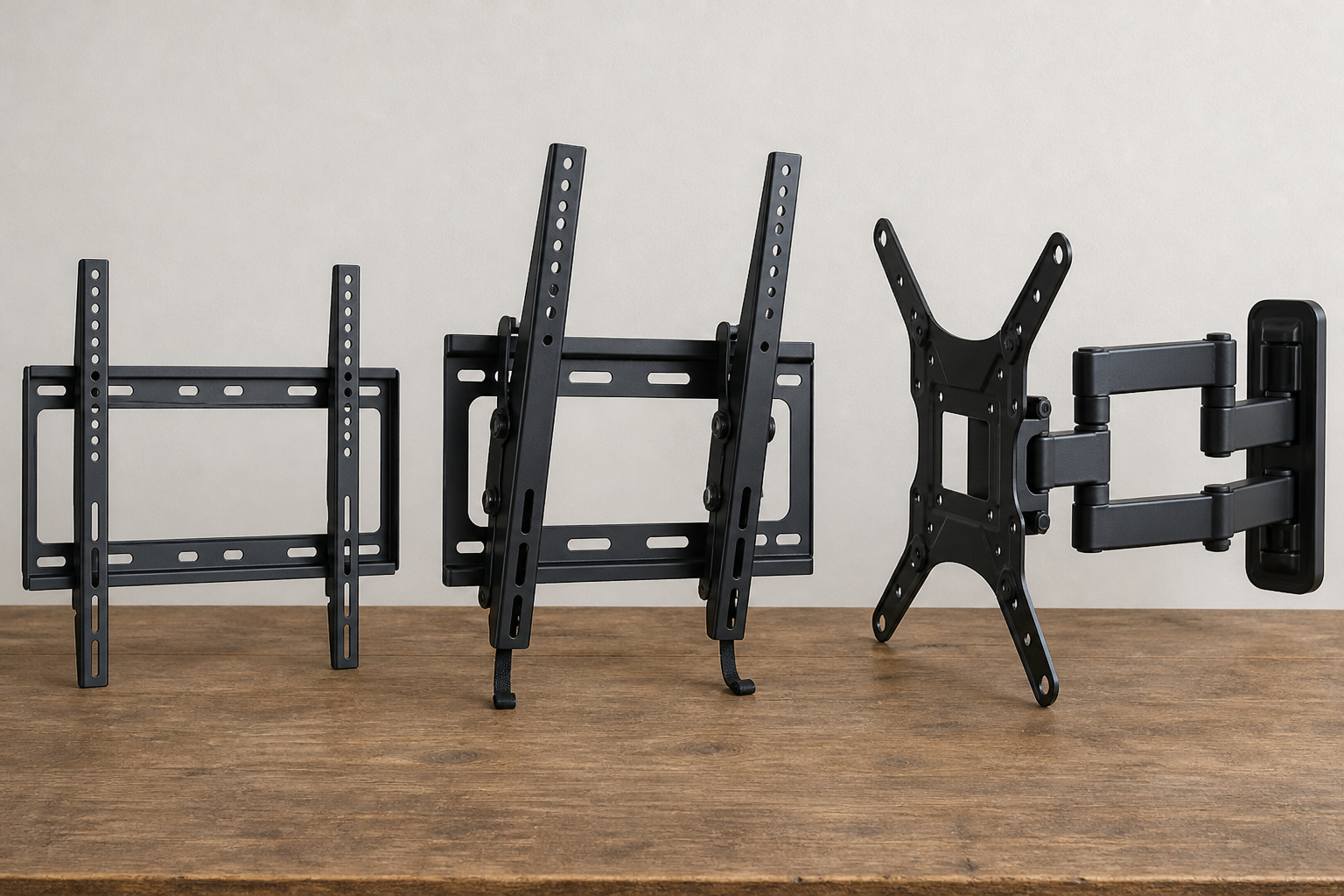
There are three main types: fixed mounts that sit flat to the wall, tilting mounts that angle down to reduce glare, and full-motion mounts that extend and swivel. Fixed mounts are the slimmest, tilting mounts help when the TV sits high, and full-motion mounts suit corners and rooms with off-angle seating.
Look for a mount whose weight rating comfortably exceeds your TV’s weight, and for a model with a bubble level or leveling adjustment.
Products Worth Considering

Universal TV Wall Mount: TV bracket fits most 32-70" TVs up to 110 lbs, with max VESA of 400mm x 400mm / 16" x 16" mounting hole spacing, designed for standard 16" studs. If your wood stud spacing exceeds 16 inches, please refer to the 16", 18", 24" wood stud full motion TV mount MD2380-24K

TV Mount Compatibility - The swivel TV wall mount is compatible with most LED LCD flat or curved 13″-43″ TVs/Monitors up to 44 lbs with VESA mounting patterns 75x75 to 200x200mm. The single TV mount for 24 30 32 39 40 42 43 Inch can be installed on single wood studs, concrete, or brick walls, perfectly compatible with SAMSUNG, SONY, LG, VIZIO, TCL, ELEMENT, SCEPTRE, HISENSE and other TV brands. Please confirm your screen size and TV/monitor VESA before ordering.
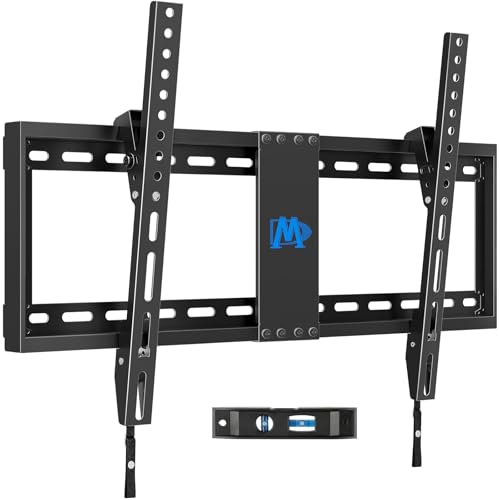
[TV Wall Mount and Suitability] This tilting TV mount is suitable for 37-90 inch TVs, holding a weight of 132lbs with Max VESA 600x400mm, supporting up to 24 inches wood stud spacing. For better feel, you can check the weight of TV, VESA, wood studs spacing and blocked input. Kindly note that TV is just for reference. Patent no. 29/639, 502
Mounting Too High
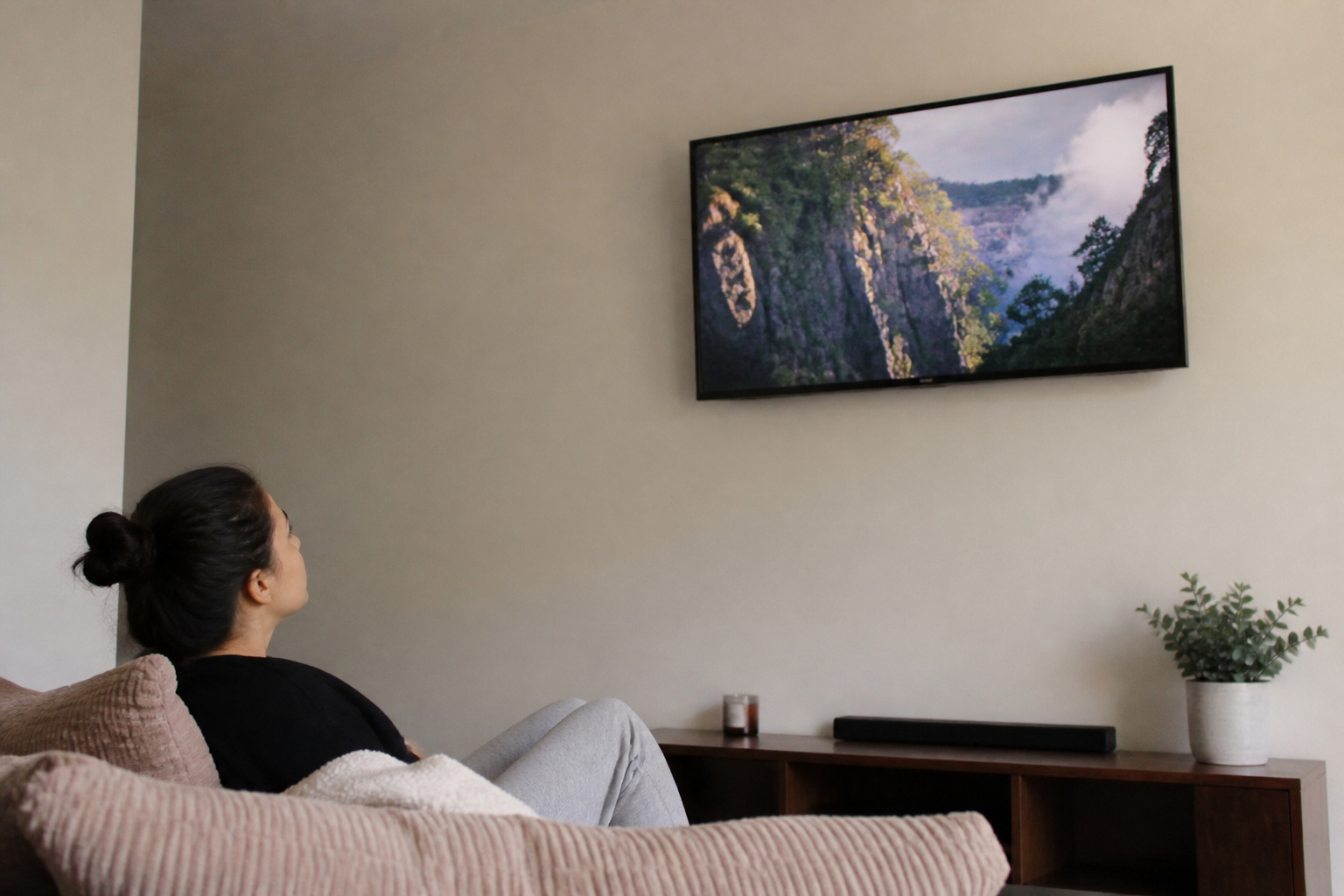
Many people mount a TV above eye level, which strains the neck over time. Aim to place the center of the screen near eye level when seated.
See best TV height for wall mounting, and consider a tilting mount if it must go higher.
Forgetting the Cables and Power
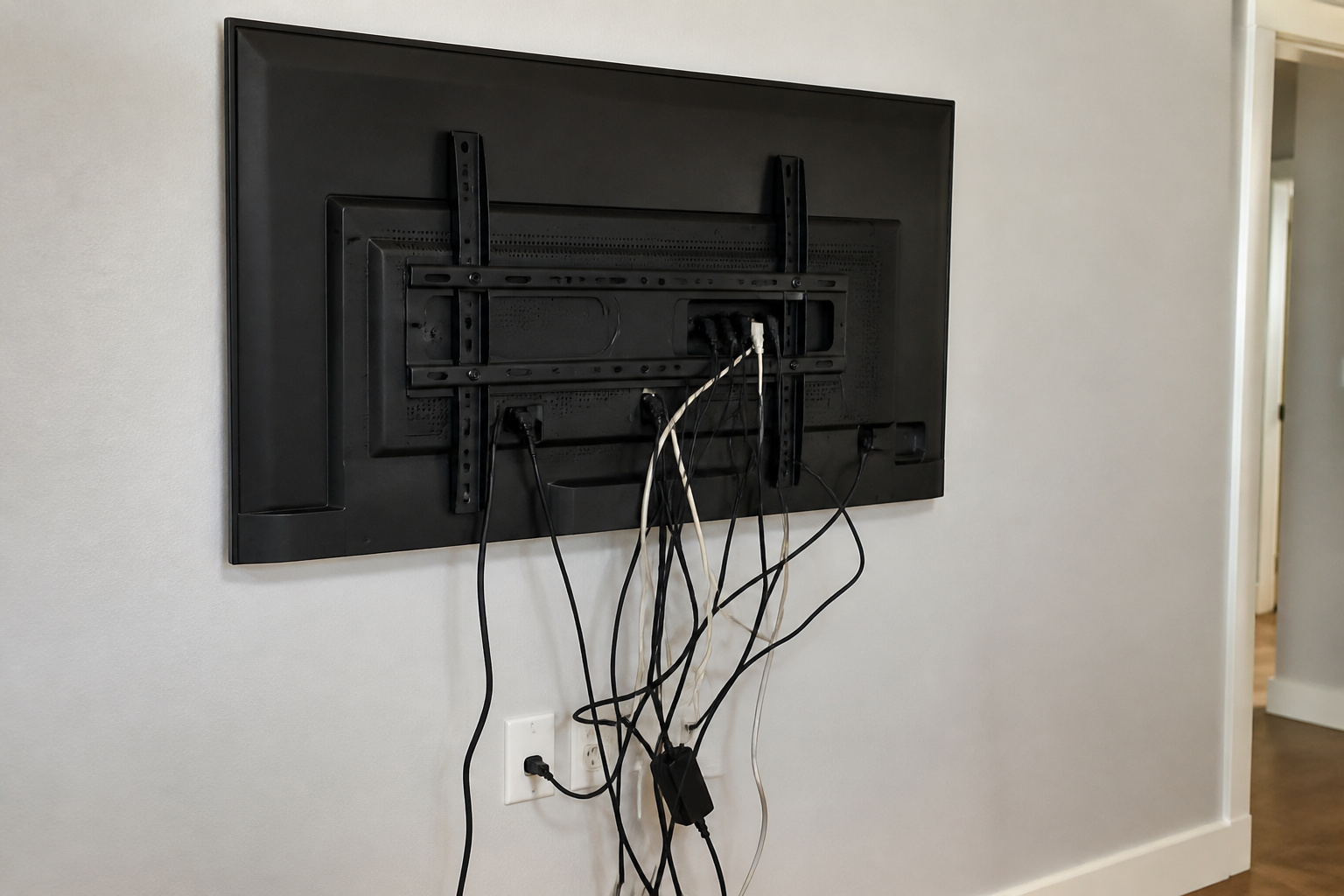
Plan how cables and power will reach the TV before you mount it. A recessed outlet behind the TV or an in-wall power kit keeps the wall tidy.
If you run cables inside the wall, use cable rated for in-wall use and follow local code. See how to hide TV cables and HDMI cables explained for what to run.
Products Worth Considering
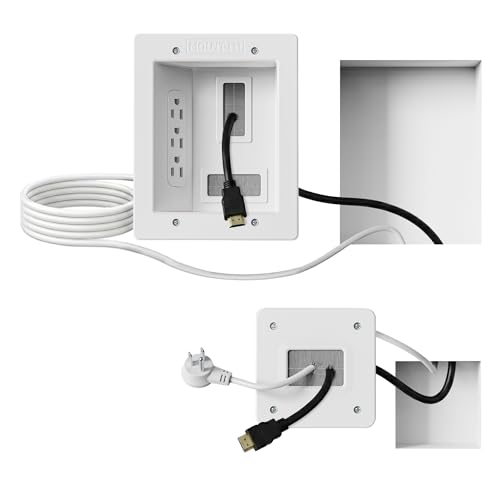
Organized home theater setup – Eliminate messy wires and give your entertainment area a clean, modern look. This in-wall cable management kit provides an easy way to power your TV and hide cables for a polished setup in living rooms, bedrooms, or home theaters.
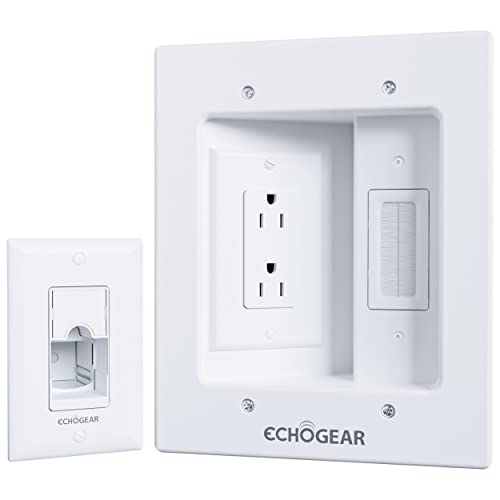
Hide all your TV cables behind the wall. Power 2 devices with the dual outlet, plus hide 3 low voltage cables in the brush pass-through.
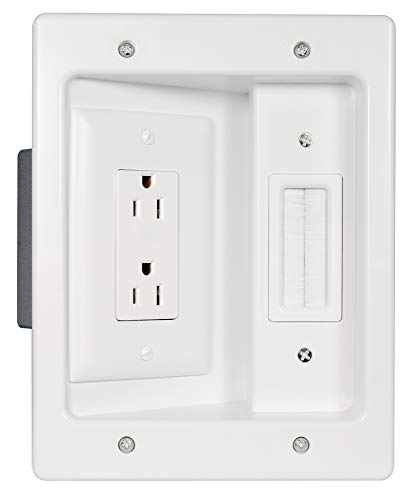
Power & Low Voltage Storage: Hide all your TV or display cables behind the wall with this retrofit cable management kit. Power 2 devices with the UL certified, dual outlet, and up to 10 low voltage cords in the brush plate pass through.
Mounting Above a Fireplace
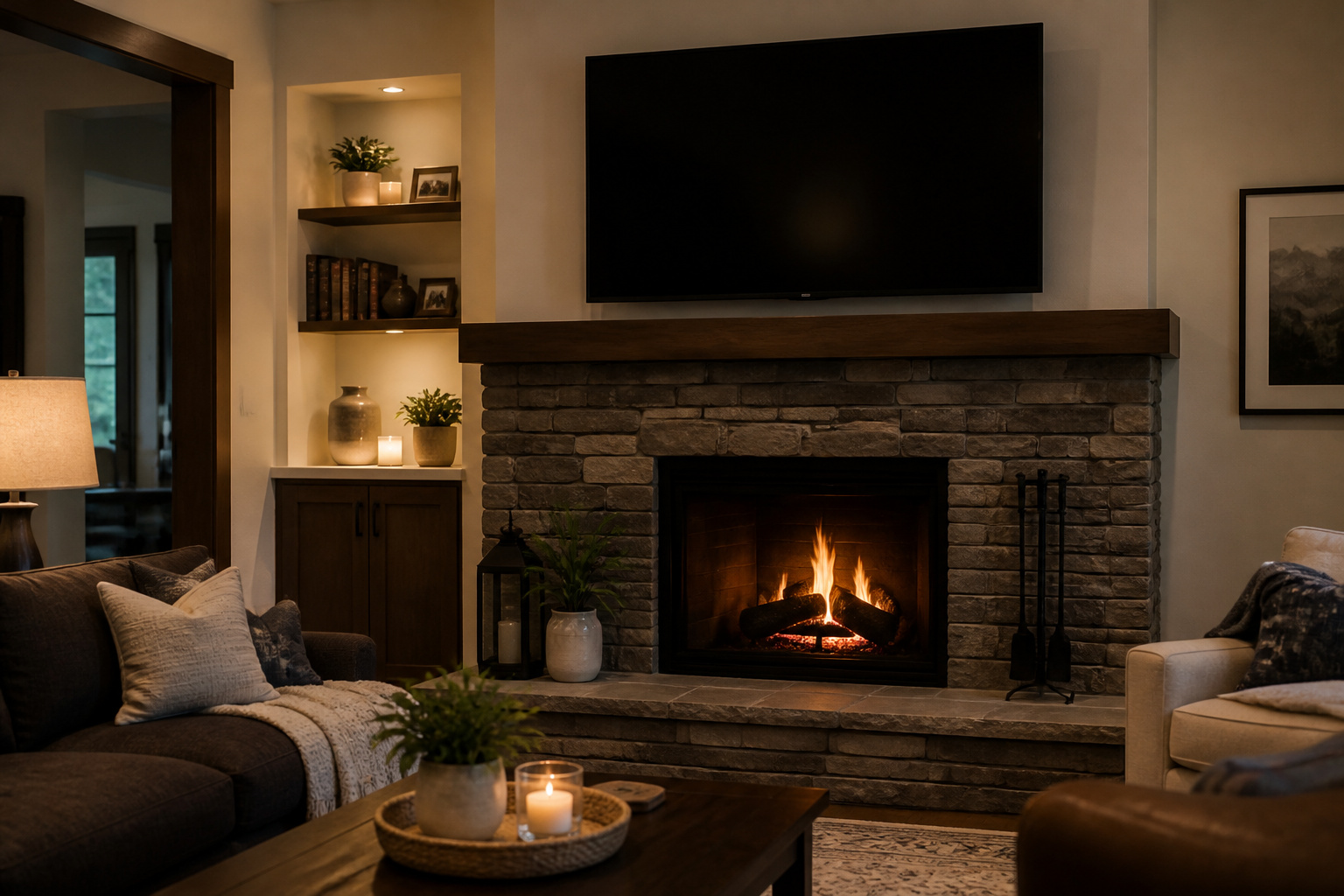
Heat from a fireplace can damage a TV, and the height is often too high for comfortable viewing.
If you must, check the manufacturer’s heat guidance and consider a pull-down mount. Consider alternatives such as a TV on a stand across the room.
Our guide to room layouts can help you decide.
Products Worth Considering

FULL MOTION TV WALL MOUNT: Experience ultimate flexibility with a TV wall mount that swivels +/-90°, tilts +10°/-10°, and extends up to 22.4". Whether you need to adjust for glare, optimize viewing from multiple seating areas, or pull your TV out for a better angle, this articulating TV mount adapts effortlessly to your space, delivering an immersive viewing experience every time.

[Universal Design] This TV wall mount is compatible with most TVs of 42-90 inches and weighs up to 154 lbs. It also has a maximum VESA of 600mm x 400 mm mounting hole space. Please Note: This TV mounting bracket is NOT for drywall alone installation!

【Designed to Complement Your Fireplace – Full Motion & Smooth Height Adjustment】Specifically crafted as a fireplace tv mount, this mantel mount offers smooth, effortless height adjustment to lower your TV to an ideal viewing level. It integrates beautifully with your fireplace aesthetics. With 18.7 inches of vertical travel, 30° left-right swivel, and 19 inches of extension from the wall, this pull down tv mount provides complete flexibility. It also delivers up to 18 inches of clearance for deep mantels, ensuring a seamless fit above any fireplace.
Skipping Soundbar and Speaker Planning
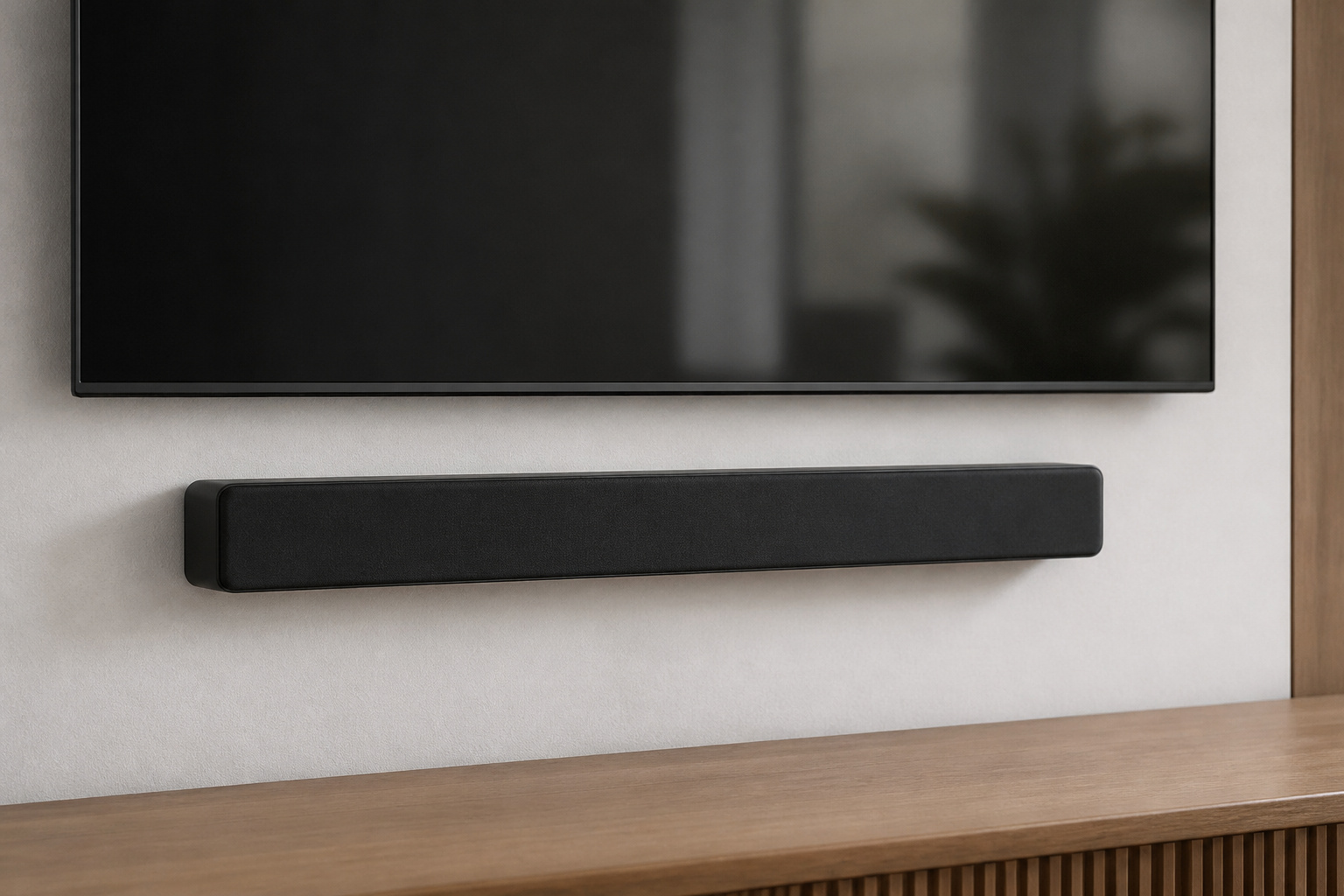
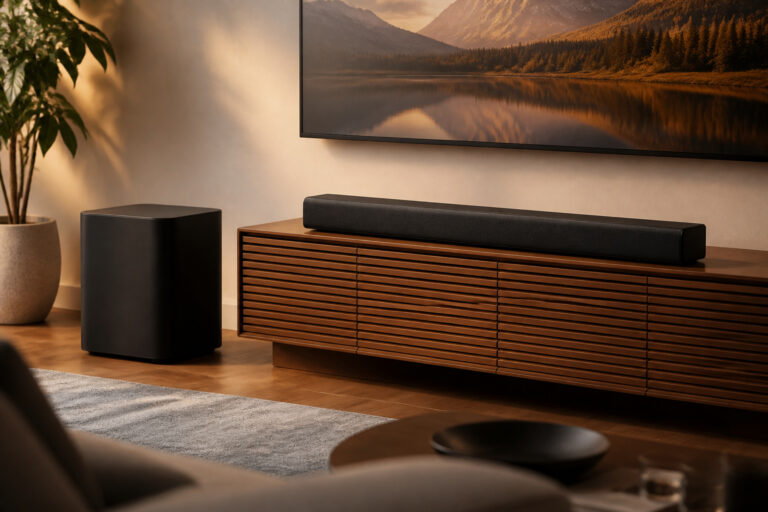
If you plan to add a soundbar, decide where it will go before you mount the TV. Some soundbars mount directly to the wall below the TV, and others sit on a shelf.
Our soundbar placement tips cover your options.
Products Worth Considering

Universal Compatibility:The Soundbar Wall Mount fits for Sonos,Samsung, Bose,Sony,Vizio, LG, JBL and More!

【Universal Compatibility】ELETIUO soundbar mounting bracket can be extended to 6.1 inches and retracted to 3.5 inches,Just adjust the lockable screw to fit for most brand soundbar of 3.5”-6.1” depth.It provides wide compatibility for Sound bar mounts,Sound bar wall mounts, Sound bar under TV,Bookshelf speaker.

Compatible with all Bose Soundbars (Bose Smart Ultra Soundbar, Bose Smart Soundbar 900, Bose Smart Soundbar 600, Bose Smart Soundbar 300, TV Speaker, Bose Smart Soundbar 700, Bose Soundbar 500, SoundTouch 300)
Frequently Asked Questions
Do I need to mount into studs?
Yes, for any heavy TV. Studs hold weight, while drywall anchors alone do not. Heavier TVs need more than one stud.
What is VESA?
VESA is the hole pattern on the back of the TV, listed in millimeters. Your mount must match it.
How do I choose between fixed, tilting, and full-motion mounts?
Choose fixed for a slim look, tilting if the TV is above eye level, and full-motion if you need to angle or move the screen.
Can I mount a TV myself?
Yes, if you are comfortable with tools and can find studs. For large TVs or in-wall wiring, a professional installation may be safer.
How much weight can a mount hold?
Each mount lists a weight rating. Pick one rated well above your TV’s weight.