When you’re shopping on a tight budget, finding a solid computer might seem tough, but it’s not impossible. You need something that works now and lasts a while. Start with your needs.
Are you typing papers? Browsing the web? Streaming videos? Or do you need it for school projects and multitasking? Most daily tasks don’t need high-end power. A basic laptop or desktop with a modern processor will cover you. Look for an Intel Core i3, AMD Ryzen 3, or better.
These chips handle everyday work fast and smooth. Avoid old processors like Celeron or Atom unless you’re only checking email. They’ll frustrate you with slow speeds.
RAM matters more than you think. Get at least 8GB. Four gigabytes will stumble when you open more than a few tabs. Eight keeps you moving. If you can find 16GB for the same price, grab it.
Storage? Go solid-state. An SSD boots faster, loads apps quicker, and lasts longer than spinning hard drives. Even 256GB is enough for most people. Don’t fall for huge 1TB hard drives that feel slow and clunky. Speed beats space here.
Check the screen size and resolution. A 13 to 15-inch display is portable and clear. Look for 19220×1080 pixels. This is full HD. Lower makes text blurry. Touchscreens are flashy but not worth the extra cost. Save that money for better specs.
The keyboard should feel comfortable. Tap the keys if you can. Soft, mushy keys tire your fingers fast.
Ports are easy to overlook. Make sure it has USB-A and USB-C. Need to plug in a mouse? Charger? Flash drive? You’ll want options. HDMI helps if you connect to a bigger screen. Wi-Fi 5 or 6 keeps your connection strong. Bluetooth lets you pair headphones or mice wirelessly.
Refurbished computers are smart picks. Big brands like Dell, HP, and Lenovo sell certified models with warranties. They’re tested, cleaned, and often include Windows or macOS. Check the seller’s return policy. A 30-day guarantee gives you peace of mind. Avoid sketchy deals with no support.
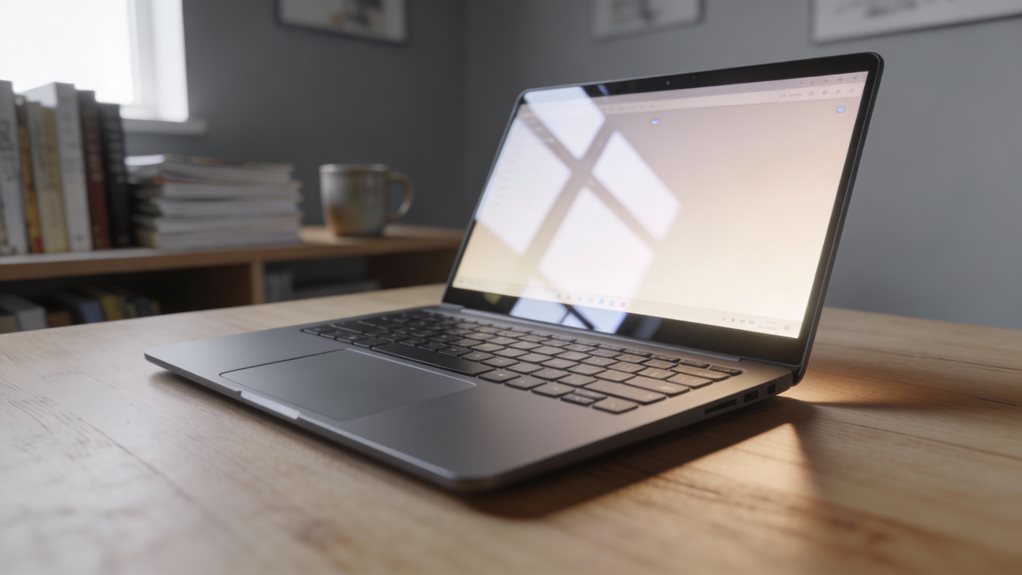
Chromebooks are light and affordable. They run Google’s OS and work well if you use Gmail, Docs, and the web. But they run fewer programs. They’re not great for heavy software or gaming. Still, for students or simple use, they shine.
Wait for sales. Black Friday, back-to-school, or holiday deals drop prices. Compare models online. Watch videos. Read quick reviews. Don’t rush. Good tech on a budget is out there. You just have to grab it. The ACEMAGIC 16.1-inch laptop offers up to 8 hours battery life, making it a strong contender for users who value longer unplugged usage.
Frequently Asked Questions
Can I Upgrade a Budget Computer Later?
Yes, you can upgrade a budget computer later. You’ll swap parts like RAM or storage easily. Check your model’s specs first. Many let you add more memory, great for multitasking.
Some accept extra drives. Others limit changes. Pick one with open slots. You’ll plug in new components fast. Future-proofing starts now. Upgrading keeps your machine capable. It’s smart. It’s doable. Just plan ahead. Know what fits. Move step by step. Grow your power.
Is a Used Computer a Safe Option?
Yes, a used computer can be safe if you check it first. You power it on, watch for slow boots or odd noises. You run a scan, catch hidden problems fast.
Look for stains, dents, or worn keys, signs it’s been roughed up. You test Wi-Fi, speakers, USB ports. You ask for the OS version, confirm updates work. You buy from trusted sellers, avoid sketchy deals. Smart checks now save headaches later.
Do Budget Computers Come With Antivirus Software?
Yes, they often do. You’ll usually get basic antivirus preinstalled, like Windows Defender on PCs. It’s solid for daily use. No extra cost. Smart.
Still, you should update it fast. Pair it with careful browsing. Don’t click strange links. Some budget models include free trials, 30 to 90 days, then charge you. Cancel before it bills. Watch for that. Real protection matters. Stay safe. Stay sharp. Keep it simple, effective, and yours.
How Long Do Budget Computers Usually Last?
They usually last three to five years. You’ll notice slowdowns sooner if you multitask heavily. Regular updates and careful use stretch their life. Dust builds up, heat builds in—clean vents monthly.
Avoid cheap chargers, they fry ports. Store it in a dry, cool spot. Shut it down nightly. Don’t overload storage. Replace the battery if it swells. With care, you eke out extra time. Expect upgrades, not permanence. You’ll survive—and thrive—on a budget.
Are Chromebooks Good for Everyday Tasks?
Yes, Chromebooks handle everyday tasks just fine. Over 70% of users stick with them for daily use. You browse, stream, and type smoothly. Apps like Docs, Zoom, and YouTube run fast.
You’ll love the battery, often lasting 10 hours. They boot quick, update quietly, and resist slowdowns. No, they don’t run heavy software. But for mail, research, and homework, absolutely perfect. Lightweight, simple, ready when you are.