Installing a car stereo yourself is a manageable weekend project. A handful of avoidable mistakes usually cause the most headaches, including dead systems, blown fuses, rattling dashboards, and speakers that sound thin or lopsided.
Here’s what trips people up most often, and how to sidestep each one.
Disconnect the Battery First
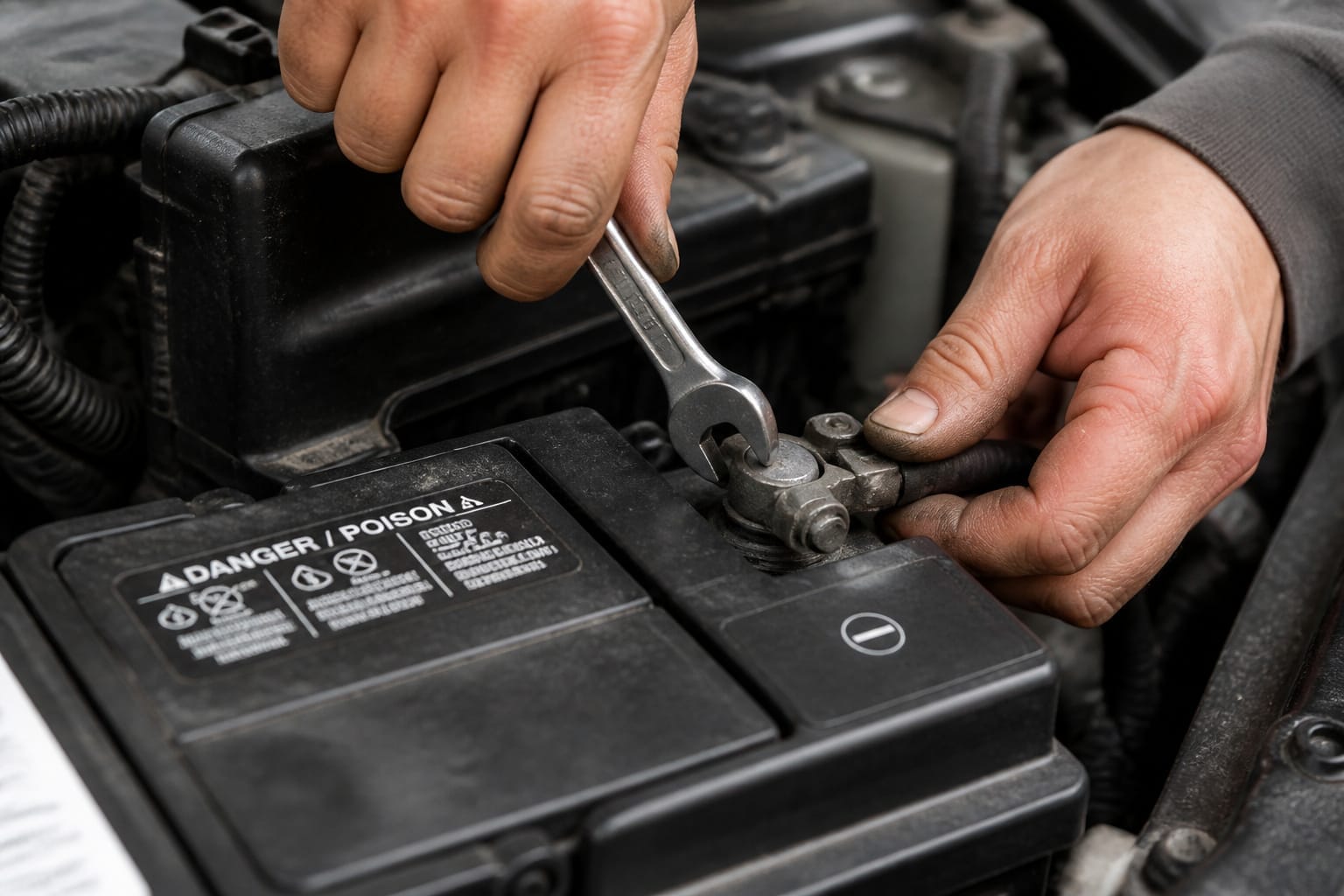
Before touching any wiring, disconnect the negative battery terminal. Wait a few minutes for the system to drain fully. Skipping this step is the most common cause of fried circuits, blown fuses, and sparks during a DIY install.
Leaving the battery connected while wires are exposed means any accidental contact with metal can damage your new stereo even before it’s mounted.
Label Every Wire
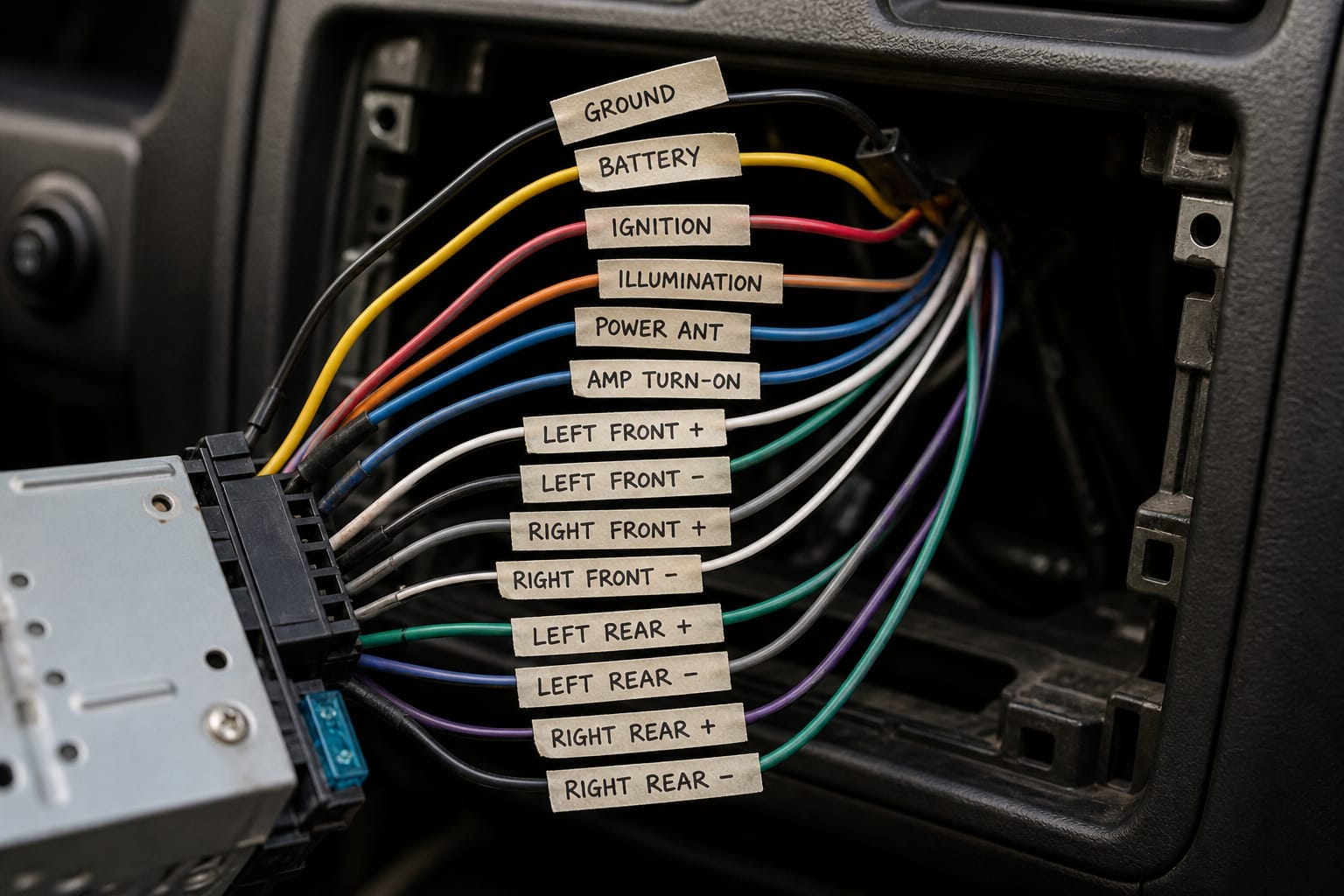
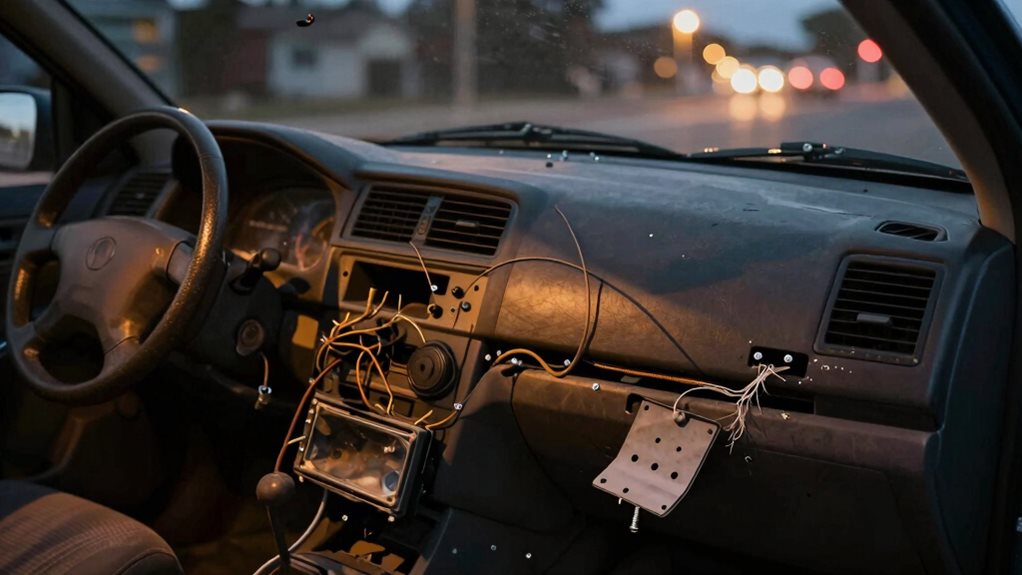
When you pull the old stereo, tag each wire as you disconnect it: power, ground, antenna, illumination, rather than trusting yourself to remember the colors later.
A wiring harness adapter that matches your car’s factory connectors to the new stereo’s plug is worth using rather than splicing into factory wires directly; splicing creates less reliable connections and makes it harder to restore the factory setup if you ever sell the car.
Don’t Force the Connections
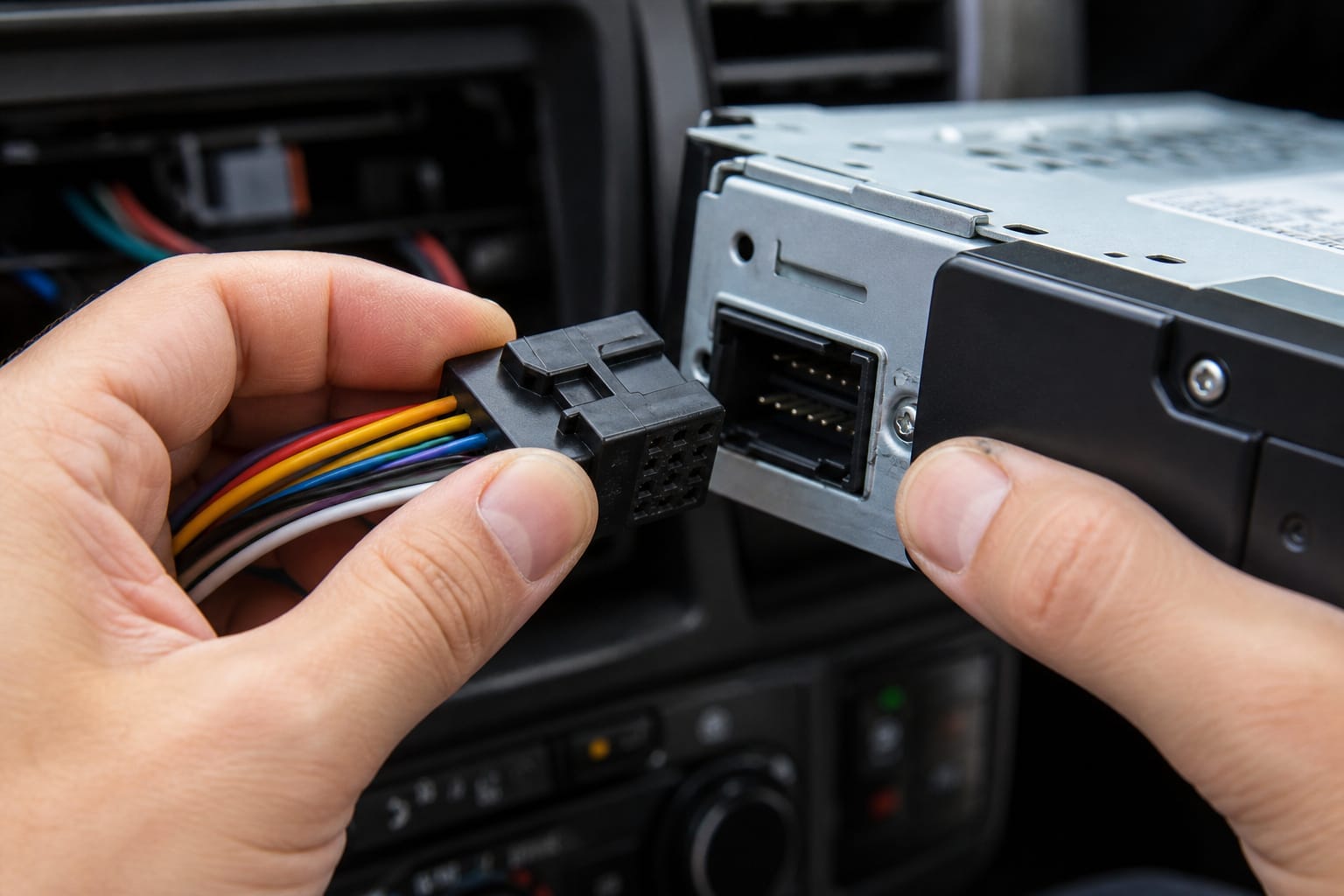
Wiring harness connectors and mounting screws are easy to damage by forcing. If a harness connector resists, stop and check the orientation instead of pushing harder.
Connectors are keyed to fit one way, and forcing a mismatched pin can bend or break it. The same goes for mounting screws: hand-tighten first, then snug them down without overtightening.
Power tools, used with too much force, can strip threads or crack a plastic housing.
Products Worth Considering

Convenient Solution - Scosche FD16B Radio Installation Harness allows a new aftermarket radio to be installed in select Non-Amplified 1998-2011 Ford, Lincoln, Mazda, Mercury and Nissan vehicles using the factory radio harness.
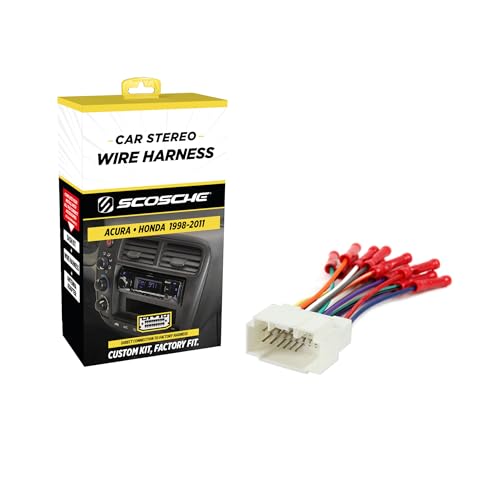
Installation Note: For Bose Equipped Vehicles, the HA08B harness must be used with the Scosche SLC4 Bose Premium Sound Interface (Sold separately)
Get Speaker Polarity Right
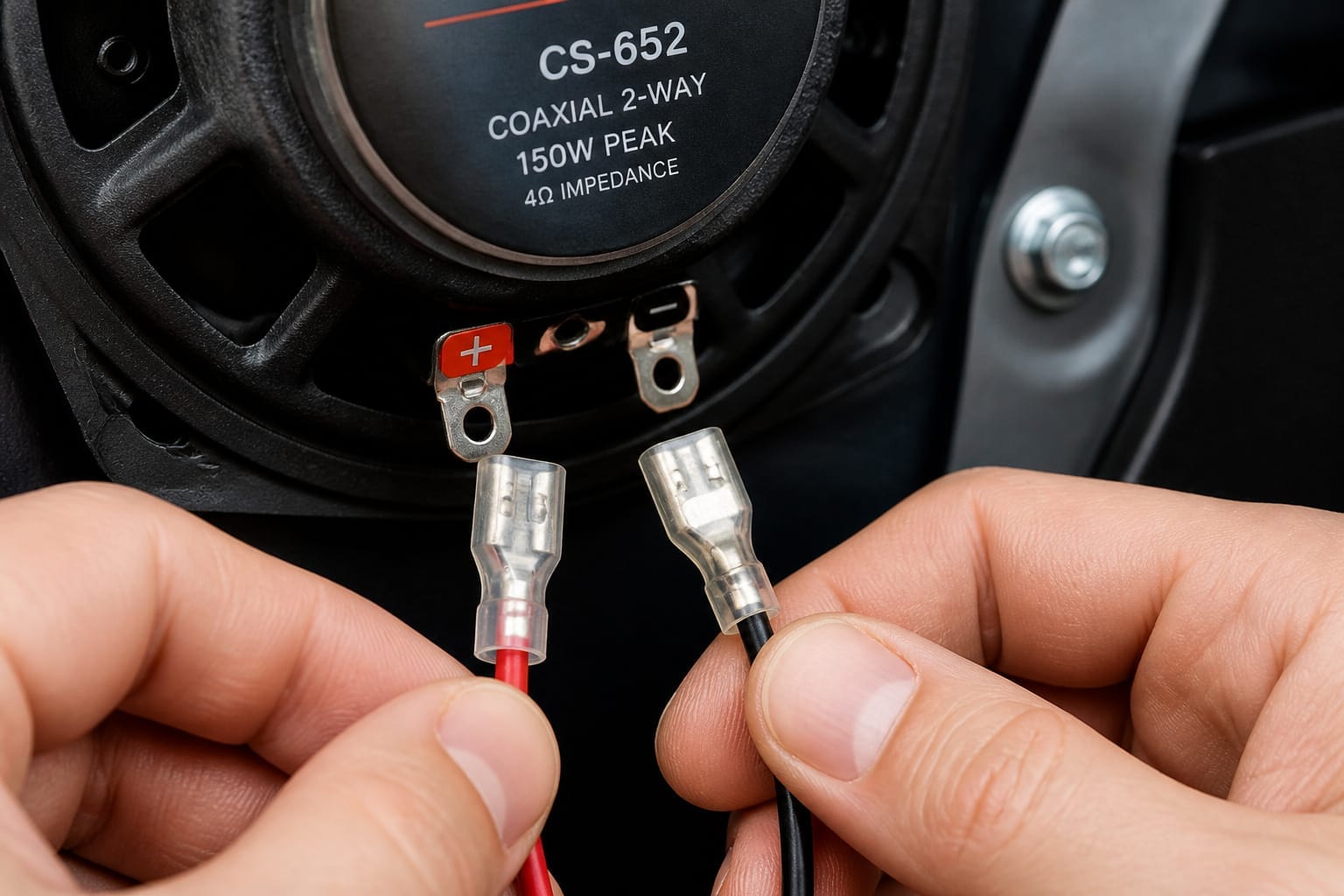
Connect each speaker’s positive terminal to positive and negative to negative. Reversing polarity on even one speaker puts it out of phase with the rest of the system.
That causes weak, hollow-sounding bass and thin mids as the speakers partially cancel each other out instead of working together.
It’s an easy mistake to make with unlabeled wire and an easy one to miss until you notice the sound isn’t as full as it should be.
Products Worth Considering
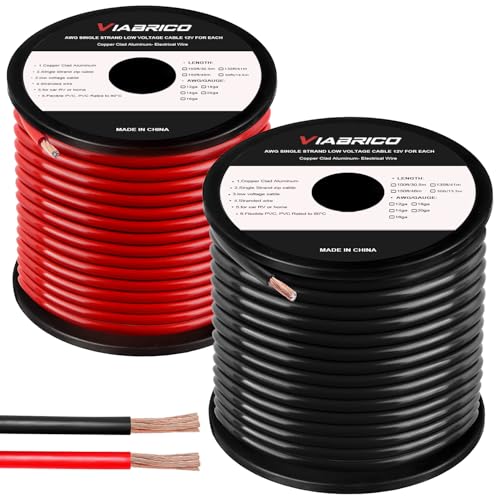
COPPER CLAD ALUMINUM (CCA) - Our primary cable CCA wire is the most economical option for choosing power or ground wire and is a great conductor of power. Copper coated aluminum gives you an economic power cable with excellent power transfer. Systems that require more power should use ofc cable wiring.

PREMIUM SPEAKER WIRE [ Frosted Red/Black | 100-feet (30.5m) | 16 Gauge ] - Featuring a double conductor, this stranded wire is constructed from high-grade copper and aluminum. It is perfect for achieving outstanding audio performance, exceptional flexibility, easy stripping and great polarity identification.

17 Feet 4 AWG 1862 Strands Ultra Flex Red CCA(Copper Clad Aluminum) Power Wire/3 Feet 4 AWG 1862 Strands Ultra Flex Black CCA Ground Wire
Troubleshooting Silence or a Flickering Display
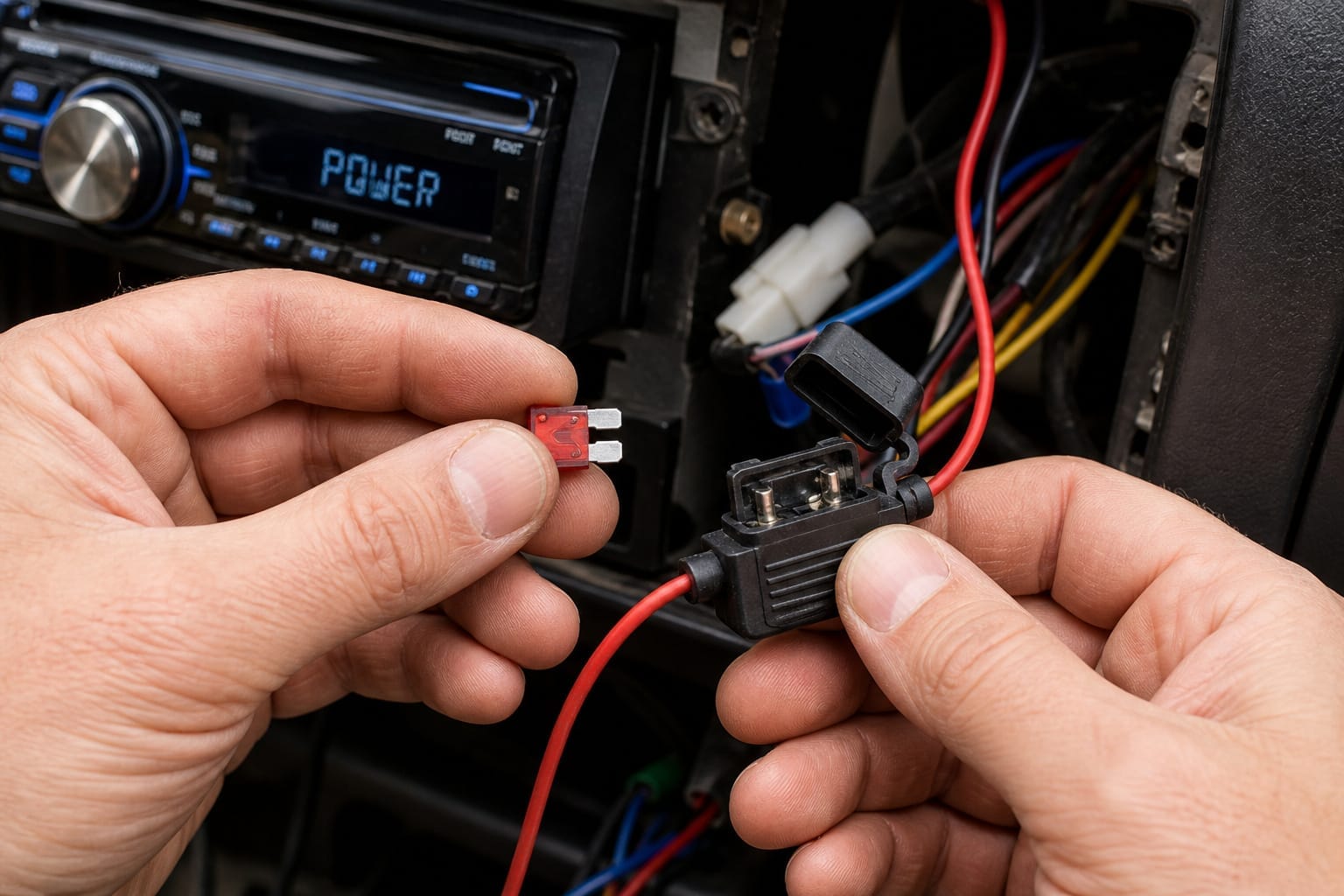
If the stereo powers up but produces no sound, check the fuse near the power wire first. It’s a common failure point and an easy fix.
If there’s still no sound, trace the power wire to any spot where it might be touching bare metal. Confirm the ground connection is tight against clean, bare metal, not a painted surface, since a poor ground is one of the most common causes of a dead or noisy system.
A display that dims or flickers when you turn on your headlights usually points to a power wire that’s too thin for the load or a weak ground connection. Upgrading the wire gauge or cleaning and resecuring the ground connection typically resolves it.
Products Worth Considering

1.True Complete 4gauge CCA (Copper Clad Aluminum) 17ft Power Orange and 3ft Ground Wire Black with Soft Flexible Automotive Grade PVC Jacket;

Amp Input Reducer 0 Gauge to 4 Gauge,clamp by hexagon screw.Very simple to use,very effective and secured connection.

Stranded CCA ( Copper Clad Aluminium ) Conductor with PVC Jacket
Frequently Asked Questions
Can I install a car stereo without disconnecting the battery?
It’s not safe to. Leaving the battery connected risks sparks and fried circuits if a wire touches metal during the install. Always disconnect the negative terminal first and reconnect only once everything is wired and mounted.
Will my factory speakers work with a new stereo?
In most cases, yes. Factory speakers connect to a new head unit without rewiring. If you want louder or richer sound, you can upgrade the speakers later; see our guide on what size car speakers you need.
How do I know if my car has a single-DIN or double-DIN dash?
Measure the opening in your dash; double-DIN is roughly twice as tall as single-DIN. Our guide on single-DIN vs. double-DIN stereos covers how to measure it correctly.
Can I install a stereo in a car with steering wheel controls?
Yes, you’ll need a wiring harness adapter that includes a steering wheel control module to translate those signals to the new stereo. Test the controls before fully closing up the dash to confirm everything is wired correctly.
Is it safe to leave the stereo powered on during installation?
No. Keep the system unpowered (battery disconnected) throughout the install, and only reconnect the battery once all wiring is complete and double-checked.