Quiet and Energy-Efficient Computers: What to Look For
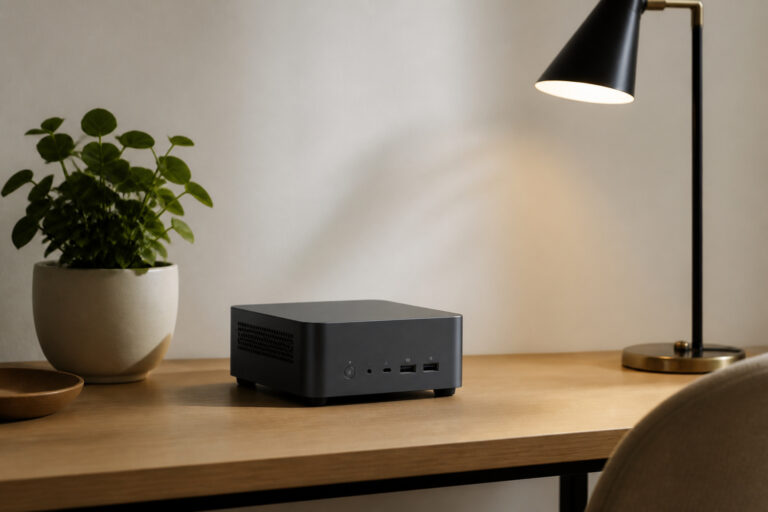
A quiet, efficient computer comes down to a low-power processor, an SSD, good cooling and a decent power supply. Here is what to check and how to estimate running costs.

A quiet, efficient computer comes down to a low-power processor, an SSD, good cooling and a decent power supply. Here is what to check and how to estimate running costs.

All-in-one computers pack the screen and the computer into one tidy unit. Learn the pros and cons, what specs to check and who should buy one.

Dell, HP, Lenovo, ASUS and Apple each have strengths. Here is how the brands differ on range, support and repairs, and how to pick one for your needs and budget.

Regular restarts, fewer startup apps, free drive space, and built-in security keep a computer fast without paid cleanup tools. Here is the routine, and how to tell when maintenance is not enough.
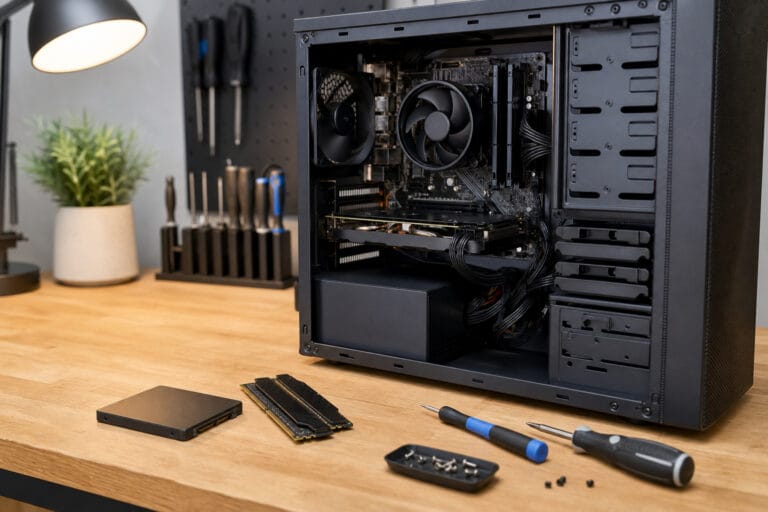
An SSD or extra RAM can revive a slow computer, but only if the machine allows it and is still supported. Here is what to check before you buy parts.

Unsupported software, a failing battery, and repair costs are the clearest signs to replace a computer instead of fixing it. Here is how to tell which situation you are in.