The right laptop depends on how you plan to use it, so start by defining your needs, set a budget, choose an operating system, and then check the specs that matter most.
This beginner’s guide walks through those steps in order, with current guidance for 2026.
Decide What You Will Use It For

Everyday browsing, email, video calls, and documents need far less than video editing, engineering software or gaming. Write down your three most demanding tasks and buy for those. Our guide to choosing the right computer for your needs goes deeper on matching tasks to hardware.
As a rough guide, a mid-range processor, 16 GB of RAM, and a solid-state drive suit most people. Creative work, engineering, and gaming call for a stronger processor and a dedicated graphics card.
Recommended Products

【16GB RAM +256GB SSD】16GB RAM paired with 256GB SSD delivers snappy system responsiveness and ample file storage. Pentium Gold 6500Y effortlessly handles light office tasks and daily applications.
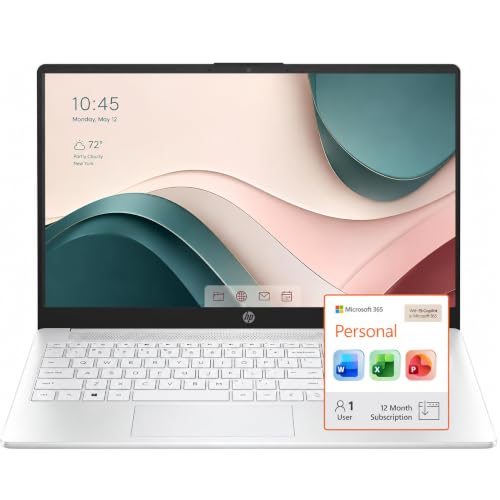
STORAGE FOR YOUR DAILY ESSENTIALS: Keep school assignments, work files, photos, and videos organized in one convenient place. Built-in storage gives you easy access to the documents and personal content you use every day, whether you’re studying, working from home, or sharing the laptop with family.
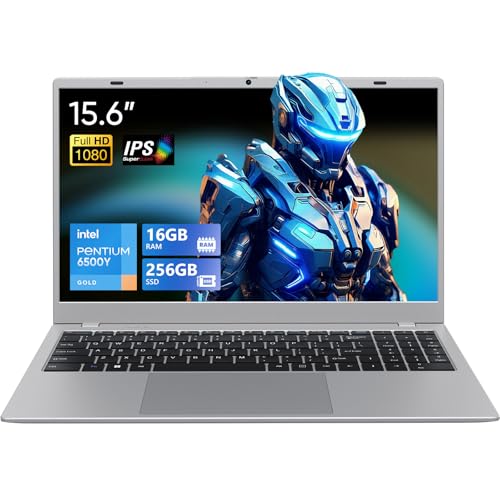
Powered by Pentium Gold 6500Y processor with the same Hyper-Threading Technology as Core series, this laptop features 2 cores 4 threads, 14nm process, 1.1GHz base frequency and up to 3.4GHz burst frequency, offering stronger performance than standard Celeron processors. Paired with 16GB RAM and 256GB SSD, it ensures quick boot, fast file access and smooth daily usage. The fanless silent design is perfect for quiet scenes such as offices and libraries.
Set a Realistic Budget

Laptop prices run from a few hundred dollars for basic models to well over $2,000 for high-end machines. Memory and storage costs rose in 2026, and some manufacturers have shipped less RAM at the same price.
Check the spec sheet, not only the model name. Include software, a case, and possibly a warranty in your total.
The cheapest option is not always the cheapest over time, but do not pay for features you will not use. If money is tight, read our guides on refurbished computers and new versus used computers.
Recommended Products

【Product Dimensions】 : External dimensions: L13.8" x W9.8" x H2.6" , internal dimensions: L13" x W9" x H1.2" , weight: 1.65 pounds. It can hold laptop max size is 13"x 9" and min size is 12.1"x 8", pls check your laptop size before purchasing. It is outframe of laptop size , not the laptop squeen size, different brand laptop has different outframe size, Please measure the outside diameter of your computer and check if it is fit your laptop before purchasing.

Internal & External Dimensions: internal dimension is:14.17 x 9.65 x 0.79 inches (L x W x H), external dimensions: 14.76x 10.24 x 0.79 inches (L x W x H).The front horizontal side pocket dimensions: 14.17 x 7.09 inches (L x W). The back horizontal side pocket dimensions: 13.98 x 7.09 inches (L x W)

Internal Dimensions: 13.18 x 9.44 x 0.79 inches (L x W x H); External Dimensions: 13.78 x 10.04 x 0.79 inches (L x W x H). Front horizontal pocket dimension: 11.41 x 7.28 inches (L x W). The additional small pouch bag dimension: 7.08 x 4.52 x 1.57 inch (L x W x H)
Choose an Operating System
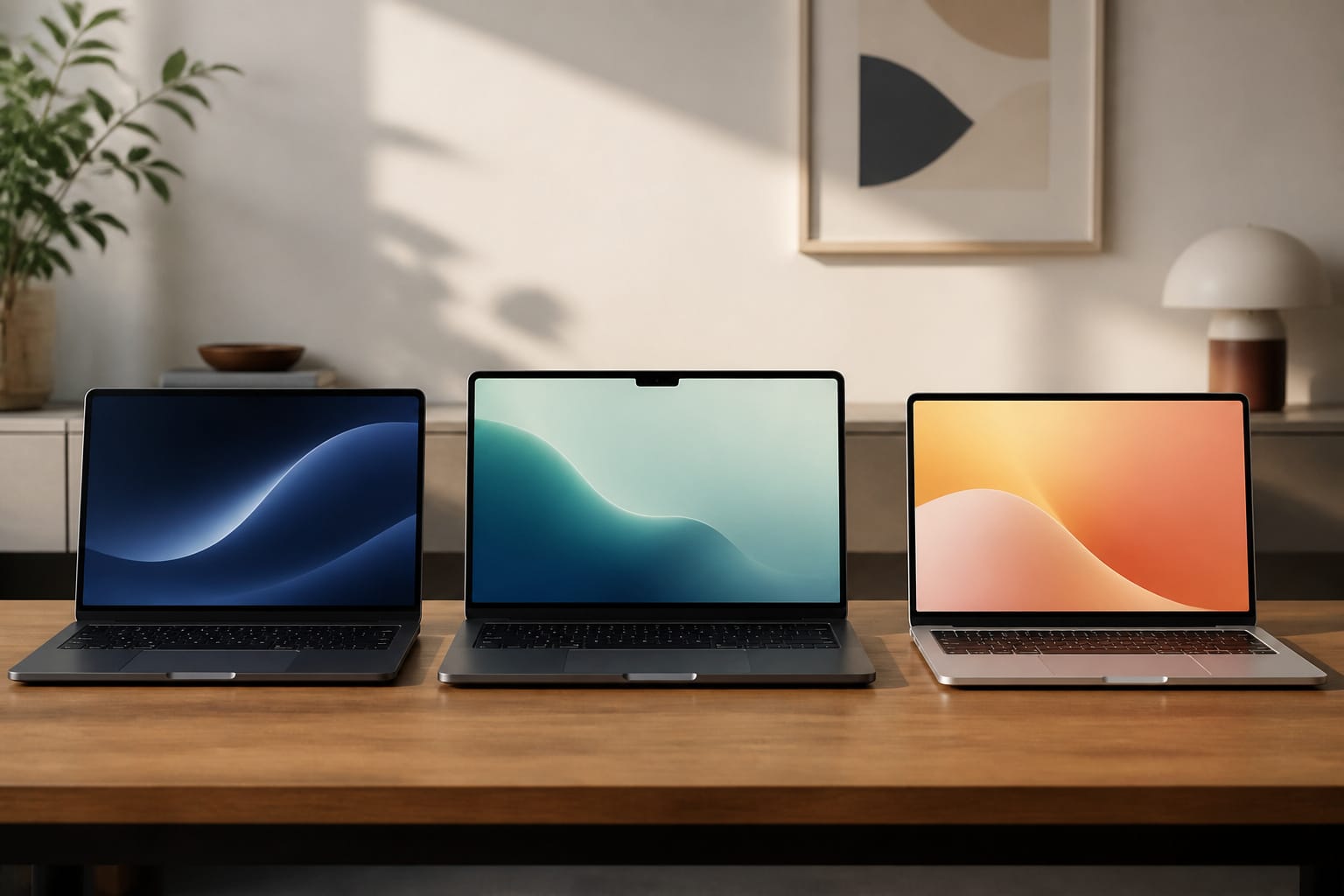
Windows runs on the widest range of laptops and software. Windows 10 reached the end of regular support on October 14, 2025, so buy a laptop that runs Windows 11. macOS is exclusive to MacBooks and works smoothly with other Apple devices.
ChromeOS suits web-based work and school use, and Chromebooks launched on newer platforms receive up to 10 years of updates.
If you need specific software, check that it runs on the system you choose before you buy.
Recommended Products

Practical Performance for Everyday Computing: The Intel processor works with 8GB LPDDR5 memory and 128GB UFS 2.2 storage to provide responsive performance for web browsing, document editing, email, video streaming, virtual meetings, and other essential business, education, and home computing tasks.

Efficient Performance for Everyday Computing Powered by Intel N150 processor (4-core, 4-thread, up to 3.6GHz with Intel Turbo Boost Technology, 6MB L3 cache) paired with 4GB LPDDR5-4800 RAM and 128GB UFS storage. Handle everyday tasks including web browsing, document editing, email, video streaming, and light productivity applications with responsive performance. Perfect for students, home users, remote learners, and anyone seeking an affordable, reliable laptop for daily computing needs without compromising on essential features and modern connectivity.

Effortlessly chic. Always efficient. Finish your to-do list in no time with the Dell 15, built for everyday computing with Intel processors.
Portability and Battery Life

Weight and size matter if you carry the laptop every day. Thin and light models are easier to carry but often have less powerful cooling.
Battery life claims come from manufacturer tests, and real-world runtime is usually lower, so read independent reviews and look for roughly eight hours or more of real use if you work away from an outlet.
Remember to count the charger in what you carry.
Recommended Products

【Ergonomic Wireless Keyboard Mouse 】Wireless ergonomic keyboard is equipped with adjustable height tilt legs to increase comfort and prevent your wrists injury when typing for a long time. The full-size wireless keyboard with numeric keypad and 12 multimedia shortcut keys, such as play/ pause, volume increase and decrease, and email, to help you improve work efficiency

High-Precision PAW3311 Optical Sensor: Equipped with the advanced PAW3311 sensor, the SM850 gaming mouse offers 6 adjustable DPI level (1200/1600/2400/3200/6400/12000) and can be customized up to 24000 DPI via driver. With a 300IPS tracking speed and 35G acceleration, it delivers precise tracking and rapid response, At the same time, its 125Hz~1000Hz polling rate allows each operation to respond quickly, giving players an advantage in the competition
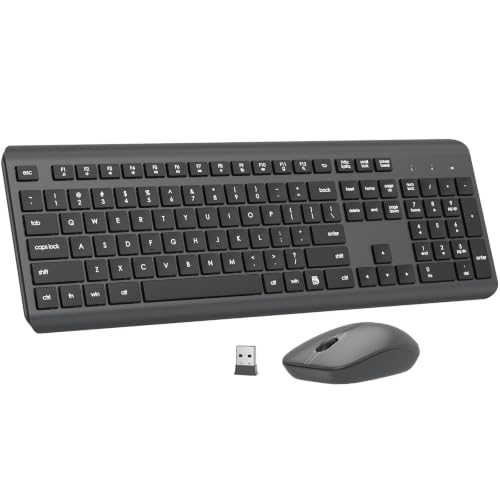
【Ergonomic Wireless Keyboard Mouse 】Wireless ergonomic keyboard is equipped with adjustable height tilt legs to increase comfort and prevent your wrists injury when typing for a long time. The full-size wireless keyboard with numeric keypad and 12 multimedia shortcut keys, such as play/ pause, volume increase and decrease, and email, to help you improve work efficiency
Specs That Matter
Focus on a handful of specifications:
Processor: a current-generation Intel Core, AMD Ryzen, or Apple chip. Model numbers vary, so compare benchmarks for the tasks you care about.
Memory: 8 GB is the minimum for basic use, and 16 GB is better for multitasking and longer useful life. Some laptops have soldered RAM that you cannot upgrade later, so buy enough to start. Our guide to what makes a computer fast explains the trade-offs.
Storage: choose an SSD of at least 256 GB, and 512 GB if you keep many files locally.
Display: look for a bright IPS or OLED panel with at least full HD resolution.
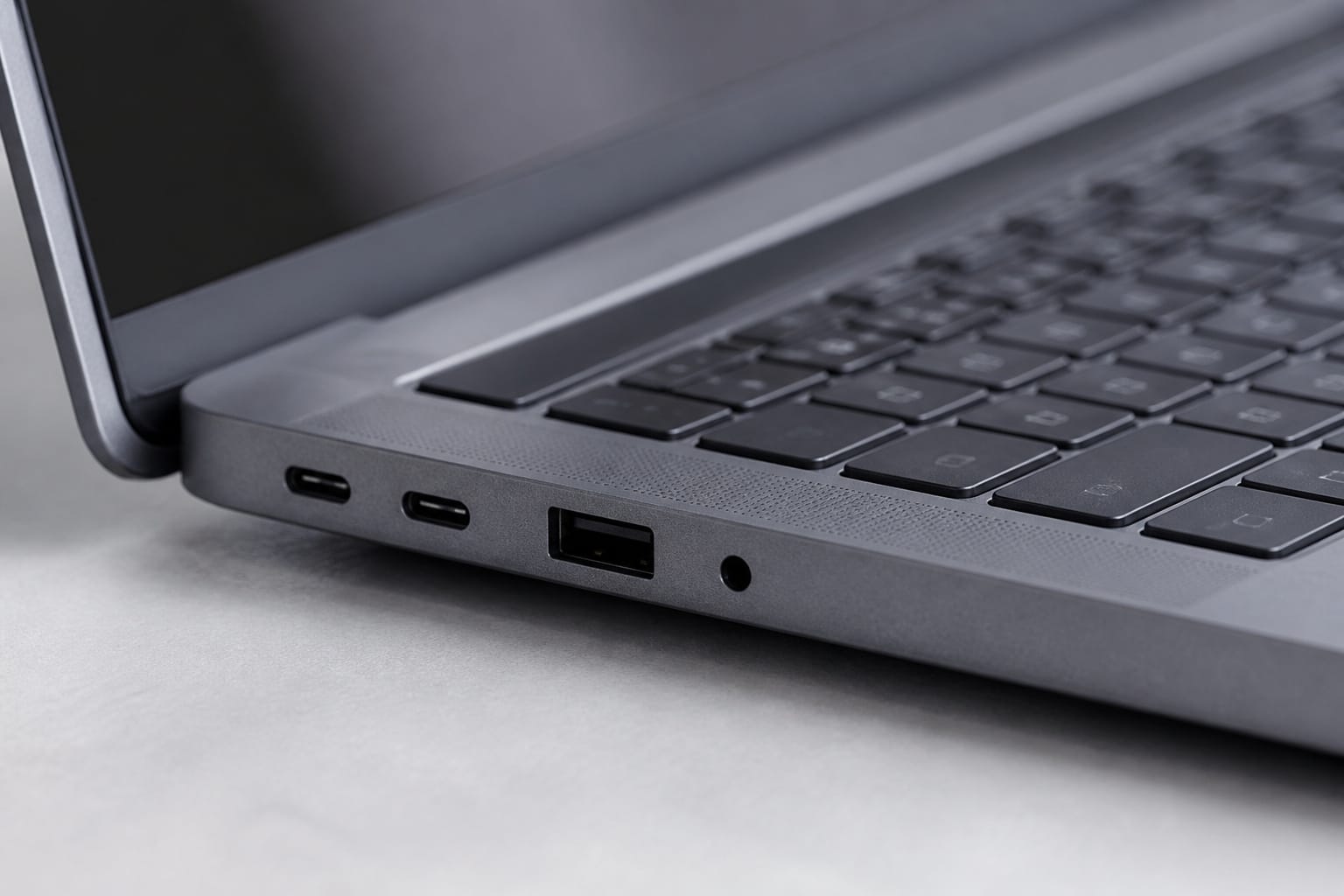
Ports: USB-C or Thunderbolt, HDMI, and Wi-Fi 6 or newer. Check whether you need an SD card slot or Ethernet.
Recommended Products

Microsoft Authorized Refurbished, 14 inch Non Touch Display Laptop

Processor : HP 15.6" laptop equipped with Processor(10 cores, L3 cache, up to 4.4 GHz burst frequency) with Intel Iris Xe Graphics. The laptop easily run all your applications, stable performance.

Powerful AMD 3050U Processor for Everyday Tasks: Powered by the AMD 3050U processor, this laptop delivers reliable performance for web browsing, document editing, online classes, and streaming. Ideal for students, home users, and everyday business tasks.
Laptop or Desktop
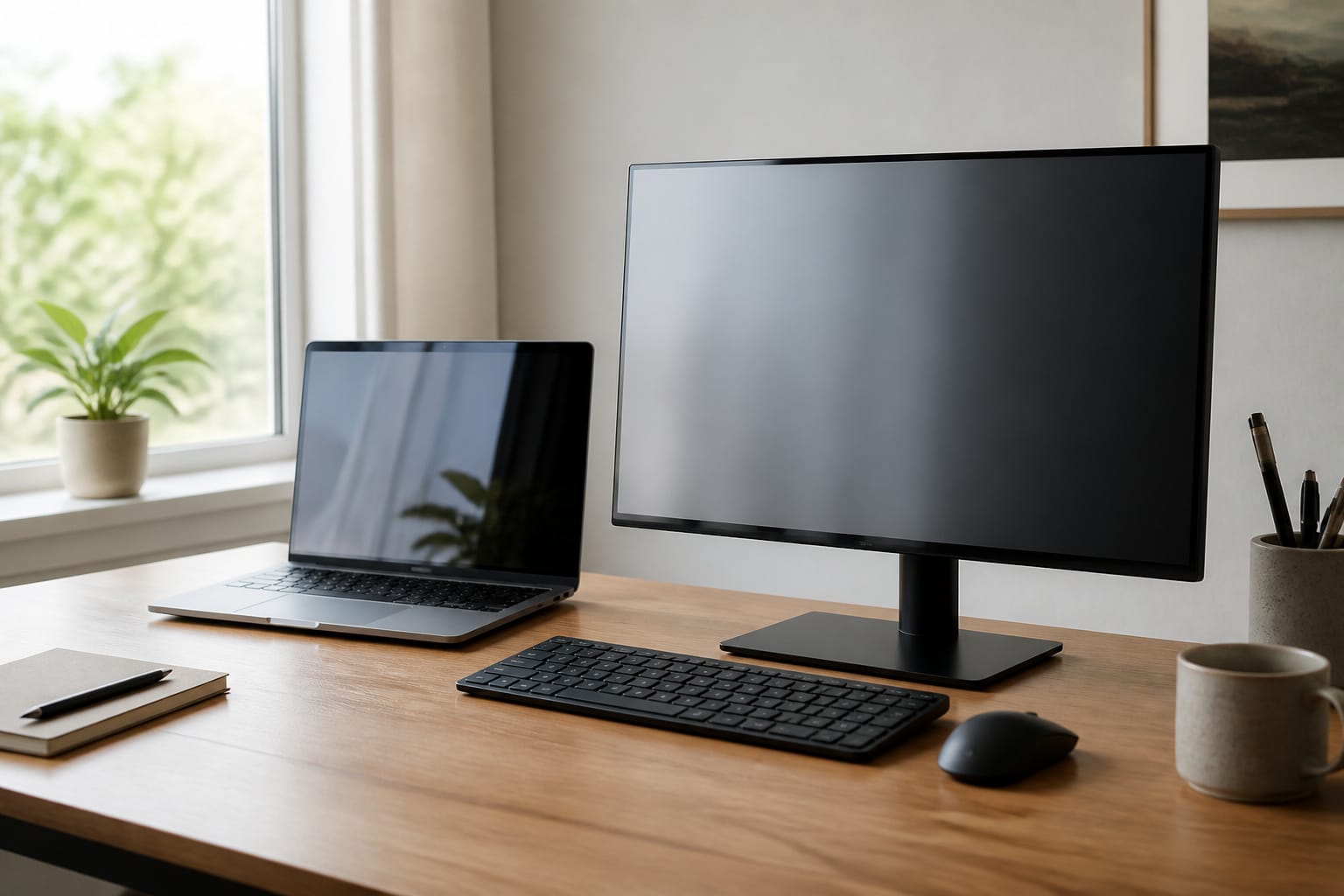
If your computer rarely leaves your desk, a desktop typically offers better performance for the price and is easier to upgrade.
Our guide to why the desktop PC is not dead covers that side of the decision.
Frequently Asked Questions
How often should I replace my laptop?
Many laptops stay useful for around four to six years, but the real limit is when it stops receiving security updates or can no longer handle your work. Our guide on how long a computer should last explains the details.
Can I upgrade a laptop after buying it?
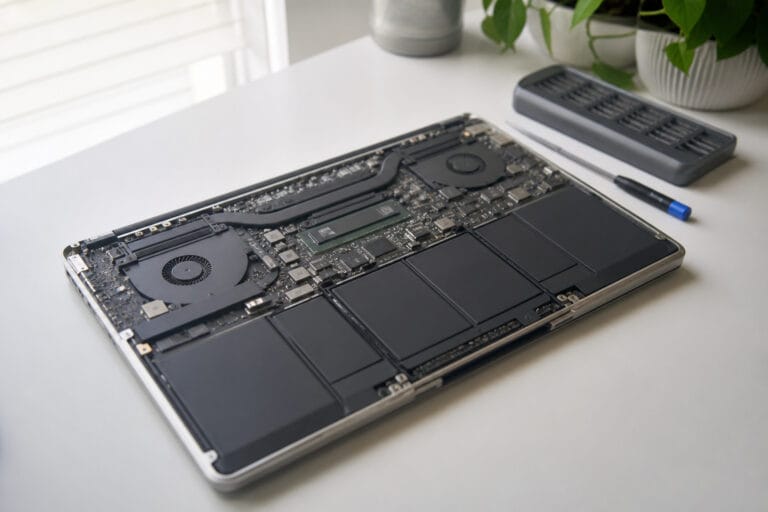
Often you can replace the SSD, and sometimes the RAM, but the processor and graphics are almost always fixed. Check whether the model has soldered memory before you buy.
What is the difference between an SSD and an HDD?
An SSD uses flash memory and is faster, quieter, and more shock-resistant, while an HDD uses spinning disks and costs less per terabyte. Most laptops now use SSDs.
Are extended warranties worth it?
Sometimes. Check what the manufacturer’s warranty and your credit card already cover, and consider accidental damage coverage if you carry the laptop often.
How do I protect my laptop from malware?
Keep the system and apps updated, use built-in protection such as Microsoft Defender, avoid unknown downloads and email links, use unique passwords, and back up your files regularly.