New, refurbished, open-box, and used describe different risk levels, and the right level depends on how much you value a warranty, long support time, and a lower price.
This guide lays out what each term means, what you gain and give up, and how to inspect a used computer before you pay.
What Each Term Means
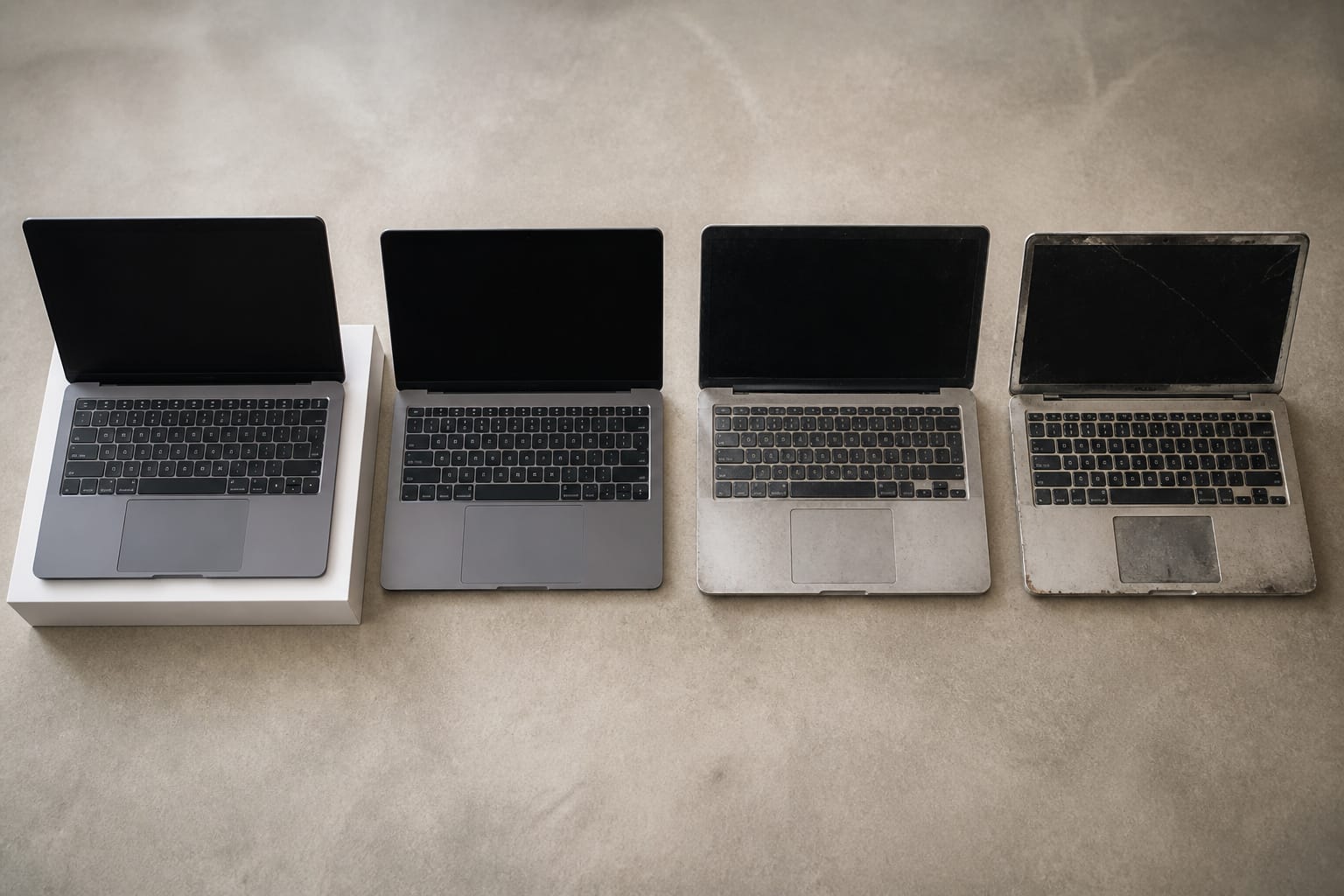
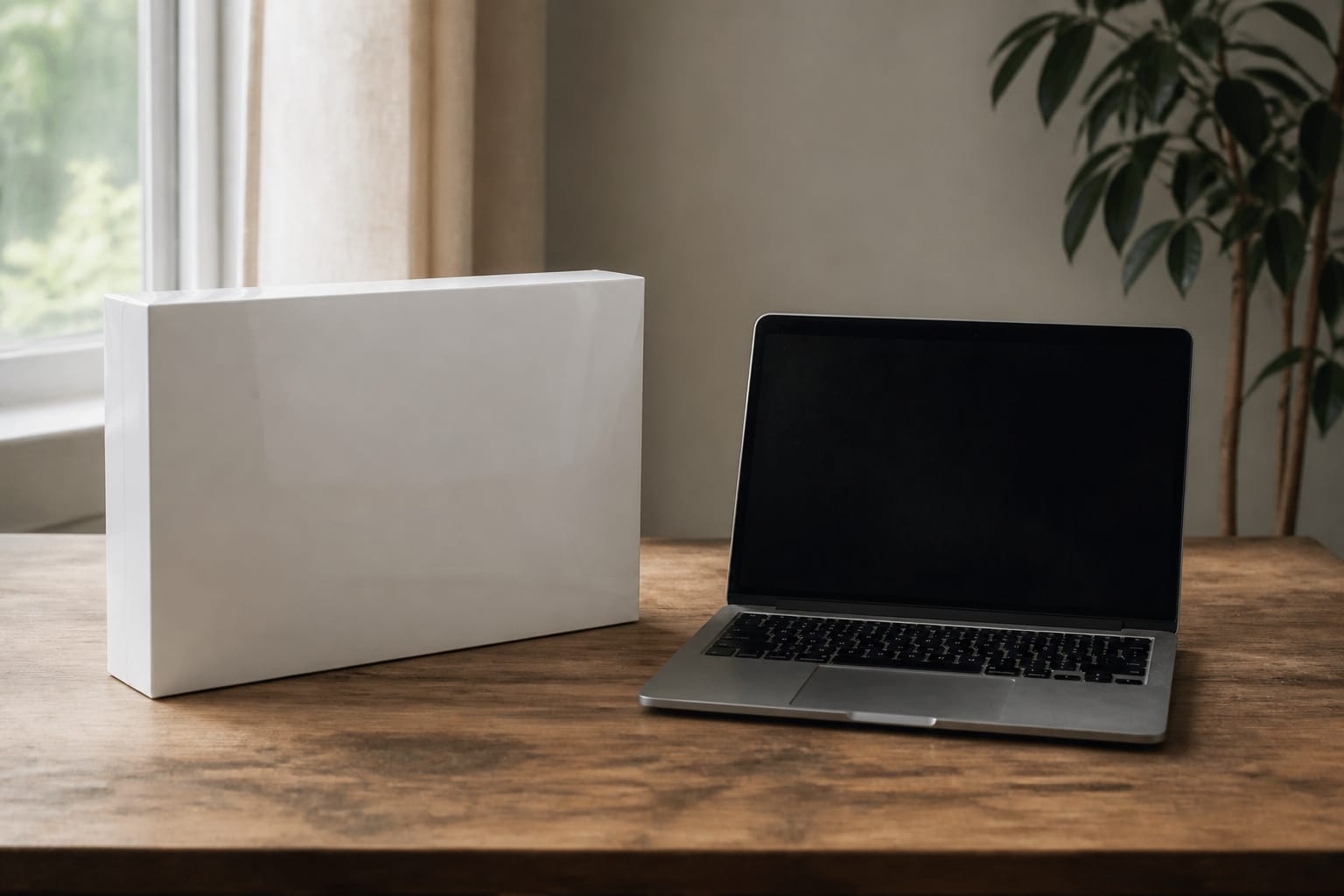
A new computer is unused, sealed, and covered by the manufacturer’s warranty. A refurbished computer has been tested and, if needed, repaired by the manufacturer or a seller, and is usually sold with a warranty.
An open-box computer is typically a returned or display unit that is lightly used. A used computer is sold as-is by a previous owner or a reseller, usually with no testing and no warranty.
Terms vary by seller, so read the listing for who tested the machine and what coverage you get.
The Case for Buying New

A new computer gives you the full manufacturer warranty, a fresh battery, and the longest software support runway. That runway matters: Windows 10 support ended on October 14, 2025, and Windows 11 needs TPM 2.0, Secure Boot, and a supported processor, so a new PC is guaranteed to qualify while an older one may not.
The downside is price. Analysts, including IDC and Gartner, forecast higher average PC prices in 2026 because of memory costs, which widens the gap between new and used.
The Case for Buying Used or Refurbished
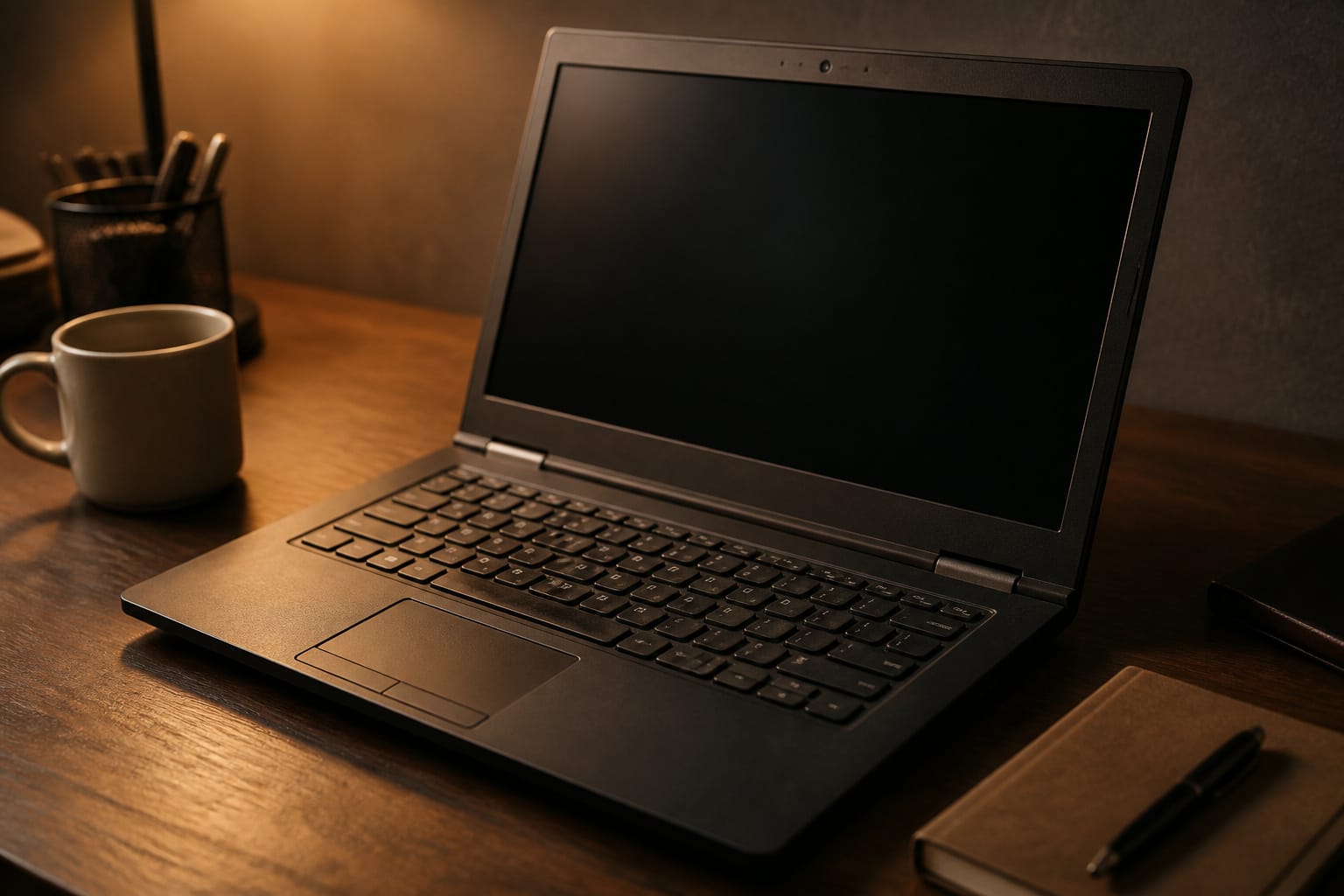
A used or refurbished machine costs less and has already taken most of its first-year value hit. A business laptop, expensive when new, can outclass a budget laptop at the same price, with a better keyboard and sturdier build.
The trade-offs are real: warranty coverage is shorter or absent, the battery has worn, and the machine may not support the latest operating system. Our guide to refurbished computers covers where the warranty-backed options are.
Recommended Products

-Efficient Business Laptop: Powered by 11th Gen Intel Core i5-1145G7 Quad-Core Processor (2.6GHz base, up to 4.4GHz Turbo Boost), ideal for office tasks and light multitasking.

Certified Refurbished – Tested & Certified to Work Like New – Each laptop undergoes rigorous functionality testing, thorough cleaning, detailed inspection, and professional repackaging. Comes with all essential accessories, a minimum 90-day warranty, and may arrive in a generic box for efficient delivery with secure and well-protected packaging. Only top-rated sellers meeting Amazon's strict quality standards are authorized to offer Certified Refurbished products on Amazon.com.

How to Inspect a Used Computer
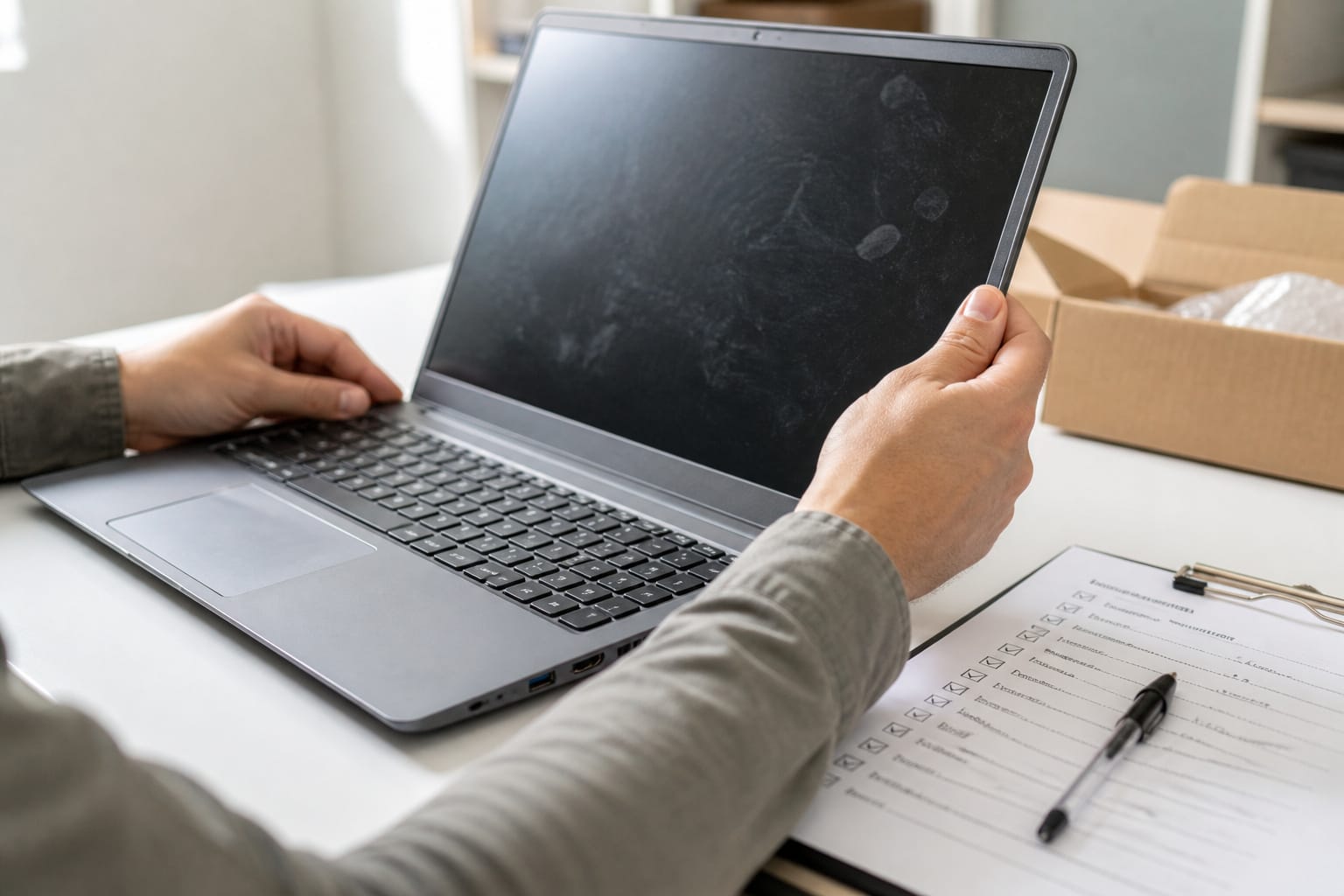
Ask for the exact model and processor, and confirm it can run Windows 11 if it is a PC. Then, in person or right after delivery, work through a short checklist:
Turn it on and listen for loud fans or hard drive clicking. Check the screen for dead pixels, cracks, and dim spots, and test every key and the trackpad. Plug something into every port and test the speakers, microphone, and camera.
Check battery health; on Windows, run a powercfg /batteryreport in Command Prompt. On a Mac, look at Battery Health in System Settings.
Check drive health with a free tool such as CrystalDiskInfo. Make sure the machine is wiped, and on a Mac, confirm Activation Lock and Find My are turned off, because a locked Mac is nearly useless to you.
Finally, compare the serial number against the manufacturer’s warranty lookup if it has one.
Recommended Products

The original electronics toolkit: Designed for computer, smartphone, tablet, and gaming repair, backed by thousands of free instructions.

COMPLETE: Everything you need to start a repair business—in one handy messenger bag. Get all tools together and save big!

96-in-1 All-Purpose Repair Kit – Includes 80 magnetic precision bits, flexible shaft, extension rod, driver handle, spudgers, suction cup, SIM ejector, tweezers, magnetizer, and opening picks. Organized in a durable storage case.
Staying Safe When You Buy Used Online

Buy through a platform that offers buyer protection, and avoid wire transfers and payment apps that do not protect purchases.
Check the seller’s history and ratings, and be wary of prices far below similar listings. For local sales, meet in a public place, test the machine before you hand over money, and keep the receipt or a written record of what was sold.
Recommended Products

Frame: TPE frame with soft silicone nose pad. Comfortable and soft silicone nose pads relieve pressure on your baby's nose. We have a patent for the combination of the two materials. TPE material is soft, smooth, flexible and lightweight to wear without squeezing the ears and nose. Elastic materials used throughout the frames and temples prevent pressing or scratching on baby's delicate skin, ensuring maximum comfort and safety during wear

2026 JUMPER REBUILT FOR COMFORT & STABILITY – Redesigned using feedback from 10,000+ photographers over 5 years, the lighter-feel Jumper features reinforced ergonomic straps that distribute weight more comfortably and upgraded stiffer camera dividers to keep your camera gear securely in place.

Which One Should You Choose

Choose new if you want the longest support runway, a full warranty, or you will keep the machine for many years. Choose refurbished from the manufacturer or a seller with a real warranty if you want savings with limited risk.
Choose open-box from a major retailer if you want a near-new machine at a discount and a standard return window. Choose used only if you are comfortable inspecting the machine yourself and accept that it carries no coverage.
To compare prices across all of these, see our guide on getting the best deal on a computer online.
Recommended Products

Durable Construction: Built to survive students and the school day with rugged design that withstands daily wear and tear


Intel Core i7-8665U Quad-Core 1.9GHz Processor/16GB DDR4 Memory/512GB PCIe SSD Storage/ Microsoft Windows 11 Pro
Frequently Asked Questions
Can used computers run modern software?
Yes, if the specs are adequate. A used machine with a current-enough processor, at least 8 GB of RAM, and an SSD handles everyday software well. Check the Windows 11 requirements first, since an older PC may be limited to Windows 10 and paid security updates.
Are refurbished computers as reliable as new ones?
They can be, especially when the manufacturer refurbishes them and includes a full warranty. Reliability depends on who did the refurbishing and what they replaced, so a warranty is your best signal.
Is it safe to buy used computers online?
It can be, with precautions. Use a platform with buyer protection, check the seller’s ratings, ask for clear photos and the serial number, and pay in a way that lets you dispute the charge.
Do used computers come with warranties?
Private sellers usually offer none. Reputable refurbishers and some resellers include coverage that ranges from 90 days to a year, so read the terms before you buy.
How do I check whether a used computer is good?
Test the screen, keyboard, ports, and battery; check drive health, confirm the specs match the listing, and make sure the machine is wiped and unlocked. The inspection section above has the full checklist.