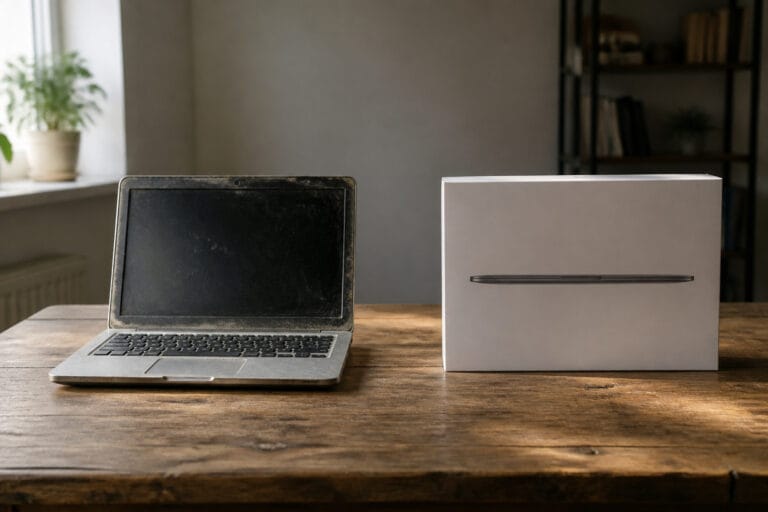
A refurbished computer is a used machine that has been tested, repaired if needed, cleaned, and resold, usually with a warranty. Done well, it is one of the best ways to get a better computer for the money.
Done carelessly, it is a used computer with a nicer label. This guide explains what the term means, where to buy, and what to check before you pay.
What Refurbished Actually Means
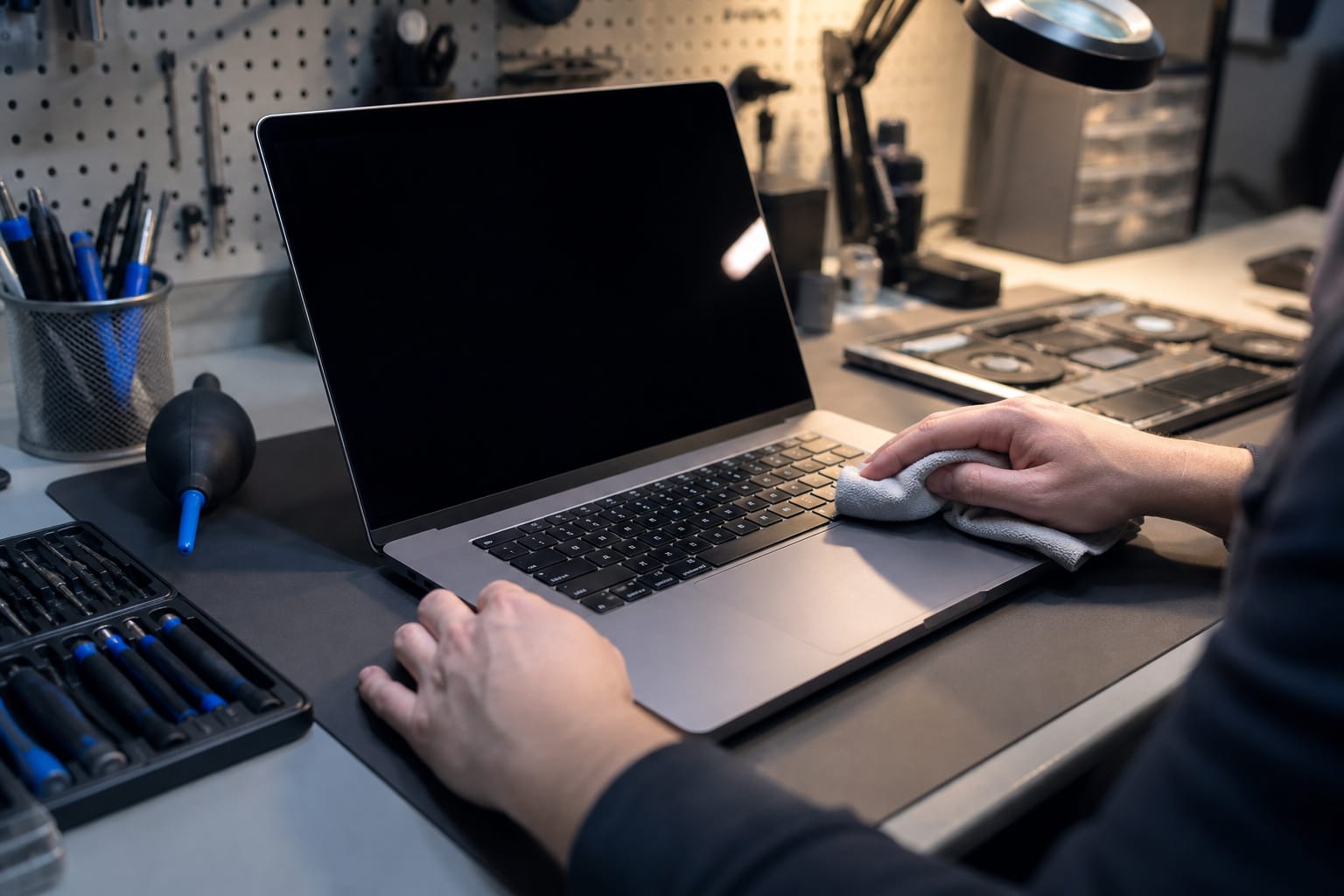
There is no standard definition, so the term means whatever the seller says it means. At best, the manufacturer itself inspects the machine, replaces worn parts, and backs it with the same warranty as a new one.
At worst, a marketplace seller wipes it and lists it. Refurbished differs from open-box, usually a lightly used or returned machine, and from used, sold as-is with no testing or warranty. Always read the listing for who did the testing and what coverage you get.
Recommended Products

Dell OptiPlex 3040 Small Form Factor Desktop PC, Intel Core i3-6100 up to 3.7GHz, 8GB RAM, 256GB SSD, WIFI

[INTEL POWERED CONTENT] - Built with a 8th Generation Hexa-Core Intel i5 and 32GB of DDR4 RAM; Modern, Windows 11 ready, with 4K support, Executive multitasking, media streaming and smooth, multi-tab web browsing; Perfect as an all-purpose multimedia computer; built for content creators; Plenty of RAM and Mass storage for photo and video editing powered by Intel HD 630
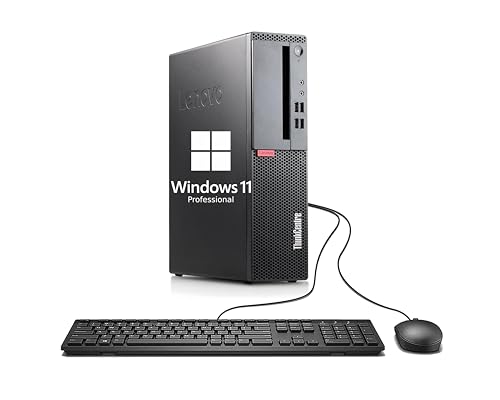
【Compact and efficient】The Lenovo ThinkCentre M710 SFF Business Desktop PC is a compact and powerful small form factor desktop computer that offers a compelling balance of performance and storage capacity.
Where to Buy and What the Warranty Looks Like

Buying from the manufacturer is the safest route. Apple’s refurbished store sells Macs with the same one-year limited warranty as new products, eligibility for AppleCare, and a 14-day return window. Its units typically cost around 15 percent less than new.
Amazon Renewed backs listings with its Renewed Guarantee. That covers most items for 90 days, and one year on Renewed Premium listings. The seller, not the manufacturer, does the inspection.
Whatever the source, treat the warranty as part of the price. A 90-day warranty is workable, a year is better, and no warranty is a reason to walk away. Read the return window too, because a short one leaves little time to test the machine.
Recommended Products


Dell Latitude 3190 Intel Celeron N4100 X4 2.4GHz 4GB 64GB 11.6in Win11, Black (Renewed)

Durable Construction: Built to survive students and the school day with rugged design that withstands daily wear and tear
Check Windows 11 Support Before You Buy
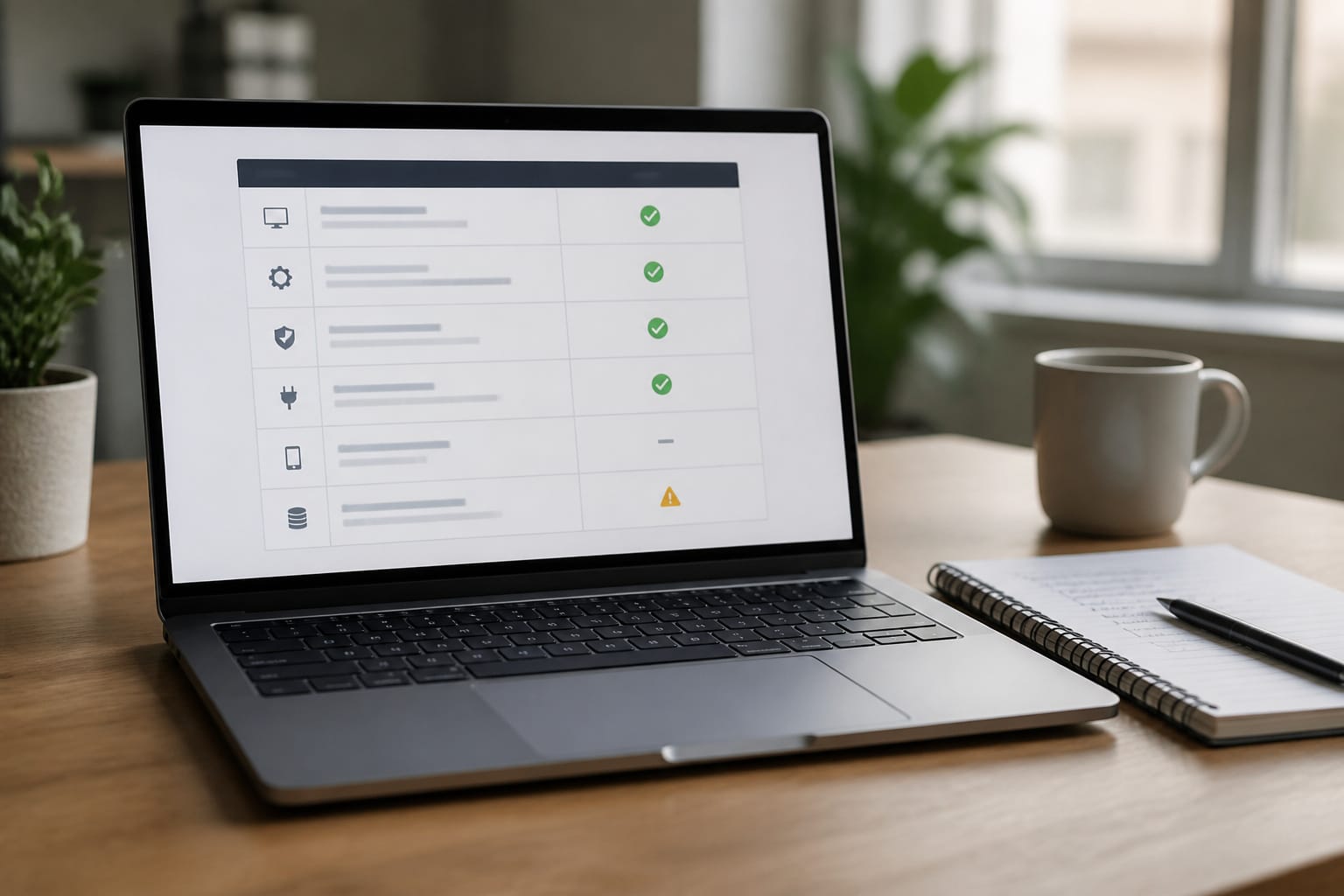
This is the check most buyers miss. Windows 10 support ended on October 14, 2025, and Windows 11 requires TPM 2.0, Secure Boot, and a supported processor, meaning an Intel 8th generation or newer or an AMD Ryzen 2000 or newer.
A cheap refurbished PC from several years ago may not qualify, leaving it dependent on Microsoft’s paid Extended Security Updates program, available through October 12, 2027, as of this writing.
Ask the seller to confirm the processor model, then check it against Microsoft’s list. Our guide to how long a computer should last explains support dates in more detail.
Recommended Products

【High Performance Quad Core Processor】Dell OptiPlex 7040 refurbished desktop computers available with Intel Core i7-6700 processor, Intel HD Graphics 530,enables meet your multi-taking needs and increased productivity. Please remember only select Redstone to get an excellent dell 7040 desktop.

Less chaos, more calm. The refreshed design of Windows 11 enables you to do what you want effortlessly.
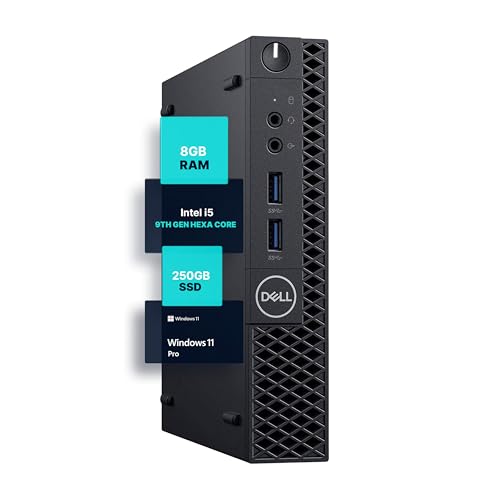
SPACE-SAVING PERFORMANCE FOR HOME & OFFICE – The Dell OptiPlex 3070 Micro delivers dependable computing power in a compact footprint, making it ideal for desks with limited space or clean, minimal workstations.
Condition Grades and Battery Health
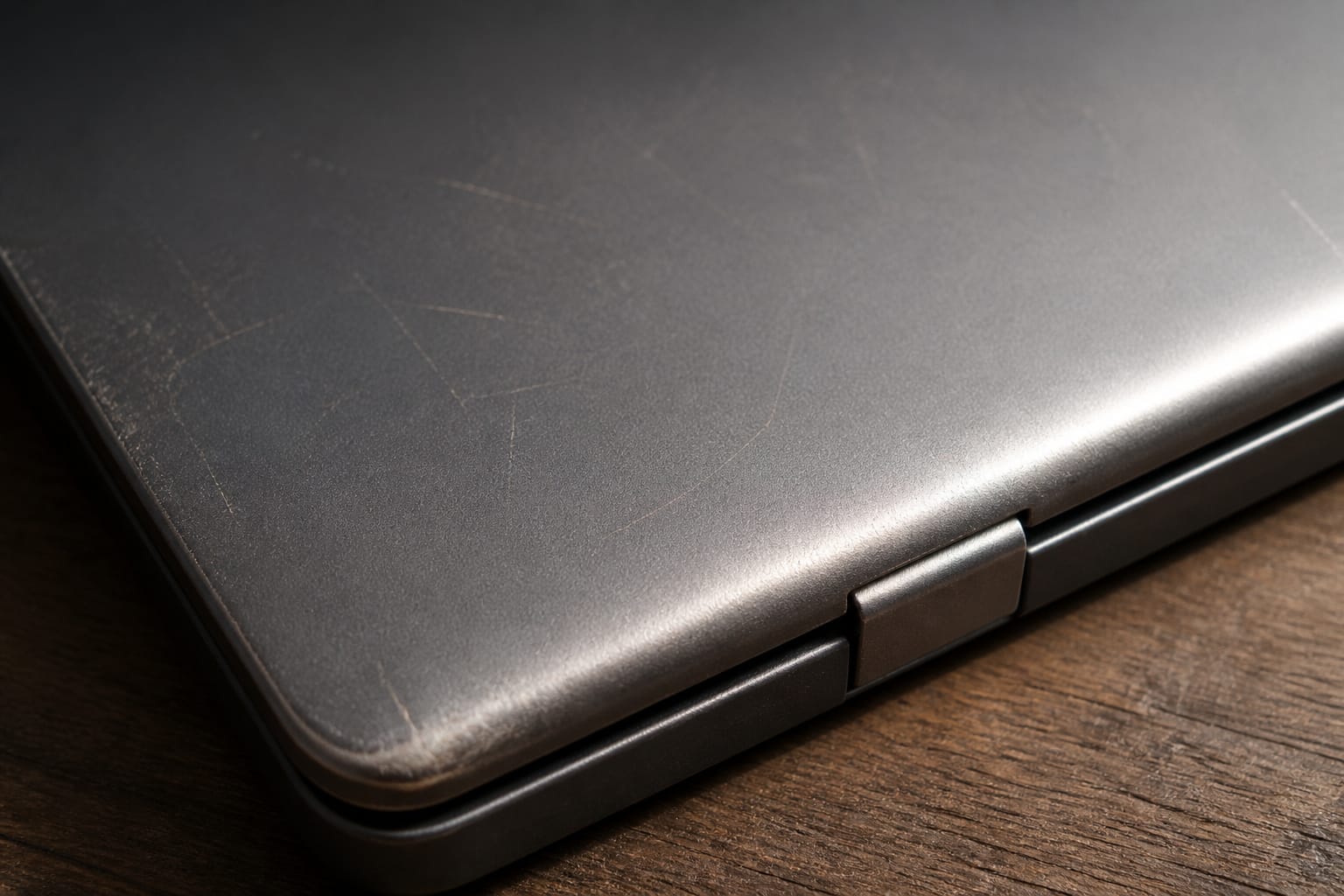
Sellers grade condition, usually as excellent, good, or fair, but definitions vary between sellers. Cosmetic wear such as a scratched lid doesn’t affect speed, but look closely at photos of the screen, keyboard, and hinges.
On a laptop, ask about the battery. Amazon guarantees Renewed laptop batteries at 80 percent of original capacity or better on standard listings, and Renewed Premium listings promise more. You can replace a weak battery, but it adds cost.
Recommended Products

Core i5-8365U 4-Core Processor (Up to 4.10GHz)


Test It During the Return Window

When the machine arrives, test it right away. Check that Wi-Fi, Bluetooth, the camera, microphone, speakers, and every port work, and test the keyboard and trackpad.
Check battery health; on Windows, run powercfg /batteryreport in Command Prompt to see design capacity against current capacity. Confirm the specs match the listing, including RAM and storage, and check Settings, System, Activation to confirm Windows is activated.
Run it for a few hours to watch for overheating or crashes, and return it within the window if anything is off.
What to Skip

Skip listings with no stated warranty, vague specs, or an unnamed processor model. Be cautious about very cheap refurbished gaming laptops, since older graphics hardware ages quickly.
Compare any refurbished price with a new budget model too, because with 2026 memory prices pushing up new-laptop prices, the gap may be larger or smaller than you expect. For other buying guidance, see our guides on new versus used computers and getting the best deal on a computer online.
Frequently Asked Questions
Do refurbished computers come with original packaging?
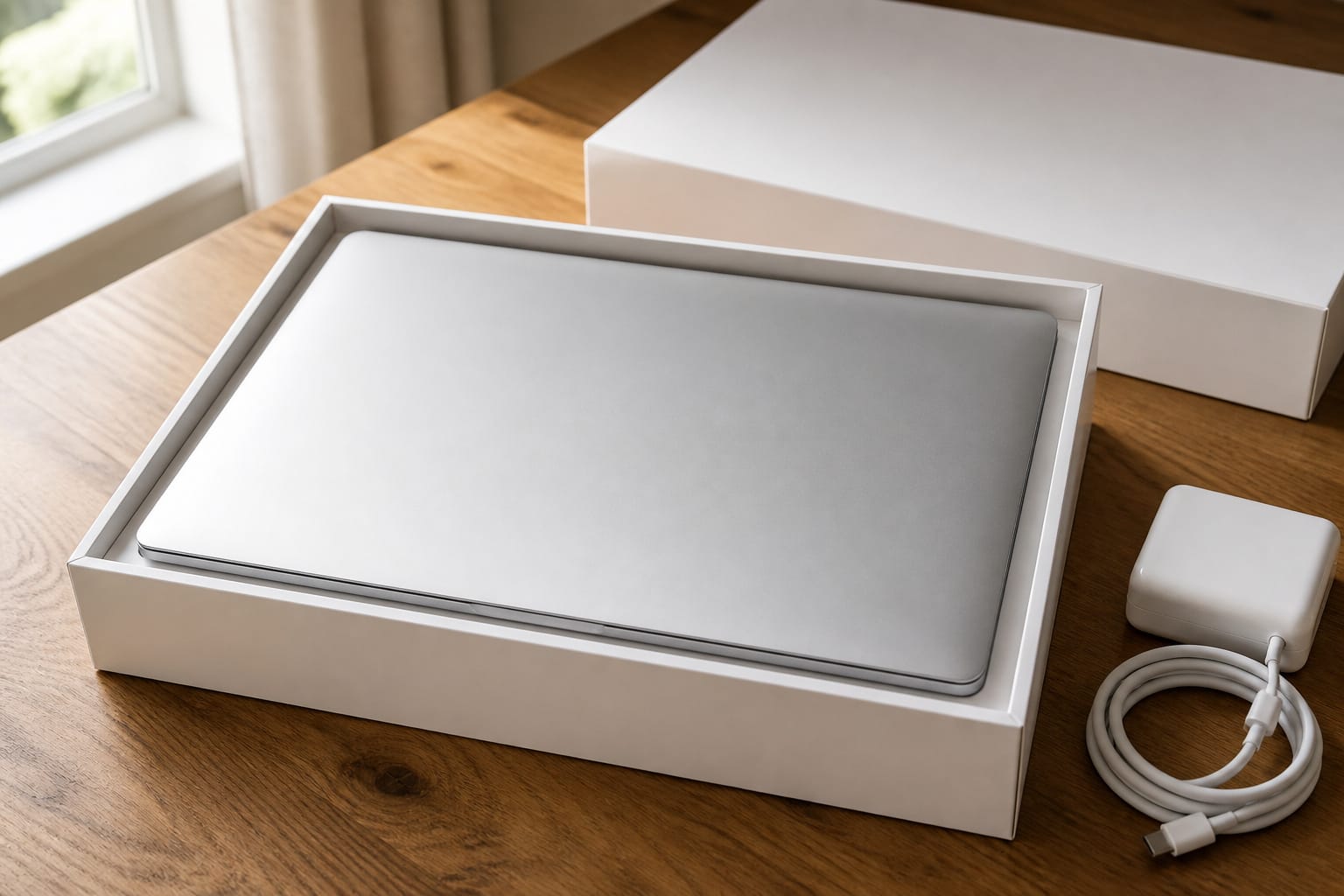
Sometimes. Manufacturer programs often ship in plain packaging with a charger and basic accessories, while marketplace sellers vary. Check the listing for what is included, because a missing charger is an extra cost.
Are refurbished computers slower than new ones?
Not if the specs match. A refurbished machine runs at the same processor speed, RAM, and storage as a new one with those parts. The difference is that its parts are older, so compare the processor generation and Windows 11 support.
Can I upgrade components in a refurbished computer?
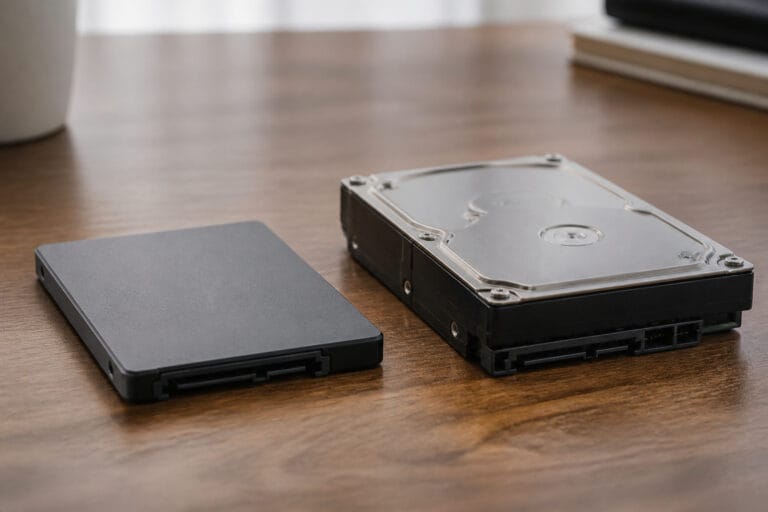
That depends on the model, not on the fact that it is refurbished. Many business laptops and desktops allow RAM and storage upgrades, while thin laptops often do not. Check the model’s specifications first, and see our guide to upgrading an old computer.
Do refurbished computers have cosmetic blemishes?
Often, depending on the grade. Manufacturer programs may replace the outer shell, while lower-grade marketplace listings can have scratches or scuffs. Read the grade definition and look at photos of the actual unit.
Do refurbished computers come with software licenses?
Reputable sellers reinstall a genuine, activated operating system, but confirm this in the listing. Microsoft Office and other paid software are usually not included. After you receive the computer, check that Windows shows the operating system as activated in Settings.