Modern phone glass is tough, and it is still the most expensive part to break. A screen protector and a case cost a small fraction of a screen repair, but the choices are confusing: glass or film, thin or rugged, magnetic or not. And the wrong combination can cause problems of its own, like a fingerprint sensor that stops working or a magnet that no longer holds.
This guide explains what each product does, how to choose, and which tested picks are worth a look. For help choosing the phone itself, see our iPhone buying guide and Android phone buying guide.
Do You Really Need a Case and a Screen Protector?
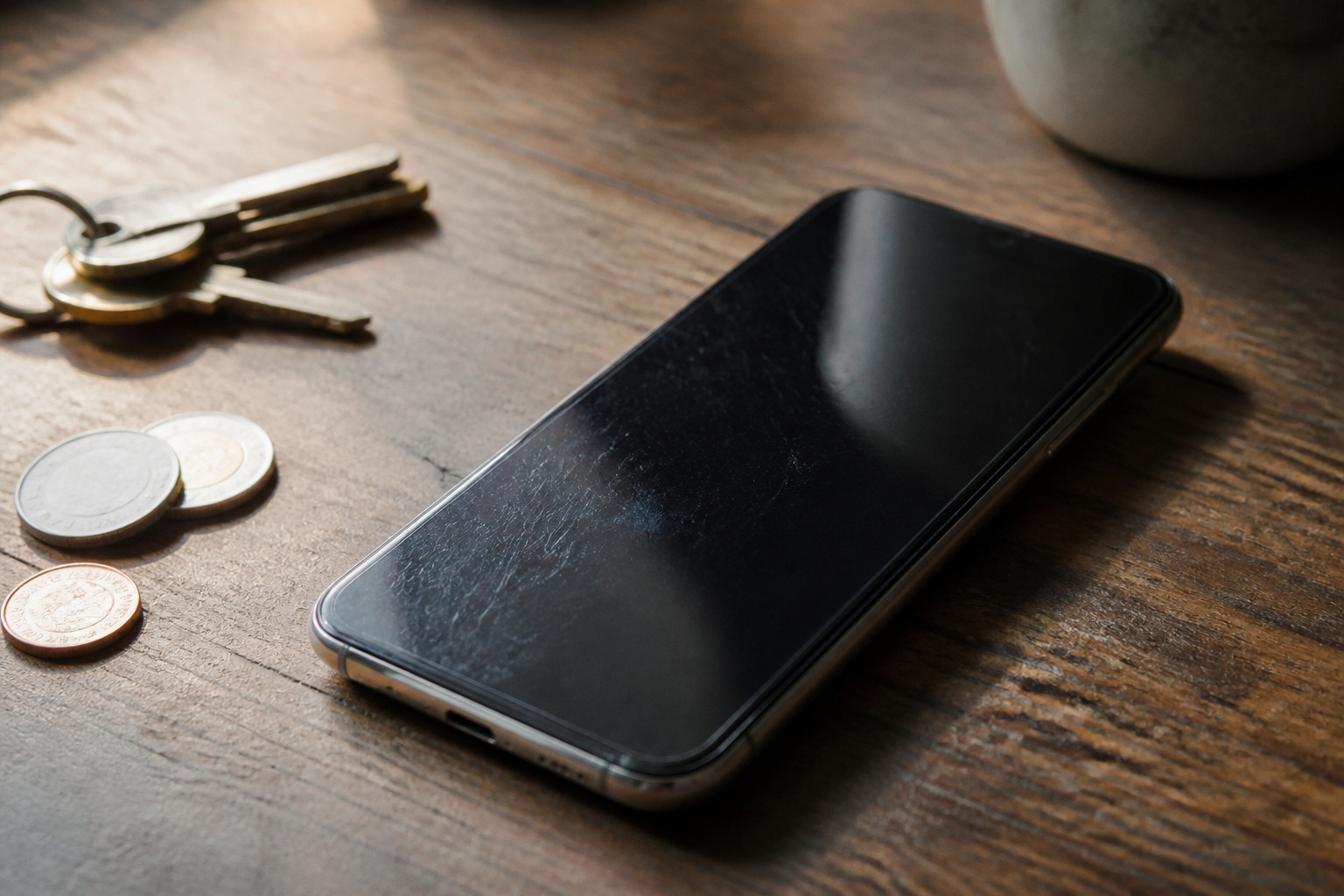
For most people, yes, and they do different jobs. For example, Gorilla Glass resists damage but does not prevent it. BGR notes that Gorilla Glass sits at about 6 on the Mohs hardness scale, while quartz, which is found in dust and sand, sits at 7. Fine grit in a pocket or bag can leave scratches that add up over time. Keys and coins are softer than the glass, so grit is the real culprit.
A screen protector takes that wear and can be replaced cheaply. It does not cover the back, edges, or corners, though, which is why NBC Select recommends pairing one with a heavy-duty case if you drop your phone often. Think of it as surface protection for your screen and the case as protection for the frame, corners, and back.
Tempered Glass or Film: Which Screen Protector Is Better?
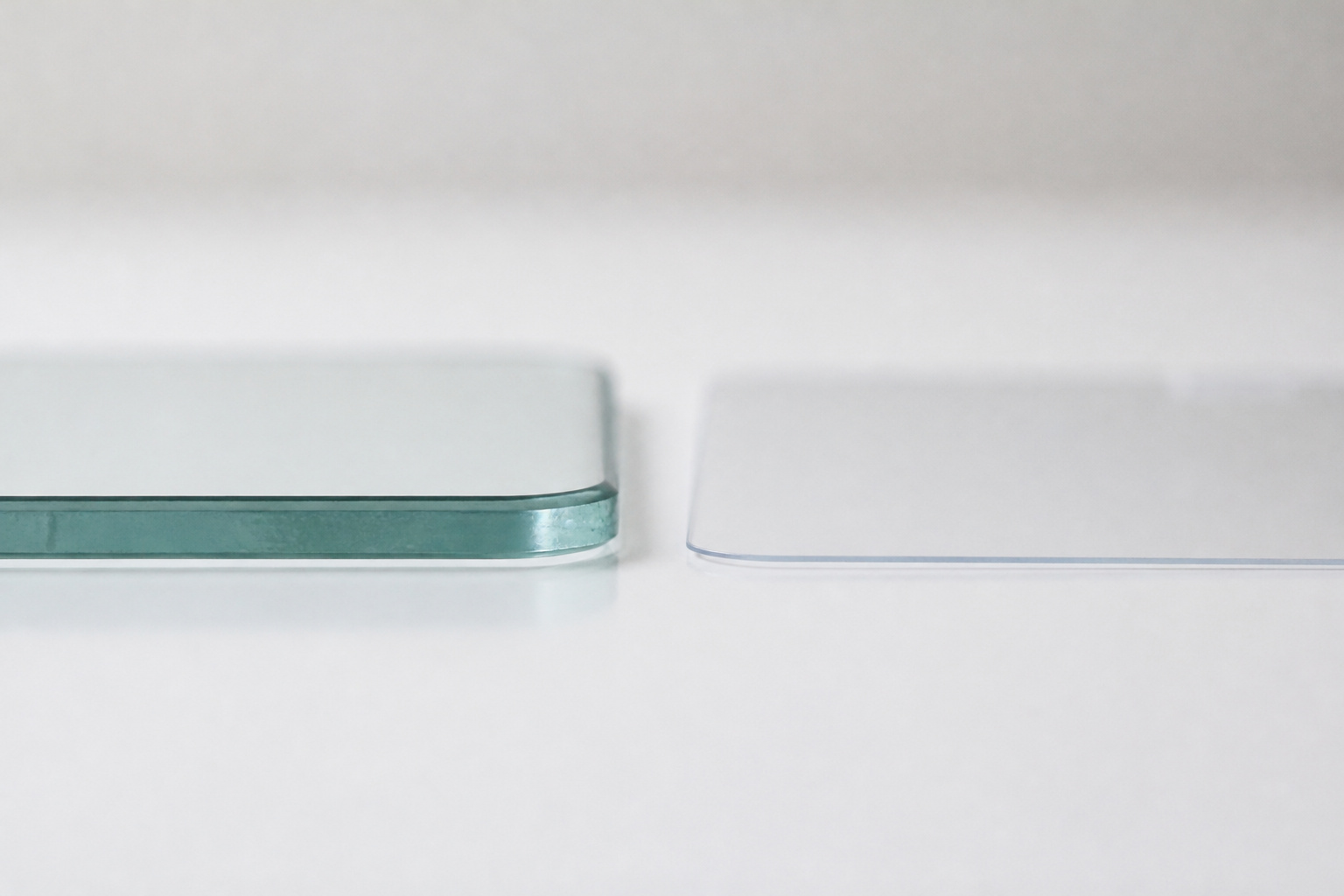
Tempered glass is the better choice for most people. NBC Select experts said it is stronger than plastic, absorbs impact better, feels smoother, has good clarity, and interferes less with touch. Plastic film, usually PET or TPU, blends in with the display but can add glare and a murkier, grayer look.
| Feature | Tempered glass | Plastic film |
|---|---|---|
| Impact protection | Better, because it is stronger and absorbs impact | Less, mostly guards against scratches |
| Feel and touch | Smooth, with little effect on touch response | Can feel less smooth |
| Clarity | Good | Can add glare and a gray tint |
| Thickness | Thicker and more noticeable | Thinner and blends in |
| Best for | Most people | People who want the thinnest option |
Privacy filters are a third kind. They darken the screen when it is viewed from the side, which helps on a train or in an office, but they also reduce brightness when viewed head-on.
Will a Screen Protector Work With Your Fingerprint Sensor and Case?
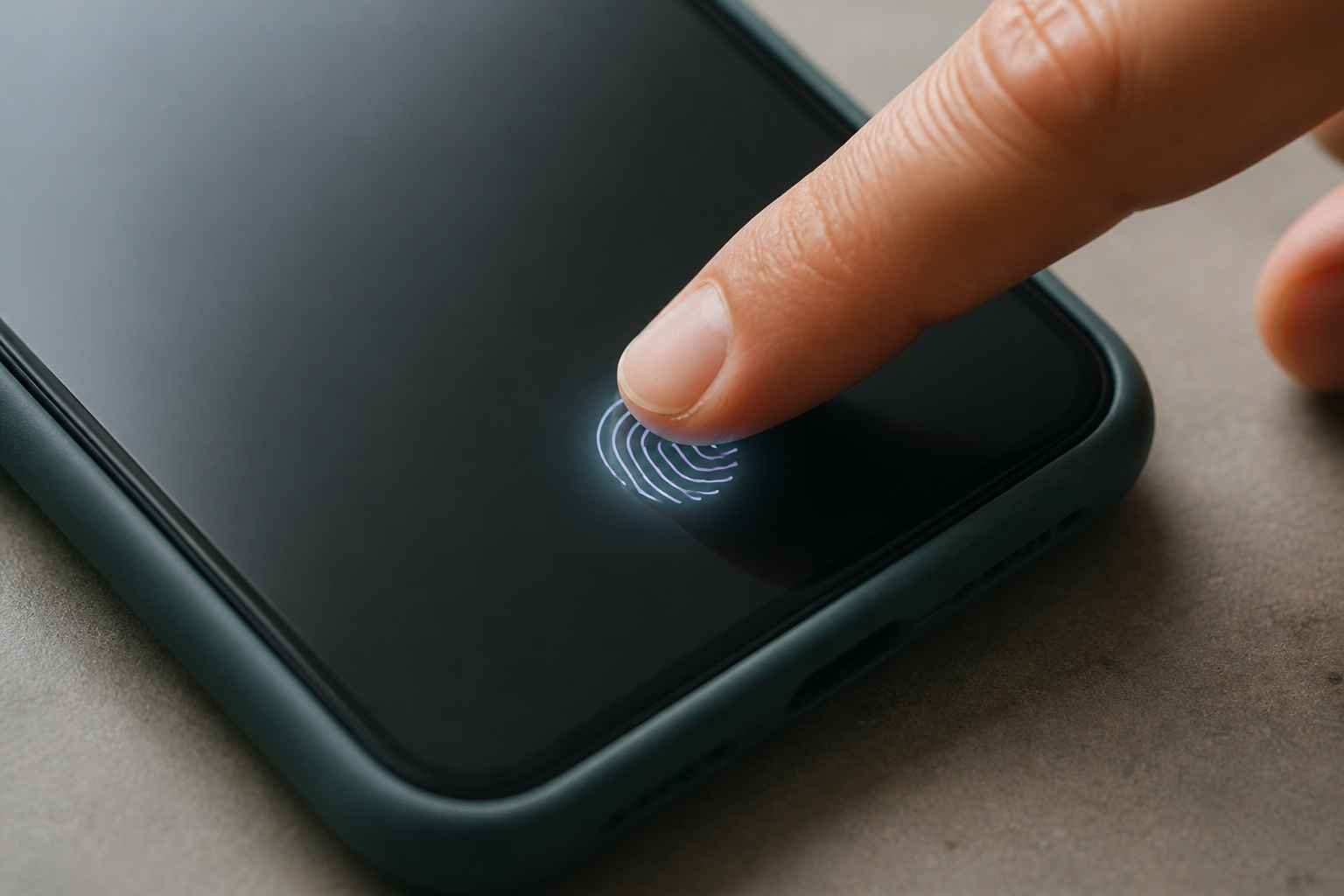
Usually, but check two things first. Many recent Samsung and Google phones read your fingerprint through the screen. A seller’s guide for the Galaxy S25 Ultra warns that thick protectors, protectors with an air gap, or ones that absorb sound can slow or break fingerprint recognition, and recommends choosing a protector that explicitly names compatibility with your phone’s fingerprint sensor. That source is a seller, so treat the specifics with caution, but the advice to buy a protector that lists your phone model is sound.
The second check is the case. On phones with curved screen edges, a case with raised, rigid edges can press on the protector and make it lift over time. Look for cases and protectors that mention case-friendly fit, and prefer softer inner frames. Install the protector before the case, then test your fingerprint and re-enroll it if recognition feels slow.
How Do You Put On a Screen Protector Without Bubbles?
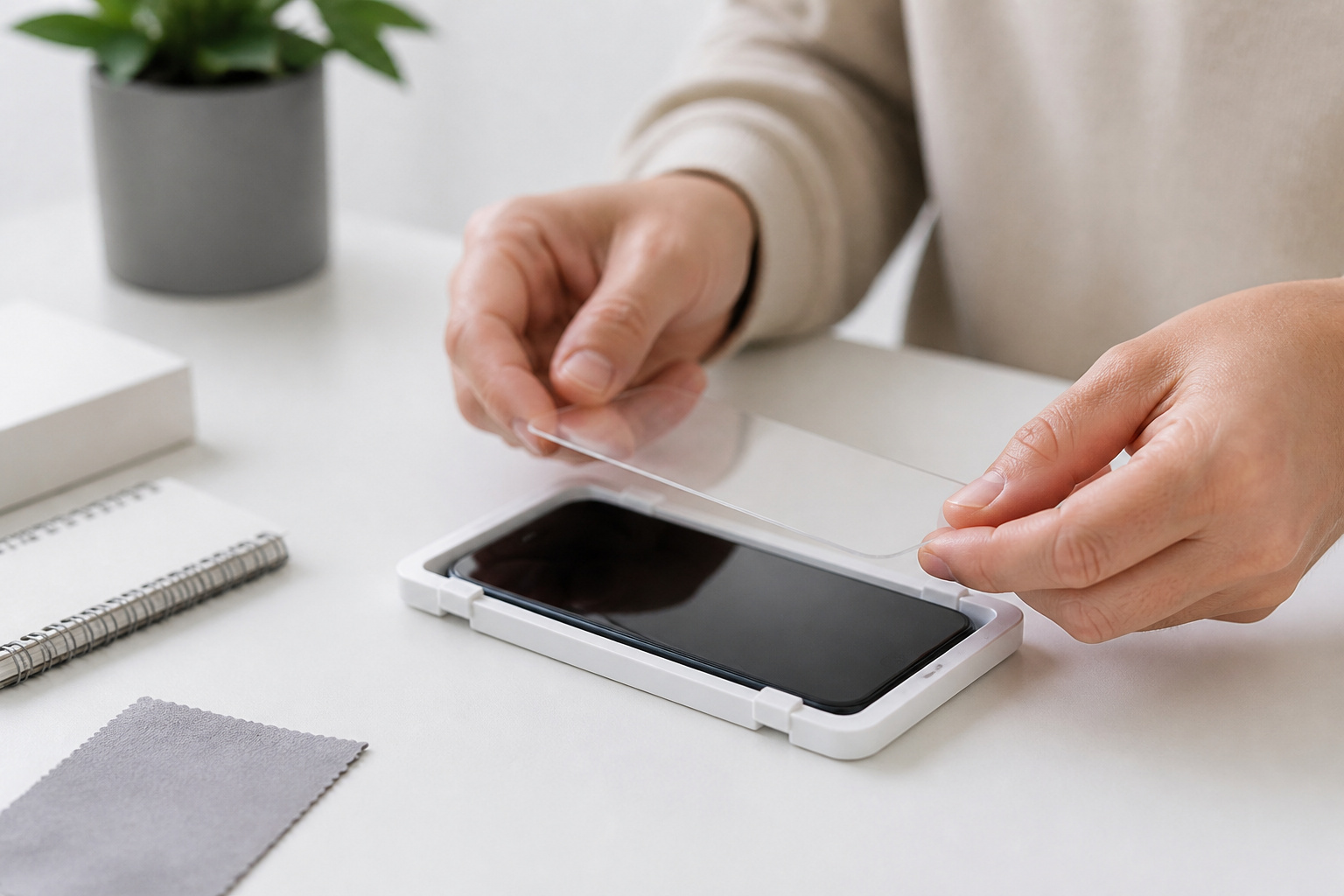
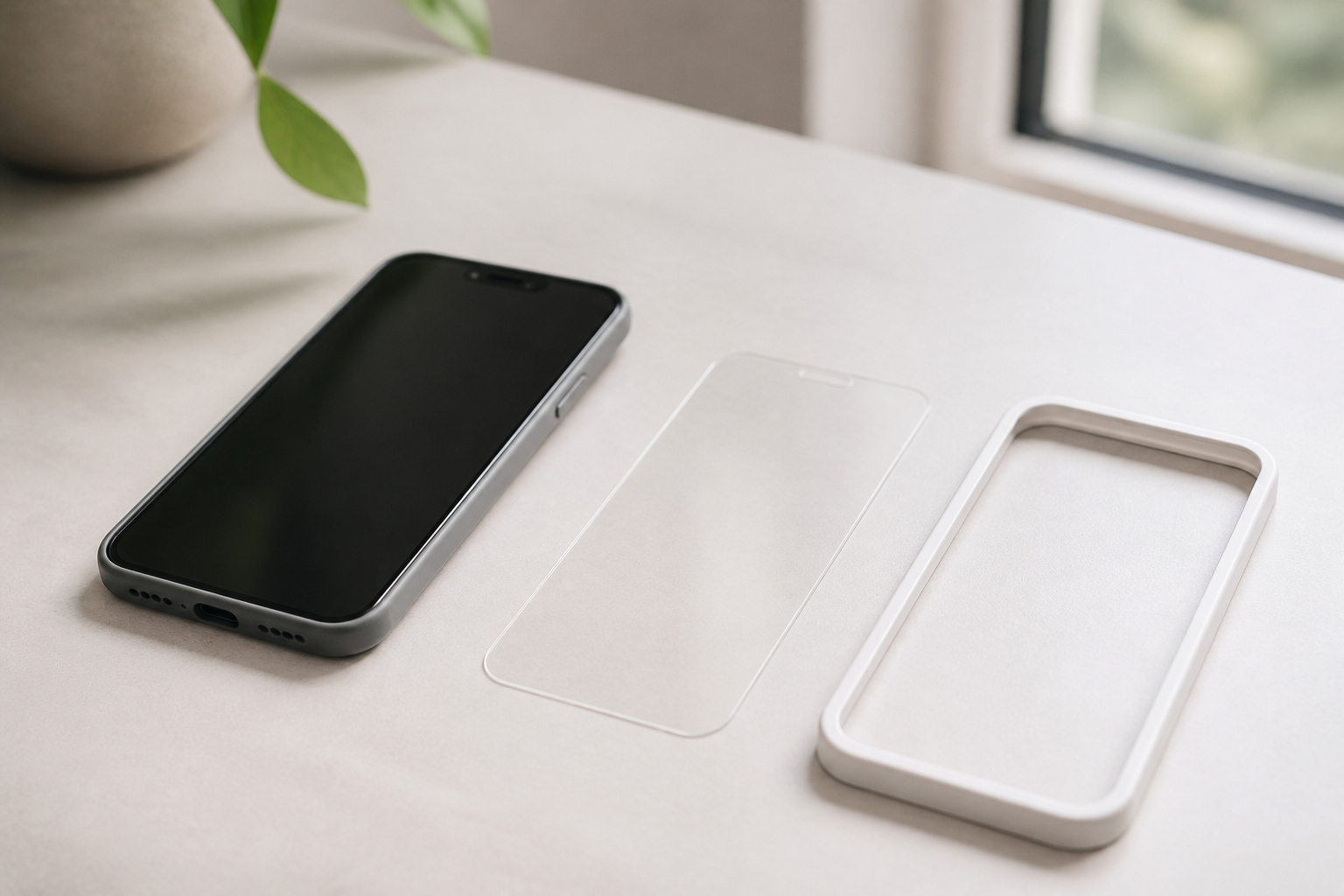
NBC Select notes that installation can be tricky, with bubbles and dust possible, and that many glass protectors include installation aids to help. The steps are the same for any brand.
- Wash your hands and work in a clean, dust-free spot, such as a bathroom after a hot shower.
- Wipe the screen with the included wipes, then lift any remaining dust with the sticker.
- Use the alignment frame or guide if one is included, and lay the protector down from one edge.
- Press out any bubbles from the center toward the edges. If dust is trapped, lift the protector with tape and try again.
- Wait before adding the case, and test your fingerprint.
Many packs include several protectors. It’s useful when the first attempt goes wrong.
What Kind of Case Do You Need?
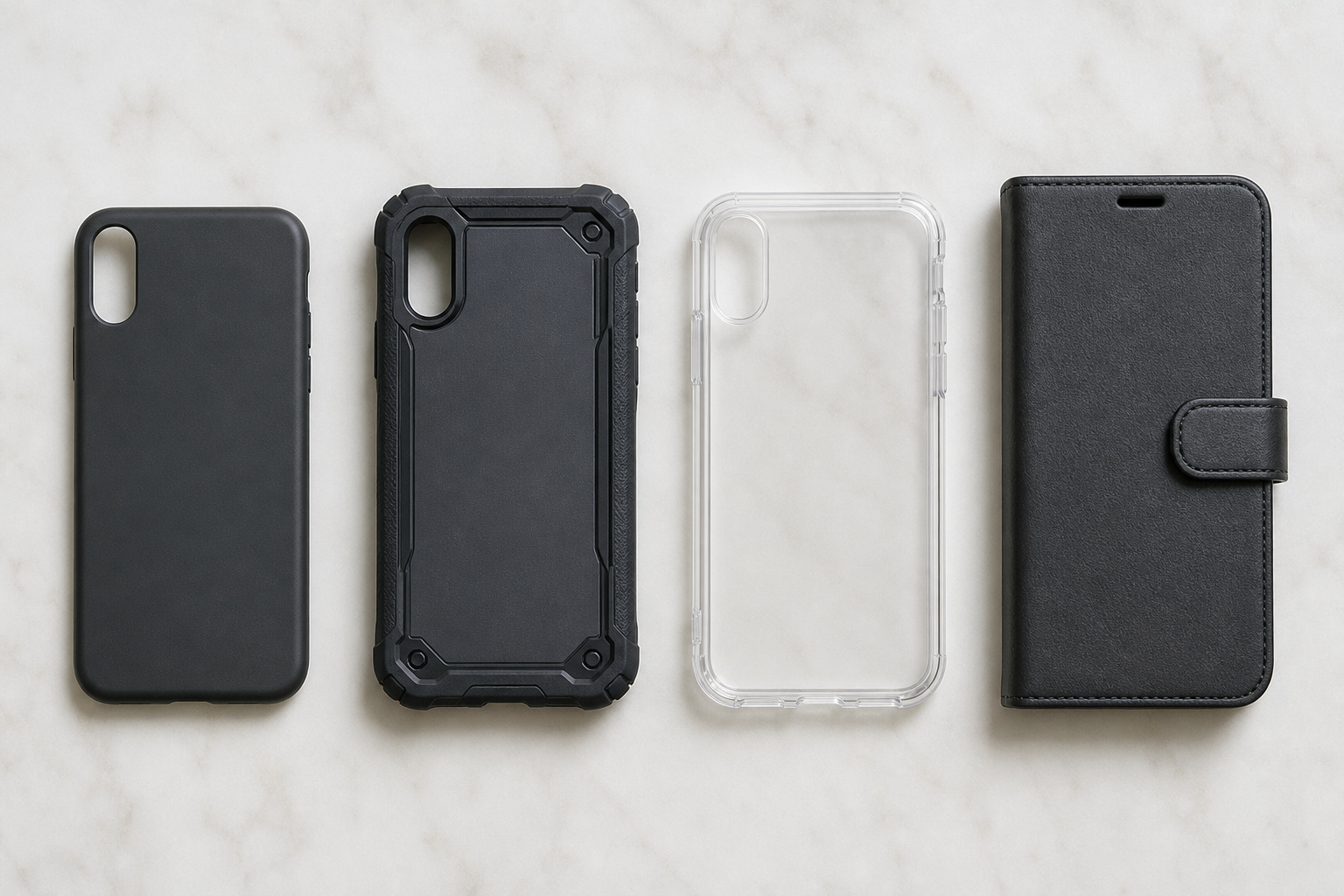
TechGearLab tests cases with drop and scratch tests and scores protection, portability, design, and ease of use. Its breakdown by type is a useful guide.
- Thin cases are easy to pocket and keep the phone’s feel, but give little drop protection and less camera protection.
- Rugged cases absorb shock best when they are dual-layer. TechGearLab says reinforced corners matter more than certification labels, and the trade-offs are bulk and weight.
- Clear cases show off the phone, but TPU edges can yellow from UV light, heat, and skin oils. Polycarbonate backs resist yellowing better but can scratch.
- Wallet cases carry cards, at the cost of thickness.
- Grip is an underrated kind of protection, because a phone you can hold securely is one you drop less. Textured sides and finger grooves help.
Look for a raised edge around the screen and camera, so the phone does not rest on its glass when set face down. Be careful with drop ratings. TechGearLab cautions that brands apply military drop standards like MIL-STD-810G differently and that lab results don’t always match real-world durability.
Do You Need a MagSafe or Qi2 Case?
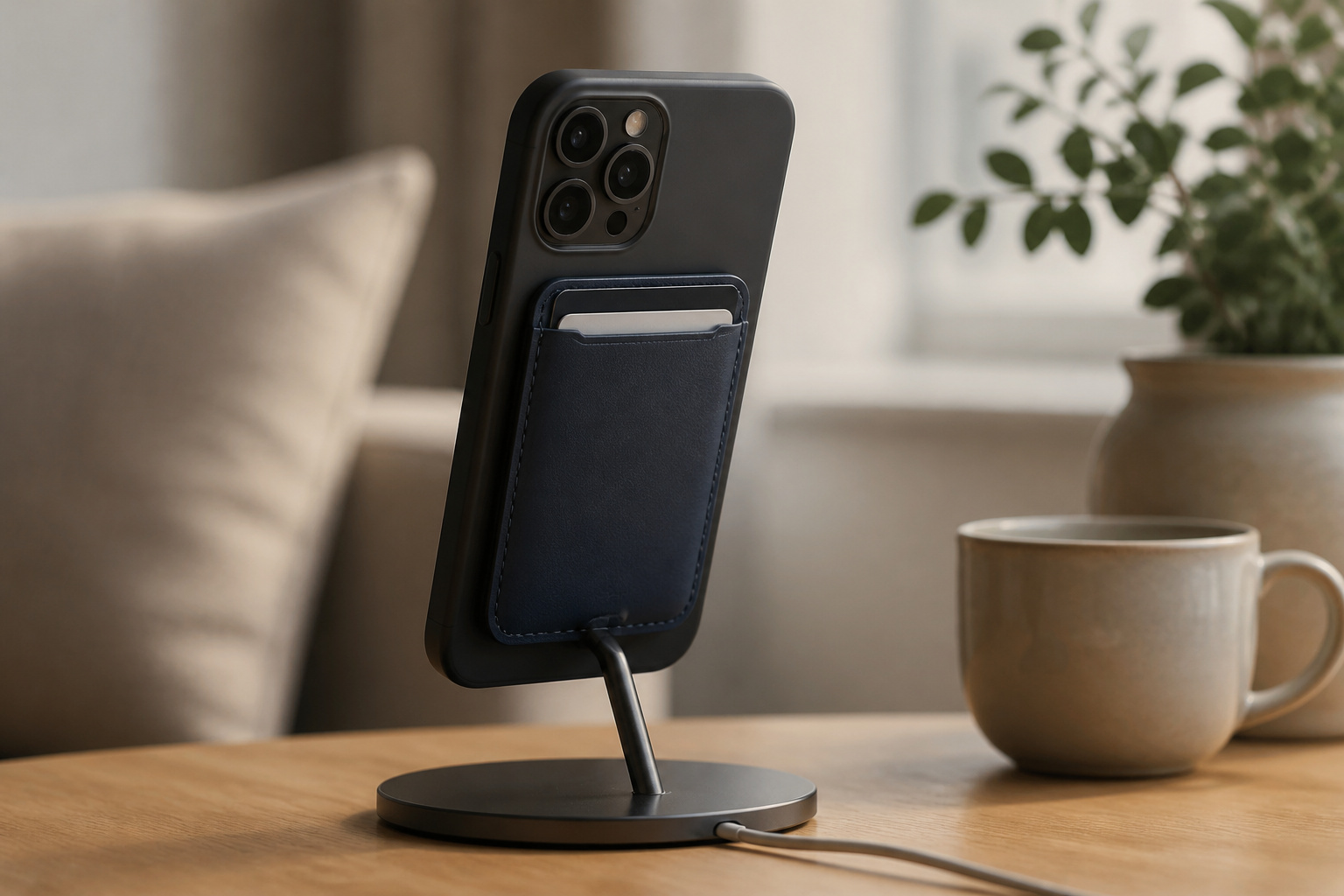
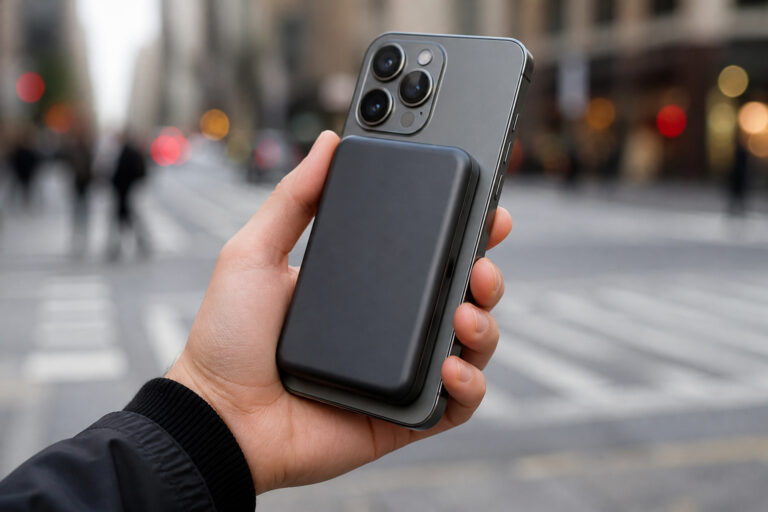
If you use magnetic chargers, mounts, or wallets, yes. Recent iPhones have a built-in MagSafe magnet ring, and a MagSafe case keeps your accessories lined up. Retention varies widely between cases. TechGearLab names Peak Design Everyday, Pitaka Edge, and ESR Cloud Soft Magnetic as the strongest, and notes that thicker cases can slightly reduce MagSafe performance and charging efficiency.
On Android, it depends on the phone. All Pixel 10 models have built-in Qi2 magnets, so any case should preserve them, and Google makes its own Pixelsnap case. Samsung’s Galaxy S25 is Qi2-ready but has no magnets, so a magnetic case is what gives it a MagSafe-like feel. Android Authority notes that a magnetic case improves alignment but does not speed up charging, which stays at 15W. Our guides to wireless charging and battery wear and magnetic power banks explain what to do with the magnets once you have them, and our MagSafe car mounts guide covers the car.
Which Screen Protectors and Cases Are Worth Buying?
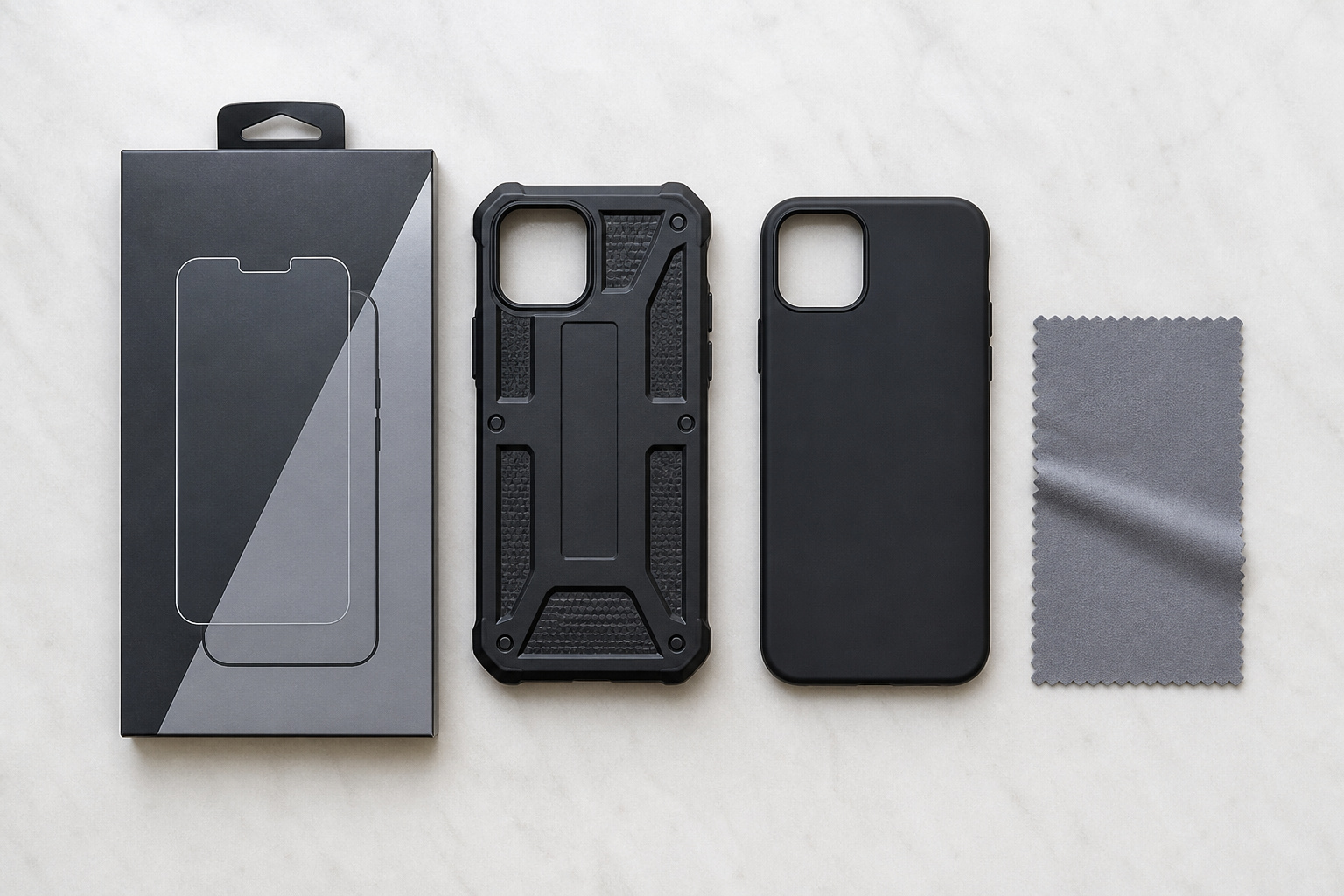
These picks come from the reviewers named below. Always check the model you buy fits your phone, because cases and protectors are made for specific models. TechGearLab tested most of its cases on the iPhone 17, with a few on the iPhone 16, so confirm fit for newer iPhones.
Screen Protectors
NBC Select names the Spigen AluminaCore Tempered Glass Screen Protector as best overall and the Zagg InvisibleShield Glass XTR4 as runner-up. The Supershieldz Screen Protector 3-pack is its budget pick, and the Ailun Screen Protector 3-pack is best for camera lenses and tablets. For privacy, it picks the Smartdevil Anti-Spy Screen Protector, and its staff pick is the OtterBox Premium Pro Glass Blue Light Antimicrobial Screen Protector.
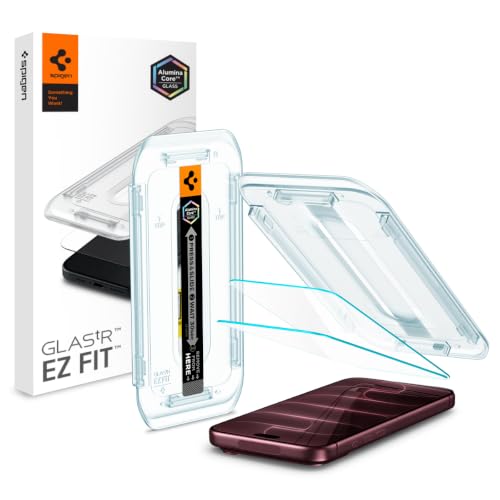
Tempered Glass Display Protection: High-hardness tempered glass gives screen coverage against impact and scratches for your phone display

EXTREME DROP PROTECTION: Fortified with graphene, the ZAGG XTR4 is tested to be up to 11x stronger than standard tempered glass, delivering superior protection against drops, impacts, and scratches to keep your iPhone safe

Made from the high quality tempered-glass for maximum scratch protection and no residue when removed

WORKS FOR iPhone 17/iPhone 16 Pro 6.3 Inch Display Screen 0.33mm tempered glass screen protector. Featuring maximum protection from scratches, scrapes, and bumps. [Not for iPhone 16e/iPhone 16 6.1 inch, iPhone 16 Pro Max 6.9 inch, iPhone 16 Plus 6.7 inch,iPhone 17 Pro 6.3 inch, iPhone Air 6.5 inch, iPhone 17 Pro Max 6.9 inch]

Perfect Fit for iPhone 17:Engineered exclusively for iPhone 17 with seamless edge-to-edge coverage, ensuring precise alignment and reliable full-screen protection.

PRECISION FIT – Custom‑designed for iPhone 18/17 Pro, this screen protector delivers edge‑to‑edge coverage with a seamless fit that aligns perfectly with your display.
iPhone Cases
TechGearLab’s Editors’ Choice is the OtterBox Commuter Series for the iPhone 17, for all-around protection. Its budget pick is the Smartish Gripmunk with MagSafe, and the Smartish Gripzilla MagSafe has the best grip. The ESR Cloud Soft Magnetic is its pick for hands-free viewing and video calls, and ESR’s Flex Stand MagSafe case for the iPhone 17 Pro is linked below as a current option from the same brand. If you want accessory integration, it recommends the Peak Design Everyday, and for a low-profile case with scratch protection, the Totallee Scarf Thin. The Casely Bold MagSafe is its pick for personal style.

PRECISION FIT – Engineered to match the exact dimensions of iPhone 17. This case locks into place with a snug, gap‑free fit that feels custom‑made for each device.

ULTIMATE DROP PROTECTION: Drop-tested fifty times from 6 feet onto concrete; built-in air pocket corners absorb shock so your phone does not, whether it slips from your hand, off the couch, off a countertop, or out of a car door at the gas pump

MIGHTY PROTECTIVE: A soft interior lining cradles your phone to prevent scratches, while a tough hard shell exterior deflects impacts; actually protective, not like cheap knockoffs, whether in an office, a dorm, or just prone to dropping your phone

Compatibility: only for iPhone 17 Pro; camera lens protectors not included

EVERYDAY PHONE CASE: A perfect blend of slim design, smart aesthetics and rugged protection, this iPhone 17 case is built without compromise. Seamlessly connects to the entire Peak Design Mobile Ecosystem for ultimate versatility.

ULTRA THIN. Only 0.02 inches thin. No bulk. The thinnest iPhone 17 cases on the market that helps you maintain the original beauty of your iPhone. This is the most pocket-friendly case for iPhone 17

Compatibility: Designed only for iPhone 17. Will not fit any other iPhone model. Please confirm your model in Settings > General > About before ordering. Meet the Bold Collection - Not just a pretty cover for your phone, the Bold Collection Case from Casely is a super-strong Military-Grade-tested protective case, offering up to 8-feet of drop protection.
Pixel 10 Cases
Android Central names the Google Pixel 10 Pixelsnap Case as the best overall, with a slim first-party fit. It works with wireless charging and magnets. It lists the Spigen Ultra Hybrid MagFit as the best clear case, with anti-yellowing material, and the Spigen Nano Pop MagFit as the best budget case. The CASETiFY Impact Magnetic Case has the most variety, with 8.2 feet of claimed drop protection.

The Pixelsnap Case for Google Pixel 10 and Pixel 10 Pro is a stylish way to protect your phone; and because it’s Pixelsnap compatible, you can use it with wireless chargers, stands, and other accessories[1]

Google’s Pixel Stand 1 or Pixel Stand 2 are not fully compatible with Pixel 10 series devices. For 15W+ wireless charging, use this case with Google’s new Pixelsnap charger.

Google’s Pixel Stand 1 or Pixel Stand 2 are not fully compatible with Pixel 10 series devices. For 15W+ wireless charging, use this case with Google’s new Pixelsnap charger.

Compatible with Google Pixel 10 / 10 Pro Only (6.3" Screen Size)
Galaxy Phones
We didn’t find a tested roundup of Galaxy S25 cases to cite. Because Samsung’s own cases do not offer a magnetic profile, look at third-party magnetic cases from “Made for Galaxy” partners such as Spigen, and confirm the case lists your exact model, the fingerprint sensor, and curved-screen clearance.

Compatibility: Phone Case for Samsung S25 ONLY✅ (𝐃𝐨𝐞𝐬 𝐍𝐎𝐓 𝐟𝐢𝐭 𝐒𝟐𝟓+❌, 𝐒𝟐𝟓 𝐅𝐄❌, 𝐒𝟐𝟓 𝐄𝐝𝐠𝐞❌, 𝐒𝟐𝟓 𝐔𝐥𝐭𝐫𝐚❌). Please check your phone model before ordering according to the path: 𝐒𝐞𝐭𝐭𝐢𝐧𝐠𝐬→𝐀𝐛𝐨𝐮𝐭 𝐭𝐡𝐞 𝐩𝐡𝐨𝐧𝐞→𝐌𝐨𝐝𝐞𝐥 𝐧𝐚𝐦𝐞

Perfect Fit for Samsung Galaxy S25 (Only - Not Compatible with Galaxy S25 Plus/S25 Ultra): Precision-engineered exclusively for the Samsung Galaxy S25, this OtterBox case offers a flawless fit. It not only preserves your phone's sleek design but also ensures unparalleled protection against everyday hazards.

【Compatible with Samsung Galaxy S24/S25】 Specially designed for Samsung Galaxy S24/S25.Package includes Soft HD Screen Protector and install them according to the instructions.【Note that】wireless charging is not supported!
Frequently Asked Questions
Does Gorilla Glass or Ceramic Shield mean I do not need a screen protector?
Not entirely. These glasses resist damage, but they are not immune, and fine grit such as quartz can scratch them. A protector is a cheap, replaceable layer that takes that wear, though plenty of people skip one and rely on a case.
Can a case make my phone overheat?
It can trap heat while charging. Apple notes that charging inside certain case styles may generate excess heat. If your phone feels hot while charging, remove the case. Our battery guide covers why heat matters.
Does a case block wireless charging?
Most thin cases do not, but a thick case widens the gap between the phone and charger and can reduce magnetic grip and charging efficiency. Metal plates, thick wallets, and PopSockets can block wireless charging.
Should I put the screen protector on before the case?
Yes. Install the protector first, allow it to settle, then fit the case. Check that the case edges do not press on the protector, especially on curved screens.
Are clear cases worth it?
They are if you like the look of the phone, but TPU edges can yellow over time from sunlight, heat, and skin oils. Polycarbonate-backed cases resist yellowing better, and tinted or opaque cases age better.
Closing Thoughts
Pair a tempered glass screen protector with a case that matches how you use your phone. A thin case suits careful users, a rugged one suits drop-prone ones, and a magnetic case matters if you use chargers or mounts. Buy for your exact phone model, check fingerprint sensor and curved-screen compatibility, and install the protector before the case.