Taking your phone abroad should be simple, but two things determine whether it works: whether the phone is unlocked, and whether it supports the network bands used where you are going. Get those right, and you can choose from three ways to get service: a local prepaid SIM, a travel eSIM, or your home carrier’s travel plan.
This guide covers how to check your phone, how the three options compare, how to use a prepaid SIM in an unlocked phone, and what to do before you leave. Carrier plans and prices change often, so confirm current terms with the provider before you go.
Will My Phone Work Abroad?

It will if it is unlocked and supports the right bands. Bands are the radio frequencies a phone uses to talk to cell towers, and different regions use different ones. A phone that’s locked to one carrier can refuse a SIM or eSIM from another provider, even when the hardware would work.
Both a local SIM and a travel eSIM need an unlocked phone. If you stay on your home carrier’s roaming or travel plan, you don’t need an unlock, because you keep using your own plan. That makes roaming the only option for a locked phone, and why checking the lock comes first.
How Do You Check That Your Phone Is Unlocked?
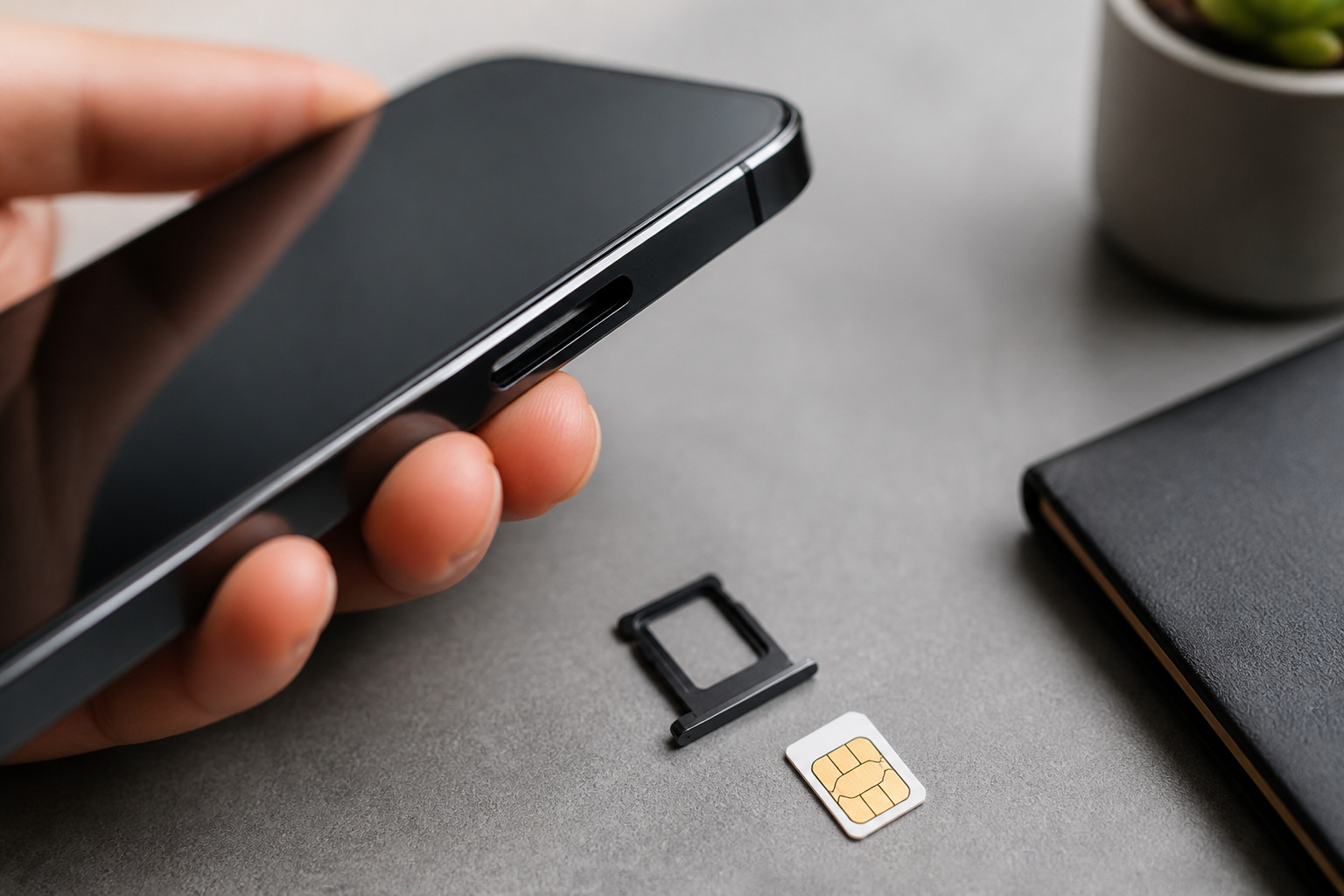
Consumer Cellular’s guide lists several checks. The most reliable is testing another carrier’s SIM.
- iPhone: Open Settings, tap General, then About, and look for Carrier Lock. “No SIM restrictions” means the phone is unlocked.
- Android: Open Settings, go to Connections or Network and Internet, then Mobile Networks, then Network Operators. If several carriers appear, the phone is probably unlocked. This check is not fully reliable, so confirm another way.
- Try another SIM: Power the phone off, insert a SIM from a different carrier, and power it on. If calls and data work, the phone is unlocked. A message such as “Invalid SIM” or a request for an unlock code means it is locked.
- Ask your carrier: Dial *#06# to see your IMEI number. Then ask whether the phone is eligible for unlocking.
If the phone is locked, ask your carrier for an unlock before you leave. WhistleOut notes that this can take a day or two. Consumer Cellular says a phone usually qualifies once it is paid off, the account is in good standing, and the phone has been active for roughly 60 to 90 days. Avoid third-party unlockers that ask for upfront payment or personal information. If you are buying a phone and want it unlocked from the start, our guide on buying a refurbished phone safely explains how to avoid a locked or financed one.
Which Bands Does a Phone Need for Europe and Asia?
Simology’s band guide says bands 4, 12, 17, and 66 are mostly North American, and a phone built for other markets may lack them. For European travel, it lists bands 1, 3, 7, 8, 20, and 28, and calls band 20 the most important because rural coverage suffers without it. For Asia, it lists bands 1, 3, 5, 8, 18, 19, 26, 28, 38, 40, and 41. Band 28 is called critical for Australia, New Zealand, Thailand, and Indonesia.
Most recent flagship phones sold in the US cover these bands, but check. Find your exact model number in Settings, then look it up on a spec site such as Kimovil or FrequencyCheck, as Simology suggests, and compare it with the list above for your destination. Simology says US iPhones from the iPhone 12 onward generally work well in Europe and most of Asia, while older iPhones, carrier-locked Android models, and some midrange Samsung Galaxy A-series models may be missing bands such as 20 or 28.
A missing band rarely means no service at all. It usually means weaker coverage outside big cities, so a phone with fewer bands may be fine for a city break and frustrating on a rural road trip.
Local SIM, Travel eSIM, or Carrier Roaming: Which Should You Choose?
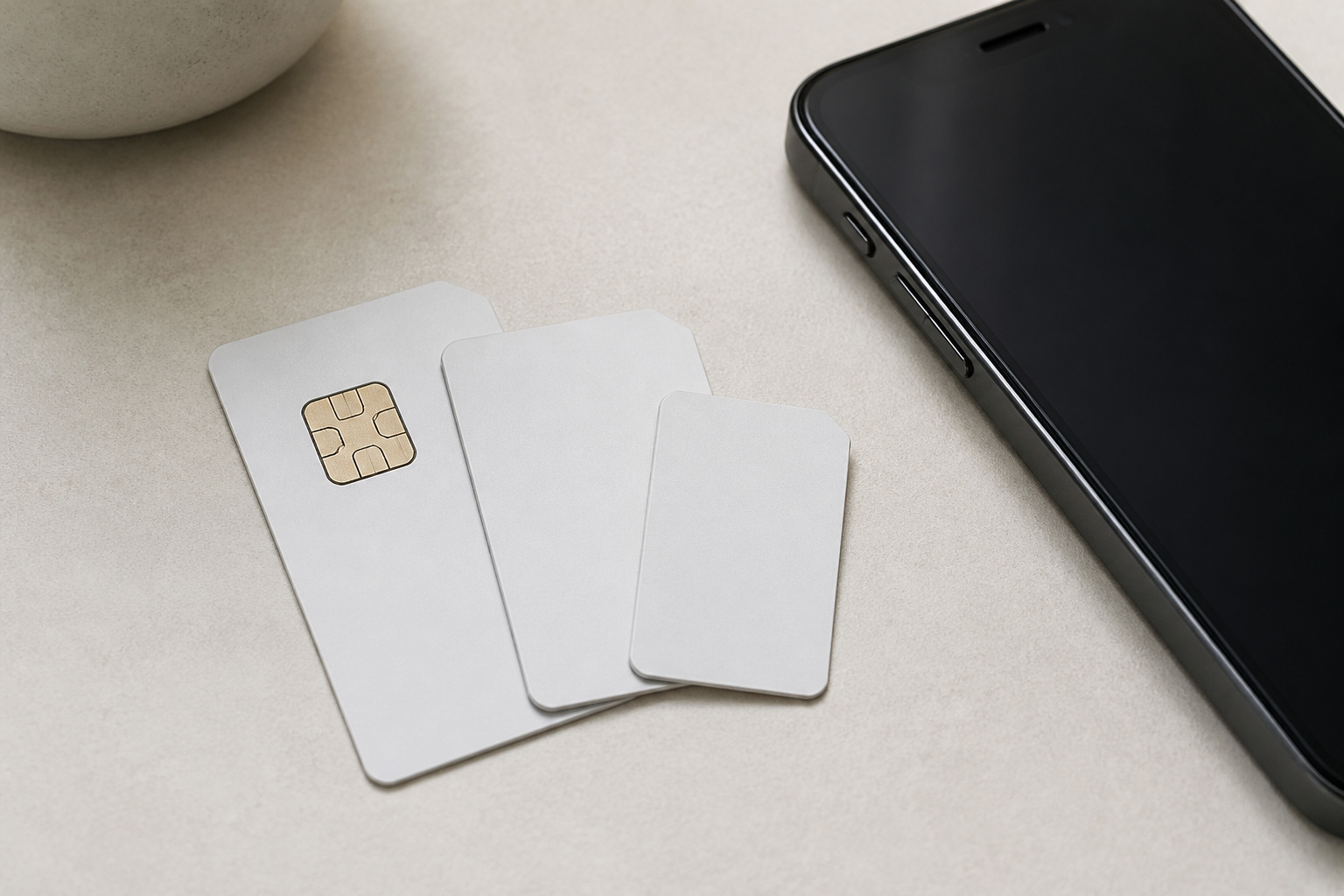
It depends on trip length, how much data you need, and whether you need a local phone number. WhistleOut recommends a travel eSIM for trips of a week or less, and a local SIM for trips longer than two weeks or for heavy data use. Carrier plans suit people who want zero setup.
| Option | Setup | Best for | Trade-offs |
|---|---|---|---|
| Local prepaid SIM | About 15 to 30 minutes in a store or at the airport, then swap the card | Long trips, heavy data use, and a local phone number | Your home SIM comes out and could be lost, and airport kiosks often charge tourists more |
| Travel eSIM | About 2 minutes on Wi-Fi: scan a QR code and it activates when you land | Short trips, multiple countries, and keeping your home number active | Usually data only, with no local number, and the phone must support eSIM and be unlocked |
| Home carrier roaming or travel plan | Little or none | Short trips and people who want nothing to set up | Daily fees add up on long trips, and speeds can drop after a high-speed allowance |
The table draws on WhistleOut and Saily. Both note that a travel eSIM is mostly a data plan, so calls and texts usually go through an app such as WhatsApp, unless you buy a phone number add-on. Our eSIM vs physical SIM guide explains how eSIMs work and which phones support them. WhistleOut says iPhones from the XS onward and most Android phones from 2020 onward support eSIM, but check your phone’s cellular settings for an Add eSIM option.
Recommended Products

International Data SIM Card: One TALKSIM SIM, connect to the world. It works as a USA data SIM card to meet all your data requirements, and also acts as a prepaid travel-only data SIM card for the UK, Europe, Asia, and Oceania. Whether you’re taking a short local trip or traveling around the world, it provides stable network support. You’ll enjoy wide-ranging coverage and dependable service in 51 international countries across the globe. To ensure seamless connectivity during your travels, please activate your SIM card one week before your departure.

【15 Asian Destination】Stay connected while traveling in Asia with ENC Mobile’s convenient and reliable data sim card, with high speed data covering 15 destinations - Mainland China, Hong Kong, Macao, Japan, South Korea, Singapore, Thailand, Malaysia, Indonesia, Philippines, Taiwan, Cambodia, Australia, New Zealand and Vietnam.
How Do Carrier Travel Plans Work?

The three big US carriers handle travel differently. This summary comes from ShopBack’s 2026 comparison, and the carriers change these terms often, so check each carrier’s site before you go.
- Verizon TravelPass: A daily fee applies only on days you use data, make or receive a call, or send a text abroad. Those days include talk, text, and data, with a fair-use throttle after very heavy use.
- AT&T International Day Pass: Also a per-day pass, with unlimited talk, text, and data on eligible unlimited plans. It caps charges at 10 days per line per bill cycle.
- T-Mobile: There is no daily fee. Eligible plans include an amount of high-speed data abroad, then data continues at about 256 kbps, which is very slow for video and maps. Optional day passes restore faster speeds.
Eligibility depends on your plan, and some plans include little or no international data. Before a trip, ask your carrier which pass applies to your line and how to switch it on. Our guide to cell phone plans for seniors also covers international calling and roaming.
How Do You Use a Prepaid SIM in an Unlocked Phone?
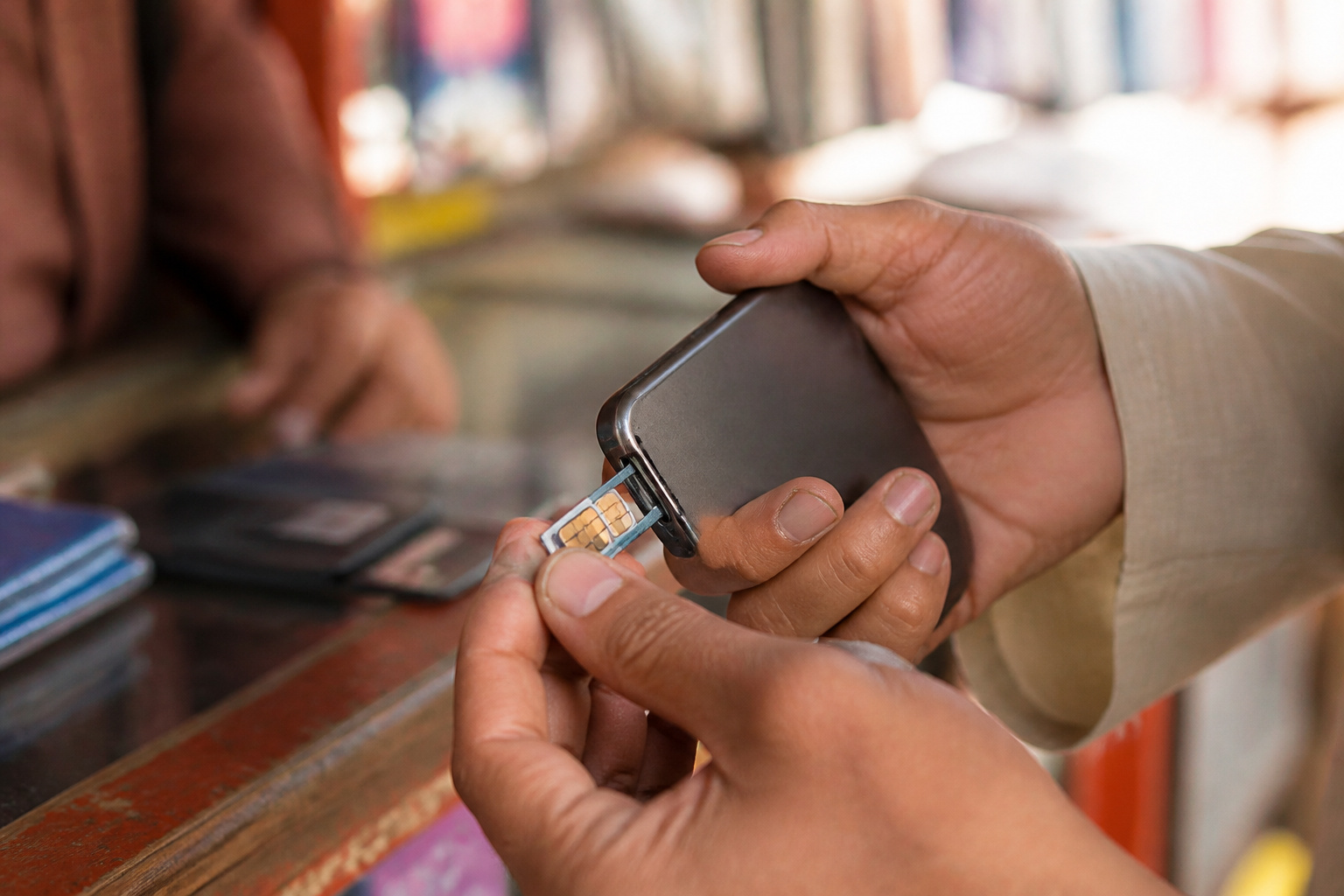
An unlocked phone accepts a prepaid SIM from any carrier that uses compatible bands, so the steps are the same at home or abroad.
- Buy the SIM in town if you can. WhistleOut says airport kiosks often charge tourists more.
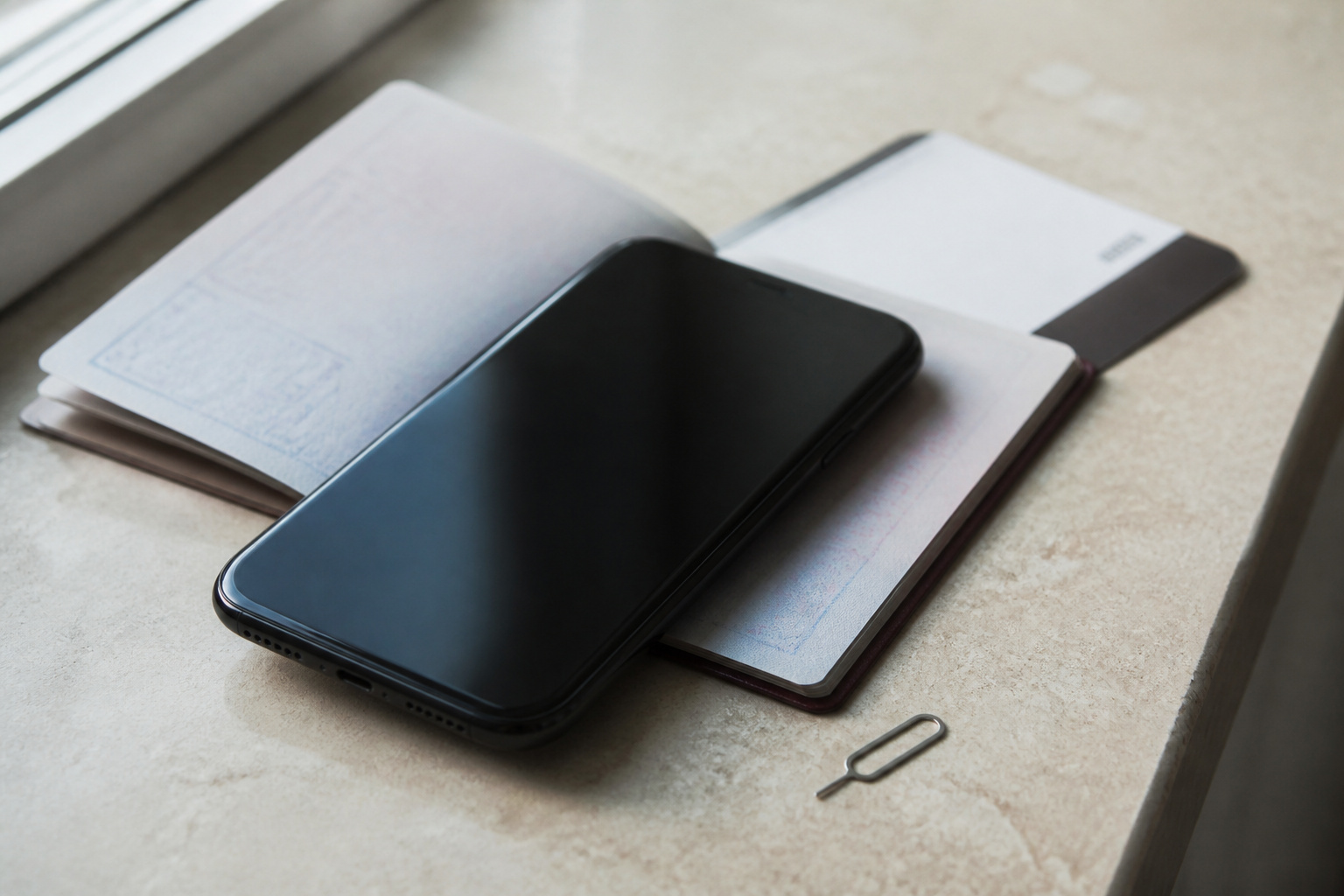
- Power the phone off, and use the ejector tool to open the SIM tray. Put your home SIM somewhere safe, such as a labeled case or inside your passport holder.
- Insert the prepaid SIM and power the phone on. Follow the shop’s activation steps, which may include a text message or a call to the carrier.
- Open your cellular settings and confirm that mobile data is on and that the network connects. If data does not work, ask the shop for the APN settings.
A phone with two SIM slots, or one slot and an eSIM, lets you keep your home SIM in place while a local plan handles data. Saily’s guide advises turning off roaming on your primary line if you do this, so you are not charged by accident. Keep your home line active if your bank or other accounts send security codes by text, because a data-only eSIM will not receive them. Our guide to switching between eSIM and physical SIM covers how two lines on one phone work.
Recommended Products

【Triple-Slot Design】Equipped with three dedicated slots - one for ejection pin, one for TF/Micro SD cards, and one for Nano SIM card - this tray caters to all your storage and communication needs.

[Full protection] The phone card holder has intimate openings, allowing you to quickly open and close the box. The foam in the box can protect your card from severe impact; the aluminum shell can protect your card from erosion and breakage Keep debris, sand and water away from the box.

4-in-1 Travel Document Organizer Set All-in-One Travel Essential: Includes a SIM card holder, SIM card adapters, passport holder, and air ticket holder in one convenient travel set. Whether you are passing through airport security, changing SIM cards at the airport, or checking into a hotel, this organizer keeps all your important travel documents together and easy to access
What Should You Look for in a Phone for Travel?
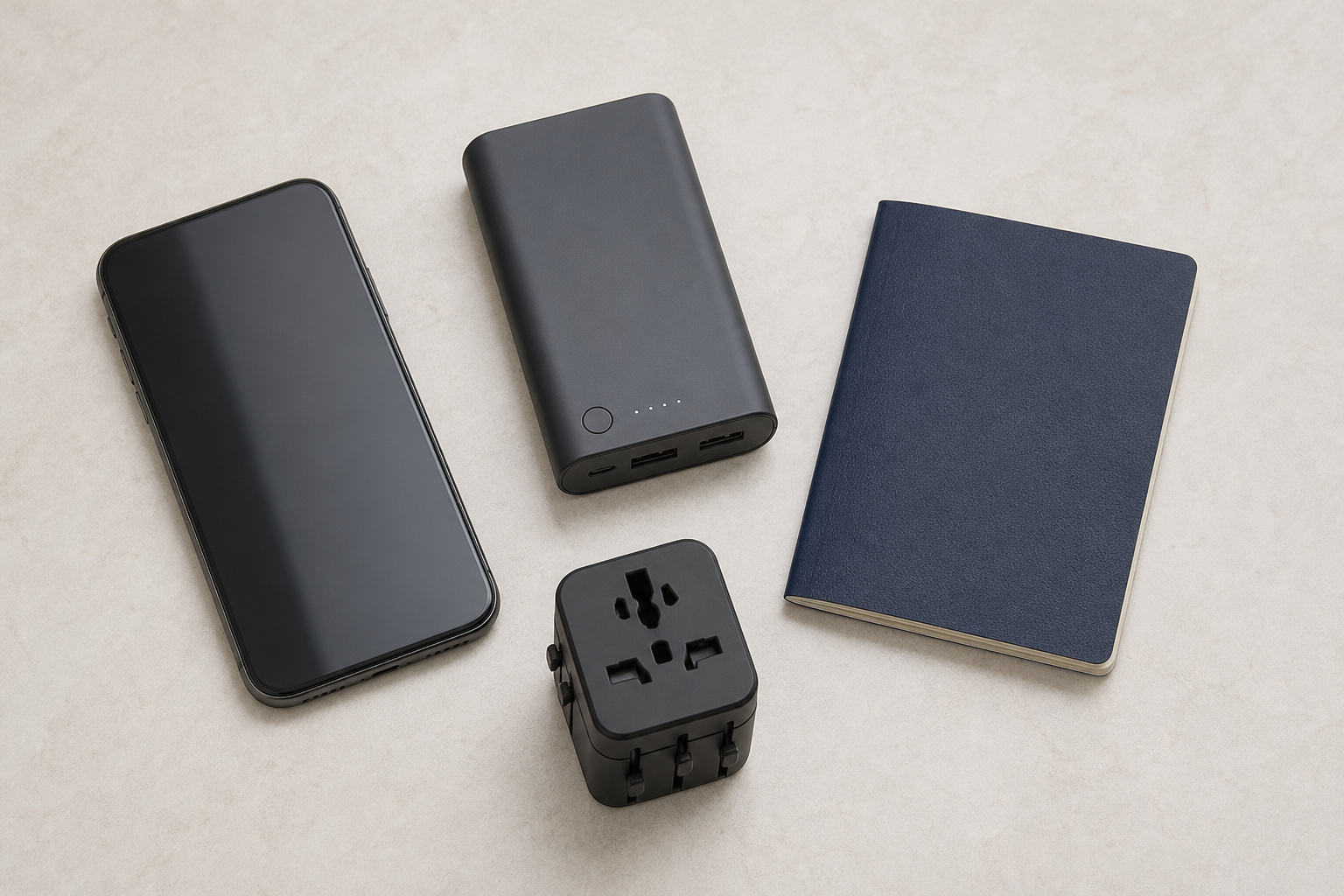
If you travel often, buy a phone with one or more of these features.
- Unlocked from the start: An unlocked phone never needs a carrier’s permission, and the iPhone and Android buying guides below list models sold that way.
- eSIM support, plus a second option: A phone that supports eSIM and a physical SIM, or two eSIMs, lets you keep your home line and add a local plan at the same time. Note that newer US iPhones have no SIM tray, so they rely on eSIM.
- Wide band support: Check the band list for your usual destinations, especially band 20 for Europe and band 28 for much of Asia and Australia.
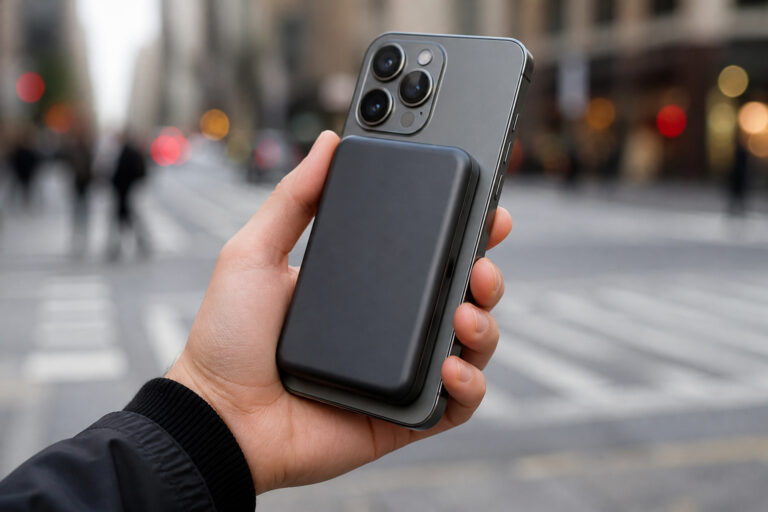
- Good battery life: Maps, translation, and photos drain a battery fast on a travel day, and our guides to making your phone battery last longer and power banks can help.
Our iPhone buying guide and Android phone buying guide cover which models are worth considering, and a renewed unlocked phone can be a good fit, as our guide on refurbished phones explains.
Recommended Products

6.1" Super Retina XDR display. 5G Superfast downloads, high?quality streaming

6.7inch Super Retina XDR display. Aluminum with color-infused glass back. Ring/Silent switch

Fully unlocked and compatible with any carrier of choice (e.g. AT&T, T-Mobile, Sprint, Verizon, US-Cellular, Cricket, Metro, etc.).

Please note, this device does not support E-SIM; This 4G model is compatible with all GSM networks worldwide outside of the U.S. In the US, ONLY compatible with T-Mobile and their MVNO's (Metro and Standup). It will NOT work with Verizon, Spectrum, AT&T, Total Wireless, other CDMA carriers, it is also not compatible with their MVNO (Visible, Xfinity Mobile, US Mobile, Cricket Wireless, etc).

Charger NOT Included, 6.7" Super AMOLED FHD+, 90Hz Refresh Rate, 385 ppi, 800 nits (HBM), 1080x2340px, 5000mAh Battery

6.4 FHD+ Dynamic AMOLED 2X, Infinity-O Display (2400x1080), 403ppi, HDR10+ certified, 120Hz refresh rate
What Should You Do Before You Leave?
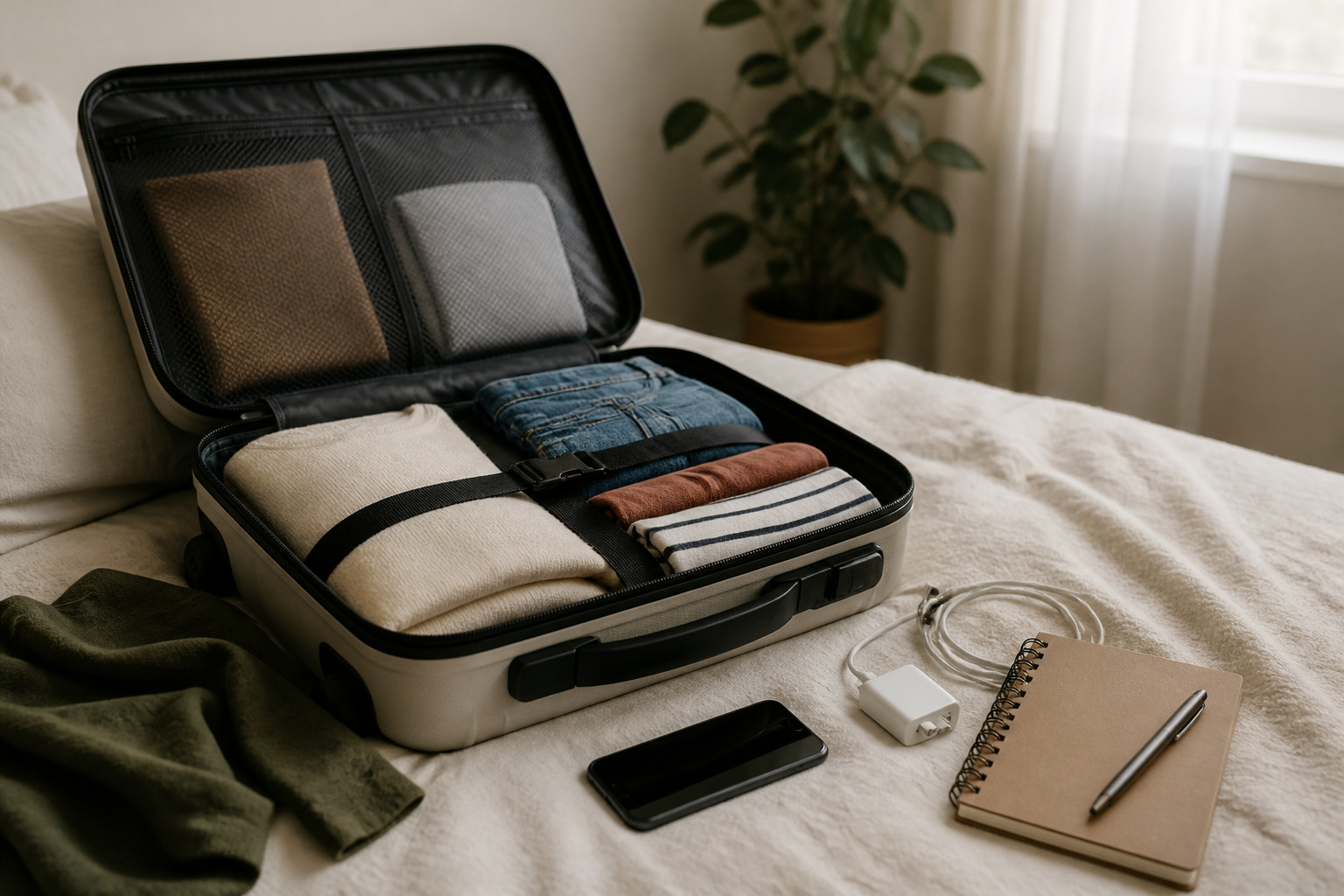
- Check that the phone is unlocked, and request an unlock early if it is not.
- Check the phone’s bands against your destination.
- Choose your option: a travel eSIM, a local SIM, or your carrier’s travel plan.
- If you choose an eSIM, install it on Wi-Fi before you leave, since activation normally needs an internet connection.
- Turn off data roaming on your home line unless you plan to use it.
- Download offline maps and keep your carrier’s support number and account PIN somewhere that does not depend on the phone.
Recommended Products

【Universal Worldwide Charging】This travel adapter accepts plugs from More than 200 Countries with US/EU/UK/AU European Plugs like Thailand, New Zealand, Israel, Italy, Rome, France, Spain, Canada, China, Australia, India, Hong Kong, Argentina, Peru, Korea, Asia, etc. Upgraded plugs inserted in outlets securely and will not fall off easily. Please note that this travel plug adapter does NOT convert electrical voltage.

WORLDWIDE ADAPTER - Our all-in-one adapter includes 4 different plugs that cover over 200 countries and regions, such as USA, Canada, Japan, UK, Ireland, Scotland, France, Germany, Italy, Spain, China, Australia, Argentina, New Zealand, etc. (excluding South Africa, India).
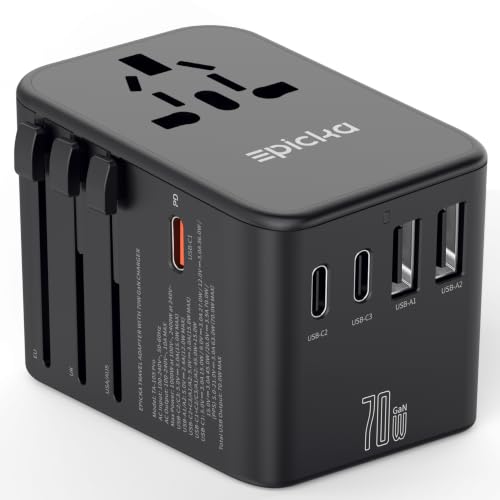
WORLDWIDE ADAPTER - Our all-in-one adapter is equipped with 4 different plug types that could plug into the sockets of 200+ countries and regions: Type C (most popular type) for use in most of Europe, including France, Germany, Italy, Spain, Iceland, Greece, and many other countries; Type G for UK, Ireland, HK, Malaysia, Singapore; Type I for China, Australia, New Zealand, Argentina; Type A for USA, Mexico, Canada, and Japan. It does NOT work with Type D (India) or Type M (South Africa) sockets.
Frequently Asked Questions
Can I use my US phone in Europe?
Usually yes, if it is unlocked or you use your carrier’s travel plan, and the phone supports the common European bands. Band 20 matters most for rural coverage.
Can I use a prepaid SIM in a locked phone?
No. A locked phone is tied to its carrier and will usually reject a SIM from another one. Ask your carrier to unlock it first.
Is a travel eSIM cheaper than roaming?
Often, especially on longer trips, because you pay one fixed price instead of a daily fee. A short trip on a plan with a capped daily pass may cost about the same, so compare both before you go.
Will I still get calls and texts on my number with a travel eSIM?
Yes, if your phone supports two lines and you keep your home line on. Leave data roaming off for that line, so the eSIM handles data and your home line handles calls and texts.
How do I know if my phone supports the bands in another country?
Find your exact model number in Settings, look it up on a spec site, and compare its bands with the ones your destination uses. For Europe, check band 20, and for much of Asia and Australia, check band 28.
Closing Thoughts
Start with two checks: confirm the phone is unlocked, and confirm it has the bands your destination uses. After that, pick the option that matches your trip. A travel eSIM is the easiest for a short trip, a local SIM is the better value for a long stay, and your carrier’s travel plan is the simplest if you do not want to set anything up.