The best business desktop is a business-class model with a current processor, 16 GB of RAM, an SSD, Windows 11 Pro, built-in security features such as TPM, and a warranty with fast support.
This guide explains what to look for and how to weigh the total cost, not just the price tag.
Performance for Everyday Work

Most office tasks, including email, documents, spreadsheets, video calls, and web apps, run well on a mid-range Intel or AMD processor. Choose a model with at least six cores for smooth multitasking, and step up for accounting-heavy workloads, design, or video editing.
Sixteen gigabytes of RAM is a sensible baseline, and 8 GB is tight with Windows 11 and many open tabs. Our guide to whether you really need a powerful computer for office tasks explains where the limits are.
Recommended Products

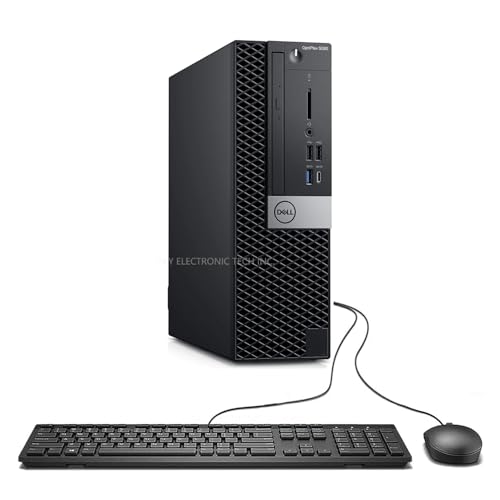
This Certified Refurbished product is tested and certified to look and work like new. The refurbishing process includes functionality testing, basic cleaning, inspection, and repackaging. The product ships with all relevant accessories, a minimum 90-day warranty, and may arrive in a generic box. Only select sellers who maintain a high-performance bar may offer Certified Refurbished products on Amazon.com.

【AN INDUSTRY LEADER】- As a Microsoft Authorized Refurbisher, we pride ourselves on producing quality remanufactured PCs. Every machine is handled with care, and our experts are dedicated to giving them a new life. We are committed to reducing e-waste, and it is our goal to ensure each machine we process can satisfy our customers needs.
Storage
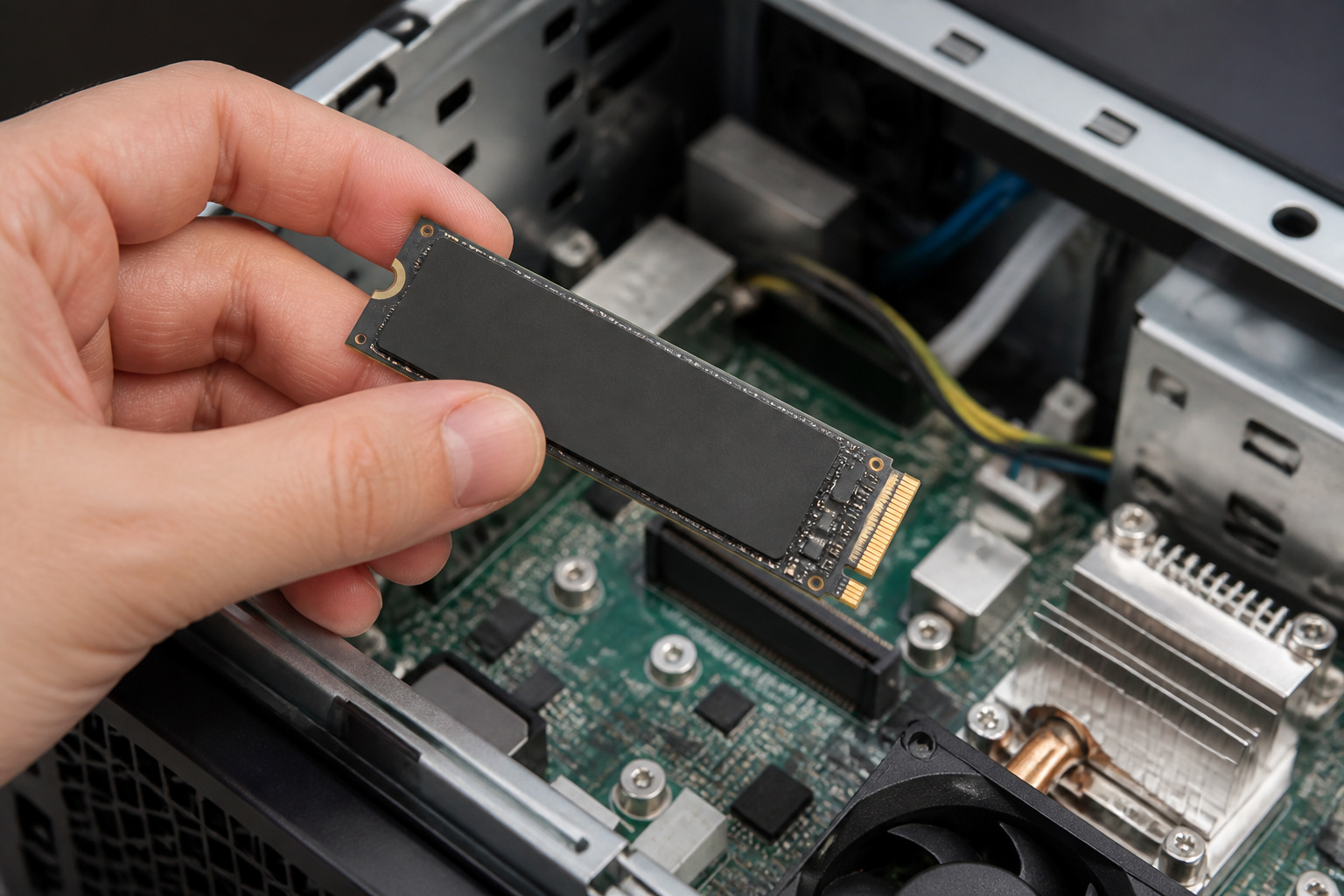
Choose a solid-state drive. A 256 GB SSD is enough if files live in cloud storage or on a server, and 512 GB or more suits people who keep large local files.
Spinning hard drives are now mainly for bulk archives. Our guide on what makes a computer fast explains why an SSD makes the biggest difference.
Recommended Products

Brand: RiDATA. Capacity: 512GB. NAND type: 3D NAND. Form Factor: M.2 Solid State Drive.

Modern Performance for Demanding Business Applications: Tackle complex workloads with ease using the renewed HP EliteDesk 800 G6 Mini desktop computer, featuring a 10th Gen Intel Core i5-10500T processor and 16GB of RAM, providing smooth multitasking for advanced spreadsheet analysis, database management, and virtualization tasks.

LITTLE DO-IT-ALL — Mac mini packs pure power into a small, five-by-five-inch desktop as the M6 chip delivers next-level AI capabilities. Mac mini features 2.5Gb Ethernet with support for Wi-Fi 7* and Bluetooth 6, with ports on the front and back.
Security and Manageability
Business machines should include a Trusted Platform Module (TPM 2.0), Secure Boot, and support for full-disk encryption such as BitLocker, which is available in Windows 11 Pro. Windows 11 also requires a TPM, Secure Boot, and a supported processor.
Windows 10 reached the end of regular support on October 14, 2025, so do not buy a desktop that cannot run Windows 11. Consumer extended security updates are time-limited, and businesses should plan on a supported operating system.
If you manage many computers, consider models with remote management features, such as Intel vPro, and check that your IT provider supports them. Keep systems updated, and back up using the 3-2-1 rule that CISA recommends: three copies, on two types of media, with one offsite.
Recommended Products

【Core 5 320 AI MINI PC】Powered by Core 5 320 Processor (6C/ 6T, up to 4.6GHz, 6MB Smart Cache,25W TDP). Built-in AI Boost NPU (16 TOPS),enabling low-power local AI task execution. The combined NPU+GPU AI performance reaches up to 36 TOPS INT8. Supports use cases including AI video conference effects, image enhancement and lightweight local AI inference,delivering a balanced trade-off between performance and power efficiency for productive office work and lightweight AI applications.

Powerful 12th Gen Intel Performance: Intel Core i5-12500 6-core processor (up to 4.6GHz Turbo) with 18MB cache delivers exceptional multitasking power for demanding business applications, content creation, and seamless productivity

Performance for Productivity:Equipped with a 9th Gen Intel Core i5-9500 6-core processor (3.0GHz base, up to 4.4GHz Turbo Boost), high-speed PCIe NVMe SSD, and DDR4-2666 memory, it handles multitasking, complex spreadsheets, and coding effortlessly—boosting productivity across the board.
Expandability and Form Factor
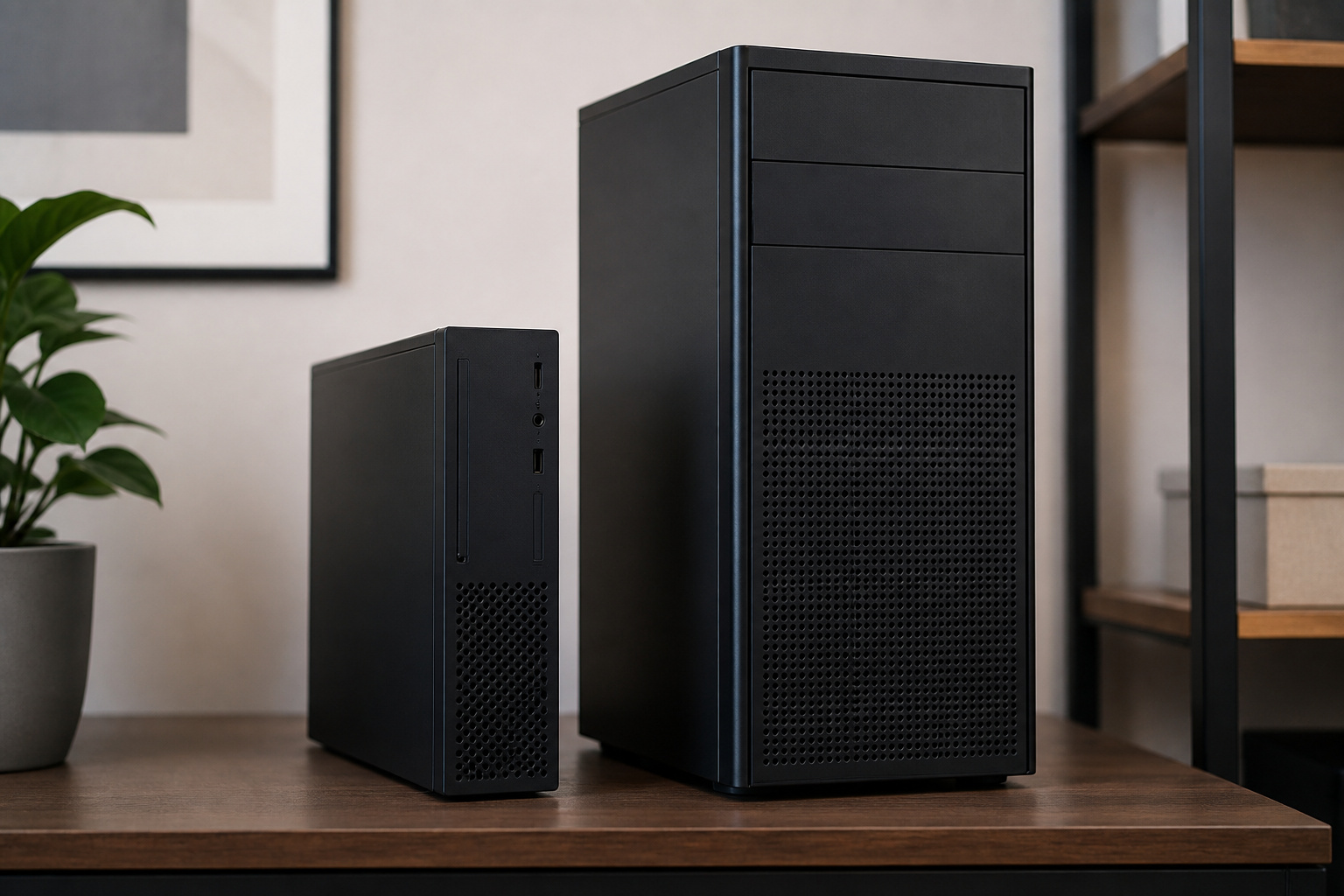
Small-form-factor and mini desktops save space and use less power, while tower models offer more room for upgrades.
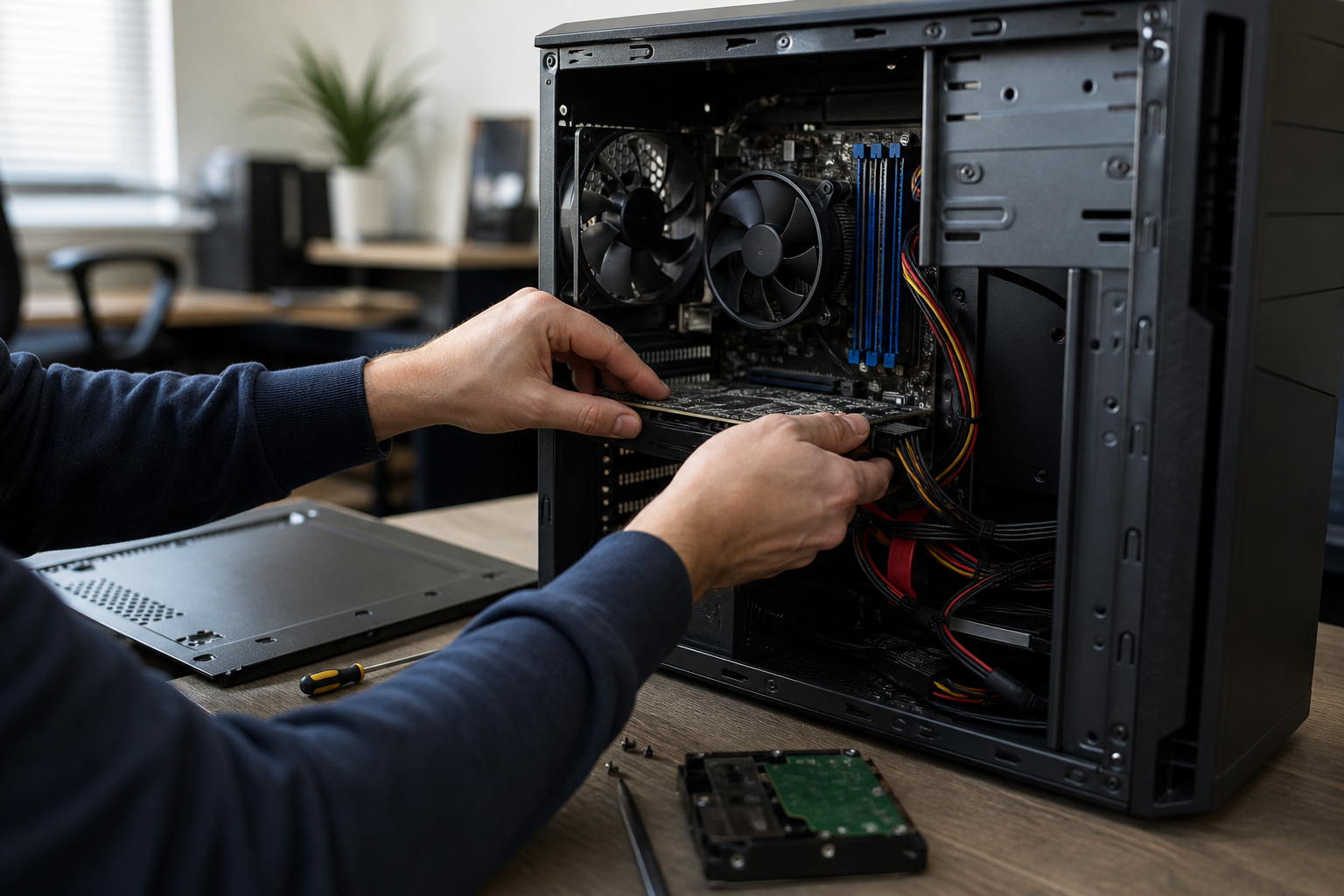
All-in-ones are tidy and quick to set up but are harder to upgrade or repair. Check for spare memory slots, M.2 slots, and a power supply with headroom.
For compact options, see our guide to mini PCs for space-saving computing.
Recommended Products

[COMPATIBLE WITH USB DEVICES] - Our USB Speakers are compatible with Windows, macOS, ChromeOS, and Linux, making them ideal for PC, laptop, and desktop computer. Incompatible Devices: Monitors TVs and Projector.

Faster Performance for Everyday Computing: Powered by the Intel Celeron N5095 processor (4 Cores, 4 Threads, up to 2.9GHz), the KAMRUI AK1PLUS Mini PC delivers up to 30% better overall performance than the Intel Celeron N4500. Easily handle web browsing, online classes, video conferencing, email, and multitasking. This compact mini computer offers responsive performance while maintaining low power consumption for home, office, and business use

**Mini Bluetooth Wireless Mouse**: Compact and lightweight, with the size of a car key, this **portable mouse** is perfect for **travel** and **office** use.
Ports and Connectivity
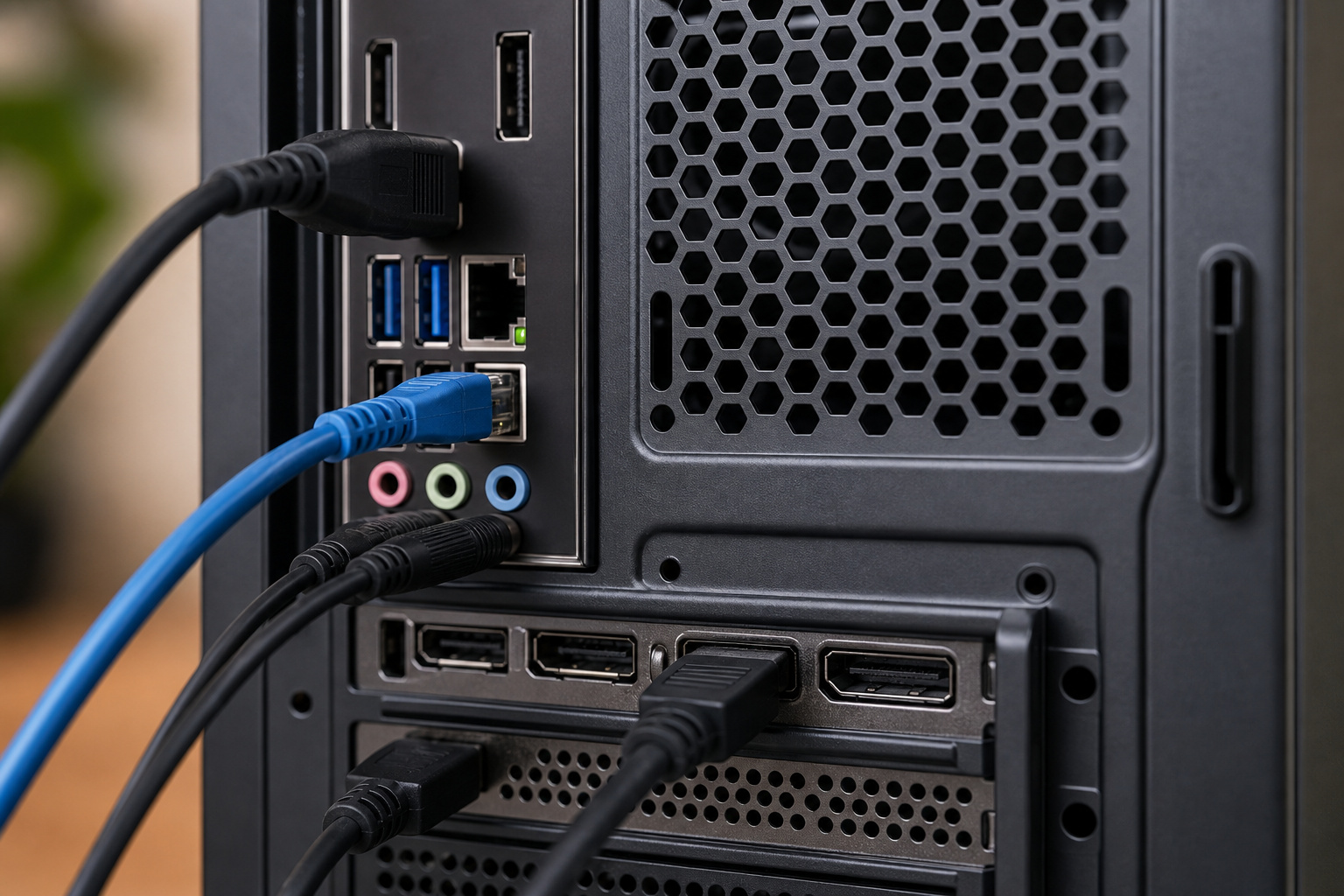
Confirm that the desktop has enough USB-A and USB-C ports for your devices, DisplayPort or HDMI outputs for your monitors, wired Ethernet, and Wi-Fi 6 or newer if you need wireless. Check for legacy ports, such as VGA or serial, only if your equipment needs them. A dock or adapter is cheaper than replacing otherwise good equipment.
Recommended Products

The Anker Advantage: Join the 50 million+ powered by our leading technology.

5-in-1 Connectivity: Equipped with a 4K HDMI port, a 5 Gbps USB-C data port, two 5 Gbps USB-A ports, and a USB C 100W PD-IN port. Note: The USB C 100W PD-IN port supports only charging and does not support data transfer devices such as headphones or speakers.

COMPATIBLE WITH SWITCH 2: This dock station works with Switch 2, Switch, Switch OLED. Not compatible with Switch Lite. (Note: Package includes the dock and user manual only. No cable or charger included.)
Software Compatibility
Most business software runs on Windows, but some industries rely on macOS or Linux. Check the system requirements of your accounting, design, and industry tools, and ask your IT provider if you have legacy software that may need special support.
Warranty, Support and Total Cost
Dell, HP, Lenovo and other business lines typically offer longer warranty options and on-site service, which cut downtime. Total cost includes the purchase price, software licenses, support, energy use, and replacement timing.
Refurbished or previous-generation business desktops can save money if they meet your software needs and support Windows 11. Our guide to refurbished computers explains what to check, and getting the best deal on a computer online covers buying tactics. Memory and SSD prices rose in 2026, so request quotes rather than relying on older price lists.
Frequently Asked Questions
How long should a business desktop last?
Many businesses replace desktops every three to five years, though well-maintained machines can last longer if they still receive security updates and meet your needs. See our guide on how long a computer should last.
Are all-in-one desktops suitable for business?
Yes, for reception, customer service, and point-of-sale roles where space and cable clutter matter. They are harder to upgrade, so choose enough RAM and storage at the start.
What is the difference between consumer and business desktops?
Business models usually add better security and management features, longer parts availability, stronger warranty options, and more consistent configurations. Consumer models focus more on entertainment features and price.
Does brand matter when choosing a business desktop?
It matters for support and warranty. Established business lines are consistent and widely supported, but compare specifications, warranty terms, and service coverage rather than going by name alone.
Should a business lease or buy desktop computers?
Leasing spreads costs and makes regular upgrades easier, while buying costs less over the long run if you keep machines for several years. Compare total cost over your planned replacement cycle, and ask your accountant about tax treatment.