A smart TV’s operating system determines how fast the TV feels, which apps you can use, and how long the TV stays useful.
Roku, Google TV, and Fire TV are the platforms you will see most often. They are all capable, so the best one depends on what you watch and other devices in your home.
Roku TV
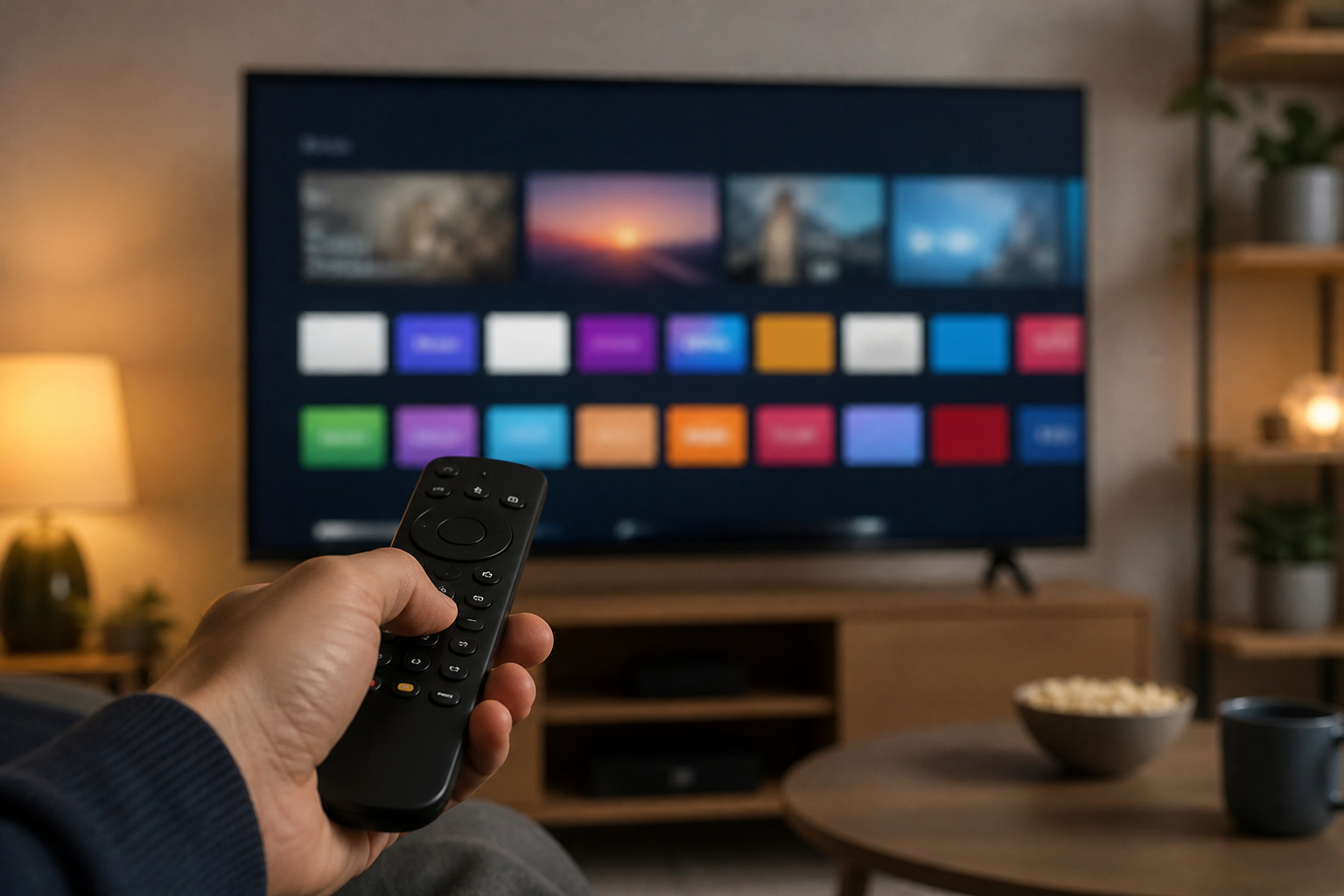
Roku is known for a simple, no-nonsense home screen: a grid of apps with minimal clutter. It supports almost every major streaming service and has universal search across services.
Roku works on TVs from several brands and its own streaming sticks and boxes. It is a good fit if you want something easy and fast that everyone in the house can use.
The trade-off is that its smart-home and voice features are lighter than Google’s or Amazon’s.
Recommended Products

Hides behind your TV: The all-new design plugs right into your TV with a simple setup

Easy voice search & control: Quickly search across thousands of top channels, play entertainment, control your streaming, and more with your voice

HD streaming made simple: With America’s number 1 TV streaming platform,* exploring popular apps—plus tons of free movies, shows, and live TV—is as easy as it is fun. *Based on hours streamed—Hypothesis Group
Google TV
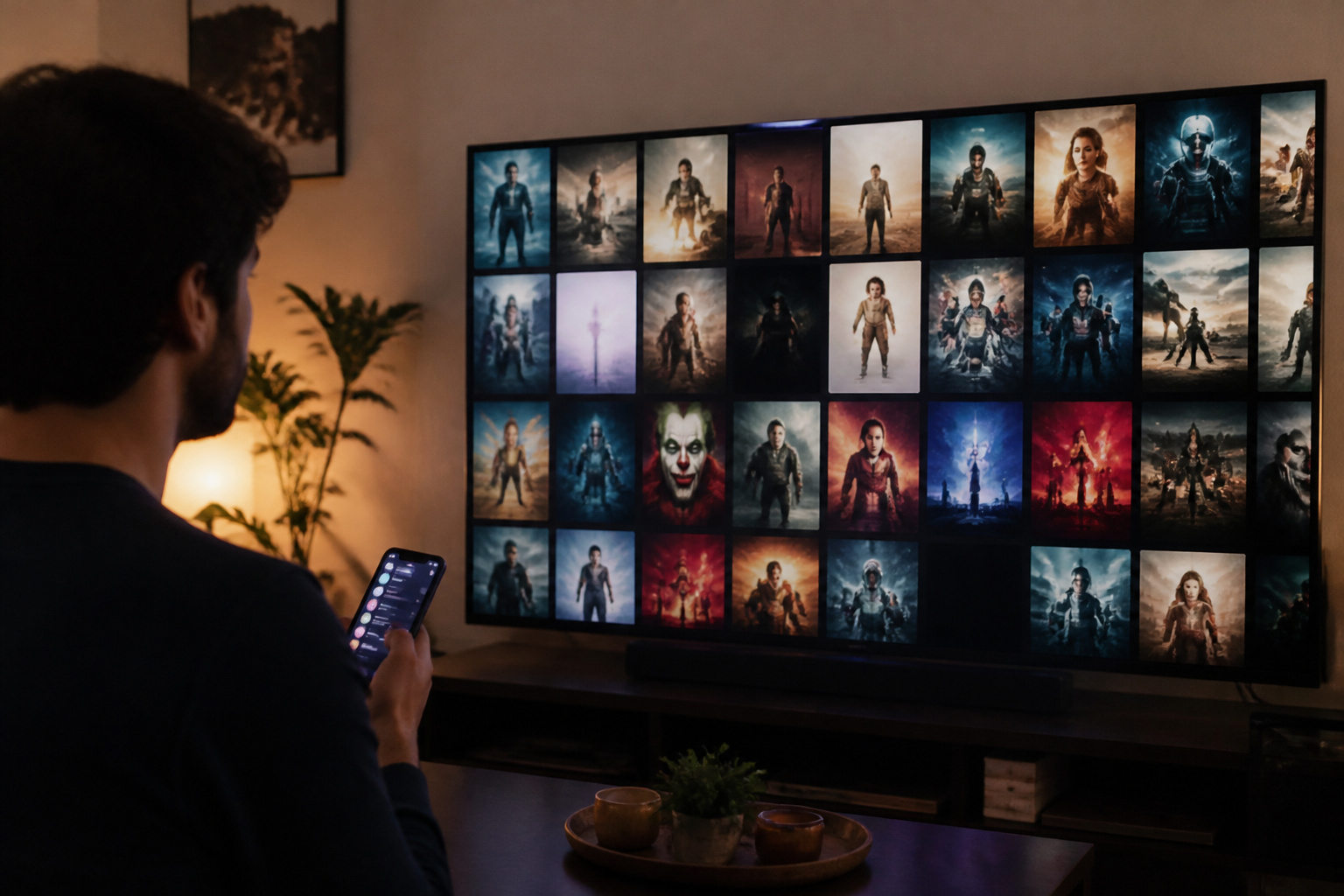
Google TV puts recommendations front and center, pulling shows and movies from your services into one view.
It works naturally with Google Assistant and Chromecast-style casting from your phone, and it supports a very wide app catalog through the Google Play Store. It suits people who already use Android phones and Google services.
Some people find the recommendation-heavy home screen busier than Roku’s.
Recommended Products

4K UltraHD Resolution: Experience incredible detail with 4X the resolution of 1080p Full HDTVs

Bright, clear picture: Bring entertainment to life on our 40" flat screen TV with bright 1080p Full HD—perfect for bedrooms, kitchens, and beyond. Roku Smart Picture cleans up incoming TV signals, optimizes them, and chooses the right picture mode.

4K UltraHD Resolution: Experience incredible detail with 4X the resolution of 1080p Full HDTVs
Fire TV

Amazon’s Fire TV uses Alexa voice control and Prime Video, with ads and Amazon content prominent on the home screen. It is available on TVs from brands like Insignia and Amazon’s own sets, plus Fire TV sticks.
It is a good match for Alexa households and often appears on budget TVs. If you do not like ads or content promotion on the home screen, it may feel pushy.
Recommended Products

Our fastest-ever streaming media player - Brings lightning-fast app starts with an octa-core processor and is 2X as powerful as Fire TV Stick 4K Max.

All your favorite cable channels including the top news, live sports, shows, movies and more for less.
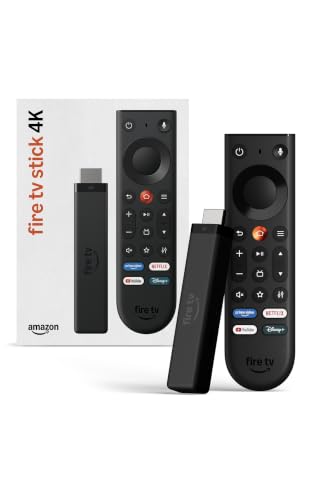
Give new life to your TV – Fire TV Stick 4K enhances your TV with endless entertainment, fast performance, and Alexa+ intelligence, plus a new Fire TV Remote and Wi-Fi 6 support.
Streaming Sticks vs Built-In Smart TV Software
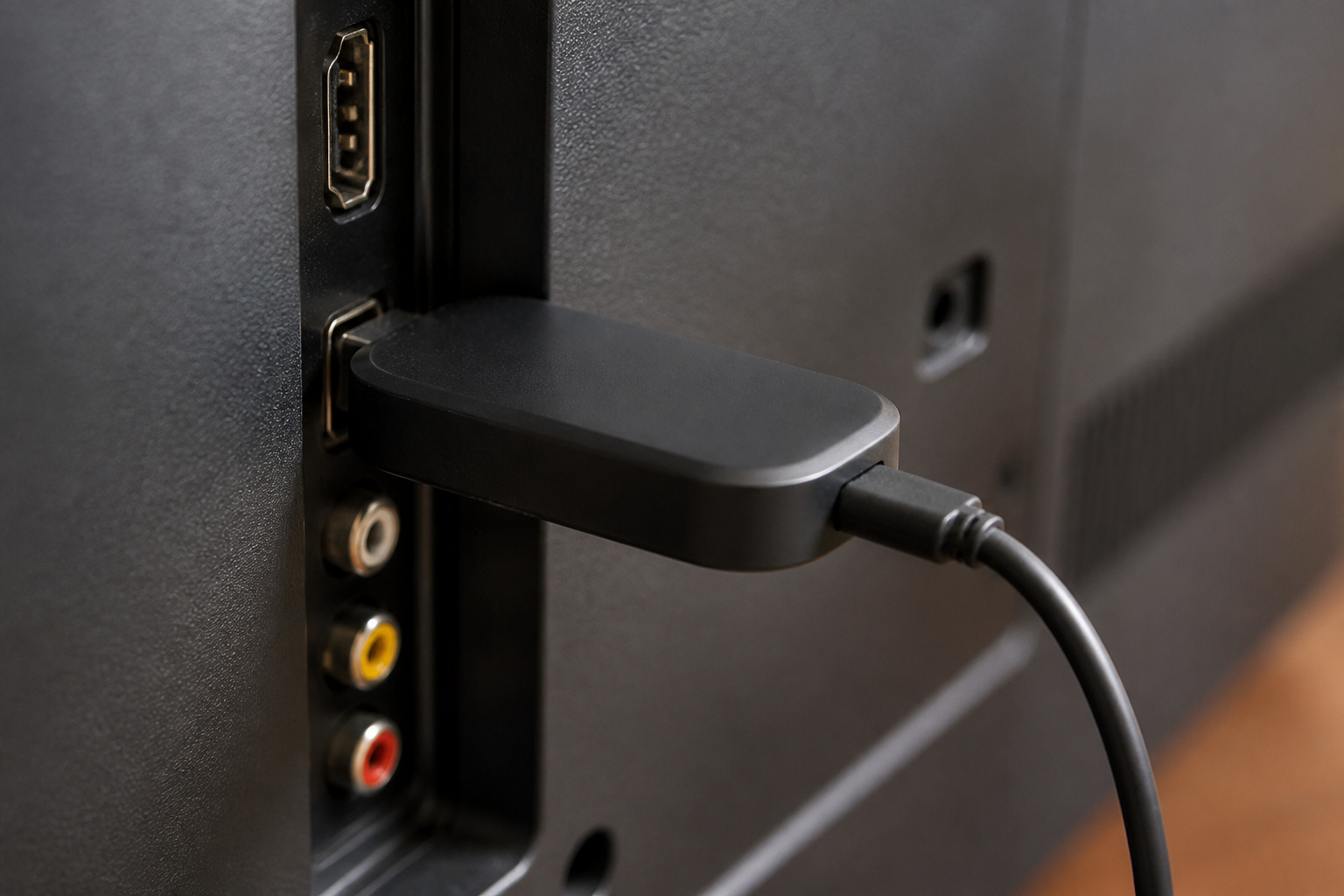
A TV’s built-in software can slow down as apps grow and the processor ages. Many people add a streaming stick or box to upgrade the platform without replacing the TV.
A stick also lets you choose your preferred platform, regardless of what the TV runs. When choosing a streaming device, check supported video formats such as 4K, HDR10, and Dolby Vision, Wi-Fi performance, and the number of supported apps.
If streaming is choppy, see our guide to smart TV buffering before blaming the platform. For picture settings, see our TV settings guide.
Other Platforms You May See
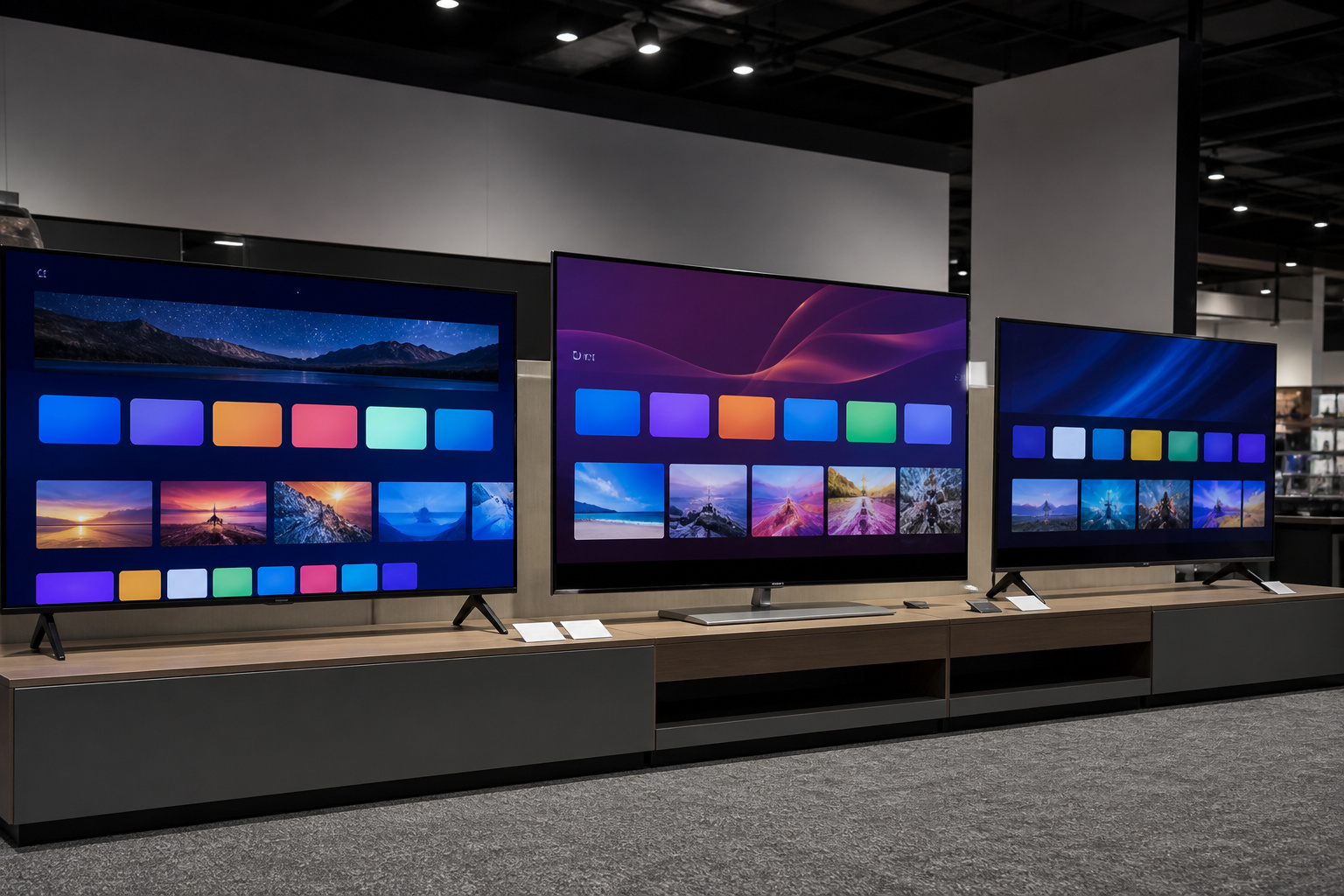
Samsung’s Tizen, LG’s webOS, and Vizio’s SmartCast are built into those brands’ TVs. They are generally good and support the major streaming apps, but app support and update policies vary by brand.
If you are comparing models, read our notes on common TV buying mistakes, since choosing on platform alone can overlook picture quality.
Replacing a Lost Remote or Controlling Several Devices
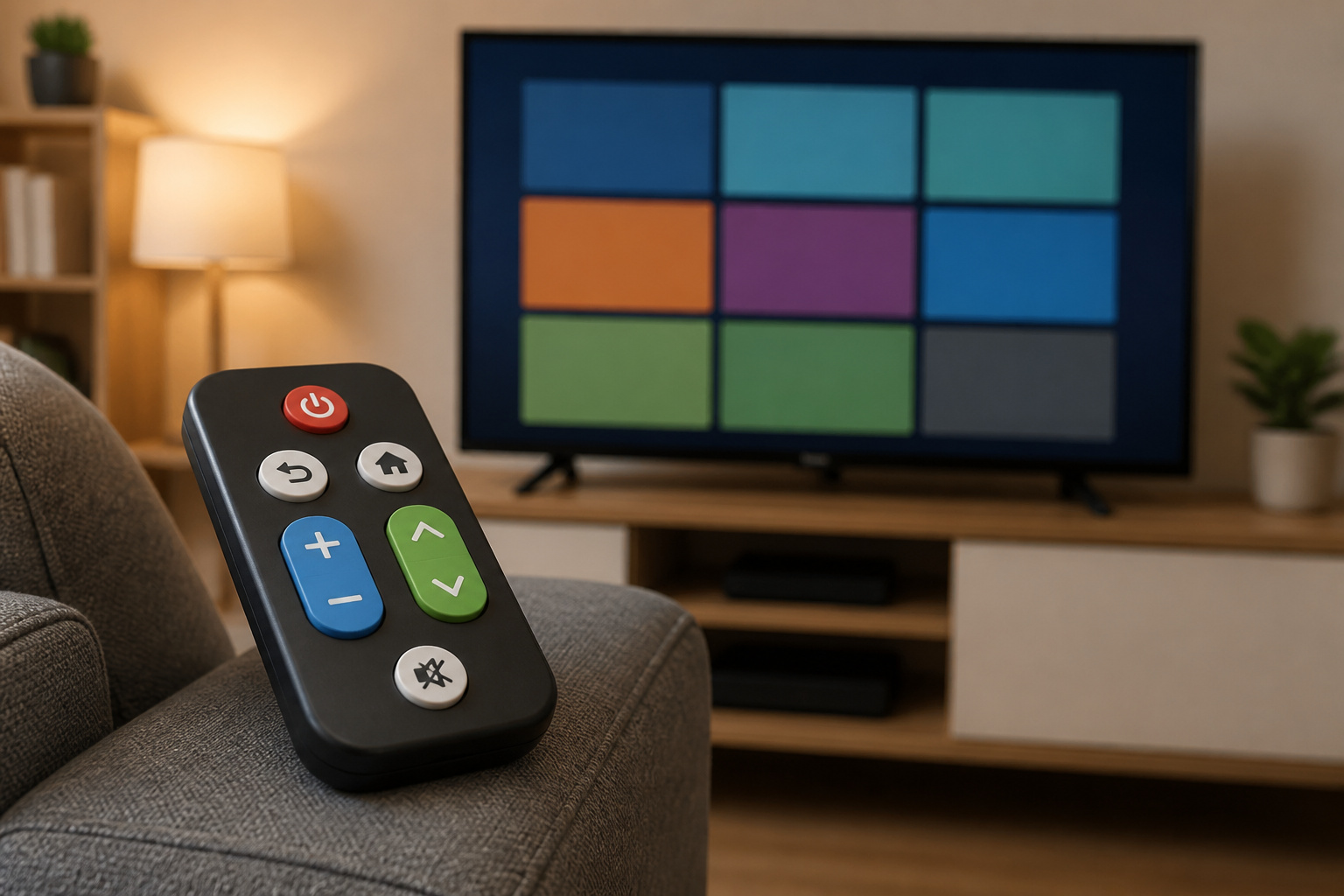
A lost or worn-out remote is one of the most common reasons people look for a universal remote. There are two kinds. Replacement remotes are made for one brand or platform, such as a Roku, Fire TV, or Samsung remote, and work with that device out of the box.
True universal remotes control devices from different brands, using infrared signals, and sometimes Bluetooth or Wi-Fi hubs for devices that do not use infrared.
Before buying, check what you need to control: the TV, a soundbar, a streaming box, a game console. Infrared remotes need line of sight to each device, while hub-based remotes can control devices inside a cabinet. Look for programmable buttons for your most-used apps and backlit keys if you watch in the dark.
Many TVs also let you control volume and power from a streaming remote over HDMI-CEC, which may be all you need. Our guide to connecting a soundbar to any TV covers the settings that let one remote control several devices.
Recommended Products

【Note】MOES SMART IR blaster come with UL certified adapter and USB 2.0 cable,you may plug wherever there is a socket or USB port.One single room one smart IR is recommended as infrared can not break through the wall.Only supports 2.4G Wifi connection.For brands supported by IR blaster, please check the users' guide and use the search function to inquire.

1. Wide Samsung TV Compatibility This universal infrared remote control is compatible with most old and new Samsung TVs, including 2K, 4K UHD, LED, LCD, HDTV, 3D, and Smart TV models. It replaces Samsung remote models BN59-01199F, AA59-00666A, and AA59-00741A, making it a convenient replacement for daily use.

【HIGH COMPATIBILITY】: The WiFi universal remote control is a smart IR remote controller used for household appliances such as TV,Air conditioner,Set-Top Box,Fan and DVD etc.It supports 50000 + devices with an infrared frequency of 38kHz.You can also use the DIY function of Smart Life to configure and add more devices with an infrared frequency of 38kHz and your own infrared remote control.
How to Choose
Choose Roku for simplicity, Google TV for Android and Google integration, and Fire TV for Alexa and Amazon-focused households.
All three work well and can be later replaced with a streaming stick.
Frequently Asked Questions
Which smart TV platform is best?
There is no single best option. Roku is simplest, Google TV has the best recommendations and Android ties, and Fire TV works best with Alexa.
Do smart TVs get slower over time?
They can, because newer app versions demand more from older processors. A streaming stick is a cheap way to refresh the experience.
Can I use a streaming stick on a smart TV?
Yes. Plug it into an HDMI port and switch inputs. Many people prefer this to the TV’s built-in software.
Do smart TV platforms show ads?
Most do to some extent, particularly on the home screen. The amount varies by platform and brand, and some settings can reduce tracking and promotions.
Does the operating system affect picture quality?
Not directly. The panel and processor decide picture quality. The platform affects speed, apps, and ease of use.
Do I need a universal remote?
Only if you control several devices and your existing remotes are a hassle. A brand-matched replacement is cheaper if you just lost one remote.