Wi-Fi 7 mesh systems are the newest and most expensive tier of home networking, and the box art promises speeds that no single device will ever see. The real questions are simpler. What does Wi-Fi 7 actually change, do your devices benefit, and which mesh features matter in a home with walls, floors, and a few dozen connected gadgets?
This guide explains what Wi-Fi 7 adds, how mesh bands and wired backhaul work, how to read coverage and speed claims, and how to decide whether a premium system is worth it for your home. If your main problem is signal in a large or thick-walled house, our guide to setting up a mesh network in a multi-story home covers placement in more detail.
What Wi-Fi 7 Adds Over Wi-Fi 6 and 6E
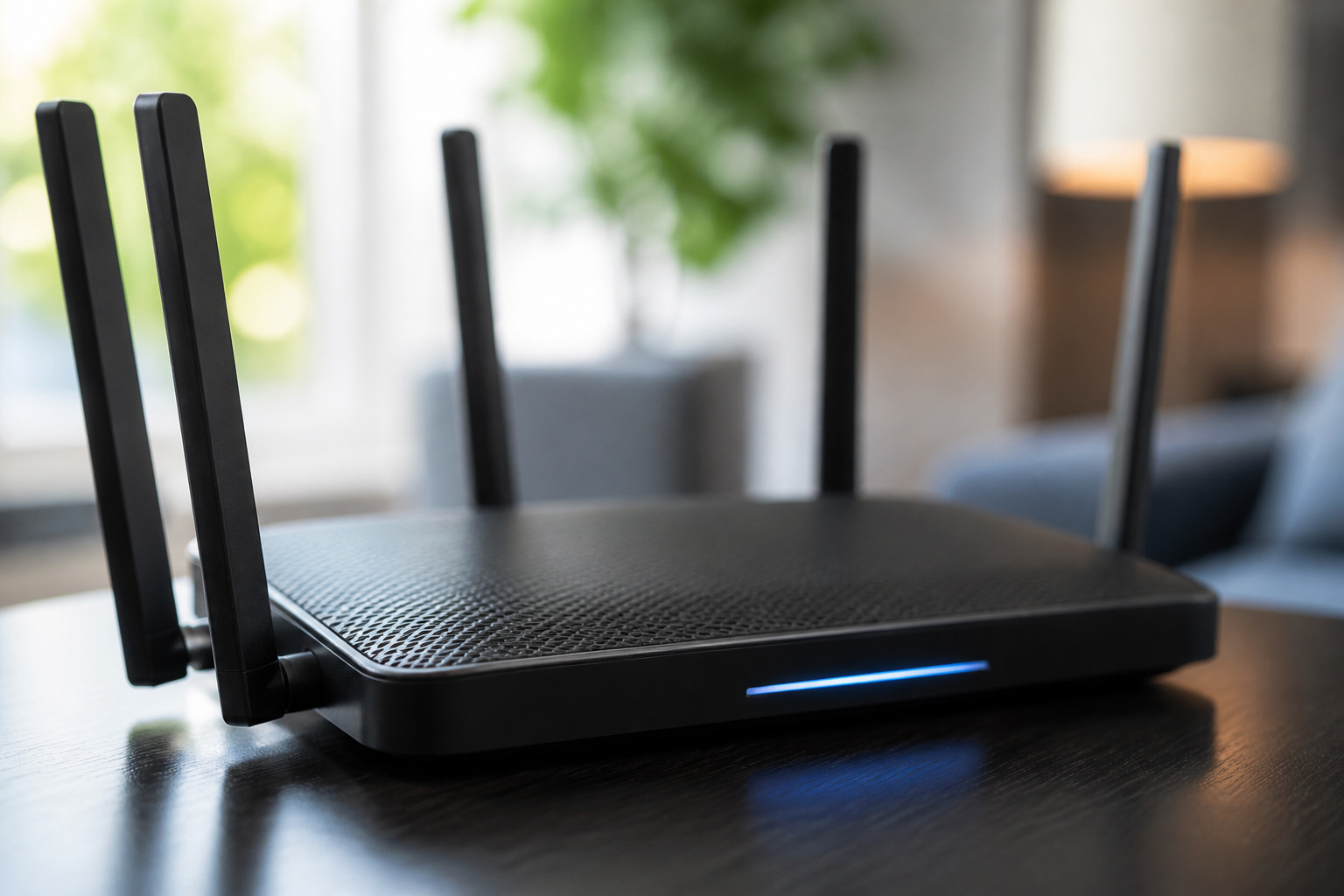
Wi-Fi 7 is the name used for the IEEE 802.11be standard. The Wi-Fi Alliance launched its Wi-Fi CERTIFIED 7 program in January 2024, and the IEEE published the final standard in July 2025. Like Wi-Fi 6E, it operates on the 2.4, 5, and 6 GHz bands, but its main improvements focus on using those bands more efficiently.
- Multi-Link Operation (MLO): A Wi-Fi 7 device can use several bands simultaneously, and traffic can shift to the least congested link. This is the headline feature, and it is required for Wi-Fi 7 certification.
- Wider channels: Wi-Fi 7 allows 320 MHz channels in the 6 GHz band, double the widest channel in Wi-Fi 6E. Wide channels are optional for certification and depend on how much 6 GHz spectrum your region allows.
- 4096-QAM: A denser way of packing data into each signal, raising theoretical speeds by about 20 percent over Wi-Fi 6 when the signal is very strong. It is also optional, and it only helps at close range with a clean signal.
- Multi-RU: A single device can be assigned several channel slices at once, making better use of busy airtime.
The standard’s theoretical maximum is about 23 gigabits per second on a single 320 MHz link, but real-world results are far lower. Speeds depend on distance, walls, interference, and what your device supports. Treat the big numbers as ceilings, not predictions.
Do You Need Wi-Fi 7?
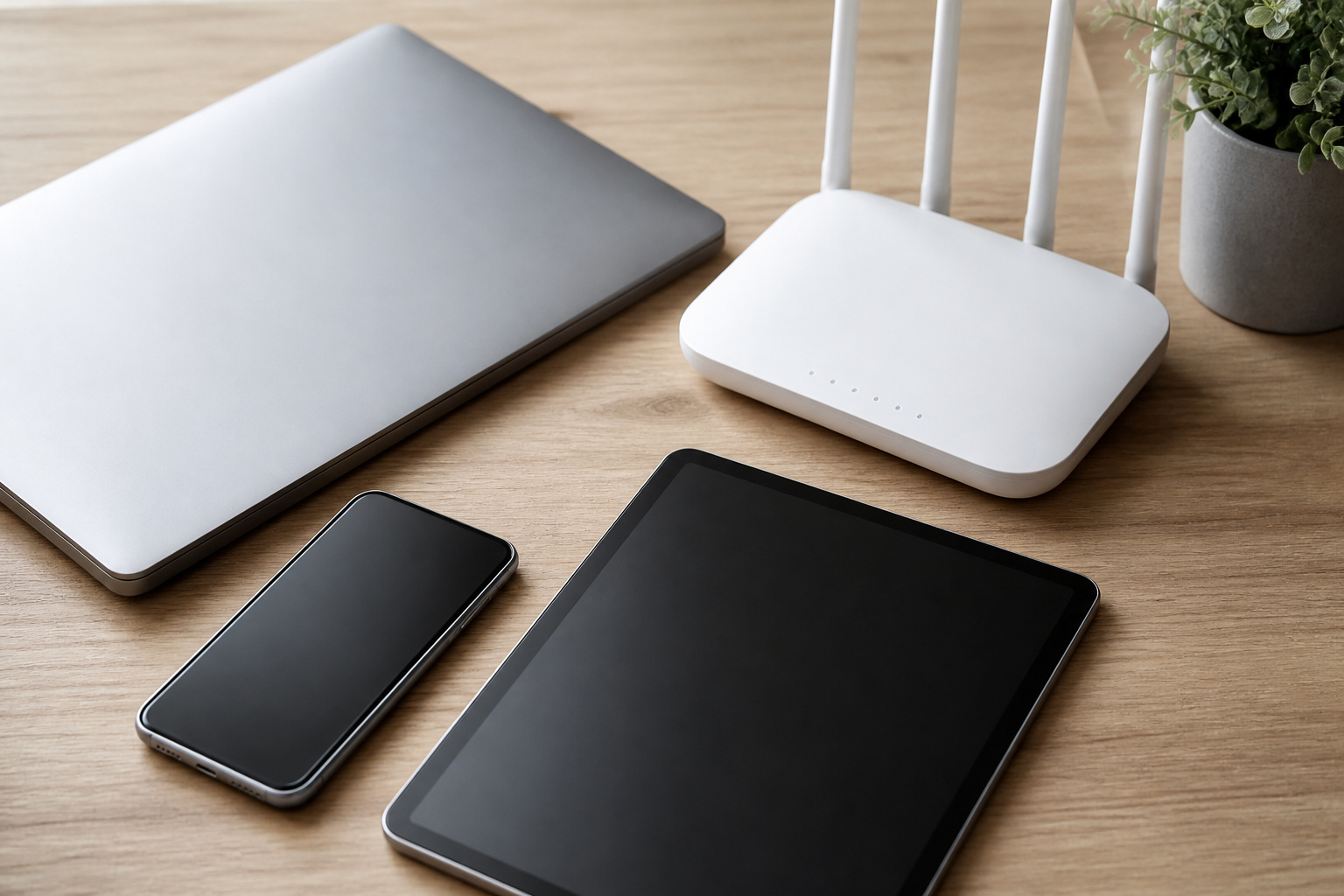
Wi-Fi 7 only delivers its benefits when both the router and the device support it. Older phones, laptops, TVs, and smart home gadgets still connect to a Wi-Fi 7 system, but they run at their own speeds and do not gain from the new features. Many recent premium phones and laptops support Wi-Fi 7, while most smart speakers, cameras, plugs, and streaming sticks do not.
That makes Wi-Fi 7 a reasonable buy in a few situations: you already own Wi-Fi 7 devices, you have a fast internet plan and want a router that will not be the limit, or you want to buy once and keep the system for many years. It matters less if most of your devices are older, your internet plan is modest, or your real problem is a dead zone. In that case, a well-placed Wi-Fi 6 or 6E mesh system often fixes the problem for less money.
If buffering or slow streaming bothers you more than raw speed, check your router’s position and Wi-Fi channel before spending any more money. Our guide about why a smart TV keeps buffering walks through the common causes.
Recommended Products

𝐃𝐞𝐜𝐨 𝟕 𝐒𝐮𝐩𝐞𝐫𝐜𝐡𝐚𝐫𝐠𝐞𝐝 𝐰𝐢𝐭𝐡 𝟒-𝐒𝐭𝐫𝐞𝐚𝐦 𝐁𝐄𝟓𝟎𝟎𝟎 𝐃𝐮𝐚𝐥-𝐁𝐚𝐧𝐝 𝐖𝐢𝐅𝐢 𝟕: Delivers up to 4324 Mbps (5 GHz) and 688 Mbps (2.4 GHz) speeds for 4K/8K streaming, AR/VR gaming, and more◇. Performance varies by conditions, distance to devices, & obstacles such as walls.

𝐅𝐞𝐚𝐭𝐮𝐫𝐞-𝐑𝐢𝐜𝐡 𝐖𝐢-𝐅𝐢 𝐁𝐮𝐢𝐥𝐭 𝐭𝐨 𝐋𝐚𝐬𝐭: Get expansive whole-home coverage, fast Wi-Fi 7 speeds, and a future-ready 10G WAN/LAN port that stays ahead as your network grows. Ideal for both everyday users and performance-focused homeowners.

𝐅𝐞𝐚𝐭𝐮𝐫𝐞-𝐑𝐢𝐜𝐡 𝐖𝐢-𝐅𝐢 𝐁𝐮𝐢𝐥𝐭 𝐭𝐨 𝐋𝐚𝐬𝐭: Get expansive whole-home coverage, fast Wi-Fi 7 speeds, and a future-ready 10G WAN/LAN port that stays ahead as your network grows. Ideal for both everyday users and performance-focused homeowners.
Bands and Backhaul: Dual, Tri, and Quad-Band Mesh
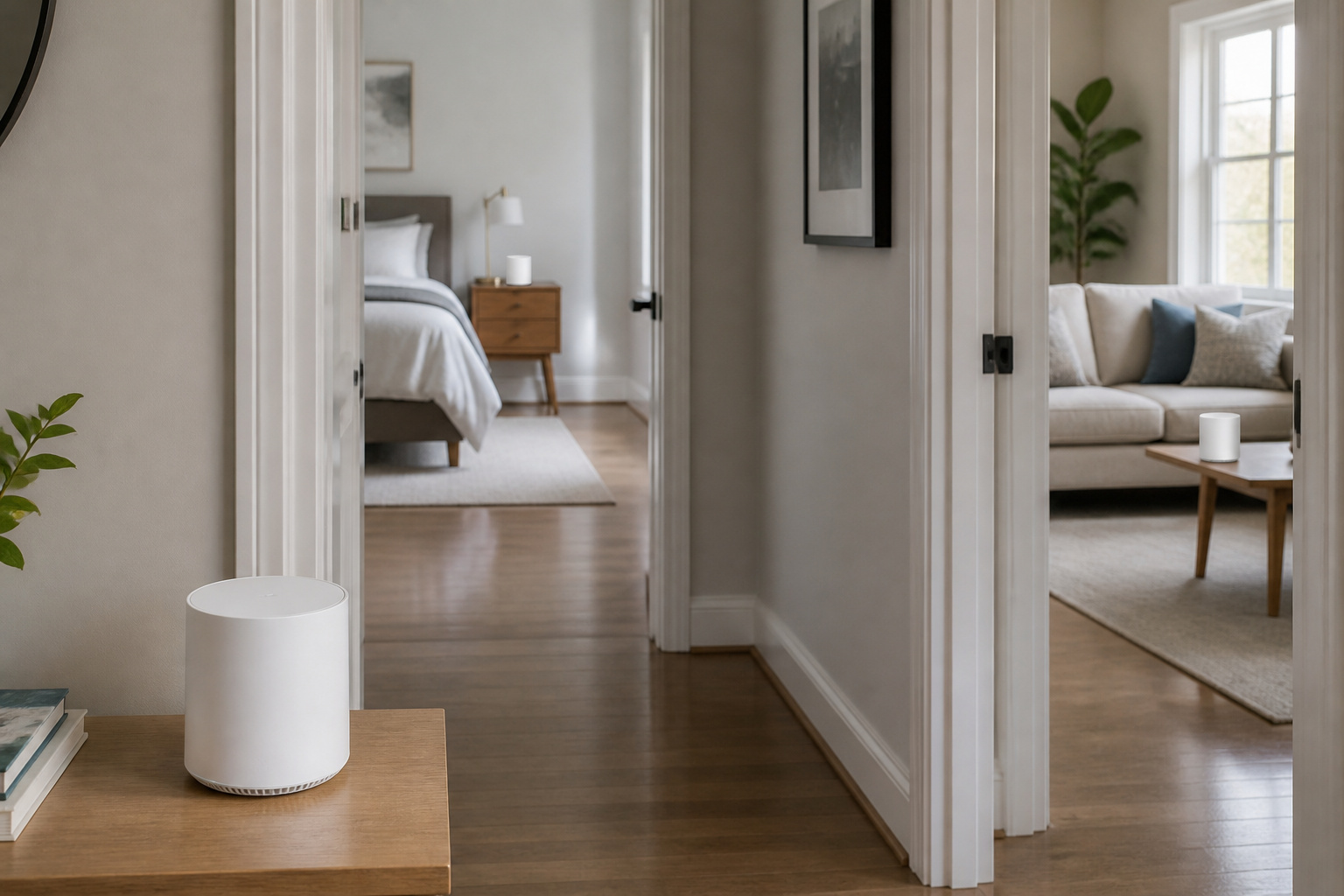
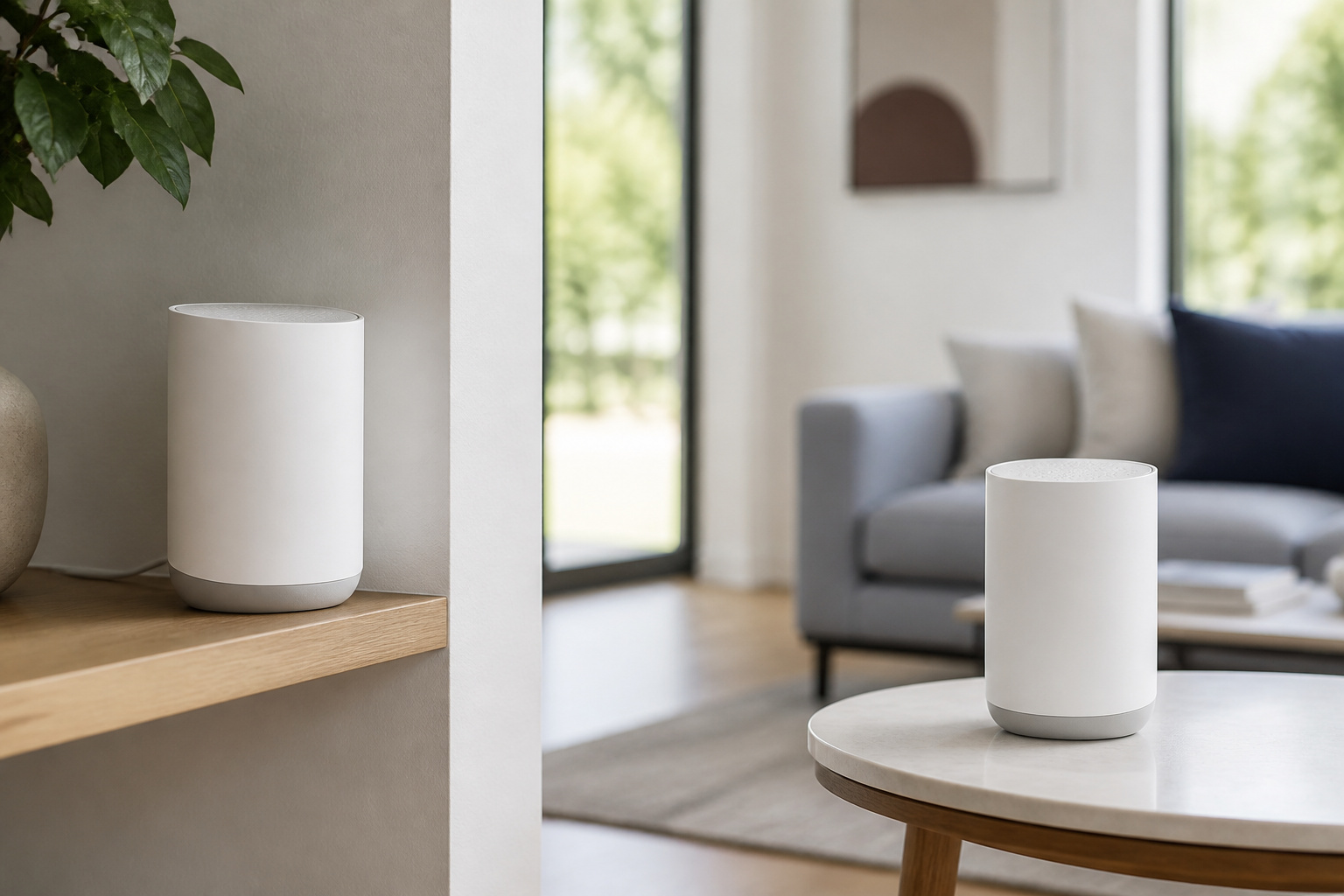
A mesh system has two jobs. It talks to your devices, and its nodes talk to each other. That second link is called backhaul, and it’s why many mesh systems lose speed.
A dual-band system has to share the same radios between your devices and the link between nodes, so every wireless hop can cut throughput. A tri-band system adds a third radio that can be set aside for backhaul. A quad-band system adds yet another, usually a second 6 GHz radio. More radios give the system more room to separate device traffic from node-to-node traffic.
| Mesh type | Radios | What the extra radio does |
|---|---|---|
| Dual-band | 2.4 GHz and 5 GHz | Shares radios between devices and node links, so each wireless hop can slow things down |
| Tri-band | 2.4, 5, and 6 GHz, or two 5 GHz | Can set one radio aside for node links |
| Quad-band | 2.4, 5, and two 6 GHz | More capacity to separate device traffic from node links |
As an example, ASUS lists its ZenWiFi BQ16 Pro as a quad-band system with one 2.4 GHz radio, one 5 GHz radio, and two 6 GHz radios. Its combined rating adds the maximum speed of each band, which ASUS rounds to about 30,000 megabits per second. That number is a sum across all radios. No single device connects to all four at once, so it is not a speed you will measure on a phone or laptop.
Recommended Products

OUR MOST AFFORDABLE WI-FI 7 ROUTER - eero 7 helps you future-proof your network and make the most of Wi-Fi 7 performance starting today.

WHOLE-HOME COVERAGE WITH NO DEAD ZONES: The router plus satellites create a seamless mesh system that blankets up to 8,000 sq ft in fast, reliable WiFi from the front door to the backyard and basement to rooftop, link up to 100 devices on one network

𝐍𝐞𝐱𝐭-𝐆𝐞𝐧 𝐖𝐢-𝐅𝐢 𝟕 𝐰𝐢𝐭𝐡 𝟖-𝐒𝐭𝐫𝐞𝐚𝐦 𝐓𝐫𝐢-𝐁𝐚𝐧𝐝 𝐮𝐩 𝐭𝐨 𝟏𝟒 𝐆𝐛𝐩𝐬 - Deco 7 Pro BE67 delivers smooth 4K/8K streaming, immersive AR/VR gaming, and blazing-fast downloads with speeds up to 8,647 Mbps on the 6 GHz band, 4,324 Mbps on the 5 GHz band, and 688 Mbps on the 2.4 GHz band with 8 streams, and optimize performance on latest WiFi 7 laptops and devices, like the iPhone 16 Pro, Samsung Galaxy S24 Ultra, and PS5 Pro with the latest WiFi 7 technology of Multi-Link Operation, Multi-RUs, and 4K-QAM.◇⌂
Wired Backhaul and Multi-Gig Ports
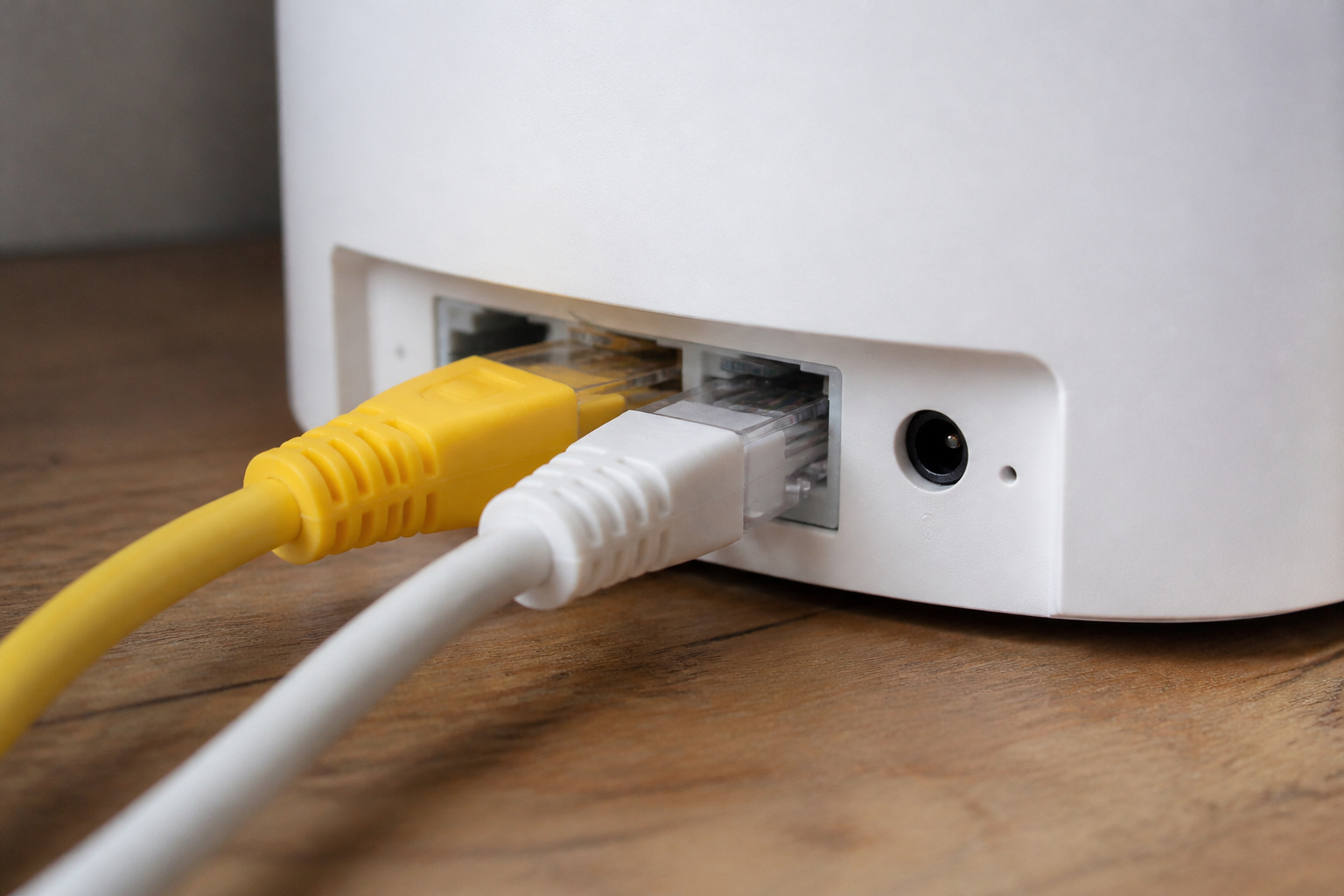
The most reliable way to get the most from a mesh system is to connect the nodes with Ethernet cable. A wired link removes the wireless hop entirely, so nodes can put all their radio capacity into serving devices. If your home already has Ethernet runs in the walls, use them. If it does not, a cable along a baseboard or a MoCA adapter over coax cable can be worth the trouble in a large home.
Ports matter on a premium system. Look at what the router offers beyond the standard gigabit ports:
- A multi-gig WAN port if your internet plan is faster than one gigabit. Without one, the router cannot take full advantage of the plan.
- Multi-gig LAN ports for a wired desktop, a network storage drive, or a link to another node.
- Enough ports on each node if you want to plug in a TV, game console, or work computer next to it.
- A USB port, which on some models supports a mobile tethering backup for when the main internet connection fails.
ASUS lists the BQ16 Pro with two 10-gigabit ports, one of which can serve as the WAN port, plus gigabit ports and one USB 3.0 port. Not every system has ports this fast, so check the spec sheet against the plan you pay for. A system with multi-gig ports is mostly useful if your internet plan or your wired devices can use them.
Recommended Products

Multi‑Gig speed for today & tomorrow: DOCSIS 3.1 performance supports cable internet plans up to 2.5 Gbps, delivering ultra‑fast streaming, gaming, and downloads.

WHOLE-HOME WI-FI 6 COVERAGE - eero covers up to 1,500 sq. ft. with wifi (a 22 foot radius) and supports wifi speeds up to 900 Mbps.

REDEFINING WI-FI ROUTERS: With powerful Wi-Fi 7 performance, lightning-fast wired connections, brand-new design, and easy-to-use touchscreen and LED screen. All WiFi routers require a separate modem.
Coverage Claims and Real Walls
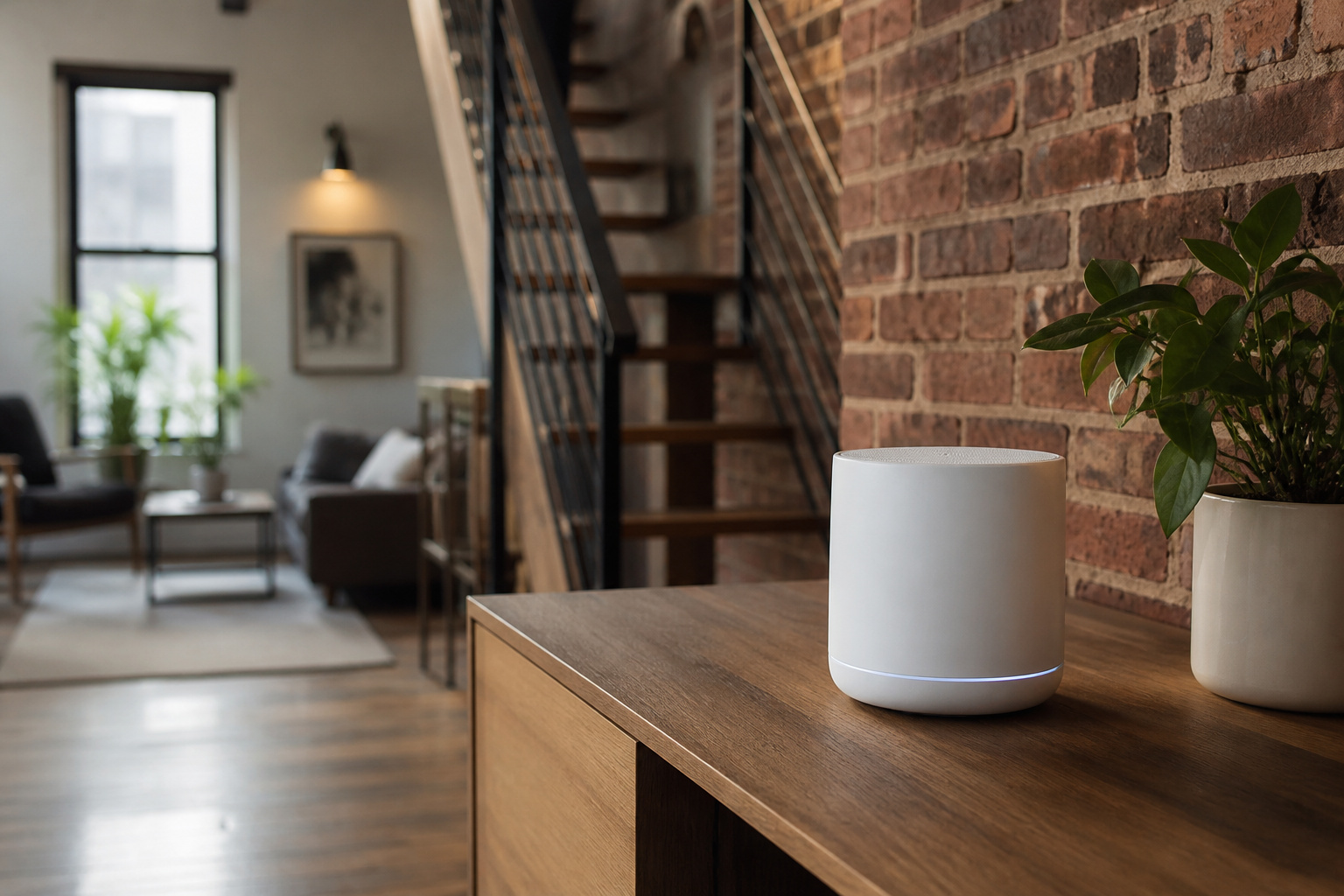
Coverage ratings are the hardest numbers on a mesh box to trust. A two-pack that is rated for thousands of square feet was usually measured in an open space, and walls, floors, and building materials cut the range in real homes. For example, ASUS rates its BQ16 Pro two-pack for up to 8,000 square feet. It’s a best-case figure; not a promise for your floor plan.
Frequency also matters. The 6 GHz band is fast but does not pass through walls and floors as well as 2.4 or 5 GHz, so a node that looks strong across an open room can slow a lot in the next room. Brick, concrete, plaster with metal lath, and large mirrors or appliances all absorb signal. In a multi-story or thick-walled home, one node per floor and a wired link between them will do more than a bigger coverage number.
A practical approach is to count floors and thick walls, not just square feet. Plan one node for each area separated from the main router by two or more heavy walls, then test speeds with your phone in the rooms that matter before you commit to a layout.
Security, Parental Controls, and Subscriptions
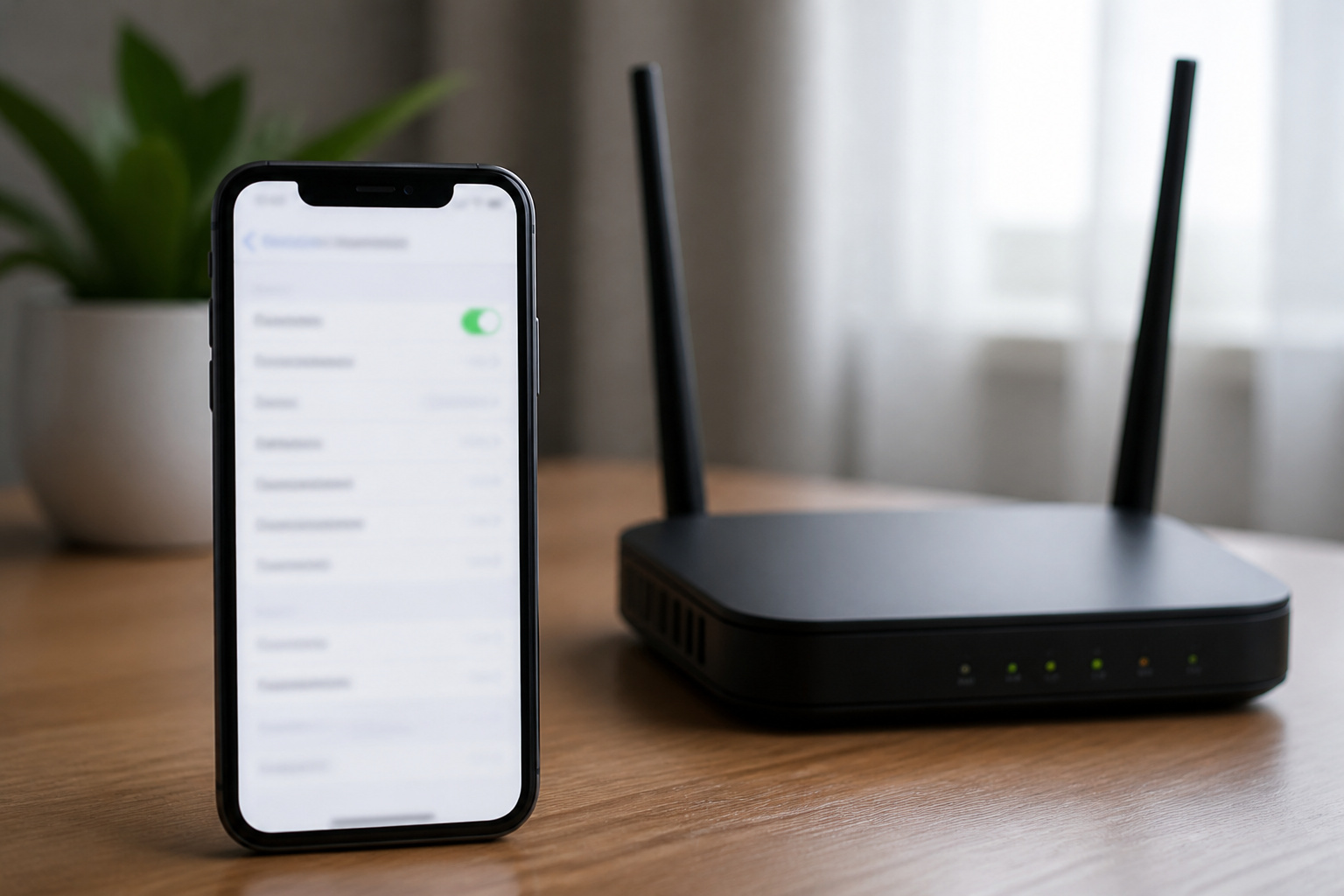
Mesh systems increasingly include network protection, parental controls, and a built-in VPN. These features are useful, but the pricing differs by brand. Some companies include them for the life of the product, and others offer a basic tier and charge a monthly fee for the rest.
Before you buy, check which features work without a subscription. Useful features to compare include malicious site blocking, device-level time limits and content filters, guest and IoT networks that keep smart home devices apart from your computers, and the ability to create a separate network for visitors. ASUS lists a security suite called AiProtection Pro, powered by Trend Micro. It blocks malicious sites and infected devices, and includes VPN server options such as WireGuard, OpenVPN, and IPSec. Confirm the current subscription terms on the manufacturer’s page, since they can change.
A router is also the front door to every device in your home. Turn on automatic firmware updates, change the default admin password, use WPA3 where your devices support it, and put smart home gadgets on a guest or IoT network if the router allows it.
Recommended Products

Ultrafast WiFi 7 – WiFi 7 (802.11be) dual-band extendable router boosts speed up to 6500 Mbps, with 4096-QAM increasing a single frequency band’s transmission speed by 1.2 times

Beyond-fast WiFi 7 (802.11be) - WiFi 7 (802.11be) dual-band extendable router boosts speeds up to 3600 Mbps, with 4096-QAM increasing a single frequency band’s transmission speed by 1.2 times

New-Gen WiFi Standard – WiFi 6(802.11ax) standard supporting MU-MIMO and OFDMA technology for better efficiency and throughput.Antenna : External antenna x 4. Processor : Dual-core (4 VPE). Power Supply : AC Input : 110V~240V(50~60Hz), DC Output : 12 V with max. 1.5A current.
Mesh Ecosystems and Adding Nodes
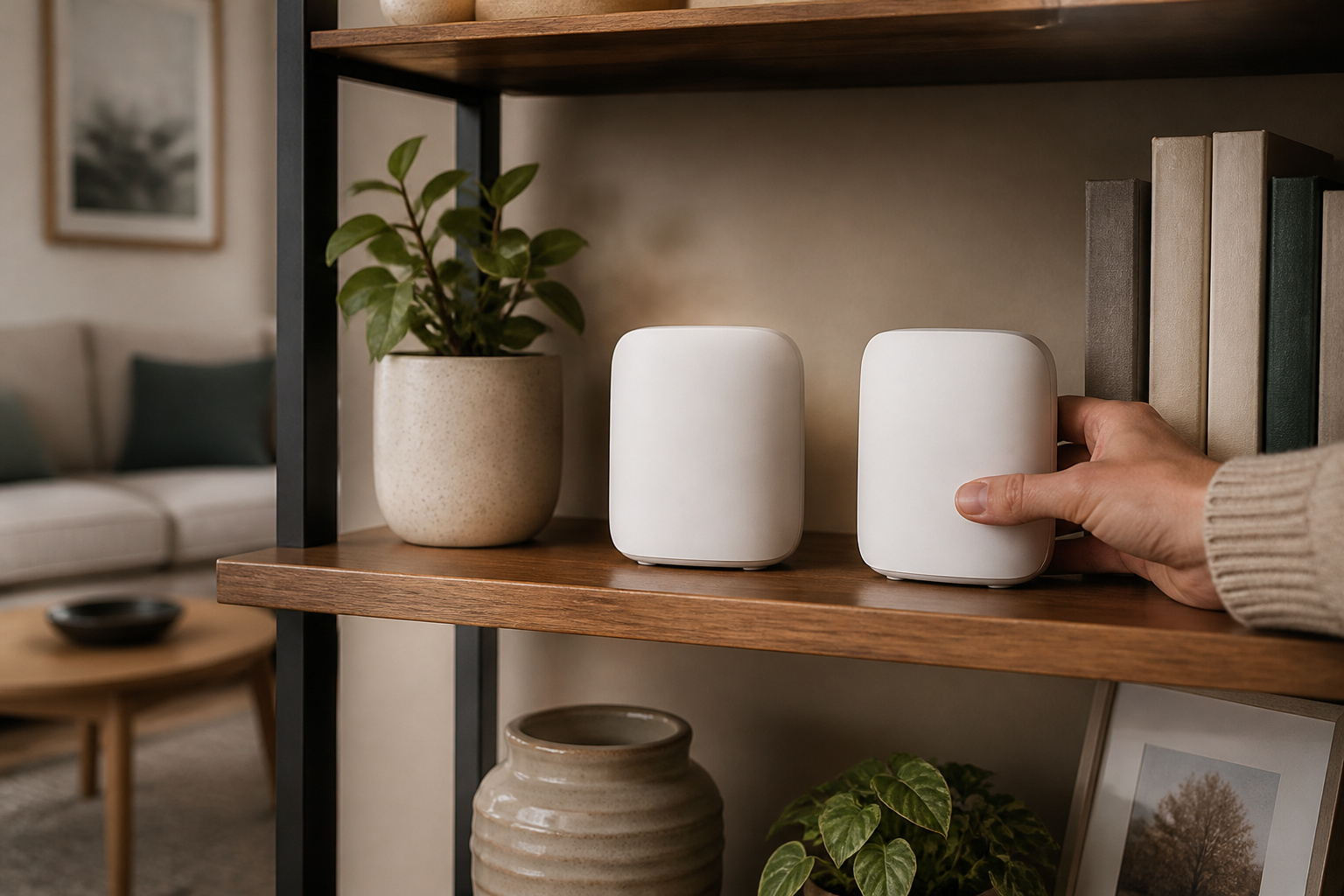
Most mesh systems are designed to be expanded with nodes from the same brand. Some brands allow you to mix different router models into one mesh. ASUS calls this AiMesh, and it lists the ZenWiFi BQ16 Pro as both a primary router and a node. Compatibility depends on the specific models, so check the brand’s compatibility list before you rely on mixing older and newer hardware.
Keep an eye on the app too. Most mesh systems are managed through a phone app, and that app quality matters for setup and daily use. Look for features such as a clear signal map, a guest network toggle, and the ability to restart a single node. Some systems also offer a web interface with more settings for people who want deeper control. If you use many smart home devices, our guide to mixing brands in a smart home explains why a stable network is the foundation for everything.
Choosing a System for Your Home
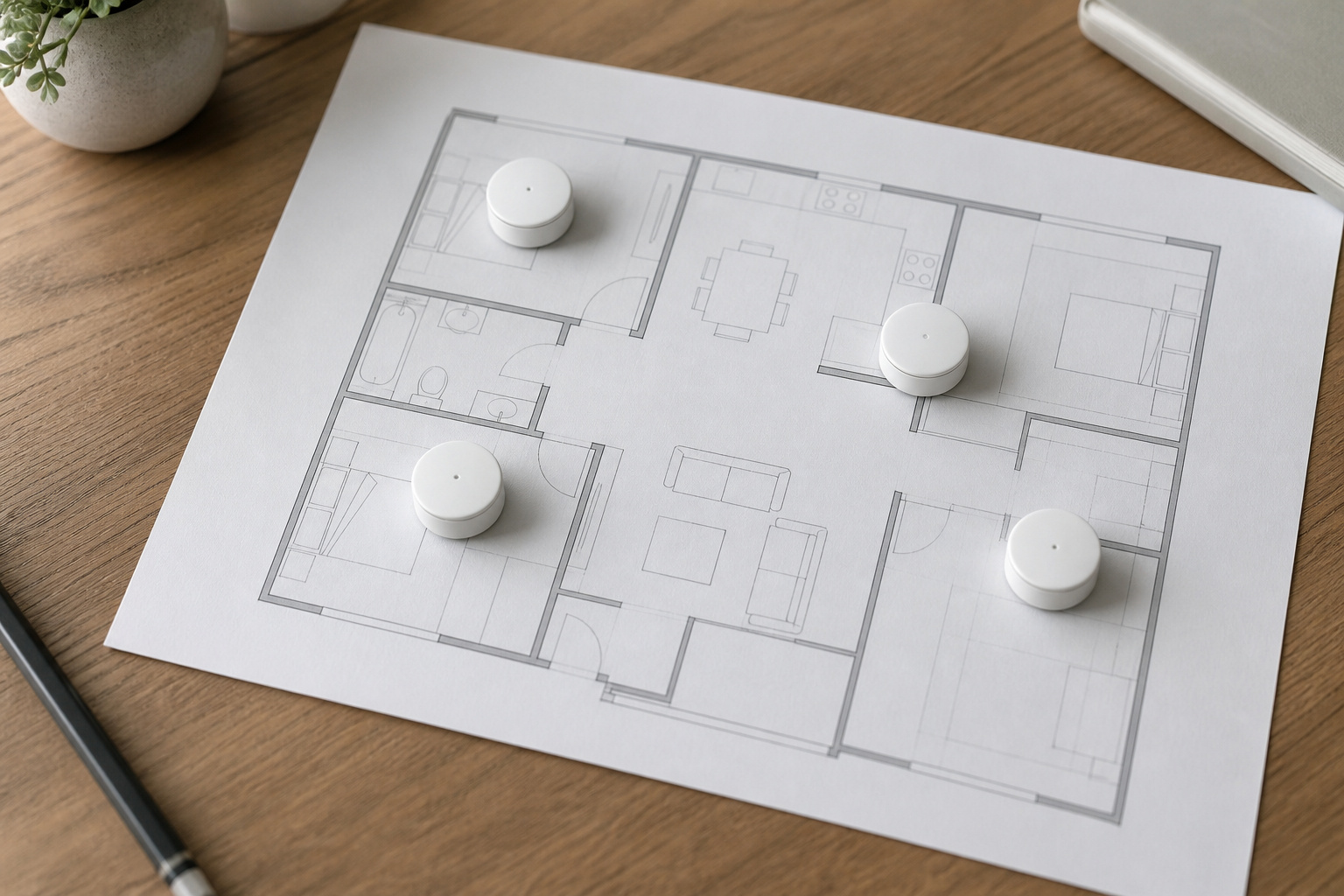
Match the system to your home and your devices instead of buying the biggest box. A few common situations:
- Small or medium home with a few walls: A single good router, or a two-node Wi-Fi 6 or 6E mesh, is often enough. Wi-Fi 7 adds cost without much benefit unless you own Wi-Fi 7 devices.
- Large or multi-story home: A tri-band or quad-band mesh with wired backhaul where possible. Wireless backhaul works best with a dedicated radio.
- Fast internet plan above one gigabit: Look for a multi-gig WAN port and multi-gig LAN ports so the router is not the bottleneck.
- Many smart home devices: Prioritize a guest or IoT network, stable firmware updates, and a good app over peak speed numbers.
- Budget-limited buyer: Put money into node placement and a wired backhaul before a higher-tier radio setup.
Whichever system you choose, compare the update record, the app, and the subscription terms alongside the speed numbers. Those are what you will live with after the novelty of a faster box wears off.
Recommended Products

𝐅𝐞𝐚𝐭𝐮𝐫𝐞-𝐑𝐢𝐜𝐡 𝐖𝐢-𝐅𝐢 𝐁𝐮𝐢𝐥𝐭 𝐭𝐨 𝐋𝐚𝐬𝐭: Get expansive whole-home coverage, fast Wi-Fi 7 speeds, and a future-ready 10G WAN/LAN port that stays ahead as your network grows. Ideal for both everyday users and performance-focused homeowners.
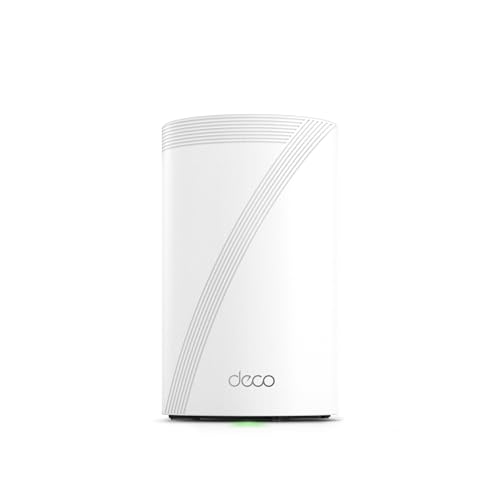
𝐅𝐞𝐚𝐭𝐮𝐫𝐞-𝐑𝐢𝐜𝐡 𝐖𝐢-𝐅𝐢 𝐁𝐮𝐢𝐥𝐭 𝐭𝐨 𝐋𝐚𝐬𝐭: Get expansive whole-home coverage, fast Wi-Fi 7 speeds, and a future-ready 10G WAN/LAN port that stays ahead as your network grows. Ideal for both everyday users and performance-focused homeowners.

𝗦𝘂𝗽𝗲𝗿𝗰𝗵𝗮𝗿𝗴𝗲𝗱 𝗪𝗶-𝗙𝗶 𝟲𝗘: Experience the future of Wi-Fi performance with Wi-Fi 6E. With a new, congestion-free 6 GHz, connect more devices at faster speeds with smoother connections and less interference.
Frequently Asked Questions
Is Wi-Fi 7 Backward Compatible With Older Devices?
Yes. Wi-Fi 7 routers and mesh systems still connect Wi-Fi 6, 5, and older devices. Those devices run at their maximum speeds and do not use the new Wi-Fi 7 features, so you will not see a speed boost on them.
Do I Need a Wi-Fi 7 Mesh System to Get Rid of Dead Zones?
Not necessarily. Dead zones are about node placement and backhaul, not the Wi-Fi generation. A well-placed Wi-Fi 6 or 6E mesh system, ideally with Ethernet between nodes, often fixes a dead zone for less money.
What Happens if One Mesh Node Fails?
In most mesh systems, the remaining nodes keep working, but the area the failed node serves loses coverage or drops to a weaker signal. If the main router fails, the whole network goes down because it connects to your modem. Keeping the nodes’ firmware updated and avoiding long wireless hop chains reduces the risk.
Can I Use a Mesh System With Another Router?
Many mesh systems can run in access point mode, turning them into extra Wi-Fi coverage behind a router you already own. This can be a reasonable option if you like your current router but need more range. Check the manual, since some features, such as parental controls and quality of service, may be limited in access point mode.
How Do I Know If My Devices Support Wi-Fi 7?
Check the spec sheet or settings for your phone, laptop, or console. Look for Wi-Fi 7 or 802.11be. Many older and midrange devices list Wi-Fi 6 or 6E instead, which means they will not use the new features even on a Wi-Fi 7 router.
Closing Thoughts
Wi-Fi 7 is a real step forward, but it pays off only when your devices, internet plan, and home layout can use it. Start by deciding how many floors and thick walls need coverage, whether you can run Ethernet between nodes, and which of your devices support the new standard. Then compare ports, subscription terms, and the app, not just the box speed. A well-planned mesh system that fits your home will serve you better than the highest number on a spec sheet.