A work-from-home computer has to handle video calls all day, stay secure, and be comfortable enough to use for hours.
Raw power matters less than reliability, a good display, and security. This guide covers what to look for and how to set up safely.
Check What Your Employer Requires

Before buying, ask whether your employer provides a device or requires specific hardware, software, or operating systems.
Many employers supply a managed laptop, and using it for work keeps company data off personal equipment. If you use your own computer, follow your employer’s security policy.
Products Worth Considering


Privacy Protection: This Webcam Cover helps the when not in use, adding a simple layer of privacy for work calls, online classes, and daily device use without affecting normal operation
Core Specs

For a Windows laptop in 2026, a current Core i5 or Ryzen 5, 16 GB of RAM, and an SSD of at least 256 GB, ideally 512 GB, handle video calls, documents, and many browser tabs comfortably.
Eight GB works for lighter roles but fills up quickly during calls. See how much RAM you need and whether you need a powerful computer for office tasks.
Products Worth Considering
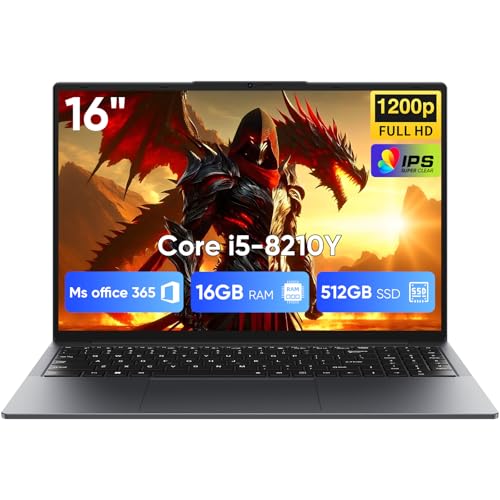
[16GB RAM + 512GB SSD]This laptop features high-performance dual-channel 16GB RAM, enhancing data transfer speed to ensure smooth operation of multiple applications and browser tabs simultaneously. The 512GB SSD provides ample storage for files, applications, and media, ensuring a reliable experience for both study and work.

Designed for Business & Productivity: Powered by a 10th Gen Intel Core i5-10310U processor with up to 4.4GHz, the Dell Latitude 5410 delivers reliable and efficient performance for professionals, students, and remote workers.

Display, Webcam, and Audio
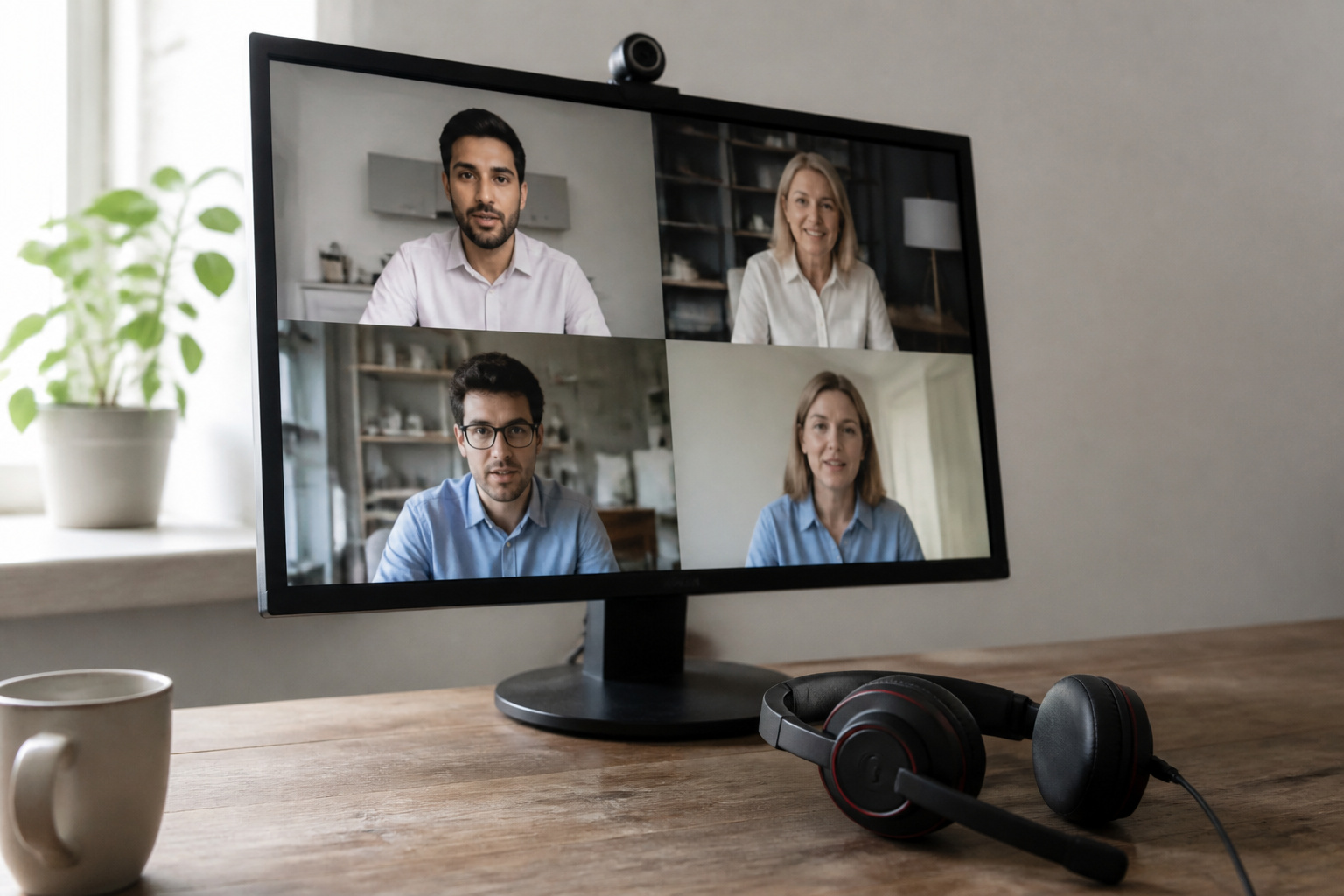
You will look at the screen all day, so choose a sharp 1080p display of at least 14 inches, or plan for an external monitor.
A 1080p webcam and a good microphone enhance calls, and a headset with a microphone often beats built-in audio in a noisy room.
Products Worth Considering

[Travel Monitor] The KYY 14" computer monitor is designed to be thin , slim & lightweight. Only 1.1 pounds in weight and 0.3 inches thick, just lightweight as your computer, easy to put it into your computer bag for your business trip or travel to improve your work efficiency.

Full HD Portable Monitor - MNN 14 inch portable laptop monitor with 1920*1200 resolution, advanced IPS matte screen support 178° full viewing angle, it renders accurate and bright color, draws you into the video or game with lifelike colors and amazing detail.It can effectively reduce blue light radiation damage, no flickering, eye-care, and make it easier to watch for a long time.A second monitor for working from home.

Double Type-C Port -For Plug & Play, the WGK monitor provides 2 Full Feature Type-C ports. Only One USB Type-C Cable is required to connect to the power supply & display signal transmission. NOTE: Your device should support thunderbolt 3.0 or USB 3.1 Type C DP ALT-MODE.which supports multiple connect ways to your laptops, PC, Phones, Macbooks, PS5/PS4, and Switch.
Connectivity
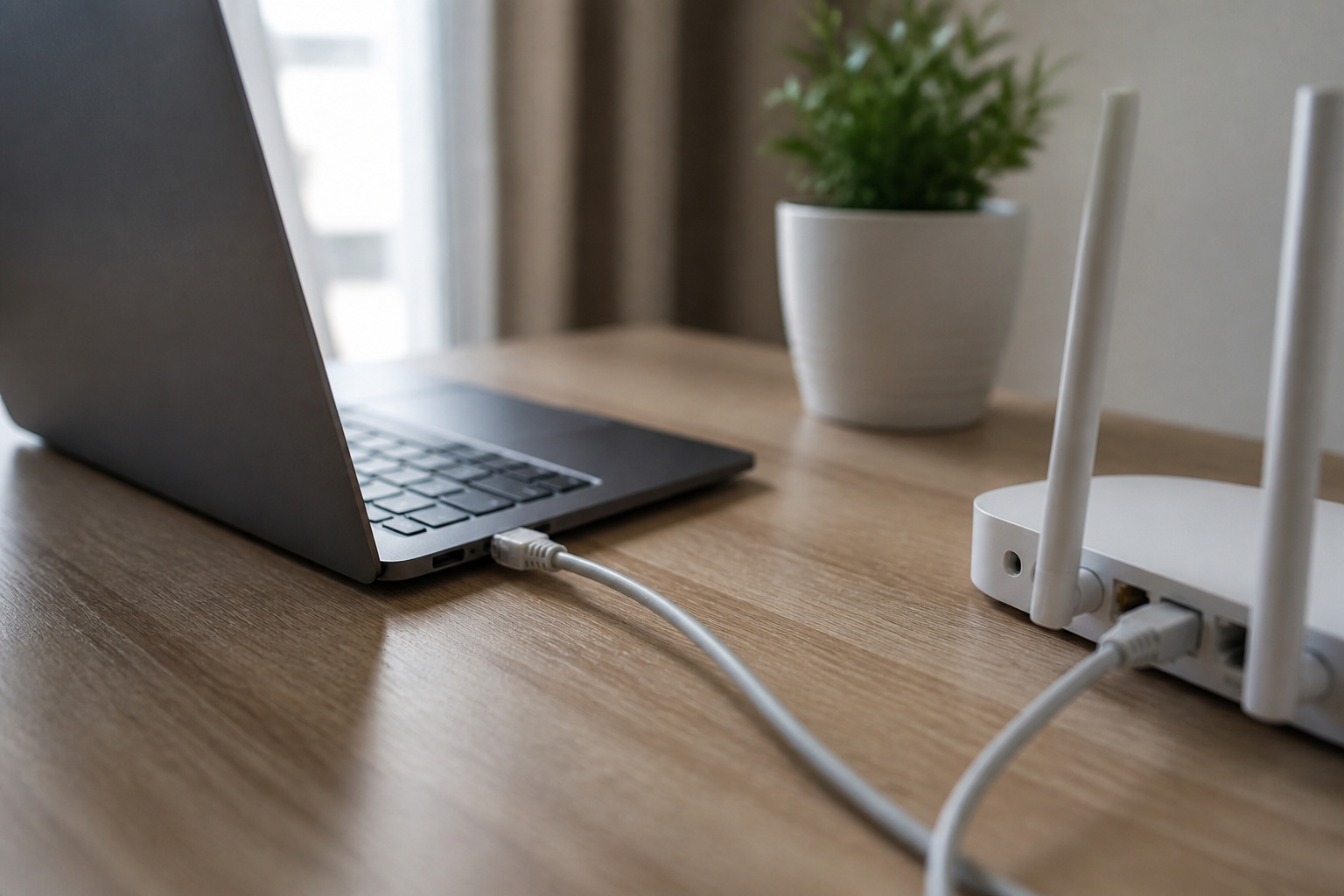
Wi-Fi 6 or newer works well for most homes, but a wired Ethernet connection is more stable for calls and large uploads. Use a USB-C or USB Ethernet adapter if the laptop has no port.
You do not need a dedicated line, but a reliable connection matters. Check ports for a second monitor: HDMI or USB-C with video output.
Products Worth Considering

𝐇𝐢𝐠𝐡-𝐒𝐩𝐞𝐞𝐝 𝐔𝐒𝐁 𝐄𝐭𝐡𝐞𝐫𝐧𝐞𝐭 𝐀𝐝𝐚𝐩𝐭𝐞𝐫 - UE306 is a USB 3.0 Type-A to RJ45 Ethernet adapter that adds a reliable wired network port to your laptop, tablet, or Ultrabook. It delivers fast and stable 10/100/1000 Mbps wired connections to your computer or tablet via a router or network switch, making it ideal for file transfers, HD video streaming, online gaming, and video conferencing.

Dual USB-A/C Port Design: This USB hub with ethernet adapter features dual connectors for both USB C and USB A devices, ensuring wide compatibility across laptops, tablets, and smartphones. It includes 1x Gigabit Ethernet port and 3x USB A 3.0 ports, all usable at the same time for smooth and efficient connectivity. 📌Note: When using USB-A to connect devices, please ensure the USB-C is securely attached to the USB-A connector.

USB-C Meets 1000Mbps Ethernet in Seconds:UGREEN usb c to ethernet adapter supports fast speeds up to 1000Mbps and is backward compatible with 100/10Mbps network. Perfect for work, gaming, streaming, or downloading with a stable, reliable wired connection
Security Basics
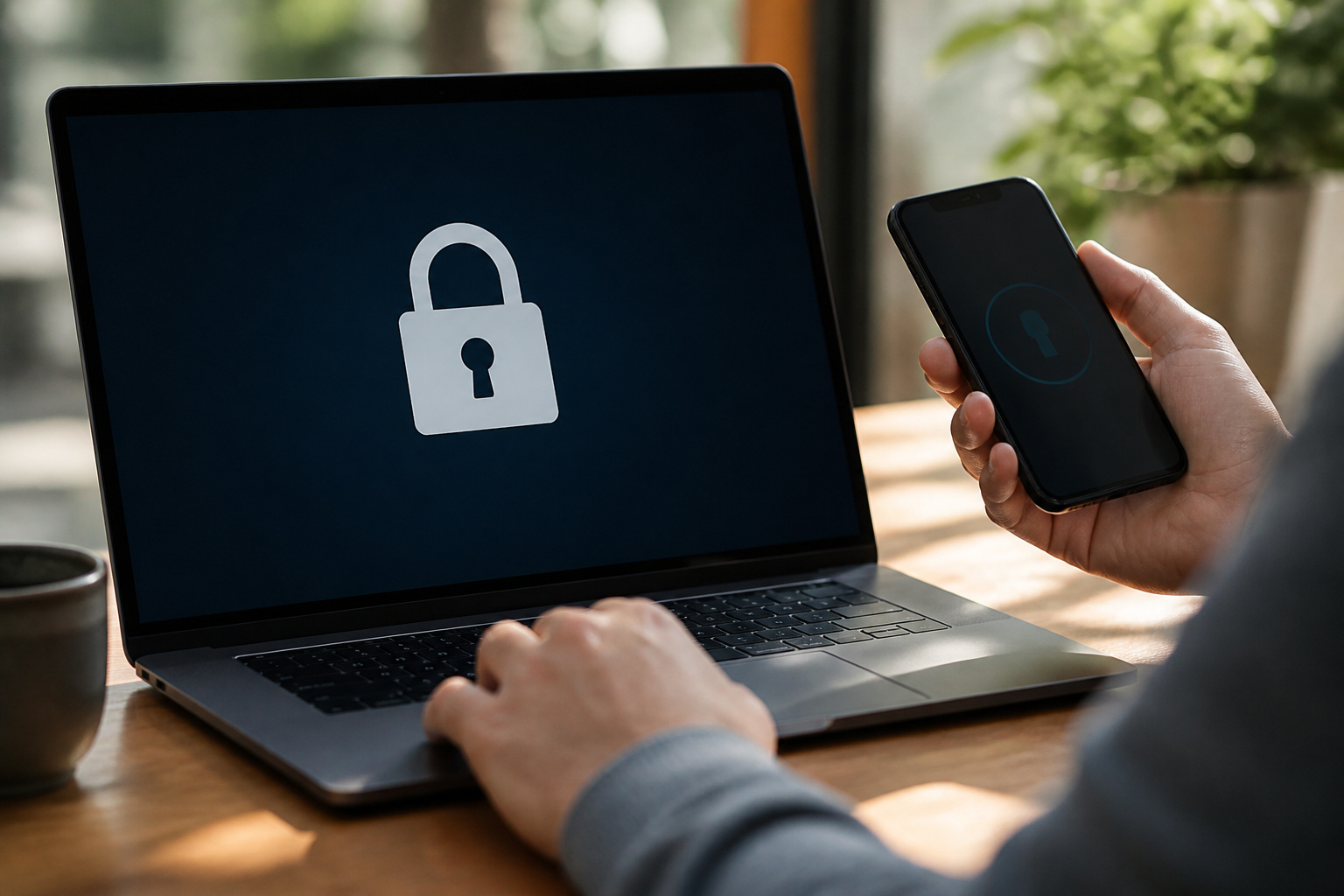
Security agencies such as CISA recommend multi-factor authentication for remote access, and your employer will likely require a VPN or approved remote access tool.
Keep the operating system and apps updated using Microsoft Defender, which is built into Windows. Keep work files separate from personal ones.
Support for Windows 10 ended on October 14, 2025, so use Windows 11 or another supported system. Our guide to keeping your computer running smoothly covers maintenance.
Products Worth Considering

ALL-IN-ONE VPN SOLUTION FOR REMOTE WORK: Extends your corporate network to homes or remote offices, enabling access with enhanced security to resources without complex setup. Ideal for small businesses, entrepreneurs, and enterprises supporting remote or hybrid teams
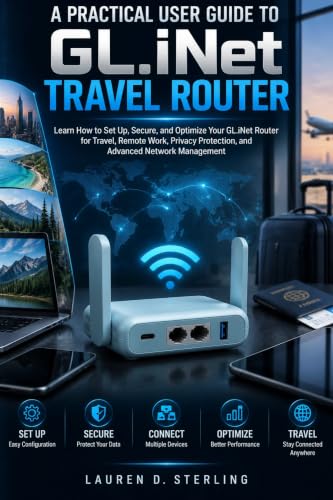

Secure Remote Work for Two : Includes two travel routers, so a colleague or family member can also connect remotely.
Comfort and Setup
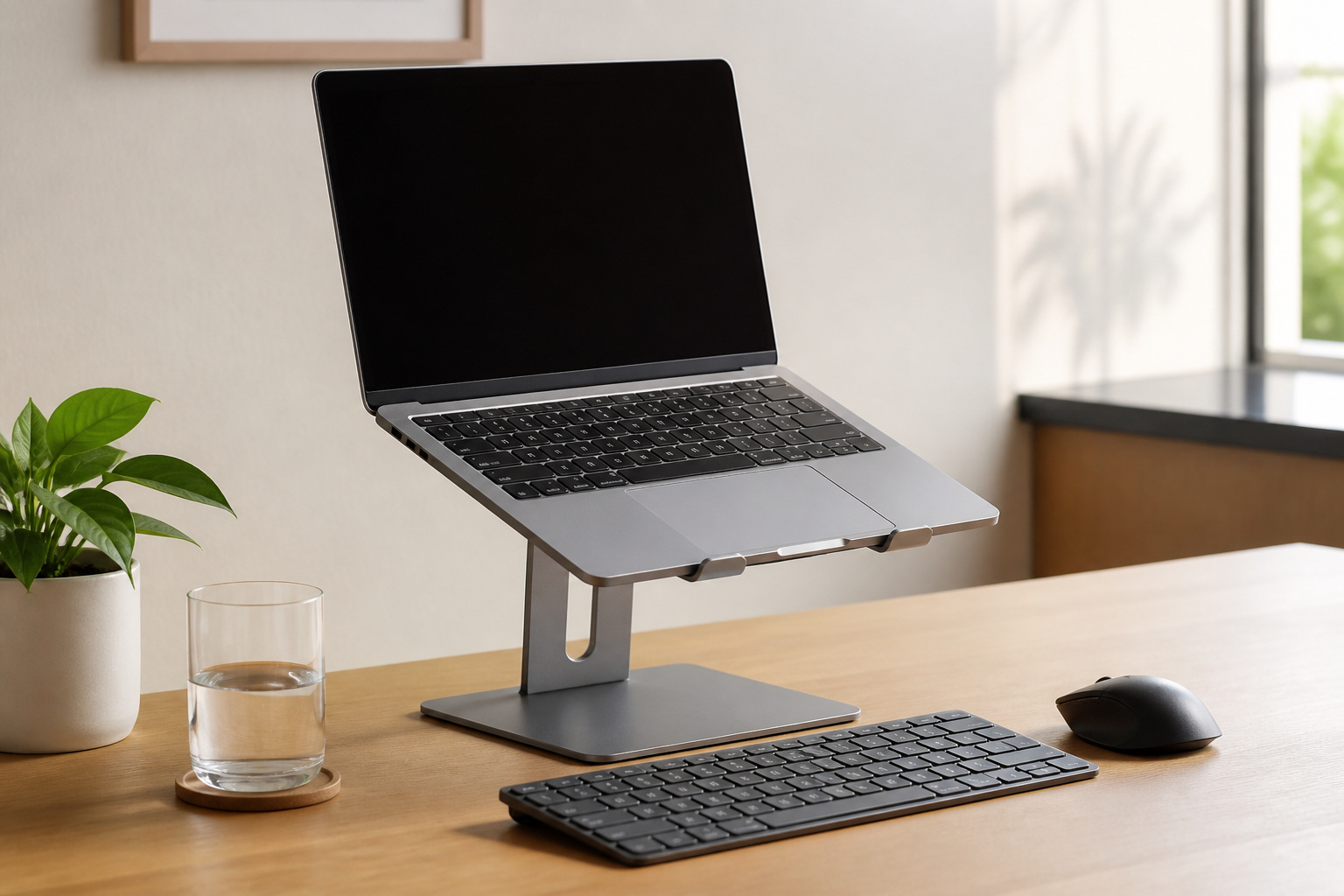
A laptop stand, external keyboard, and mouse improve posture for long days, and a second monitor helps with multitasking.
Back up your work using the 3-2-1 rule described in our guide to making your computer last longer.
Frequently Asked Questions
Can I use a tablet instead of a laptop for work from home?
For light work such as email, documents, and video calls, yes, with a keyboard. Heavy multitasking and desktop-only software need a laptop.
Do I need a dedicated internet line for remote work?
No, but you need a reliable connection. Use Ethernet when possible, and make sure your plan has enough upload speed for video calls.
Is antivirus software necessary for work-from-home computers?
Use the security tools your employer requires. On a personal Windows PC, Microsoft Defender is built in and performed at the top of independent tests in 2026.
Can I use my personal computer for remote work safely?
Often, if your employer allows it. Keep it updated, use multi-factor authentication, keep work and personal files separate, and follow the company’s policy.
How often should I update my work computer?
Turn on automatic updates and restart when prompted. Delaying updates leaves security holes open.