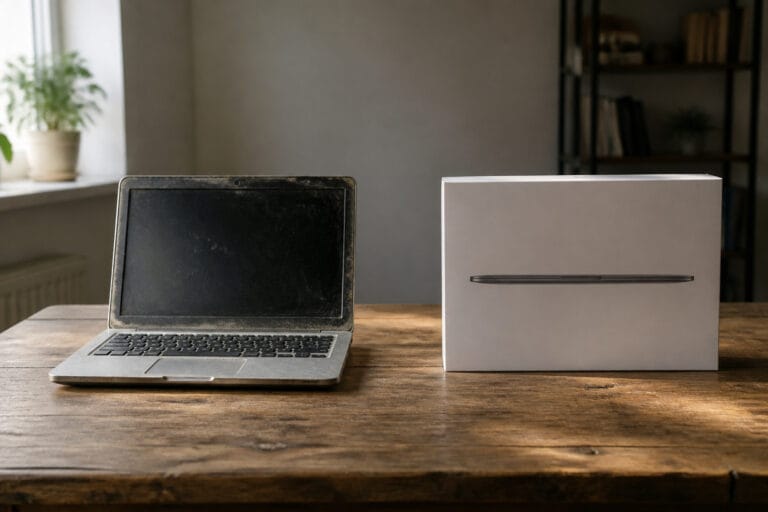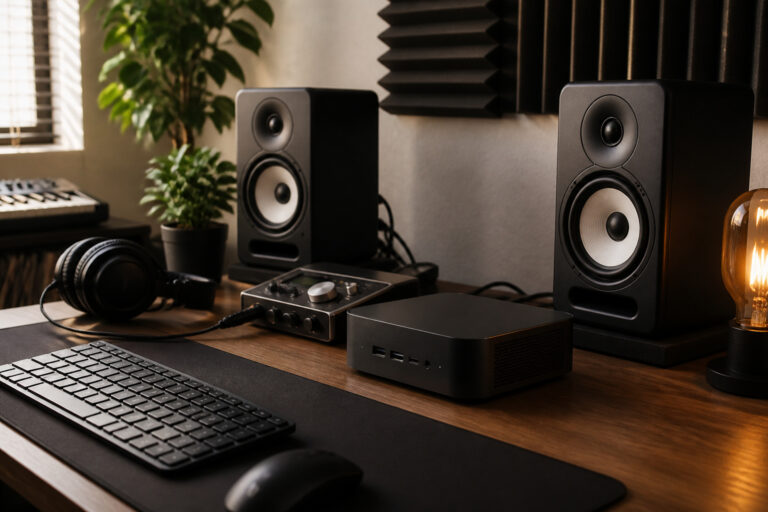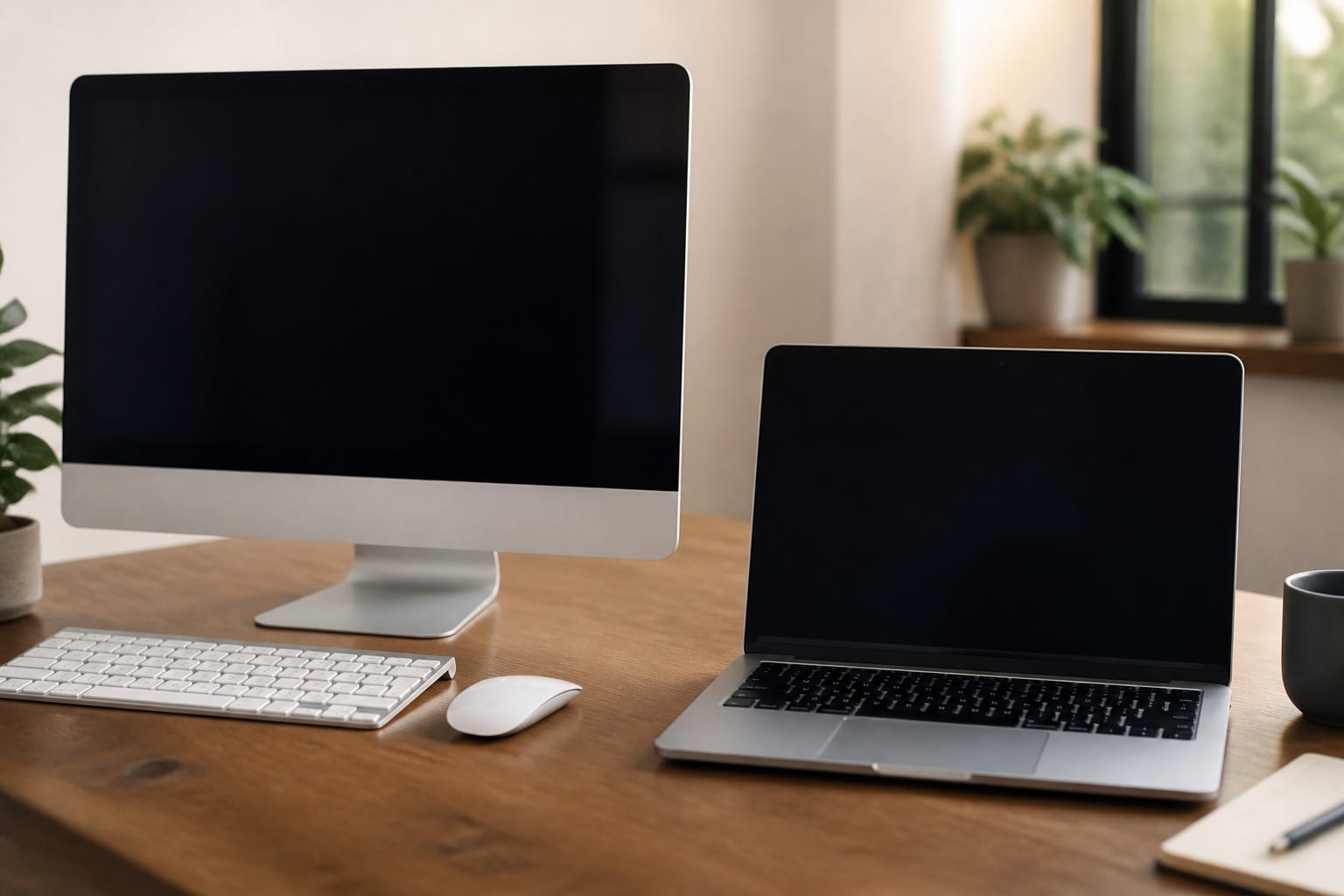
The choice between a desktop and a laptop comes down to whether you value portability or performance per dollar.
Both can run the same software, so the better question is where and how you will use the computer. This guide compares them across the factors that matter.
Portability

A laptop goes where you go and keeps working when the power fails. A desktop stays in one place.
If you work from several rooms, travel, or attend classes, a laptop is the practical choice. If the computer will live on a desk, portability is a feature you pay for and never use.
Recommended Products

Full HD Portable Monitor - MNN 15.6inch portable laptop monitor with 1920*1080 resolution, advanced IPS glossy screen support 178° full viewing angle, it renders accurate and bright color, draws you into the video or game with lifelike colors and amazing detail.It can effectively reduce blue light radiation damage, no flickering, eye-care, and make it easier to watch for a long time.A second monitor for working from home.

【Adjustable & Ergonomic】:This laptop stand can be adjusted to a comfortable height and angle according to your actual needs, letting you fix posture and reduce your neck fatigue, back pain and eye strain. Very comfortable for working in home, office and outdoor.

This wired gaming keyboard featured with dust-proof, conflict-free,rainbow backlit, plug and play, 68 keys design, easy to clean, wide compatible with devices like pc, mac, laptop, computer which support windows series system or Android, Linux, IOS, PS4,PS5,etc, system.
Performance for the Money
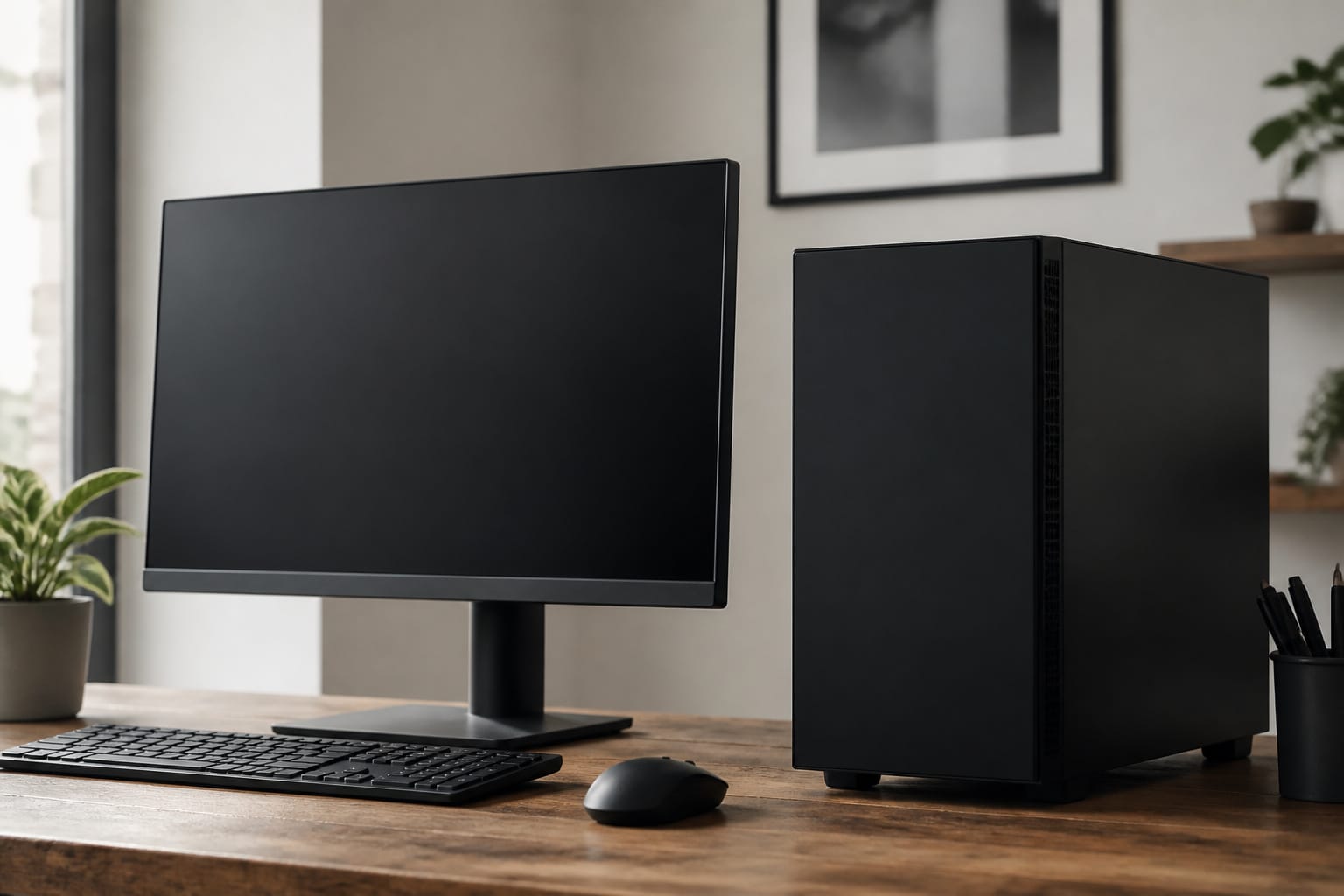
Desktops usually deliver more processing power and graphics performance for the same price, because they have room for larger cooling systems and do not need a battery or compact parts.
A laptop can match everyday performance but costs more for the same level of power, and heavy workloads can make it hot and loud.
Recommended Products

CPU: AMD Ryzen7 5700X (up to 4.6GHz) 8-Core 16-Thread to easily handle multi-line tasks

Legend perfected: Modern design with a matte basalt black finish in an optimized chassis with customizable AlienFX lighting zones, including the striking stadium lighting.

Model: Dell OptiPlex 7050 Small Form Factor (SFF)
Upgrades and Repairs
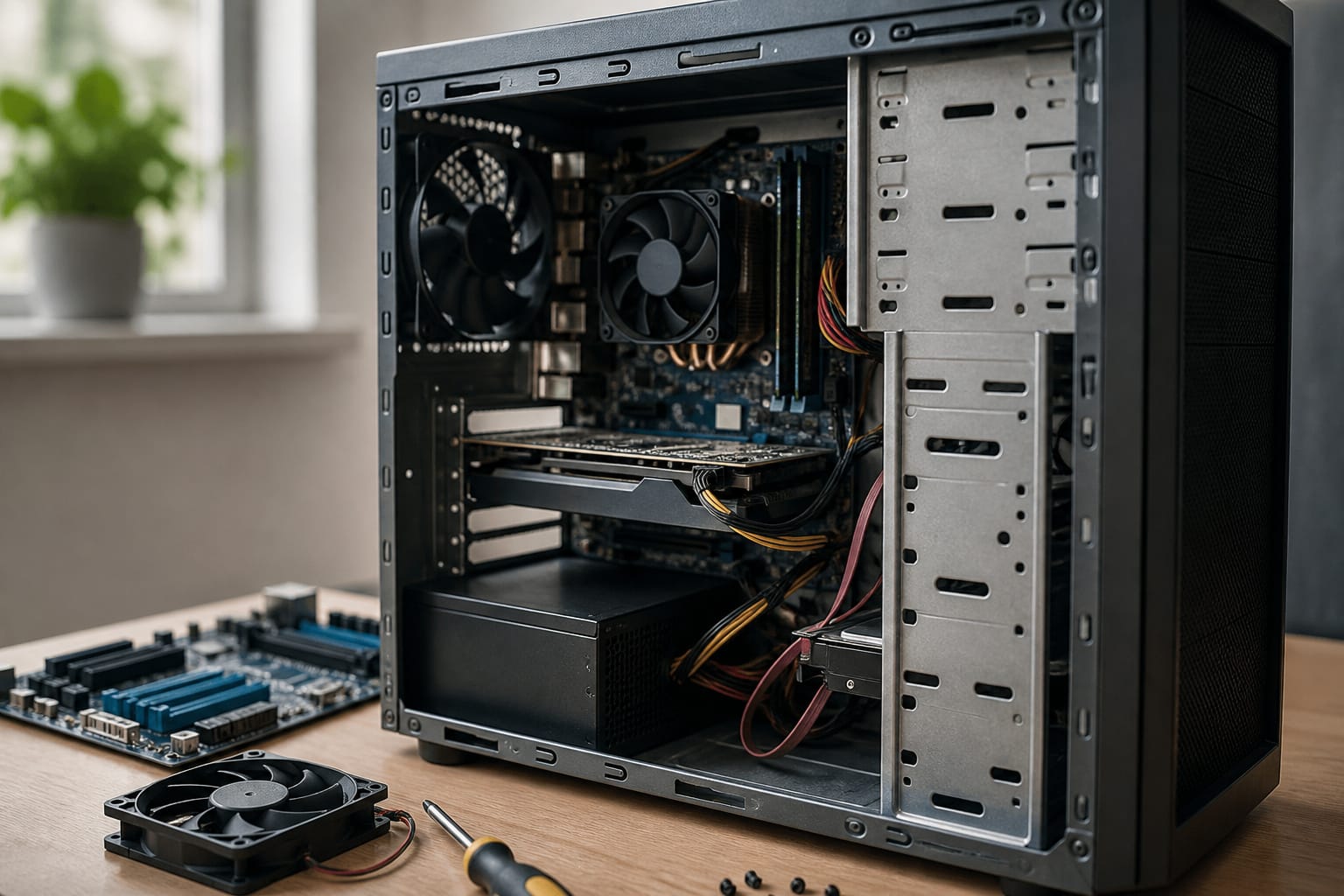
Desktops use interchangeable parts that can be swapped out as needed, including memory, storage, a graphics card, and a power supply.
Many laptops solder memory or storage to the board, and batteries wear out over time. If you want to extend the computer’s life by upgrading, a desktop gives you more options, as covered in our guide to upgrading an old computer.
Recommended Products

DDR3 1333MHz PC3-10600 240-Pin Non-ECC Unbuffered 1.5V CL9 Dual Rank 2Rx8 based 512x8


[Color] PCB color may vary (black or green) depending on production batch. Quality and performance remain consistent across all Timetec products.
Space, Setup, and Ergonomics
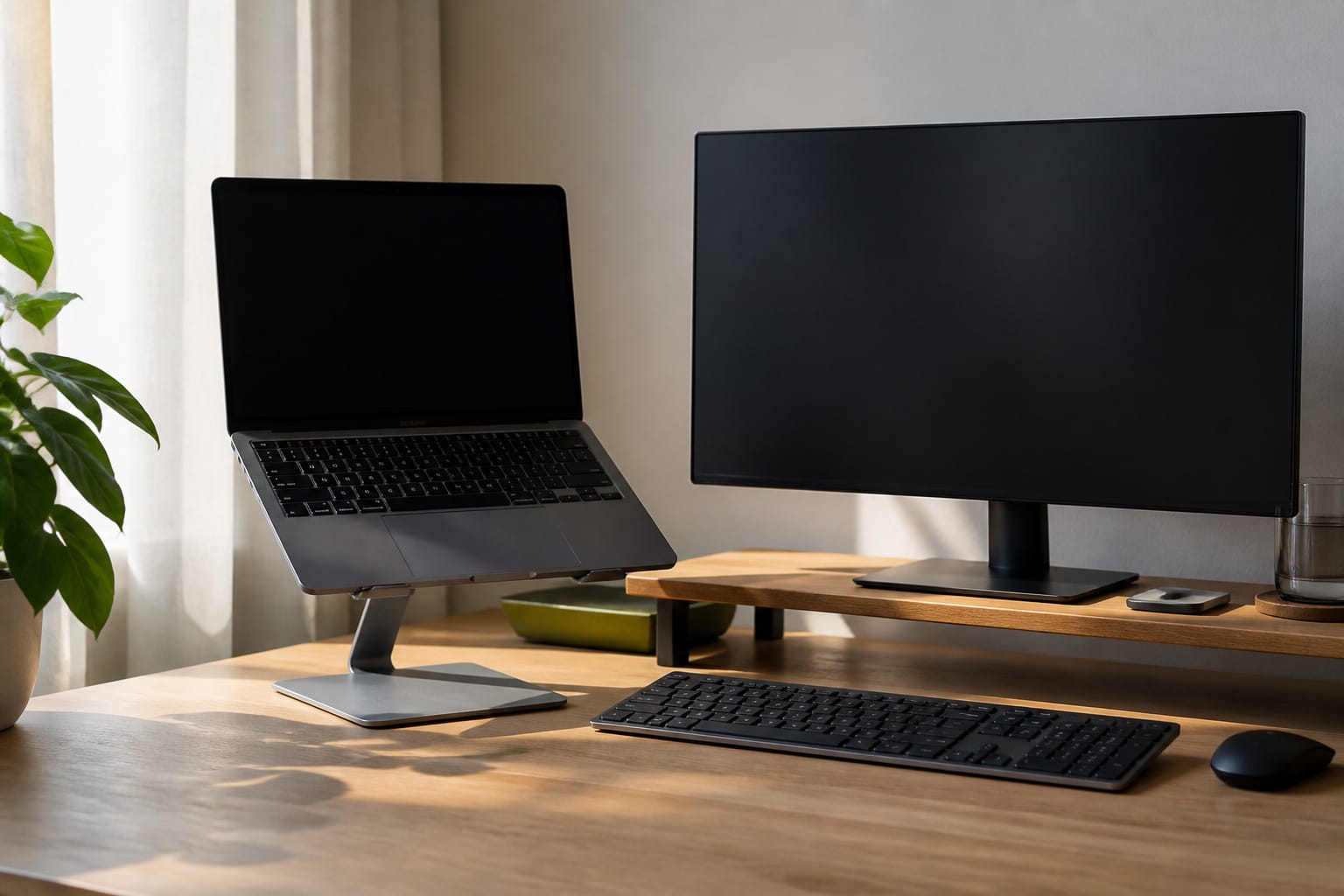
A desktop needs a monitor, keyboard, and mouse, which also lets you choose a comfortable setup.
A laptop is self-contained but has a small screen and a built-in keyboard, so many people who work at one for long periods add an external monitor and keyboard.
Small, form-factor desktops and all-in-one desktops save space.
Recommended Products

Portable Display: In meetings, in the classroom and anywhere in between, Acer’s PM1 Series portable monitor is the go-to choice for people on the move!

16.1" 144Hz Display: Arzopa Z1FC 16.1" portable monitor has 144Hz ultra-high refresh rate for higher motion clarity and smoother gaming visuals. The 144Hz high refresh rate brings lower input latency and higher videos, work and game screen quality(no adaptive sync or freesync)

24” Full HD 100Hz/120Hz VA(1920*1080) HDR10 Monitor for Home, Game and Office
Cost and Lifespan

Compare the total cost, including the monitor and accessories for a desktop. Both types are limited by software support dates rather than age alone; see how long a computer should last.
Desktops often last longer because parts that fail are easy to replace, while laptop batteries and hinges tend to be the first things to wear out.
Recommended Products

KEEP YOUR COMPUTER, WI-FI AND ROUTER RUNNING THROUGH POWER OUTAGES: Supplies short-term battery power during outages to maintain internet connectivity and allow safe shutdown of computer during power interruptions

1500VA / 900W RELIABLE BACKUP POWER: The highest VA capacity available for home use; delivers short-term battery power to keep essential devices powered during blackouts, surges, and unexpected power interruptions

KEEPS DEVICES RUNNING DURING POWER OUTAGES: Reliable 550VA / 330W UPS battery backup that protects home office electronics and keeps essential devices powered during blackouts, surges, and unexpected power interruptions
Which to Choose

Choose a laptop if you need to move around, do not have a permanent workspace, or want one device for everything.
Choose a desktop if the computer will stay put and you want more performance and easier upgrades for the money. If you want both, a laptop with a dock, monitor, and keyboard at your desk covers most cases.
Our guide to choosing the right computer for your needs continues from here.
Frequently Asked Questions
Are desktops faster than laptops?
At the same price, usually yes, because they can use larger cooling and more powerful parts. Modern laptops are fast enough for most people.
Are laptops more expensive than desktops?
For the same performance, generally, but a desktop also needs a monitor and accessories, which narrows the gap.
Can a laptop replace a desktop?
Yes for most people, especially with an external monitor, keyboard, and mouse. Heavy gaming and professional workloads may still favor a desktop.
Which lasts longer, a desktop or a laptop?
Because parts are replaceable and there is no battery, desktops often stay useful longer, but software support dates limit both.
Is a desktop worth it if I rarely need power?
Only if you value a larger screen and a comfortable setup. A laptop or a small desktop is enough for light use.