A dash cam watches your drive, records every turn, and saves the unexpected. It captures sudden stops, near misses, and moments you might not even see.
You need storage that keeps up and holds hours without failing when it matters most. Most dash cams use microSD cards, and the right size depends on your driving habits, video quality, and loop recording settings.
How Much Footage Different Card Sizes Hold
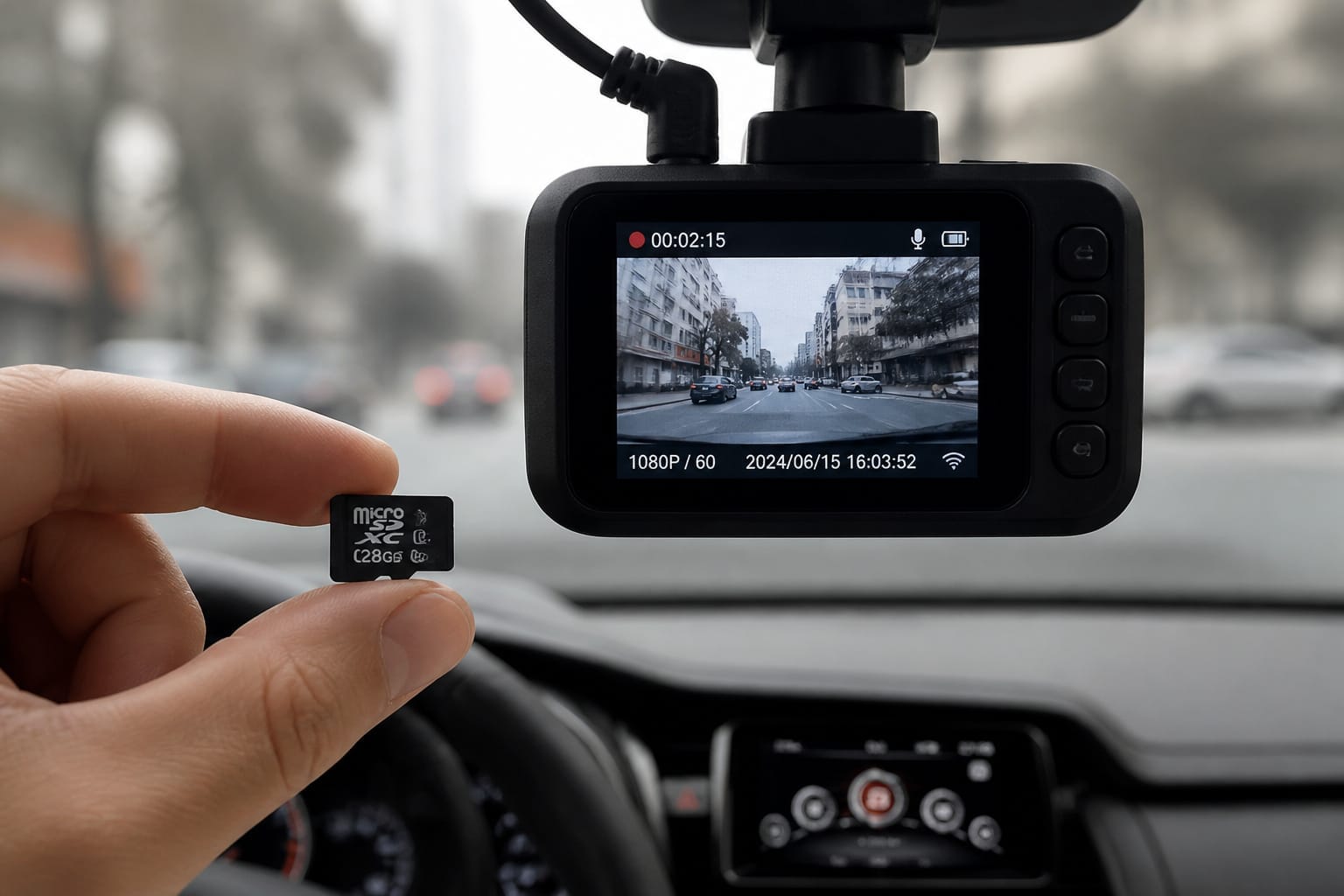
You drive thirty minutes to work each day. That’s an hour of footage, maybe more if you run errands. A 32GB card stores about two hours of 1080p video. It fills fast.
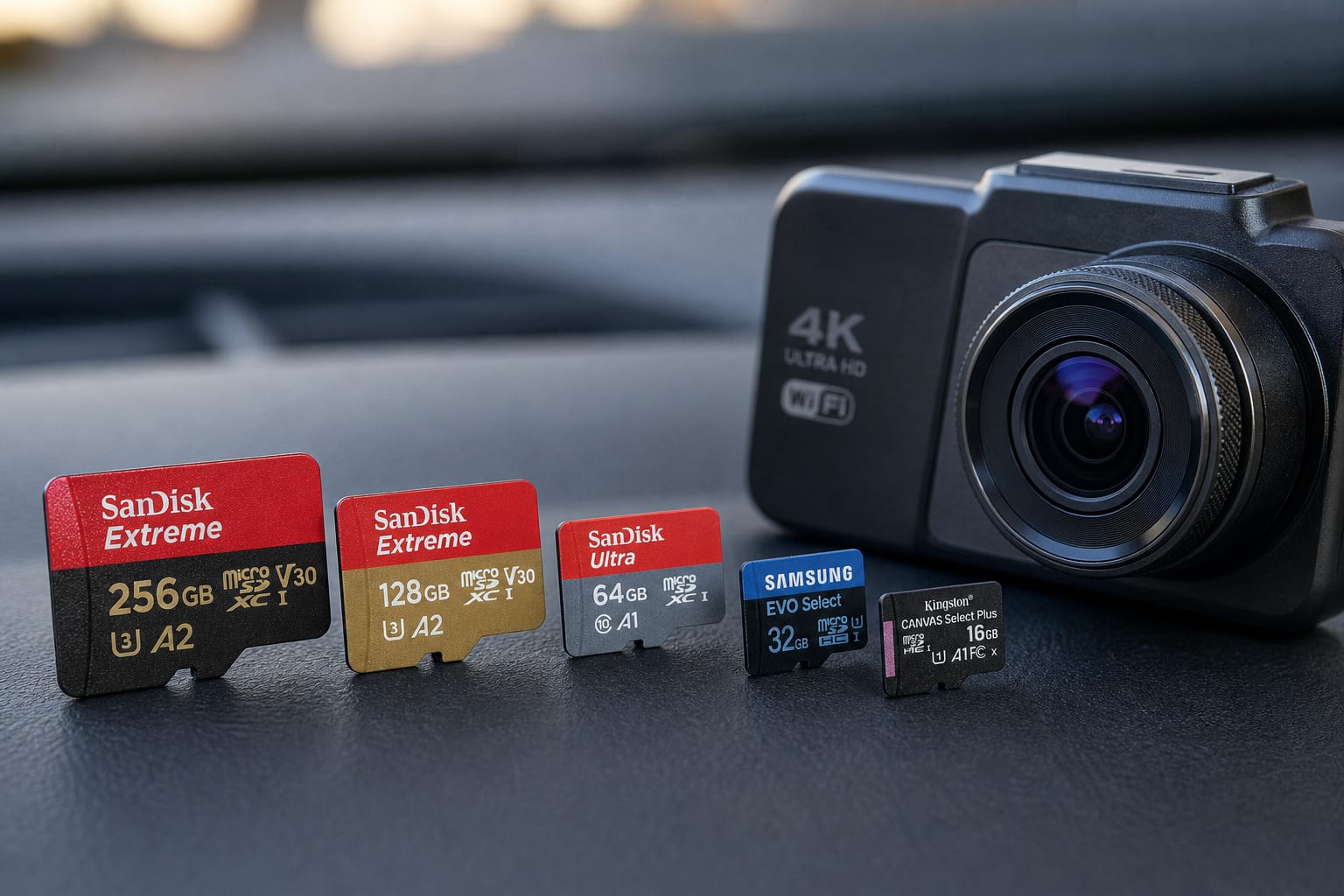
You’ll want something bigger if you drive often or long distances. A 64GB card gives you four hours. A 128GB card holds eight hours: enough for a full workday, even with parking mode enabled.
Parking mode records when your car sits idle, catching bumps or break-ins; if you’re deciding whether that feature is worth the extra draw on your setup, see how parking mode and hardwiring actually work.
It uses less space when nothing happens, but still needs room for sudden events. Premium models support up to 1TB of storage for extended coverage.
Products Worth Considering

Compatible with Nintendo-Switch (NOT Nintendo-Switch 2)

Compatible with Nintendo-Switch (NOT Nintendo-Switch 2)

Compatible with Nintendo-Switch (NOT Nintendo-Switch 2)
How Video Quality Affects Storage
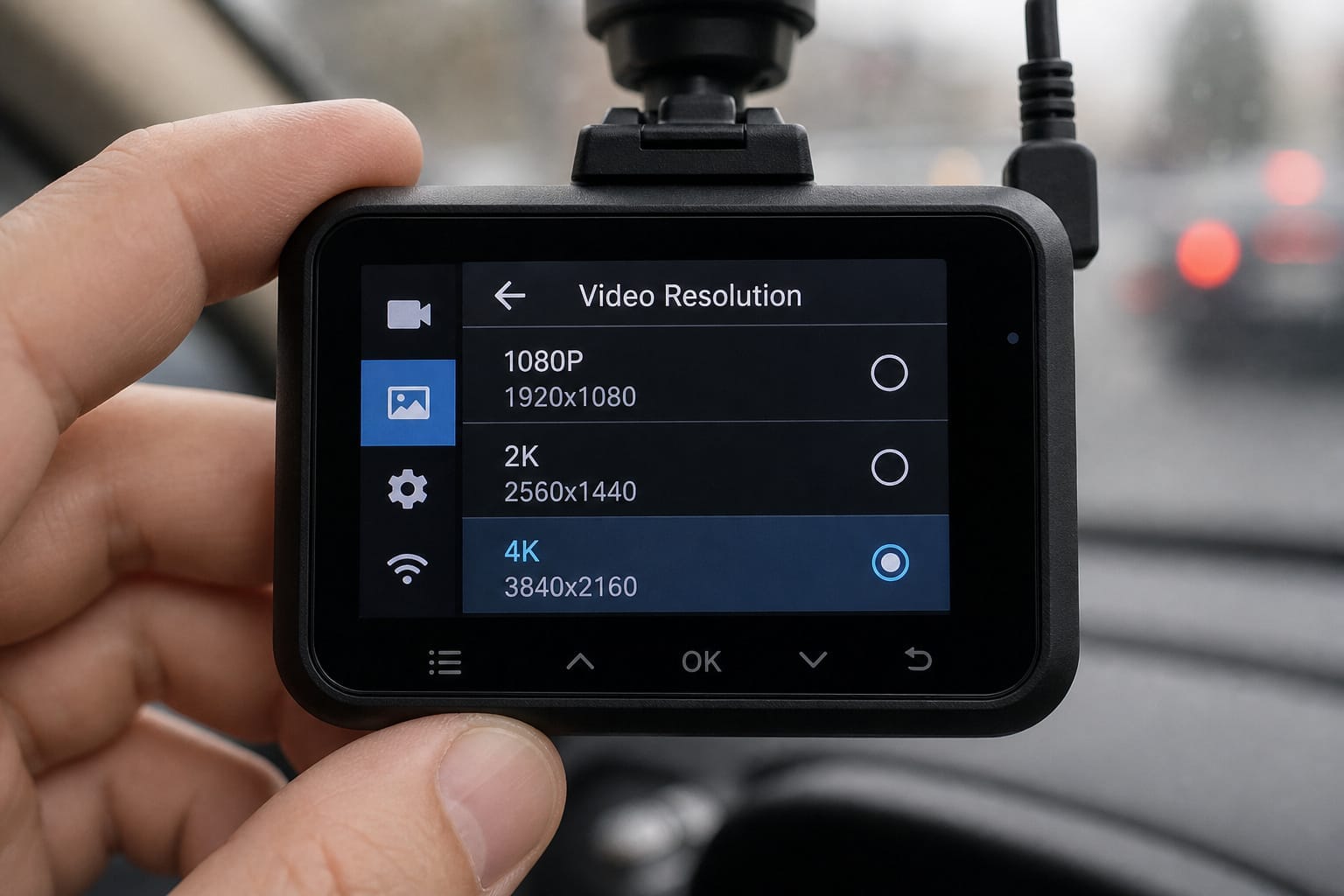
Video quality changes how much space you use. Full HD (1080p) is standard. It balances clarity and file size. Switch to 2K or 4K, and files grow fast: a 4K minute takes up three times more space than 1080p.
You might love the sharpness, but your card fills up quicker. More efficient video encoding can help offset the difference, though it won’t eliminate it.
Stick with 1080p unless you need ultra detail. Frame rate matters too. 30 frames per second is smooth. 60 fps is smoother but uses more storage. Choose 30 unless you often drive on highways or in heavy traffic.
Products Worth Considering

【Built for Dashcams & Security Cameras】Engineered for 24/7 loop recording, this card delivers stable performance in dashcams and surveillance devices—even in extreme heat or cold.Includes SD adapter for flexible use.

EXPAND YOUR STORAGE. Insert your card to add massive storage up to 1.5TB[1] to your Android smartphones and tablets, digital cameras, and laptops.
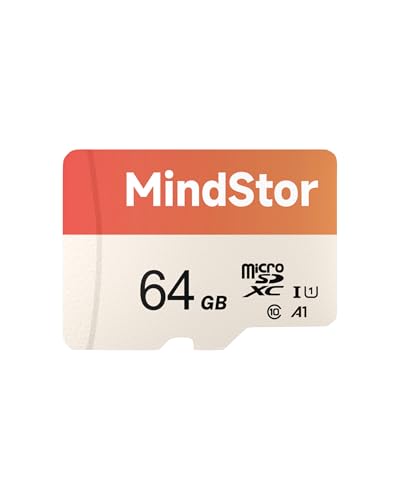
Fast Read up to 90MB/s — Open photos, transfer files, and browse galleries faster; ideal for daily shooting and quick backups. The read and write speed is based on internal testing conducted under controlled conditions. The actual speed may vary depending on the device, interface, usage conditions, and other factors used
Loop Recording and Why It Matters
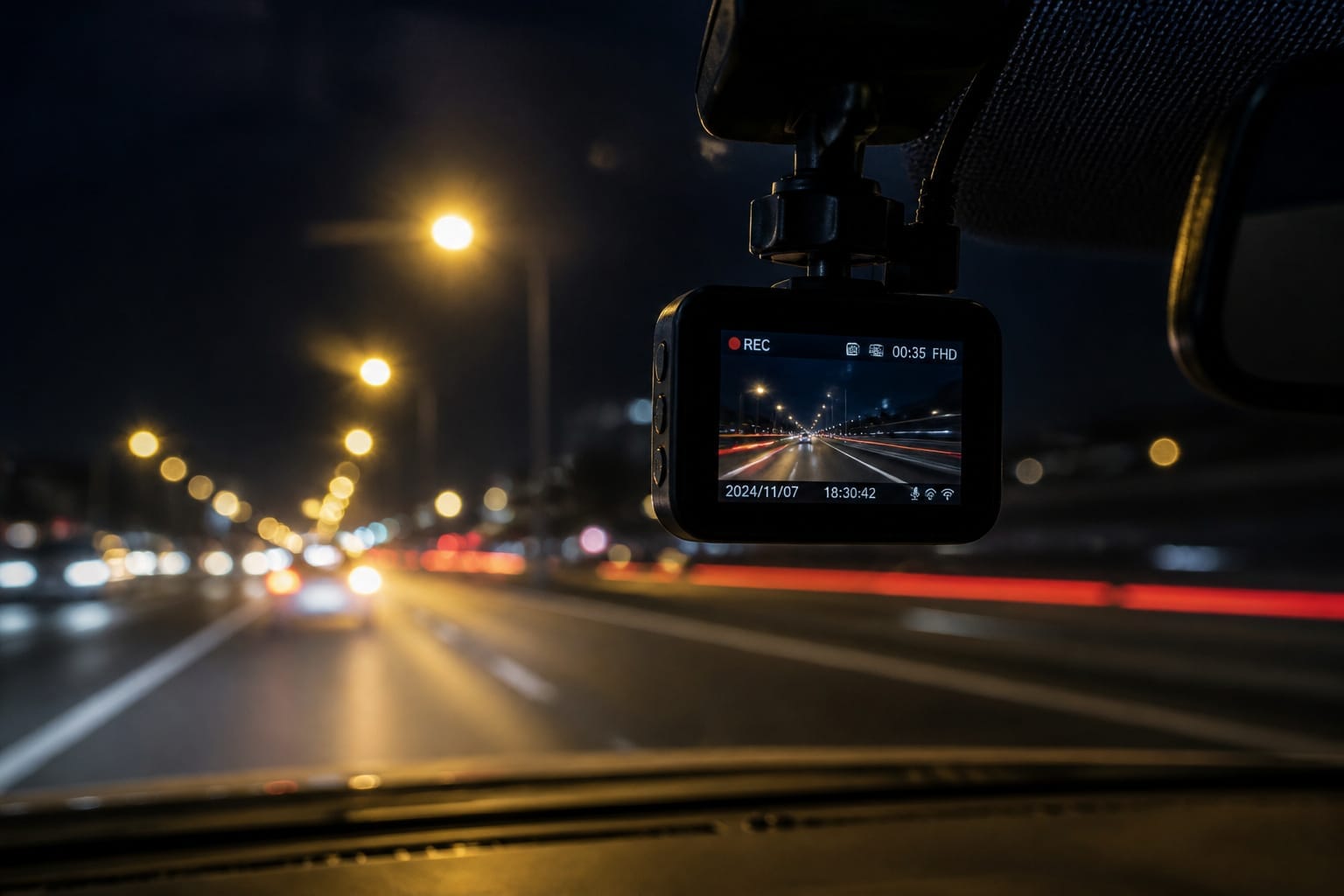
Loop recording helps manage space. It writes over old footage when the card is full, so you don’t lose everything. If the camera detects a bump or you press the lock button, it saves important clips.
But if the card is too small, it might overwrite a critical moment before you notice. A 64GB or 128GB card gives breathing room, so it keeps key events without constant card swaps.
Picking a Card That Survives Constant Recording
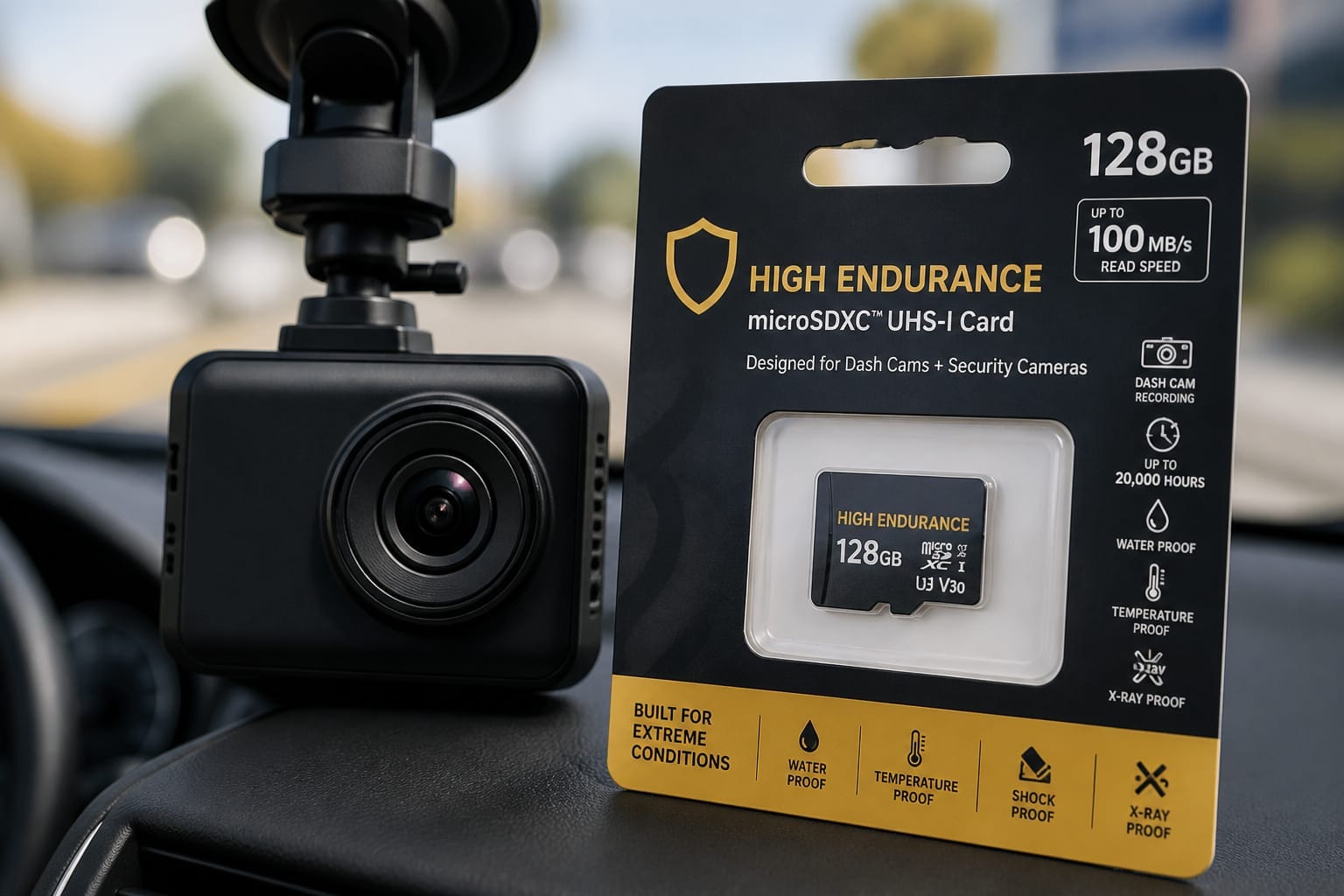
Not every microSD card is built for a dash cam’s workload. You’re asking it to write, erase, and rewrite footage constantly, hour after hour, so speed and durability matter as much as capacity.
Look for a write speed of at least 30 MB/s (a V30 or U3 rating covers that) to keep up with smooth 4K or Full HD recording without dropped frames. High-endurance cards go further, using wear-leveling technology to spread write cycles evenly across the card so no single section wears out early.
The best-rated ones are tested for tens of thousands of hours of continuous Full HD recording. They’re also built to survive heat, cold, vibration, and the occasional soaking, with working ranges that typically span -10°C to 80°C.
A couple of practical notes: cards over 128GB usually need to be formatted as exFAT, and even a high-endurance card wears down eventually, so plan to replace it roughly every twelve to eighteen months, or sooner if you notice slower saves or corrupted clips.
Heat, vibration, and constant write cycles wear out cheap cards fast. Use a genuinely high-endurance microSD card built for dash cams, and format it in the camera every few weeks to clear glitches and keep things running smoothly.
You drive different roads, face surprises, and need proof when things go wrong. 64GB is a starting point. Go 128GB if you drive daily or use parking mode. Stick with 1080p, 30fps, and a trusted high-endurance brand.
If you’re also weighing a front-only setup against front and rear, see how single vs. dual dash cams compare for how much storage that second camera actually adds. For the wider picture on which features actually matter, our dash cam features guide covers the rest.
Your dash cam works best when storage keeps pace, silent, steady, and ready.
Products Worth Considering
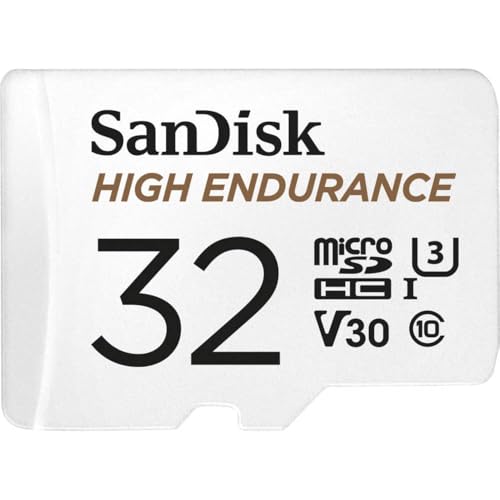
Ideal for dash cams and home monitoring systems

[Ultra HD] Read/Write up to 100/50 MB/s. 4K Ultra HD video displaying/recording

[Ultra HD] Read/Write up to 100/60 MB/s. 4K Ultra HD video displaying/recording
Frequently Asked Questions
How Long Does 32GB Last on a Dash Cam?
You get about four hours of footage on a 32GB dash cam. That’s if it runs nonstop in 1080p. Your camera loops. When it’s full, it overwrites old clips.
Parked? It saves crashes. Motion detection trims waste. You’re safe for daily drives. Swap cards or cloud storage for longer coverage.
Four hours fits most commutes. Check your settings: higher quality eats space fast.
Can I Use Any microSD Card in My Dash Cam?
No, you can’t use just any microSD card. Pick a high-endurance card built for dash cams. Regular cards wear out fast.
Go for 32GB or 64GB, Class 10 or U3-rated. That means fast, smooth recording. Plug it in, turn on your cam, and let it loop. The card saves clips, overwrites old ones, and keeps working. Choose wisely; it matters.
Does Loop Recording Delete Important Footage Automatically?
Yes, loop recording can delete important footage automatically, but you’ve got control. It overwrites old clips when the card’s full.
Unless you lock them, the footage may be lost. Tap the button after an incident, and that clip’s safe. Think of it like waves: new footage rolls in, old rolls out. Locked files stay high and dry.
Always check your dash cam’s settings. Know where the protect feature is. Be ready. Stay sharp.
Is Cloud Storage Available for Dash Cam Videos?
Yes, you can store dash cam videos in the cloud. Some dash cams connect to Wi-Fi or cellular networks. They automatically upload footage while parked. You’ll need a subscription, usually monthly.
It keeps videos safe, even if the camera is stolen. Think of it like saving photos online. Not all models offer this. Check specs first.
Cloud storage gives peace of mind. It’s smart, seamless, and always watching.
Do Dash Cams Stop Recording When the Card Is Full?
Yes, your dash cam keeps recording even when the card is full. It uses loop recording, smart continuous cycles. Old clips get overwritten, so you never run out of space.
Think of it like a treadmill: footage rolls off, new clips step on. Parking mode saves critical moments. Always use a high-endurance card. It handles constant write cycles. Your dash cam’s got your back, always rolling, always ready.