When you step into your car, the stereo is the heartbeat of the ride, so don’t settle for flat, lifeless sound.
You want music that moves, bass that pulses, and clarity that cuts through road noise.
Check Your Dash Size First
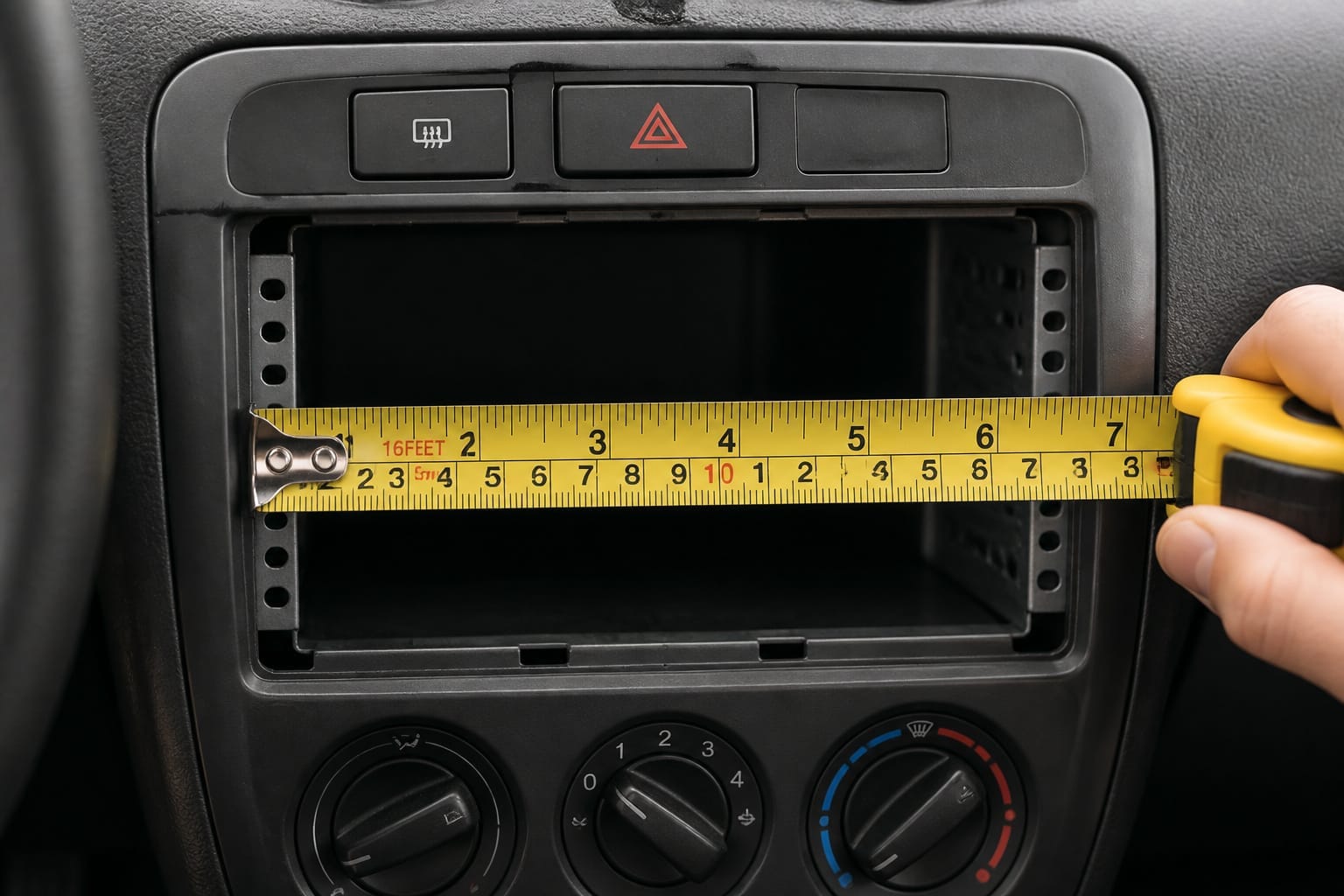
Start by checking your car’s dash size. Most vehicles use a single or a double-DIN slot. Slide a tape measure in there. If it’s about 2 inches tall, it’s single DIN. If it’s closer to 4, you’ve got room for a double DIN with a big screen.
Don’t guess. Measure twice; the wrong size means extra work or returns. See our single-DIN vs. double-DIN guide for a closer look at what each size gets you.
Confirm your vehicle runs on 12V DC before you buy; some trucks use 24V and can fry a standard stereo. Older cars often need extras too: the right wiring harness, an antenna adapter, and sometimes a dash kit or mounting bracket to lock the unit in place and finish the look cleanly.
Products Worth Considering

Perfect Fit - Double/Single DIN Installation Dash Kit designed specifically for select 2006-17 Buick, Chevrolet, GMC, Hummer, Pontiac, Saturn and Suzuki vehicles with Non Factory Amplified Systems. See Fit Guide and Notes in images to verify your vehicle.

Harness is 5" in length
Decide What You Need It to Do
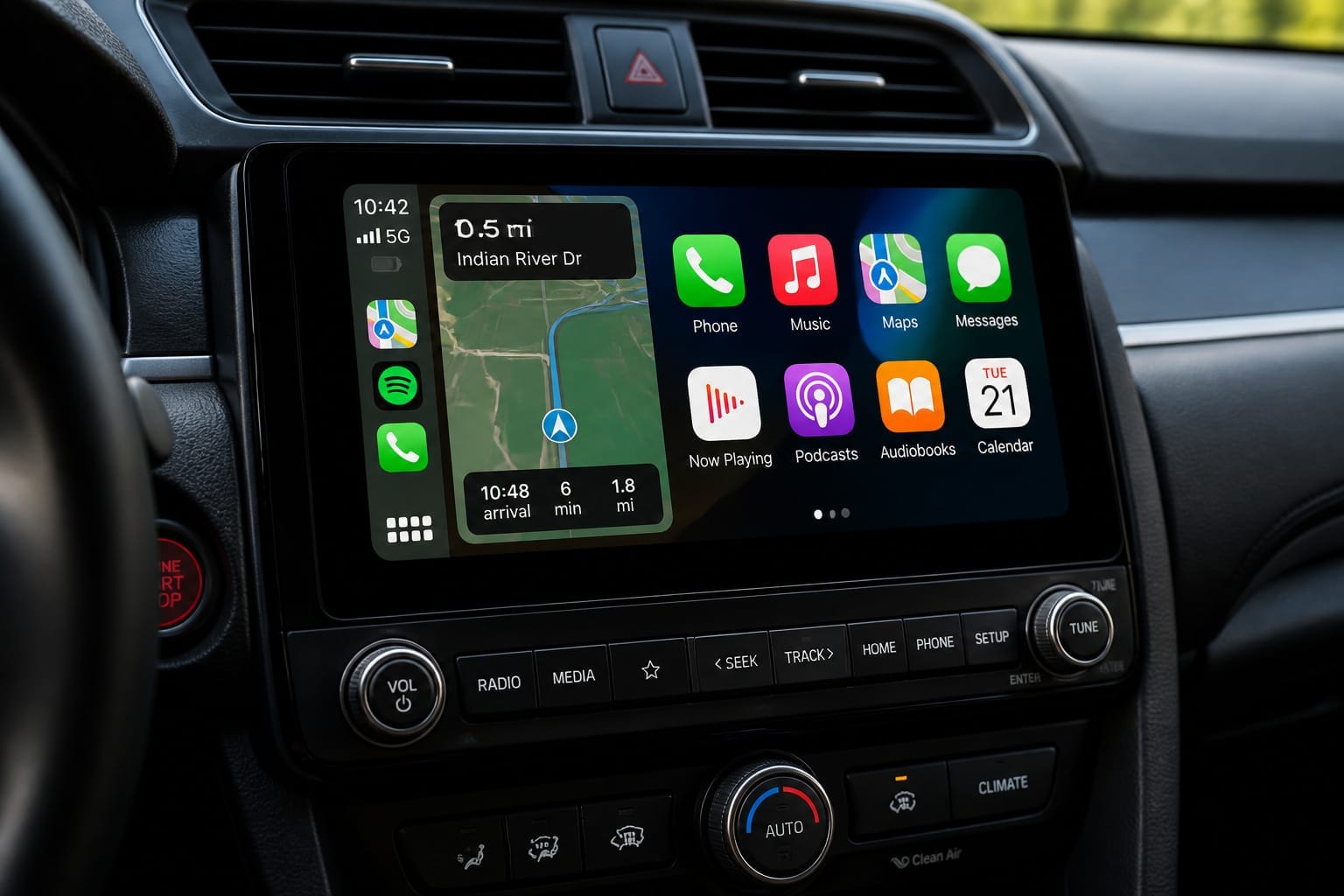
Once you know the fit, think about what you need the stereo to do. Do you want Bluetooth? That’s a must for hands-free calls and streaming; modern stereos pair fast (Bluetooth 5.2 and up), and built-in mics with noise reduction keep your calls clear even over road and wind noise.
Want to see navigation on a screen? Then a touchscreen with Apple CarPlay or Android Auto is your best bet. Plug in your phone, and suddenly your maps, messages, and music live on the dash. Not sure which one fits your phone and your habits? Our CarPlay vs. Android Auto comparison breaks down the differences.
Screen size matters more than people expect. A 6.8- to 7-inch HD or IPS display, ideally capacitive touch rather than the older resistive kind, stays easy to read and tap even in direct sunlight.
And don’t underestimate physical buttons and steering-wheel control support; you shouldn’t have to fumble for touch icons at 50 mph. A volume knob is worth its weight in gold.
Steering-wheel integration usually needs a vehicle-specific control wire in the harness, so confirm your stereo and harness support it before you buy.
Products Worth Considering

Upgrade Full Laminated HD Touchscreen:Experience exceptional clarity with our upgraded Full Laminated Single Din Touchscreen Stereo. Unlike traditional Oncell carplay screens, Full Laminated technology offers faster touch response, sharper image quality, and significantly improved sunlight visibility. Enjoy a fully immersive wireless carplay & android Auto experience with a vibrant 1280*452 HD resolution, wide viewing angles, and ultra-smooth touch feedback.

【Wireless Apple CarPlay & Android Auto】Leave tangled cables and constant phone handling behind. This double din car stereo brings wireless Apple CarPlay and Android Auto to your dashboard,putting music,calls,messages and supported apps within easy reach while Siri or Google Assistant helps keep every drive flowing naturally.

✔➊【Newest Wireless Carplay & Android Auto】: Supporting wireless&wired Carplay and Android Auto functions , the PASLDA touch screen car adio use a smarter, safer, and more fun way , allowing you to enjoy effortless access to essential features like map navigation, phone calls, emails, messages, and music while on the road. The google voice assistants ensures hands-free control, making your driving experience more efficient and safer.
Pay Attention to Power and Sound Quality
Now, listen to the sound. Look for stereos rated at least 20 to 50 watts RMS per channel. RMS numbers matter, not the inflated “max power” figure on the box. More clean power means less distortion when you turn it up, and a MOSFET amp stage tends to deliver smoother, richer output than a basic design.
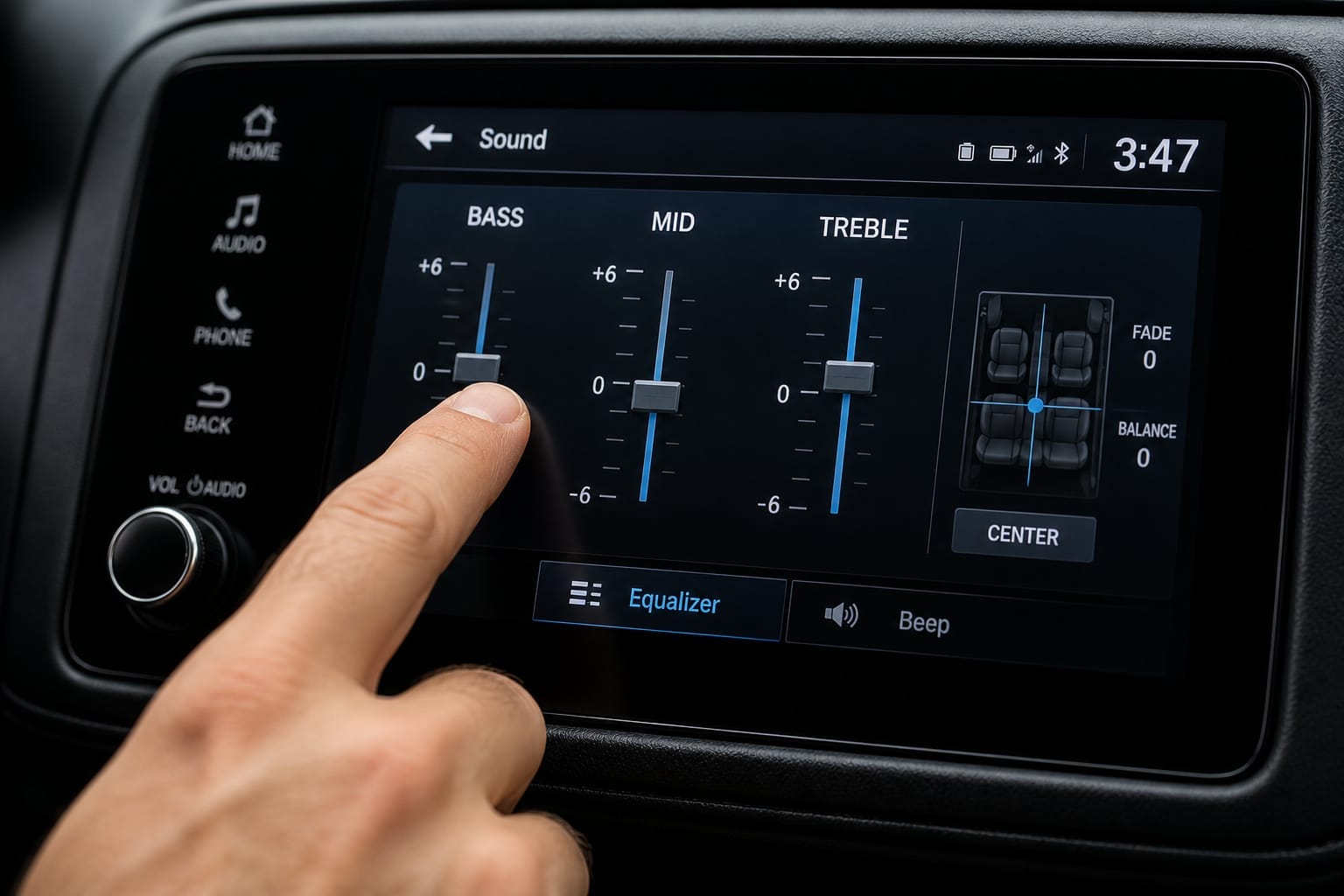
Check the EQ settings too. A few presets help, but tweaking highs, mids, and lows yourself is real control, and some stereos include digital signal processing that adapts timing and tone to your cabin’s acoustics.
If you care about audio fidelity, check which file formats the stereo actually decodes. MP3 and WMA cover most libraries, but FLAC and WAV support preserves lossless detail if that’s part of your collection.
If you plan to add amps or subs later, pick a stereo with preamp outputs; those RCA jacks on the back let you expand without limits. Our guide to preamp outputs covers what to look for, and if you’re weighing whether an amp is worth adding, see “Do you need an amp for better sound?“
Products Worth Considering
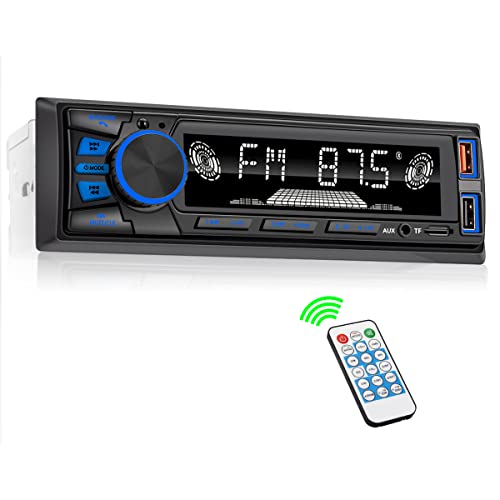
【Bluetooth Upgrade for Older Vehicles】Upgrade your vehicle with this single DIN Bluetooth radio and enjoy wireless music without replacing your entire car audio system. The Bluetooth car stereo pairs with a compatible smartphone to stream playlists, podcasts, and audiobooks through your vehicle’s speakers, giving daily commutes and road trips a more convenient, cable-free soundtrack.
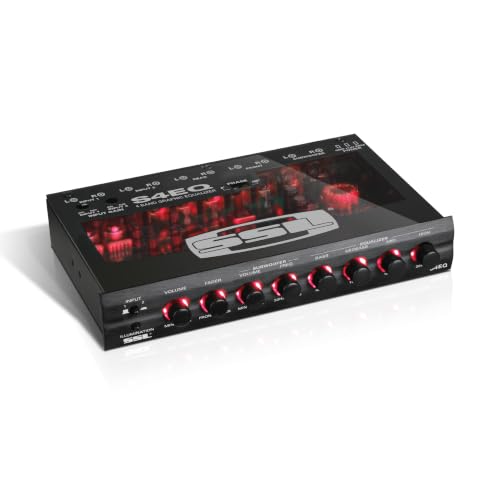
EQ Band Center Frequencies: 40 Hz, 150 Hz, 1 kHz, 20 kHz
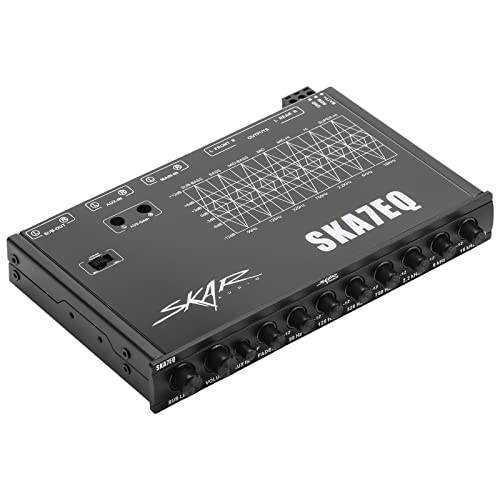
6 Channel 7-Band High Performance Car Audio 1/2 DIN Pre-Amp Electronic Equalizer
Don’t Ignore the Wiring
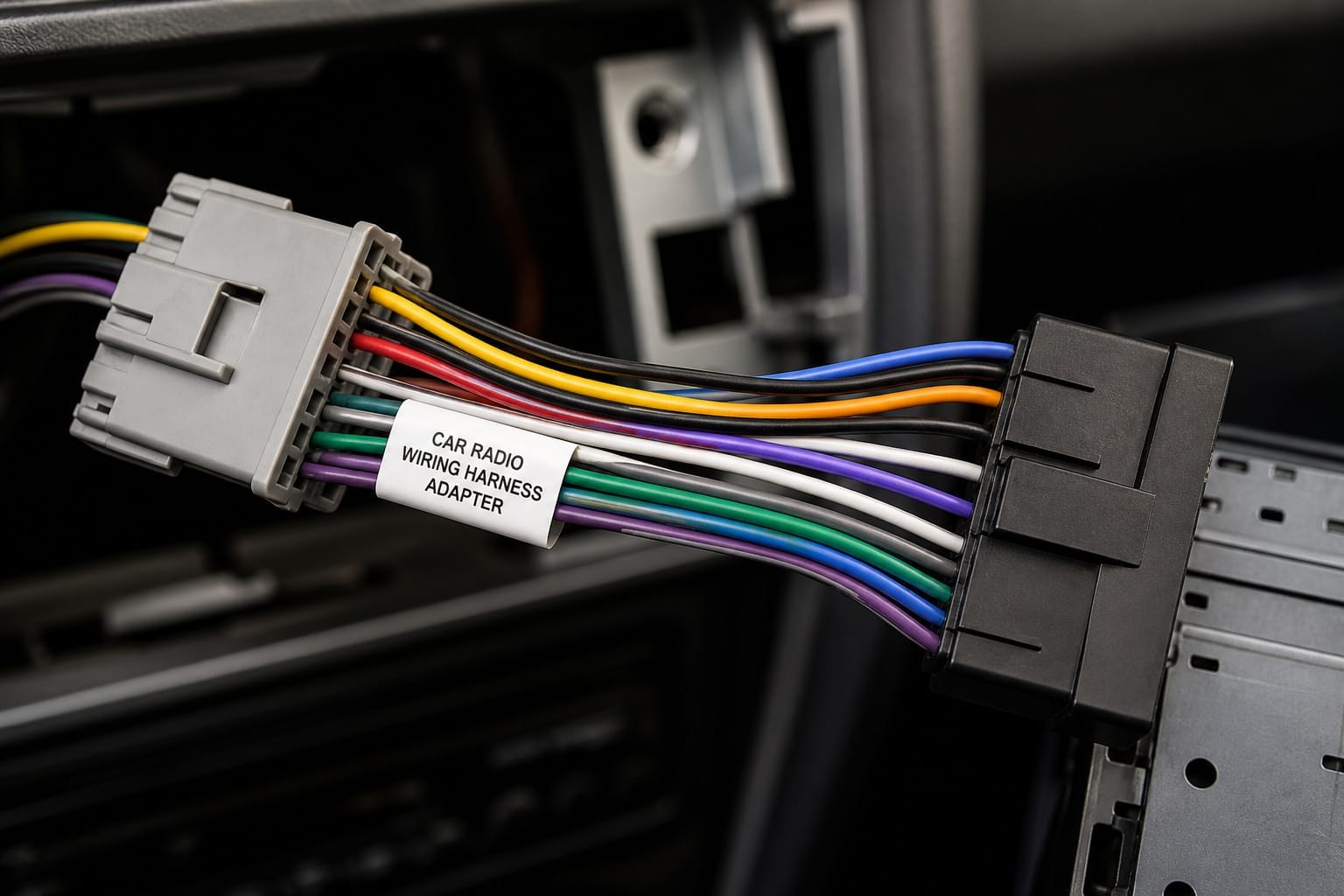
Don’t ignore the wiring harness. Most new stereos need an adapter to plug into your car’s factory wires. Buy the right one, and you’ll avoid cutting and splicing, less mess, less risk.
For a rundown of the connectivity features worth prioritizing, including wireless CarPlay and Android Auto, see our guide to car stereo features.
Products Worth Considering

Premium Double Din Installation Dash Kit: Effortlessly enhance your audio with this car stereo install kit. It allows a new aftermarket radio to be installed in factory location of select vehicles without cutting any factory wires. See Fit Guide Image

📻 Compatible Models: Compatible with Ram 2012 Chassis Cab 3500, 2012 3500, 2012 1500, 2012 Chassis Cab 4500, 2012 2500, 2012 Chassis Cab 5500, compatible with Dodge 2008-2013 Durango, 2009-2010 Journey, 2007-2011 Nitro, 2008-2009 Magnum, 2007-2011 Avenger, 2008-2016 Grand Caravan and more.

Fit Ford 2009-2013 Econoline, 2009-2011 Escape, 2004-2014 Expedition, 2004-2010 Explorer, 2005-2012 Flex, 2004-2010 F-150, 2005-2010 F-250/350 SUPER DUTY, 2006-2007 Five Hundred, 2005-2011 Focus, 2004-2007 Freestar, 2005-2007 Freestyle, 2006-2012 Fusion, Compatible with Mustang 2005-2013
Think About the Extras
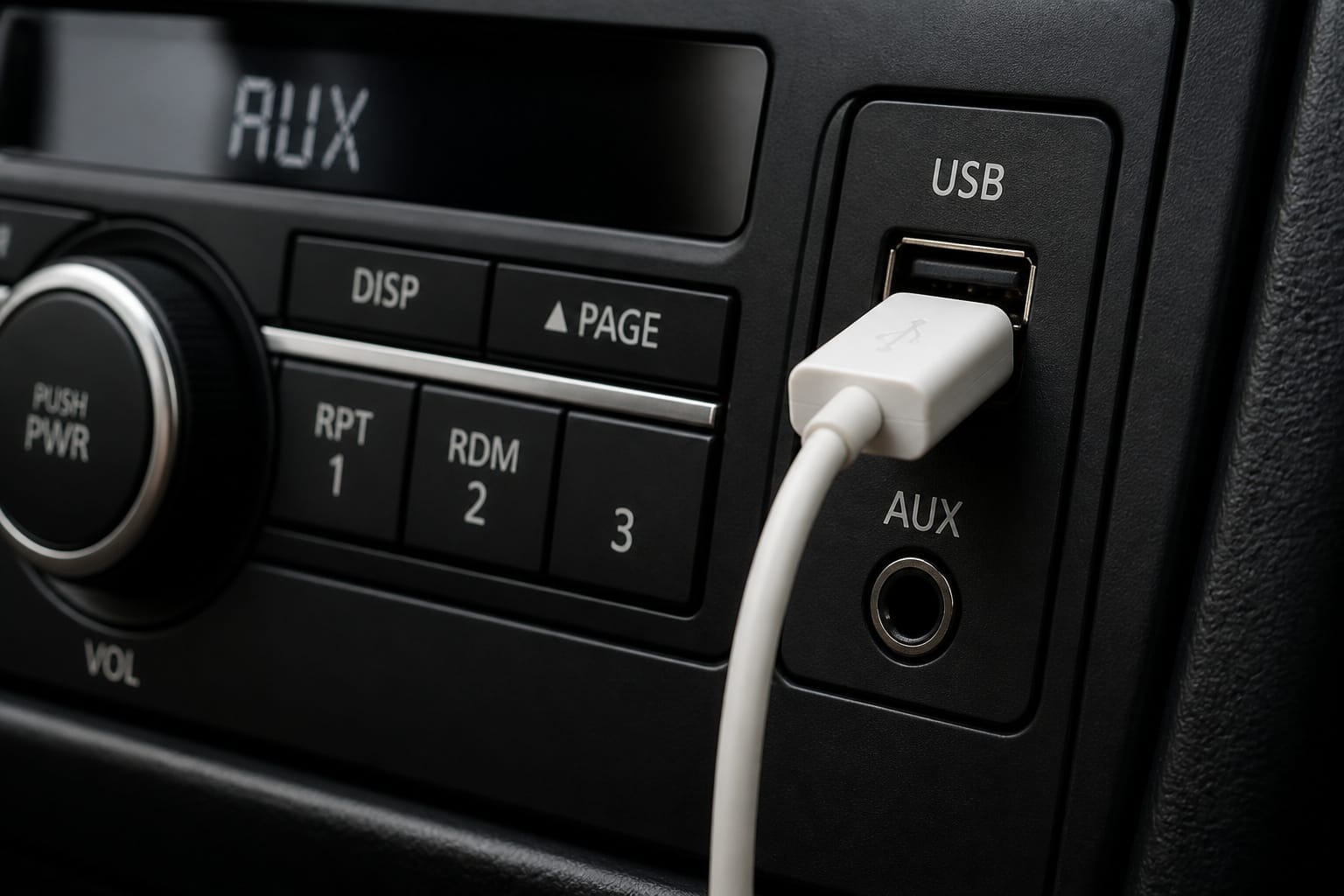
Consider the extras. Do you love podcasts? Then a stereo with AM/FM, SiriusXM, and a USB port keeps you covered. Need to charge devices? Make sure it has a front USB port or auxiliary input, and check for fast-charging support if it benefits your phone.
Finally, think long-term. Choose a brand with solid support; Pioneer, Kenwood, Sony, and Alpine all have a track record here. Read reviews, watch install videos, and know what you’re buying before you commit. Then either install it yourself with care or trust a pro.
Either way, power up, press play, and feel the difference. This isn’t just a stereo. It’s your soundtrack, tuned right, working right, built for your car, your way.
Products Worth Considering

[2-in-1 Car Aux Cable]:This dual-purpose USB-C to 3.5mm car stereo aux cable combines audio transmission and charging in one sleek design. Now you can play music through your car’s speakers while simultaneously charging your USB-C phone—all with a single cable. No extra adapters or messy wires needed. Streamline your drive and keep your phone powered, effortlessly.
![Aux Cord for iPhone [Apple Mfi Certified], 2 in 1 Lightning to 3.5mm Aux Cable with USB A Charge Fit with iPhone 14 13 12 11 XS XR X iPad, Support Car Stereo Speakers Headphone 4FT (Not for Call)](https://m.media-amazon.com/images/I/514oNpiNhhL._SL500_.jpg)
【2 in 1 Aux Cable for iPhone with USB A Charge cable】This Lightning to 3.5mm + USB A Charging cable is designed to facilitate the playback of iPhone music in the car aux, speaker, headphones. You can play music while charging on speakers or in your car without worrying about only one Lightning port. Easy to use, stable connection, No APP Needed. *NOTE: Not for CALL.
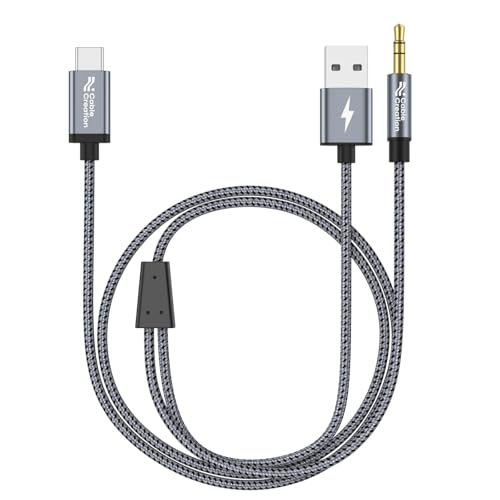
USB C to Aux Cable with Charging: Connect USB C devices to 3.5mm audio jacks and realize USB A to USB C charge simultaneously. Convenient and versatile for audio and car stereo enjoyment on the go. Only one cable is enough for music and charging.
Frequently Asked Questions
Can I Install a Car Stereo Myself Without Professional Help?
Yes, you can install a car stereo yourself, no pro needed. Grab your tools, like a screwdriver and wire stripper. Unplug the battery first: safety first. Remove the old stereo; pull it out gently.
Match the wires: red to red, black to black. Plug in the harness. Slide the new unit in, snap it tight. Turn the key. Hear music? You’ve just tamed the machine.
Will My Steering Wheel Controls Work With a New Stereo?
Yes, your steering wheel controls can work with a new stereo. You just need the right adapter.
Buy a harness that matches your car’s make and model. Plug it in securely. Program the stereo to recognize button signals.
Test each button. If one doesn’t work, double-check the wiring. Most modern stereos support steering control.
Do I Need an Amplifier for Better Sound Quality?
Yes, an amplifier can meaningfully improve sound quality. It gives power, clarity, and punch to your music. Without one, speakers strain, especially at high volumes.
An amp drives speakers cleanly, so bass hits deep and highs stay crisp. Think of it like fuel for sound: more control, less distortion.
How Do I Know if My Car Has Bluetooth Compatibility?
Check the dashboard for a “Phone” button or Bluetooth symbol. Try pairing your phone now. Go to settings, search for devices, and see if your car pops up. No luck? Look in the manual or call the dealership.
If it’s not built-in, don’t sweat it. New stereos add Bluetooth easily.
Can I Upgrade My Stereo Without Changing the Dashboard?
Yes, you can upgrade your stereo without changing the dashboard. Just pick a new head unit that fits your car’s existing space. Unplug the old one, connect the wiring harness, and slide the new stereo in.
Match the faceplate size. Most are double-DIN or single-DIN. It clicks right in. Keep your factory look and gain new features.