A phone battery lasts as long as its chemistry and your habits allow, and both are easier to manage than most people think. A few settings change how much power the phone uses in a day. A few charging habits change how quickly the battery wears out over the years. And when the battery is finally worn, you have a clear choice between replacing it and replacing the phone.
This is the hub for our phone battery guides. It covers daily battery life, overnight drain, charging habits, heat, and replacement, and it points to our deeper articles on wireless charging and battery wear, chargers and cables, and power banks.
What Drains a Phone Battery the Most?
The screen drains more battery than anything else on most phones. A bright, full-color display uses a lot of power. Consumer Reports advises lowering screen brightness and shortening the screen sleep time. Setting the timeout to 30 seconds instead of a minute or more adds up to significant savings over the course of a day.
Always-on displays are another common culprit. BGR, citing DXOMARK testing, reports that turning on an always-on display can drain a battery up to four times faster. Background activity is the third. Apps that refresh content every half hour or hour, send frequent notifications, or sync old accounts keep the phone awake when you are not using it.
Recommended Products

【BRILIANT COLOR】 - Bring your iPhone different Violet Blue Gradient Color from different view angles under light. The stronger light indoor or outdoor, the brighter privacy screen protector color will present. Make your iPhone unique and prettey cool in the crowd.
【BRILIANT COLOR】 - Bring your iPhone different Violet Blue Gradient Color from different view angles under light. The stronger light indoor or outdoor, the brighter privacy screen protector color will present. Make your iPhone unique and prettey cool in the crowd.
Which Settings Stretch Battery Life the Most?
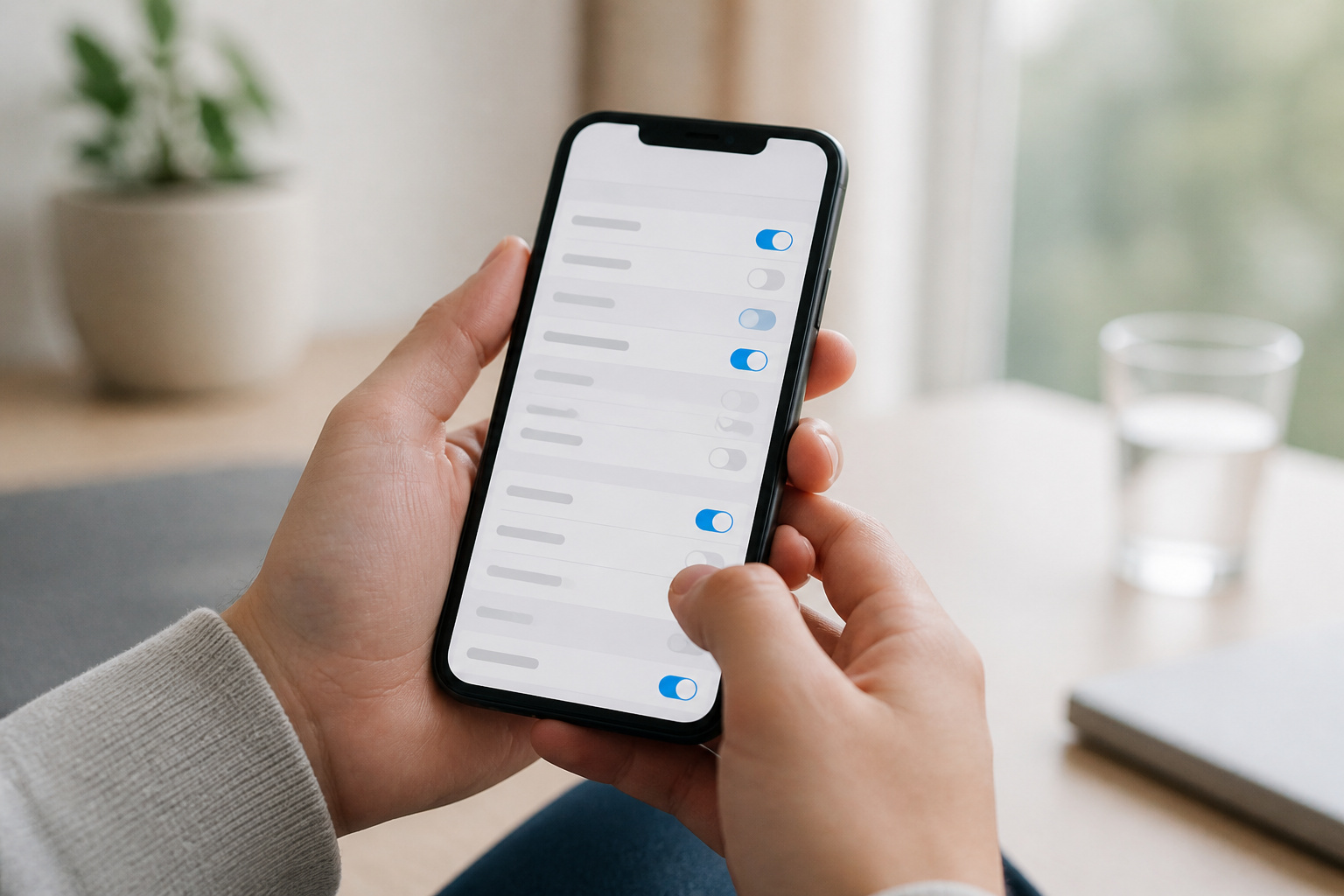
Start with the settings that cut the biggest drains. None of these need a special app, and you can undo them if you miss a feature.
- Lower the brightness and shorten the screen timeout, or use automatic brightness.
- Turn off the always-on display if you do not need it.
- On phones with a 90 or 120Hz screen, switch to the standard 60Hz refresh rate for light tasks like reading and texting.
- Use dark mode on OLED screen phones. Google says dark theme uses less battery.
- Limit background refresh and notifications for apps you rarely open, and remove accounts you no longer use.
- Turn on low power mode or battery saver when you are running low. It reduces background activity and delays some notifications at the cost of some performance.
- Check which apps use the most power in your battery settings, then restrict or remove the worst offenders.
Most of these settings have no published savings figure, so treat the list as a menu, not a guarantee. Change one or two, watch your battery for a few days, and keep what helps.
Recommended Products

40% Smaller & Lighter Portable Charger: Powered by the industry’s first TinyCell high-density battery technology, this ultra-compact 10,000mAh portable charger power bank is 40% smaller and 36% lighter than conventional chargers. Whether you are an office user slipping a mini small portable battery into a purse for commuting, or a student looking for lightweight college essentials, you get powerful daily carry convenience without the extra bulk to keep you powered on the go.

Slim Size, Big Power: One of the slimmest and lightest 10,000mAh portable chargers on the market. Provides 2 charges for iPhone 15, 1.93 charges for Galaxy S23, and 1.23 charges for iPad mini 6.

[POCKET-SIZE 20000mAh.] Massive power for your pocket. Note: True 20,000mAh requires solid, high-density cells (approx. 11 oz). This portable charger is built incredibly dense to deliver 4 full phone charges without the bulk.
Why Does Your Phone Battery Drain Overnight?
A phone left alone should lose very little battery overnight. If yours loses a lot, something is keeping it busy. Open the battery usage screen in your settings and see which apps used power while you were asleep. This is usually caused by an app that is syncing, tracking your location, or refreshing in the background.
Two other causes are worth checking. A recent software update can cause extra drain for a few days to a week, and that normally returns to normal on its own. A weak cell signal can also make the phone work harder, so a phone in a basement or rural bedroom may drain faster. If the drain continues, restart the phone, update your apps, and remove or restrict the app at the top of the usage list.
How Should You Charge to Keep the Battery Healthy?
Consumer Reports’ advice is simple. Don’t wait until the phone is nearly empty before you charge, and when you can, keep the charge roughly between 20 and 80 percent. Charging overnight will not harm the battery, according to the experts it quotes, because modern phones recognize when they reach 100 percent and stop charging.
You can also make the phone do it for you. Apple says iPhone 15 models and later let you set a charge limit between 80 and 100 percent. Optimized Battery Charging can hold the battery below 100 percent until you need it. Samsung’s Protect battery setting caps charging at 85 percent. Use a certified charger from a brand that states its safety certifications. Our charger and cable guide explains how to choose one, and our wireless charging guide covers the heat tradeoff of charging without a cable.
Recommended Products

⚡️【Super Fast Charging】Equipped with a 15W max Qi wireless charging pad and a 22.5W max USB-C port, making this iPhone Magsafe Qi2 Power Bank a versatile companion for your devices. Whether you are using it as an iPhone wireless charger or charging via USB-C, you can effortlessly charge your devices at home or on the go.

Ultra-Slim Magnetic Power Bank for iPhone:At only 0.38 inches thin and about 3.6 oz, this LISEN slim magnetic power bank is as light as a 100ml toothpaste tube. With 5,000mAh battery capacity (rated capacity 3,000mAh)— it easily slips into your pocket and helps reduce low-battery anxiety during daily travel, commuting, shopping, or coffee runs

Ultra-Slim Power Bank Series: 2026 Newest magnetic Portable Charger Model, with optimal thickness and weight, it measures just 0.38 inches thin and weighs 3.6 oz. Just snap it onto your phone and start charging – say goodbye to heavy, bulky accessories and enjoy elegant charging. Pocket‑friendly, it’s a lifesaver for daily commutes, shopping, dates, meetings, travel,camping,european air travel and anytime you need a backup battery.Note: For the first charge after receiving the power bank, please charge it fully for 3 hours
How Hot or Cold Is Too Hot or Cold for a Phone?
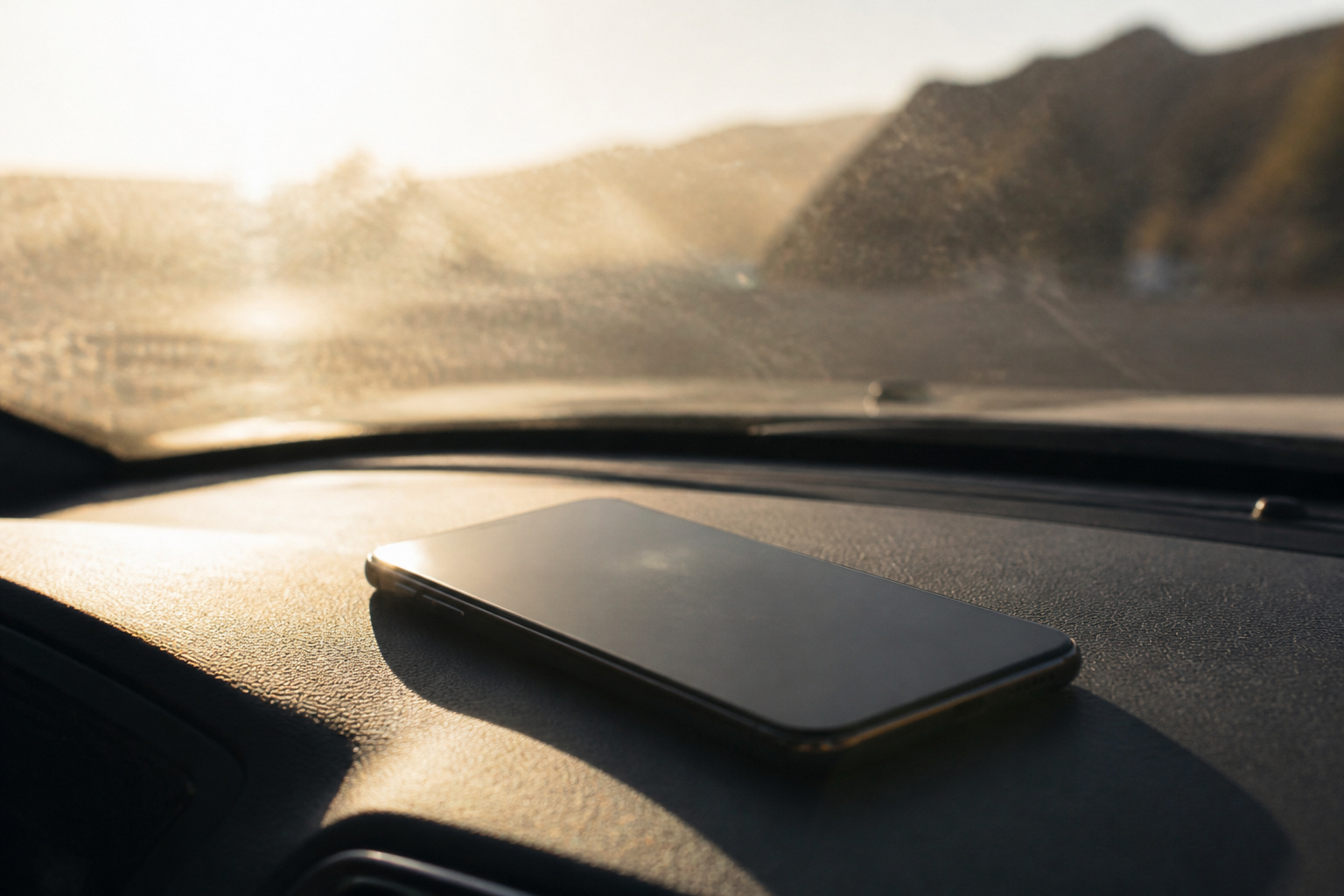
Heat is worse than cold. Apple says iPhone works best at ambient temperatures from 32 to 95 degrees Fahrenheit, and that exposure above 95 degrees can permanently damage battery capacity. Cold reduces battery life, but Apple describes that effect as temporary. A phone on a car dashboard in summer is the classic way to hurt a battery.
Cases can matter too. Apple notes that charging inside certain case styles may generate excess heat, so remove a thick case if the phone feels hot while charging. Keep the phone out of direct sun, off soft surfaces like beds and couches while it charges, and out of a hot car.
How Do You Know When a Battery Is Worn Out?
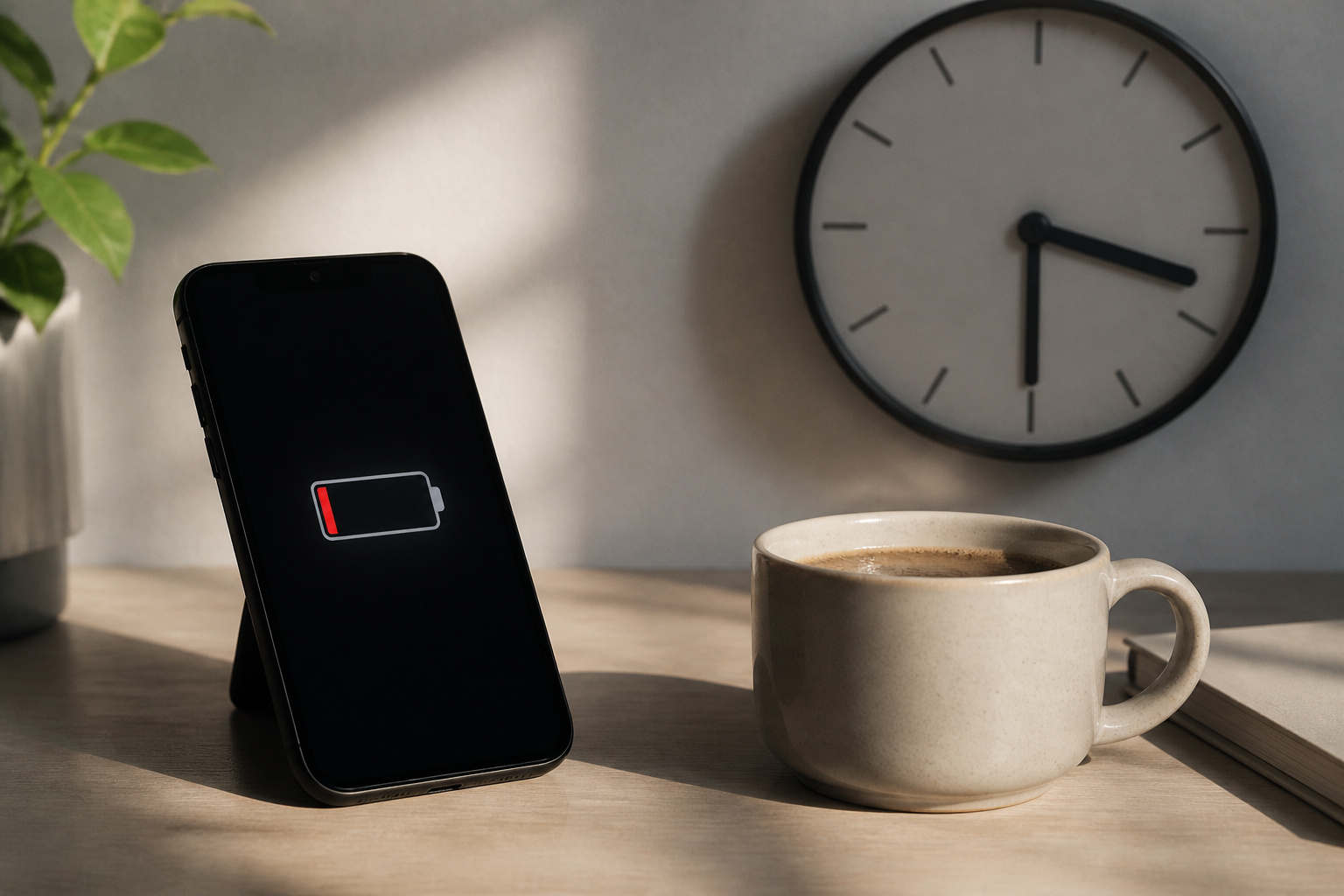
The obvious sign is that the phone no longer lasts a normal day. Macworld suggests replacing your phone if you run low every day and need to plug in for a few hours to charge to 80 or 100 percent. On an iPhone, open Settings, Battery, Battery Health. It should read Normal, and if Maximum Capacity is below 80 percent, you can start the replacement process.
Some Android phones show a battery health reading in the settings, and others do not, so for those, judge by how the phone behaves. Before you spend money, try the simple fixes: restart the phone, update the software, and check the battery usage screen for an app that is draining power.
Should You Replace the Battery or the Phone?
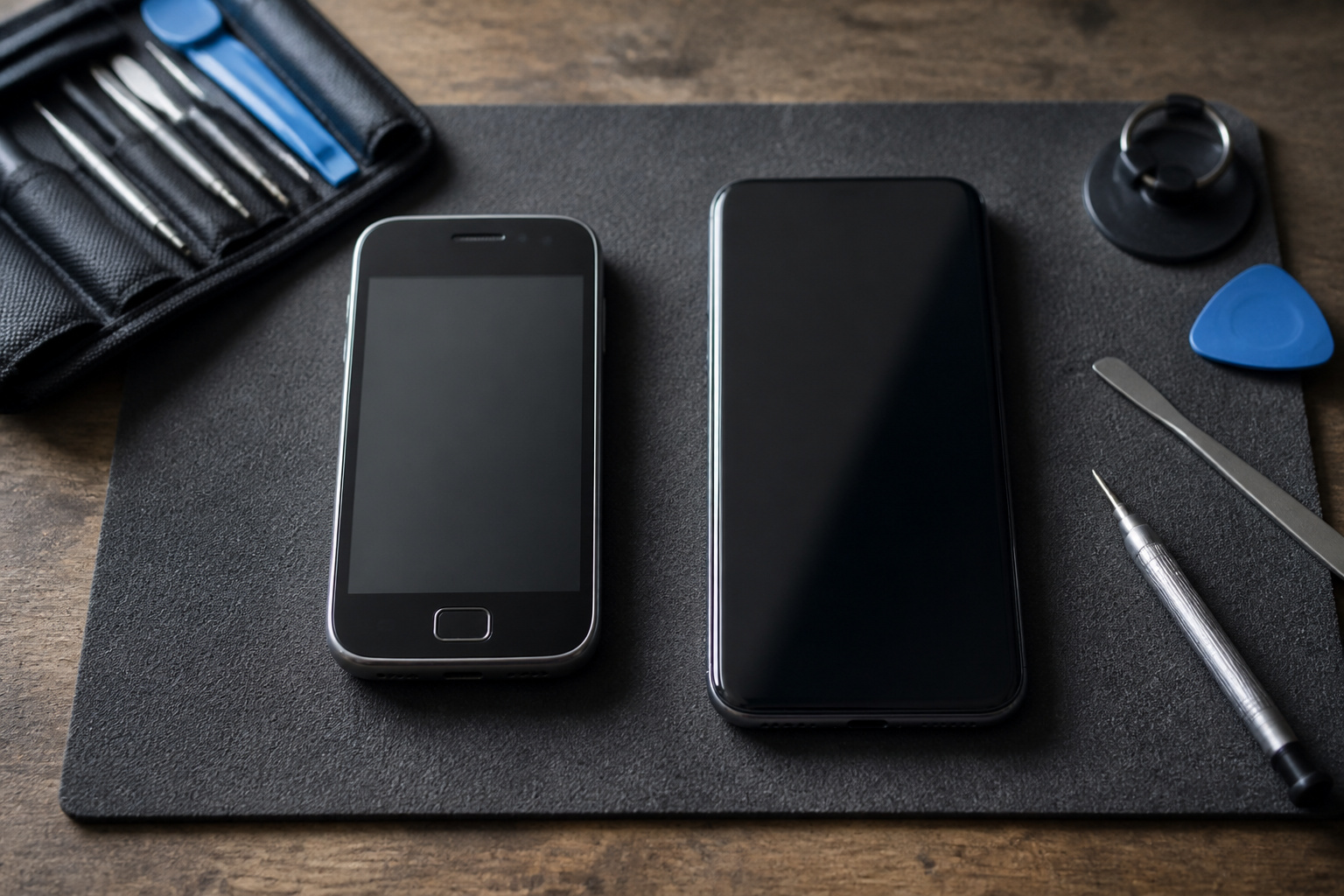
Replace the battery if the phone is otherwise healthy and still gets software updates. A new battery is usually much cheaper than a new phone and can restore a full day of use. Apple replaces the battery for free under AppleCare+ when Maximum Capacity is 79 percent or lower, and charges a fee otherwise. Macworld notes that third-party shops are often much cheaper, while Apple’s repairs carry a 90-day warranty.
Replace the phone if it has stopped getting security updates, runs slowly, or has other problems besides the battery. Our Android phone buying guide has a sourced table of how long each maker updates its phones, and our iPhone buying guide explains how to choose a new one.
Recommended Products

Fits iPhone 11 Only, So Check First: This battery is for iPhone 11 models A2111, A2223 and A2221. It does not fit iPhone 11 Pro, iPhone 11 Pro Max, iPhone XR or any other model. To check yours, open Settings, tap General, tap About and read the Model Name line.

This replacement battery is what you need to bring your dead iPhone 11 back to life!
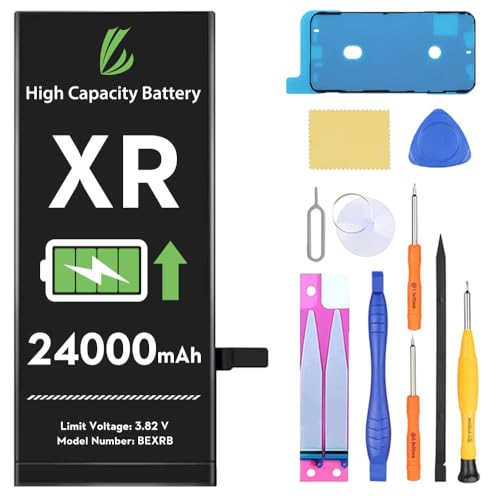
[Compatible Model] - This battery is only compatible with iPhone XR model A1984、A2105、A2106、A2107、A2108 (NOT FOR IPHONE XS and XS MAX/X). Please confirm your iPhone model before purchase. (Check your iPhone model at the following steps: Settings--General--About--Model Name)
What Can You Buy to Get Through the Day?
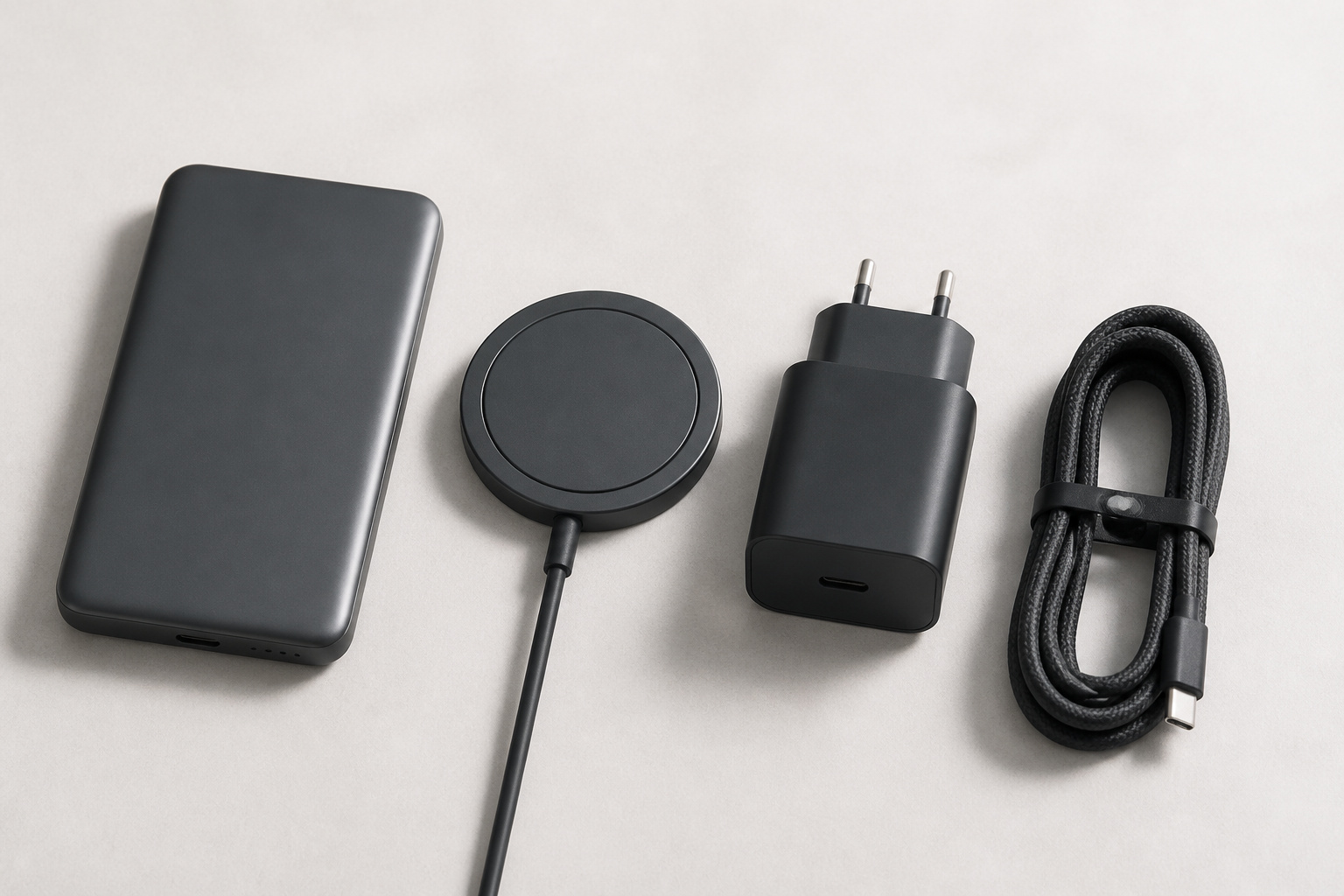
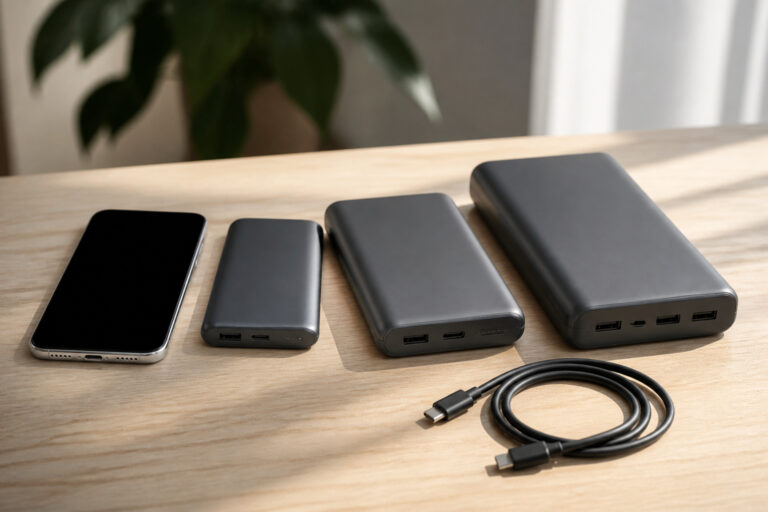
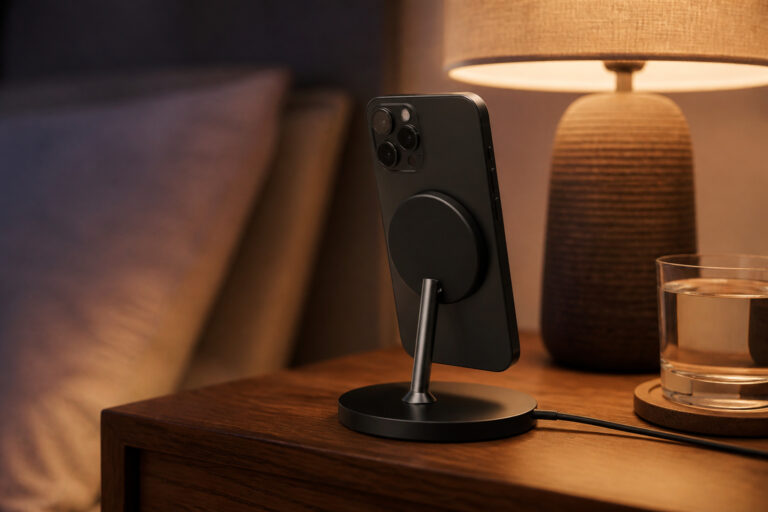
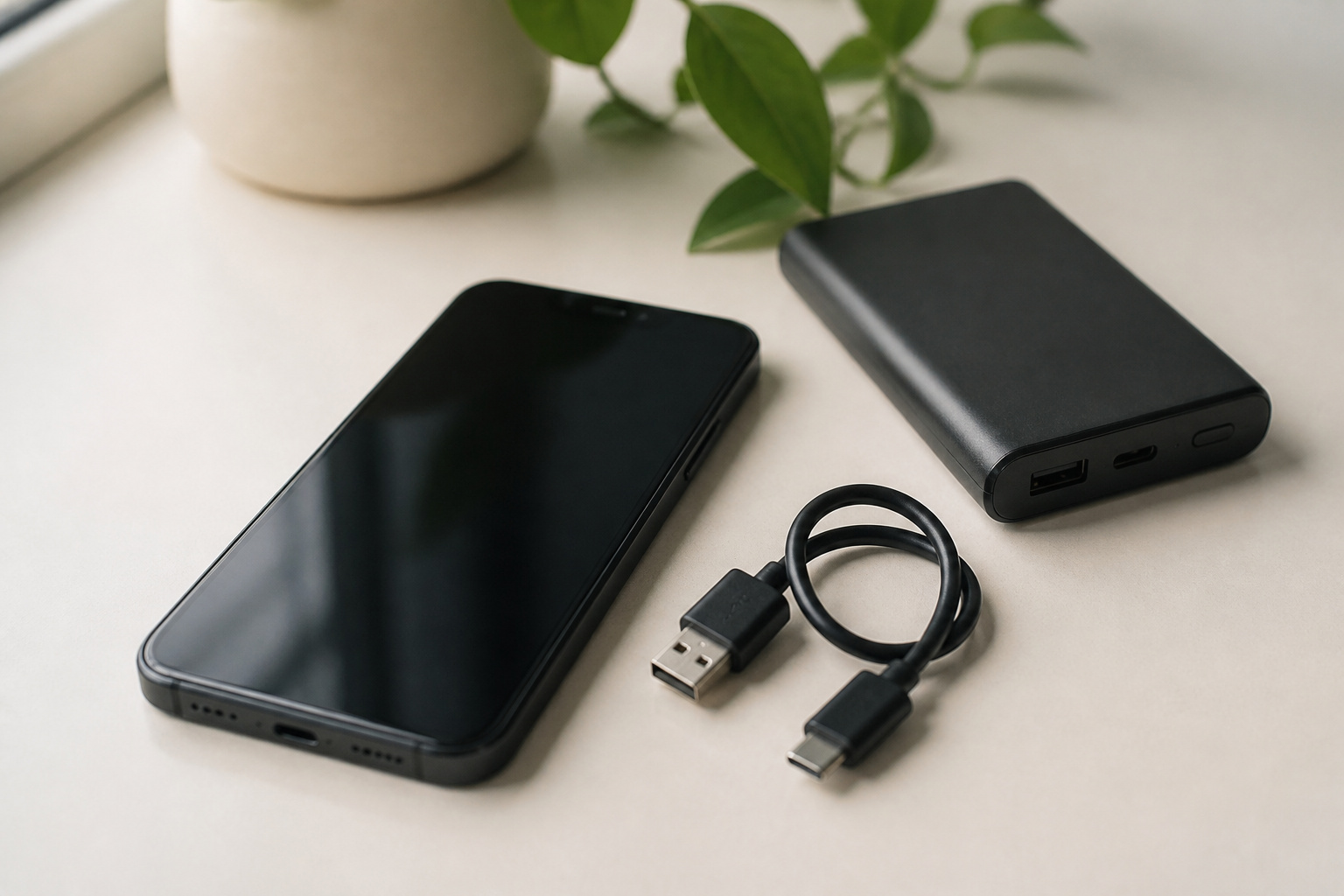
If settings are not enough, a little gear closes the gap. A power bank gives a phone a second charge on the go, and our power bank buying guide explains capacity and what to look for. For iPhones and phones with magnets, a magnetic power bank snaps on and charges without a cable. A good wall charger and a quality cable keep your charging fast, which our charger guide covers. For a nightstand or desk, see our wireless charger picks.
Your other devices have batteries too. Our guides to fitness trackers, smartwatches, and true wireless earbuds cover how long each should last between charges.
Recommended Products
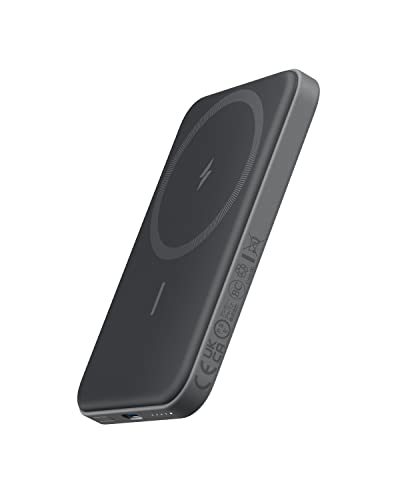
Smaller Than Ever: Anker's new MiniCell technology delivers identical charging performance with fewer components. This means it's smaller and lighter than ever before
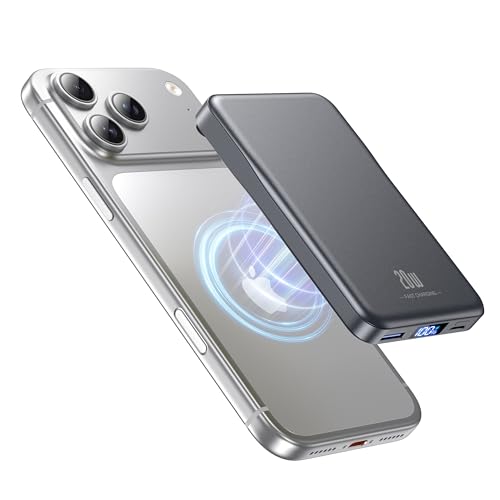
2X Power vs 5000mAh Mini Chargers: The 10000mAh battery pack provides about twice the backup power of many 5000mAh mini chargers. Charges iPhone 17 up to 2.2 times, Samsung S26+ about 1.6 times, or AirPods multiple times while staying compact and easy to carry.

【Ultra-Slim 10000mAh Power】Max Power, Zero Bulk – Ideal for Travel & Daily Carry Ditch the brick-like chargers. With a capacity twice that of many 5000mAh minis, this slim power bank easily slips into your pocket or bag, making it the perfect travel essential for flights, commutes, or a night out . It provides about 1.8 charges for an iPhone, ensuring you never run out of juice during a busy day
Frequently Asked Questions
Is it bad to charge my phone overnight?
No, experts quoted by Consumer Reports say charging overnight will not harm the battery, because modern phones stop charging at 100 percent. A charge limit or Optimized Battery Charging reduces the time spent at a full charge.
Should I let my phone battery run all the way down before charging?
No. Avoid waiting until it is nearly empty. Keeping the charge roughly between 20 and 80 percent when you can is easier on the battery.
Does low power mode hurt my phone?
No. It reduces background activity and can lower performance a little, and you can turn it off at any time. It is a good way to stretch a battery when you are running low.
How long does a phone battery last before it needs replacing?
It depends on use, heat, and charging habits, and there is no fixed number. On an iPhone, Apple’s service rules look at whether Maximum Capacity has dropped below 80 percent. On any phone, replace it when it no longer lasts a normal day.
Does a software update drain the battery?
Often for a few days after a major update, as the phone finishes background work. That should return to normal within about a week. If it does not, check your battery usage for an app that is misbehaving.
Closing Thoughts
For daily battery life, cut the big drains first: the screen, the always-on display, and background activity. For long-term battery health, keep the phone cool, avoid extremes of charge, and use a charge limit if your phone offers one. When the battery finally wears out, replace it if the rest of the phone is healthy, and replace the phone when it no longer gets updates.