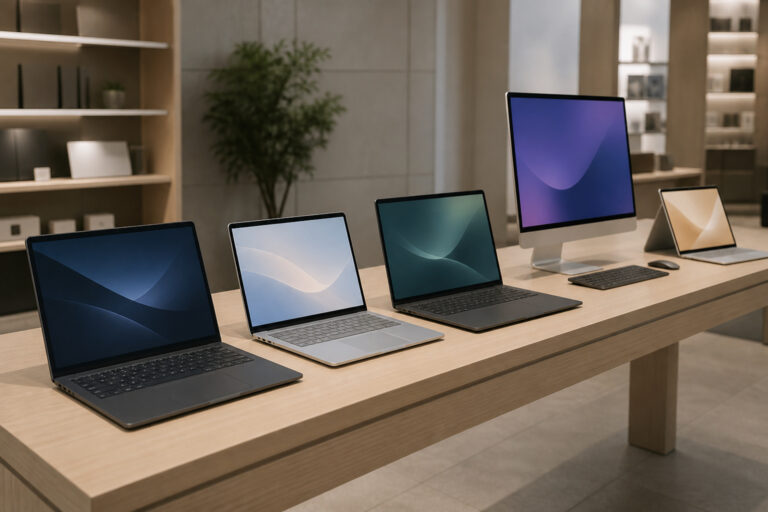
An all-in-one computer puts the processor, memory, storage, and speakers behind the screen, so one cable runs to the wall, and the desk stays clear. It fits homes, shared spaces, and offices where tidiness matters more than raw power or upgrades.
This guide covers the pros and cons, the specs worth checking, and who should buy one.
Pros of an All-in-One
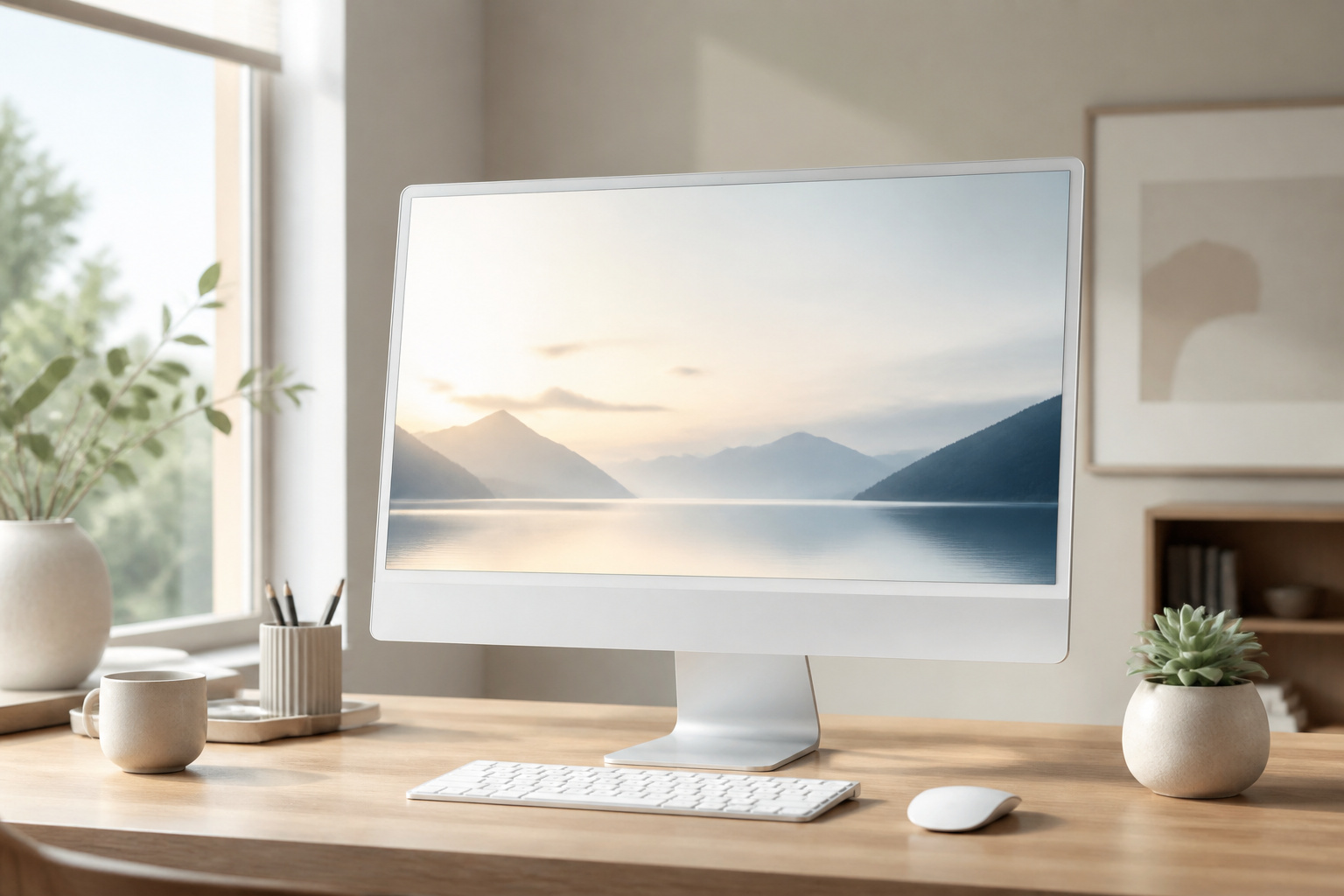
The biggest advantage is simplicity. You get a screen, speakers, a webcam, and often a keyboard and mouse in one box, with minimal cable clutter and quick setup.
Many all-in-ones also have large screens, often 24 or 27 inches, and some offer touchscreens that are handy for families and shared use. They also look better in a living area or reception desk than a tower and monitor.
Cons of an All-in-One
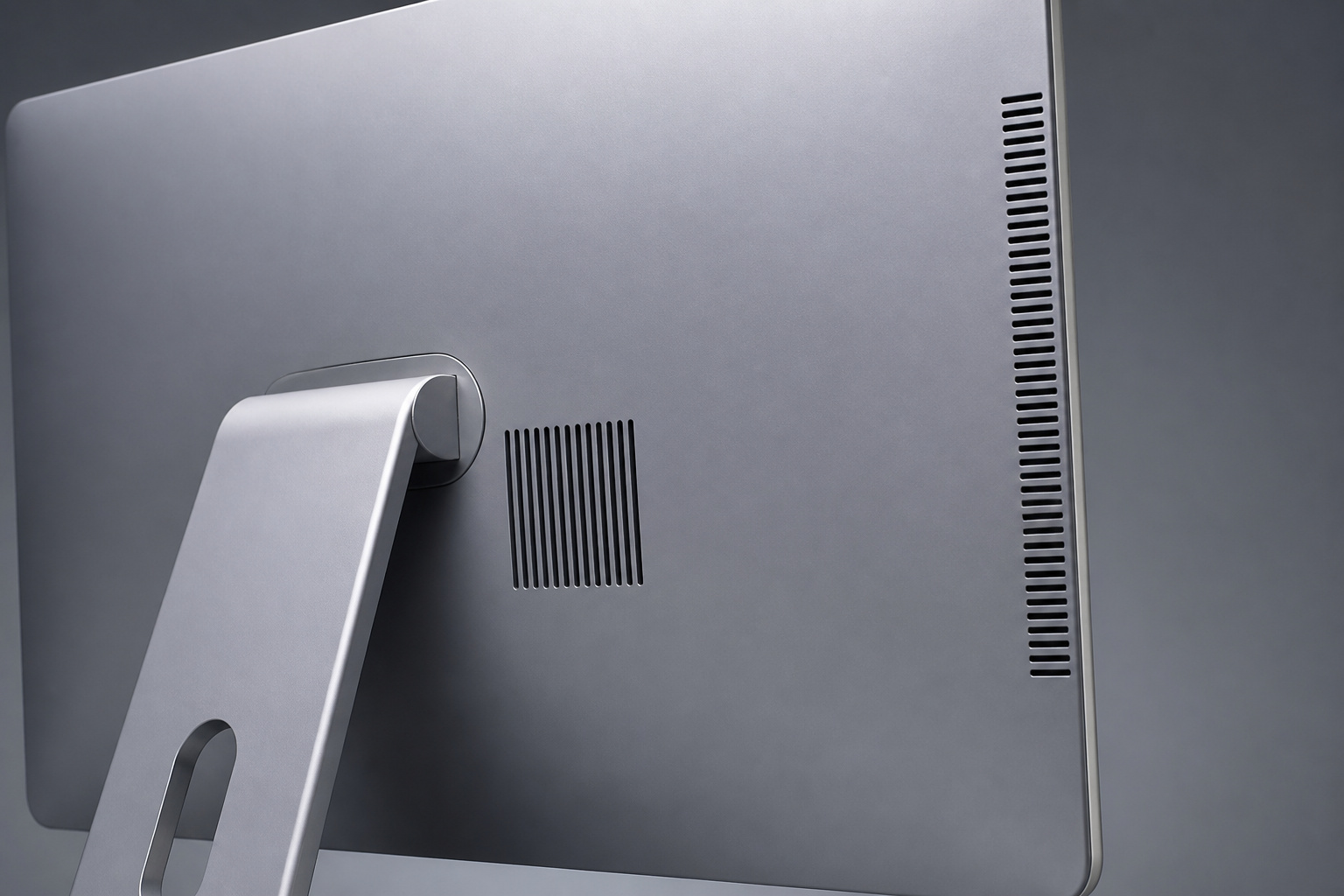
The trade-offs are less power for the price, limited upgrades, and difficult repairs. Components are packed into a thin case, so cooling is limited, and performance often lags a desktop tower at the same cost.
If the screen fails, you may have to replace or repair the whole computer. Memory and storage are sometimes replaceable and sometimes not, so check the model before you buy.
Our guide to why the desktop PC is not dead covers the tower alternative.
Processor and Memory

For browsing, email, documents, and streaming, an entry-level processor such as an Intel N100-class chip or an AMD Ryzen 3 or 5 handles everyday work.
Choose a stronger Ryzen 5 or 7, or an Intel Core i5 or i7-class chip, if you run many apps, edit photos, or work with spreadsheets all day.
Aim for 16 GB of RAM if you can afford it, since 8 GB gets tight on Windows 11. Our guide on how much RAM you actually need explains why.
Recommended Products

STUNNING VISUALS - Enjoy more space to create and the comfort to keep going; The 27-inch display delivers sharp, vivid visuals; With an adjustable stand that adapts to your style, you can stay focused and comfortable from morning to night

i5 CPU + 16GB RAM: High-Performance Multitasking - Featuring i5 CPU processor (3.3GHz) and 16GB dual-channel RAM, this all in one desktop handles heavy multitasking, complex document processing, and light creative work effortlessly. Ideal for professionals, content creators, and power users seeking robust performance

The Lenovo 24 All-In-One Desktop PC features an Intel Intel Processor N100 (Total Cores 4, Total Threads 4, 6M Cache, Max Turbo Frequency 3.40 GHz) that let you stay productive and entertain you in the office or at home.
Storage
Choose a real solid-state drive, preferably NVMe, of at least 256 GB, and 512 GB if you keep files locally.
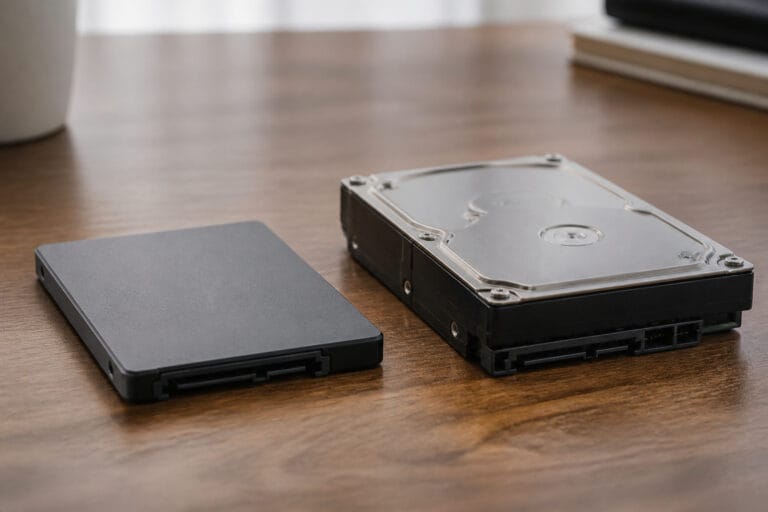
Some budget models use slower eMMC or UFS storage, which is much slower than a proper SSD and hard to expand later. See SSD vs HDD for why this matters.
Recommended Products

EXCELLENT PERFORMANCE: Fanxiang S500 Pro M.2 SSD adds graphite heat dissipation stickers to provide effective heat dissipation control for internal ssd, improve its performance and service life, up to 320TBW (TeraBytes Written)

SMI 2263XT Series Controller; 2280 M.2 PCIe Gen3 x 4, NVMe 1.3

PCIe Gen 3x4 interface with read speeds up to 2,200MB/s and write speeds up to 1,600MB/s
Screen, Camera and Sound

Look for at least Full HD resolution on an IPS panel, with an anti-glare finish if the room is bright. A touchscreen is useful for families but not necessary.
A 720p or better webcam with a privacy shutter and decent microphones helps with video calls. Built-in speakers work fine for casual use, but they can’t replace good external speakers.
Recommended Products

Versatile Full HD IPS Display: Elevate your home office with this 27 Inch 1080p (1920 x 1080) LED monitor featuring a smooth 120Hz refresh rate; the IPS panel and frameless design deliver consistent colors and wide viewing angles for an immersive viewing experience

27-Inch full HD (1920x1080) LED backlight display with IPS 178° wide viewing angle panel and a frameless design

VERSATILE FULL HD DISPLAY: This 24 inch computer monitor combines 1080p IPS resolution and a smooth 120Hz refresh rate for everyday productivity, documents, browsing, multimedia, schoolwork, home office, and entertainment.
Ports and Connectivity
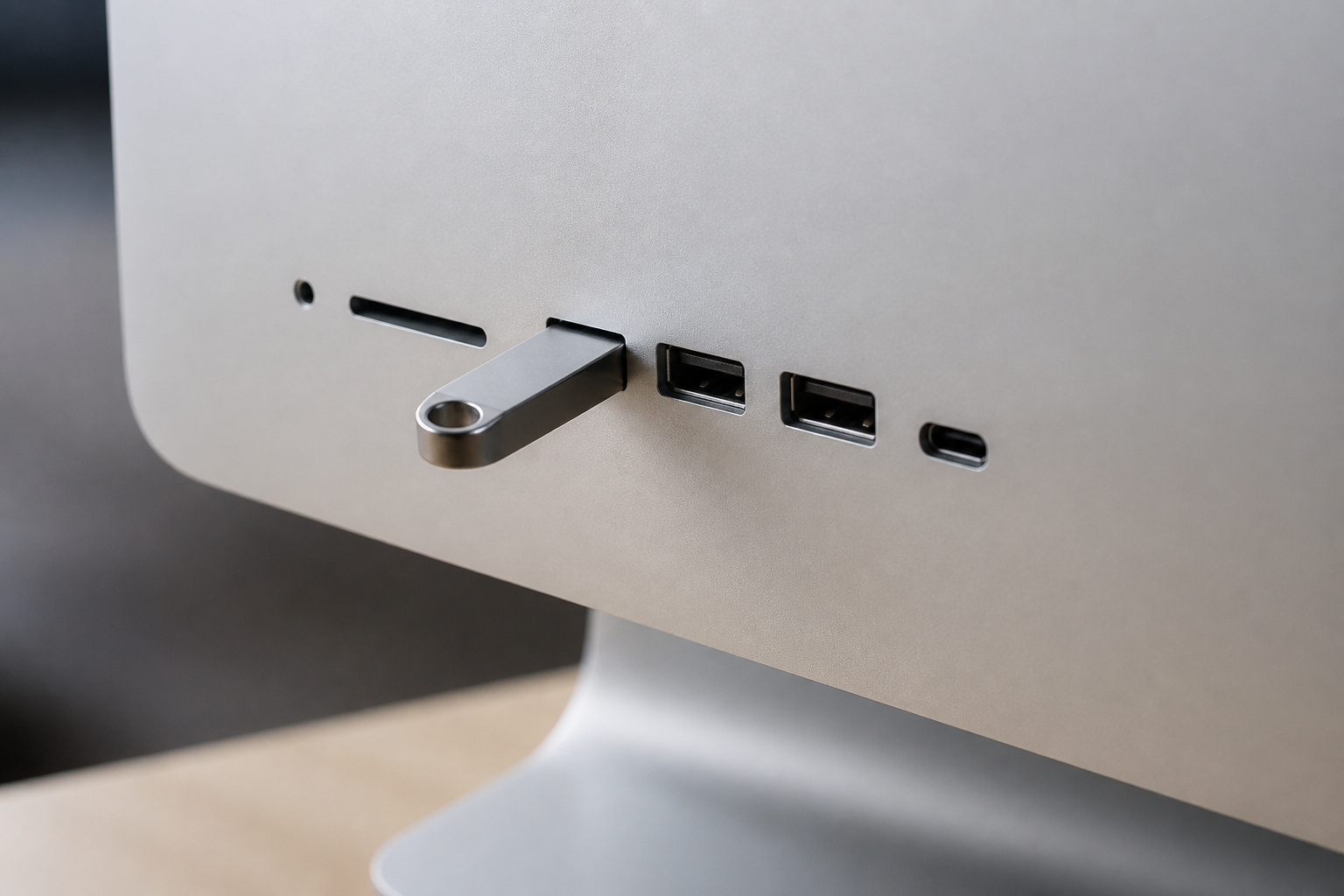
Look for both USB-C and USB-A ports, wired Ethernet for a stable connection, and Wi-Fi 6 or newer. Some all-in-ones can also work as a monitor through an HDMI input, but this is uncommon, so confirm it if you need it.
Many models either mount to a VESA bracket or come on a fixed stand, so check how the stand adjusts for height and tilt.
Recommended Products

The Anker Advantage: Join the 65 million+ powered by our leading technology.

【6-in-1 USB C Hub】Expand one USB-C port into 6 essential ports—including 4K@60Hz HDMI, Gigabit RJ45 Ethernet (1000Mbps), 100W PD charging, 2× USB-A 3.1 Gen1 (5Gbps), and USB-C 3.1 Gen1 data port (5Gbps). Built for seamless multitasking, this all-in-one USB C to USB adapter lets you charge, transfer data, and connect external displays at the same time.

5-in-1 Connectivity: Equipped with a 4K HDMI port, a 5 Gbps USB-C data port, two 5 Gbps USB-A ports, and a USB C 100W PD-IN port. Note: The USB C 100W PD-IN port supports only charging and does not support data transfer devices such as headphones or speakers.
Gaming and Creative Work

Most all-in-ones use integrated graphics and are not meant for demanding games or video editing. They can run light games and everyday creative work.
If you need graphics power, a gaming desktop is a better value; see our guide to choosing a gaming desktop.
Recommended Products

BLUE LIGHT BLOCKING GLASSES: Our blue light glasses for women boast UV400 protection, blocking harmful blue rays from computer screens. With these bluelight glasses women, you can enjoy gaming, reading, or watching TV with no worries of eye strain.


Who Should Buy an All-in-One

An all-in-one suits families, home offices, reception desks, and anyone who wants a clean, simple setup and uses the computer mainly for everyday tasks.
If you want to upgrade over time, want the most performance for your money, or need a specific monitor, choose a tower or mini PC instead.
For a smaller alternative that still lets you pick your own screen, read our guide to mini PCs. If you are comparing desktops and laptops overall, see desktop vs laptop computers.
Frequently Asked Questions
Are all-in-one computers good for home use?
Yes. They are simple to set up, save space, and handle browsing, streaming, schoolwork, and office tasks well.
Can you upgrade an all-in-one computer?
Sometimes. Some models let you replace the RAM or storage, but many make upgrades difficult or impossible. You can’t change the processor or the screen on any of them. Check your model first.
Are all-in-ones good for gaming?
Only for light games. Most use integrated graphics, so demanding games need a desktop with a dedicated graphics card.
How much RAM and storage should an all-in-one have?
16 GB of RAM and a 512 GB SSD is a comfortable target. 8 GB of RAM and a 256 GB SSD can work for light use.
Can an all-in-one be used as a monitor?
Only some models have an HDMI input that lets them act as a display. Most don’t, so check the specifications if you want this.