
Buying on a budget means accepting compromises, and the skill is choosing ones that do not hurt. Some specs can be modest without affecting daily use, while others cannot be fixed later.
This guide separates the must-haves from the things you can skip.
The Must-Haves
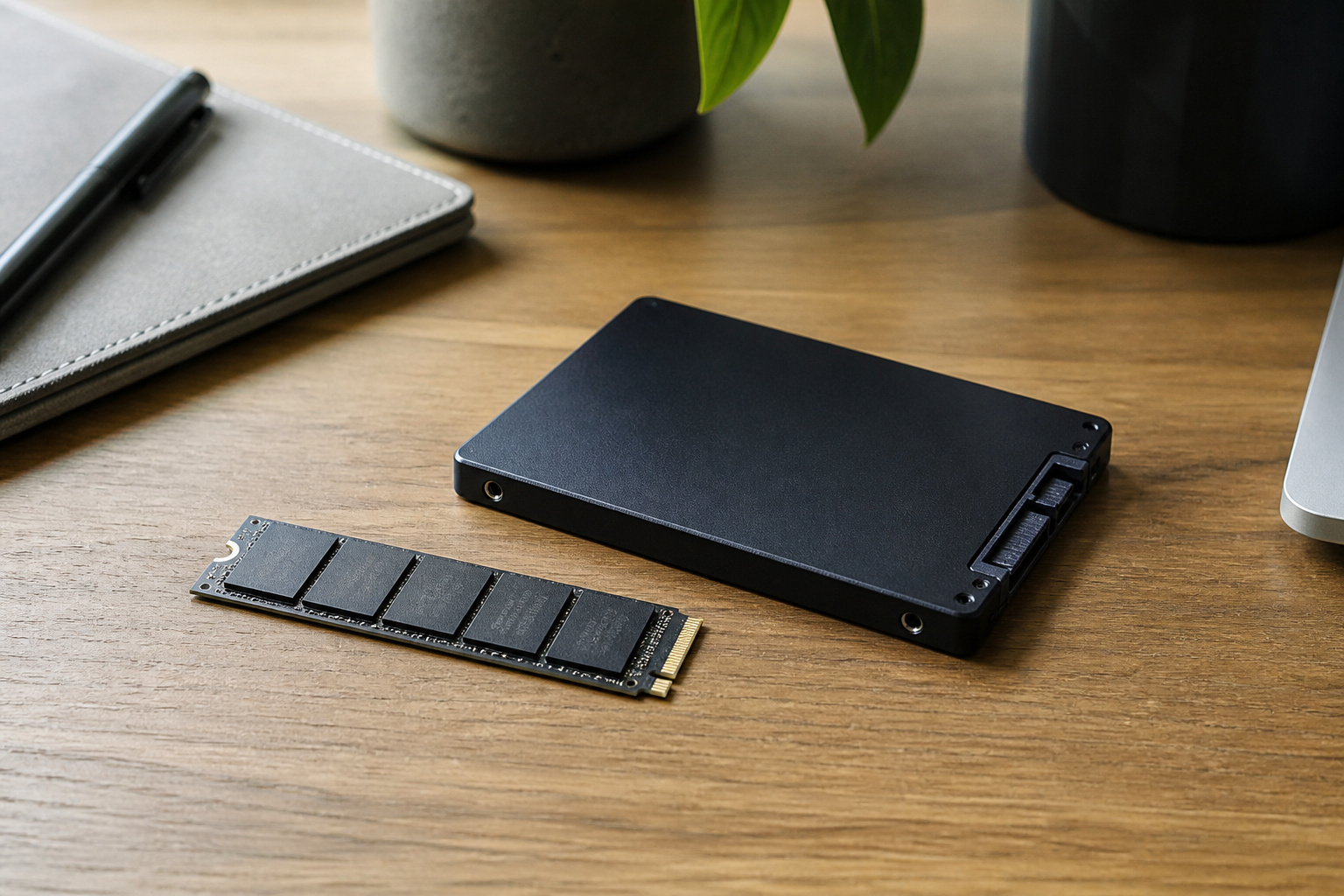
Hold the line on three things. First, a real SSD, not a hard drive and not slow eMMC storage.
Second, enough memory: 8 GB is the floor for a Windows laptop in 2026, and 16 GB is better if you can stretch.
Third, a current-generation processor, because older chips run hotter, slower, and may not support Windows 11. Our guides to how much RAM you need and SSD versus HDD storage explain why.
Recommended Products

[Powerful Daily Performance] Equipped with a dual-core 6500Y processor (Turbo up to 3.4GHz), this laptop ensures smooth web browsing, video streaming, and document handling. Multitask effortlessly between email, spreadsheets, and presentations without lag. and multitask between applications like email, spreadsheets, and presentations without slowdowns.

Effortlessly chic. Always efficient. Finish your to-do list in no time with the Dell 15, built for everyday computing with Intel Core 3 processor.

Striking 15.6-inch FHD Display — Brings visuals to life with a 250-nit sustained brightness and 45% NTSC color gamut
What You Can Compromise On

You can accept a plastic body, a basic webcam, modest speakers, and a lower-end processor tier if the generation is current.
A 1080p display is a good target, but a lower resolution on a small screen is tolerable. You can also skip a touchscreen and a dedicated graphics card unless your work needs them.
Check Support Before Price

A cheap machine that cannot stay supported is not a bargain. Regular Windows 10 support ended on October 14, 2025, so a PC must meet the Windows 11 requirements to receive regular security updates.
Chromebooks have an Auto Update Expiration date, so check it for the exact model. Our guide to how long a computer should last explains the dates.
Read the Spec Sheet in 2026

Rising memory costs have led some manufacturers to cut specifications in budget models while keeping prices steady.
A familiar model can ship with less RAM or a dimmer screen than last year’s version. Compare the exact configuration and see our guide on whether cheap computers are worth it.
Recommended Products

💻 EFFICIENT INTEL N150 QUAD-CORE PROCESSOR: Intel N150 processor with 4 cores (up to 3.6 GHz with Intel Turbo Boost, 6MB L3 cache) delivers reliable performance for everyday computing, web browsing, streaming, video calls, and productivity tasks. Intel Graphics handles HD video playback seamlessly. Perfect for students, home users, and professionals handling documents, emails, and online learning.

💻 EFFICIENT INTEL N150 QUAD-CORE PROCESSOR: Intel N150 processor with 4 cores (up to 3.6 GHz with Intel Turbo Boost, 6MB L3 cache) delivers reliable performance for everyday computing, web browsing, streaming, video calls, and productivity tasks. Intel Graphics handles HD video playback seamlessly. Perfect for students, home users, and professionals handling documents, emails, and online learning.

【Unbeatable Assurance & Support for Your Laptop】Shop with confidence on this laptop on sale, backed by a 2-Year Warranty & 6-Month Return Policy. Get 24/7 online support and direct help at 800‑606‑1179 for peace of mind.
Stretch the Budget

Refurbished business laptops, open-box units, and last year’s models can deliver better build quality for the same price.
Check the warranty and return window, and compare the total cost across retailers. See refurbished computers and getting the best deal online.
Recommended Products


【PROCESSOR】Dell Latitude 7420 Business Laptop with Core 11th Generation i7-1185G7 Processor (3.0GHz-4.8GHz, 4 Cores, 8 Threads, 12MB Cache)

-Efficient Business Laptop: Powered by 11th Gen Intel Core i5-1145G7 Quad-Core Processor (2.6GHz base, up to 4.4GHz Turbo Boost), ideal for office tasks and light multitasking.
Frequently Asked Questions
What is the minimum I should accept on a budget laptop?
8 GB of RAM, an SSD of at least 256 GB, a current-generation processor, and Windows 11 support if it is a PC. A 1080p display is a good target.
Is a Chromebook a good budget option?
For browser-based work and school, yes. Check its Auto Update Expiration date before buying.
Should I buy a cheaper laptop now or save for a better one?
If your current computer works and is supported, saving for a better one is a reasonable idea. If it is out of support or failing, a decent budget machine now is better than waiting.
Are budget laptops repairable?
Often not. Many have soldered memory and glued batteries, so buy enough memory and storage up front.
How do I avoid fake budget deals?
Compare the price and price history, check the processor generation and RAM, and confirm the return policy. See common computer buying mistakes.