An audio mixer combines several sound sources, such as microphones, instruments, and playback devices, into one balanced output. You find them in studios, live venues, podcasts, churches, and classrooms. This guide explains what a mixer’s controls do, how analog, digital, and USB mixers differ, and how to pick one without overspending.
What a Mixer Does
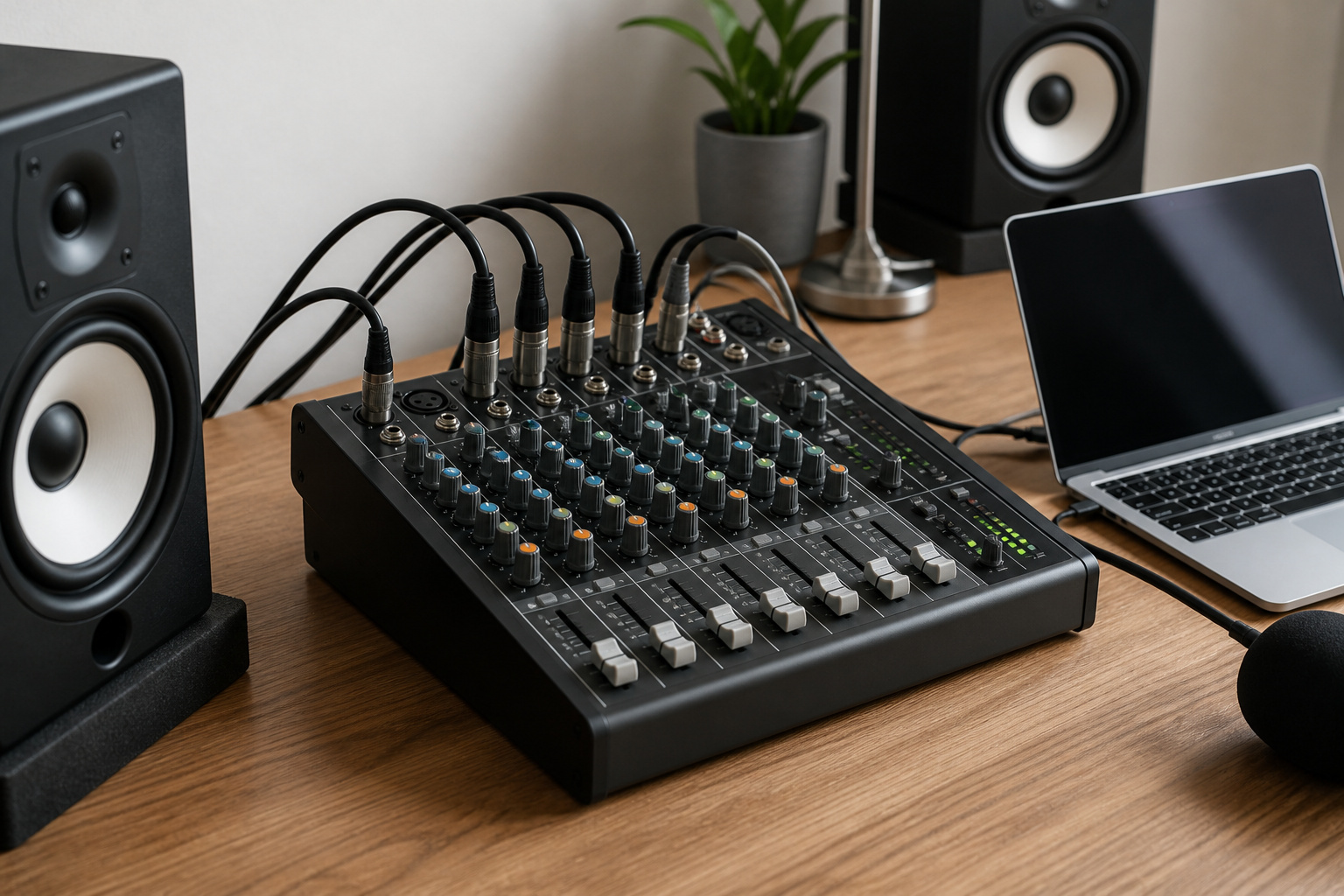
Each source plugs into its own channel. You adjust how loud each one is, shape its tone, and decide where it sits in the stereo picture, then send the combined result to speakers, headphones, a recorder, or a computer.
A mixer does not create sound, it balances and routes it.
The Parts of a Channel
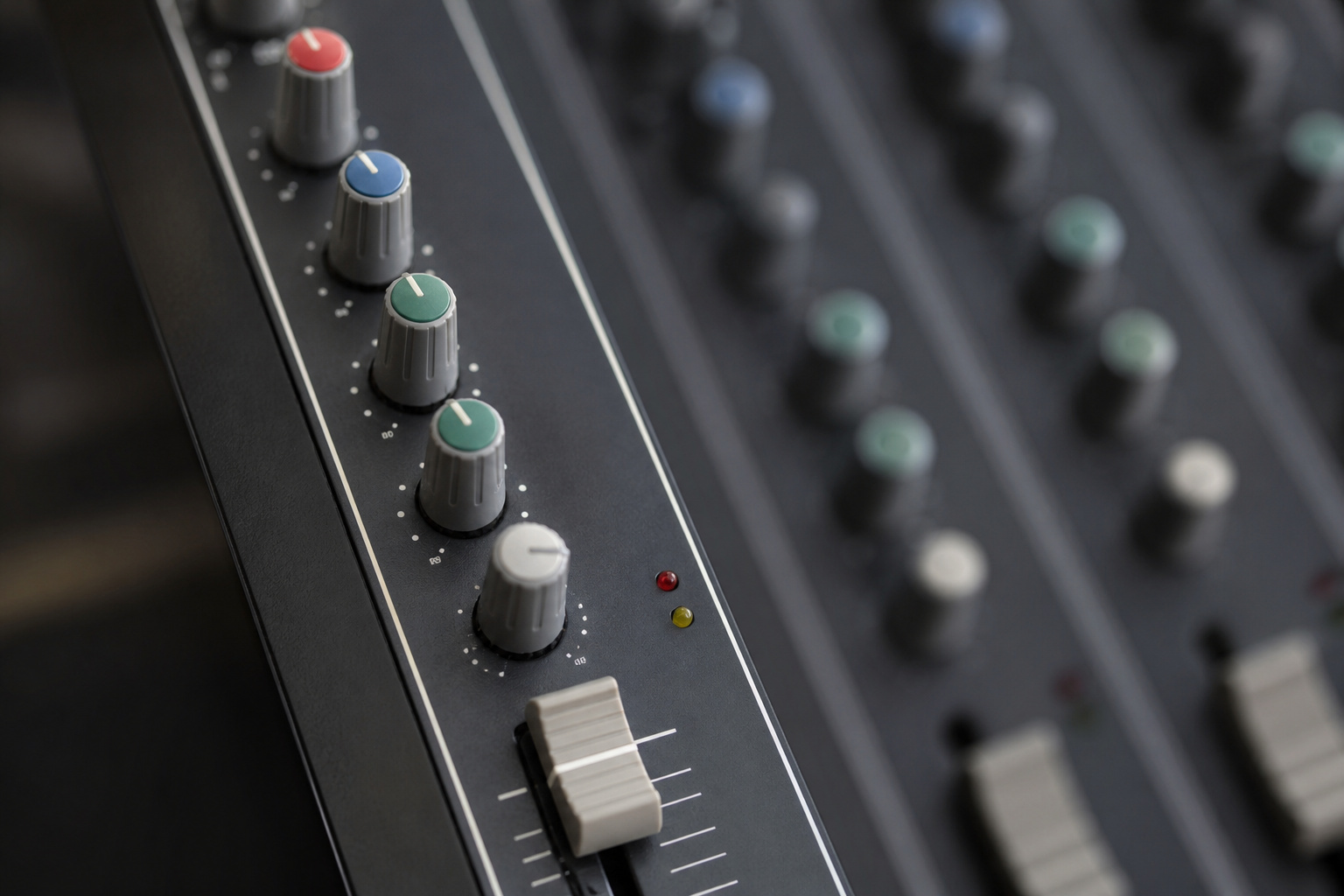
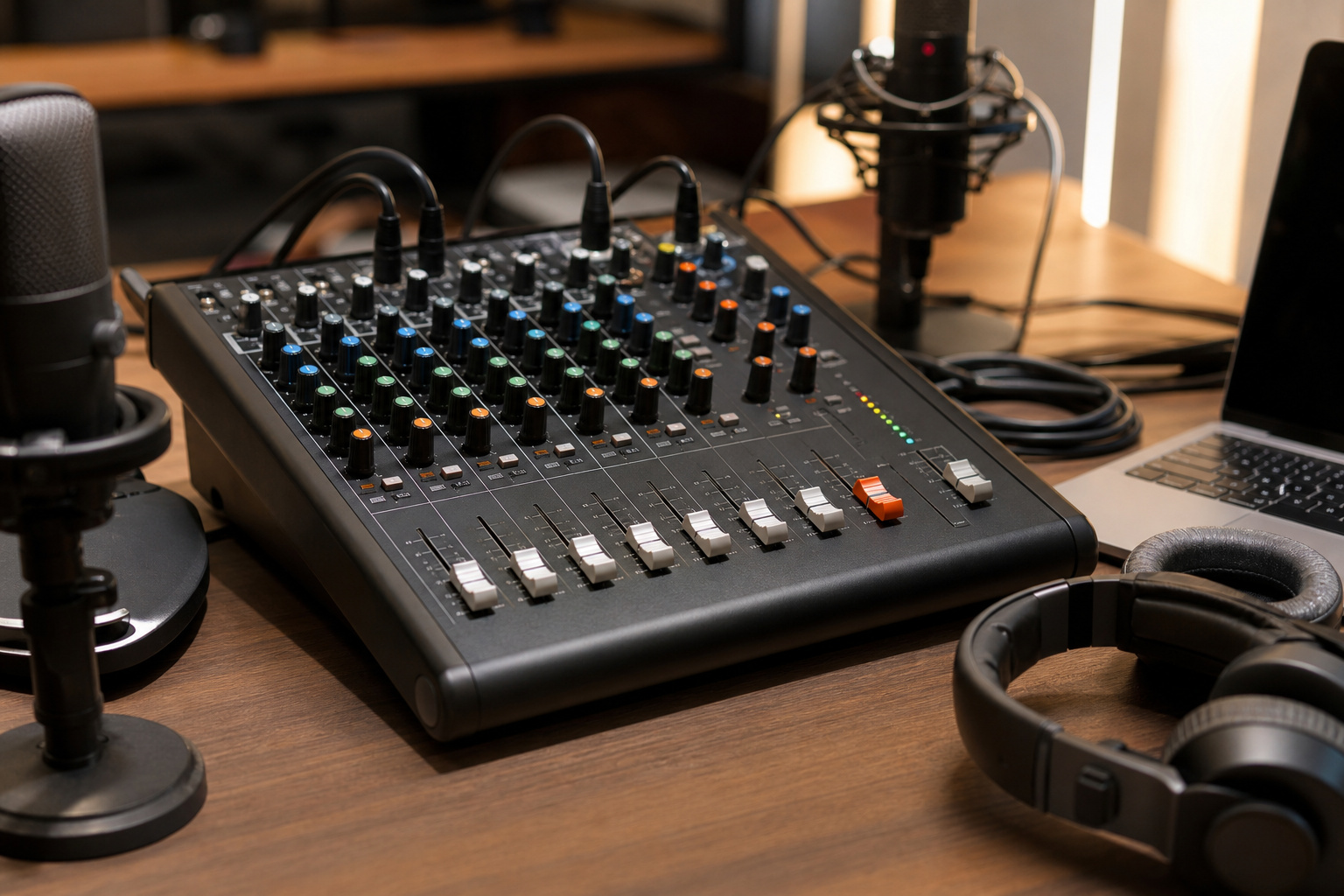
Each channel strip has the same basic controls. The input takes a microphone through an XLR connector or an instrument or line source through a quarter-inch jack. A preamp boosts the weak signal, and the gain knob sets how much.
Equalizer knobs, usually bass, mid, and treble, shape the tone. The fader sets the channel’s level, the pan knob places it left or right, and auxiliary sends route a copy to monitors or effects. The master fader controls the final output, and level meters show whether signals are too loud.
Recommended Products

【4-in-1 Passive Audio Combiner】 This device merges signals from up to four microphones, instruments, or line-level sources into a single balanced output. It’s the perfect solution for combining vocal groups, podcast mics, or multiple room mics when you need to feed them into one mixer channel or audio interface input.

Rugged, Metal Chassis & Exquisite Panel on 2 Sides

RECORD AND CONNECT TO PC: This personal mixer has a USB soundcard and audio interface to record and connect to MAC or PC and it has universal digital audio file compatibility. Can be used by beginners or studio professional applications
Analog, Digital, and USB Mixers
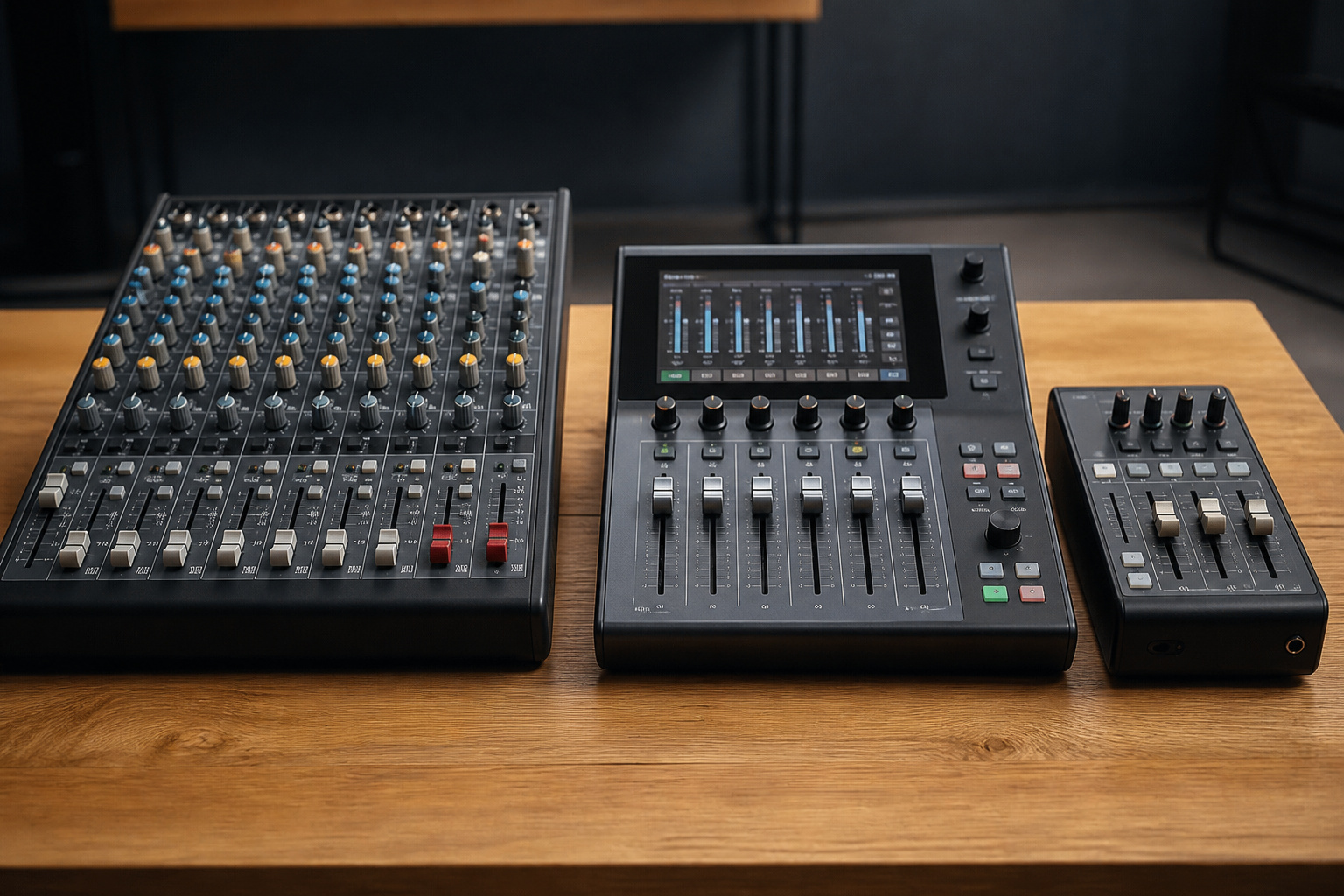
Analog mixers have a knob or fader for each control, which makes them quick to learn and easy to use at a glance. Digital mixers process sound as data, so they offer more channels, built-in effects, and saved settings in a smaller case, but they take longer to learn.
Many small mixers include a USB connection so they act as an audio interface for a computer. Check whether the USB output sends only a stereo mix or all channels separately, since that affects recording.
Recommended Products

Analog mixing and equalization for pure sound

TEN TRACKS TO SD CARDS UP TO 1TB – Records 10 discrete tracks plus a full stereo mix to SD cards up to 1TB, giving bands, streamers, and solo performers a complete recording solution in a compact package.

Pro performance with great pre-amps - Achieve a brighter recording thanks to the high performing mic pre-amps of the Scarlett 3rd Gen. A switchable Air mode will add extra clarity to your acoustic instruments when recording with your Solo 3rd Gen
Gain Staging Basics
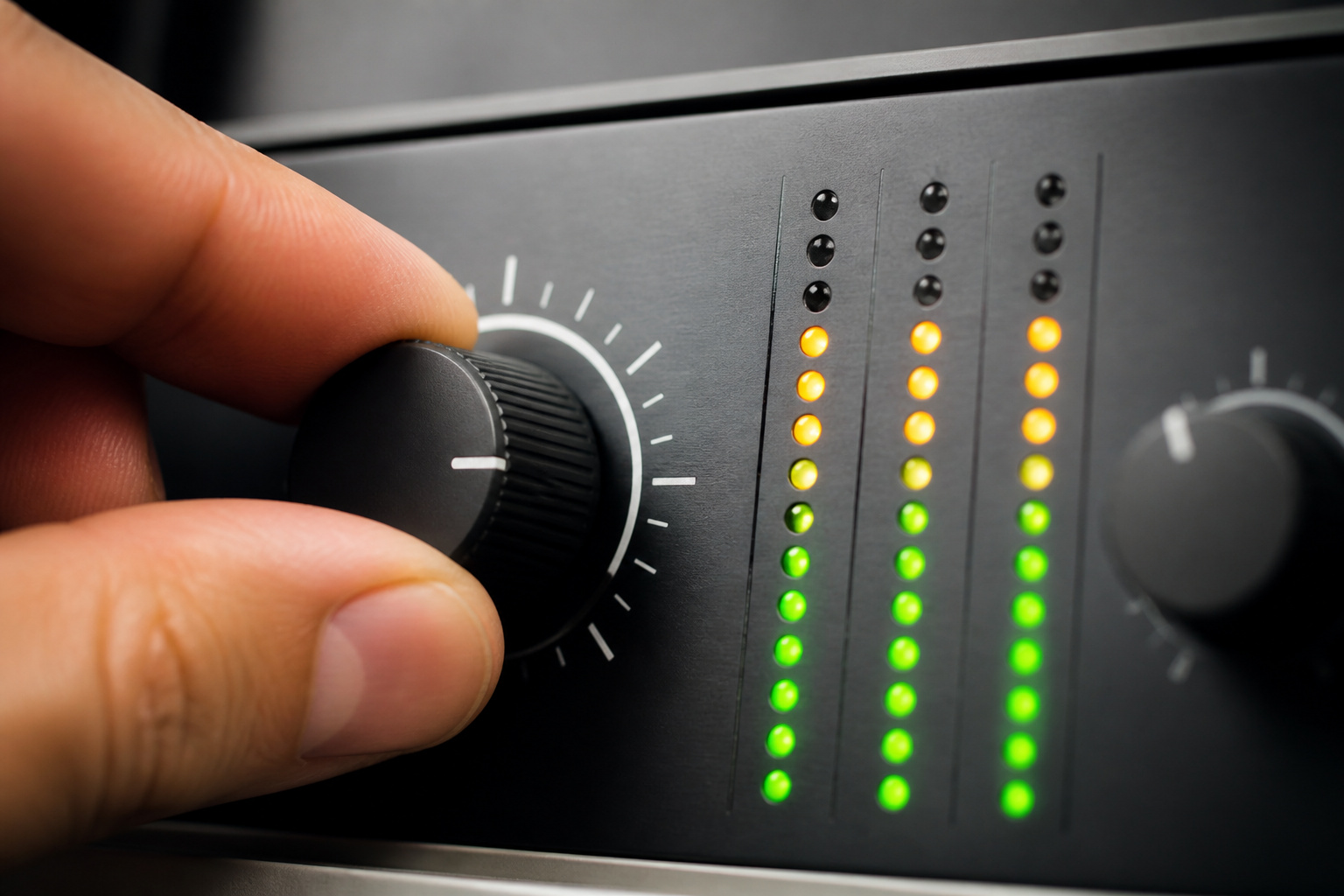
Gain staging means setting the input gain so the signal is strong enough to be clean but not so loud that it distorts. Set the gain while someone speaks or plays at performance level, so the meter reaches the upper range without lighting the clipping indicator.
Then use the fader to adjust the level in the mix. Correct gain avoids hiss from weak signals and distortion from strong ones.
Mixer or Audio Interface
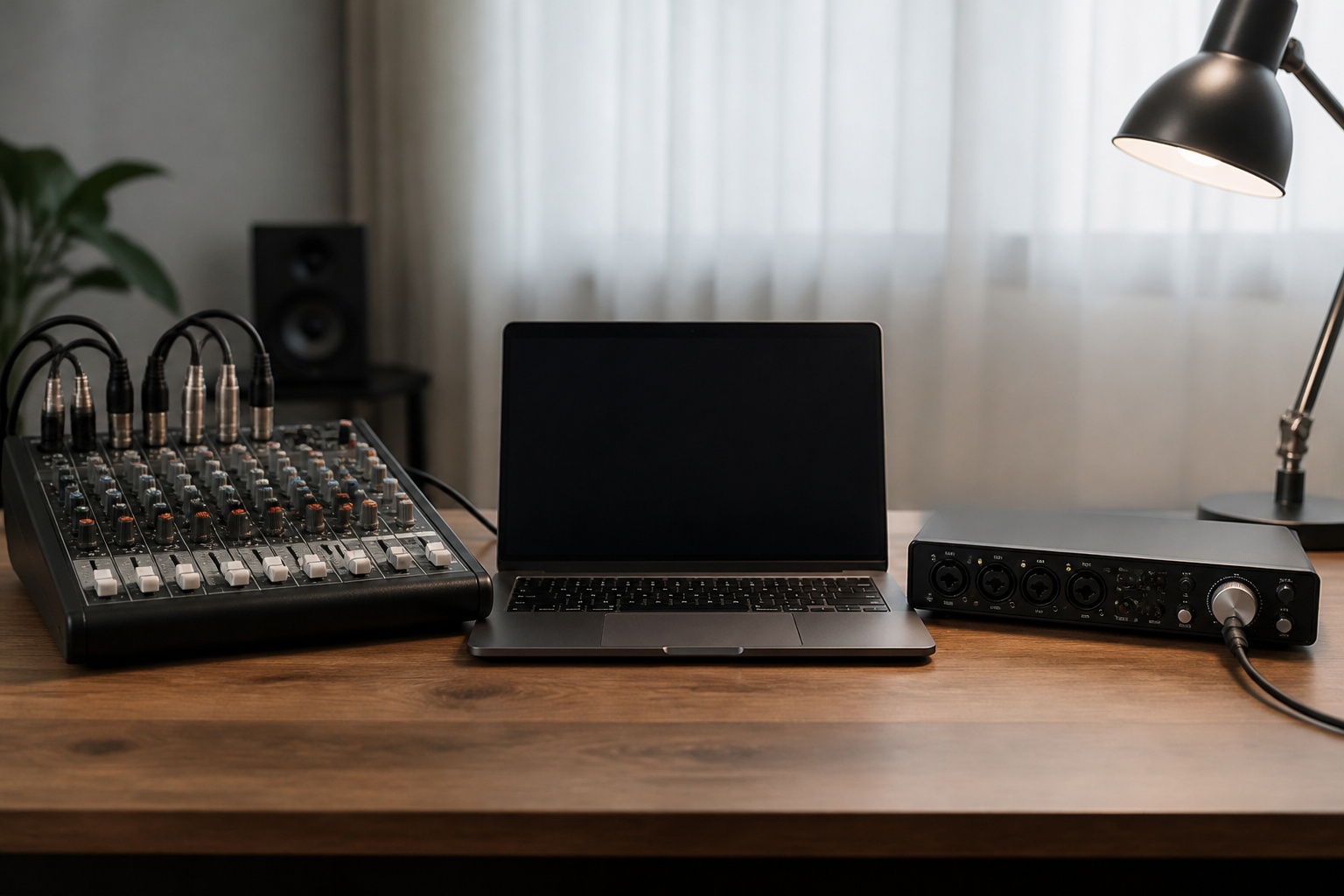
A mixer is best when you need to balance several sources in real time, such as a podcast with multiple guests, a band, or a live event. An audio interface is better for recording to a computer, where mixing happens in software.
Our guide on whether you need a DAC or audio interface explains the difference. DJs use a different kind of mixer, covered in DJ gear for beginners.
Recommended Products

【Music Mixer Board】The 6-channel Bluetooth mixer, built-in wireless Bluetooth, DSP reverberation effect, 3-band equalization adjustment, comes with USB interface, support U disk playback function. Reminder: This kind of mixer is a traditional analog product, so there is no need to talk about whether the system is suitable or not. We are eager to know what function the customer wants to use. Any operation error may cause the device to have no sound. Welcome to email us.

All-in-1 4-Person Podcast Bundle: Upgrade your home studio with this professional 4-Person Podcast Equipment Bundle, perfectly designed for multi-host podcasting, group live streaming, vocal recording, voice-over and cross-platform content creation. This all-in-one podcast starter kit is equipped with 4 premium dynamic microphones, sturdy desktop mic stands, monitor earphones, complete audio cables and a high-performance audio interface mixer. Plug and play without extra accessories, ideal for beginners and streamers to launch professional podcast recording and live streaming in minutes.

Upgrade Mic Clarity with XLR Power-Unlock studio-quality voice capture: The 48V phantom power XLR port supports high-sensitivity mics up to -50dB gain, while the Dynamic/Condenser toggle adapts to any microphone type. With <0.2% distortion and 75dB SNR, your comms cut through explosions crisply. Adjust mic monitoring via output knob on the gaming mixer keeping you aware of voice levels—perfect for intense FPS callouts.
What to Look For
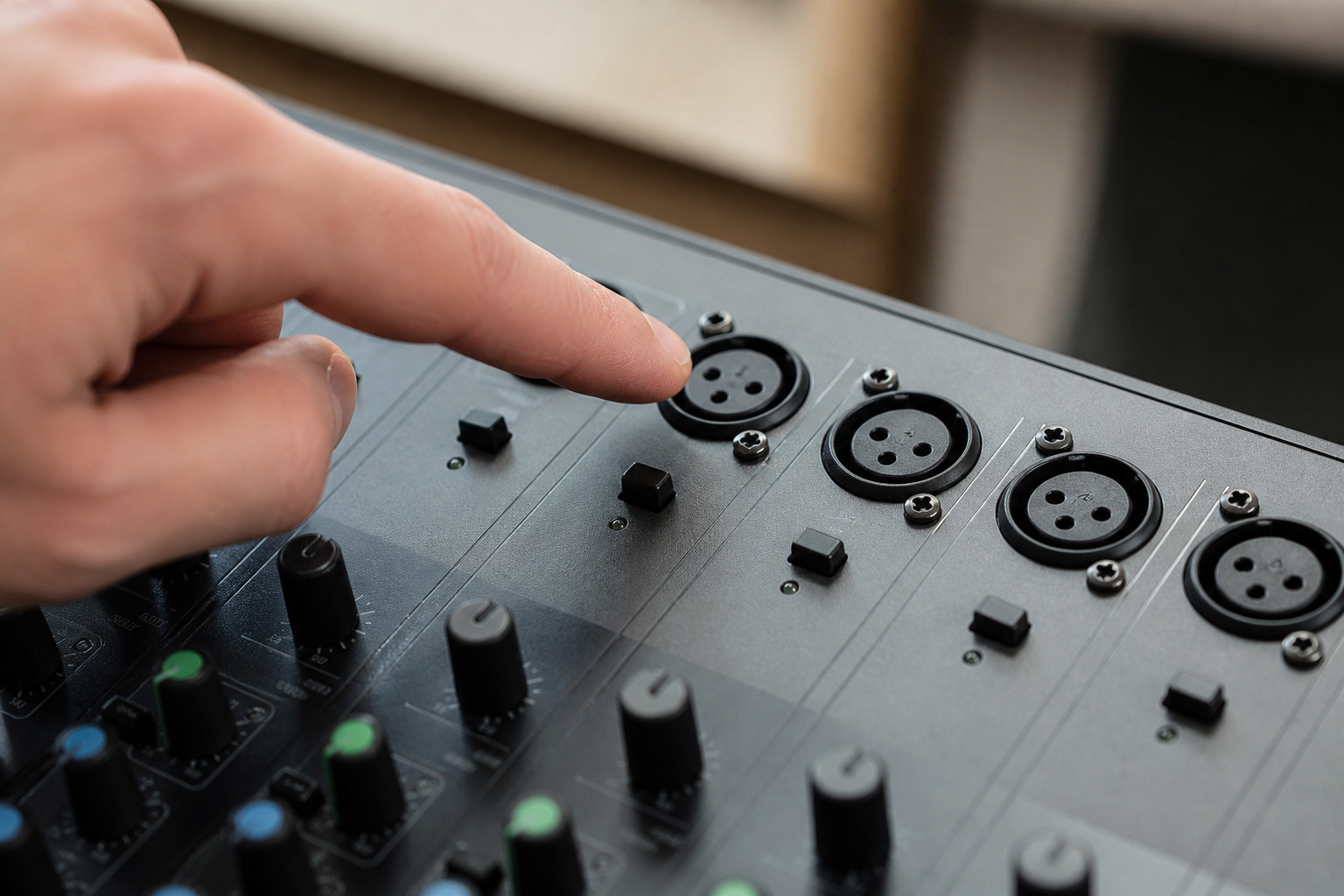
Count the channels you need now and add a few for growth, and make sure enough of them have XLR microphone inputs. Check for phantom power if you use condenser microphones, a USB connection if you want to record, and headphone and monitor outputs.
Build quality and preamp quality matter more than a long list of built-in effects. Good monitors help too, so see studio monitors vs regular speakers.
Recommended Products

Delivers reliable 48V phantom power for condenser microphones and transfer sound signal to sound card in a compact, durable, plastic housing.

[XLR Mic Input] One XLR microphone input interface is set on the gaming audio mixer, which is great to up your audio quality with your XLR setup. The XLR mixer is a stepping stone to upgrade your live streaming. Audio mixer offered built-in 48V phantom power which opens up more choices for mics. Directly use it with your condenser microphone but do not solve added peripherals. (NOT available for USB mic)

1. WIRELESS XLR TRANSMITTER AND RECEIVER SYSTEM** – Enjoy more freedom and less cable clutter with this compact wireless XLR audio system. Designed for compatible microphones and audio equipment, it transmits audio wirelessly between the transmitter and receiver, making it suitable for live performances, rehearsals, presentations, and mobile sound setups.
Common Uses
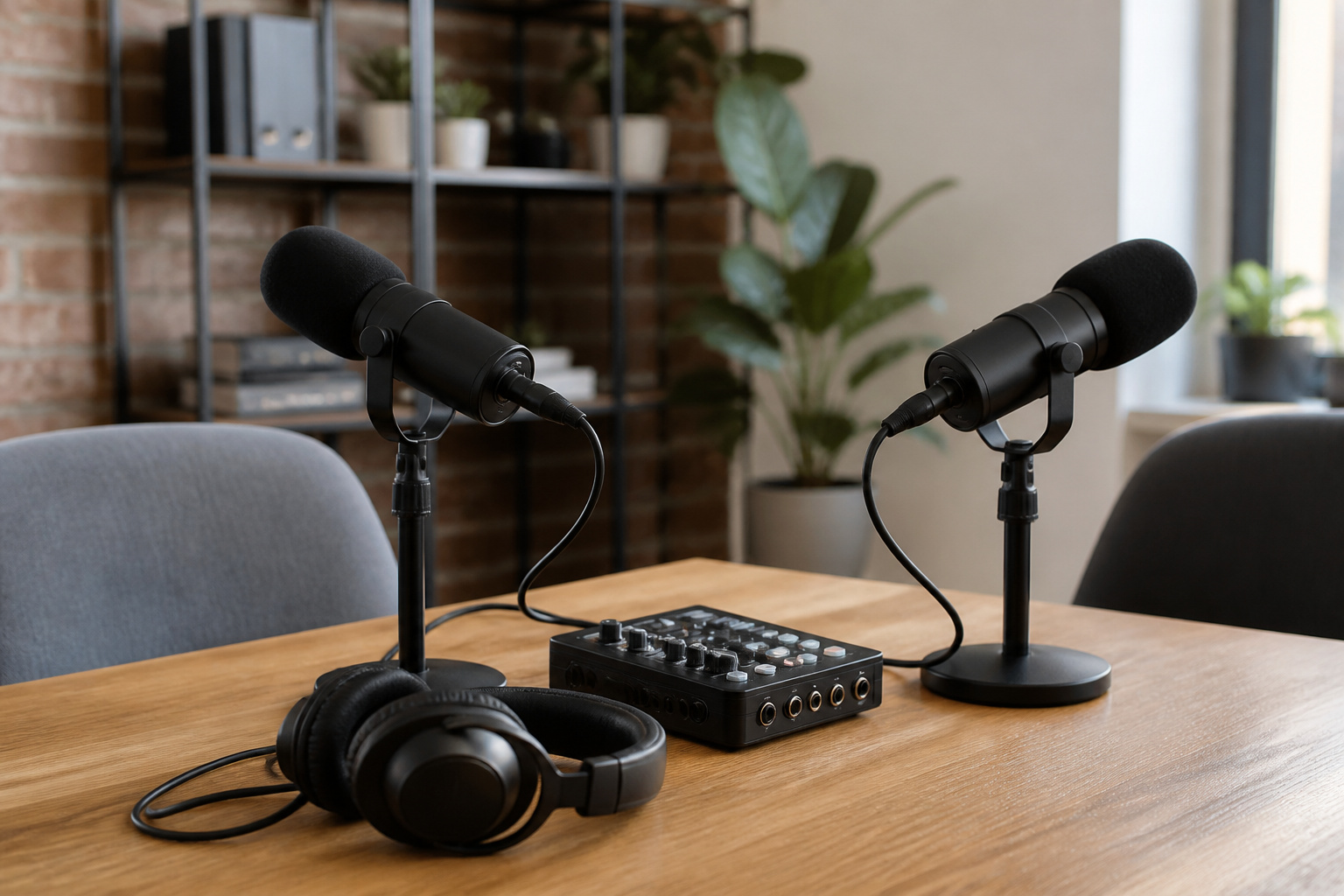
Studios use mixers to blend recorded sources, live venues use them to balance vocals and instruments in the room, and broadcasters combine hosts, guests, and playback.
Smaller mixers suit podcasts, streaming, houses of worship, classrooms, and conference rooms where several microphones and a playback device must share one output.
Recommended Products

All-in-one production studio that features everything you need to record podcasts, make music, stream and create content with incredible audio

6-Channel Audio Control: Features 6 input channels for microphones, instruments, and line sources with independent gain, EQ, and volume adjustment, providing flexible sound mixing for any performance or recording setup

【48V Phantom Power for Condenser Microphones】Equipped with a 48V phantom power switch to support condenser microphones, ensuring stable power delivery and clear, detailed audio capture for recording and streaming.
Frequently Asked Questions
How Much Should I Spend on a Beginner Audio Mixer?
Entry-level analog mixers with a handful of channels are affordable, and prices rise with channel count, preamp quality, and digital features. Buy for the channels and connections you need, and avoid paying for features you will not use. See how much to spend on audio equipment.
Can I Use an Audio Mixer With a DAW?
Yes, if it has a USB connection. Many USB mixers work as audio interfaces, but some send only a stereo mix to the computer, so check the specifications if you want to record each channel separately.
What Is Phantom Power?
Phantom power is a small voltage sent through an XLR cable to power condenser microphones. Dynamic microphones do not need it. Turn it on only when connecting microphones that require it, and do not enable it for ribbon microphones without checking the manual.
How Many Channels Do I Need?
Count your simultaneous sources and add a couple for expansion. A solo podcaster may need two, a small band eight or more. Remember that a stereo source such as a keyboard may use two channels.
How Do I Clean and Care for a Mixer?
Dust it with a soft dry cloth and keep drinks away. Turn faders and knobs through their range occasionally, and use contact cleaner made for audio equipment if they become scratchy. Check the manual for model-specific advice.