Starting out as a DJ is cheaper and simpler than it used to be. You need a way to play and mix tracks, a pair of headphones for cueing, and speakers to hear the mix. This guide compares the three main setups, explains the software, and covers the headphones, speakers, and mixers around them.
DJ Controllers
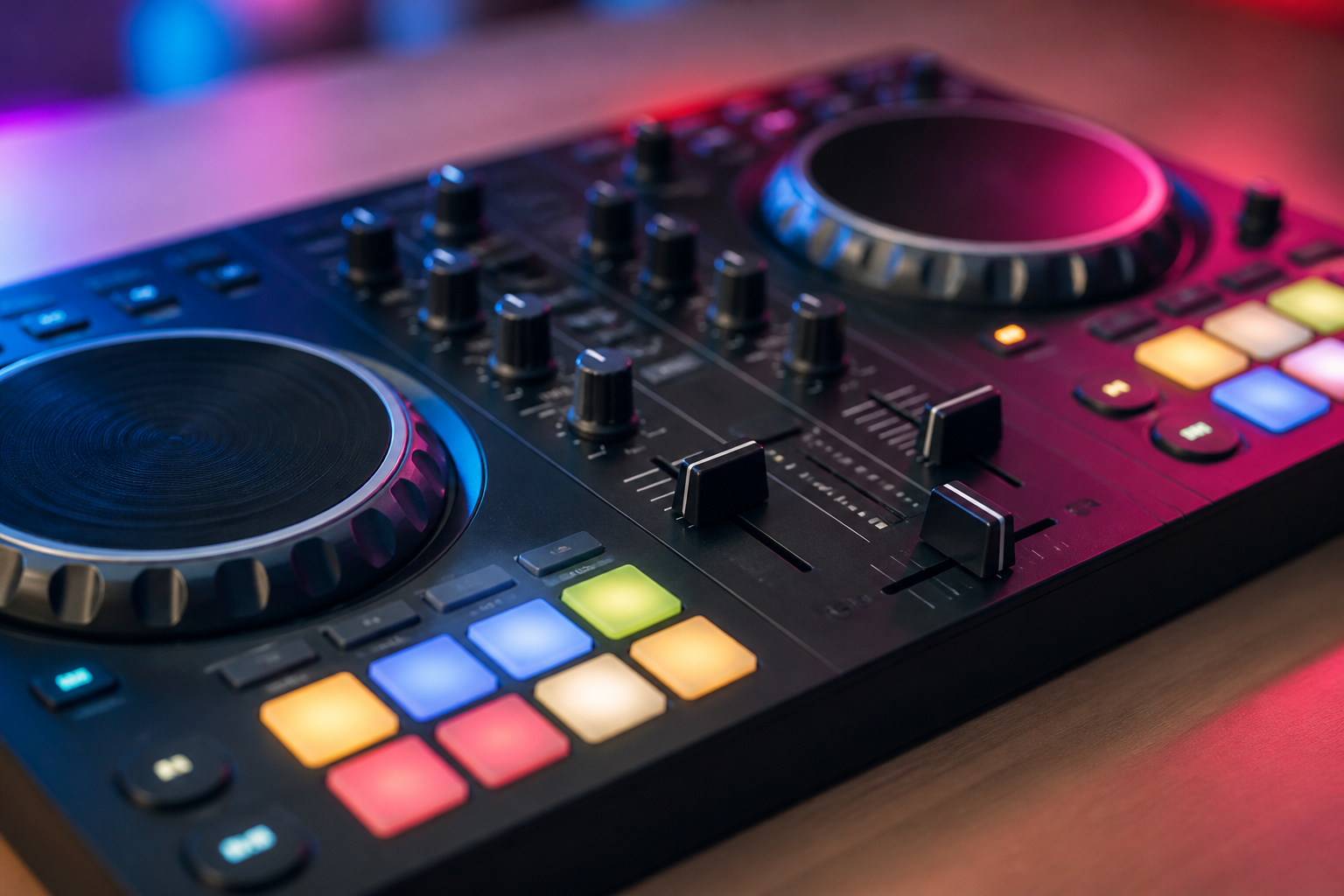
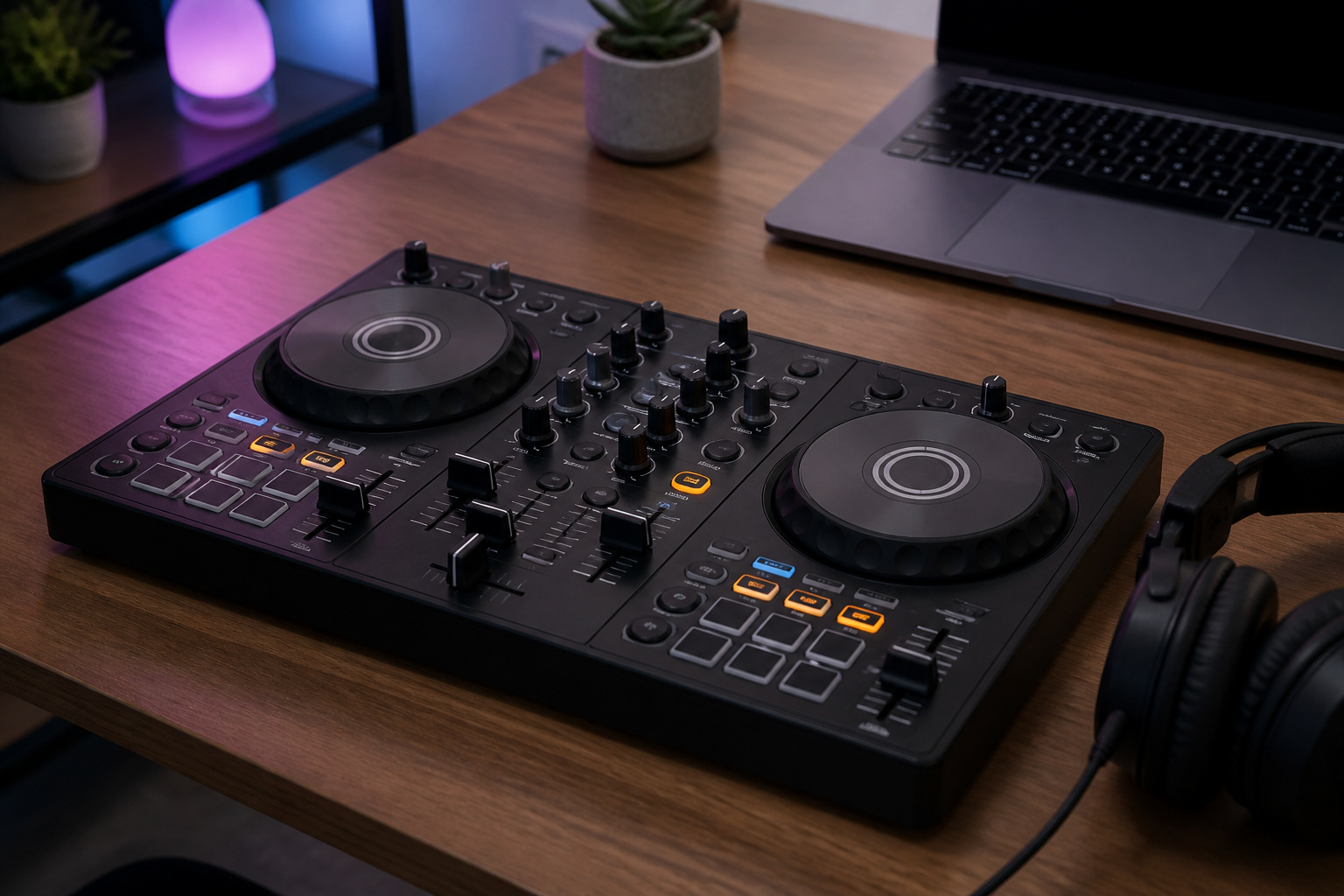
A DJ controller is a hardware surface with jog wheels, faders, knobs, and pads that controls DJ software on a laptop. It is the most popular starting point because it is compact, affordable, and teaches the basics of mixing, EQ, and effects.
Most have a built-in audio interface so you can connect headphones and speakers directly. The trade-off is that you need a laptop, and the quality of the jog wheels and controls rises with price.
Recommended Products

The Perfect Dj Controller To Mix On The Move, With Serato Dj Lite Included

ADVANCED MICROPHONE MODELLING: The Antelope Audio Edge Go features 18 real-time mic emulations, crafted through a precise analysis of original models in one of Europe’s top anechoic chambers. These emulations capture the unique character and detail found in iconic microphones, offering the same sonic expressiveness heard on hit records.

48V Phantom Power:Upgrade your recording setup with this USB audio interface featuring 48V phantom power for condenser microphones and dual XLR/TRS combo inputs for microphones, instruments, and line-level devices. Perfect for singers, musicians, podcasters, streamers, and content creators who need clear and stable audio recording.
Turntables and a DJ Mixer
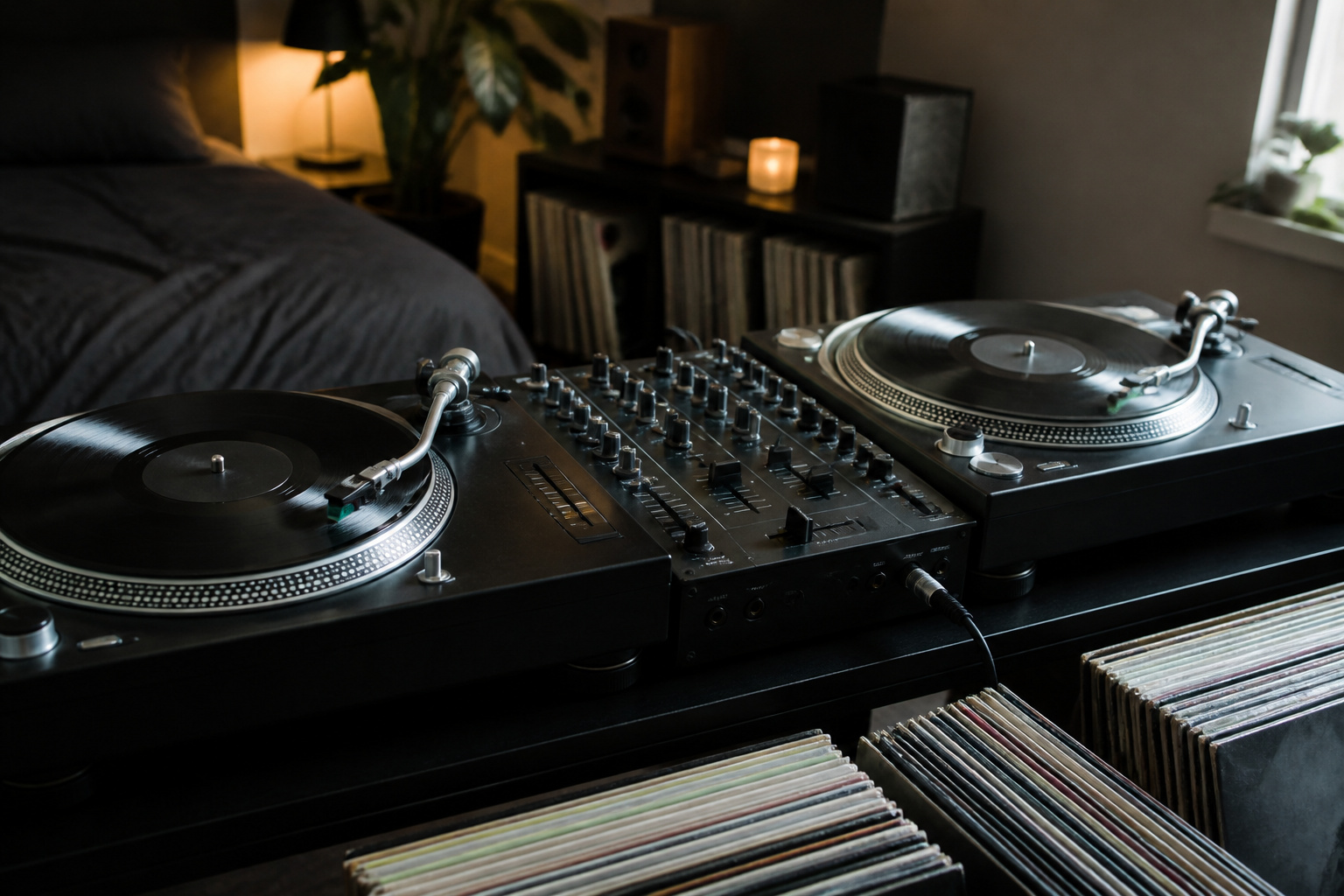
The classic setup uses two turntables and a DJ mixer to mix vinyl, or with digital control vinyl, to control software with real records. It is the most hands-on way to learn, and it costs more because you need turntables, a mixer, cartridges, and records or a digital system.
Direct-drive turntables are the usual choice since they reach speed quickly and handle cueing. Our guide on turntables explained covers the differences.
Recommended Products

Direct-Drive at Home: A direct-drive turntable that brings a club-style feel to home listening and first steps in DJing

Direct-Drive at Home: A direct-drive turntable that brings a club-style feel to home listening and first steps in DJing

Professional Direct-Drive: High-torque direct drive delivers instant, stable start-up for club and turntablist use
Standalone DJ Systems
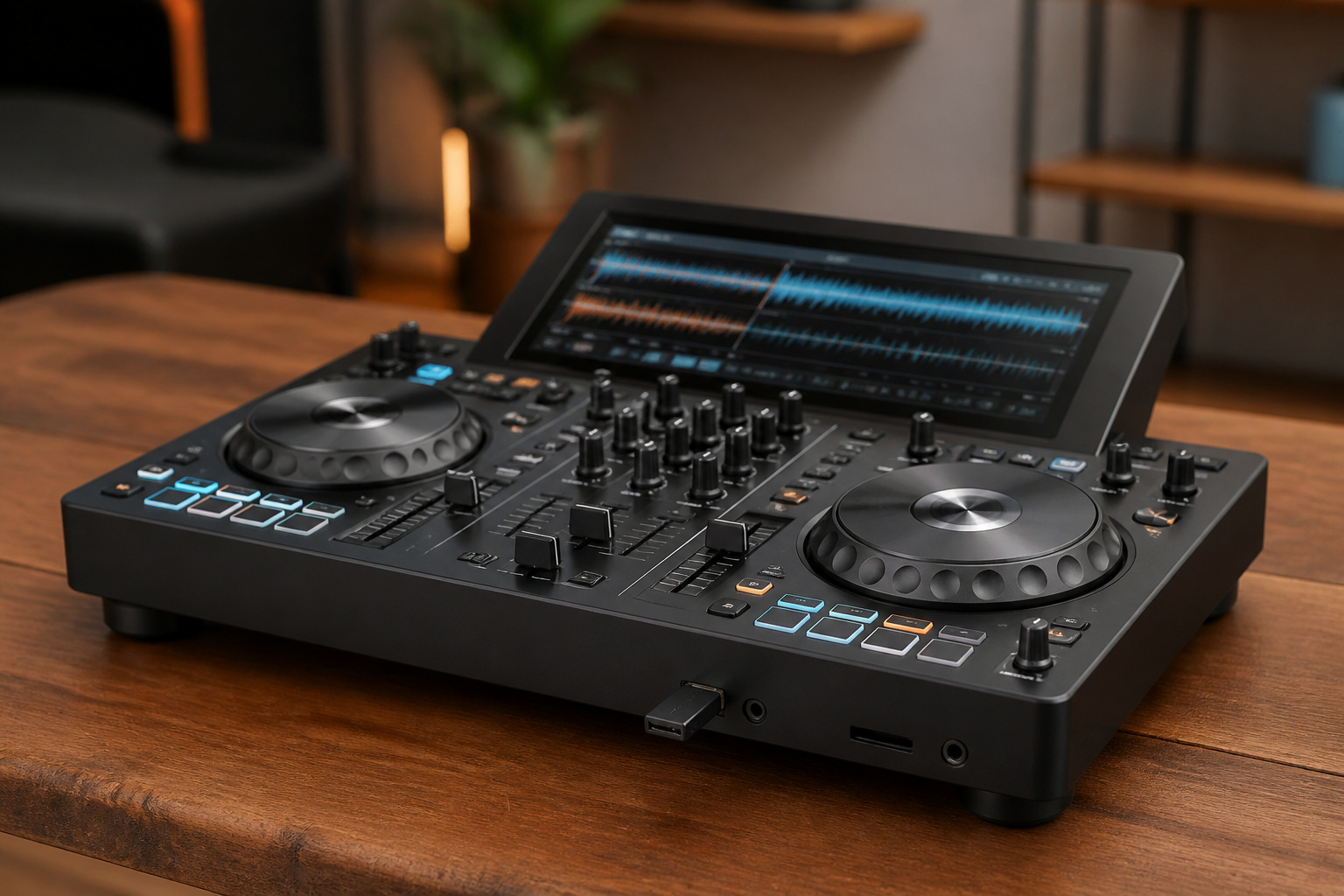
A standalone system has the player, mixer, and screen in one unit and plays music from a USB drive or the internet, with no laptop needed. They are easy to set up for events and sound reliable, and they cost more than an entry-level controller.
They suit people who want to play out without carrying a computer.
Recommended Products

Laptop-Free Performances with Engine DJ OS - No computer required for professional DJ performances; Bring music tracks to your controller via SD slot and 2 USB ins; Choose your songs and browse your library with the 7" Touchscreen

Play and Mix Wherever You are - Battery-powered standalone DJ controller with built-in speakers, 6" Jog Wheels, Wi-Fi, SD card and USB drive slots and DJ lights controls ideal for DJs on the go

Laptop-Free with Engine DJ OS - Standalone DJ System with 4 Channel Mixer, 7-inch Screen, featuring onboard Stems, Wi-Fi and Bluetooth streaming; import tracks via SD slot and 2 USB ins
DJ Software
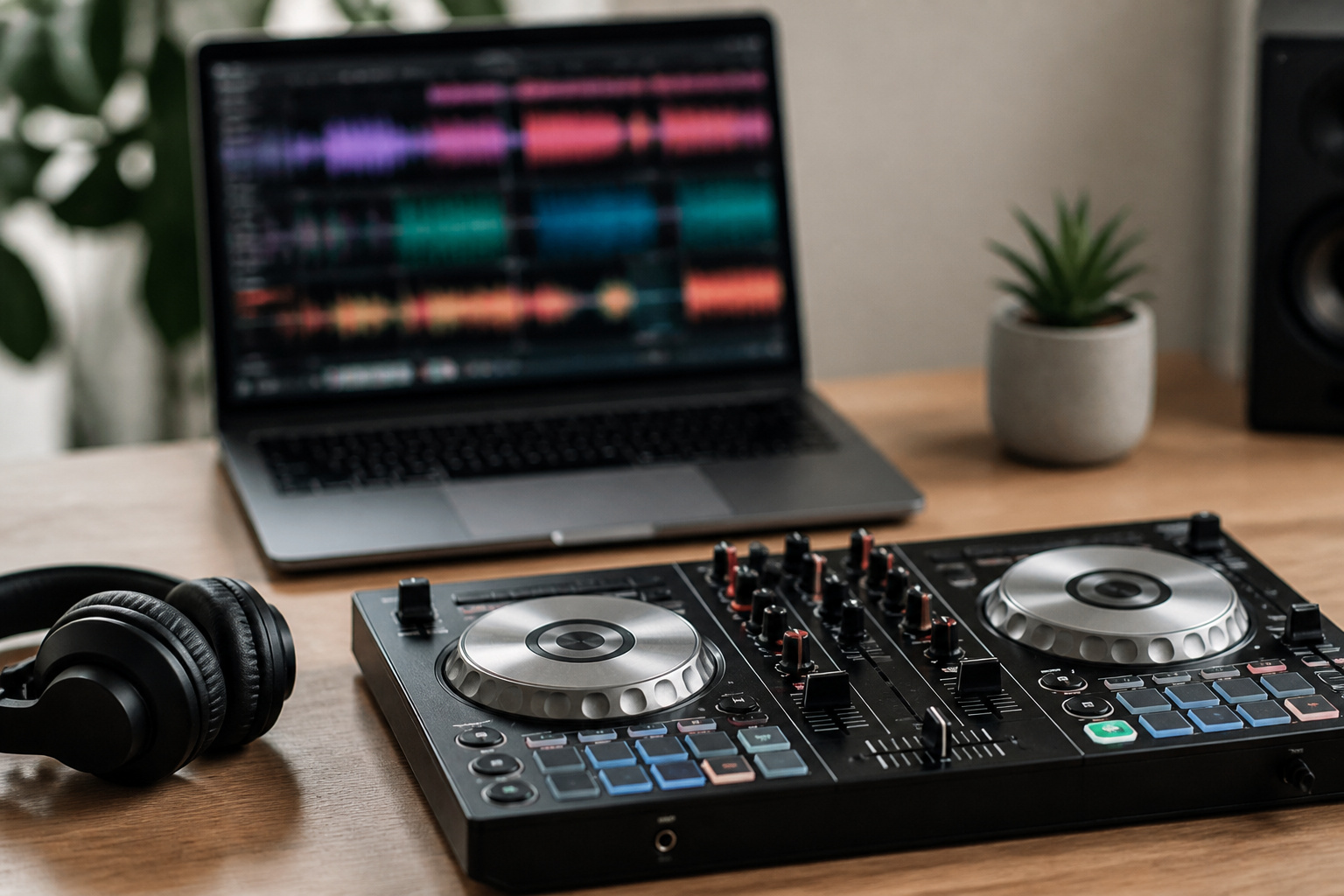
Most controllers work with software such as rekordbox, Serato DJ, Traktor, or djay, and many controllers include a license for one of them. The software handles beat matching display, loops, effects, and your music library.
Choose a controller that works with the software you want to learn, since skills transfer more easily within a software ecosystem.
Headphones for DJing
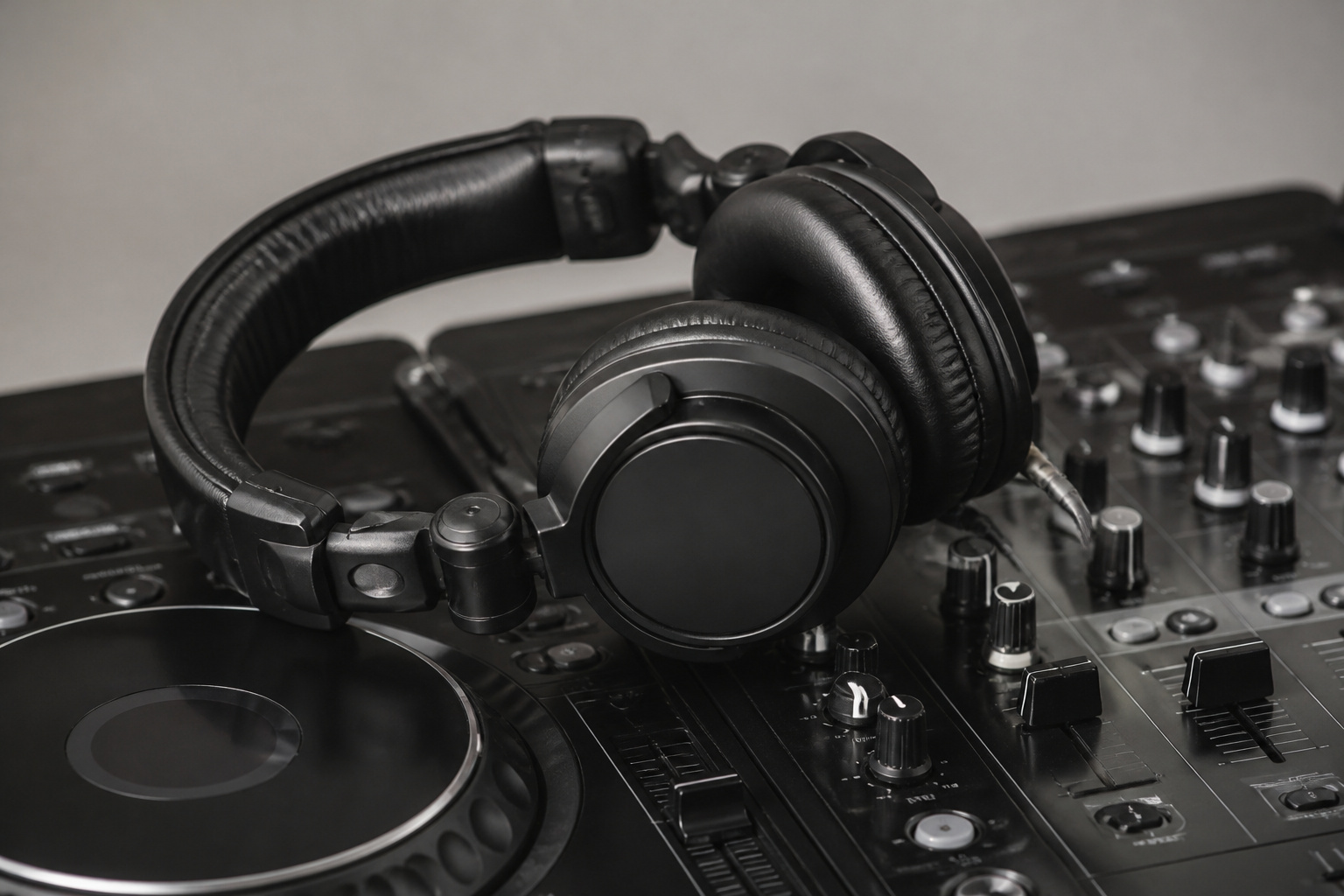
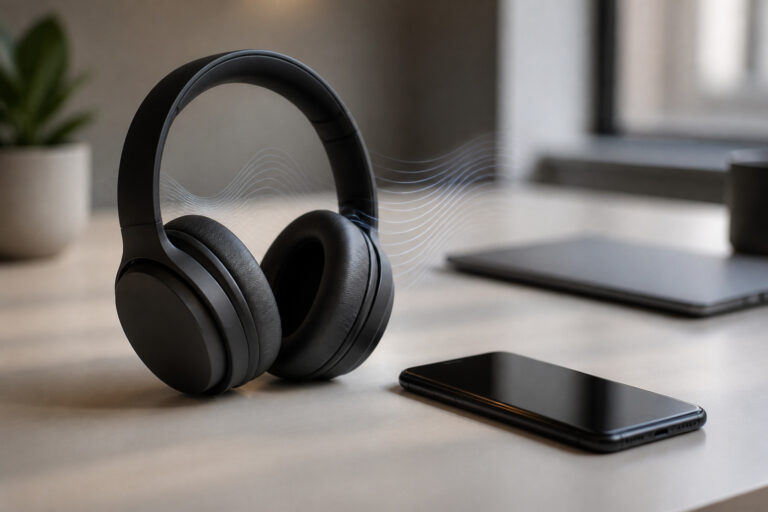
DJ headphones are closed-back, durable, and often have swiveling ear cups so you can listen to the cue channel with one ear while hearing the room with the other.
Look for good isolation, comfort for long sessions, and a detachable coiled or straight cable. Our guide on choosing headphones explains closed-back designs.
Recommended Products

Bass Sound: Enjoy clear sound and superior comfort with the OneOdio Studio Monitor Headphones. Equipped with large 50mm speaker drivers and neodymium magnets, pro-10 deliver powerful bass, clear vocals, and crisp highs for a balanced stereo sound.

Advanced build quality and engineering; Designed for studio tracking and mixing
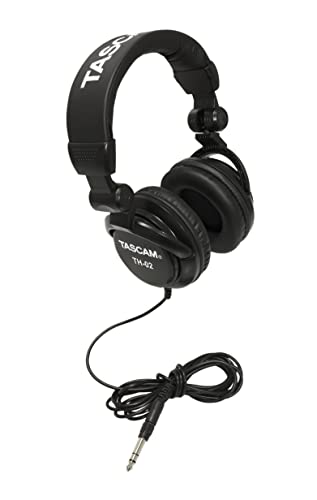
Foldable design for easy, compact transport
Speakers and Monitors
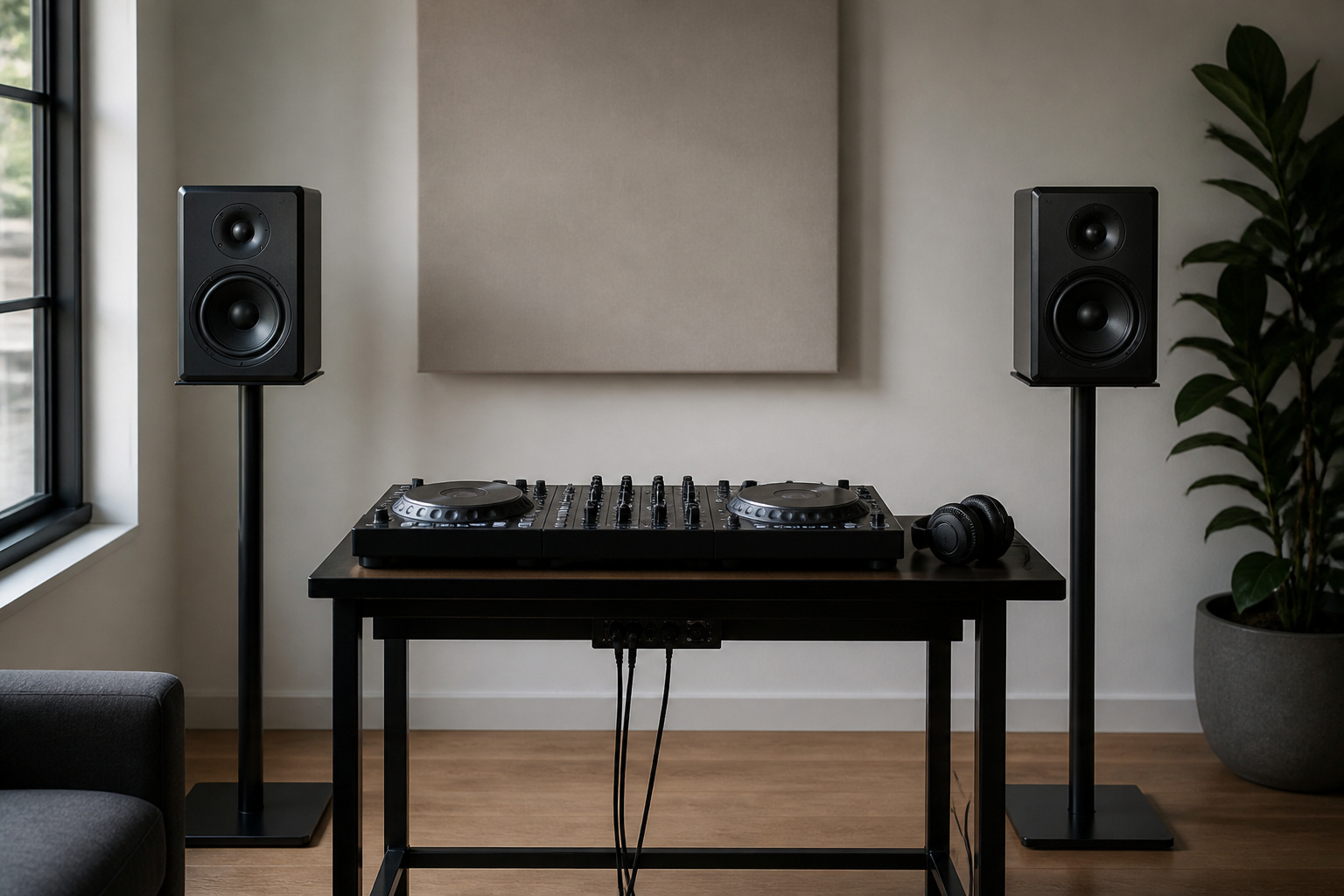
For practicing at home, powered speakers or studio monitors are the easiest option because they have built-in amplification. For playing parties and small events, you need powered PA speakers, which are louder and built for bigger rooms.
See active vs passive speakers and studio monitors vs regular speakers. If you want to add a mixer or microphone, read a beginner’s guide to audio mixers.
Recommended Products

TRUSTED STUDIO-QUALITY SOUND: True studio sound for music production, gaming, movies, streaming, and everyday audio. Sold as a complete stereo pair.

【Multiple INPUTS】The stereo speakers home audio is built with RCA which ensure a lossless connection surround sound system for TV; With the addition of stable BT 5.3 technology, you can pair the bookshelf speakers with your smartphone or tablet in just 2 seconds, enabling wireless music playback without dealing with messy wires.3.5mm AUX audio can adapt to any device that has 3.5mm headphone or dual output. Various lined ways allow you to meet your various needs, whether you want to enjoy music, watch movies, or play games, without switching between different speakers.

Max 60W Room-Filling Stereo Sound: Upgrade Your Desktop Audio: Experience massive sound from a compact footprint. These active powered computer speakers feature 3" drivers and a premium MDF wooden enclosure that eliminates plastic echo and resonance. Whether you are gaming, watching movies, or playing bedtime stories, enjoy distortion-free, studio-quality stereo sound with tight bass that completely outperforms standard built-in monitor or laptop speakers.
A Sensible Starter Plan
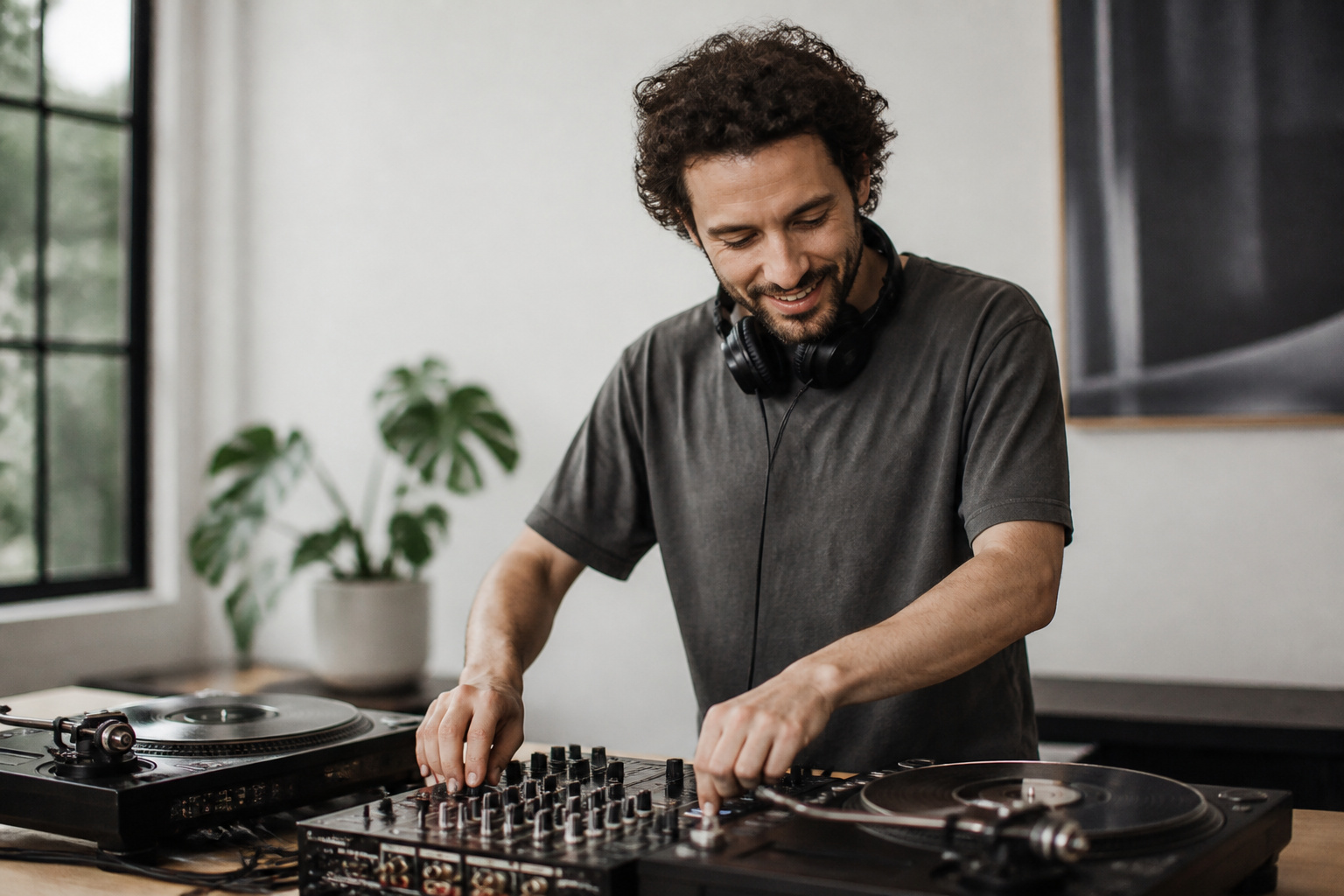
Start with a beginner controller, a closed-back pair of headphones, and the powered speakers you already have. Learn beat matching, EQ, and phrasing before spending more.
Upgrade the controller, add monitors, or move to turntables only once you know what you miss. See how much to spend on audio equipment for budgeting.
Frequently Asked Questions
Do I Need a Laptop to DJ?
With a controller, yes, because the software runs on the laptop. A standalone system plays from a USB drive and does not need one.
Do I Need Turntables to Start DJing?
No. Most beginners start with a controller, and the mixing skills transfer to turntables later if you want them.
What Kind of Headphones Are Best for DJing?
Closed-back headphones with good isolation, comfortable padding, and ear cups that swivel so you can listen with one ear. Durability matters because they get a lot of handling.
What Speakers Do I Need to DJ at Home?
Powered speakers or studio monitors are enough. Choose a pair with a balanced sound so you can judge your mixes, and add a subwoofer if you want to hear bass properly.
How Much Does a DJ Setup Cost?
It ranges from a beginner controller with a pair of headphones to a pro setup with turntables, a mixer, and PA speakers. You can start with an entry-level controller and headphones and add pieces as your skills grow.