Most smart home buying guides assume you own the walls you’re drilling into. Renting changes the math on almost every category: locks, cameras, and lighting all have a version that works without touching the door frame, and a version that risks a chunk of your security deposit. Knowing which is which before buying is the actual skill here, more than any specific product pick.
Here’s how to think about each major category as a renter, what genuinely moves with you when the lease ends, and the one category worth skipping in a rental entirely.
The Lease Question Comes First

Before making any product decision, check the lease language on modifications, and get anything beyond a fully removable device confirmed with the landlord in writing, even a quick email, rather than a verbal okay.
Many leases are silent on smart devices specifically but broadly prohibit “alterations” or drilling without permission, which technically covers more than people assume, including some adhesive-mounted devices if removal damages paint or leaves residue.
When in doubt, ask; a landlord who says yes to a retrofit lock or a peel-and-stick camera in writing is a much better position than one who finds out after the fact.
A general rule that holds up well across categories: anything that installs on the interior side of a door or wall without touching the exterior, frame, or existing hardware is usually the safer bet, both legally and for your deposit, compared to anything visible from outside the unit or that replaces existing hardware entirely.
Locks: Retrofit vs. Replacement, and Why the Difference Matters
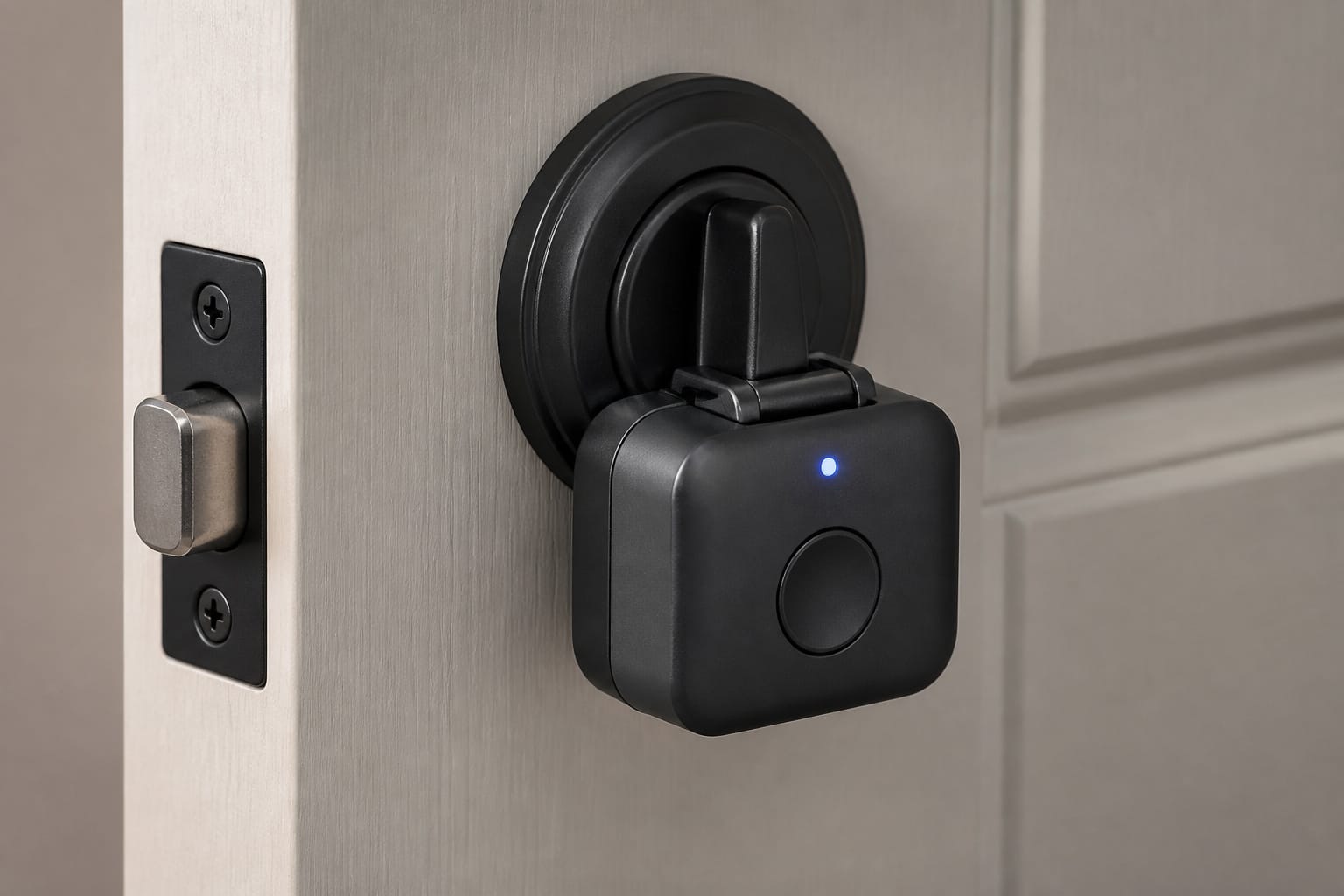
This is the category where the wrong purchase causes the most real risk, so it’s worth understanding the distinction clearly. A retrofit smart lock clips onto the existing interior thumbturn of your current deadbolt, leaving the exterior lock, cylinder, and your landlord’s own key completely unchanged.
It adds keypad or app-based unlocking from the inside without removing or replacing anything, and it comes off in minutes, leaving the original hardware exactly as it was.
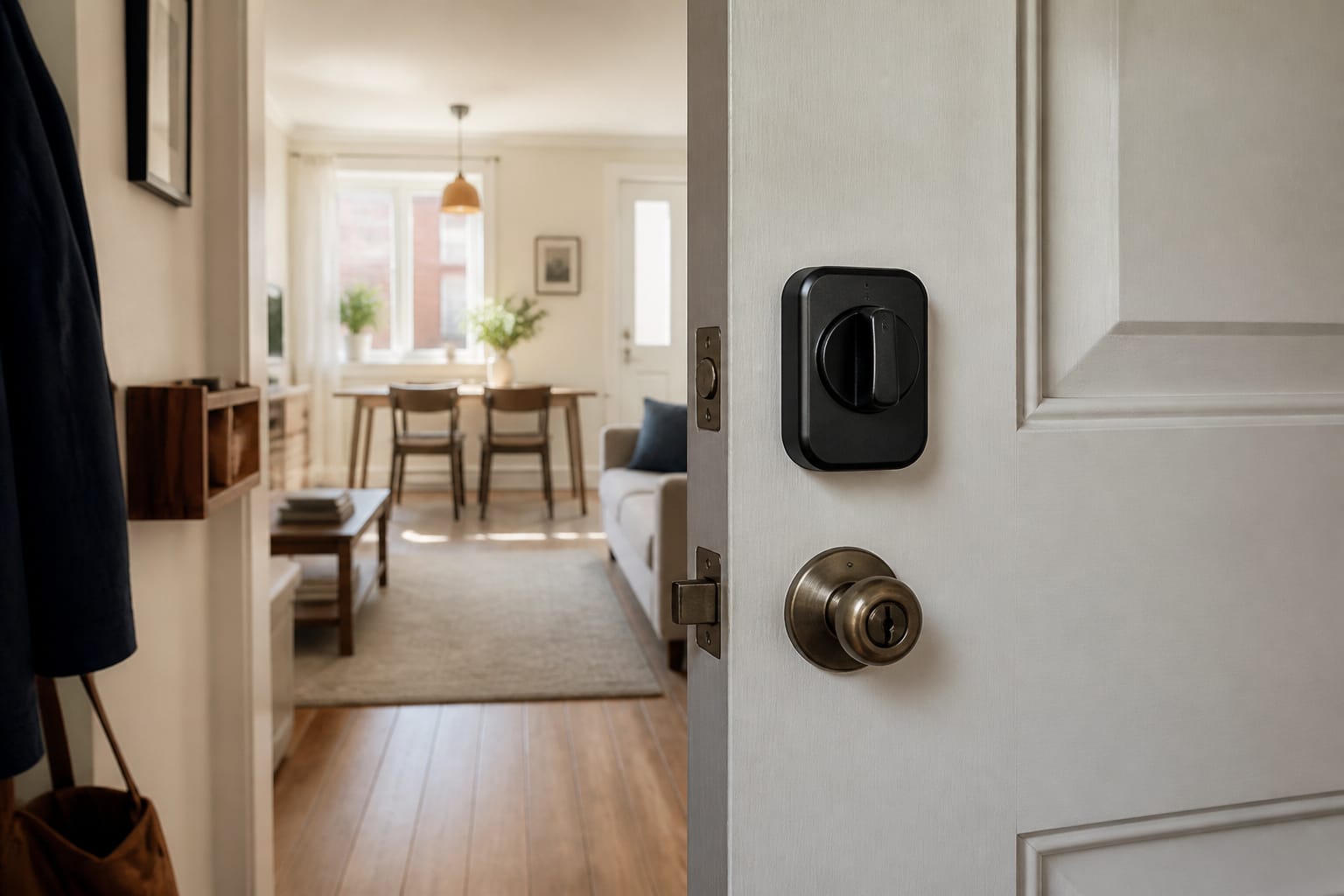
A full smart deadbolt replacement is a different category entirely: it removes your existing deadbolt hardware, installs new hardware in its place, which usually means your landlord’s master key or existing key no longer works unless you keep and reinstall the original at move-out.
That’s why our smart lock breakdown is worth reading before buying, since the safety and reliability trade-offs differ meaningfully between them. For a rental, a retrofit-style lock is almost always the better fit: get the landlord confirmation in writing, keep the original thumbturn hardware, and take before and after installation photos as documentation.
Recommended Products

ULTIMATE CONVENIENCE: Enjoy secure keyless access for your family, friends, vacations rental guests and more. Lock, unlock, share virtual keys, and keep tabs on your door from anywhere through the Yale Access app.
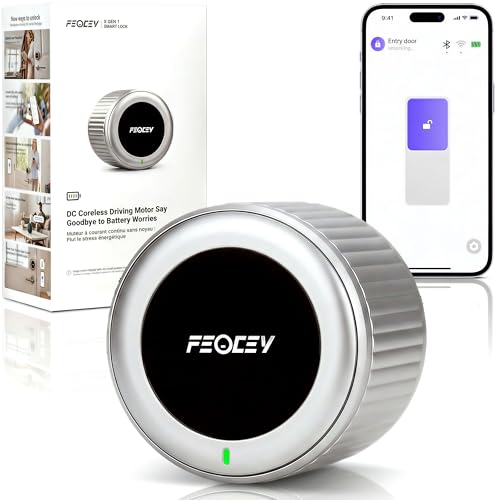
8-Minute DIY Install, Keep Original Keys: Upgrade your existing single-cylinder deadbolt to a smart lock in just 8 minutes—no drilling, no wiring. Installs entirely on the inside of your door with a simple screwdriver. Fits most standard US doors with 1-3/8"–2-1/6" thickness and deadbolts with 2-3/8" or 2-3/4" backset. Enjoy keyless entry while keeping your original keys as backup. Compatible with Schlage and Kwikset deadbolt locks. Removes just as easily—take it with you when you move and reuse it at your next home. Ideal for renters, homeowners, Airbnb hosts, and landlords.
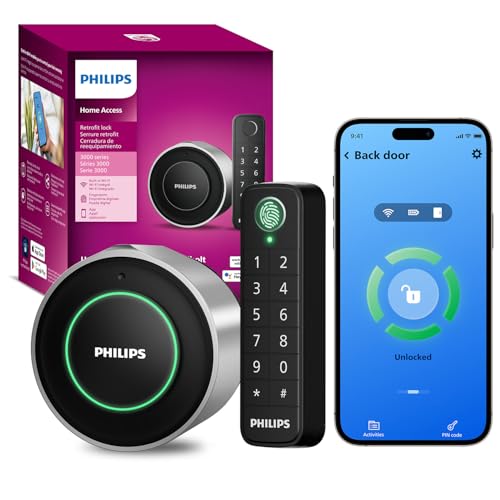
UPGRADE YOUR EXISTING DEADBOLT: Transform your existing deadbolt into a WiFi smart lock by replacing only the interior lock. Keep your original exterior hardware and continue using your existing keys, giving your door a smart upgrade without changing its appearance. And simply rotate the interior knob to unlock the door from inside for quick and intuitive manual operation.
Cameras and Doorbells Without Drilling a Single Hole
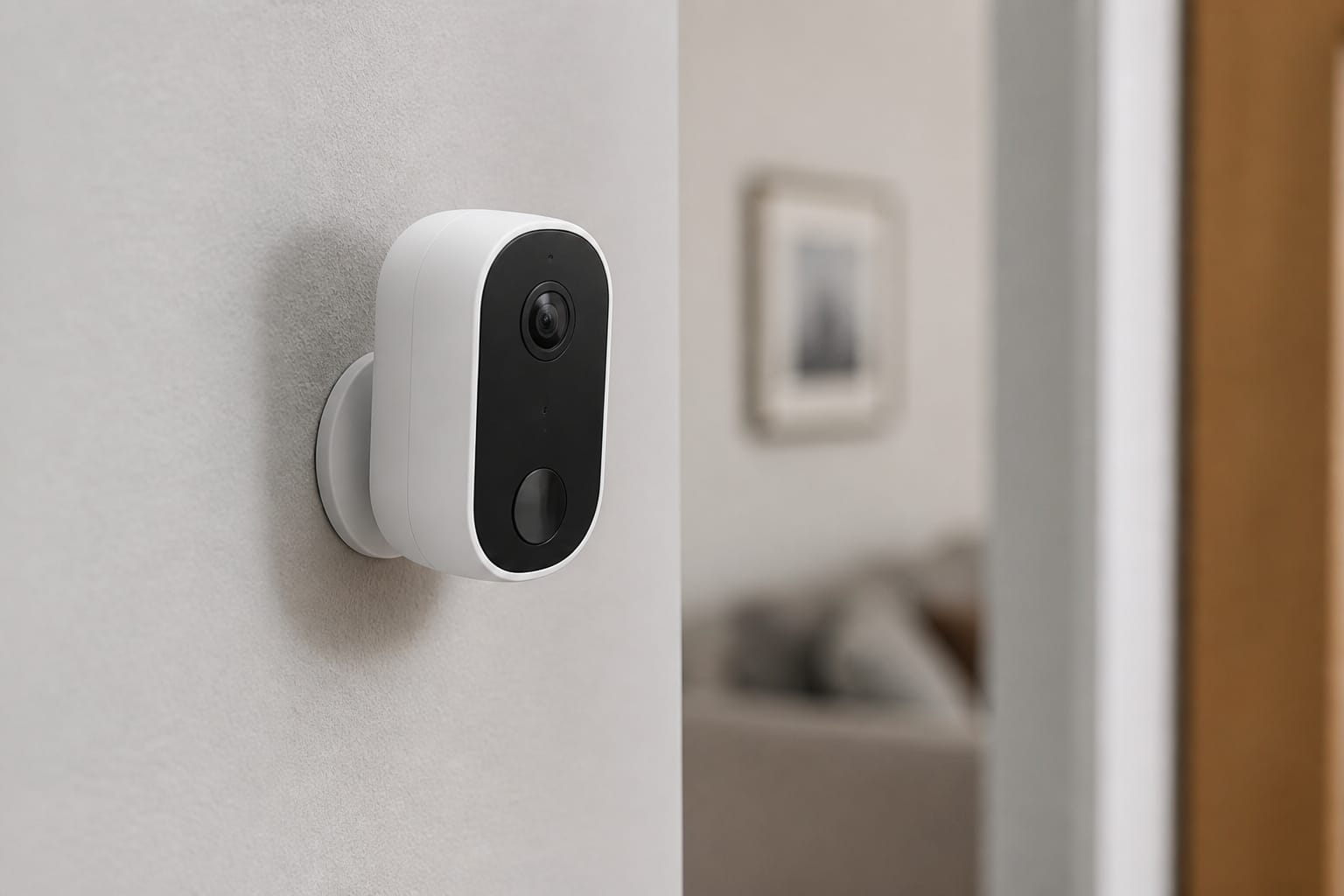
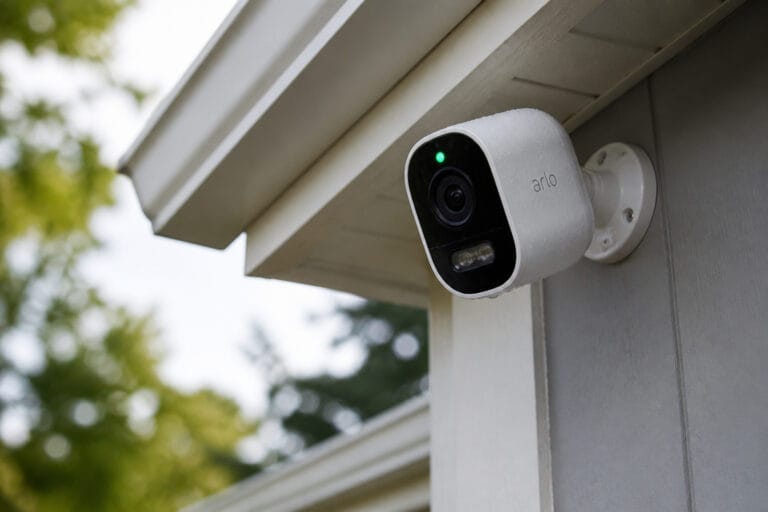
Most battery-powered indoor and outdoor cameras now ship with a magnetic or adhesive mount as an alternative to the screw-in bracket, strong enough for the weight of a small camera and removable without damaging paint if applied correctly and removed slowly.
Video doorbells are trickier since they typically replace an existing wired doorbell, but doorbell “wedge” or adhesive mounting kits exist specifically to angle a battery-powered doorbell onto an existing frame without drilling, worth checking for by name in a specific model’s accessory list before assuming drilling is required.
For anything that would otherwise need a wired connection, a battery-powered version of the same device category (covered in more depth in our video doorbell guide) sidesteps the installation question entirely, at the cost of periodic recharging instead of continuous power.
Door and window sensors, the small two-piece magnetic contacts used for entry alerts, are almost universally adhesive-mounted rather than screwed in, making them one of the more genuinely renter-friendly categories without much compromise.
Recommended Products

Mount without worry — Attach a compatible Ring video doorbell to your home with the durable, weather-resistant, adhesive-backed mount. No drilling needed.

Mount without worry — Attach a compatible Ring video doorbell to your home with the durable, weather-resistant, adhesive-backed mount. No drilling needed.

360° All-Round Anti-Theft Design: Made for Ring/Blink Battery Doorbell/Pro/Plus (2026 Release, Newest Model). The full-coverage anti-theft mount effectively prevents theft, prying, and accidental damage. Adds an extra layer of protection to your doorbell, keeping your home secure day and night
What Moves With You (and What Doesn’t)
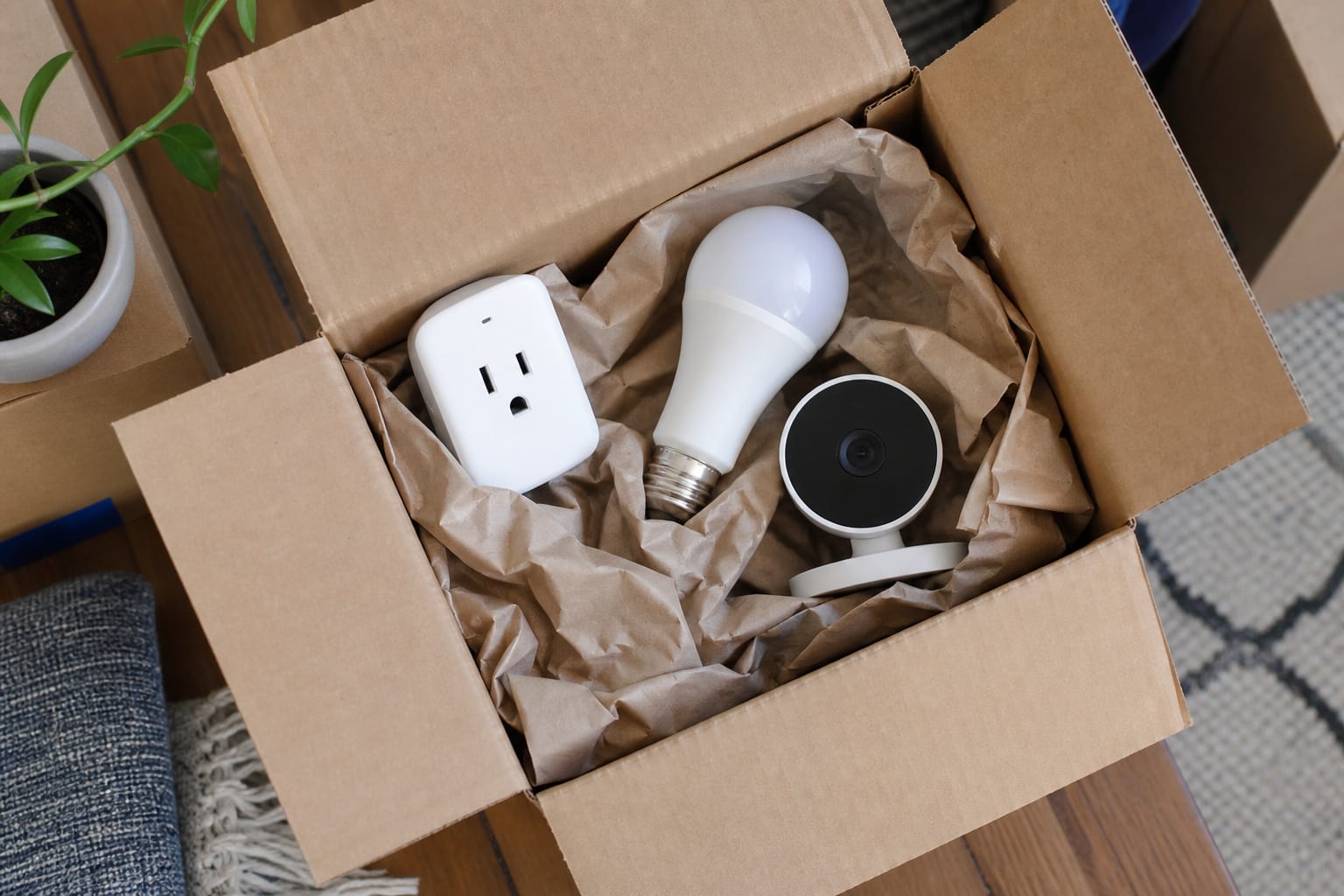
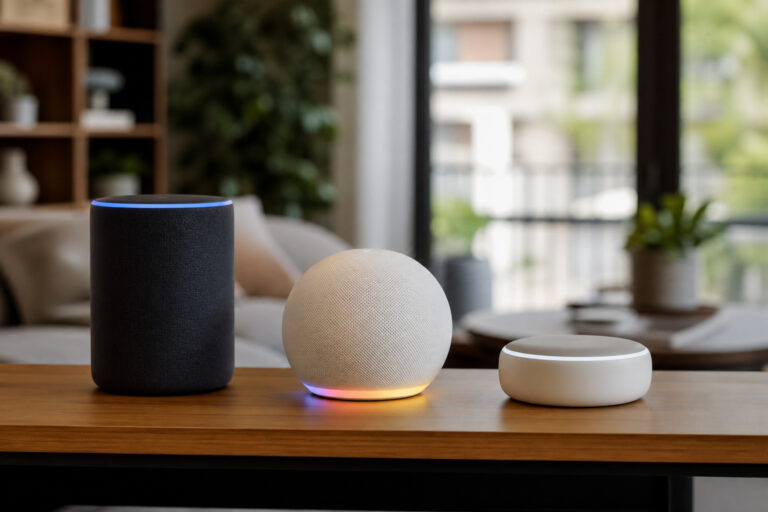
Smart plugs, smart bulbs, battery cameras, and retrofit locks are fully portable: they leave with you when the lease ends, same as a lamp or a toaster. Our smart plug breakdown and smart bulb explainer cover the basics. Both are worth prioritizing early for this reason: useful now, and still useful in the next place.
Wired devices are the opposite case. A wired video doorbell, a wired smart switch replacing a wall switch, or a hardwired smoke detector interconnect all involve touching the home’s existing electrical wiring, and pulling them back out to restore the original switch or doorbell at move-out is a real project, not a five-minute job. If a wired option is the only device version you want, factor the reinstall-the-original step into the decision upfront rather than discovering it’s more involved than expected on move-out day.
The One Category Renters Should Skip Entirely
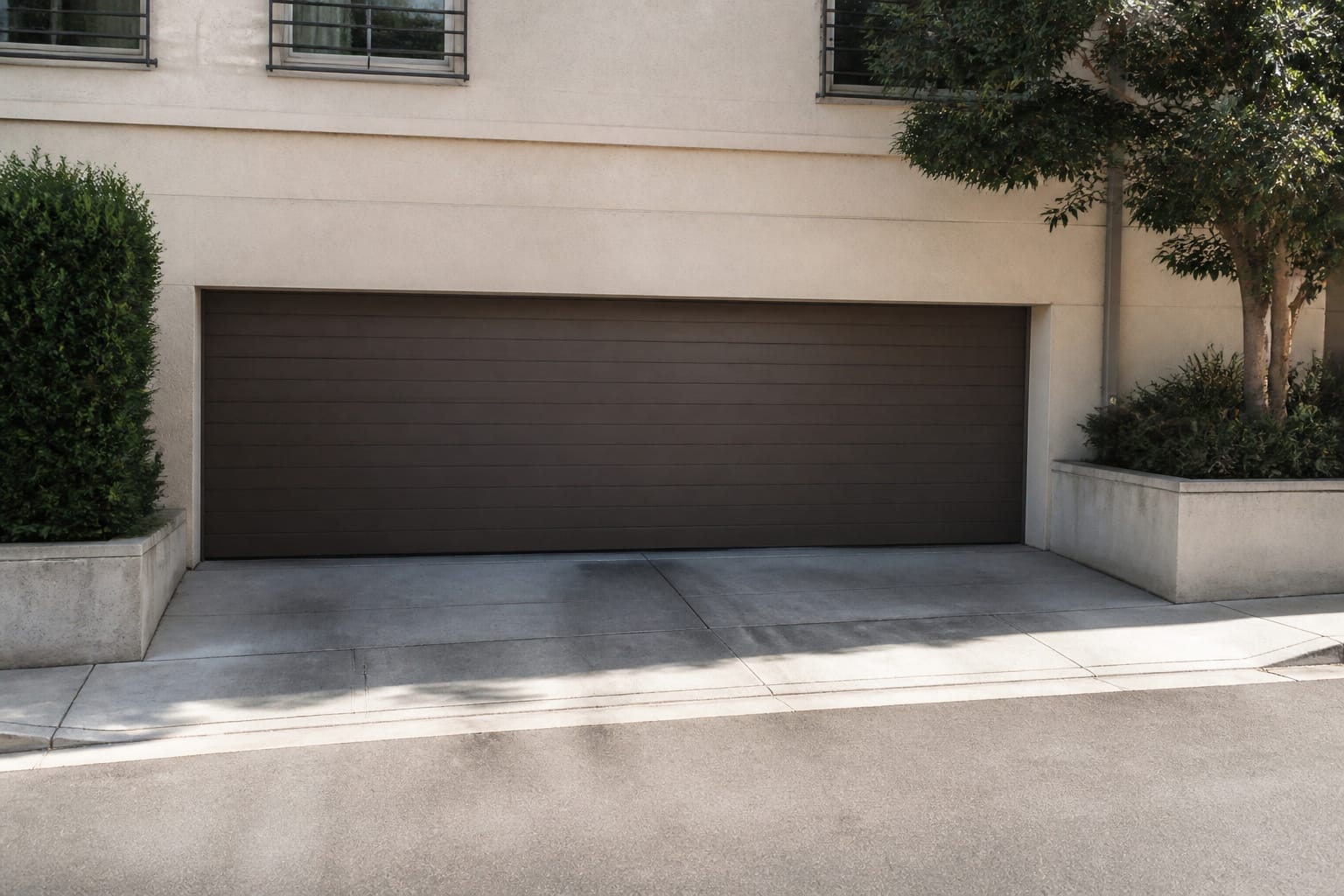
Smart garage door opener retrofit kits and full replacements generally require permanent modifications to shared or landlord-owned equipment, and a garage door motor is expensive enough that an installation mistake or unauthorized change is a genuinely bad position to be in as a tenant.
Similarly, whole-home smart thermostats that require rewiring or replacing an existing thermostat are worth skipping unless explicitly approved in writing, since the C-wire and compatibility issues covered in our smart thermostat guide sometimes mean an installation doesn’t go as smoothly as expected, which is a bigger problem when it’s not your equipment to begin with.
The practical takeaway across every category: prioritize devices that are genuinely reversible and portable first, get anything touching existing hardware or wiring approved in writing before buying, and treat the security deposit as the real cost of skipping that step.
Our budget starter kit guide covers a sensible buying order that works especially well for renters, since it front-loads the fully portable categories anyway.
Frequently Asked Questions
Can I install a smart lock in my apartment without landlord permission?
Check your lease first; many prohibit alterations without written consent, even reversible ones. A retrofit lock that clips onto the existing interior thumbturn without touching the exterior cylinder is the safest option. Most landlords will approve without issue, but getting that confirmation in writing is worth the extra step no matter which type you choose.
Will a smart camera’s adhesive mount damage the paint when I move out?
Usually not if removed correctly. Most mounting adhesives designed for this purpose release cleanly without pulling paint. Testing removal on an inconspicuous spot first, and avoiding freshly painted walls, further reduces the risk.
What’s the difference between a retrofit smart lock and a smart deadbolt replacement?
A retrofit lock clips onto your existing deadbolt’s interior thumbturn, leaving the exterior lock and your landlord’s key completely unchanged. A full replacement removes the existing deadbolt hardware. That means the landlord’s original key will no longer work until the original hardware is reinstalled. Retrofit is almost always the better fit for a rental.
Which smart home devices are safest to buy as a renter?
Smart plugs, smart bulbs, battery-powered cameras, adhesive door and window sensors, and retrofit locks are the most renter-safe categories, all fully portable and reversible with no wiring or drilling involved. Anything requiring hardwiring or replacing existing landlord-owned equipment, like a garage door opener or a wired thermostat, is worth skipping or getting explicit written approval for first.
Should I keep the original hardware after installing a smart device?
Yes, for anything that replaces existing hardware. Keep the original deadbolt, screws, thumbturn, and any removed parts in a labeled bag, and take photos before and after installation. Reinstalling the original hardware exactly as it was before move-out is the most reliable way to protect a security deposit.