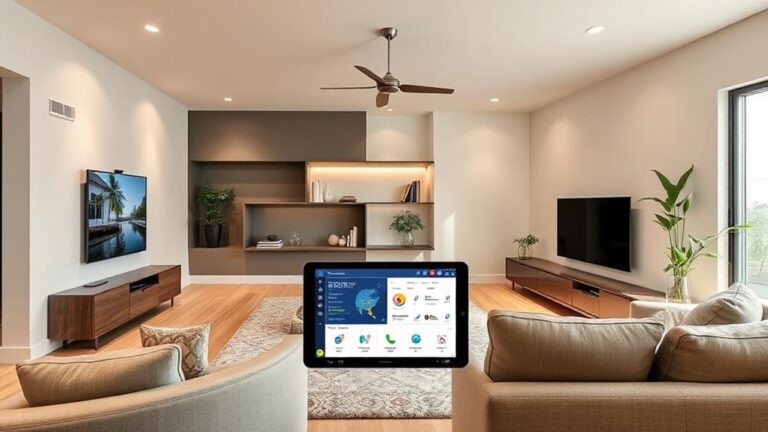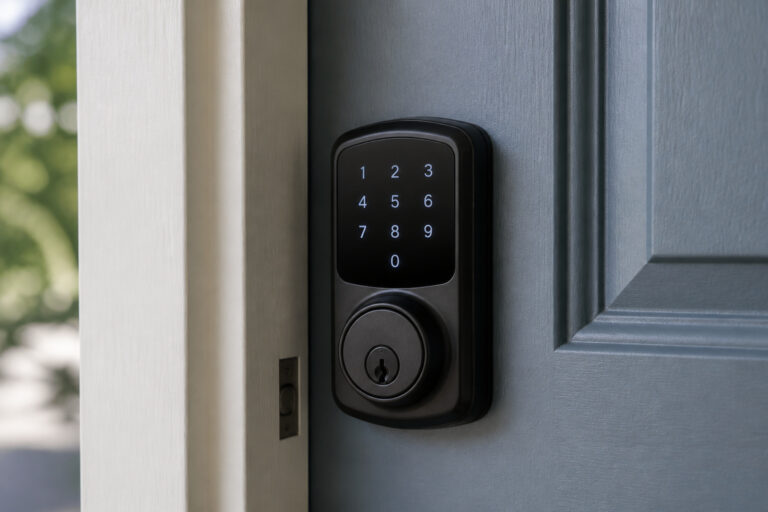
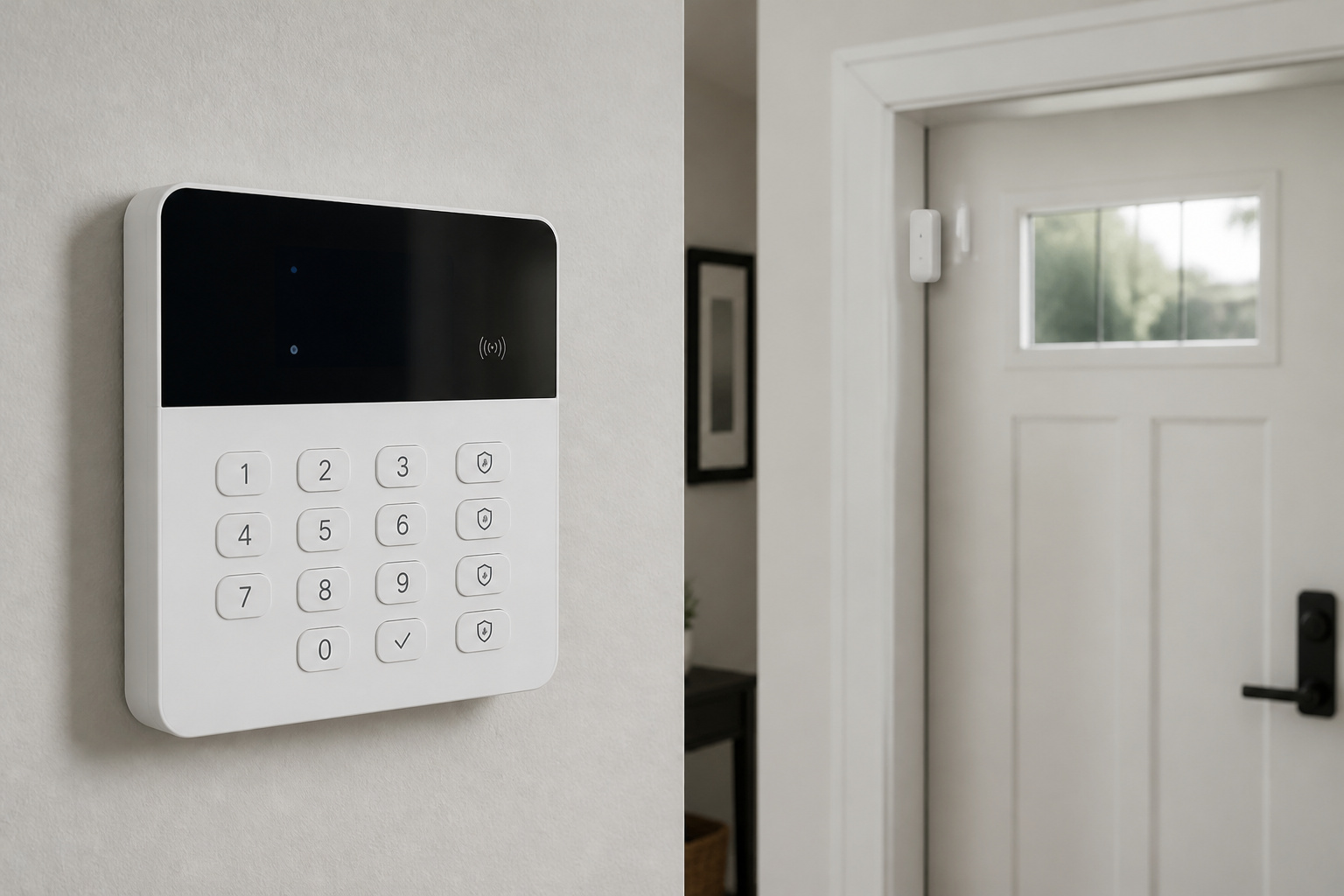
A wireless home security system skips the wiring, making it easy to install and easy to take with you when you move. But it doesn’t skip the set of decisions that matter most: how alerts reach you, who responds, and what happens when something fails.
Here is how these systems work, where they can fail, and what to check before you buy one.
What Makes a Home Security System Wireless?
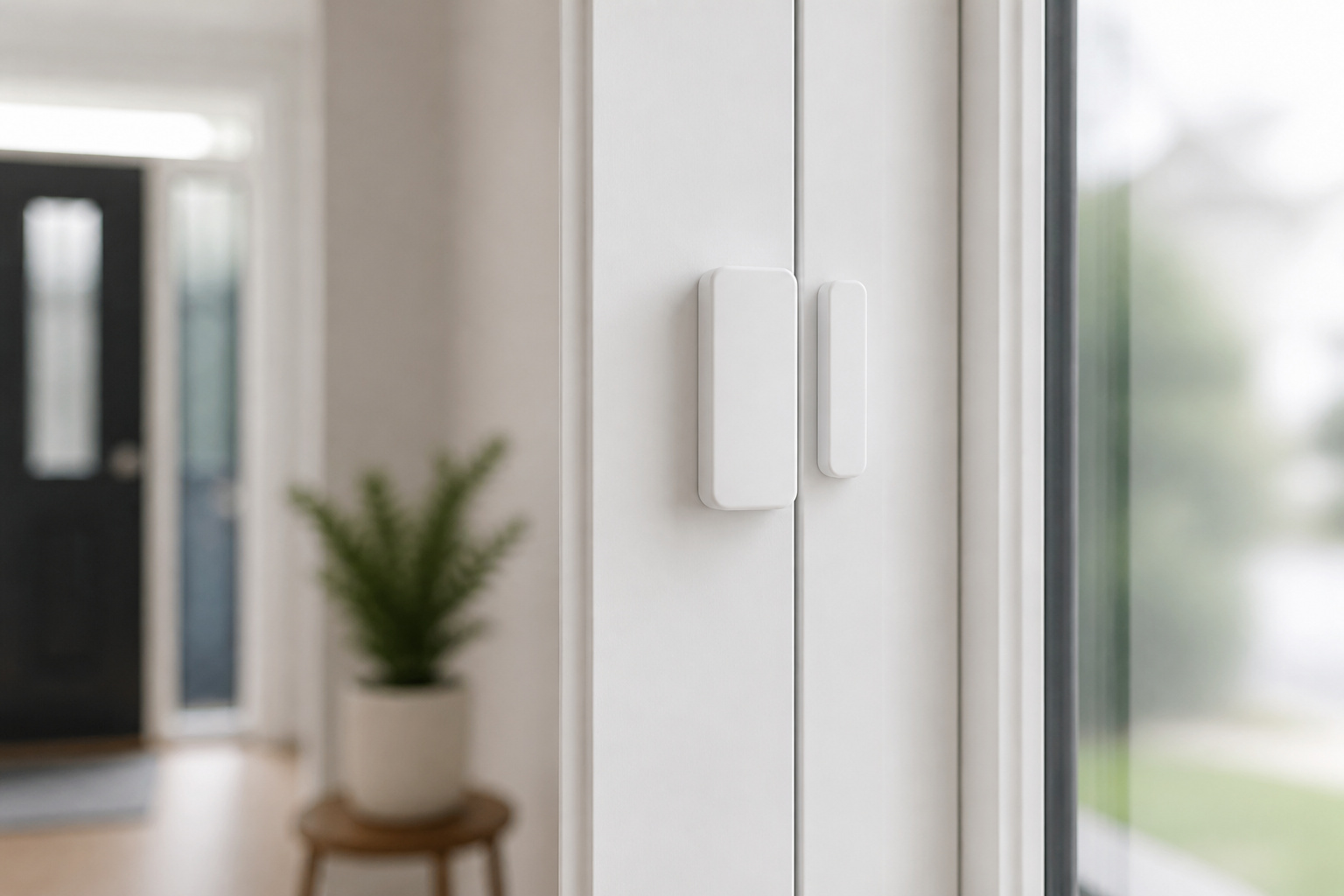
According to ConsumerAffairs, a security system has four core parts: a control panel that receives signals and starts the response, sensors, a siren, and a keypad. In a wireless system, the sensors send their signals to the panel by radio, so no signal wires run through the walls.
Typical sensors include door and window entry sensors, motion detectors, glass-break sensors, and environmental sensors for smoke, carbon monoxide, and water leaks. Wireless sensors run on batteries, so replacing them is your only upkeep responsibility.
Recommended Products

120dB door and window alarm — Deters intruders instantly using a reliable magnetic sensor, with selectable siren or chime alerts when doors or windows open or close

1 FREE month of professional monitoring for fast police response when you need it most. With optional monitoring services, our agents keep watch even when you can't, ready to instantly alert emergency responders. Starting at less than $1/day with no long-term contracts or hidden fees. (SimpliSafe products and professional monitoring services are only offered for sale and supported in the US)

【Free AI-Detection & Instant Notification】Get instant push notifications when motion or a person is detected, you can even use C100 as a baby camera monitor since it support baby crying detection. Discern from notifications that matter, so you'll know if it’s your pet playing around or if someone is actually there.
How Does a Wireless System Reach You?
The panel can send alerts over Wi-Fi, cellular connection, or a landline, depending on the setup. ConsumerAffairs notes that if the Wi-Fi fails but the system has cellular backup, alarm signals can still reach the monitoring center or your phone over the cellular network. Older systems used landlines, and newer ones usually rely on broadband or cellular.
When you compare systems, ask whether cellular is built in or an extra, and whether an internet outage disables the alarm or just the app.
Recommended Products

With cellular and battery coverage, your Arlo Home Security System protects even when power or Wi-Fi is down.


4G LTE Cellular & No WiFi Needed, Works Anywhere: Designed for remote areas with no internet. This solar security camera runs on 4G LTE with your carrier’s SIM card, making it perfect for farms, barns, cabins, construction sites, vacation homes, and rural properties.
Should You Choose Self-Monitoring or Professional Monitoring?
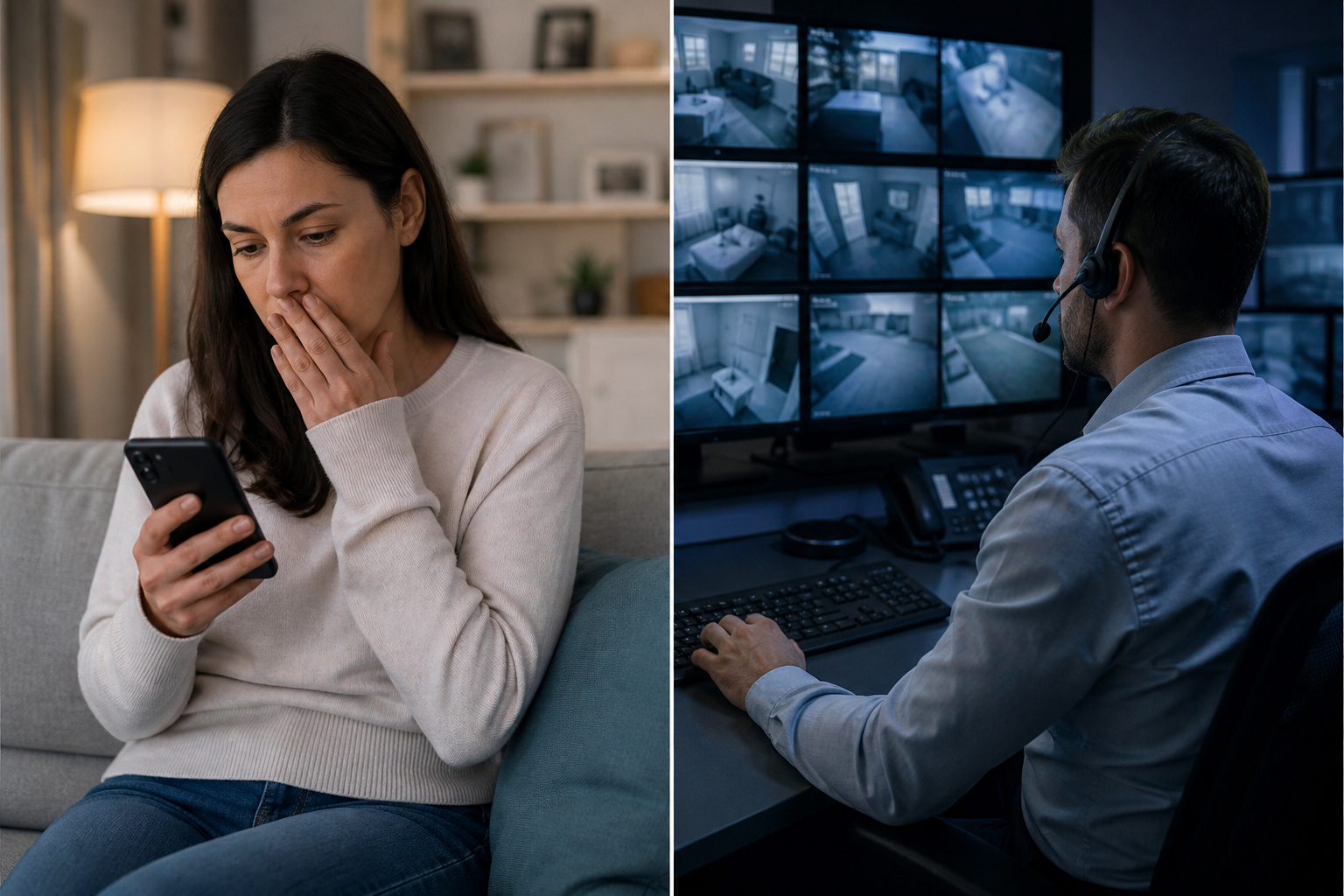
With self-monitoring, alerts go to you, and you decide whether to check the app, call 911, or ignore it. ConsumerAffairs says it usually costs less each month, but you carry the response. With professional monitoring, alarm signals go to a monitoring center that may try to verify the alarm and contact you before requesting help, which usually costs more through an ongoing service contract. Dispatch steps vary by company, contract terms, and local rules.
Our guide to what home security systems really cost goes through contracts, fees, and the long-term math.
Recommended Products
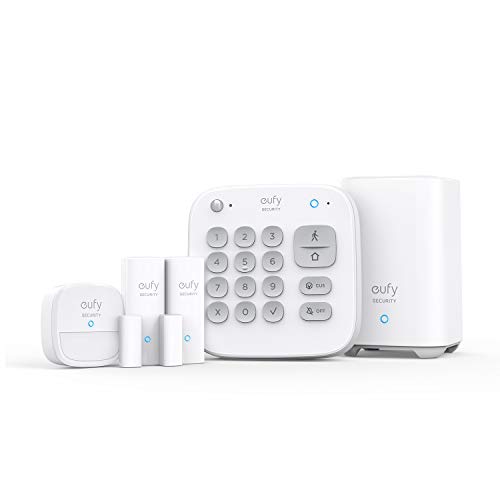
Easy Setup: Install in minutes all by yourself. The entry sensors attach to doors and windows, while the motion sensor and keypad can be secured to walls via the included mounts. No Monthly Fees: Eufy Security products are one-time purchases that combine security with convenience. Instant Alerts: Get notified as soon as motion or a breach is detected with the eufy Security app. What’s In The Box: HomeBase, keypad, motion sensor, 2 × entry sensors, owner's manual, and Happy Card.

4.3" Color Touchscreen — Security for the Whole Family. Just tap "Arm" or "Disarm". See your alarm system's status, time, and alerts—all at a glance. Kid & senior friendly with a multi-language menu. A wireless house alarm that works for everyone, not just the tech-savvy. For home or business.

A great fit for 1-2 bedroom homes, this kit includes one base station, one keypad, four contact sensors, one motion detector, and one range extender.
Can a Wireless System Be Jammed?
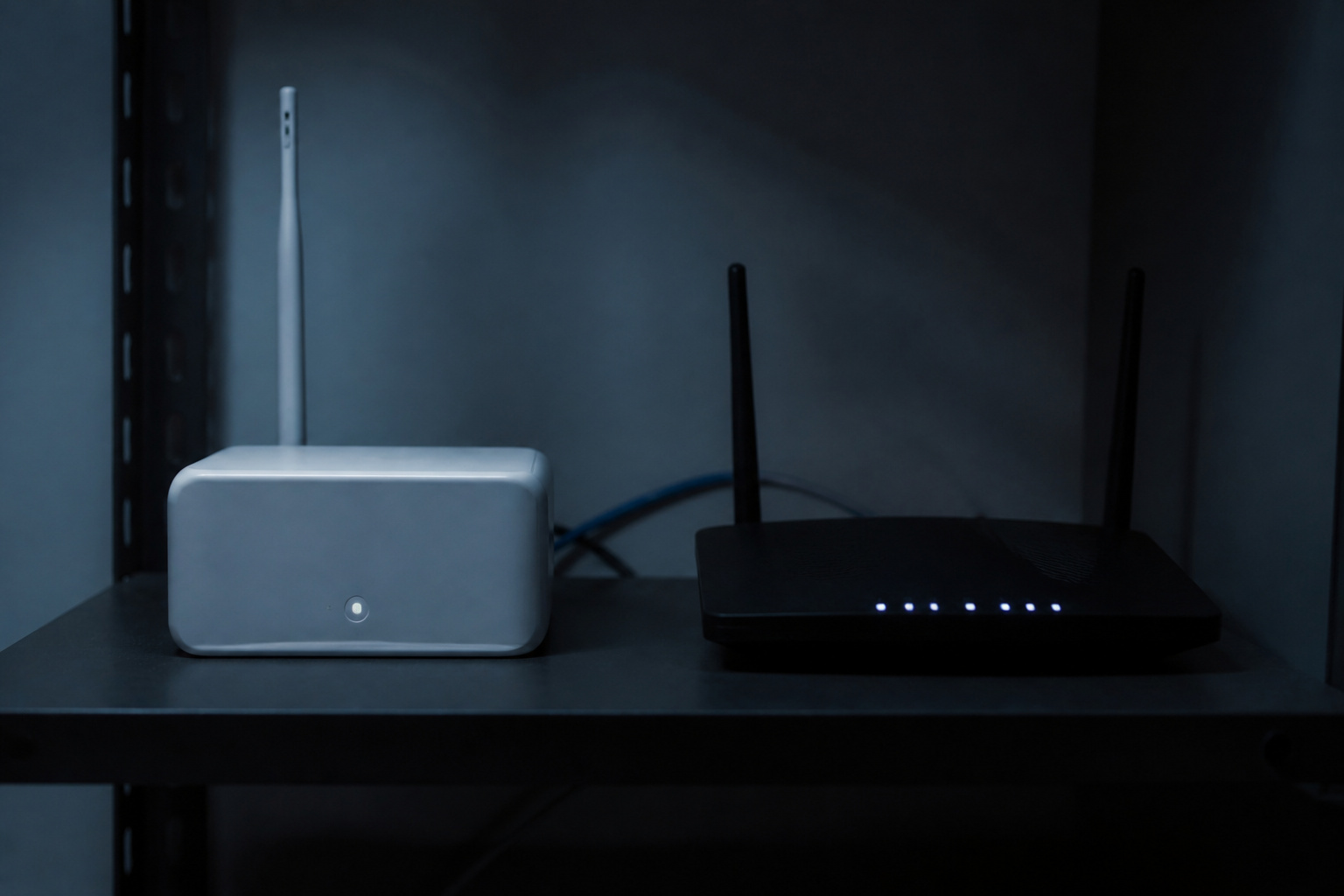
In theory, yes. Jammers emit signals on Wi-Fi frequencies that can block devices from communicating with each other and with a monitoring center. A security company, Per Mar, says jamming is not reported to affect its systems, that single-path jammers need to be very close to affect sensors, and that using a jammer is illegal under federal law.
Per Mar’s suggested defenses are redundancy and a cellular backup, so a Wi-Fi disruption does not silence the alarm. That is a reason to favor systems with a dual path to the monitoring center and alerts for lost signal. In Per Mar’s article on Wi-Fi jammers, there is more detail.
Which Sensors Should You Start With?
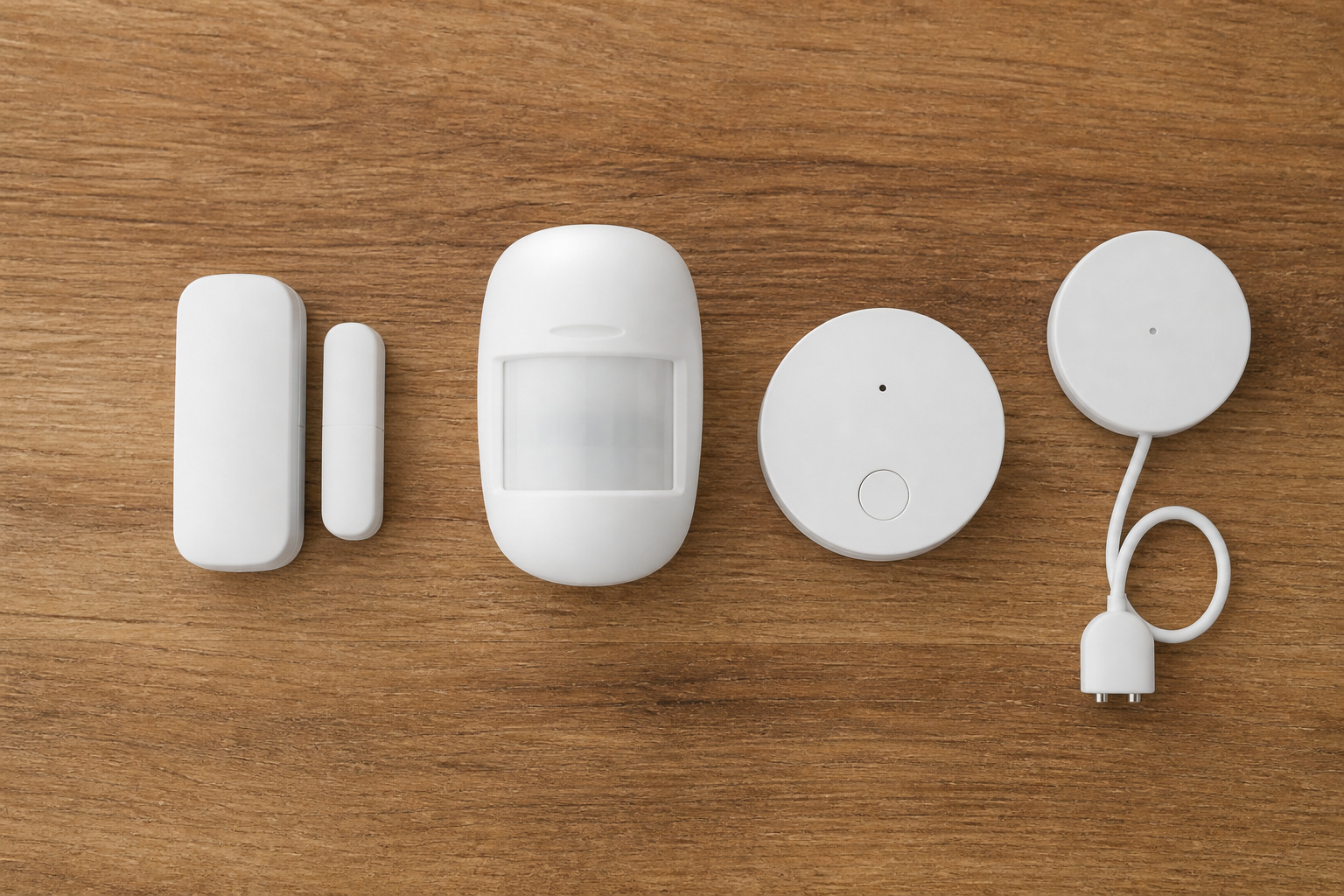
Start with entry sensors on the doors people actually use and a motion detector covering the main walkway, then add glass-break, smoke and carbon monoxide, and water-leak sensors based on your home. Most wireless systems allow you to add sensors later, which is better than buying a large kit you will not use.
If you are covering an apartment or a smaller space, see our guide to security systems for small apartments, and if you want to add cameras, read how home security camera systems work.
Recommended Products

😀【Easy to Install】The sensor and receiver are paired already, all you need to do is attach the transmitter, plug the receiver into any standard outlet, pick a tone you like and here we go.

Entry sensor - Protect your doors, windows, cabinets and more.
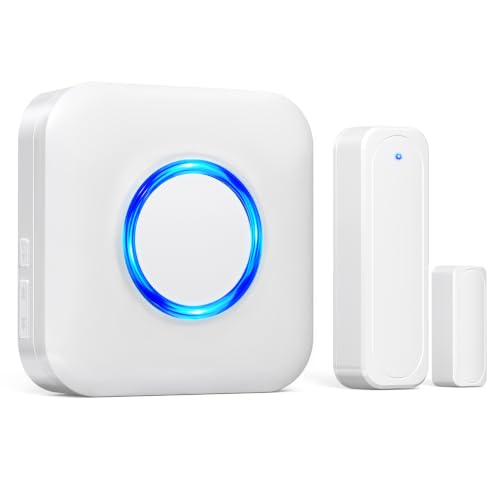
【Toddler & Dementia Care Safety】 Keep a watchful eye on your loved ones. This wireless door sensor chime triggers instantly when a door opens, perfectly alerting you if a toddler tries to sneak out of bed or an elderly family member with dementia attempts to wander out of the house
How Do You Avoid False Alarms and Local Rules?

Place motion detectors away from heating vents and windows with direct sun, and set sensitivity for pets. ConsumerAffairs says many local ordinances require audible burglar alarms to shut off within 15 minutes and advises checking your city’s rules.
Some areas also require permits or charge fees for repeated false alarms, so check yours before installing.
Does a Security System Actually Deter Burglars?

Research on burglars suggests visible security matters, though no system makes a home burglar-proof. Our article on whether home security systems deter burglars walks through the study and its limits.
So Which Kind of Wireless System Should You Buy?
Pick based on how you want to be alerted and who you want responding. If you will watch your phone and respond yourself, a self-monitored system with cellular backup keeps costs down. If you are often away or want someone to act for you, professional monitoring is worth the contract.
Either way, favor a system you can expand, confirm what happens when Wi-Fi drops, and check the current terms before you commit.
Recommended Products

A great fit for 2-4 bedroom homes, this Alarm Kit includes one Base Station, two Keypads, eight Contact Sensors, two Motion Detectors, and one Range Extender.

【Built-in SIM Card – 4G Connectivity Without WiFi】Need an outdoor security camera for a place with no WiFi or wired power? This 4G LTE solar security camera is your answer. It works anywhere with cellular coverage — barns, farms, ranches, construction sites, vacation homes, warehouses, and RVs. No router. No cable. No electrician. No outlet. Just power on and you're live in 60 seconds. (The 4G camera doesn't support WiFi connection.)
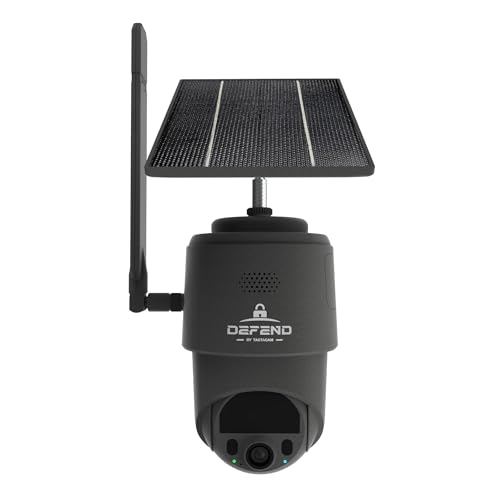
NO WIFI NEEDED — WORKS ANYWHERE WITH CELL SIGNAL — Connects over LTE cellular, not your home network, so it works at a remote gate, barn, or cabin with zero WiFi setup or dropped connections.
Frequently Asked Questions
Do wireless security systems need Wi-Fi?
Not always. Sensors talk to the panel by radio, and the panel can reach you over Wi-Fi, cellular, or a landline. A system with cellular backup can still send alerts if your Wi-Fi goes down.
Do you need professional monitoring?
No. Self-monitoring costs less and sends alerts to you, but you are responsible for deciding whether to call for help. Professional monitoring adds a response service for a recurring fee.
Can a wireless system work during a power outage?
It depends on the model. Check the specs for a backup battery and how long it lasts, plus whether the system has cellular backup if your internet goes down with the power.
How often do the sensor batteries need changing?
It varies by sensor and brand, so check the manufacturer’s estimate. Most systems send a low-battery alert, and worth confirming before you buy.
Are wireless systems easy to install yourself?
Generally yes, since there are no signal wires to run. Most steps are placing sensors, pairing them to the panel, and setting up the app, though you should check each system’s instructions.