A small apartment has fewer doors and windows to protect than a house, which makes security easier to get right and easier to overbuy. Most of what you need fits in a starter kit. The real decisions are about what your lease allows, how the system gets alerts to you, and what happens when the power or internet goes out.
This guide walks through what a renter-friendly system includes, how monitoring works, where cameras fit, and how to take everything with you when you move.
Wireless Systems That Need No Drilling
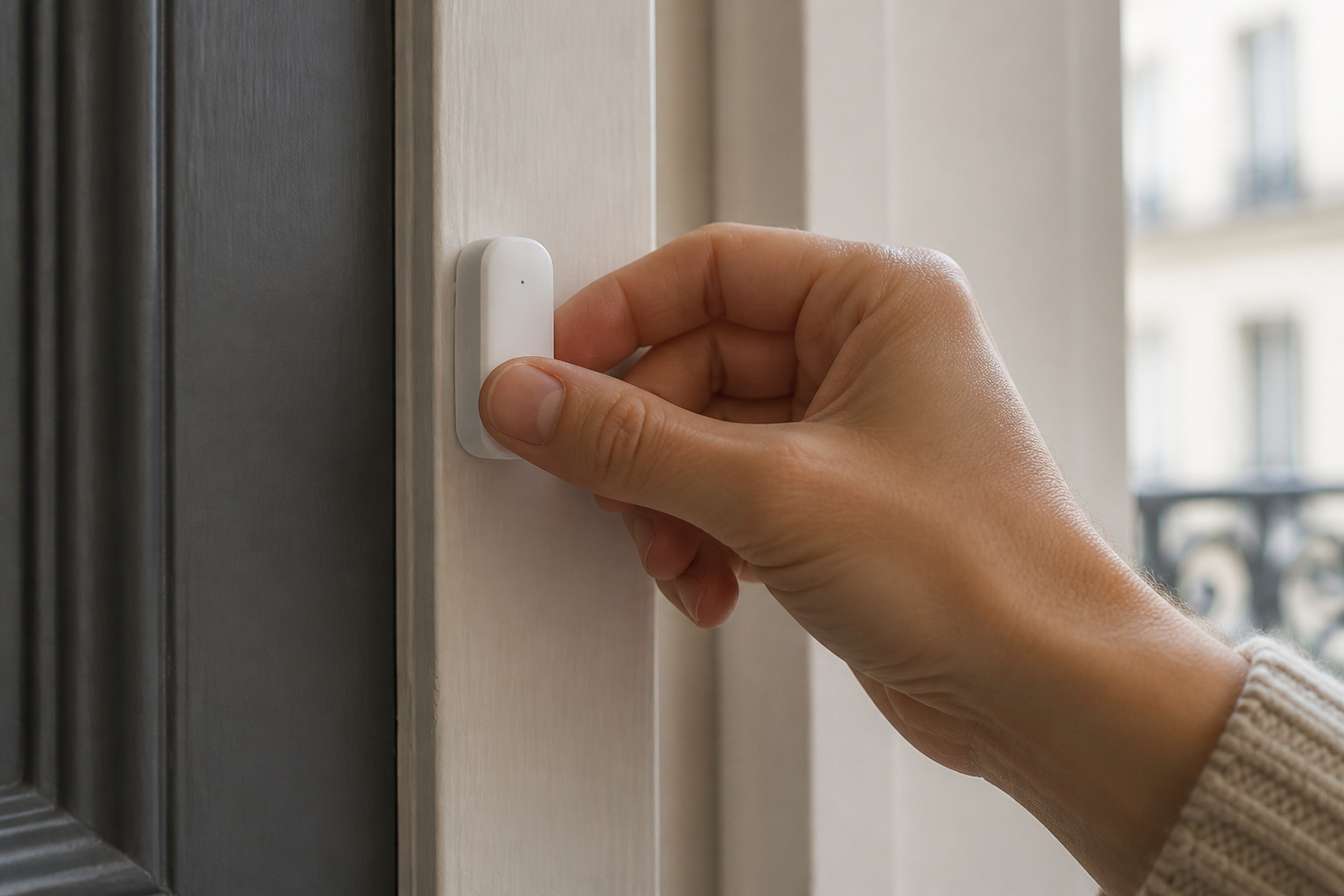
The systems built for renters are wireless and DIY. Sensors attach with adhesive strips, the base station plugs into an outlet, and you set everything up from a phone app. Nothing is screwed into a wall, so you are unlikely to run into lease problems, and nothing needs a technician visit.
SimpliSafe, Ring Alarm, Wyze, and Abode all sell kits in this style. They differ in price, app design, and which smart home platforms they connect to, but the basic hardware is similar enough that the monitoring plan and the ecosystem usually decide the choice.
Adhesive does have limits. Strips can fail on textured walls or in heat, and removing them can lift paint. Press each sensor firmly, let the adhesive set, and test it before relying on it. When you move out, a hair dryer on low heat softens the adhesive so it peels off cleanly.
Recommended Products

A great fit for 2-4 bedroom homes, this Alarm Kit includes one Base Station, two Keypads, eight Contact Sensors, two Motion Detectors, and one Range Extender.

Control your home security system with ease using the app remote control feature, giving you peace of mind even when you're away.

1 FREE month of professional monitoring for fast police response when you need it most. With optional monitoring services, our agents keep watch even when you can't, ready to instantly alert emergency responders. Starting at less than $1/day with no long-term contracts or hidden fees. (SimpliSafe products and professional monitoring services are only offered for sale and supported in the US)
What Comes in a Starter Kit
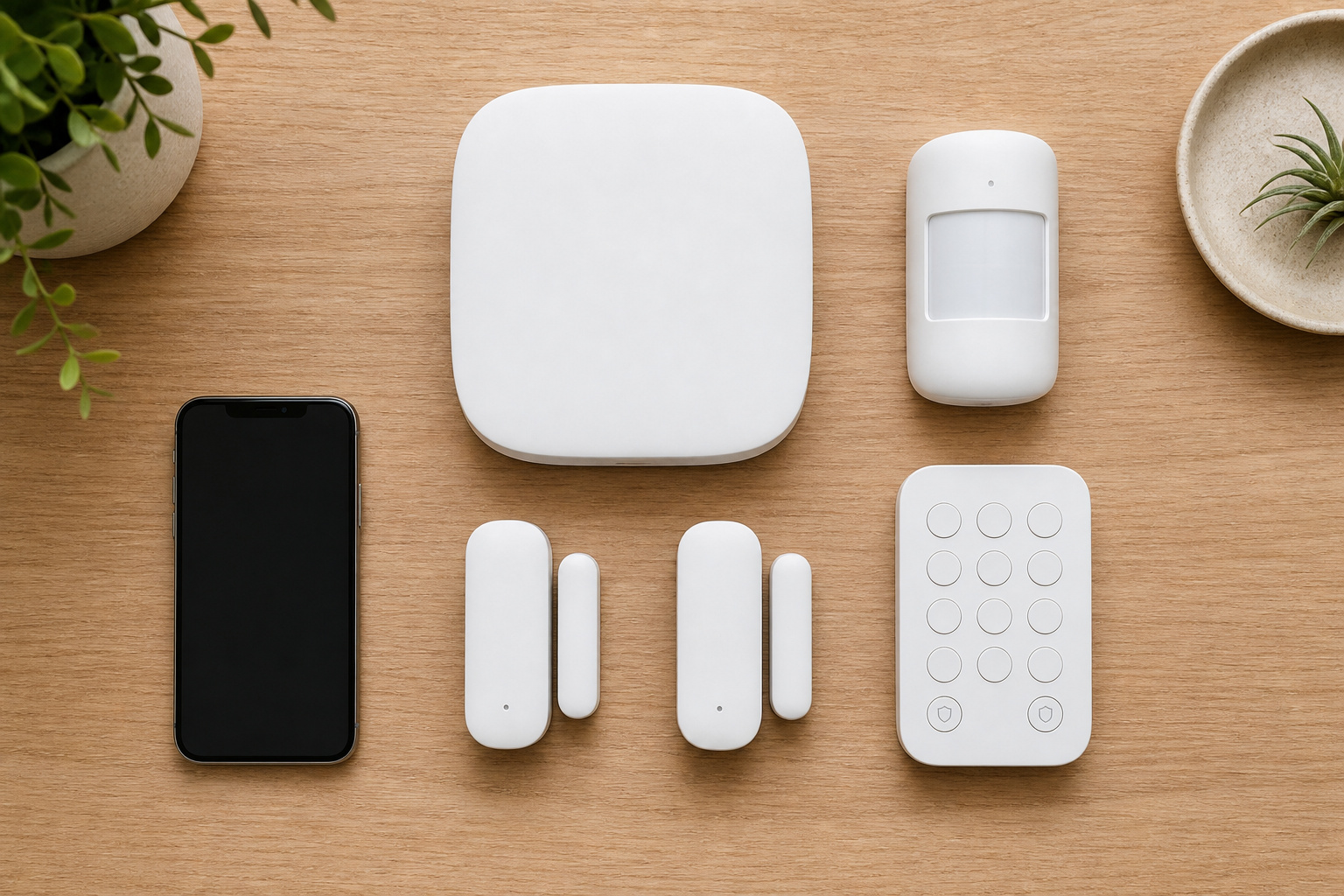
A typical starter kit has four kinds of parts, and it helps to know what each one does before comparing kits.
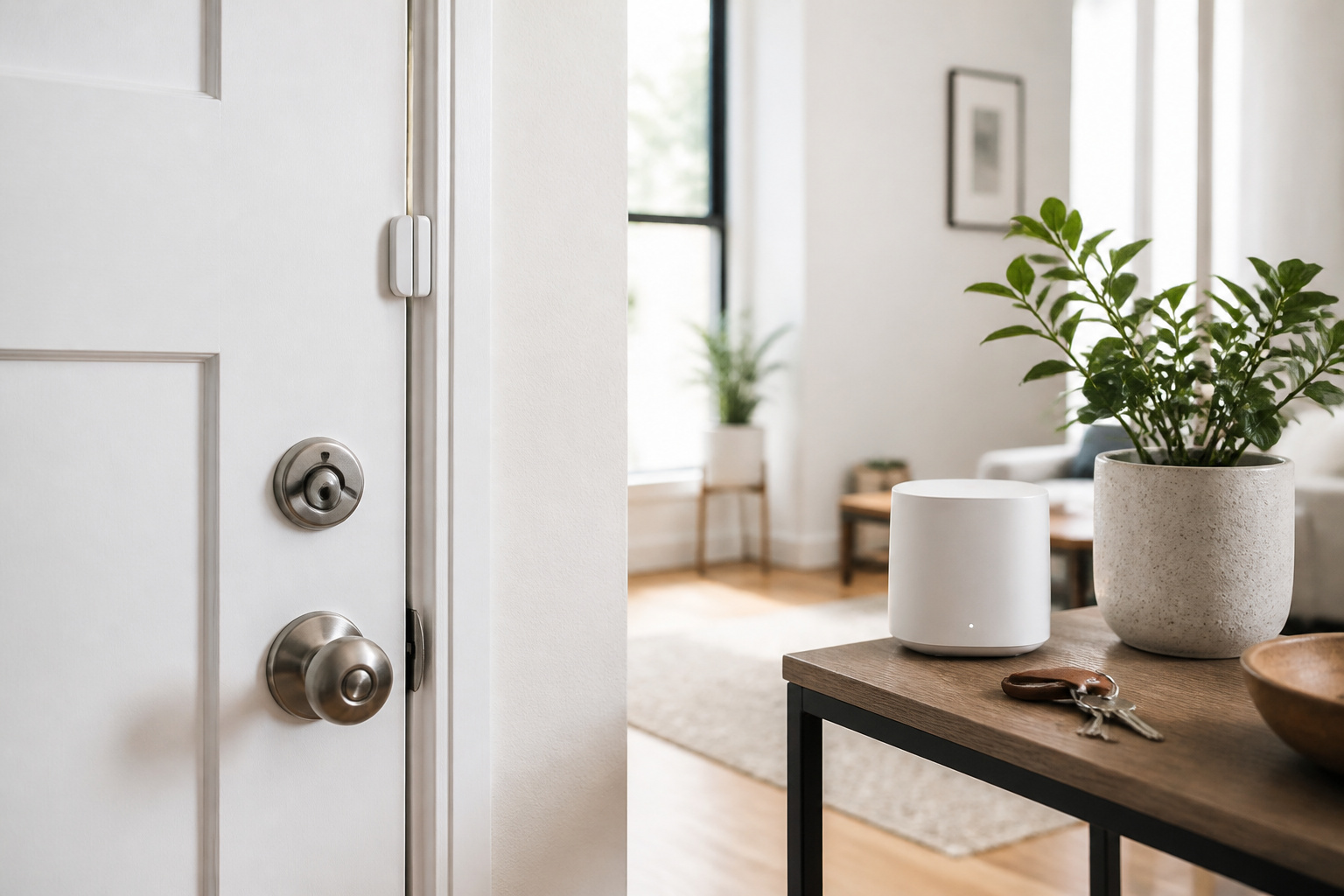
- A base station or hub, which connects the sensors to your network and usually contains the siren.
- Entry sensors, which are two-piece contacts that trigger when a door or window opens.
- A motion sensor, which covers a room or hallway.
- A keypad or key fob for arming and disarming without opening the app.
For a studio or one-bedroom, count your entry points first. Cover the front door, any balcony or patio door, and any ground-floor or fire-escape windows. Upper-floor windows with no balcony or fire escape are a lower priority. Then add one motion sensor where an intruder would have to pass. You can add more sensors later, so buy for the apartment you have rather than the one a salesperson imagines.
Recommended Products
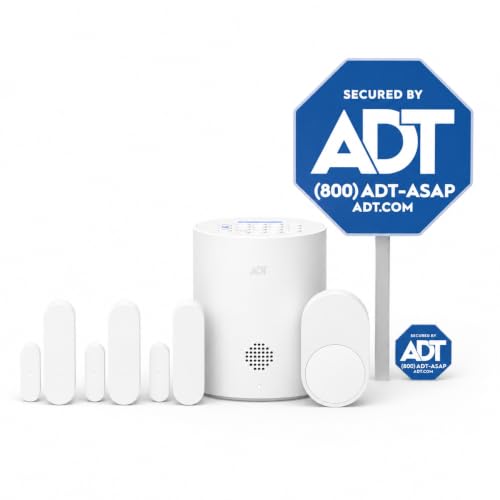
30 Days Free Monitoring with paid subscription: No long-term contracts, cancel anytime. Choose month-to-month monitoring plan options, including Self-Protect or Pro-Protect, which provides 24/7 pro monitoring.

A SMART START! Everything you need to get started: one YoLink Hub and four Door Sensors. Batteries are included and preinstalled, good for up to 5 years between battery changes. Supports 300+ devices from our full product line. Add more hubs for large homes, high-rise condo buildings, etc.
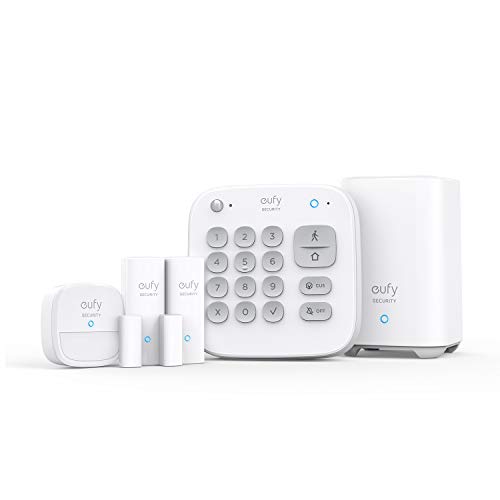
Easy Setup: Install in minutes all by yourself. The entry sensors attach to doors and windows, while the motion sensor and keypad can be secured to walls via the included mounts. No Monthly Fees: Eufy Security products are one-time purchases that combine security with convenience. Instant Alerts: Get notified as soon as motion or a breach is detected with the eufy Security app. What’s In The Box: HomeBase, keypad, motion sensor, 2 × entry sensors, owner's manual, and Happy Card.
Self-Monitoring vs Professional Monitoring
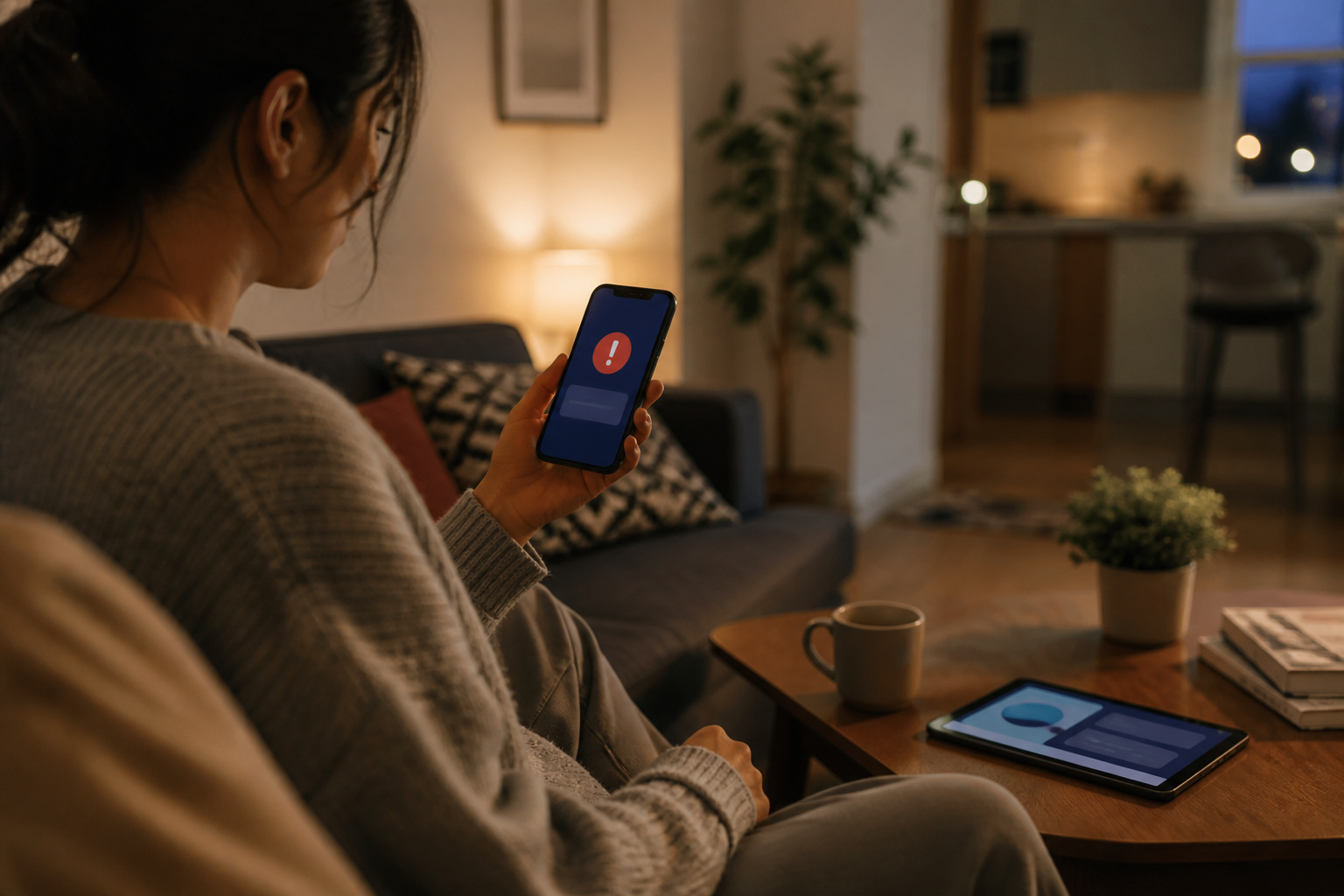
Self-monitoring means the system sends alerts to your phone and sounds the siren, and you decide what to do. Professional monitoring adds a call center that contacts you when an alarm trips and can dispatch police or fire services if you do not respond.
Self-monitoring costs less and works well if you keep your phone nearby. Professional monitoring makes more sense if you travel often, sleep through notifications, or live alone. Most DIY brands offer professional monitoring as a month-to-month plan, so you can start with self-monitoring and upgrade later without replacing hardware.
Prices and plan features change often, so check each company’s current pricing page before you buy. Also check whether saved video, cellular backup, and smart home integrations are part of the base plan or a higher tier.
Recommended Products

Simple to set up. Seriously secure - Get ready to protect right out of the box. Just plug in the Base Station, download the SimpliSafe App, place your sensors, and start protecting your home. No wiring or drilling required. Or contact SimpliSafe directly if you need help installing your system.

4.3" Color Touchscreen — Security for the Whole Family. Just tap "Arm" or "Disarm". See your alarm system's status, time, and alerts—all at a glance. Kid & senior friendly with a multi-language menu. A wireless house alarm that works for everyone, not just the tech-savvy. For home or business.

A great fit for 1-2 bedroom homes, this kit includes one base station, one keypad, four contact sensors, one motion detector, and one range extender.
Cameras and Video Doorbells in an Apartment
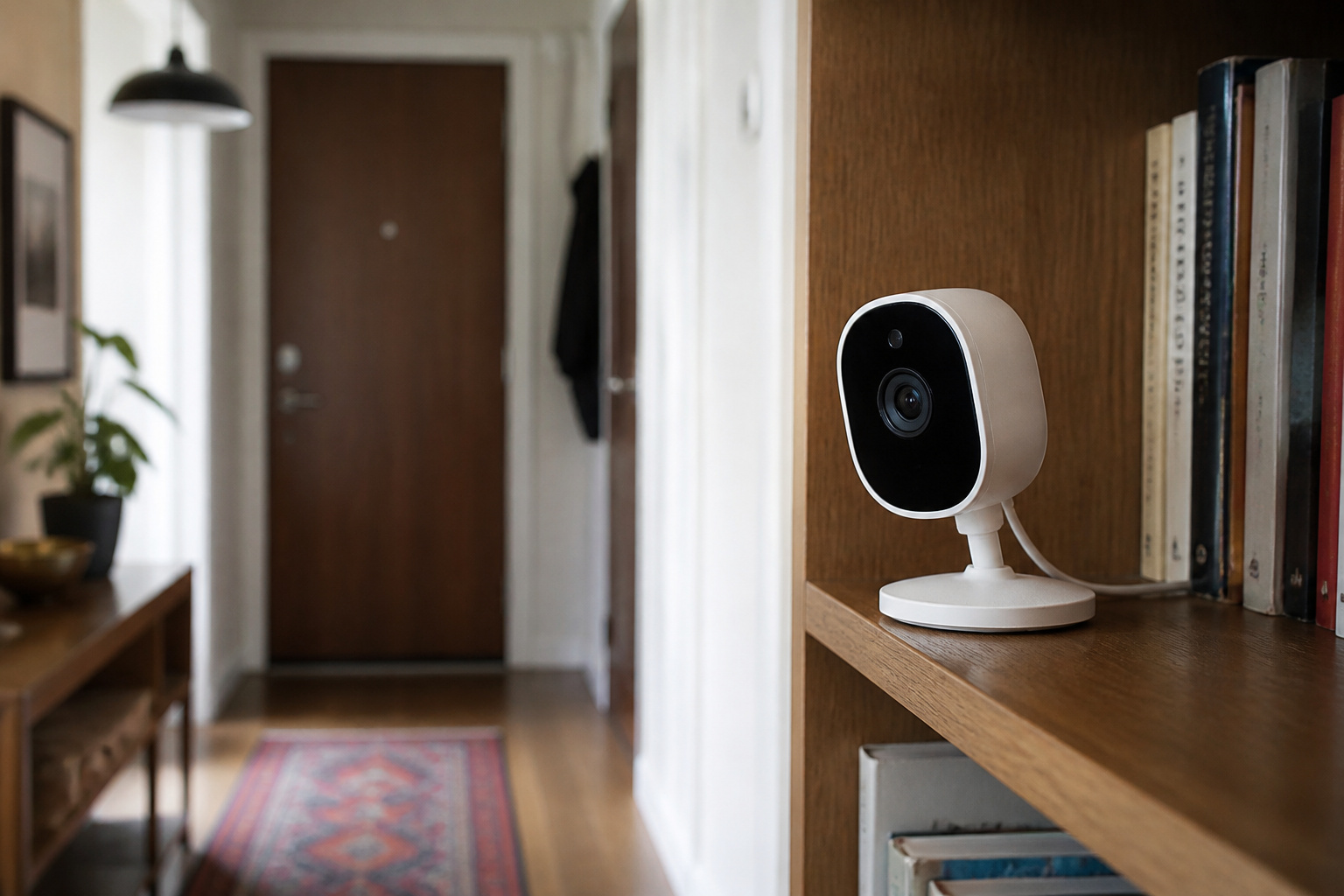
Cameras are optional in a small space, because sensors already tell you when something opens or moves. An indoor camera helps when you want to see what triggered an alert or check on a pet. A camera pointed at the entry gives you a record of who came in.
Shared hallways raise rules of their own. Many leases and building managers restrict cameras and doorbells outside your unit, and pointing a camera at a neighbor’s door can cause trouble even where it is allowed. Ask your landlord in writing before you mount anything outside, or stick to indoor cameras that face your own entry.
For the details on how cameras handle storage, subscriptions, and privacy, see our comparison of Wyze, Ring, and Eufy and our guide to video doorbells.
Recommended Products

Mini camera, max performance — Mini 2K+ is our third-generation compact plug-in camera, delivering sharper 2K video resolution and improved audio clarity, so you can see and hear more of what matters.

【Stunning 4K UHD & 8x Zoom】 Capture tiny details and record 4K ultra-clear videos day & night with the Anona 4K indoor camera, say goodbye to 2K or 3K. The professional-grade lens and 8X zoom bring distant details into sharp focus, so you never miss some wonderful moments.

Full-Room 360° Auto Tracking Eliminates Blind Spots: These cameras for home security let you go effortlessly while capturing every mischievous moment, whether you're at work or on vacation. Our smooth pan-tilt motor delivers seamless 360° coverage, automatically following your pets, kids, or any movement. Plus, the included 6.6ft power cord and wall-mounting kit make installation a breeze—just plug the indoor camera in and you're ready to go. Truly Plug & Play.
Power and Internet Outages
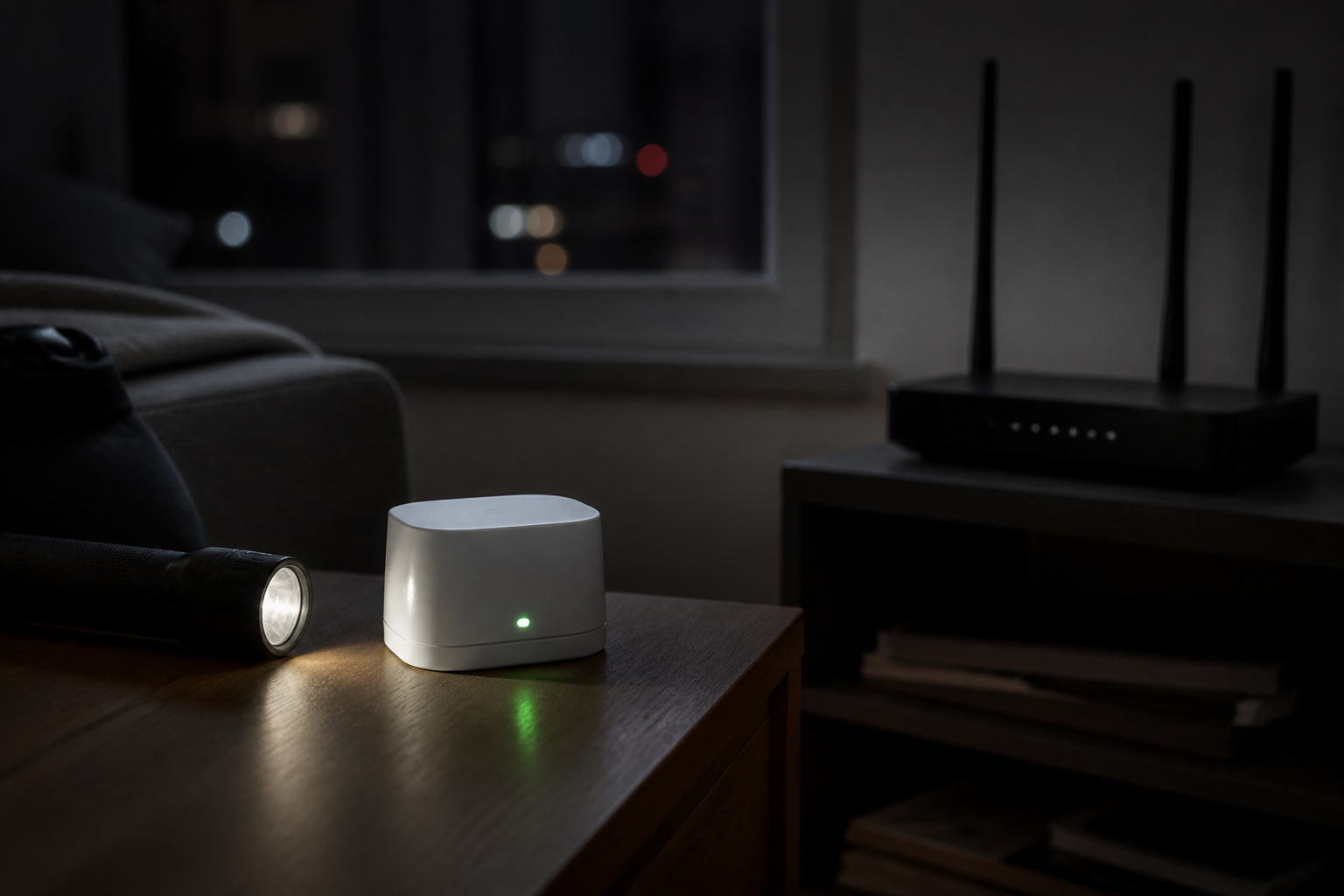
A security system that fails during an outage is not much use. Look for a base station with a battery backup, which keeps the siren and sensors working when the power is out. Look for cellular backup too, which lets the system reach you or the monitoring center when your Wi-Fi is down.
Cellular backup is often tied to a paid monitoring plan, so a system that looks cheap up front may not have it on the free tier. Check this detail before you decide, especially if you rely on professional monitoring.
Smart Home Integration
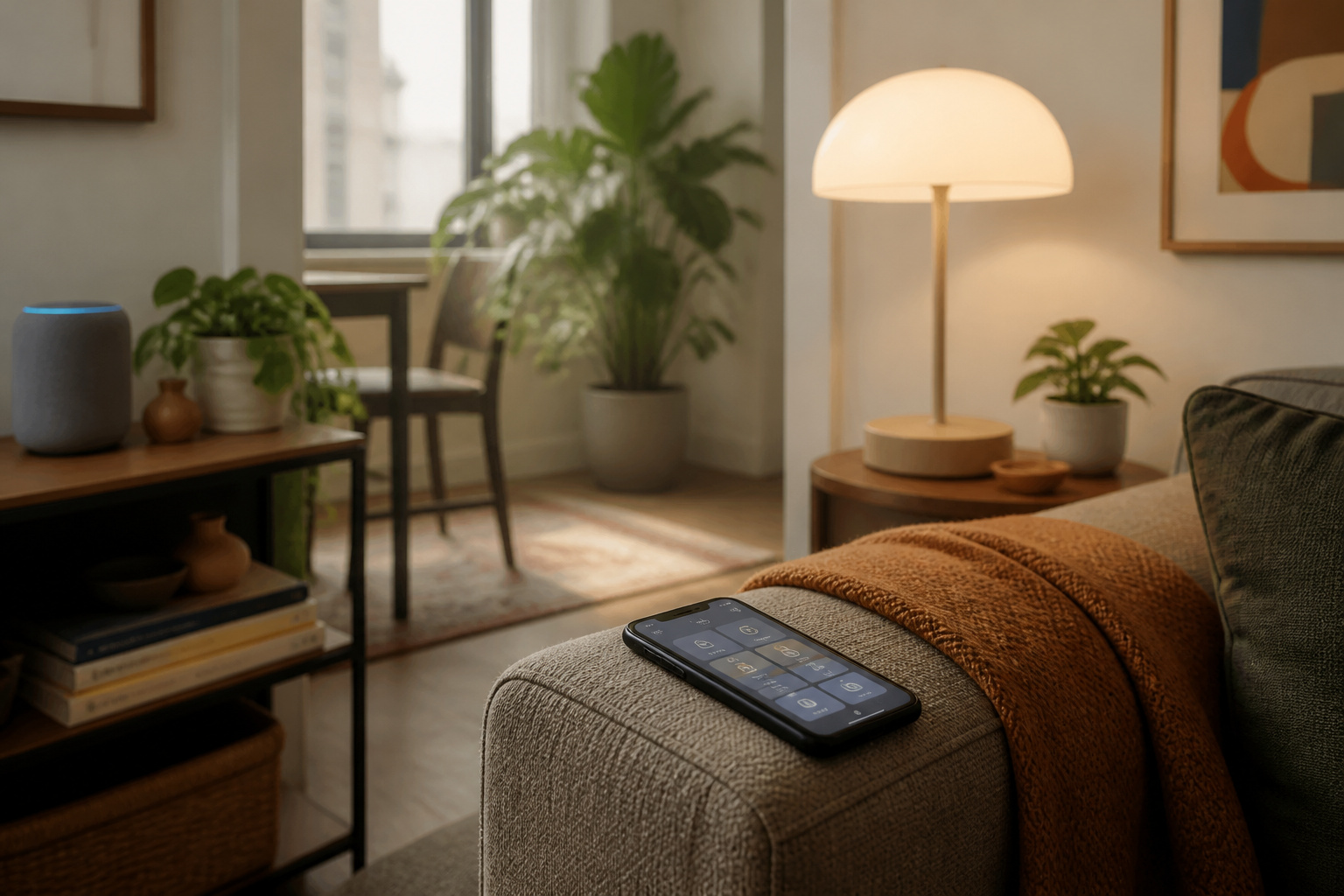
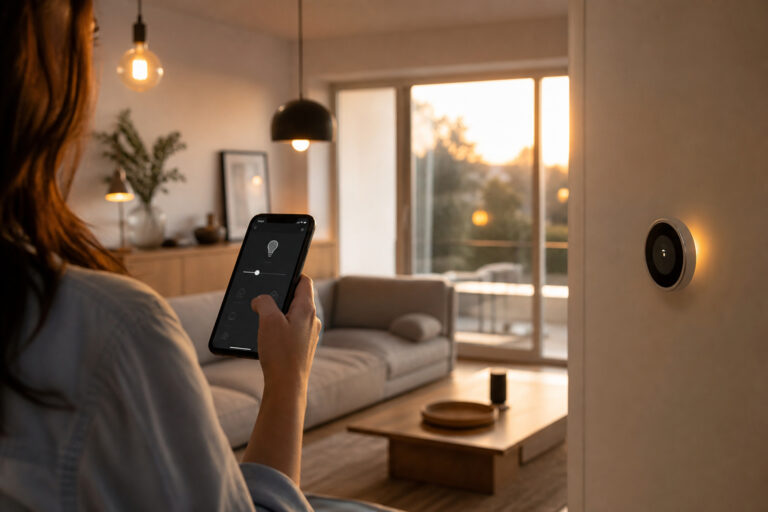
Most DIY systems work with Alexa, and many also support Google Assistant. Support for Apple HomeKit is less common, so confirm it if you use an iPhone and want it. Integration lets you arm the system by voice, trigger lights when a sensor trips, or pair the system with a smart lock.
If you have not picked a platform yet, our comparison of Alexa, Google Home, and Apple HomeKit explains the differences. Renters who cannot replace a deadbolt should also read about smart locks, since some models work with the lock you already have.
Recommended Products

【Easy DIY Installation & NO Monthly Fees】-- Get ready to protect your home security right out of the box, Set up in minutes all by yourself, No wiring or drilling required. Also we have paired the main unit with the sub-unit successfully before departure, so that you can control your home alarm system no subscription easily. Our WiFi Alarm System is a one-time purchase at no extra fee and provides 24-hour comprehensive protection for your home security.
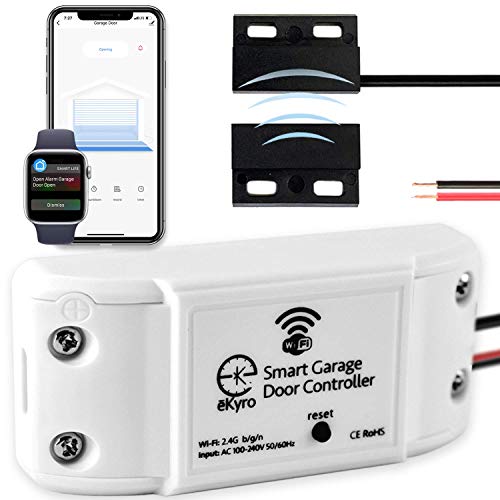
🧠 SMARTEN YOUR GARAGE: Universal adapter connects to existing openers & connects to WiFi to allow monitoring and control from your mobile device or voice assistant.

🎬【2.4‑Inch Full HD Touchscreen】 These home security systems feature a 2.4‑inch full‑touch HD display that replaces old‑style keypads. This intuitive graphical menu displays real-time temperature and weather conditions side-by-side for smarter, more comfortable home living, 8-Piece Premium Home Security The alarm kit security system includes 1 control panel built-in 2.4-inch TFT screen, 1 motion sensor, 1 door/window contact sensor, 2 remote controls, 2 RFID tags, and 1 siren. Complete with all essential accessories for easy setup, this professional security system provides 24/7 all-round protection for your house, apartment, garage, and office.
Pets, Privacy, and False Alarms
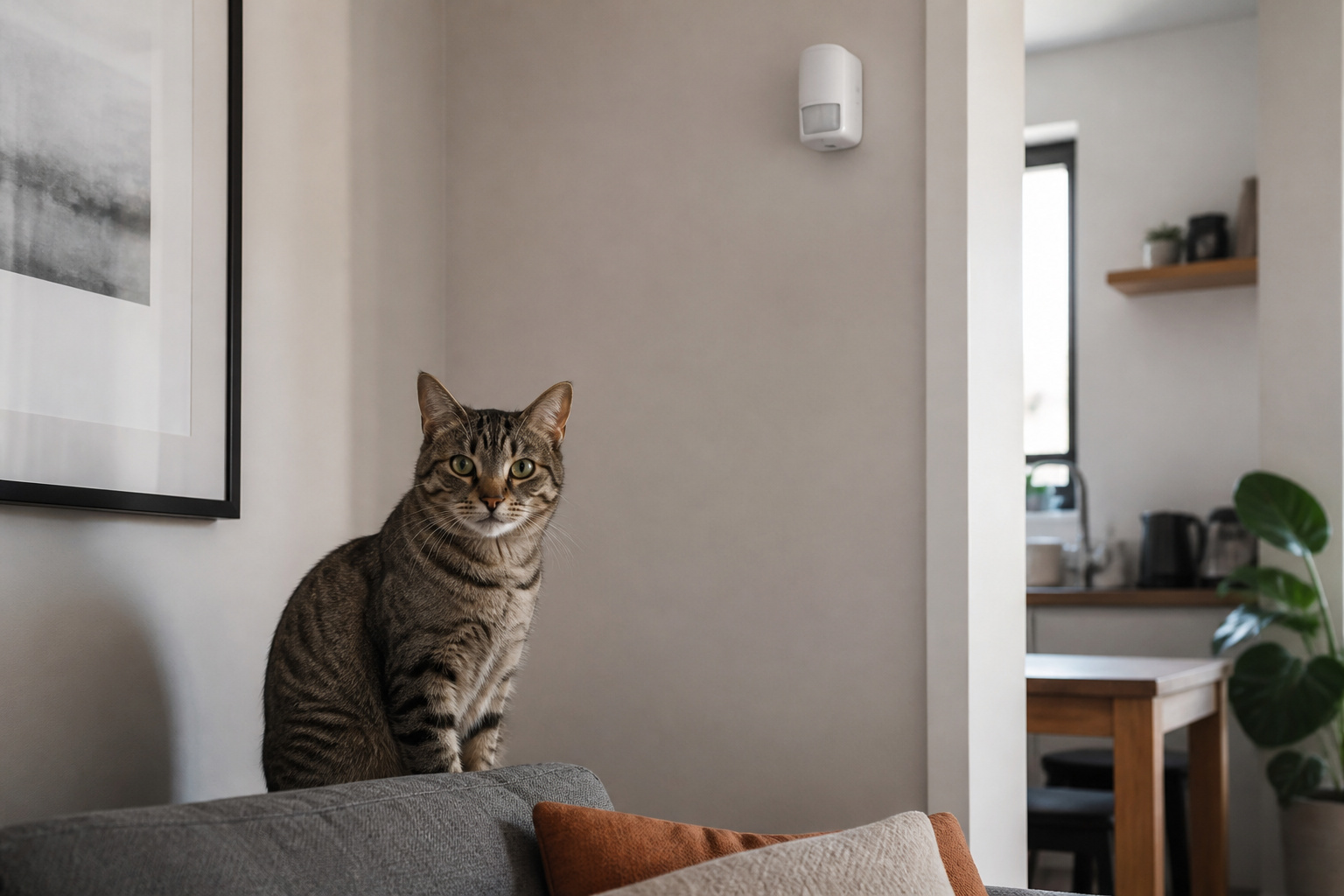
Motion sensors can mistake a cat or dog for an intruder. Many are rated as pet-friendly up to a stated weight limit, so check that number against your pet before you buy. Placing the sensor high on a wall and aiming it away from furniture your pet climbs on also helps.
On privacy, turn on two-factor authentication for the account, use a unique password, and keep the firmware updated. Account takeovers, not broken hardware, are behind many of the documented problems with connected security devices.
Taking Your System With You
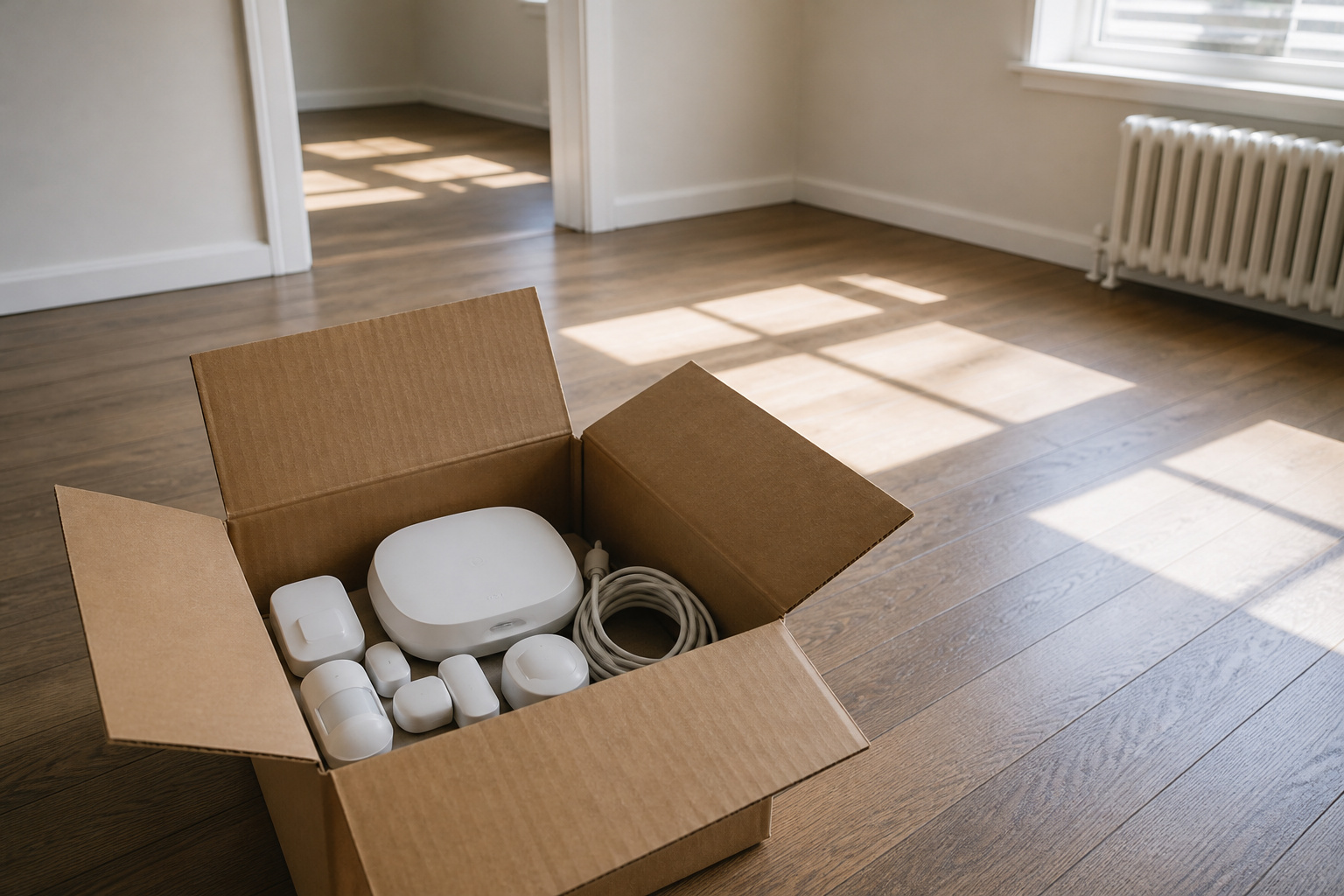
One advantage of a wireless kit is that it moves with you. Peel off the sensors, pack them with the base station, and reset the system at your new address. Most apps walk you through changing the Wi-Fi network and the address on file for monitoring.
Keep the original boxes and the adhesive strips if you can. If a company ties its monitoring contract to an address, contact them before you move so the service transfers without a gap.
Frequently Asked Questions
Do I need my landlord’s permission to install a security system?
Usually not for adhesive sensors and a plug-in base station inside your own unit, but read your lease. You should ask before installing anything in a shared hallway, on the exterior, or on a door, and before replacing a lock.
How many sensors does a small apartment need?
Start with one sensor on each exterior door and each accessible window, plus one motion sensor covering the main path through the apartment. A studio or one-bedroom is often covered by a starter kit, and you can add sensors later.
Is professional monitoring worth it for an apartment?
It depends on how reliably you respond to phone alerts. If you travel often, sleep deeply, or live alone, a monitoring center adds a human who can call you and dispatch help. Most DIY systems let you add it month to month and cancel it.
Will a wireless system work if my Wi-Fi goes down?
Only if it has cellular backup. Without it, the system may still sound a local siren but cannot send alerts to your phone. Many systems include cellular backup only with a paid plan, so check before you buy.
Can I move my security system to a new apartment?
Yes. Peel off the sensors, pack the components, and set the system up again at the new address. You will need to update the Wi-Fi details and the monitoring address in the app.