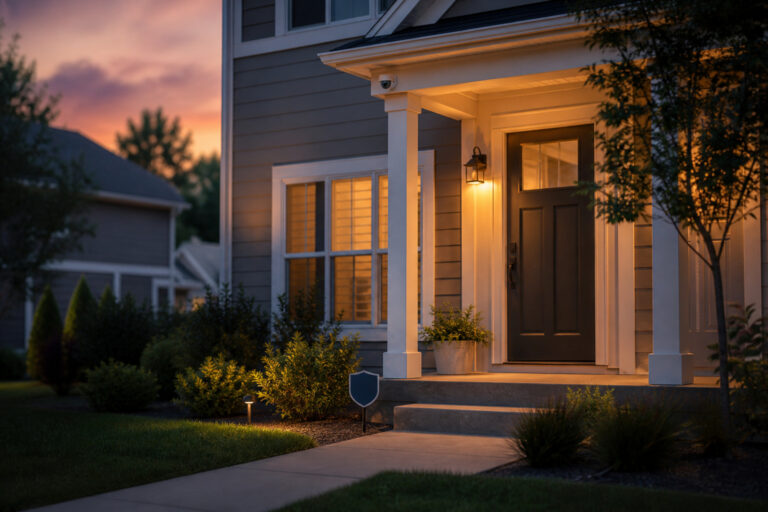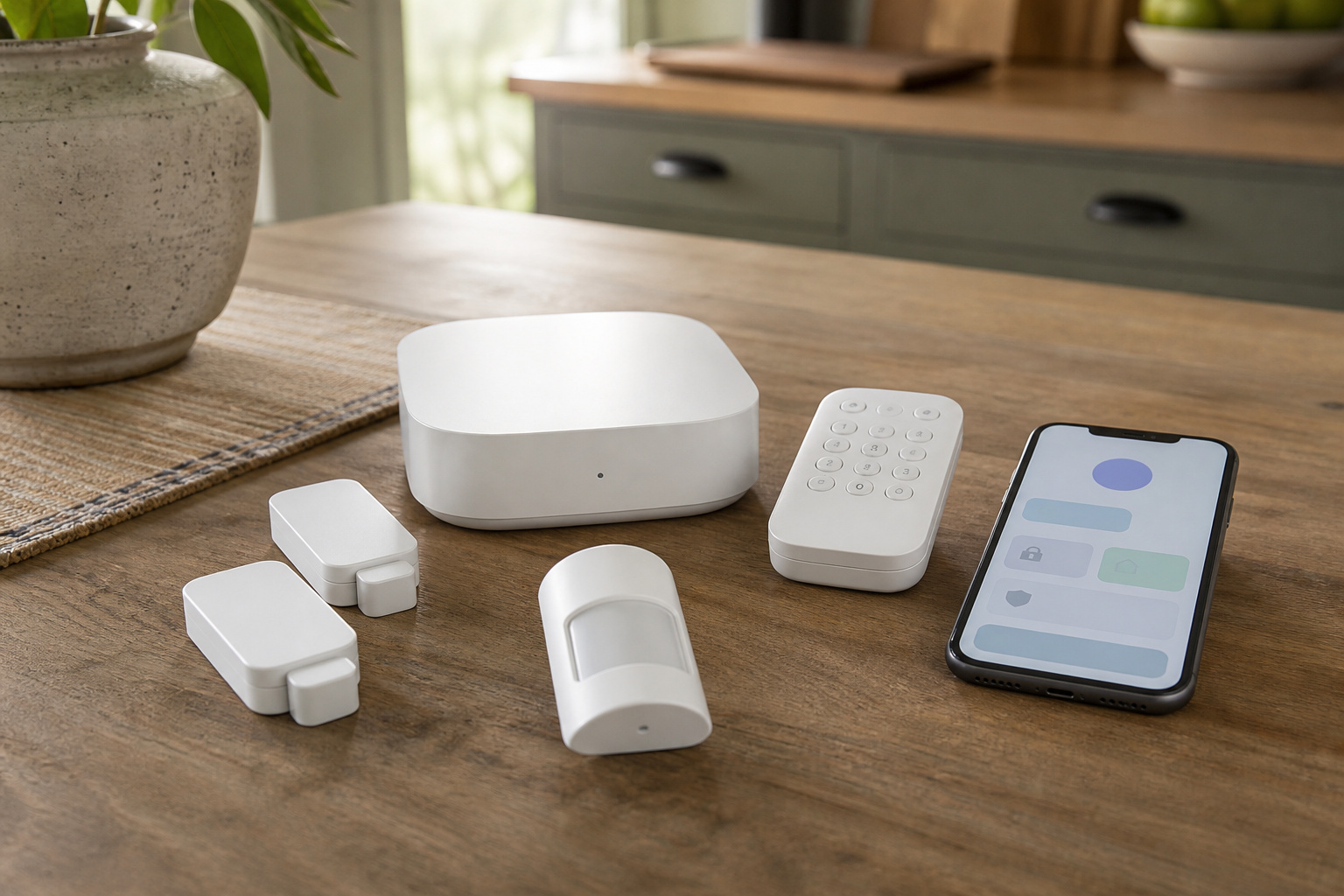
An affordable home security system is not just one with a low price on the box. The equipment is often the smaller part of what you spend. Monitoring plans, camera storage subscriptions, contract terms, and add-on sensors decide what the system costs over the years you own it.
This guide explains where the money goes, how DIY and professionally installed systems differ, and which features are worth paying for. It doesn’t rank individual kits, because prices and plans change often. It gives you the questions to ask so you can compare any two systems fairly.
What an Affordable Security System Really Costs Over Five Years

Compare systems by total cost of ownership instead of the upfront price. Add the equipment, any activation or installation fee, and the monthly plan multiplied by 60 months. Then add any camera storage subscription and the cost of sensors you plan to add later.
Here is an illustration with made-up round numbers, not real prices. A kit that costs $250 with a $20 monthly monitoring plan costs about $1,450 over five years. A kit that costs $500 with no required monitoring and a $5 optional camera plan costs about $800. The second looks more expensive at checkout but costs less over time, which is why the monthly line matters more than the sticker.
Prices and plan features change, so check each company’s current pricing page before you decide, and look at what the base tier actually includes.
Recommended Products

🎬【2.4‑Inch Full HD Touchscreen】 These home security systems feature a 2.4‑inch full‑touch HD display that replaces old‑style keypads. This intuitive graphical menu displays real-time temperature and weather conditions side-by-side for smarter, more comfortable home living, 8-Piece Premium Home Security The alarm kit security system includes 1 control panel built-in 2.4-inch TFT screen, 1 motion sensor, 1 door/window contact sensor, 2 remote controls, 2 RFID tags, and 1 siren. Complete with all essential accessories for easy setup, this professional security system provides 24/7 all-round protection for your house, apartment, garage, and office.

4.3" Color Touchscreen — Security for the Whole Family. Just tap "Arm" or "Disarm". See your alarm system's status, time, and alerts—all at a glance. Kid & senior friendly with a multi-language menu. A wireless house alarm that works for everyone, not just the tech-savvy. For home or business.

A great fit for 1-2 bedroom homes, this kit includes one base station, one keypad, four contact sensors, one motion detector, and one range extender.
DIY Versus Professionally Installed Systems
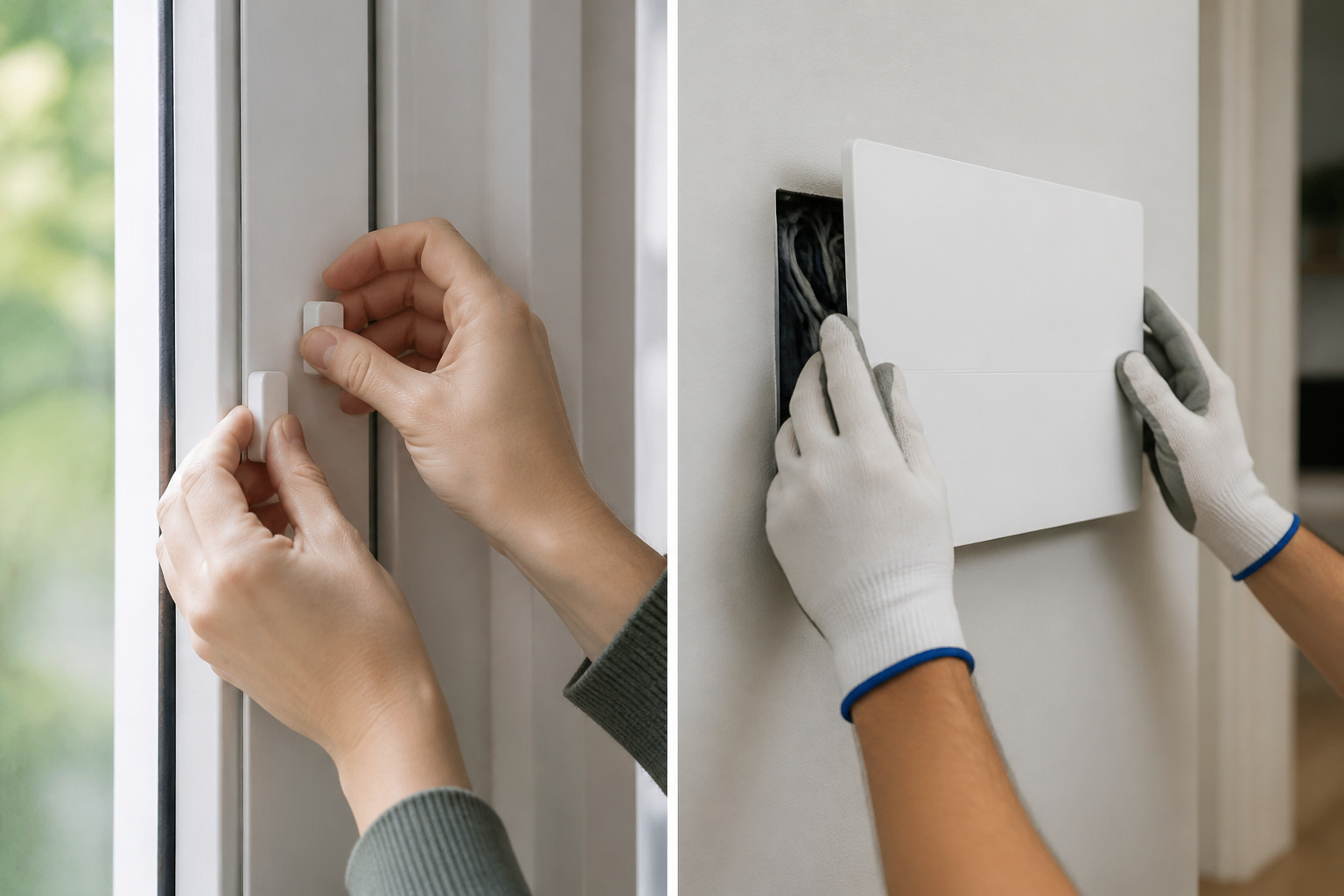
DIY systems arrive in a box. Sensors attach with adhesive or a few screws, the base station plugs in, and you finish setup in an app. SimpliSafe, Ring Alarm, Wyze, Abode, and Eufy sell systems in this style. They avoid installation fees, usually let you add professional monitoring month to month, and can move with you if you relocate.
Professionally installed systems from companies such as ADT and Vivint send a technician, often wire or mount components for you, and usually bundle equipment, installation, and monitoring into one agreement. That can be convenient if you don’t want to handle setup, and it often comes with longer commitments. Our Vivint review shows how that kind of package works in practice.
For most homes and apartments, a DIY system covers the basics at a lower total cost. Professional installation makes more sense for large or complicated homes, or for people who would rather not touch the hardware at all.
Recommended Products

Control your home security system with ease using the app remote control feature, giving you peace of mind even when you're away.

1 FREE month of professional monitoring for fast police response when you need it most. With optional monitoring services, our agents keep watch even when you can't, ready to instantly alert emergency responders. Starting at less than $1/day with no long-term contracts or hidden fees. (SimpliSafe products and professional monitoring services are only offered for sale and supported in the US)

A great fit for 2-4 bedroom homes, this Alarm Kit includes one Base Station, two Keypads, eight Contact Sensors, two Motion Detectors, and one Range Extender.
Self-Monitoring Versus Professional Monitoring
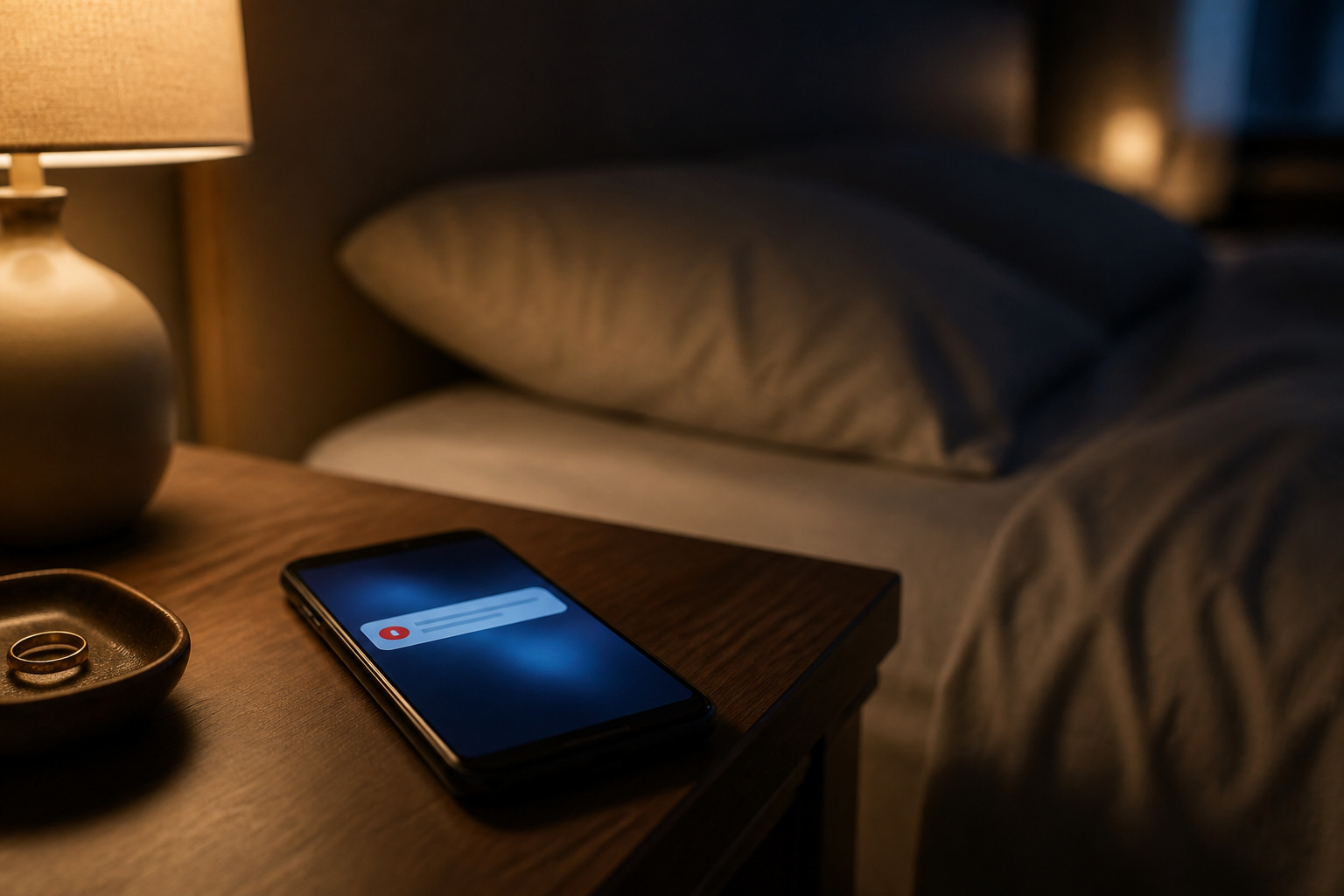
With self-monitoring, the system sounds the siren and sends alerts to your phone, and you decide whether to call someone. With professional monitoring, a call center contacts you when an alarm trips and can dispatch police, fire, or medical help if you do not respond.
Self-monitoring is the cheapest option and works if you reliably see your alerts. Consider professional monitoring if you travel often, sleep deeply, live alone, or want help when you cannot respond. Many DIY brands sell month-to-month plans, so you can start with self-monitoring and add it later without replacing hardware.
Recommended Products

Simple to set up. Seriously secure - Get ready to protect right out of the box. Just plug in the Base Station, download the SimpliSafe App, place your sensors, and start protecting your home. No wiring or drilling required. Or contact SimpliSafe directly if you need help installing your system.


Contracts, Fees, and Hidden Costs

Most surprises show up in the paperwork, not the product. Before you sign or check out, look for these:
- Contract length and early termination fees. Professionally installed plans often run for multiple years, and canceling early can be expensive.
- Activation, installation, and equipment fees, and whether you purchase or lease the equipment.
- Cellular backup, which is often available only on a paid plan. Without it, the system may not alert you if your internet goes down.
- Camera storage plans, which can add a recurring cost per camera or the whole account.
- Renewal pricing. A promotional rate may rise when the first term ends, so check what the plan costs after the introductory period.
- Replacement batteries and extra sensors, which add small costs over time.
Features Worth Paying For (and Ones to Skip)
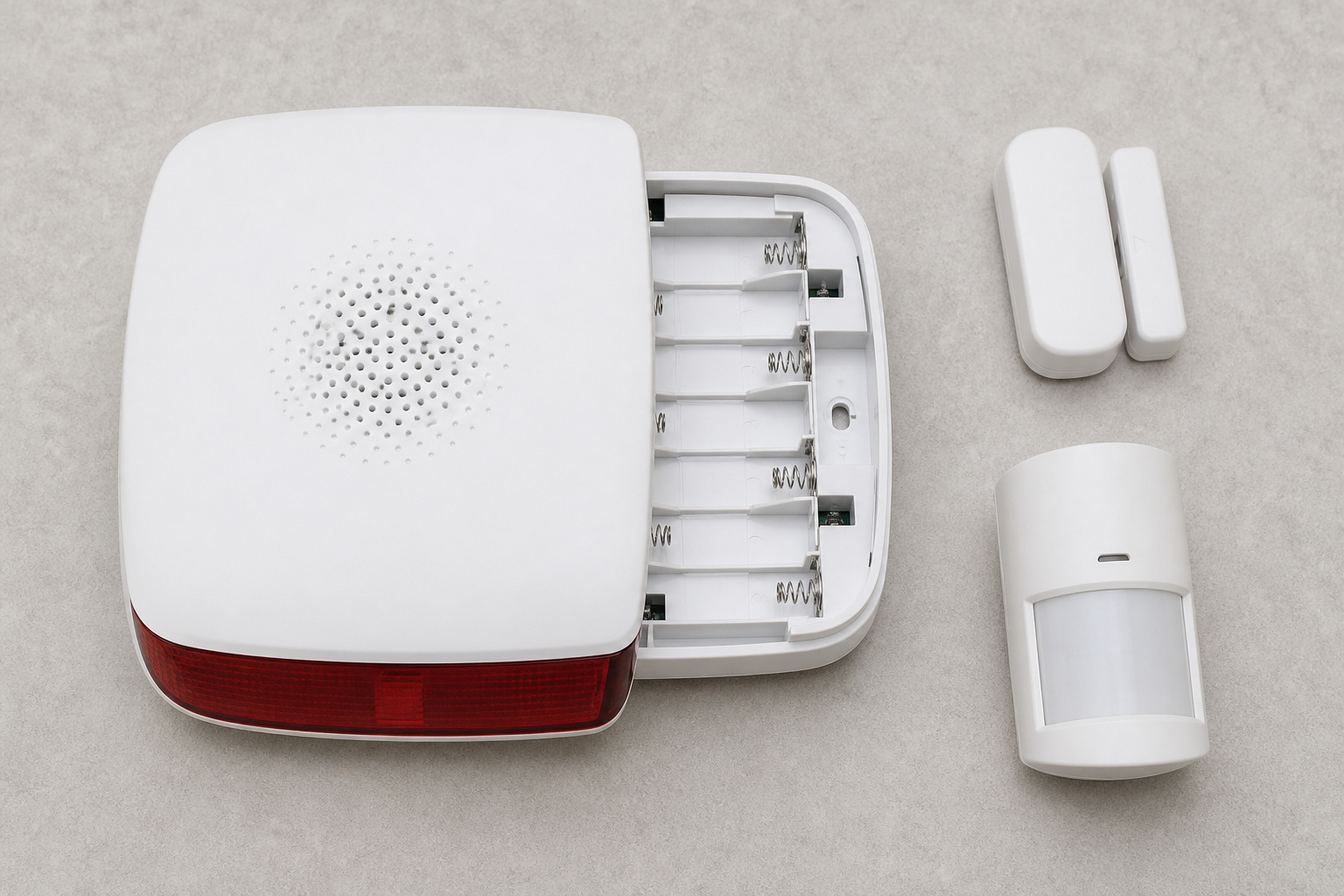
Some features protect you in meaningful ways. Others are mostly marketing. Worth paying for:
- Entry sensors on every ground-level door and accessible window, because most break-ins start there.
- A loud siren and battery backup, so the system still works during a power outage.
- Cellular backup, if it is available at a price you accept.
- A flexible monitoring plan you can start, pause, or cancel without penalty.
- Two-factor authentication on the account, which protects the system from takeovers.
Easier to skip at first: a large collection of motion sensors, glass break sensors in every room, or a premium tier you will not use. You can add sensors later, and most affordable systems are built to expand.
Recommended Products

[5-Year Battery Life] Up to 5 years of continuous protection from a single CR123A battery. No frequent replacements, minimal maintenance.

Entry sensor - Protect your doors, windows, cabinets and more.
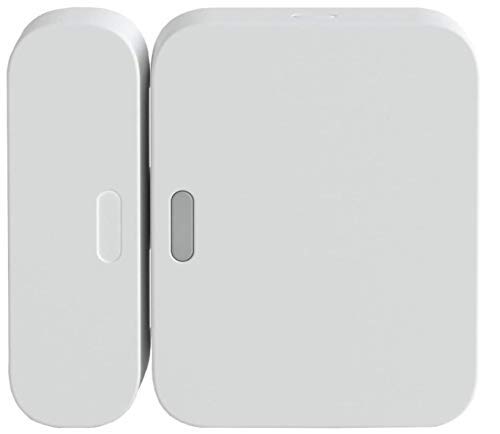
Fits on all types of doors and windows -- magnet can be placed up to 2" From the sensor.
Starter Kits, Cameras, and Smart Home Add-Ons
Starter kits are priced to look cheap, so check what is actually in the box. A typical kit includes a base station, a few entry sensors, a motion sensor, and a keypad. Count your own doors and windows against that list before assuming the kit covers your home.
Cameras and doorbells are separate decisions with their own subscriptions. If you want video, read our guides to outdoor security cameras and video doorbells, and our comparison of Wyze, Ring, and Eufy before you commit to one brand’s plan. For smaller spaces, see our guide to security systems for small apartments.
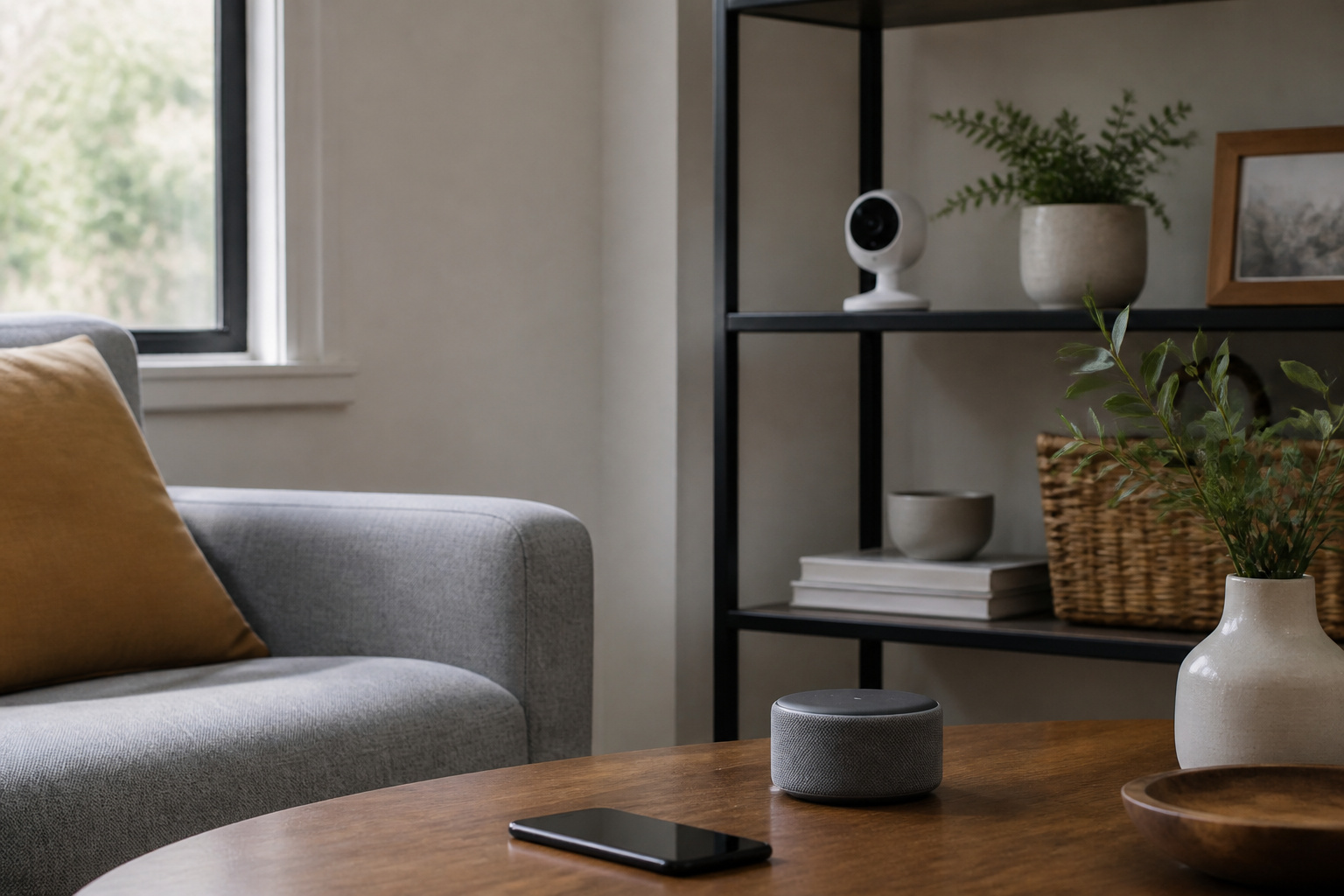
Most affordable systems work with Alexa, and many with Google Assistant. HomeKit support is less common, so check it if you use an iPhone. The cheapest way to add smart features is to confirm compatibility with the devices you already own.
Recommended Products
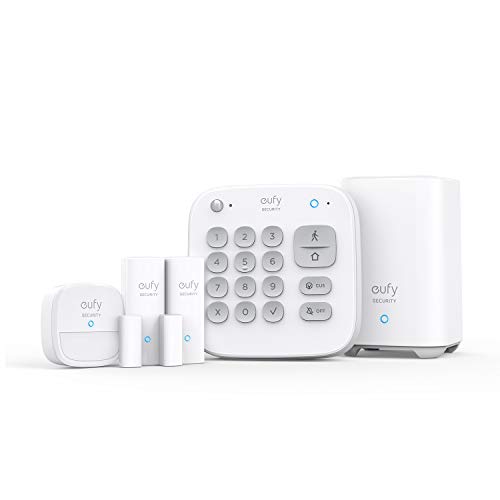
Easy Setup: Install in minutes all by yourself. The entry sensors attach to doors and windows, while the motion sensor and keypad can be secured to walls via the included mounts. No Monthly Fees: Eufy Security products are one-time purchases that combine security with convenience. Instant Alerts: Get notified as soon as motion or a breach is detected with the eufy Security app. What’s In The Box: HomeBase, keypad, motion sensor, 2 × entry sensors, owner's manual, and Happy Card.
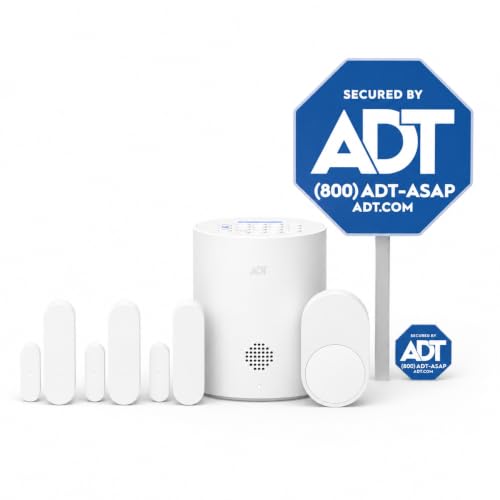
30 Days Free Monitoring with paid subscription: No long-term contracts, cancel anytime. Choose month-to-month monitoring plan options, including Self-Protect or Pro-Protect, which provides 24/7 pro monitoring.

Insurance Discounts and Local Alarm Rules
Some home insurers offer a discount for a professionally monitored alarm, and the amount and requirements vary by insurer and state. Ask your insurance company what documentation it needs before you buy, since a discount can offset part of the monitoring cost.
Many cities and counties also require an alarm permit and charge fees for repeated false alarms, especially when police are dispatched. Check your local rules, and set up sensors and pet settings carefully to avoid accidental triggers. Our article on whether home security systems deter burglars explains what the research says about what systems can and cannot do.
Frequently Asked Questions
Are Affordable Systems Less Reliable Than Expensive Ones?
Not necessarily. The core job of detecting an open door or movement and sounding a siren is similar across price levels. Higher prices more often buy professional installation, longer support, more integrations or extra hardware, not a fundamentally better sensor. Check reliability on backup power, cellular fallback and how well the app works.
What Hidden Costs Should I Watch For?
Watch for activation and installation fees, early cancellation charges, camera storage subscriptions, renewal price increases, and cellular backup behind a paid plan. Read the full terms and ask for the cost after any promotional period ends.
Are There Discounts for First-Time Buyers?
Companies often run promotions such as discounted equipment, bundled sensors, or reduced monitoring rates. These change frequently, so check current offers. Be sure a low introductory price does not hide a long contract or a higher renewal rate.
Should I Choose a Wired or Wireless System?
Wireless systems are easier to install, move, and expand, which suits renters and most homeowners. They rely on batteries, so plan to replace them occasionally. Wired systems can be more reliable in large homes and are usually installed by a professional, which adds cost.
Can a Security System Work With My Other Smart Home Devices?
Usually, if the system supports the same platform. Check for support from Alexa, Google Assistant, or HomeKit before buying, and whether the system uses a protocol such as Z-Wave or Zigbee if you want to connect other devices. Our guide on mixing brands in a smart home covers what works together.
Closing Thoughts
Compare systems by cost over five years and what the base plan includes, not by the checkout price. Cover your entry points, make sure the system keeps working when the power or internet fails, and keep monitoring and camera plans flexible so you only pay for what you use.