Office work is among the lightest tasks a computer handles, so for most people the answer is no: you do not need a powerful machine.
What you need is enough memory, an SSD, and a supported system. This guide explains how little power typical office tasks need and when it makes sense to spend more.
What Typical Office Work Needs
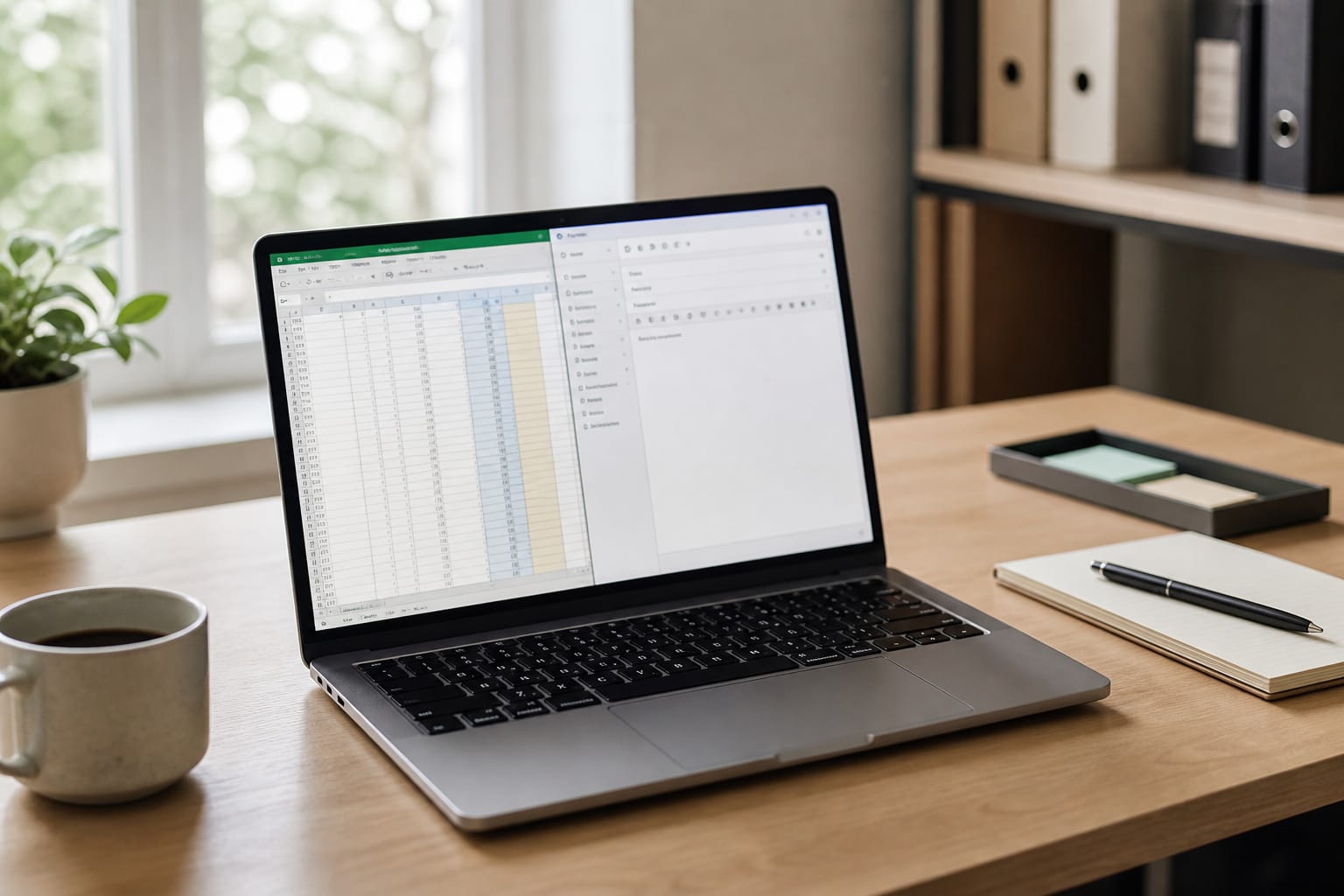
Email, word processing, spreadsheets, web apps, and video meetings run comfortably on a current mid-range processor, 16 GB of RAM, and an SSD. These tasks use little processing power.
Office computers usually slow down because of too little memory, an old hard drive, or too many programs running at once, not a weak processor. See what makes a computer fast.
Where Memory Matters
Many browser tabs, a video call, and a spreadsheet open together add up.
In 2026, 8 GB works for light use but fills up, and 16 GB is the sensible target for a daily-use office machine.
Our guide to how much RAM you need goes into detail.
When to Spend More
More power makes sense for large spreadsheets with heavy calculations, data analysis, design and video work, programming with virtual machines, and running several demanding apps at once.
In those cases, consider 32 GB of RAM and a stronger processor, and check the software vendor’s recommendations.
Products Worth Considering

Dell Precision 3561 Laptop 15.6" Non-Touch Screen
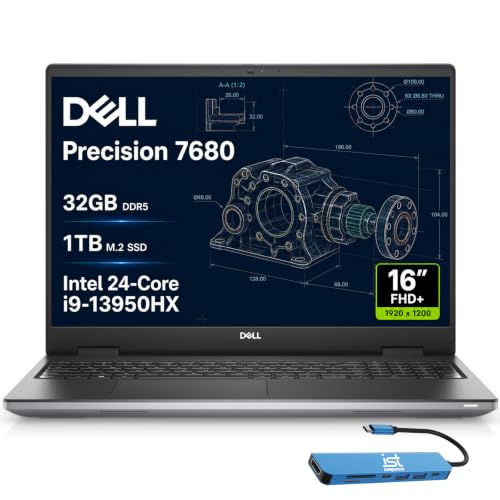
POWERFUL FOR CREATIVITY - The Dell Precision 7000 series stand at the top of the Precision lineup, delivering higher performance and expandability than the 3000 and 5000 series for demanding workloads. As a flagship model, the Precision 7680 showcases Dell’s high-end workstation design with powerful, scalable capabilities, aligned with the evolution of the Dell Pro Max series. Built for design, architecture, photography, and other intensive workflows, it provides the power and versatility needed for complex projects.

UNOPENED RETAIL PACKAGING, sold as configured by Lenovo. Includes one year of Courier or Carry-in Lenovo Warranty. Add up to 5 years of Lenovo Premier Onsite Support Plus when you register your computer with Lenovo.
What to Spend On Instead
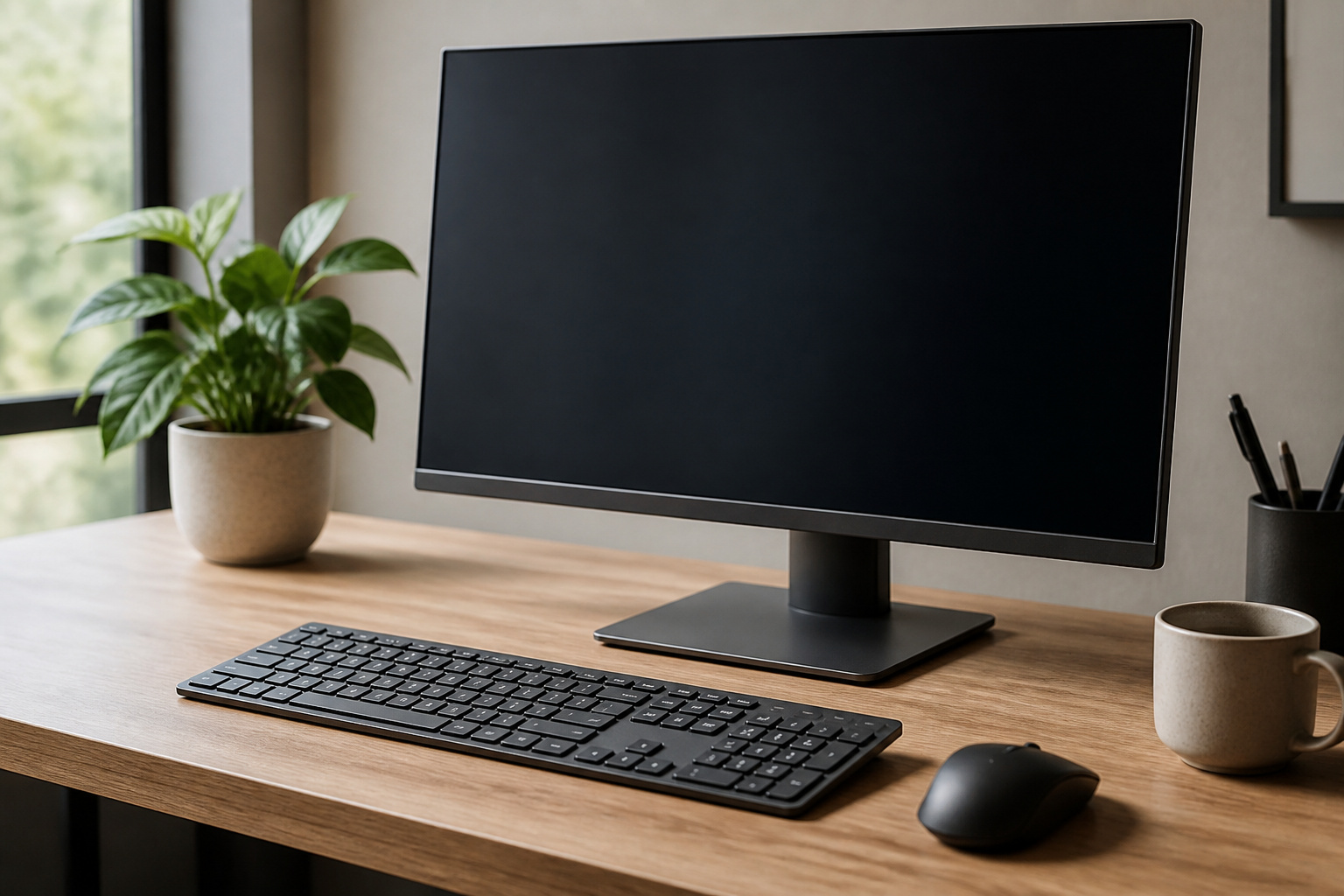
For a standard office machine, comfort matters more than raw power: a good keyboard, a sharp 1080p display, a webcam and microphone that work well on calls, and reliable support.
A business-class laptop from a refurbished seller with a warranty often provides these for less; see refurbished computers.
Products Worth Considering

Microsoft Surface Laptop Go 2 | Certified Refurbished, Amazon Renewed | 12.4-inch (1536 x 1024) LCD Touchscreen Display | Windows 11 Professional | Platinum Silver Color

Efficient Performance for Everyday Tasks: Powered by the New Generation Intel N150 Processor and Intel Graphics, this 14-inch laptop delivers smooth performance for browsing, online classes, office tasks, and streaming.

Efficient Performance for Everyday Tasks: Powered by the New Generation Intel N150 Processor and Intel Graphics, this laptop delivers smooth performance for browsing, online classes, office tasks, and streaming.
Check Support and Security
Support for Windows 10 ended on October 14, 2025, so make sure an office PC can run Windows 11, and enable automatic updates.
Follow your employer’s security policies, and for remote setups, see what kind of computer you need for work from home.
Frequently Asked Questions
What specs do I need for office work?
A current Core i5 or Ryzen 5, 16 GB of RAM, a 256 GB or larger SSD, and a 1080p display cover most office tasks.
Is a Core i3 enough for office work?
A current-generation Core i3 handles basic office tasks. A mid-range i5 or Ryzen 5 gives more headroom for multitasking and lasts longer.
Do I need a dedicated graphics card for office tasks?
No. Integrated graphics handle office software and video calls.
Is a Chromebook enough for office work?
If your work uses web apps like Google Workspace or Microsoft 365 in a browser, yes. If you need desktop software that runs on Windows or macOS, no.
Should I get a desktop or a laptop for an office?
A desktop saves money and is easy to upgrade, while a laptop suits hybrid work. See desktops versus laptops.