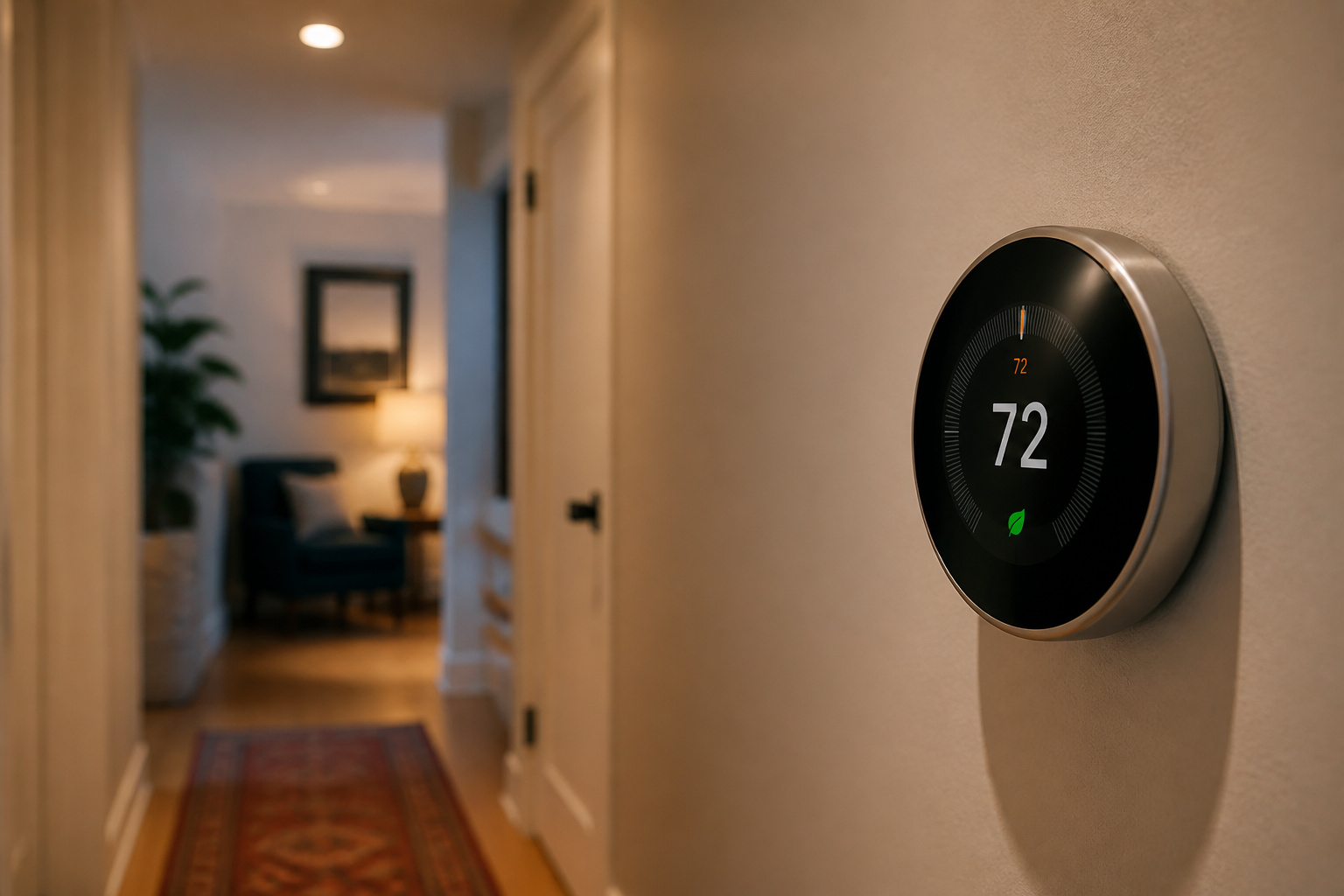
“Save up to 15% on your energy bill” is the pitch on nearly every smart thermostat box, and it’s technically true in the way “up to 70% off” sales are technically true. The real number is smaller, more conditional, and depends heavily on what your house was doing before you installed one.
Here’s what the independently verified data actually says, why the smart part might matter less than the automatic part, and where compatibility problems turn a simple upgrade into a wiring project.
The Honest Number: What ENERGY STAR and Manufacturer Data Actually Show
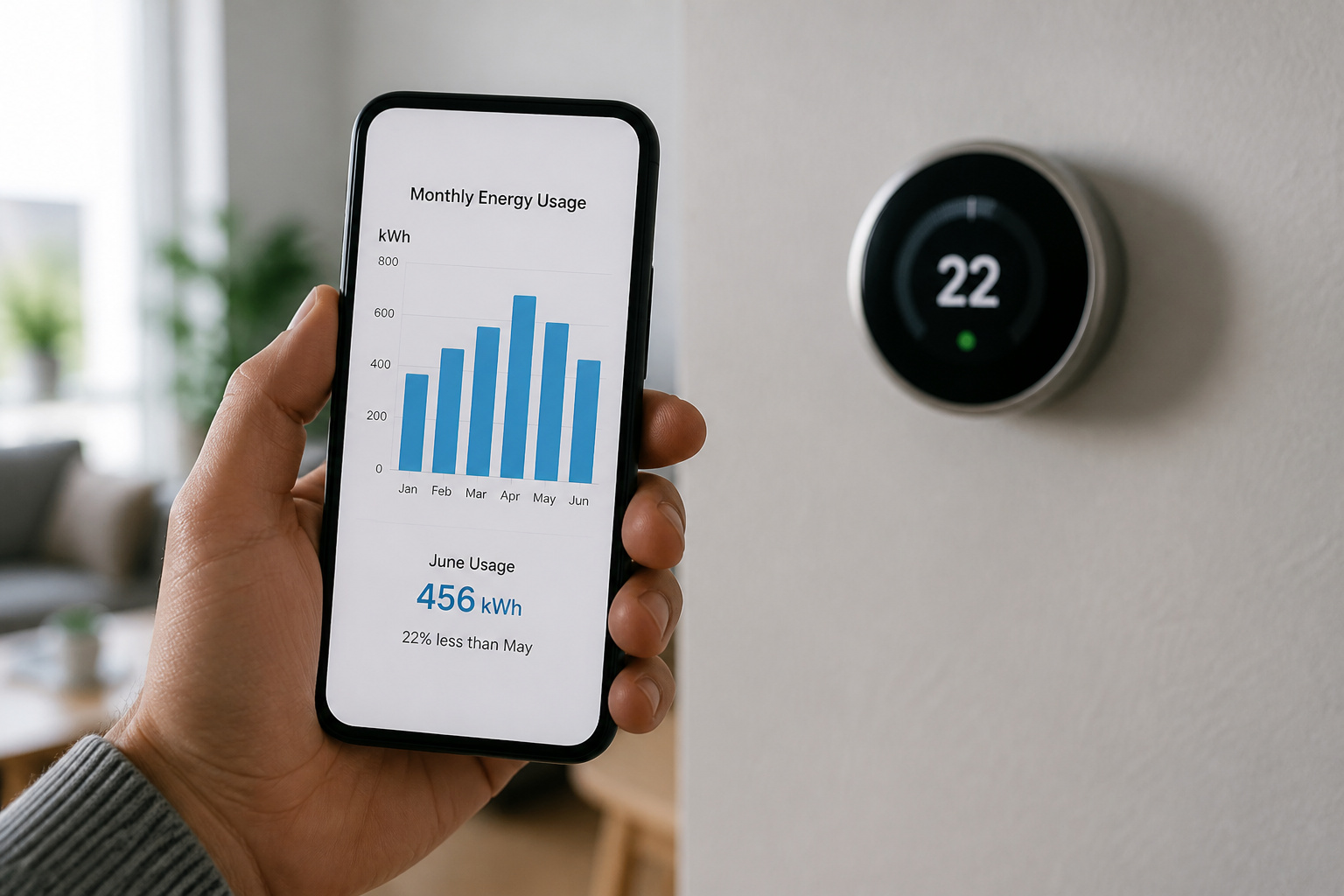
The most conservative, independently verified figure comes from the EPA’s ENERGY STAR program, which requires smart thermostats to prove real-world savings from actual installed homes, not lab conditions, before earning certification. That floor is about 8% off heating and cooling costs, roughly $50 a year for a typical household. It’s a minimum, not a ceiling; ENERGY STAR sets it deliberately conservative so that every certified model has to clear it.
Manufacturer-reported numbers run higher. Google cites independent studies of actual Nest users showing roughly 10-12% savings on heating and 15% on cooling, translating to an estimated $131-145 a year for the average U.S. household.
Those figures come from real user data submitted for ENERGY STAR certification, not marketing copy, but “average” is doing real work in that sentence; homes with erratic old thermostat habits, extreme climates, or electric resistance heat tend to land well above average, while homes that were already running an efficient, consistent schedule see less room to improve.
The U.S. Department of Energy’s underlying guidance is useful context here: setting a thermostat back 7 to 10 degrees for eight hours a day, whether you do it by hand or a smart thermostat does it automatically, can save up to 10% a year on heating and cooling on its own. A smart thermostat doesn’t invent new savings out of thin air. It automates a behavior that already saves money, and its real value is doing that reliably when a person wouldn’t.
Why Programmable Thermostats Failed (and What’s Actually Different Now)
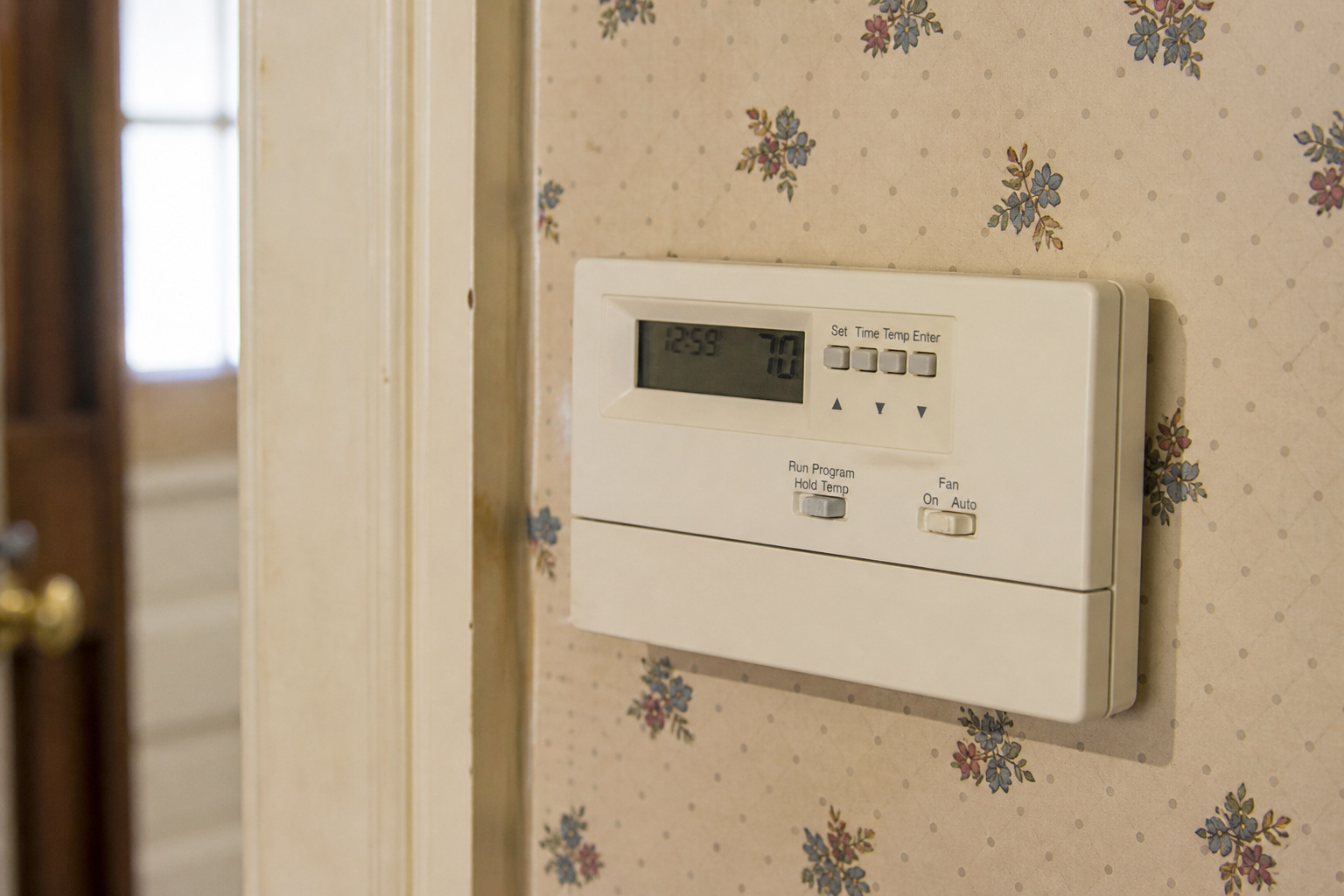
This is the part most buying guides skip, and it’s directly relevant to whether the “smart” label is actually earning its keep. Older programmable thermostats promised similar savings and, in practice, mostly didn’t deliver them.
A widely cited ACEEE/Cadmus utility study found that roughly 51% to 78% of programmable thermostat users regularly overrode their programmed schedule, which defeats the entire premise. The EPA took this seriously enough to suspend ENERGY STAR certification for programmable thermostats entirely in 2009, because field performance was so inconsistent with the savings claimed on the box.
Smart thermostats address the specific failure mode, not by being smarter about the schedule, but by removing the schedule as something a person has to set and remember in the first place. Geofencing detects when everyone’s actually left instead of trusting a fixed 9-to-5 assumption. Occupancy sensors and adaptive algorithms adjust to real patterns rather than a schedule punched in once at installation and never touched again.
That’s a meaningfully different mechanism than a 2005 programmable thermostat, and it’s why the ENERGY STAR data for smart models holds up better than the old programmable-thermostat numbers did.
Compatibility: C-Wires, Heat Pumps, and What Won’t Work
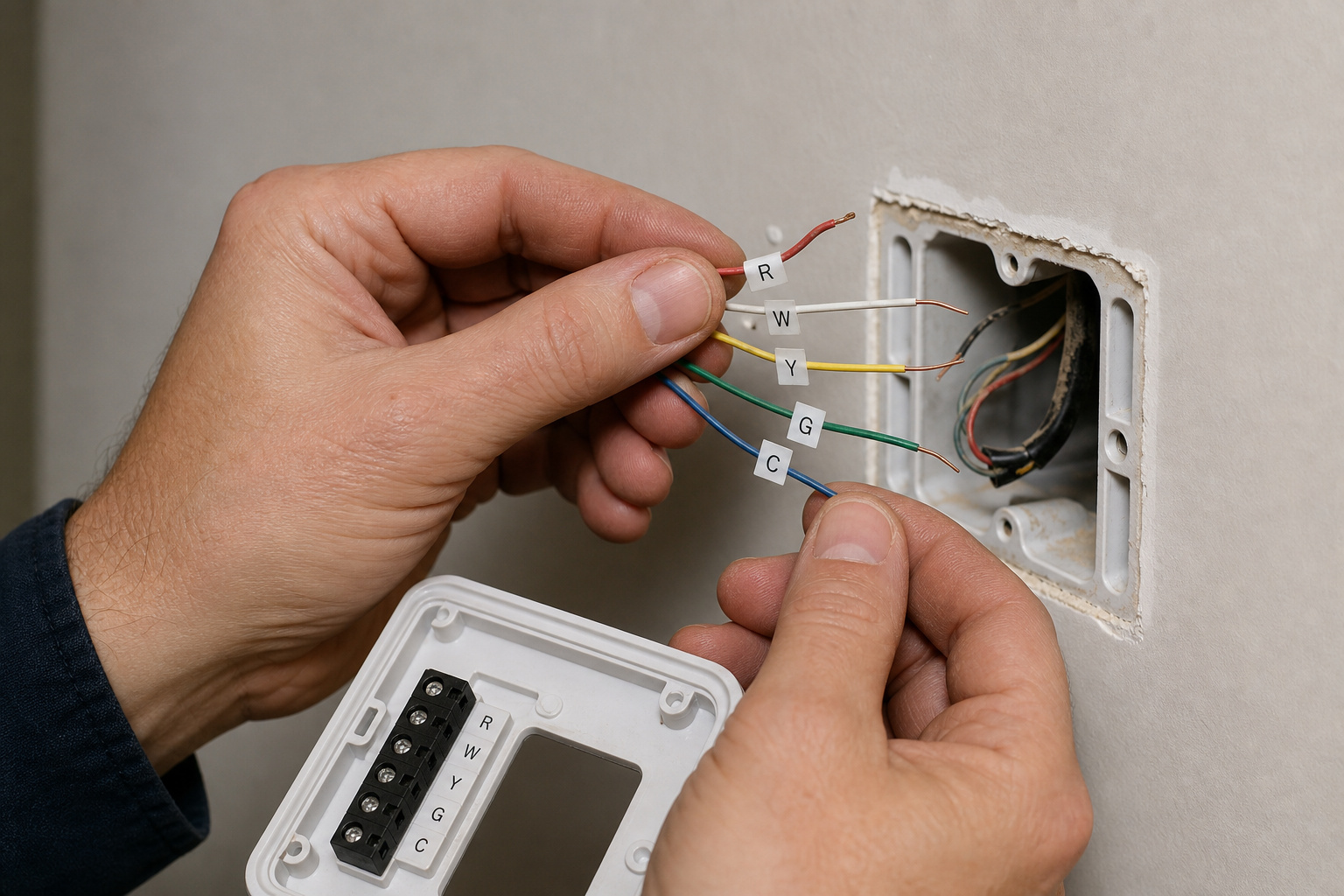
Most smart thermostats need continuous power to run their screen, Wi-Fi radio, and sensors, meaning they need a C-wire (common wire), something older battery-powered programmable thermostats never required. Look behind your current thermostat for a wire connected to a terminal labeled C.
If it’s not there, you have three real options: a power extender kit that borrows a small amount of power from the Y or W signal wire (Ecobee’s PEK and Nest’s Power Connector both work this way), pulling new thermostat wire from the furnace or air handler, or a small plug-in 24V transformer at the thermostat location.
Power extender kits are the easy fix for a simple single-stage system, but they’re not a clean drop-in on everything. On a multi-stage, zoned, or dual-fuel system, a power extender kit can quietly knock out an entire heat stage or trigger an unwanted auxiliary-heat lockout if it ends up borrowing a terminal the zone control board was already using. If your system has more than one heating or cooling stage, or a heat pump paired with a gas furnace for cold-weather backup, confirm compatibility with the specific thermostat model rather than assuming any C-wire fix will work cleanly.
Voltage and system type matter just as much as wiring. Standard 24-volt forced-air furnaces and central AC are the best-supported category by a wide margin. High-voltage systems like electric baseboard heaters (120V or 240V) and older millivolt systems are frequently not compatible with mainstream smart thermostats at all, and hydronic (hot water radiator) systems and boilers need a thermostat specifically rated for that control type, not just any smart model with a compatibility badge. Check the manufacturer’s compatibility tool with your exact wiring terminals (R, C, Y, W, G, O/B) before buying to save a return.
Rebates and Demand Response: The Money Most People Leave on the Table

This is the most commonly missed part of the actual math. Many utilities offer a one-time rebate, typically $25 to $100, for installing an ENERGY STAR-certified smart thermostat; some go as high as $85-100 in states with strong efficiency programs like California, New York, and Massachusetts. The ENERGY STAR Rebate Finder (searchable by ZIP code) is the fastest way to check what’s actually available locally, since programs vary by utility and change over time.
Separate from the one-time rebate, many utilities run ongoing demand response programs: enroll your thermostat, and the utility makes small automatic adjustments (usually a degree or two, and usually pre-cooling your home beforehand so it’s not noticeable) during peak grid demand, typically summer afternoons and early evenings. In exchange, participants get recurring annual bill credits, commonly $20 to $100 or more per year, on top of the initial rebate. It’s the closest thing to free recurring money in the smart home space, and most eligible homeowners never enroll simply because nobody tells them the program exists at checkout.
The trade-off worth knowing before enrolling: demand response programs typically require sharing thermostat usage data with the utility as a condition of participation, and some program terms explicitly authorize sharing that data with contractors or vendors supporting the program. That’s a reasonable trade for most households, but it’s worth reading the actual enrollment terms rather than assuming it’s purely a one-way benefit. For the broader picture on what smart home devices collect and where that data goes, see our breakdown of what your devices are actually listening to.
Geofencing and Learning Algorithms: How Much Do They Really Add?

Geofencing uses your phone’s location to detect when the house is actually empty rather than trusting a fixed schedule, and it’s genuinely useful for irregular routines, a changed shift, an unplanned errand, a day working from a coffee shop instead of home.
The practical limitation is that it depends on everyone in the household carrying a phone with location services on and the app installed; a single person leaving their phone behind, or a household where not everyone has the app, undercuts it quietly without any obvious error message.
Learning algorithms, the kind that build a schedule from how you actually adjust the thermostat rather than requiring manual setup, add real convenience but a more modest efficiency edge on top of basic scheduling once a household already keeps a fairly consistent routine.
Where they earn their keep is in the same place geofencing does: irregular schedules, multiple occupants with different routines, and households that would otherwise never get around to programming a schedule by hand at all. If you already keep a consistent, predictable routine and would actually use a basic schedule feature, a cheaper thermostat with straightforward scheduling can get most of the way to the same savings as a premium learning model.
So, How Much Will You Actually Save?

Realistically: somewhere in the 8-15% range on heating and cooling costs, with the low end representing ENERGY STAR’s conservative verified floor and the high end representing what manufacturer data shows for households with the most room to improve.
For a typical household, that’s roughly $50 to $150 a year, plus whatever one-time rebate and ongoing demand response credits are available locally, which can meaningfully shorten the payback period on the thermostat itself.
The households that see the least benefit are the ones already running a consistent, disciplined schedule on an old thermostat; the households that see the most are the ones with irregular routines, extreme climates, or a thermostat nobody was actually adjusting. Check C-wire and system compatibility before buying, check for a local utility rebate before paying full price, and treat the geofencing and learning features as genuinely useful automation rather than the primary source of the savings, which come mostly from consistently doing the setback that a good manual schedule would have done anyway.
For the bigger financial picture across a full smart home setup, see our breakdown of what it actually costs to smart-home a house and our wider look at whether smart home devices really save money on energy. If you haven’t settled on a smart home ecosystem yet, our comparison of Alexa, Google Home, and Apple HomeKit is worth reading before buying a thermostat tied to one voice assistant.
Frequently Asked Questions
Do smart thermostats actually save as much as advertised?
Usually not as much as the “up to 15%” headline number, but real savings do exist. ENERGY STAR’s independently verified floor is about 8% (roughly $50 a year); manufacturer data from real users shows some households seeing 10-15%. The gap between those numbers and the marketing ceiling comes down to averages: households that were already running an efficient manual schedule have less room to improve than households with irregular routines or an old thermostat nobody was adjusting.
Do I need a C-wire to install a smart thermostat?
Most smart thermostats need one for continuous power, unlike older battery-only programmable models. If you don’t have one, a power extender kit (like Ecobee’s PEK or Nest’s Power Connector) solves it for most single-stage systems, though it’s not always a clean fix on multi-stage, zoned, or dual-fuel setups, where it can occasionally interfere with a heat stage. Check behind your current thermostat for a wire on the C terminal before buying.
Will a smart thermostat work with my heat pump or electric baseboard heat?
Heat pumps are generally supported by mainstream smart thermostats, but require a C-wire and, for dual-fuel systems (a heat pump paired with a gas furnace backup), a model that specifically supports dual-fuel logic. High-voltage electric baseboard heat (120V or 240V) and older millivolt systems are frequently not compatible with standard smart thermostats at all and need a specialized model or professional consultation.
Are utility rebates and demand response programs worth signing up for?
For most households, yes. A one-time rebate ($25-100 depending on the utility) is close to free money for buying a thermostat you were already planning to buy, and ongoing demand response programs pay $20-100+ a year for allowing small, pre-cooled temperature adjustments during peak grid hours. The trade-off is sharing thermostat usage data with the utility as a condition of enrollment, worth a quick read of the program terms but rarely a dealbreaker for most people.
Is geofencing better than just setting a fixed schedule?
It depends on how consistent your routine actually is. Geofencing and learning algorithms earn their keep with irregular schedules, multiple household members with different routines, or a household that would never get around to programming a manual schedule at all. If your routine is genuinely consistent day to day, a basic fixed schedule on a cheaper thermostat gets you most of the same savings without needing everyone’s phone location enabled.