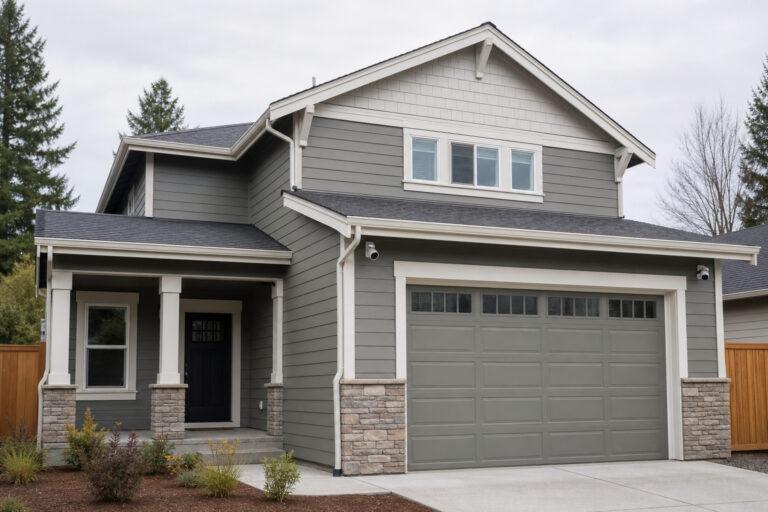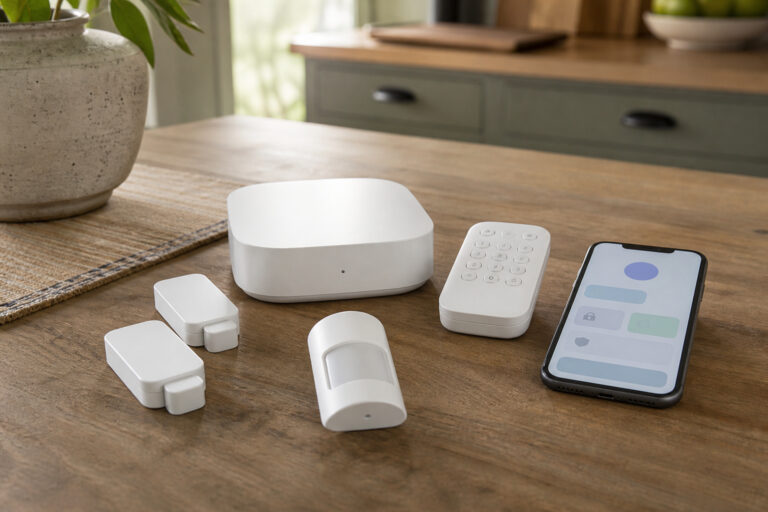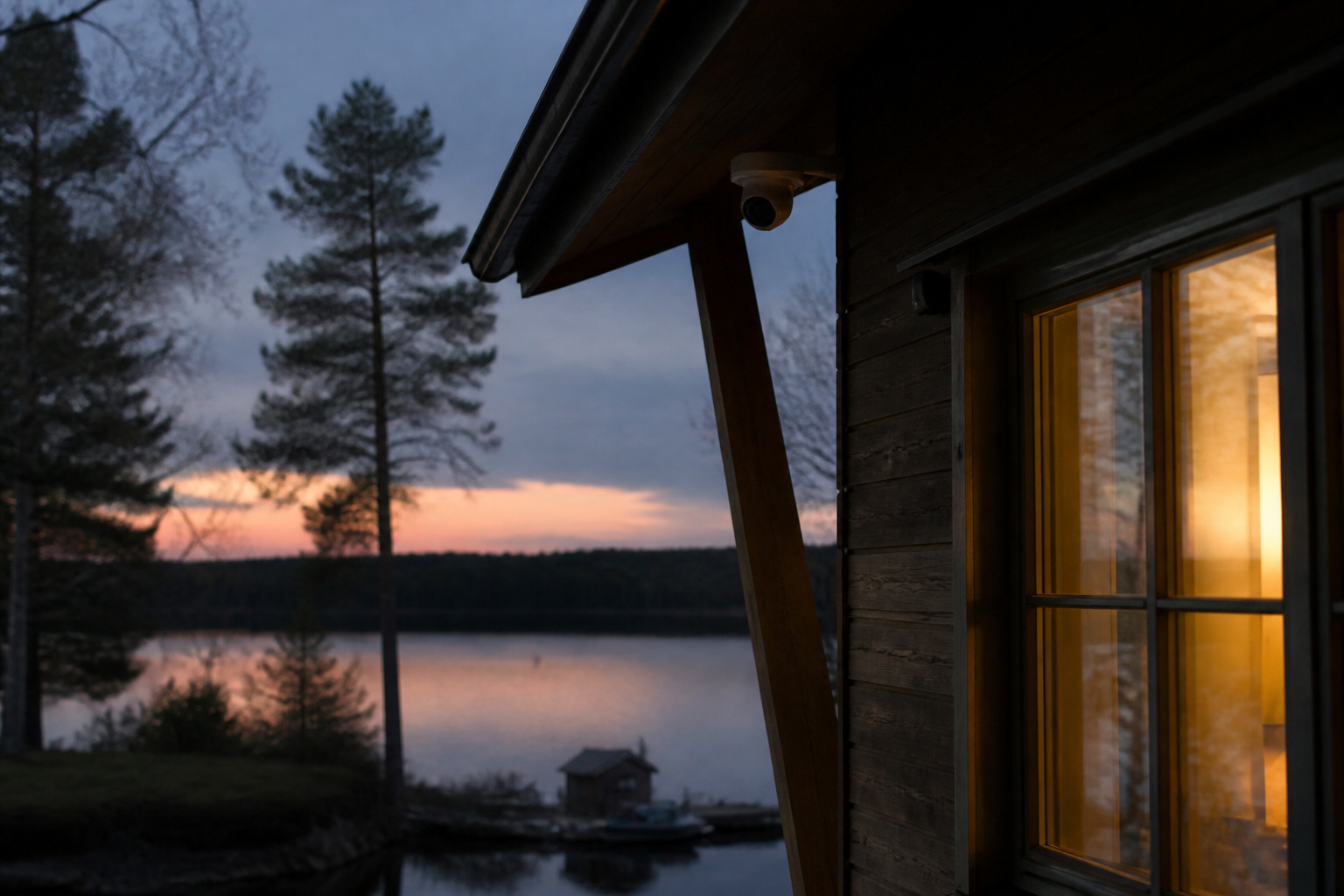
A vacation home sits empty for weeks or months at a time, often in an area with weaker internet and fewer neighbors. That changes the security problem. The biggest risks are not always break-ins. A burst pipe, a failed furnace, or a long power outage can do more damage than a thief, and with no one around, any of them can go unnoticed.
This guide covers how to plan for an unoccupied property: staying connected, surviving outages, catching water and temperature problems, controlling access, and deciding who actually responds when an alert goes off. It focuses on what to look for, not on ranking particular brands.
Why a Vacation Home Needs a Different Plan

At a primary home, someone usually notices smoke, a dripping ceiling, or a door left ajar. At a vacation home, nobody does. So the system has to do three jobs: detect problems, tell you reliably, and get someone to act, since you may be hours away.
Start by listing what could go wrong while the house is empty: forced entry, a leak, freezing temperatures, a power cut that stops the heat or a sump pump, and a dead internet connection that hides all of the above. Then match each risk to a sensor or service. Our guide to whether home security systems actually deter burglars explains what the research does and does not show about the break-in side.
Internet and Cellular at a Remote Property
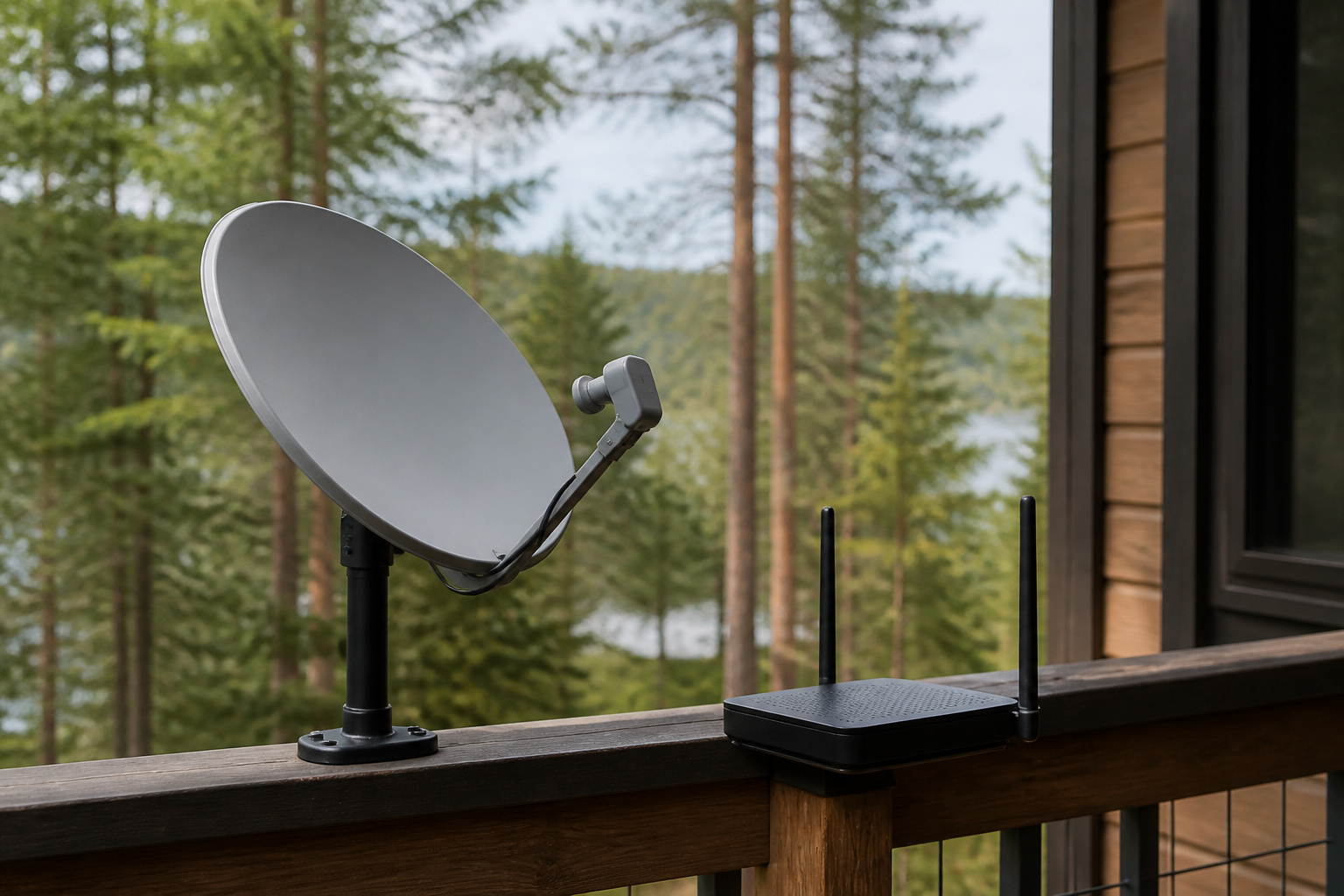
Most smart security gear depends on home internet, and remote areas often have slow or unreliable service. Before you buy anything, find out what connection the property has and how often it drops. If the connection is weak, a system with a built-in cellular connection can still send alerts when the internet fails. That feature is often tied to a paid monitoring plan, so check what the subscription covers.
Cellular coverage matters in two ways: for the system’s backup connection and for the cellular-based cameras and trackers made for places with no broadband. Check coverage for the specific carrier a device uses, because coverage maps vary and indoor signal is weaker than outdoor. Some owners also use satellite internet. If you do, confirm that your cameras and hub work well on higher-latency connections and watch your data limits, since video can use a lot.
Recommended Products

With cellular and battery coverage, your Arlo Home Security System protects even when power or Wi-Fi is down.
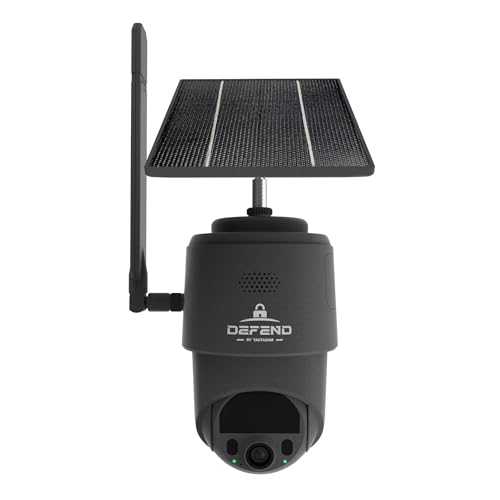
NO WIFI NEEDED — WORKS ANYWHERE WITH CELL SIGNAL — Connects over LTE cellular, not your home network, so it works at a remote gate, barn, or cabin with zero WiFi setup or dropped connections.

Power Outages and Battery Backup
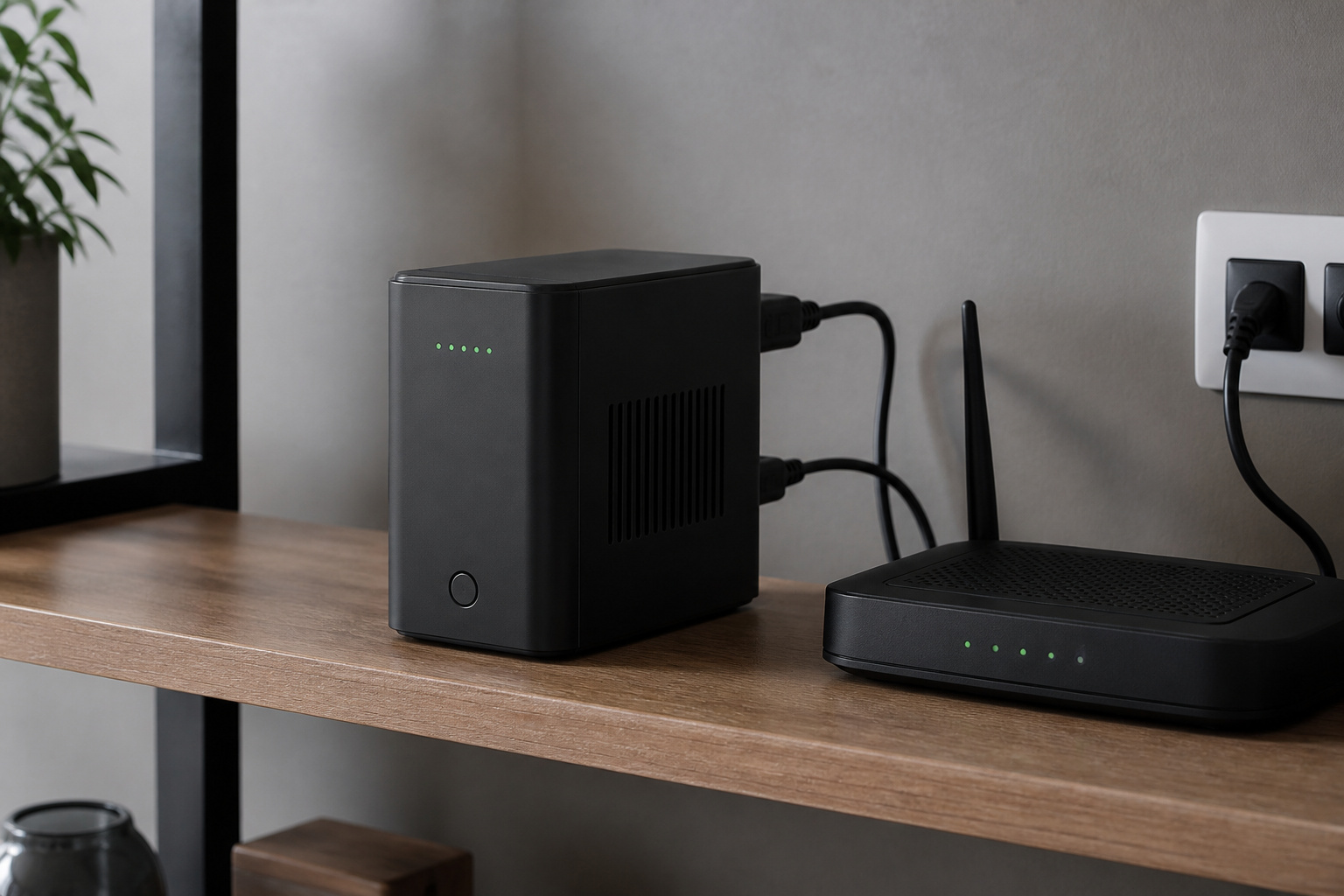
A security system that dies without power is unusable at a place you rarely visit. Look for a hub with a backup battery and, ideally, cellular backup so it can report the outage itself. Your router and modem also need power, so a small uninterruptible power supply for them keeps Wi-Fi cameras reporting through short outages. Our guide to home security camera systems covers comparing battery, solar, and wired power.
Battery sizes are finite, so a long outage will still end the protection. You want to be notified promptly. Set up alerts for power or connection loss, since a device that goes quiet may mean trouble rather than a calm house.
Recommended Products

425VA/260W Standby Uninterruptible Power Supply (UPS): Uses simulated sine wave output to provide battery backup power and to safeguard home office, home entertainment including computers, gaming consoles, and broadband routers
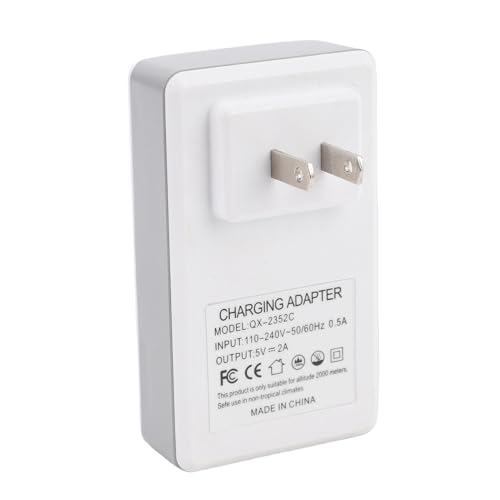
Stable and Dependable: This uninterruptible power supply adapter ensures continuous running of your devices, featuring a wide voltage input and stable output for broad compatibility and versatile applications

KEEP YOUR COMPUTER, WI-FI AND ROUTER RUNNING THROUGH POWER OUTAGES: Supplies short-term battery power during outages to maintain internet connectivity and allow safe shutdown of computer during power interruptions
Water, Freeze, and Fire Sensors
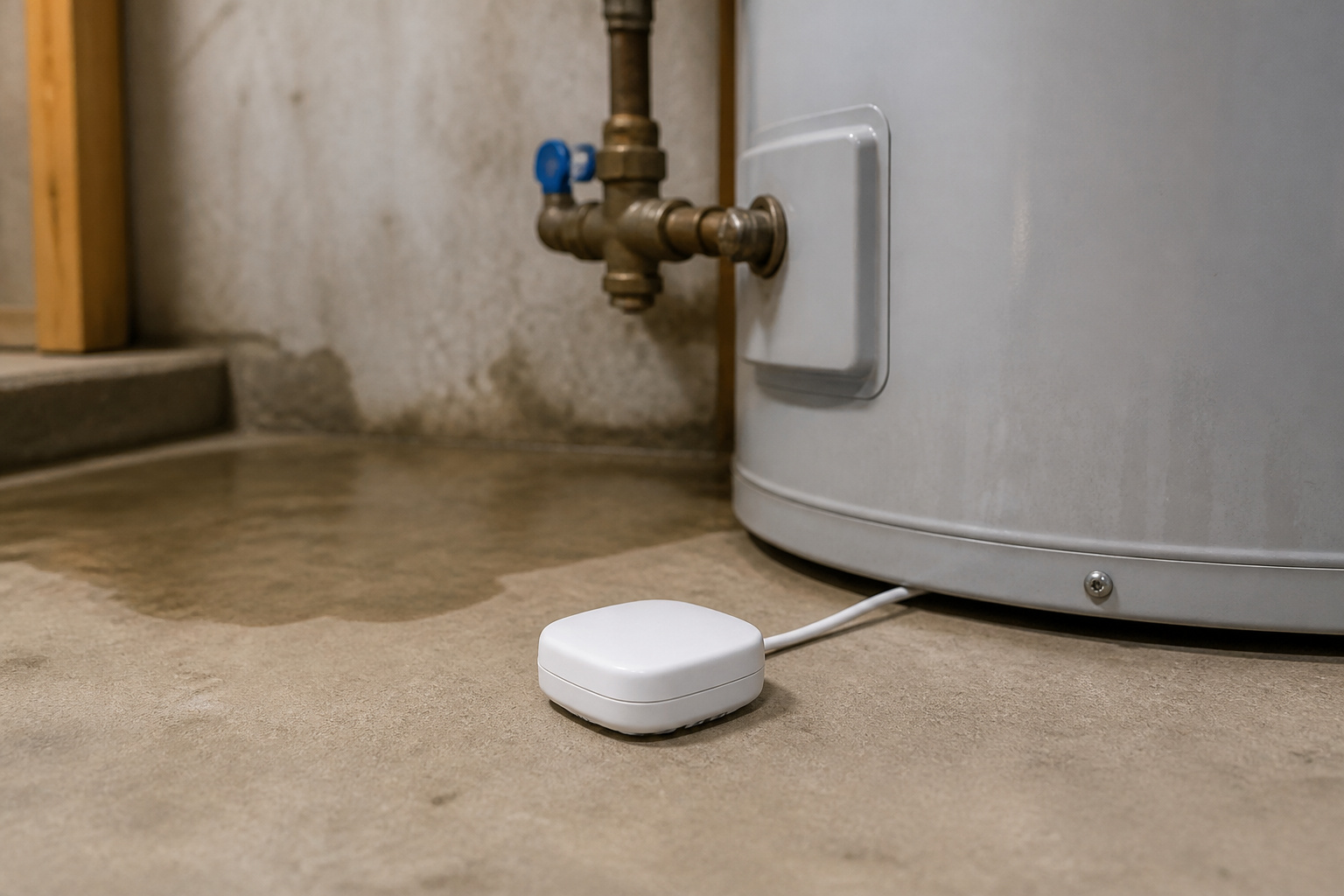
For many vacation homes, water is the bigger threat. Leak sensors near the water heater, washing machine, sinks, and any low point in the basement will warn you early. Temperature sensors catch a failed furnace before pipes freeze, and a smart thermostat lets you check and adjust the heat remotely. For automatic protection, a smart shutoff valve can close the main water supply when a sensor trips, though in many homes, you’ll need professional installation.
Smoke and carbon monoxide detectors matter even more when no one is there to hear them. Connected models can send an alert to your phone and to a neighbor or property manager. Our guide to smart smoke and CO detectors explains what to check, and the guide to winterizing your smart home covers cold-weather issues for connected devices.
Recommended Products

WHOLE-HOME LEAK PROTECTION WITH AUTO SHUT-OFF: Installed directly at the main water line, the system automatically shuts off the water supply within seconds when a leak is detected, helping protect your entire home from costly water damage. Ideal for basements, kitchens, bathrooms, water heaters, RO systems, and under-sink areas.

[Zigbee with Matter Support] An Aqara Zigbee 3.0 Hub is required and sold separately. The Valve Controller T1 features Matter-over-bridge support and is compatible with major third-party platforms, like Apple Home, Google Home, Alexa, Samsung SmartThings, Homey, Home Assistant. An Aqara hub (except the Camera G2H Pro) and a Matter Controller for the corresponding platform are required.
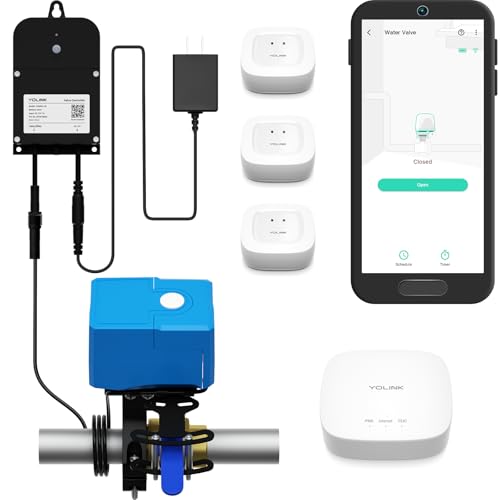
Comprehensive Kit for Complete Leak Protection: This bundle includes 3 YoLink Water Leak Sensors, 1 Smart Valve Controller, 1 Bulldog Valve Robot, and 1 YoLink Regular Hub. The perfect solution for home or business owners looking to prevent costly water damage with a smart, easy-to-install system.
Cameras and Outdoor Lighting
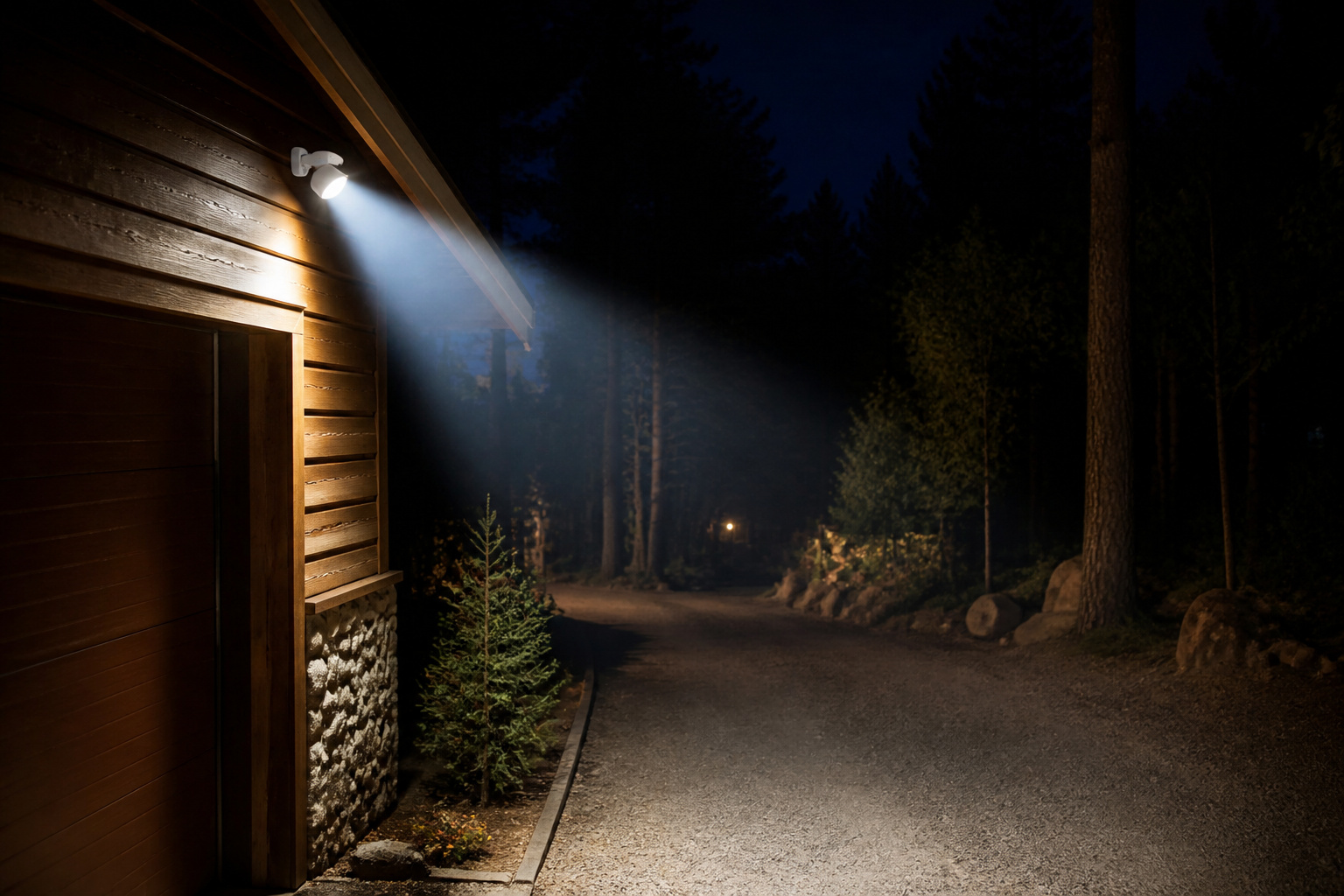
Cameras at a vacation home do two things: deter people and show you what happened. Put them on the entry points and driveway, and consider a floodlight camera or motion lighting near doors. Battery and solar models are easier to place when no power is nearby, but cold weather shortens battery life, so check the cold-weather rating. For picking between types, see our guide to outdoor security cameras.
Plan for storage and subscriptions. Local storage keeps recording during an internet outage but can be stolen with the camera, while cloud storage keeps the footage safe but needs a connection and often a fee. Many people use both. Also set motion zones carefully so wildlife and passing cars do not flood your phone with alerts.
Recommended Products

Help protect your home day or night with Blink Wired Floodlight Camera — a smart security camera with 2600 lumens of LED lighting, enhanced motion detection, and a built-in security siren.
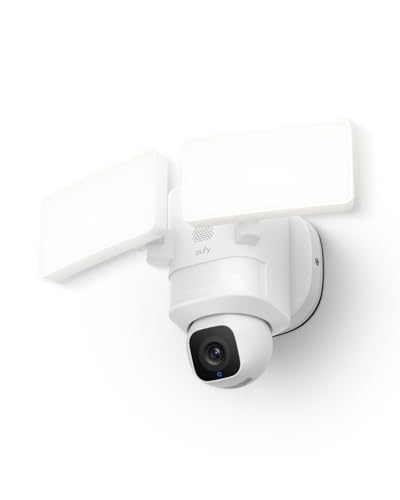
360° Surveillance, Your All-Seeing Guardian: Enjoy complete 360° coverage of your property. Set the camera to patrol automatically on a schedule, or use manual control to view any angle at any time.

2K QHD & Enhanced Color Night Vision: Our floodlight camera outdoor captures vibrant, detailed footage 24/7. With superior 2K resolution and advanced low-light technology, enjoy crisp surveillance day or night—far clearer than standard flood light cameras
Locks and Guest Access
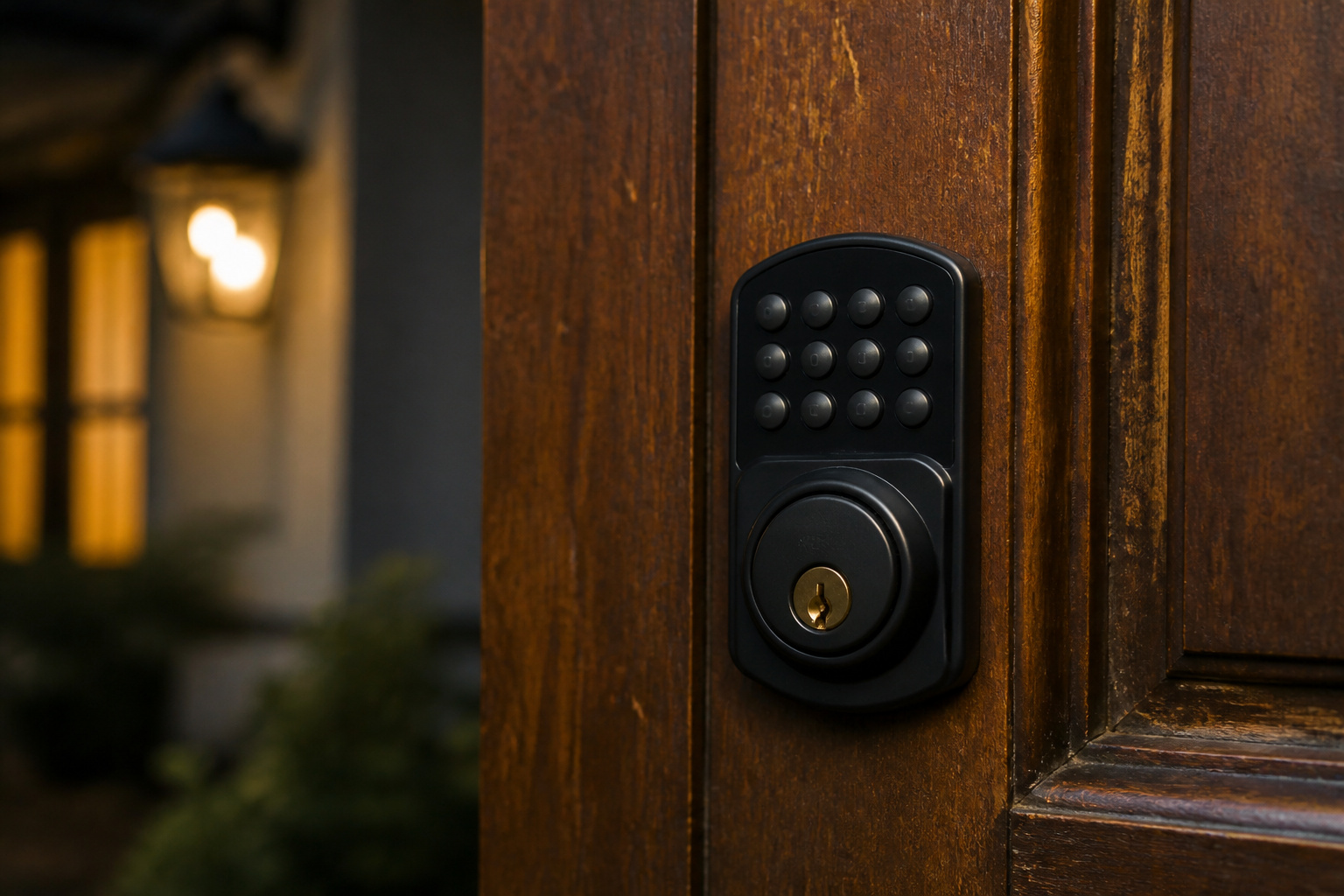
Smart locks suit vacation homes because you can issue temporary codes to cleaners, contractors, and guests, and delete them afterward. That beats hiding a key or mailing copies. Look for a lock with a keypad and a mechanical key backup, a low-battery warning, and an access log that shows who came and went.
Keep a physical backup plan in case the lock fails or the battery dies, such as a lockbox with a trusted neighbor or manager. Avoid locks that need a constant internet connection to work at a property where the connection is poor.
Recommended Products

ADD TO YOUR AUGUST LOCK FOR ENTRY WITH KEYCODES: Use the August app to give friends, family, guests, and service people quick and easy access with unique key codes.Connectivity Protocol:bluetooth.Note: Measure your door's backset, cross bore and thickness to ensure you find the right fit.Control Method:Application

Connect to 2.4GHz WiFi, No Hub Needed:Connect your Philips 4200 Series Wifi Door Lock Deadbolt directly to your home WiFi network—no extra hub or bridge required. Manage your door anytime, anywhere through your smartphone. 𝙉𝙊𝙏𝙀: Please keep the smart lock within 33 ft (10 m) of your Wi-Fi router. Minimize obstacles such as walls, metal objects, and interference sources for a stronger connection.

𝐅𝐥𝐞𝐱𝐢𝐛𝐥𝐞 𝐖𝐚𝐲𝐬 𝐭𝐨 𝐔𝐧𝐥𝐨𝐜𝐤: Unlock the way you want: app, passcode, fingerprint, physical key, or voice via Alexa/Google Assistant. Everyone in the family can choose what works best — convenience meets flexibility. Batteries are not included.
Monitoring, Insurance, and Who Responds
An alert is only useful if someone acts on it. Self-monitoring sends the alert to you, which is fine if you can act, but you may be hours away. Professional monitoring puts a call center in the loop, though it may still have to call you or a contact you name. Decide in advance who the local responder is: a neighbor, a caretaker, or a property manager who can check on the house. Give them clear instructions and a way in.
Also talk to your insurer. Many homeowners policies treat a home that stays vacant or unoccupied for long periods differently, with limits on certain kinds of damage such as water or vandalism. Ask what counts as vacant under your policy, whether a monitored system earns a discount, and whether you need a separate policy. Rules vary by company and state, so get the answer in writing. For the costs of monitoring plans, see our guide to affordable home security systems.
Renting Out Your Vacation Home: Privacy Rules

If you rent the property to guests, the rules change. Guests expect privacy indoors, and rental platforms and local laws restrict cameras and microphones inside. Airbnb, for example, has restricted indoor security cameras in listings, and the rules differ by platform and country, so read the current policy before you install anything. Outdoor cameras are generally allowed but usually have to be disclosed in the listing.
Noise and occupancy sensors that do not record audio or video are a common alternative for managing parties, and door and window sensors can be switched off while guests stay. Disclose what you use, keep it away from bedrooms and bathrooms, and secure your accounts with two-factor authentication. Our guide to smart home privacy covers what these devices collect.
Frequently Asked Questions
What happens to a security system during a power outage or internet loss?
Systems with a backup battery keep running for a limited time, and those with cellular backup can still send alerts when the internet is down. Cameras that rely on Wi-Fi go offline unless the router also has backup power. Set alerts for power loss and lost connection so you hear about the problem.
Do outdoor cameras work in extreme cold or heat?
Many are rated for a stated temperature range, and battery models lose capacity in the cold. Check the operating range on the spec sheet for your climate, and consider wired or solar power if winters are harsh.
What if the property has no cellular coverage?
Look at which carrier has the strongest signal there, and consider a signal booster. Some owners add satellite internet. Systems that depend entirely on a connection will not report without one, so choose gear that records locally and can alert when connectivity returns.
Can a vacation home system work with smart home devices?
Yes. Many systems work with Alexa and Google Home, and thermostats, plugs, and lights can be added. Smart plugs and lighting schedules help the house look occupied. Keep the setup simple, because every added device is another thing that can lose power or connection.
Are there pet-friendly motion sensors?
Yes, many motion sensors are rated for pets up to a stated weight. Check the limit for your animal, and remember that mice, insects, and curtains moving in drafts can still cause false alerts in an empty house.
Closing Thoughts
Securing a vacation home is mostly about what happens when you are not there. Plan for weak internet and power loss, add water and temperature sensors before you add more cameras, and decide who will respond when an alert arrives. Check your insurance terms and the privacy rules for guests, and you will have covered the risks that cause the most expensive surprises.