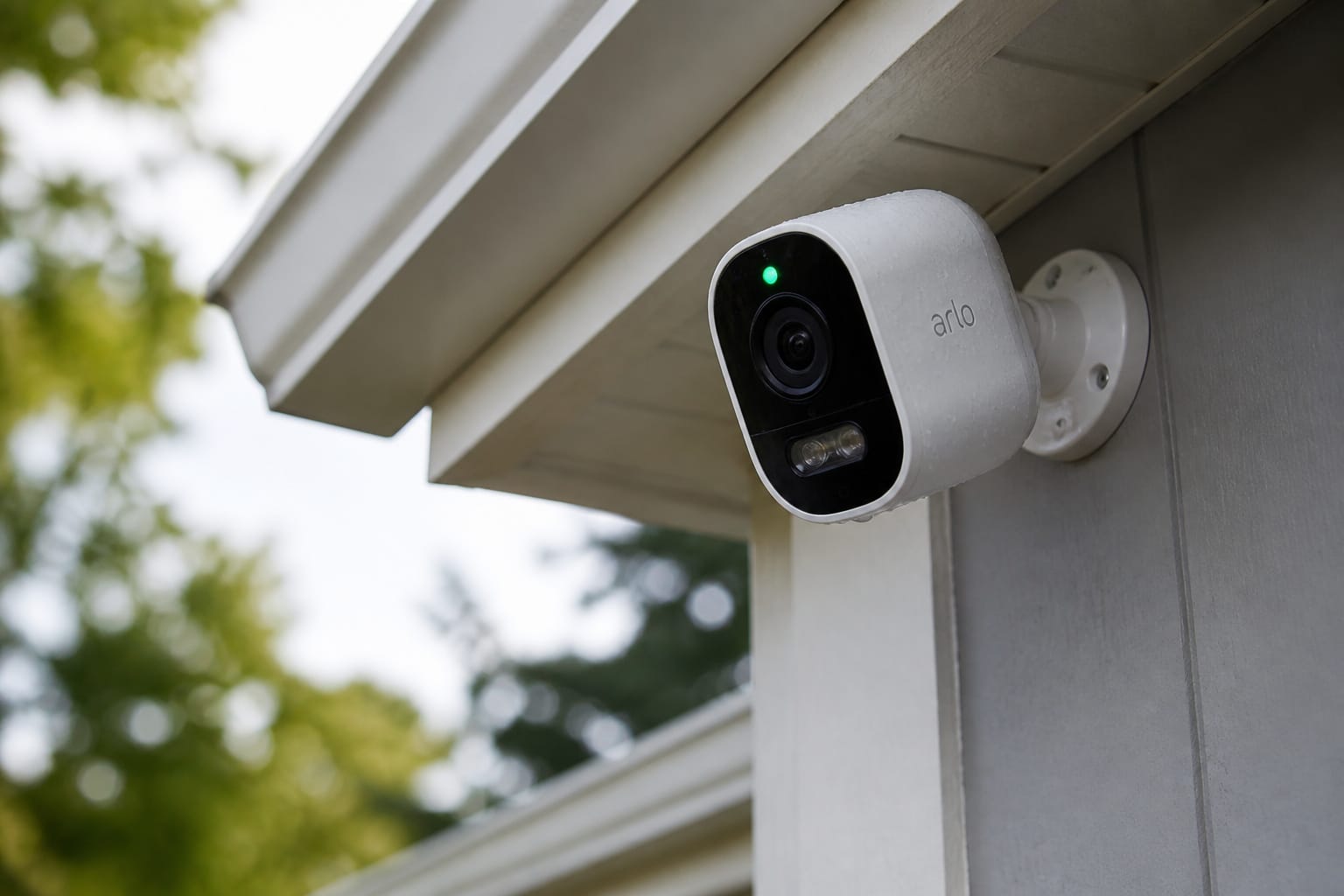
An outdoor security camera looks like a simple purchase: mount it, connect it to Wi-Fi, get a notification when someone walks up. What determines whether you’re happy with it a year later is less visible at checkout: what the weatherproofing rating really covers, whether the subscription is worth it, and how many false alerts you’ll receive before the camera learns the difference between a person and a passing car.
Here is what the specs actually mean, what the storage and subscription math costs over time, and where the privacy law gets complicated once the camera is covering more than just your porch.
Weatherproofing: What an IP Rating Actually Covers
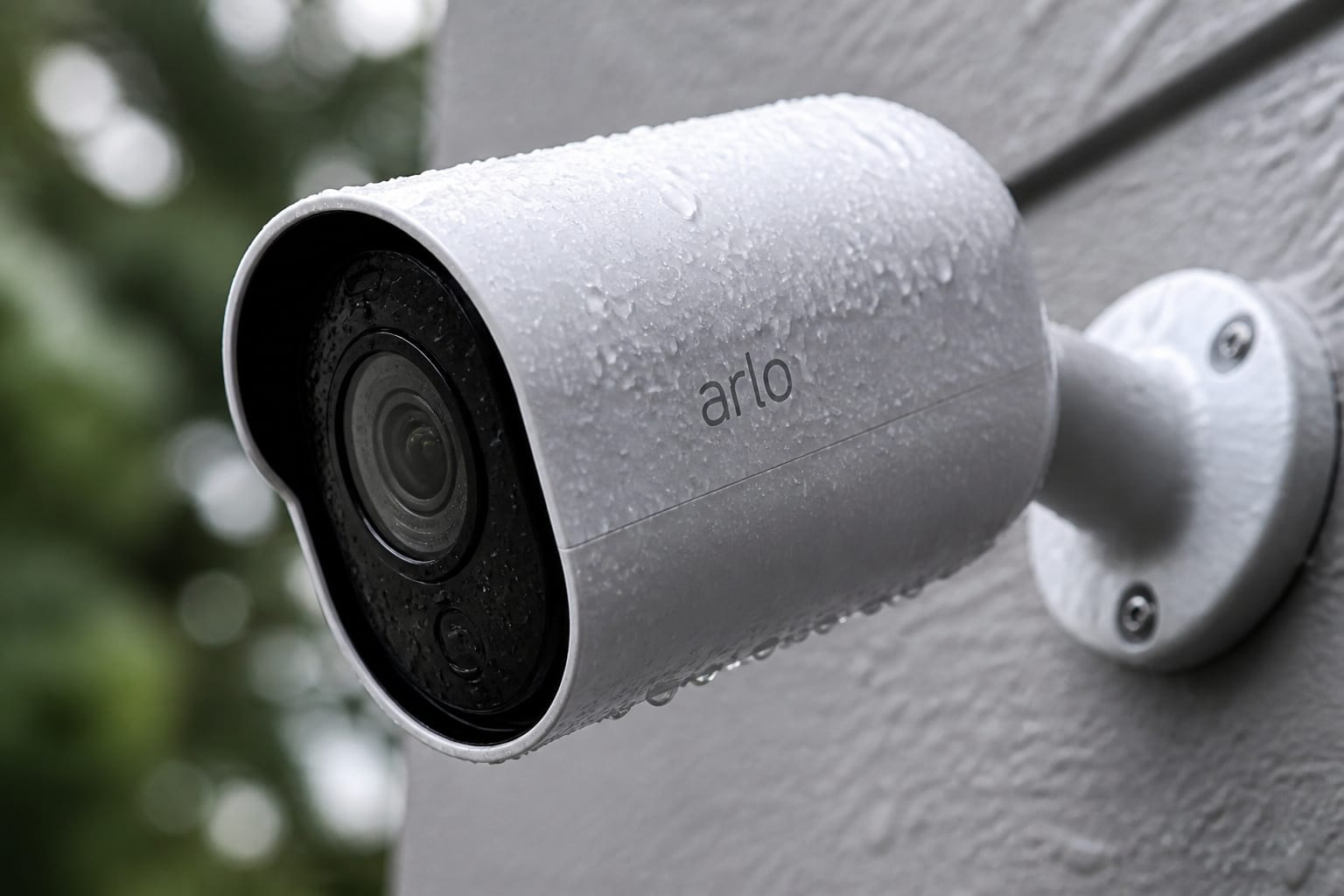
Every outdoor camera lists an IP (Ingress Protection) rating, usually IP65 or IP66, and the two numbers mean specific, different things. The first digit covers dust and solid particles; a 6 means fully sealed against dust. The second digit covers water: a 5 means protection against low-pressure water jets from any direction, while a 6 means protection against powerful water jets, a meaningfully higher bar.
Neither number means submersion-proof; that’s a separate IPX7 or IPX8 rating that most outdoor cameras don’t carry and don’t need.
The rating doesn’t cover temperature. A camera can be fully sealed against rain and still have a published operating range that stops well short of a genuinely cold winter or a hot, direct-sun mounting spot, commonly somewhere around -4°F to 113°F (-20°C to 45°C) depending on the model.
Battery performance also drops meaningfully in cold weather, which is separate from water resistance but still gets blamed on the camera. If you’re mounting under a covered porch or eave, direct rain exposure matters less, but temperature swings and direct sun exposure still apply.
Products Worth Considering

[Non-Stop Solar Powered & 100% Wire-Free] VIZIUUY solar security cameras wireless outdoor have a large capacity battery built in to provide continuous power for itself with high conversion rate solar panel. Further, when the solar security camera turned off, it will automatically switch on with saved power, thereby reducing downtime for charging

📌【Why Choose Us?】 Millions of families trust realhide for hassle-free, reliable home security. From easy setup to long-lasting battery and smart alerts, we make protecting your home effortless — because your peace of mind matters most.

🏆 【Improved Features for 2026】 2K UHD video & full-color night vision, free cloud storage, support for 2.4G & 5G WiFi, 1-6 months battery life, work with Alexa, IP66 waterproof and dustproof. Cameras for Home Security
Battery, Wired, and Solar: What Determines Your Real Maintenance
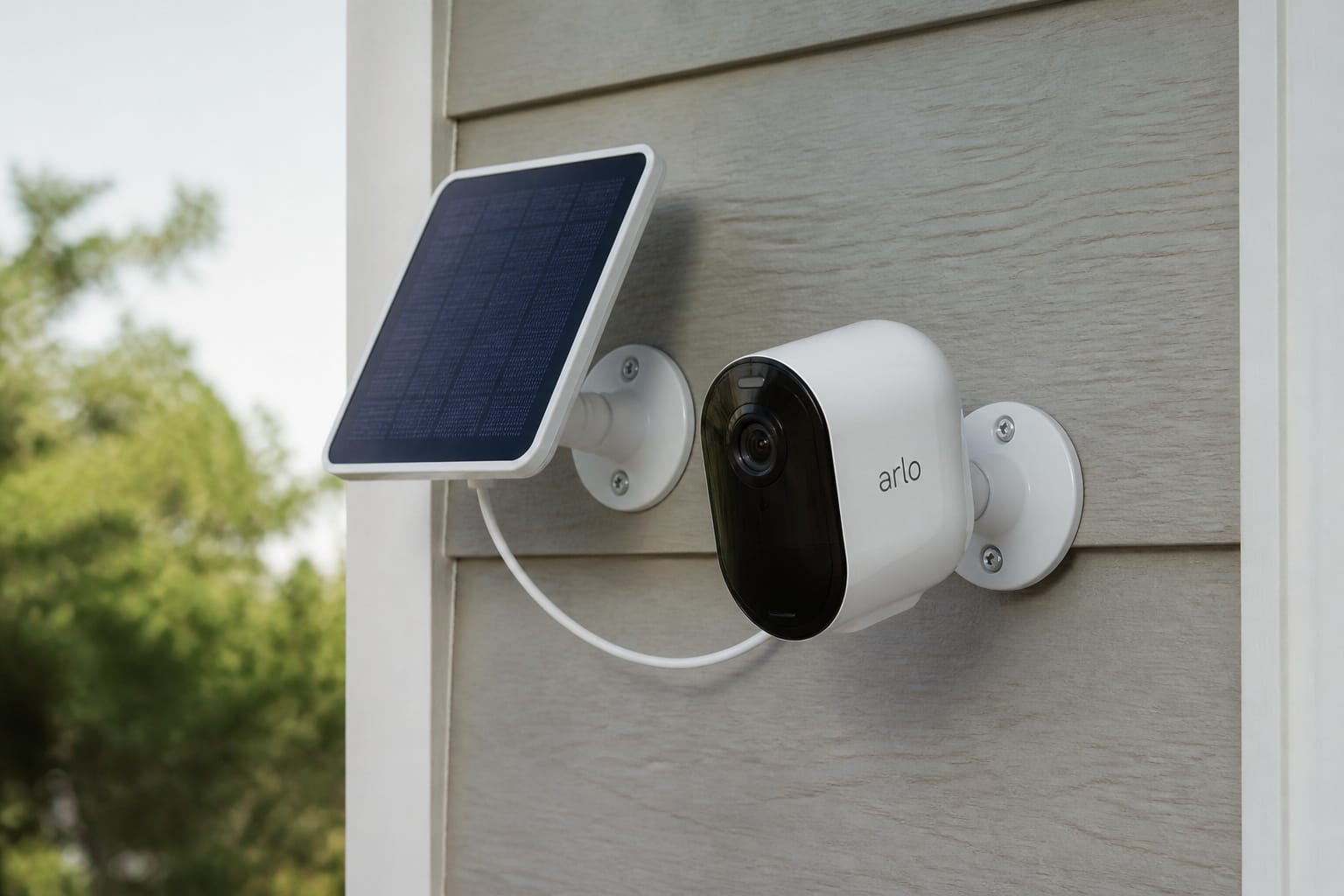
Battery-powered cameras install almost anywhere without running a wire, which is most of their appeal. Battery life depends heavily on how much motion activity the camera sees and how cold it gets. A camera at a busy front entrance recording dozens of clips a day will need recharging far more often than one covering a quiet side yard, and manufacturer battery-life estimates (often “several months”) tend to assume light, infrequent activity rather than a high-traffic location.
Solar panel add-ons solve this for most battery cameras in sunnier climates, trickle-charging the battery continuously so it rarely needs a manual recharge. But they need a mostly unobstructed, sun-facing mount to keep up with the camera’s power draw. A solar panel mounted in shade for most of the day won’t offset much.
Wired cameras draw continuous power and never need charging. Installation is a bigger job. They need either an existing outlet nearby, a run of low-voltage wiring, or a PoE (Power over Ethernet) setup that carries both power and data over a single cable, common on more advanced systems with a dedicated NVR (network video recorder).
Wired is better for permanent installations where reliability matters more than easy placement; battery and solar are the better fit for renters or anyone who wants to reposition the camera without rewiring.
Products Worth Considering
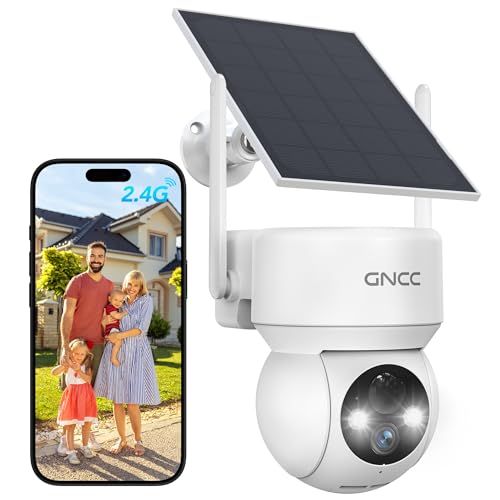
【360° Full View with Color Night Vision】The camera for home security features crisp 1080P Full HD resolution, offering a 355° horizontal and 90° vertical rotation range to eliminate blind spots in yards, driveways, and entryways—capturing sharp details like license plates day and night. Advanced color night vision technology delivers vivid, accurate colors even in low-light conditions. With the Osaio app, you can access live or recorded videos anytime, anywhere.

【Crystal 2K FHD & 360° Full View】The outdoor camera wireless features 2304 x 1296 pixels, which is four times the resolution of 1080P. It offers a 355° horizontal and 120° vertical rotation range, providing a comprehensive view of your surroundings with Ultra 2K HD live video and images. Advanced color night vision technology allows you to enjoy vivid and accurate colors even under low-light conditions. With the FONDAIL app, you can access the system's live or recorded videos from anywhere at any time

Solar-Powered for Extended Battery Life: The wirless camera comes with a high-efficiency solar panel(wire length 59 inch), designed to provide a consistent supplemental power source under adequate sunlight. This significantly reduces the need for manual recharging and supports a more sustainable, low-maintenance surveillance experience. It's an ideal power solution for long-term,wire-free outdoor installation
The Subscription Question: Cloud Storage vs. Local Storage
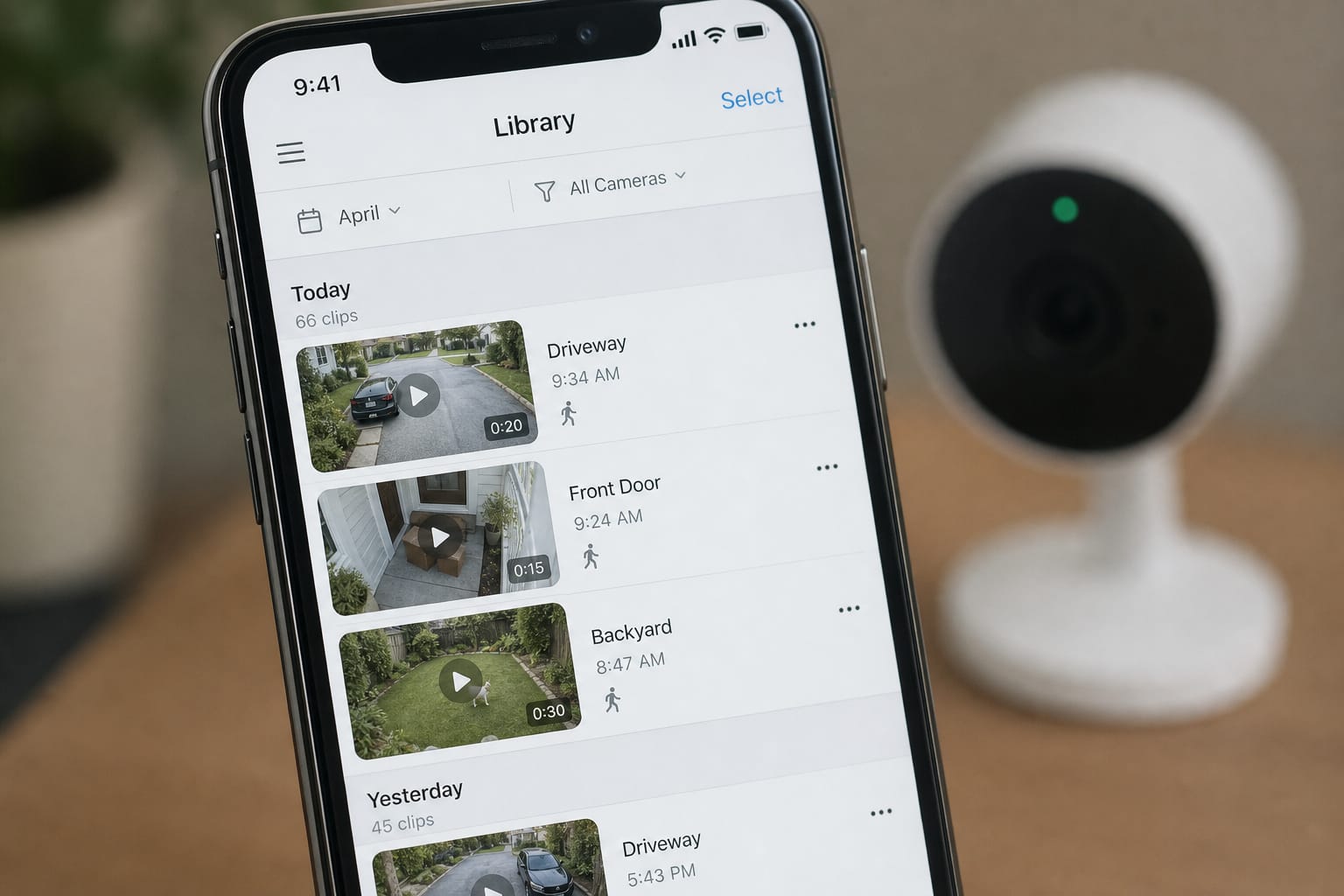
This is where the real ongoing cost of an outdoor camera lives. Cloud-only models from the major brands typically charge a monthly or annual fee, commonly in the range of $3 to $10 a month per camera (with multi-camera plans often cheaper per camera than paying individually), for recorded video history, person and vehicle detection, and the ability to save or share clips. Skip the subscription and most cloud-only cameras still give you live view and notifications, but recorded footage isn’t saved or rolls off after a short window.
Local storage sidesteps the recurring fee entirely: a microSD card in the camera itself, or a base station or NVR that stores footage on-site, with no monthly cost. The trade-off is that local storage doesn’t survive if the camera or storage device is stolen or physically damaged, since the footage never left the property; cloud storage survives exactly that scenario, since it already left the device before anything happened to it. A growing number of cameras now offer both: local storage is the default with an optional cloud subscription for off-site backup and remote clip sharing.
Over several years, the subscription adds up to real money: a $5 monthly plan works out to roughly $300 over five years, on top of the camera itself, and that’s per camera on many plans unless you’re on a whole-home multi-camera tier. Worth checking the actual multi-camera pricing before assuming a single-camera plan scales linearly.
Products Worth Considering

【2026 New Upgrade: 2K Image & Night Vision】Our wireless outdoor security camera delivers crystal-clear 2K video with a 120° wide-angle view, ensuring you can monitor any area, day or night, with high-quality footage.

2024 PCMag Editor's Choice - Praised for its outstanding value, delivering sharp 2K resolution and a comprehensive feature set.

360° Visual Coverage & 1080p Full HD Live View: Provides 360° horizontal & 130° vertical viewing range to cover every corner. Reveals clear and sharp images with more details. The camera's field of view is greater than the mechanical pan/tilt range.
Motion Detection: Why Some Cameras Alert Constantly and Others Don’t
Older budget cameras generally use a basic PIR (passive infrared) sensor, which detects heat-signature movement but can’t distinguish a person from a car, a tree branch moving in the wind, or a passing animal. That’s the source of most outdoor camera complaints about constant, low-value notifications.
AI-based detection of people, vehicles, and packages, now standard on most mid-range and premium models, analyzes each frame before sending a notification. This dramatically reduces false alerts caused by foliage, shadows, or animals.
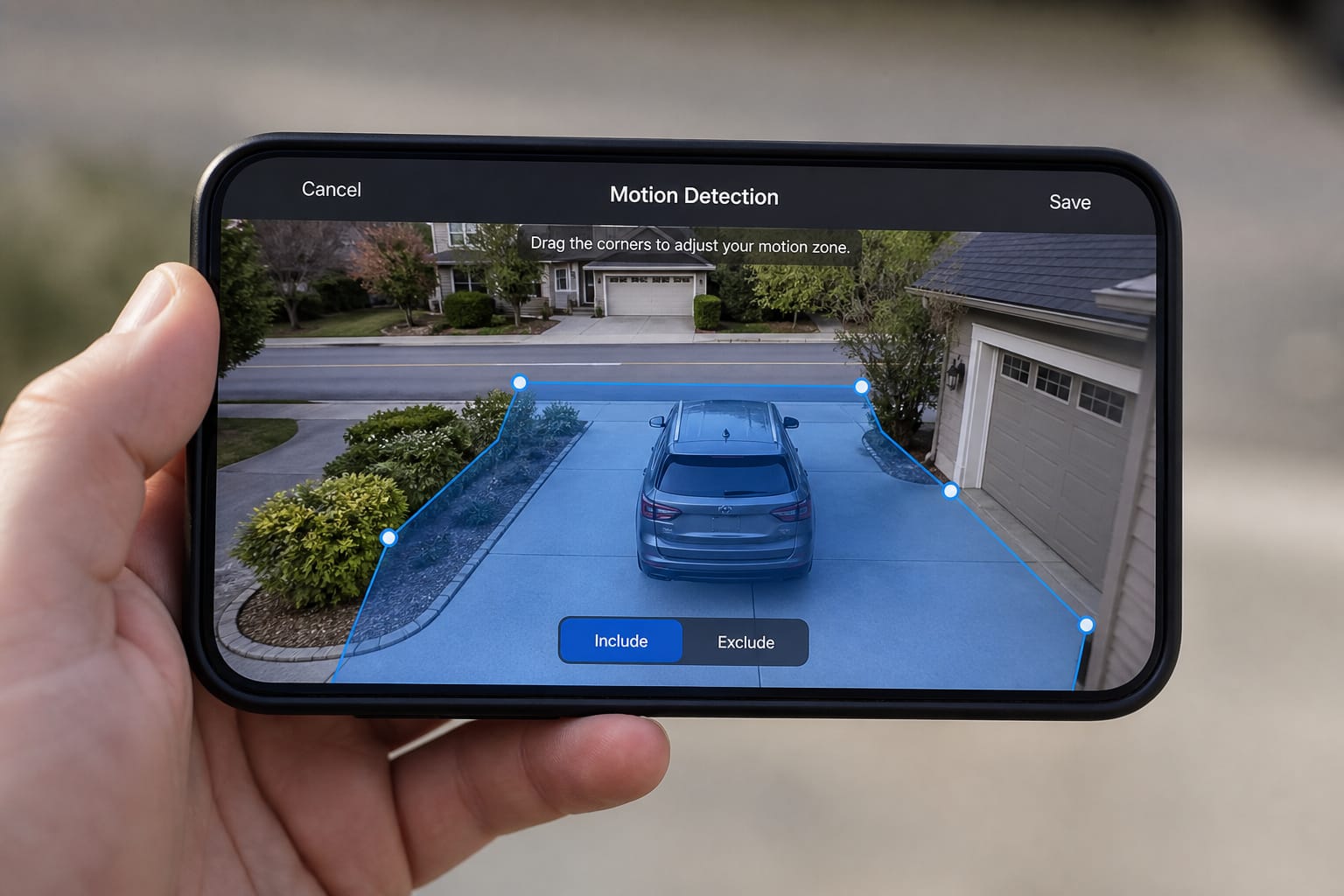
It’s not perfect: a person partially obscured behind a car, unusual lighting, or a large dog can still confuse it, and detection accuracy varies by brand and by how the camera is angled. A camera aimed too low toward the street will trigger on every passing car regardless of how good its AI detection is; adjusting the field of view and setting up activity zones (a masked-off area the camera ignores, like a public sidewalk or a neighbor’s yard) does more to cut false alerts than the detection algorithm alone.
Resolution, Field of View, and Night Vision: What the Specs Mean
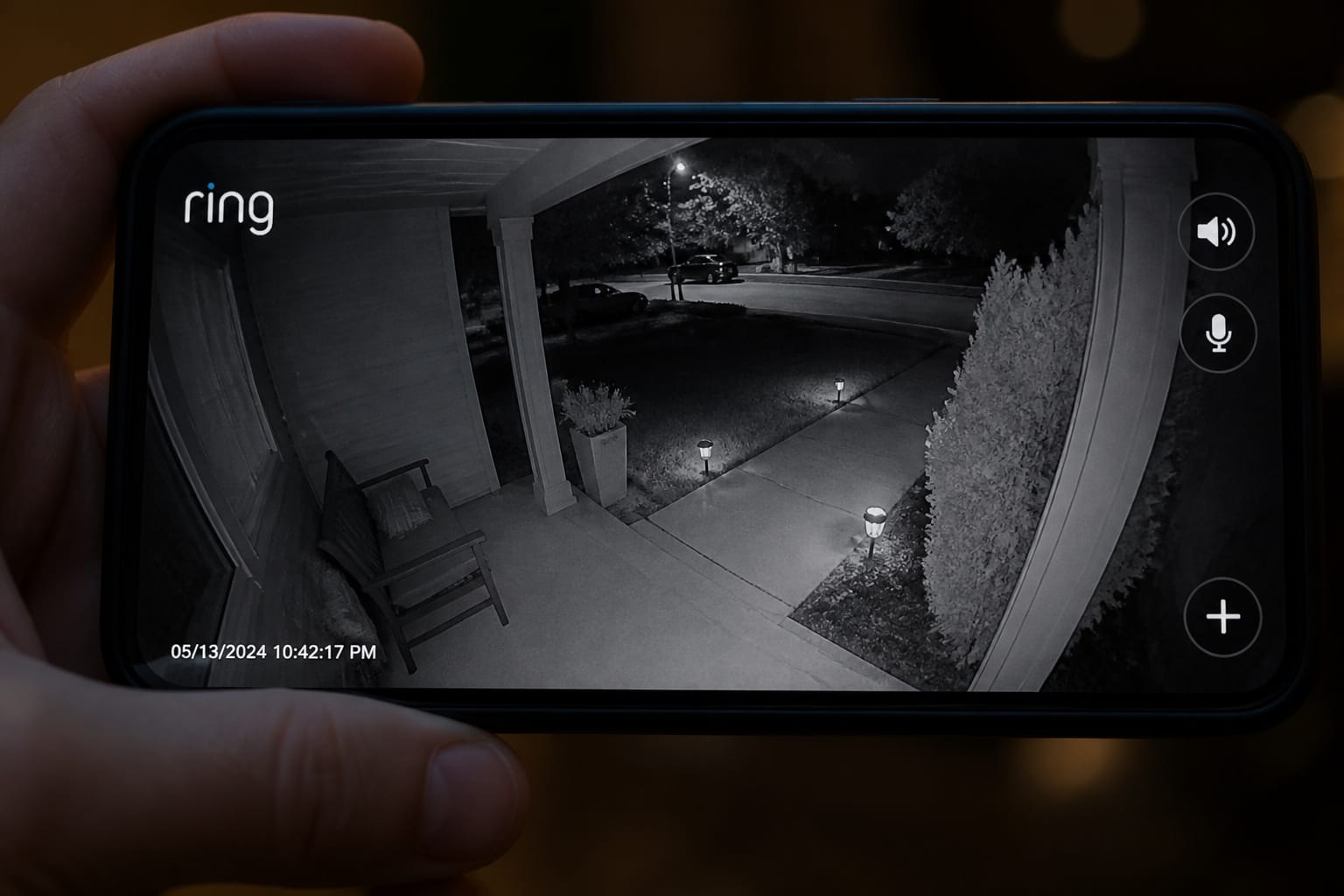
1080p is the practical minimum for an outdoor camera. 2K and 4MP models are increasingly common at similar prices, and they’re worth the small premium if you need to identify a face or read a license plate from any real distance. Digital zoom on a lower-resolution camera degrades quickly, while higher native resolution holds up far better when you zoom into a recorded clip after the fact.
Field of view trades coverage for detail, much as it does on a video doorbell. A narrower lens, between 110 and 130 degrees, covers less area, but produces less edge distortion. A wider lens, between 140 and 180 degrees, covers more of a driveway or yard at once, but distorts the frame edges more and triggers more motion alerts from tangentially relevant activity. Mounting height and angle matter as much as the spec sheet. A camera mounted too high and angled downward mostly captures the tops of heads and vehicle roofs instead of faces.
Most outdoor cameras use infrared night vision, which produces usable black-and-white footage in total darkness instead of color. Some premium models offer color night vision, but it generally requires either a built-in spotlight, which announces the camera’s presence and isn’t subtle, or a larger image sensor that can gather enough ambient light. This is part of why those cameras cost more.
If you want to identify who is at the door at 2 a.m., infrared is genuinely sufficient. If you want color detail that matches your daytime footage, expect to pay more for a model with a spotlight or a premium sensor.
Products Worth Considering

4-in-1 HD Video Output Compatibility: This 180 degree camera supports 2MP 1080P HD TVI/AHD/CVI/960H CVBS (Analog) 4 Modes of video output. The default video mode is Analog (only 1200TVL, image is not High Definition). If you use a High Definition 1080P AHD/CVI/TVI DVR, please change to corresponding VIDEO MODE by Joystick cable according to your DVR Type to get 1080P HD Image
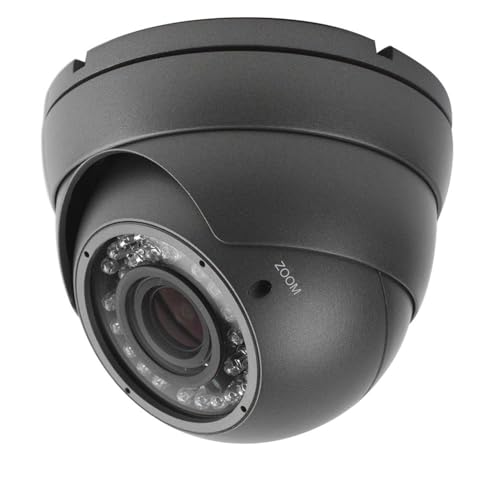
This CCTV camera supports 4 modes for video output: 1080P AHD, 1080P CVI, 1080P TVI and 960H analog (CVBS), default video output is TVI 1080P.

【Compatibility & U.S.-Based Technical Support】Compatible with ⲎIK, LTS, Uniview standalone NVRs and third-party software such as iSpy, Blue Iris, and Milestone. Not compatible with Reolink, Lorex, Amcrest, Swann, OOSSXX or Viewtron NVR systems. U.S.-based technical support is available Monday–Friday, 9:00 AM–5:00 PM (CST). Please contact the seller for assistance.
Privacy and the Law: What Your Camera Can (and Can’t) Legally Record
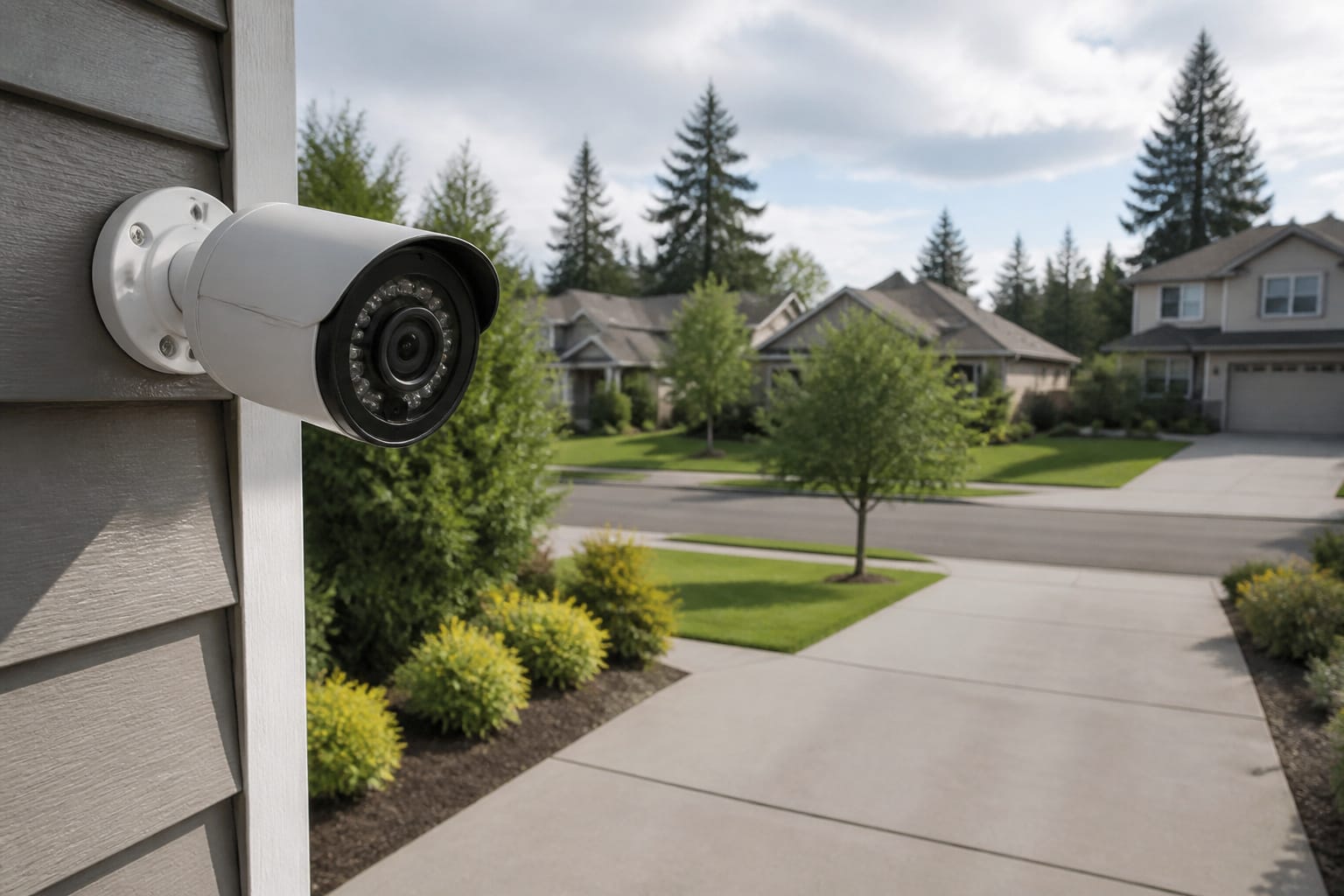
Video is generally the less complicated part legally. Courts have broadly held there’s no reasonable expectation of privacy in anything visible from a public street or your own property, which covers most of what an outdoor security camera records. Aiming a camera directly into a neighbor’s windows is different and can cross into an actual privacy violation regardless of where the camera is mounted.
Audio is where it gets genuinely complicated, for the same reason it does with video doorbells: many outdoor cameras can pick up conversations from well beyond your own property line. About a dozen U.S. states require all-party consent to record a private conversation, not just one-party consent, and an always-listening camera microphone can create real legal exposure in those states if it captures a conversation nobody agreed to have recorded.
Most current cameras include an audio on/off toggle and adjustable activity zones for exactly this reason, and using them in a consent state is a reasonable, low-effort way to stay clear of the issue. For more on the broader pattern here, including a case where a UK court penalized a homeowner over a doorbell camera’s audio range, see our breakdown of what you’re really paying for with a video doorbell.
It’s also worth knowing your camera’s actual data practices before buying: which company can access footage, whether it’s encrypted in transit and at rest, and whether the manufacturer has a history of security incidents. The FTC has taken enforcement action against at least one major camera brand for inadequate access controls that let employees improperly view customer footage, which is a useful reminder that “cloud-connected” and “private” aren’t the same claim.
So, What Should You Actually Buy?
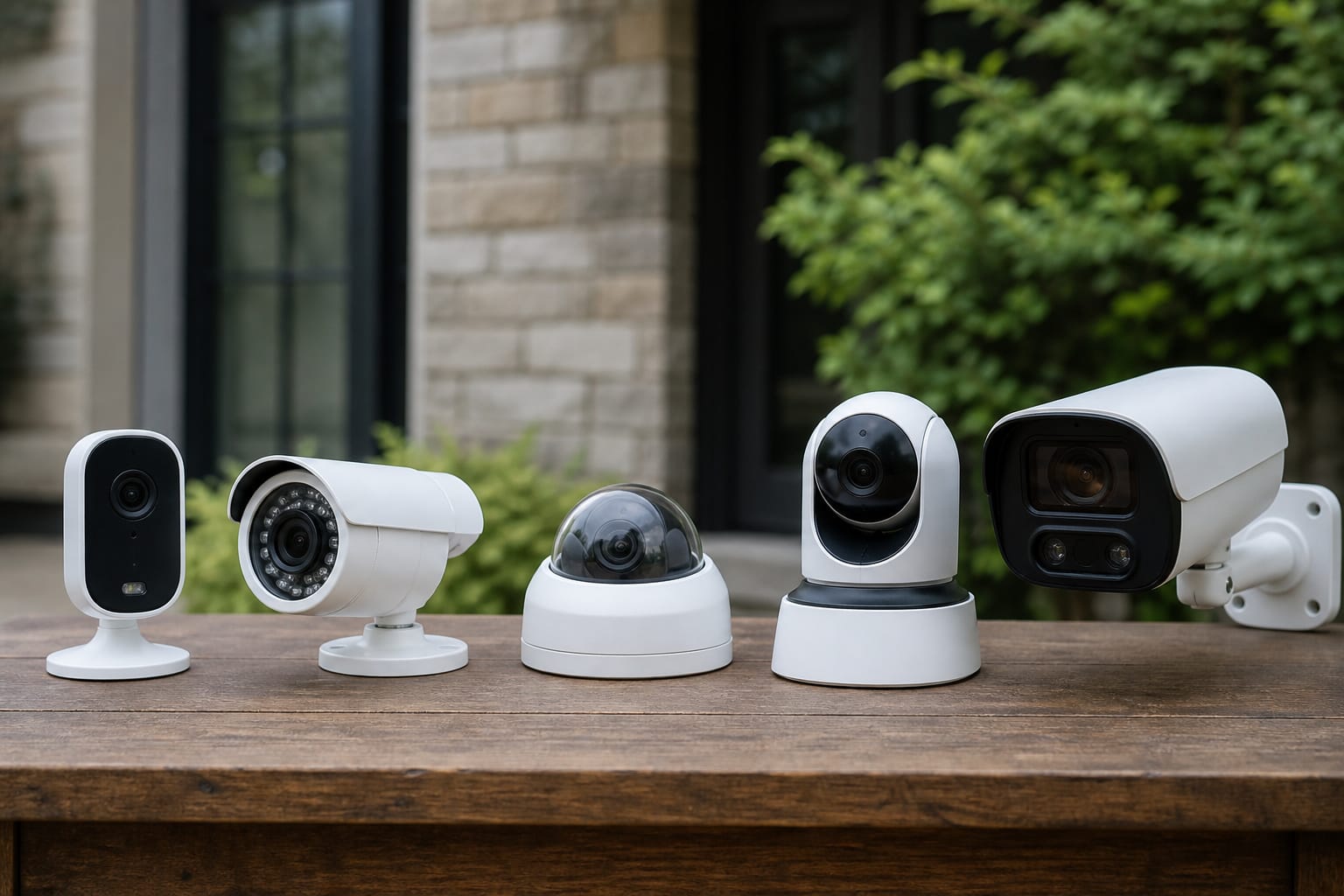
Start with the mounting location, since it decides more than any spec sheet: exposure to direct rain calls for at least IP65, a spot with no nearby outlet or easy wire run points toward battery or solar, and a high-traffic entrance means factoring subscription cost or local storage into the decision from the start rather than as an afterthought.
From there: 1080p is the floor and 2K is worth the small premium if you actually need detail at a distance, AI person and vehicle detection is worth paying for if you’ve ever dealt with a PIR-only camera’s constant false alerts, and local storage is the better default for most households on ongoing cost, with cloud as a paid add-on if off-site backup and remote sharing matter more to you than the monthly fee.
If you’re weighing outdoor cameras alongside the rest of your home’s entry points, our guides to video doorbells and whether smart locks are actually safer than traditional deadbolts cover the other two pieces of that decision, and our comparison of Wyze, Ring, and Eufy is worth reading before committing to one brand’s ecosystem and subscription plan. For the bigger financial picture, see our breakdown of what it actually costs to smart-home a house.
Products Worth Considering

Solar-Powered & Panoramic View Camera: With a removable solar panel, experience always on solar camera security outdoor. Control solar security camera pan & tilt to view your world from every angle. The non-stop power supply and full coverage view design give you 365-day protection and ensure your home's safety.

【2K & 360° View Outdoor Camera】 Capture every detail with stunning clarity in ultra-clear 2K resolution, ensuring nothing escapes your attention. Rotate the home security cameras for a 360° Panoramic View and 4x digital zoom, providing comprehensive coverage with no blind spots for enhanced home security. Note: the camera MUST connect to a 2.4GHz WiFi network for setup and operation. It is NOT compatible with 5GHz-only networks

[Solar-Powered] Equipped with a 5200mAh battery and solar panel, this camera charges by day and powers on at night—no climbing ladders or frequent recharging needed.
Frequently Asked Questions
What IP rating do I actually need for an outdoor camera?
IP65 is a reasonable minimum for most mounting spots exposed to rain; IP66 offers a higher margin against direct, wind-driven water and is worth prioritizing for an exposed location with no overhang. Neither rating covers temperature extremes, so also check the camera’s published operating range if you’re in a climate with harsh winters or very hot summers.
Do I need a subscription to use an outdoor security camera?
Not for the core function on most models. Live view and instant notifications generally work without one on cloud-based cameras. A subscription saves video history, so you can confirm something happened and review the clip later. Cameras with local storage (a microSD card or base station) or an NVR system avoid the recurring fee entirely.
Why does my camera keep sending false motion alerts?
Most false alerts come from a basic PIR sensor reacting to any heat-signature movement, including cars, trees, and animals, rather than true AI person or vehicle detection. Upgrading to a camera with proper AI detection helps significantly, but angle and placement matter just as much: a camera aimed at a street or sidewalk will keep triggering on passing traffic no matter how good its detection is. Setting up activity zones to mask out irrelevant areas is usually the most effective fix.
Can my outdoor camera legally record my neighbor’s yard or a shared driveway?
Anything visible from your own property or a public space is generally legal, but intentionally aiming a camera directly into a neighbor’s window or private space can cross into a real privacy violation. Audio carries more legal risk: in all-party-consent states, a camera microphone capturing a private conversation without everyone’s knowledge can create real exposure, and some cameras pick up sound well beyond the property line. Disabling audio or narrowing the activity zone is a simple way to reduce that risk.
Battery, wired, or solar: which should I actually buy?
Wired if you have easy access to power or an existing PoE setup and want zero maintenance. Battery if you’re renting, want easy repositioning, or don’t want to run wiring, understanding it’ll need periodic recharging based on activity level and weather. Solar is worth adding to a battery camera if the mounting spot gets consistent, mostly unobstructed sun, since it largely eliminates the recharging chore without the commitment of a wired install.