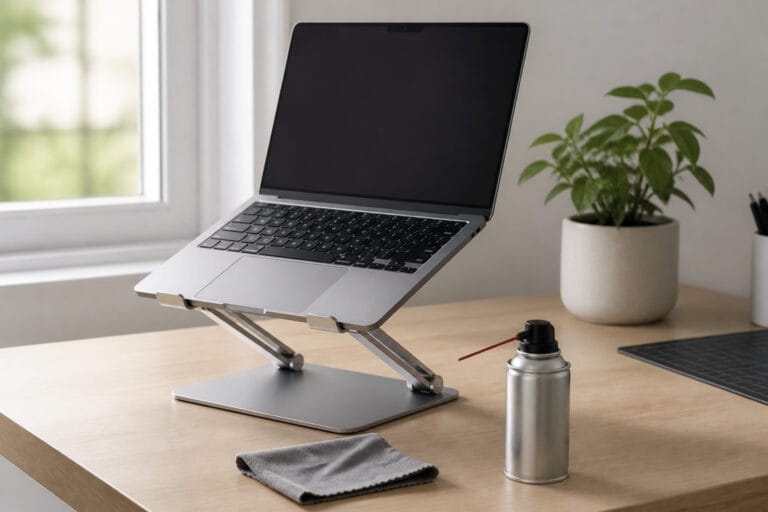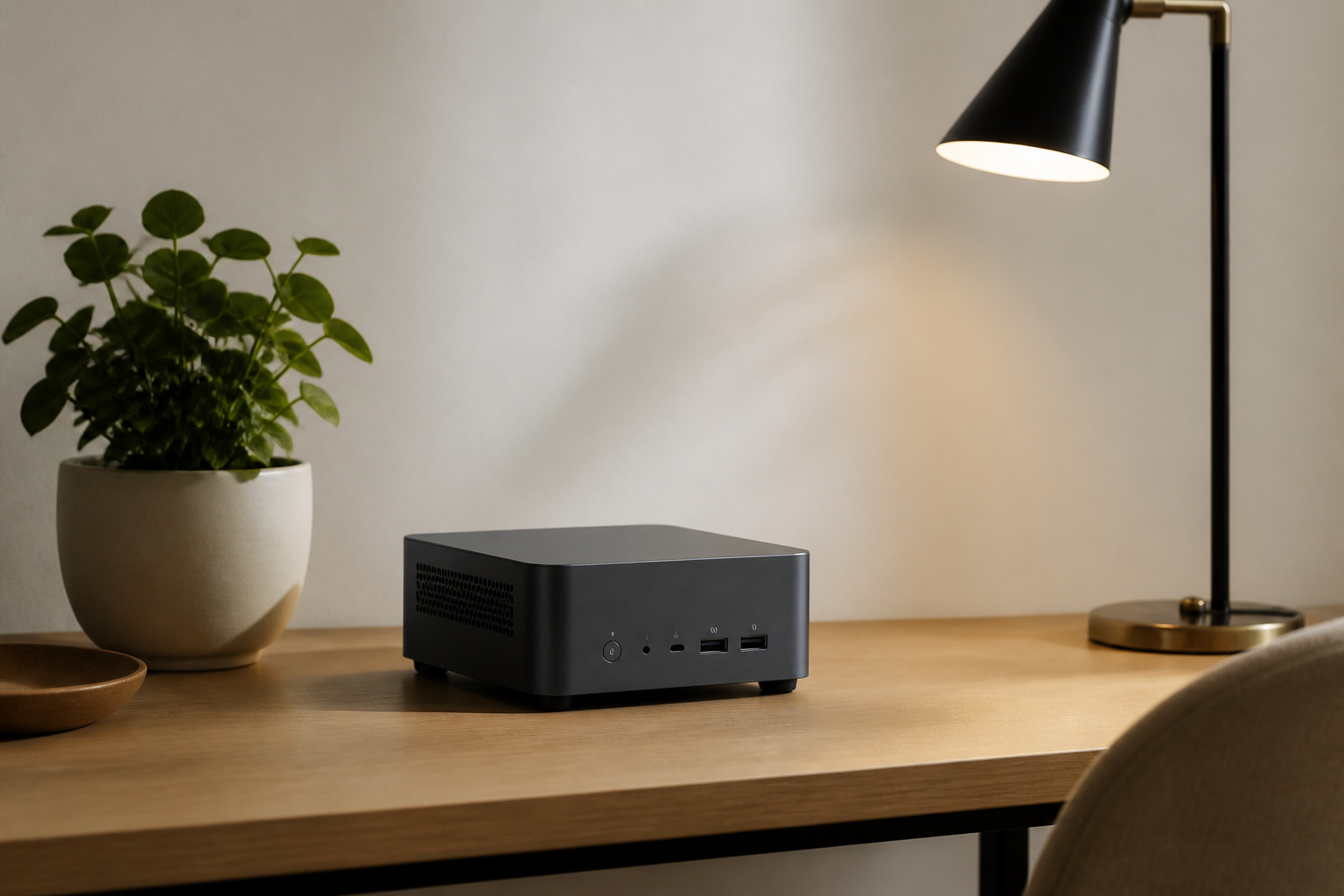
A quiet, energy-efficient computer uses a low-power processor, an SSD instead of a hard drive, large, slow-spinning fans (or no fan at all), and an efficient power supply.
These same choices reduce both noise and electricity use. This guide explains what to look for, how to estimate running costs, and which types of computers fit best.
Why Computers Get Loud
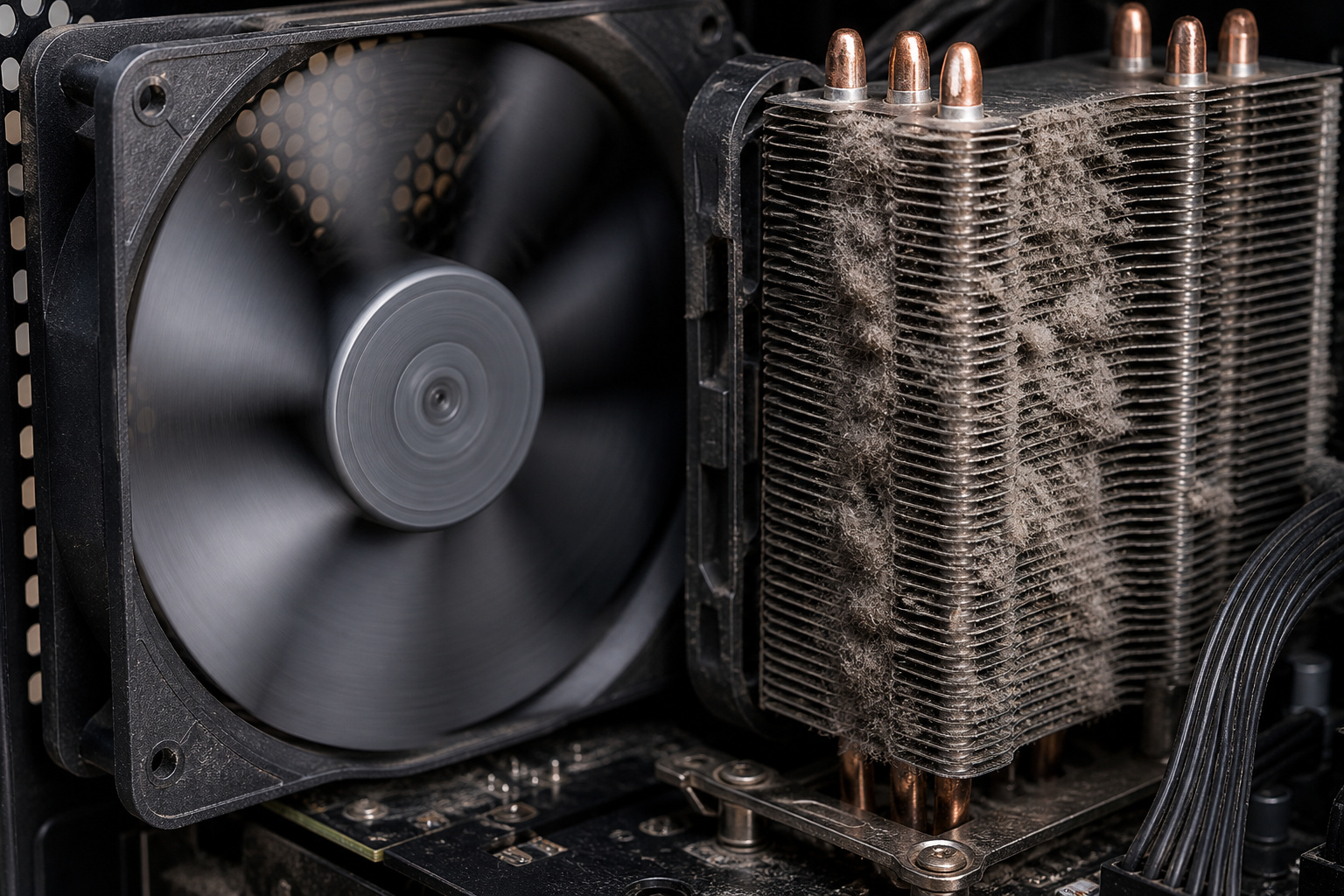
Noise comes from fans, hard drives, and coil whine. The more power a processor and graphics card use, the more heat they produce, and the harder the fans have to work.
Small fans must spin fast to move air, which makes them louder, while larger fans can move the same air more slowly and quietly. A spinning hard drive also adds a constant whirr and clicking, which an SSD avoids.
Choose a Low-Power Processor
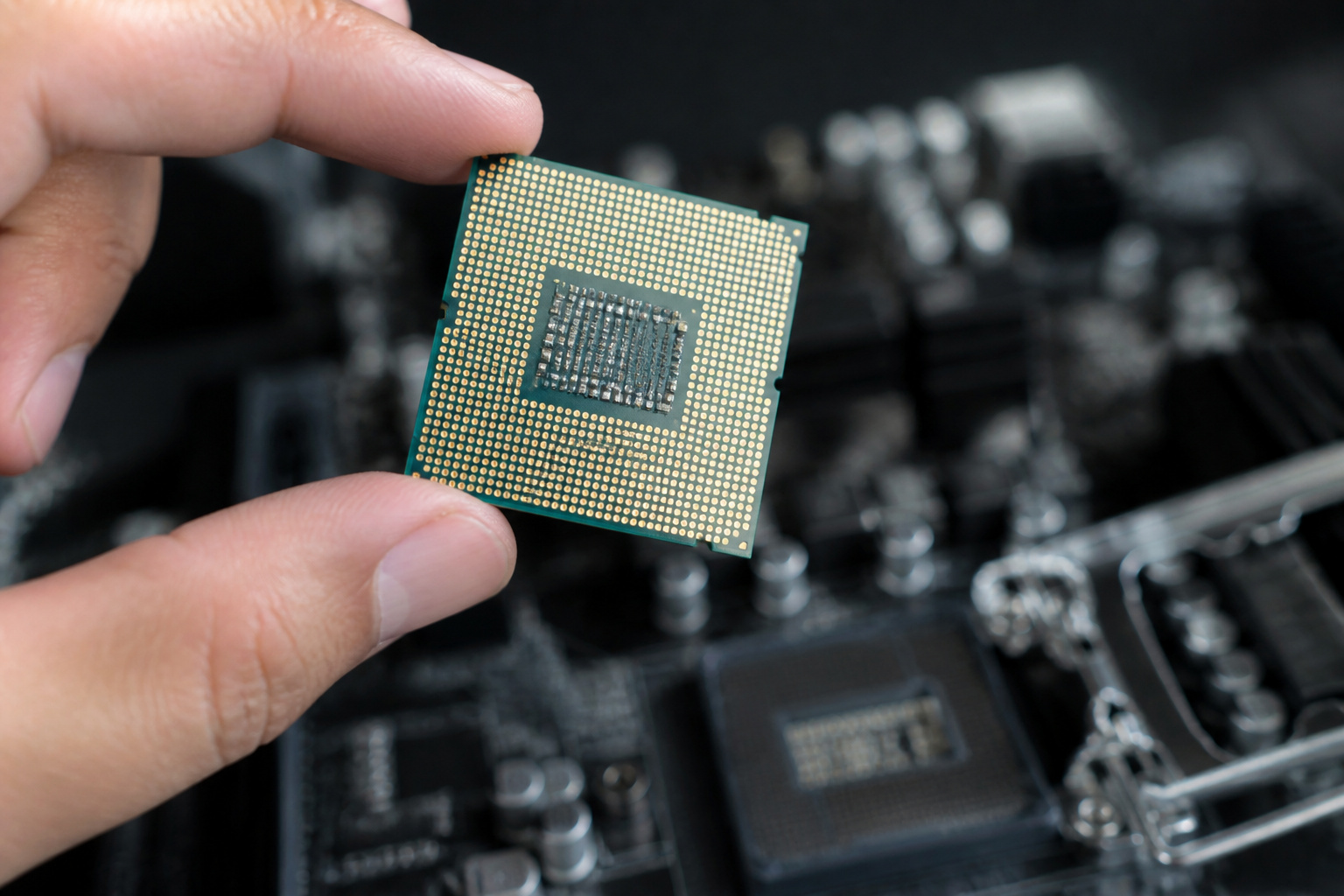
The best way to build a quiet computer is to choose a processor that produces little heat. Low-power chips, such as Intel N-series processors, AMD chips with a T or GE suffix, and Apple silicon, can run cool with small fans or none at all.
Mainstream laptop-class and low-wattage desktop chips are a good middle ground for everyday work. High-end processors and gaming graphics cards need strong cooling and will always be louder under load. Our guide to what makes a computer fast explains how much processing power you really need.
Fanless and Near-Silent Designs
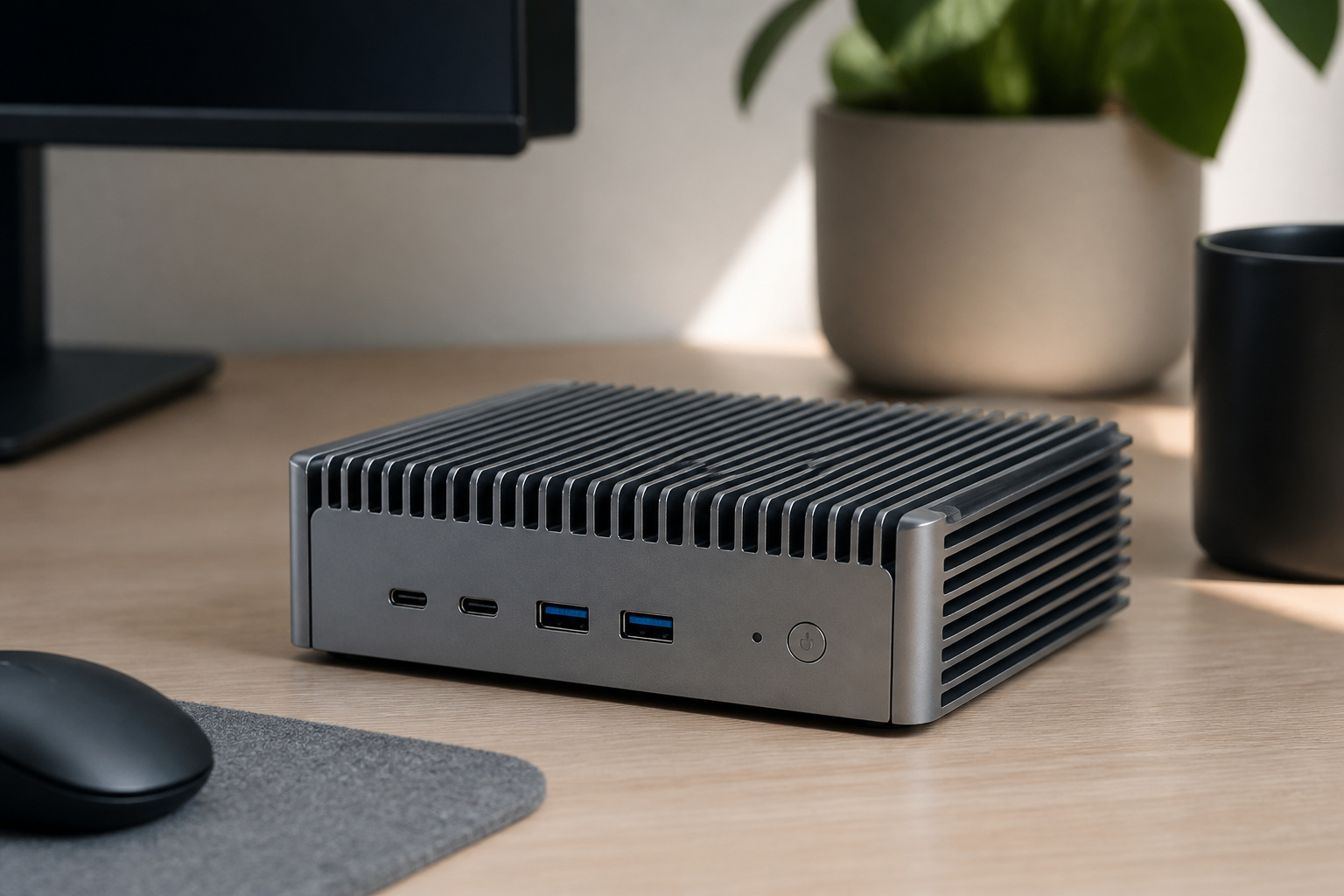
Some small desktops are fanless, using a metal case as a heatsink. They are completely silent, but they are limited to low-power chips and can slow down under sustained loads.
Mini PCs with small fans can also be very quiet at idle, though some get noticeably louder under load, so look for independent reviews that measure noise. See our guide to mini PCs for small spaces for more on this category.
Storage, Cooling and the Power Supply
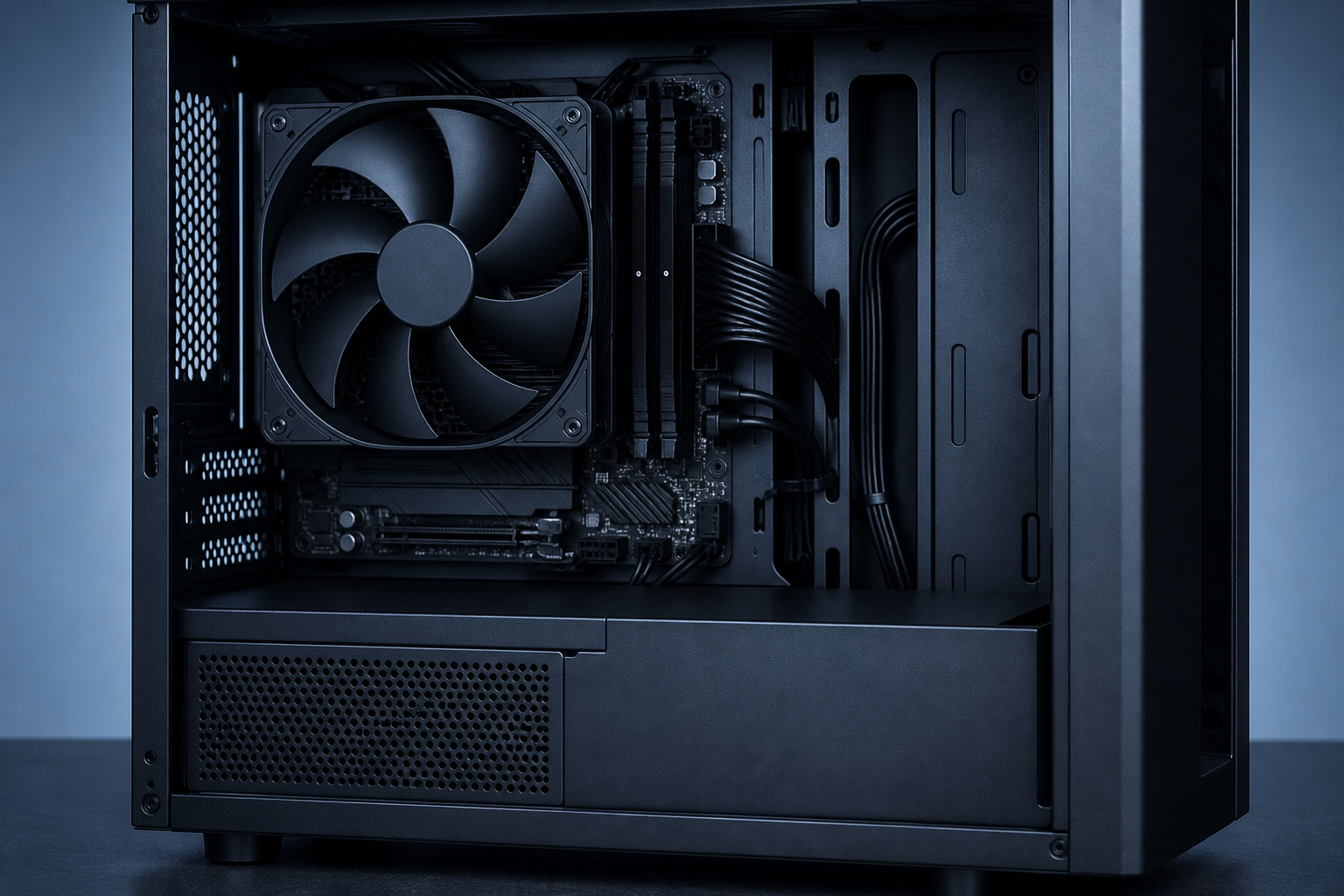
Use an SSD as the main drive; see SSD vs HDD. If you build or buy a tower, a case with good airflow and a large, slow-spinning fan keeps the noise down, and sound-damping panels can help a little.
Choose a power supply with an 80 PLUS efficiency rating, which wastes less energy as heat and usually runs its fan less. Keep dust filters clean, since dust forces fans to work harder.
Measuring Noise
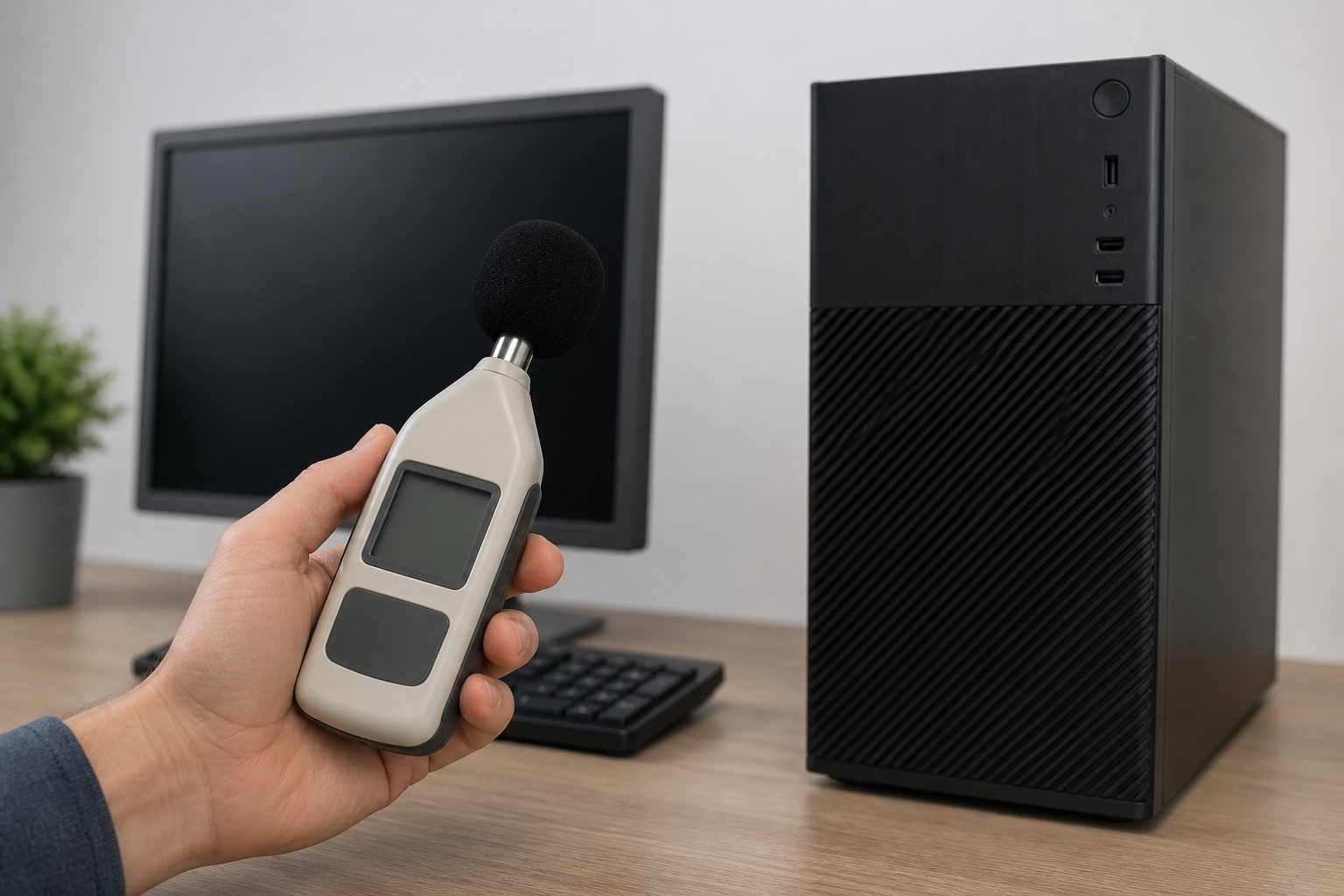
Noise is measured in decibels, and reviewers usually measure it at a set distance at idle and under load. Lower is better, and a computer that is near silent at idle but loud at full load may still be fine if you only do light work.
Pay attention to the idle figure if the computer sits in a bedroom, living room, or recording space. See our guide on mini PCs or laptops for music production if low noise is critical for recording.
What Efficiency Looks Like

Look for ENERGY STAR certification, which sets limits on idle and sleep power, and for low-wattage processors. Integrated graphics use less power than a dedicated graphics card.
Let the computer sleep when you are away, and it will use very little power. Laptops and all-in-ones are often more efficient than towers, and compact mini PCs are among the most efficient desktops.
Estimating Running Costs
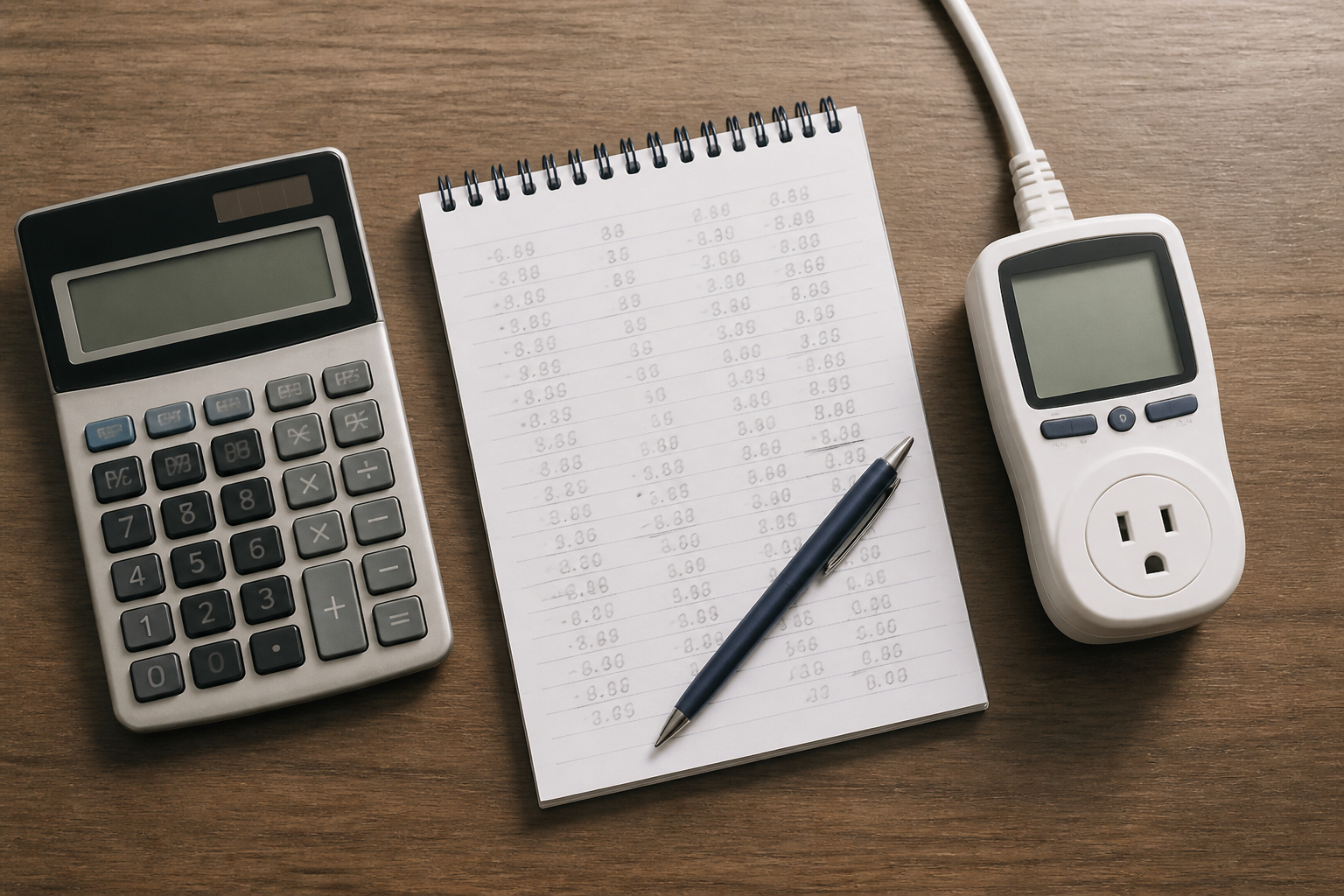
You can estimate the cost yourself. First, multiply your computer’s average power draw (in watts) by the number of hours you use it each day, then multiply that by 365. Next, divide the result by 1,000 to get the kilowatt-hours used per year. Finally, multiply that figure by the electricity price per kilowatt-hour listed on your bill.
For example, a 30-watt computer used 8 hours a day uses about 88 kilowatt-hours a year, which costs roughly $15 a year at 17 cents per kilowatt-hour. A 150-watt desktop used the same amount would cost about five times as much.
For most people, the purchase price matters far more than the electricity, but the difference adds up for a machine that runs all day.
Which Computer Should You Choose
For a silent office or media setup, choose a fanless or low-power mini PC or an Apple silicon Mac. For a quiet main desktop, choose a modern low-wattage processor in a case with good airflow.
For the lowest running cost, choose a laptop or small desktop, and avoid older renewed desktops that draw more power and may not support Windows 11. Our guide to choosing the right computer for your needs can help you decide.
Frequently Asked Questions
What makes a computer quiet?
A low-power processor, an SSD, large slow fans or no fan, and a well-ventilated case. Heat is the main cause of noise, so less power draw means less noise.
Are fanless computers any good?
They are silent and well suited to office work, browsing, and media. They use low-power chips, so they are not meant for heavy gaming or video editing.
How can I make my current computer quieter?
Clean the dust from the fans and filters, replace a hard drive with an SSD, make sure the vents aren’t blocked, and adjust the fan curve in the BIOS if it offers that option.
Does leaving a computer on cost a lot?
It depends on the computer. A low-power machine costs little, while a high-end desktop can cost much more. Use the formula above with your own electricity rate, and let the computer sleep when you are away.
Do Macs use less energy than Windows PCs?
Apple silicon Macs are generally efficient, but many Windows laptops and mini PCs with low-power chips are efficient too. Compare the power draw of the specific models.