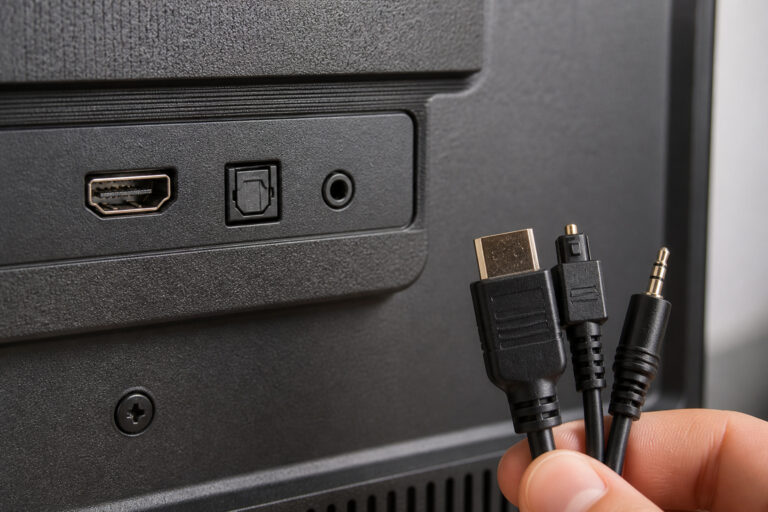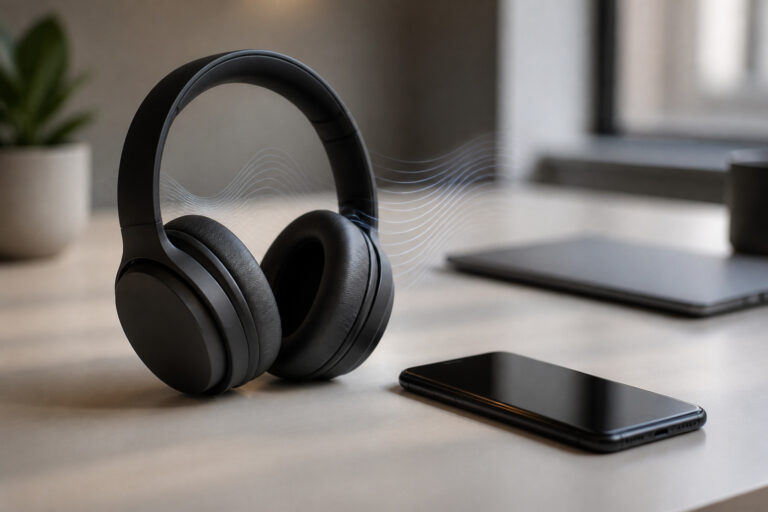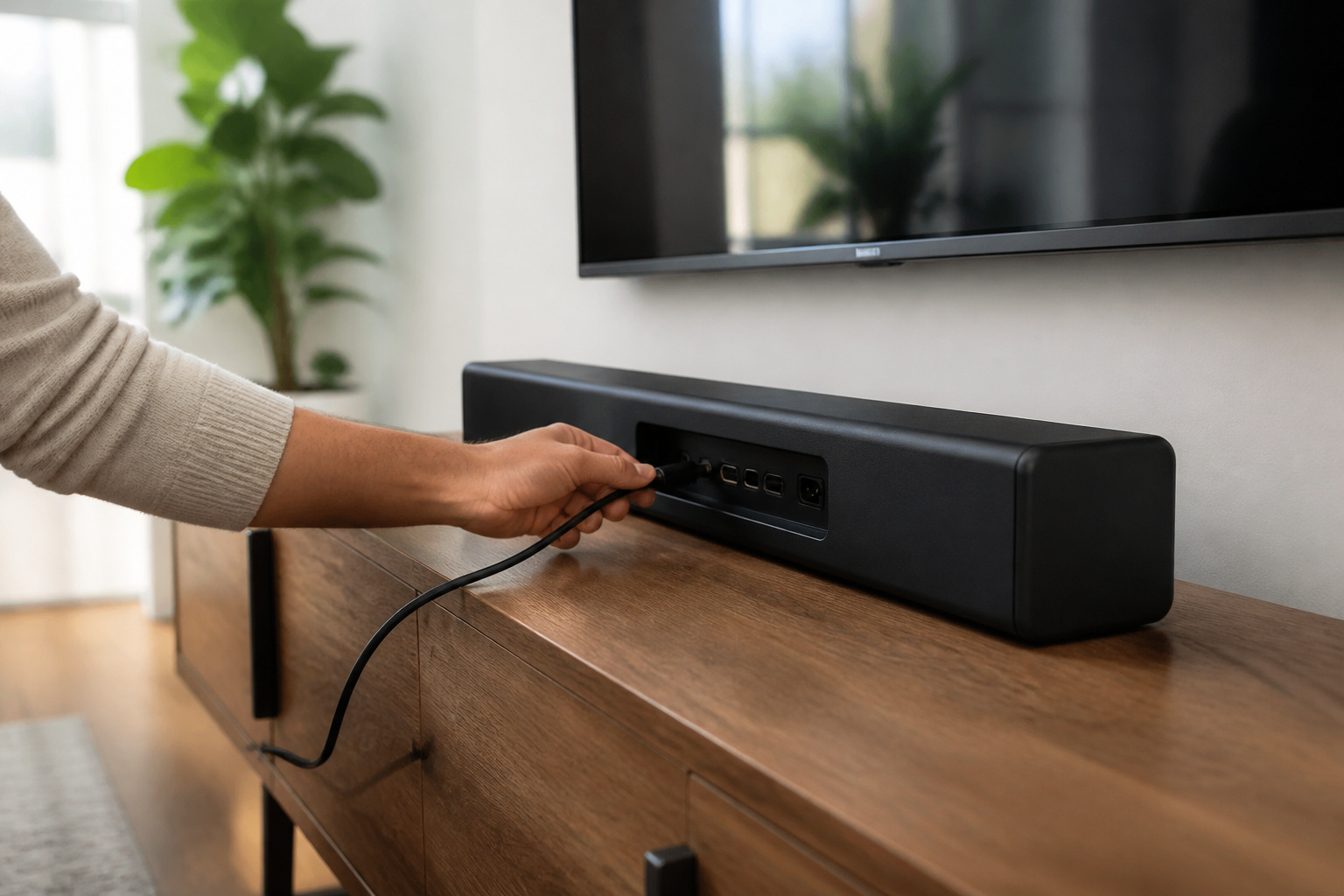
Connecting a soundbar to a TV takes a few minutes and one cable in most cases. The best option is HDMI ARC, then optical, then Bluetooth, and which one you can use depends on the ports on your TV and soundbar. For other audio equipment, see how to connect audio devices to any TV.
Find the Right Connection
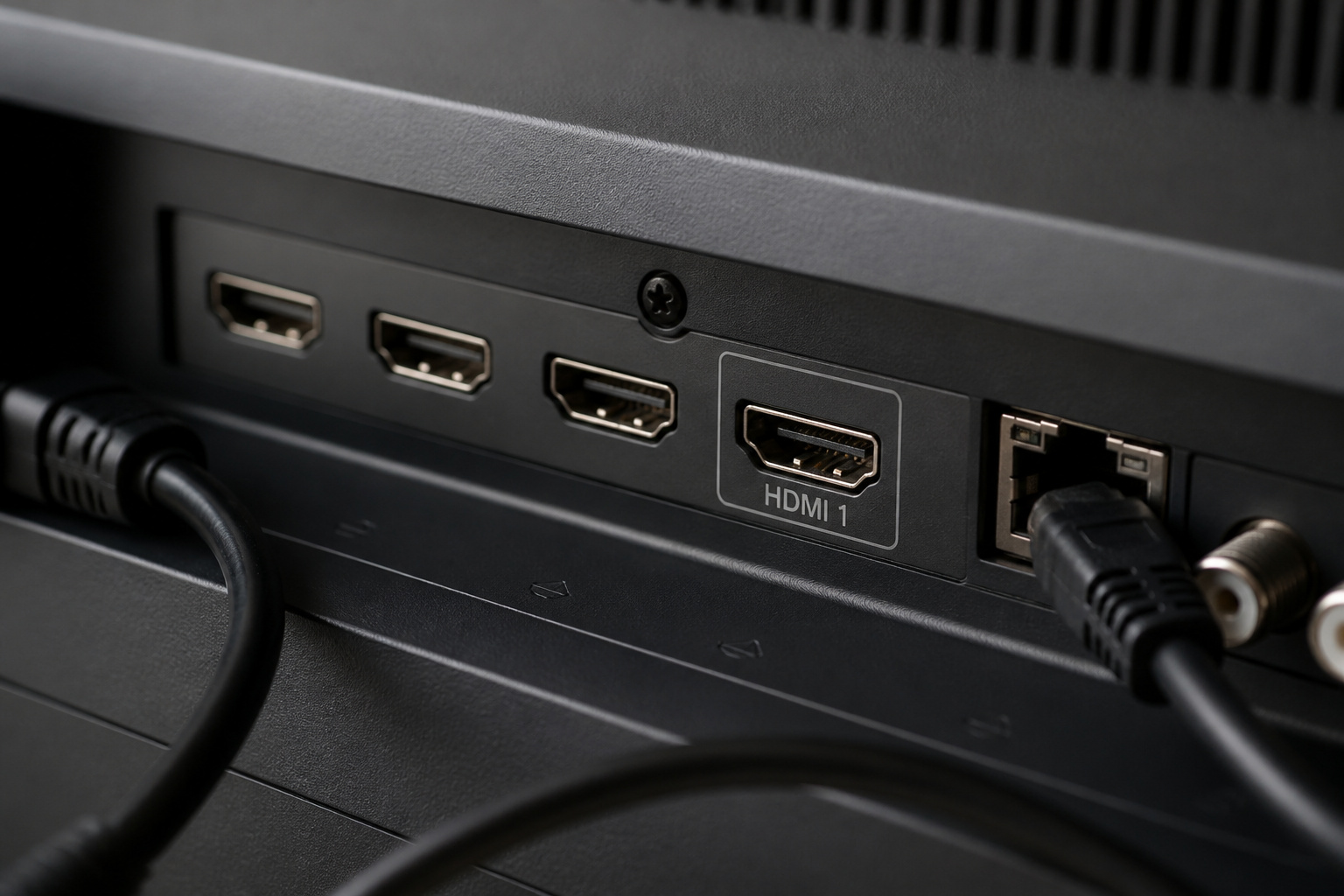
Check the back or side of your TV for an HDMI port marked ARC or eARC, an optical (TOSLINK) output, or a Bluetooth option in the settings menu.
If the TV has HDMI ARC and the soundbar has an HDMI ARC output, use that. It is the simplest and best option.
Recommended Products

【HDMI 2.1 Certification】Only 1% of HDMI cables on the market have passed HDMI 2.1 certification. Scan with the QR code Scanner app for erification

【Support ARC/eARC on Audio】it is a standard HDMI 2.1 version cable,which are equipped with eARC technology. (Compatible with arc function) Supports the latest high-bitrate audio formats including DTS Master, DTS:X, Dolby Atoms, eARC. Provides enhanced support for your soundbar or AV receiver. Ultimate experience ,sounds like you were there.

Top Technology--8K@60HZ: This 8K Ultra-High Speed 2.1 HDMI Cable uses the most cutting-edge technology, which is compatible with 8K@60HZ,4K@240HZ and 4K@120HZ clearly displays every particle, and accurately processes every signal source.
Connect With HDMI ARC

Plug an HDMI cable into the TV’s HDMI ARC port and the soundbar’s HDMI out (ARC) port. Turn both on, open the TV’s audio settings, and set the output to HDMI ARC or external speakers.
Turn on HDMI-CEC in the settings so the TV remote controls soundbar volume. If you want to know more about the newer version, read what eARC is.
Recommended Products

eARC Audio Specialists: Engineered exclusively for high-fidelity audio enthusiasts with eARC/ARC needs. This 8K HDMI eARC cable unleashes the full potential of the Enhanced Audio Return Channel (eARC), supporting high bitrate object-oriented audio formats like Dolby Atmos and DTS:X. Easily connect your TV's eARC/ARC port to your soundbar or AV receiver via a single cable, achieving lossless audio transmission with up to 192kHz sampling rate and 48Mbps bandwidth
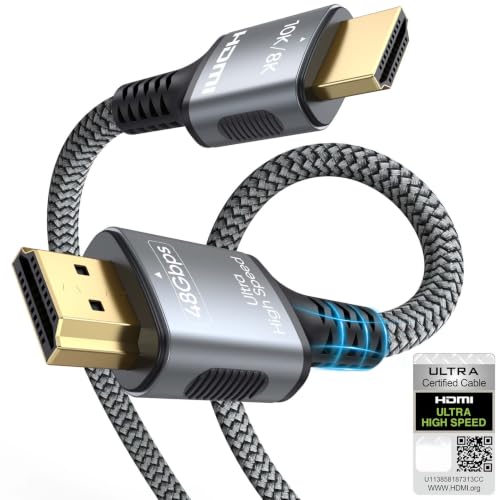
【Extra Length Designed for Wall Mounted TV Installations】Perfect for modern home theater setups where standard cables are too short. The 10FT length provides extra flexibility for: Wall-mounted TVs, Fireplace TV installations, Hidden cable routing, Large living room layouts. Connect your TV's HDMI ARC/eARC port to your soundbar with a cleaner, easier installation.
Connect With Optical
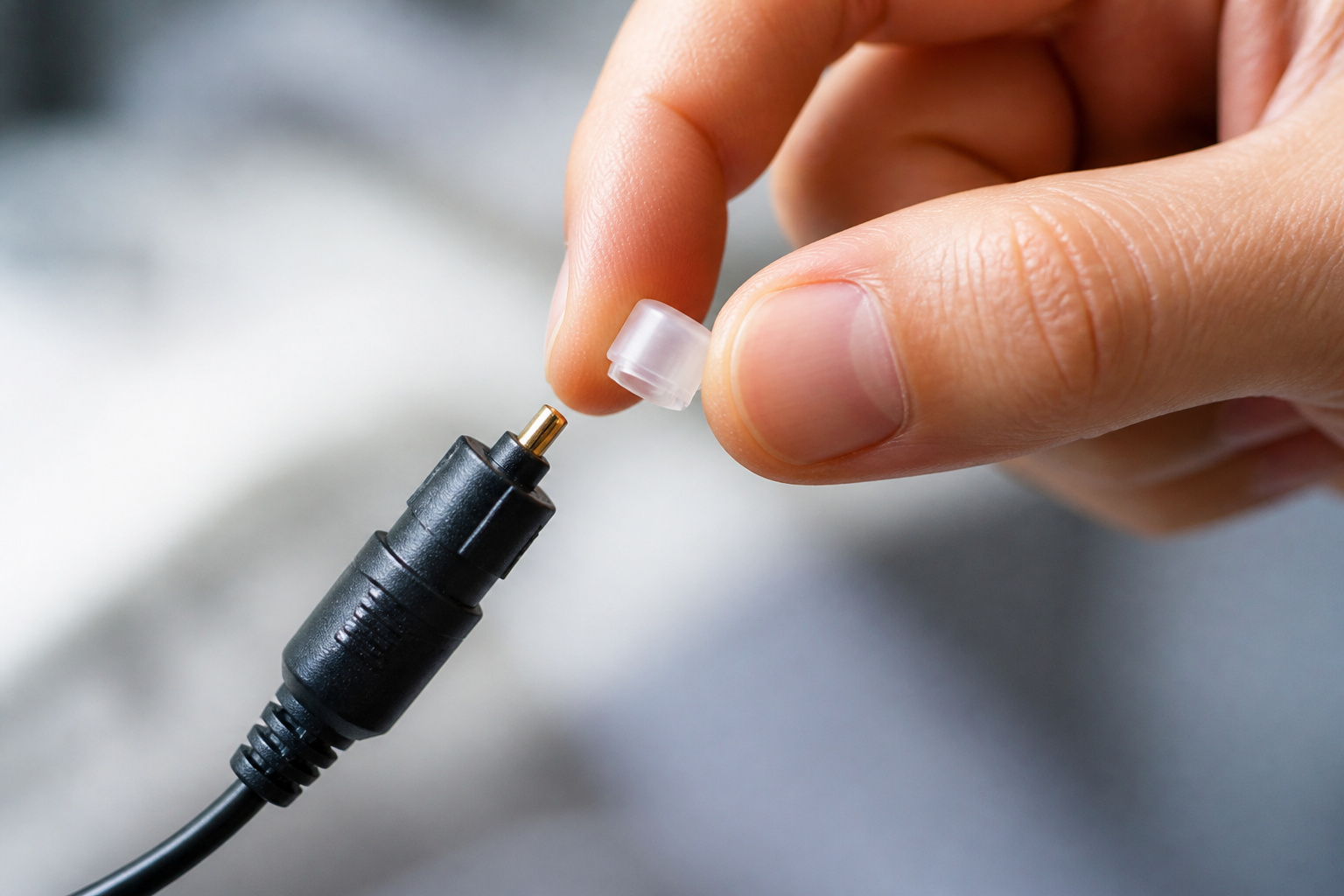
If there is no ARC port, use an optical cable. Remove the plastic caps, line up the square plug, and push it into the TV’s optical output and the soundbar’s optical input.
Set the TV’s audio output to optical or digital audio out. Optical handles stereo and common surround formats, but it cannot carry the highest-quality audio formats.
Recommended Products

Please REMOVE the end protective caps before using the cable.
![xipotuz 2 PCS Digital Optical Audio Cable 6ft1.8M - [24K Gold-Plated, Ultra-Durable] Slim Optical Cable Digital Audio Cable for Home Theater, Sound Bar, TV, PS4, Xbox, PlayStation & More](https://m.media-amazon.com/images/I/41VZ4O6j+US._SL500_.jpg)
【Considerate Design】Precisely designed cuboid-shaped connectors make it easier to identify the installation angle and fits snugly, which keeps adjacent ports available for optimal use. Removable rubber caps can prevent dust and oxidation when not plugged-in.

Optical digital audio cable: Perfect for equipment with a TOSLINK interface (OPT In / OPT Out or S/PDIF In / S/PDIF Out). TOSLINK connector to TOSLINK connector (F05 connector)
Connect With Bluetooth
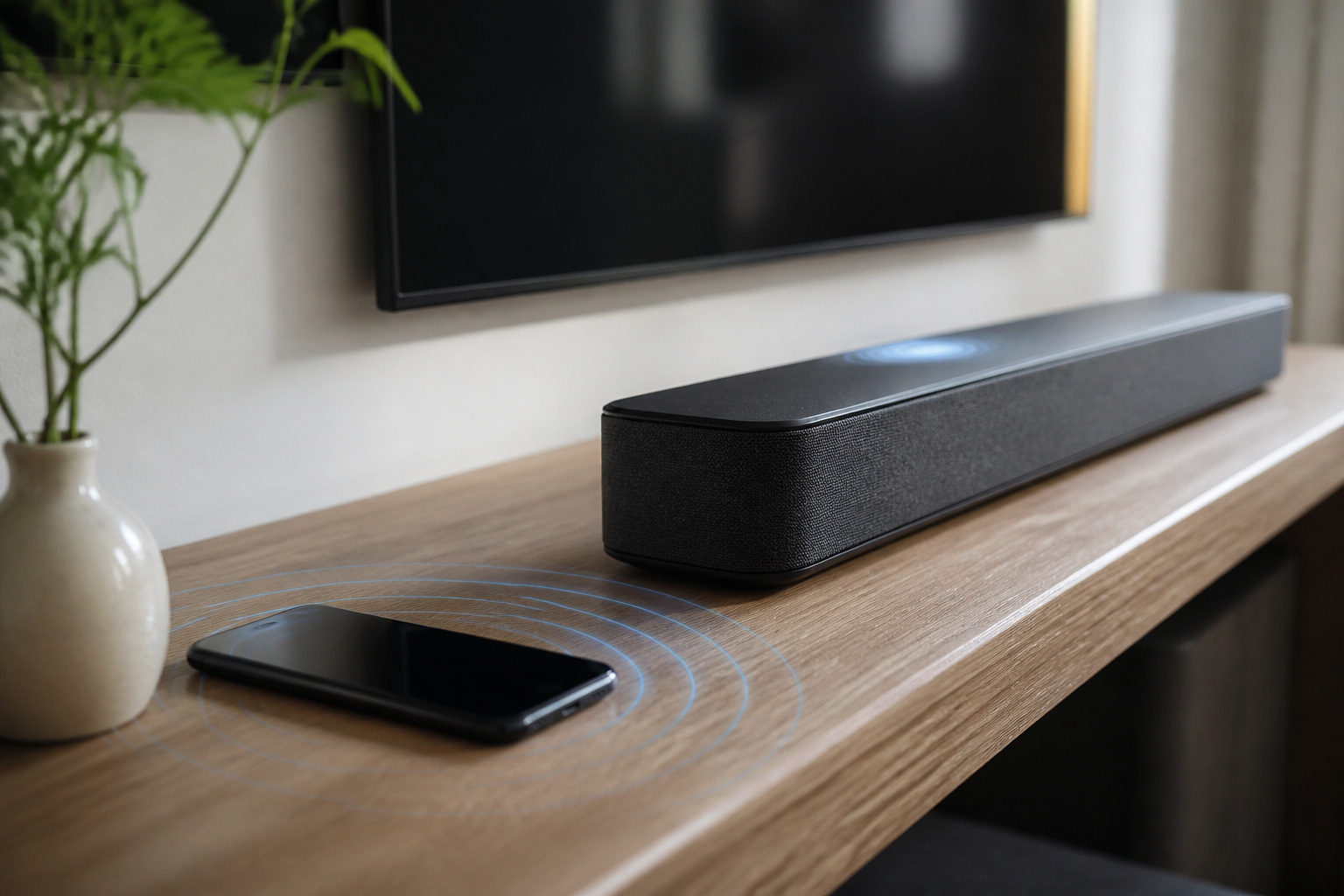
Put the soundbar in Bluetooth pairing mode, open Bluetooth settings on the TV, and select the soundbar from the list.
It is the easiest wireless method, but it can add a delay that makes speech look out of sync. If so, switch to a wired connection or look for a low-latency option.
Recommended Products

🎶PREMIUM HOME AUDIO BLUETOOTH UPGRADE: Bluetooth receiver for home stereo transforms vintage home stereos or old-school receivers into a Bluetooth home stereo system! This plug-and-play stereo receiver with Bluetooth lets you stream music from your phone, tablet, or laptop to any wired audio system. The Bluetooth audio receiver is perfect for upgrading classic setups without sacrificing nostalgia.

Listen music wireless: Connect with computer speakers, home stereo systems or other speaker systems via the 3.5 mm or RCA cable, then pair with the Bluetooth audio devices such as smartphones or tablet for streaming music.
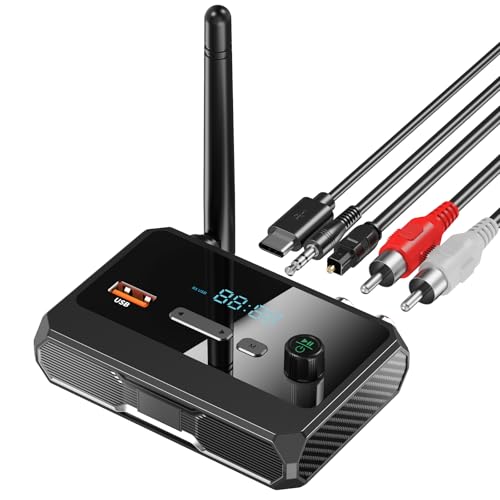
【Wireless Audio Stream】SUYEE Bluetooth adapter stereo receiver equipped with the latest Bluetooth 5.3,which allows you to wirelessly stream audio from your Bluetooth enabled devices to your existing wired home or car stereo system, speakers. C36 is a Bluetooth receiver only, not a transmitter
App and Wi-Fi Setup
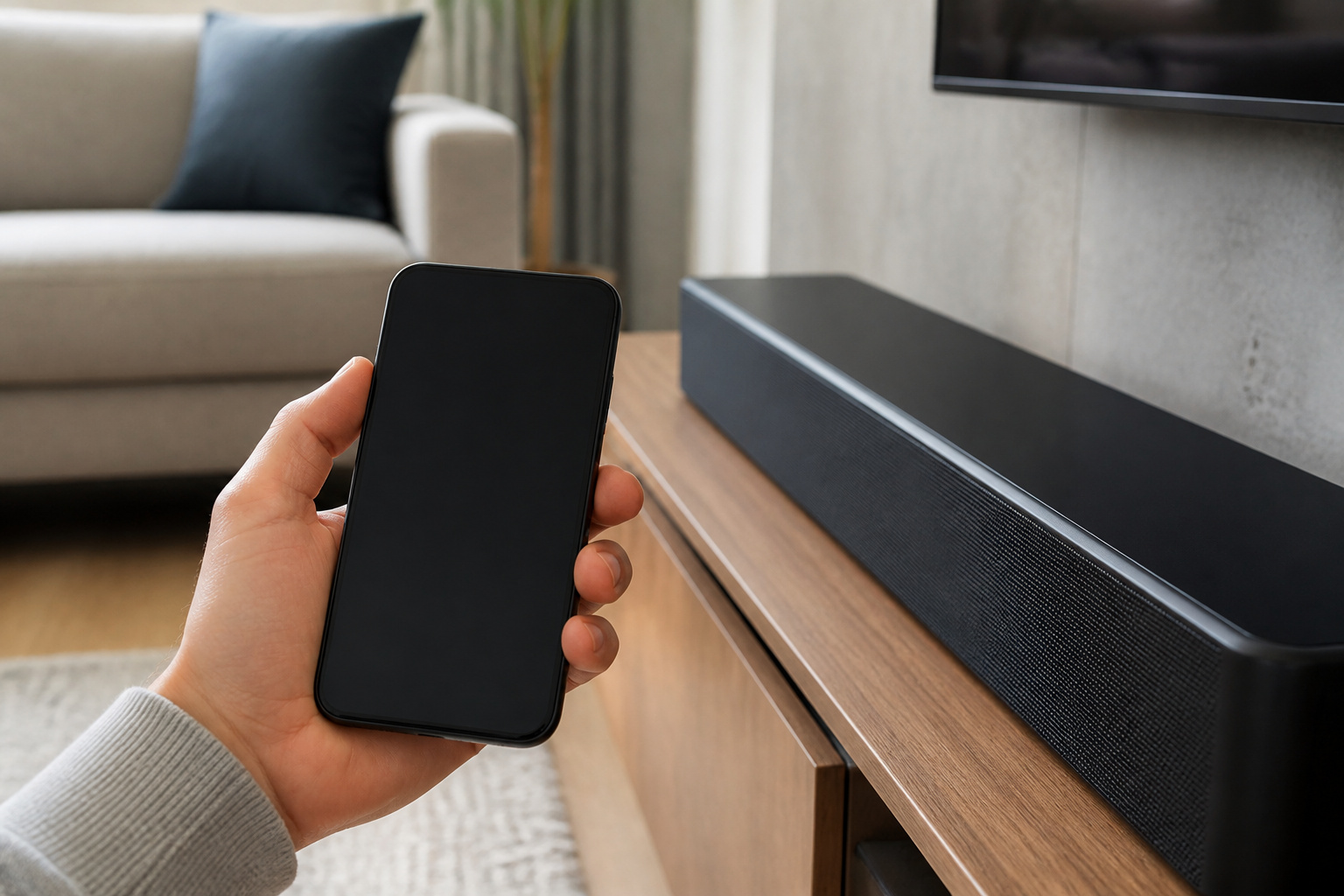
Many soundbars have an app that handles Wi-Fi setup, music streaming, and sound adjustments such as bass and dialogue level.
Wi-Fi is not needed for TV sound.
Recommended Products

Powered by a 47% faster processor, the next-gen dual-tweeter acoustic architecture produces detailed stereo separation while a 25% larger midwoofer deepens the bass.¹

Simplified 5.1ch Dolby Atmos Setup: Enjoy immersive 4D sound with real Dolby Atmos and 5.1-channel audio. Five built-in speakers, including two side-firing drivers, create wide surround without rear speakers. Precision DSP ensures <0.5 ms latency for smooth, theater-like sound. Setup takes less than 1 minute.

🎶𝐈𝐦𝐦𝐞𝐫𝐬𝐢𝐯𝐞 𝐒𝐨𝐮𝐧𝐝: Enjoy high-quality audio with the 37" TV Soundbar and its built-in 4x2" high-powered speaker system, delivering a total output power of 40W RMS.
Placement and Final Checks
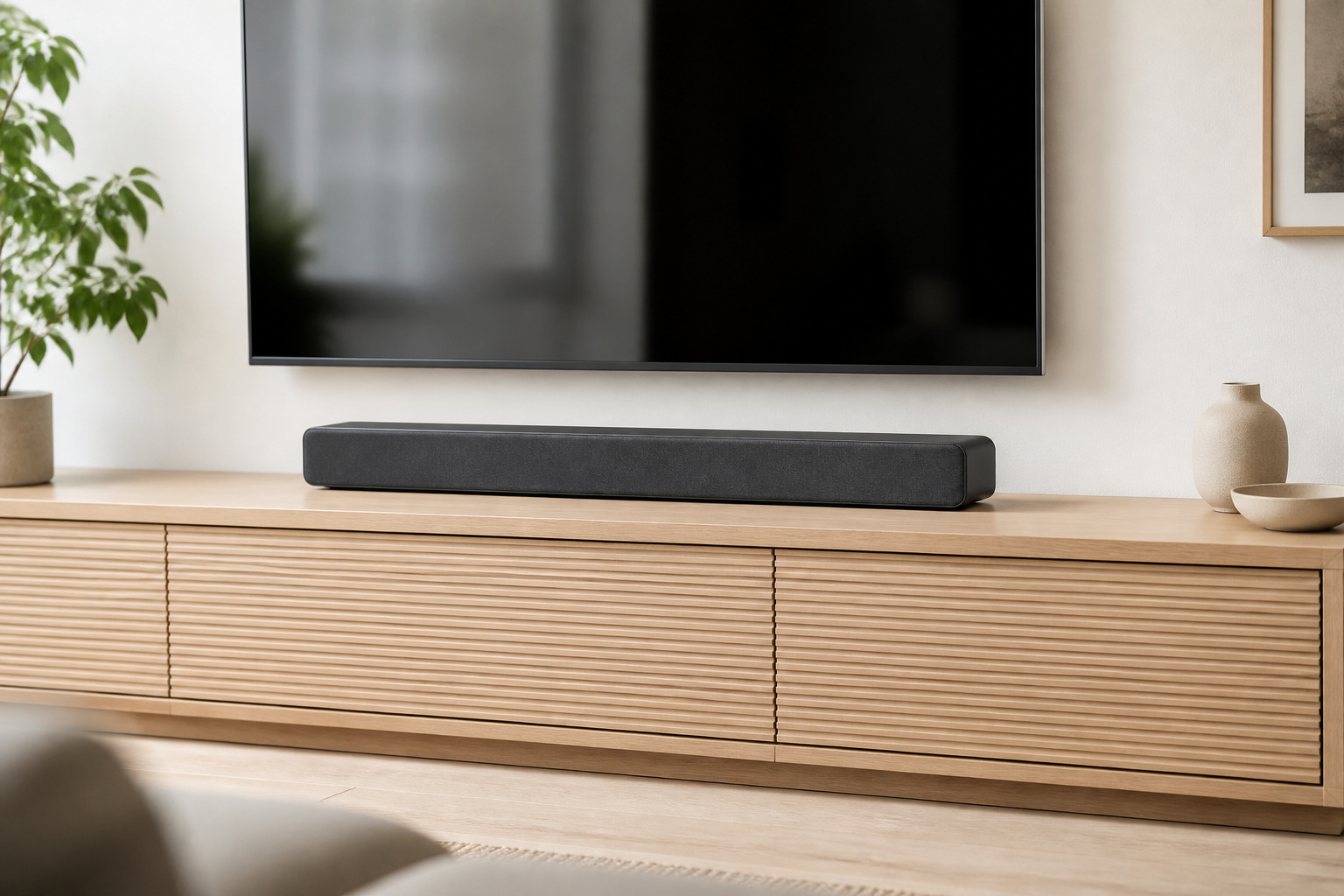
Put the soundbar centered below the TV with nothing in front of it, and play a scene to test it. Make sure the TV’s own speakers are off.
For placement, see soundbar placement tips, and if you are still choosing, read soundbar vs speaker system.
Frequently Asked Questions
Can I Use a Soundbar Without a TV?
Yes. Connect it to a phone, tablet, or computer by Bluetooth or an audio cable, and use it as a speaker for music, videos, or games.
Do Soundbars Work With Older TVs?
Yes, if the TV has an output the soundbar can accept. Older TVs usually have optical or analog outputs, such as RCA or a 3.5mm headphone jack. Match the TV output to a soundbar input and use the right cable.
How Do I Control Volume With a Soundbar?
Use the soundbar’s remote, the buttons on the unit, or your TV remote. With HDMI ARC and HDMI-CEC enabled, the TV remote often controls the soundbar. Some TV remotes can be programmed to control it through infrared if CEC does not work.
Can I Connect Multiple Devices to a Soundbar?
Yes, if it has several inputs. Many soundbars have extra HDMI, optical, and Bluetooth inputs, and you switch between them with the remote. Connecting devices to the TV and sending sound through ARC is often simpler.
Do Soundbars Need Wi-Fi to Function?
No. A soundbar works with a power cord and a cable or Bluetooth link to the TV. Wi-Fi adds music streaming, voice assistants, and multi-room features.